


I believe that many people, like me, check the remaining power of their mobile phones from time to time, so you should hope to add a little vitality to this simple daily behavior. The “Energy Ring” app I’m going to introduce to you this time can display the remaining power with a color ring around the lens of the hole-punch screen. It’s simple and practical yet decorative, making your phone look so unique.
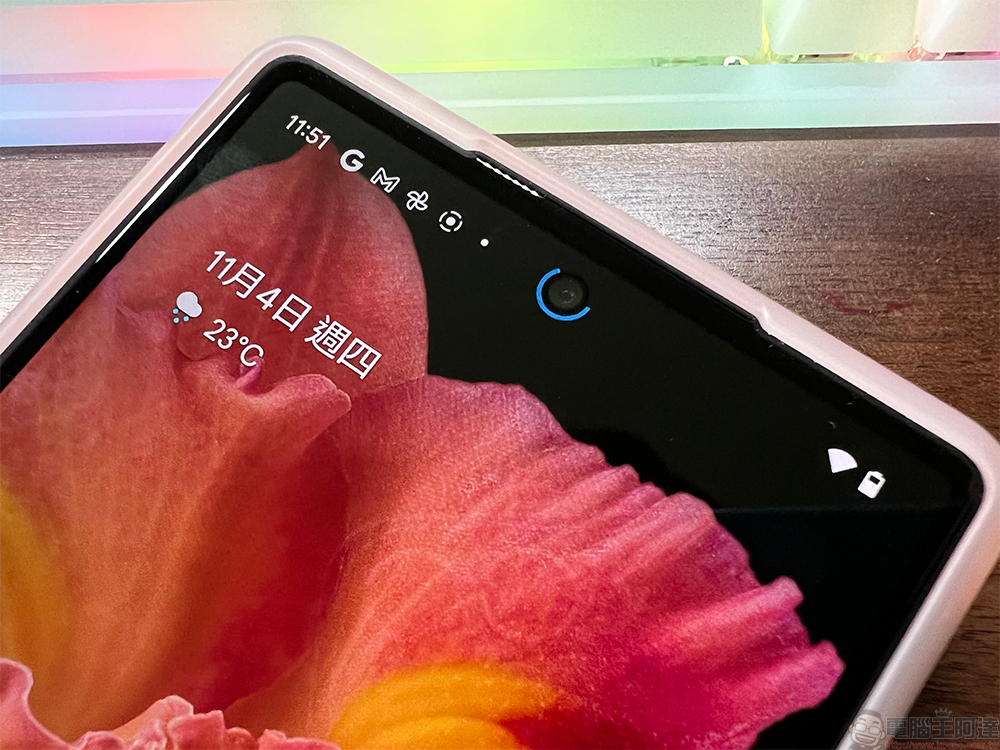
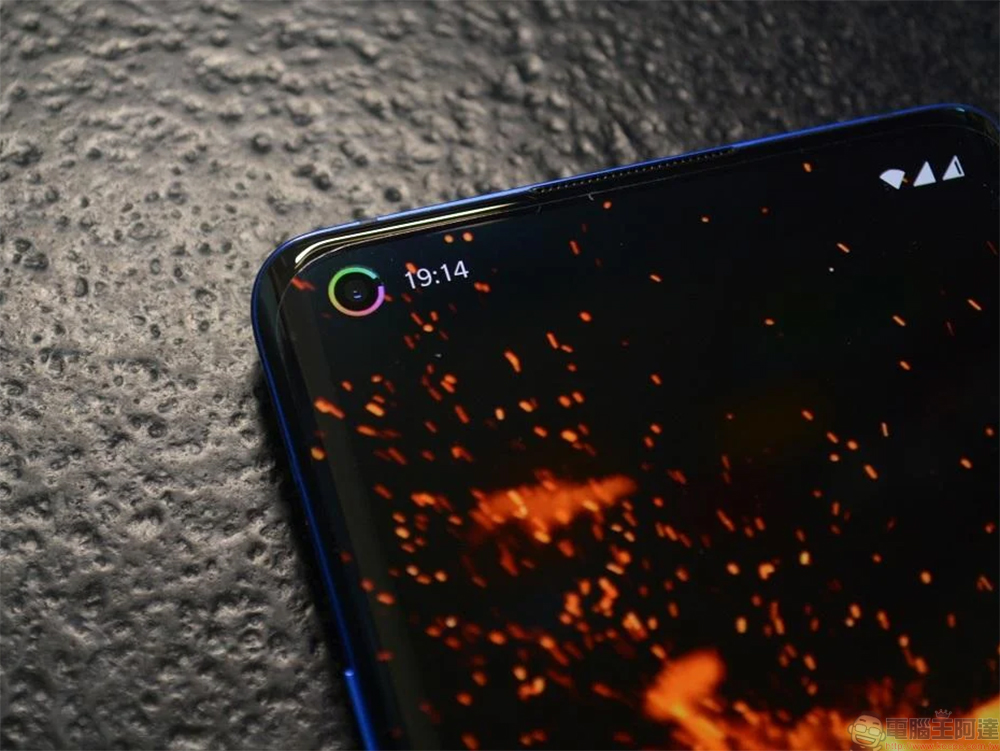
Design Android application “Energy Ring” for hole-punch screens, see the battery percentage from the color
After the Energy Ring app is downloaded and installed, a color ring will be added around the front lens hole on the screen. When the battery is full, you can see the entire complete circle. As the battery decreases, the gap in the circle will become larger and larger, and the battery value will be displayed in different colors. It is the most intuitive way for you to see clearly at a glance, and it is also very beautiful visually and does not take up space. The power display only disappears when you turn off the screen, and the entire application is very lightweight and the CPU load is almost zero.
【To download Energy Ring, click here】
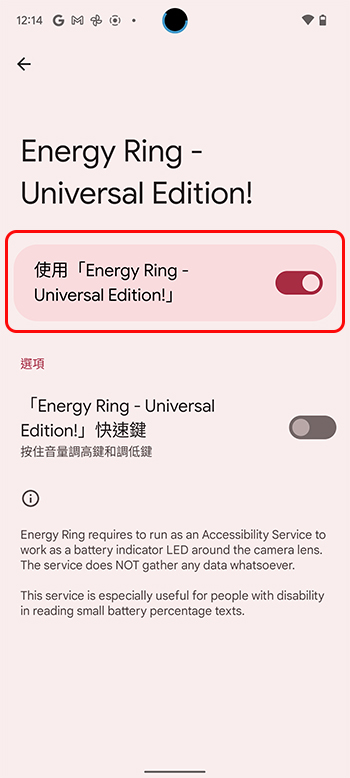
After installing and opening the Energy Ring app, you must first turn on the switch in the upper right corner of the app’s home screen, enable it in the accessibility settings and grant it some permissions:
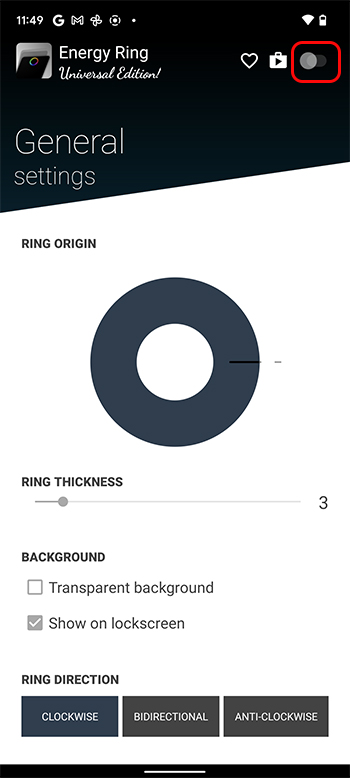
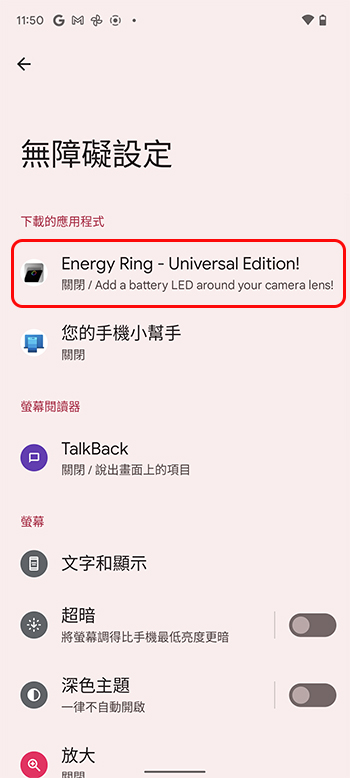
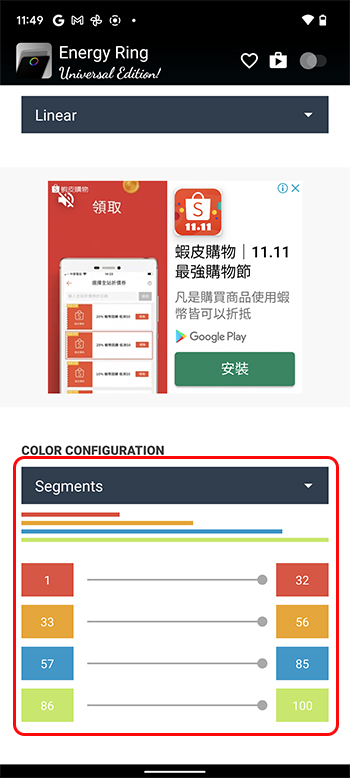
In the Energy Ring interface, you can set the width of the color ring displayed next to the lens hole, whether to display it when the screen is locked, etc. The most important thing is that by scrolling to the bottom, you can customize which color is displayed when the battery is in which percentage range. The free version can use a single-color color wheel, and the paid version can customize three colors of color rings, which can be used on all mobile phones and apps to remove advertisements. However, as a frugal person, I think free is very useful.
Currently, this app can support most punch-screen phones on the market. It has recently been updated to include support for the Google Pixel 6 series. The developer also has a very open attitude towards users. If your phone does not support it after installation, you can directly report it to them to add it.
Source: KOCPC Chinese