


Slightly more experienced players have used Ghost’s backup software, especially when installing on several 10 computers a day, the importance of such tools becomes even more apparent. AOMEI Backupper Professional is a professional backup software for Windows computers. It supports 32-bit and 64-bit operating systems such as Windows XP/7/8/8.1/10. It can easily perform PC backup to protect the data on your computer. The backup includes system, disk, specific files, partitions, etc. Currently, you can get a 1-year free serial number for a limited time, so be quick.

用 Telegram 訂閱【挨踢路人甲】最新文章:https://t.me/itwshare
Whether it is a laptop or a desktop computer, AOMEI Backupper Professional provides you with complete backup functions, which can back up and restore the system/disk/file/partition, as well as synchronize, schedule backup, merge images, dynamic volume backup, UEFI boot and GPT disk backup and other advanced functions.
Go to the event webpage to see AOMEI Backupper Professional, which costs US$29.9 a year and is free for a limited time (the event webpage URL is at the end of the article).

Scroll down to see the program download link.

Then scroll down Spoiler and scroll down to see the free serial number. Please note it down for later use.

Execute the downloaded installation file. It is always more friendly to see that Traditional Chinese is supported.

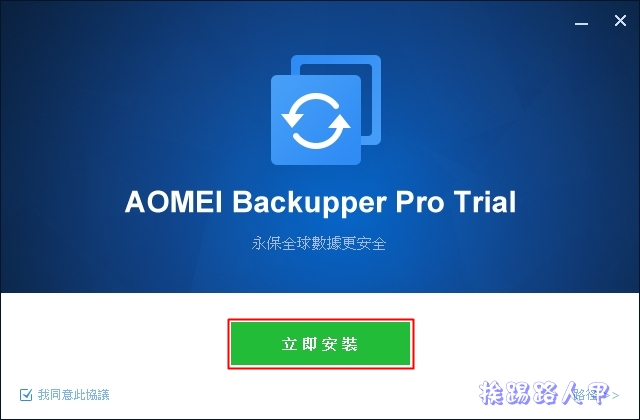
When you see the AOMEI Backupper Pro Trial screen, you can directly click [Install Now].
Seeing that the installation is completed, haha, nonsense, click [Use Now] to cancel “Join to User Experience Improvement Project”.

Enter the main screen, go to the upper left heading and there is a trial version, so you need to register to get the official version.

Enter the startup serial number you wrote down before and follow the following process to start it. Press [Register Now] to upgrade to the Pro version.

After registering, you will see that there is no word Trial trial version in the upper left title, and you will get a one-year free license number.

PC Backup supports system backup, disk backup, partition backup and file backup, various backup types to protect all data on your computer.

Synchronization means you synchronize files to other locations. You can synchronize to NAS, cloud hard drive, local disk or external hard drive. You can even schedule synchronization. It also supports two-way synchronization, mirror synchronization and real-time synchronization.

In addition to file backup, you can also easily migrate the operating system or upgrade the hard drive, eliminating the tedious steps of reinstalling the Windows operating system and applications.

AOMEI Backupper Professional is a reliable and fast Windows PC backup software that meets the needs of personal and family use. Official feature description is listed:
- Backup: Easily perform PC backup to protect the security of all data on your computer, including system, disk, specific files and partitions.
- Restore: A fast and reliable disaster recovery solution that supports universal restore and selective file restore.
- Clone: Easily migrate the operating system or upgrade the hard drive, eliminating the tedious steps of reinstalling the Windows operating system and applications.
- Utility programs: PXE boot tools, merging backup images, backup configurations, creating bootable discs, command prompts, checking and viewing backup image files, and other utilities to help you manage your hard drive more easily.
- Multi-language: Supports Traditional Chinese, English, Français, Deutsch, Japanese and Simplified Chinese.
- Real-time file synchronization: Follow up on file changes and immediately synchronize newly added, modified or deleted files from the source to the target path once changes occur.
[Software name]: AOMEI Backupper Professional
[Software version]: v 6.70
[Software language]: English / Chinese
[Operating system]: Windows XP/Vista/7/8/10/11
[Activity webpage]: Please clickhere
Further reading:
- PureVPN Halloween deal, starting from less than $0.3 per person per month
- Use Rufus to create a Windows 11 USB bootable installation disk without TPM requirements
- Limited time free F-Secure SAFE – safe computer comprehensive protection software
Source: KOCPC Chinese