


Personal travel photos, photos with family, or some rare photos, I believe many people will not like it if other outsiders or items come in. People who know Photoshop will be fine and can modify it by themselves, but I believe most friends do not know how to use it. This article will recommend a very useful online tool called Cleanup.pictures. After uploading the photos you want to modify, you can remove unwanted things with one click. It is completely free and can be used without registration.
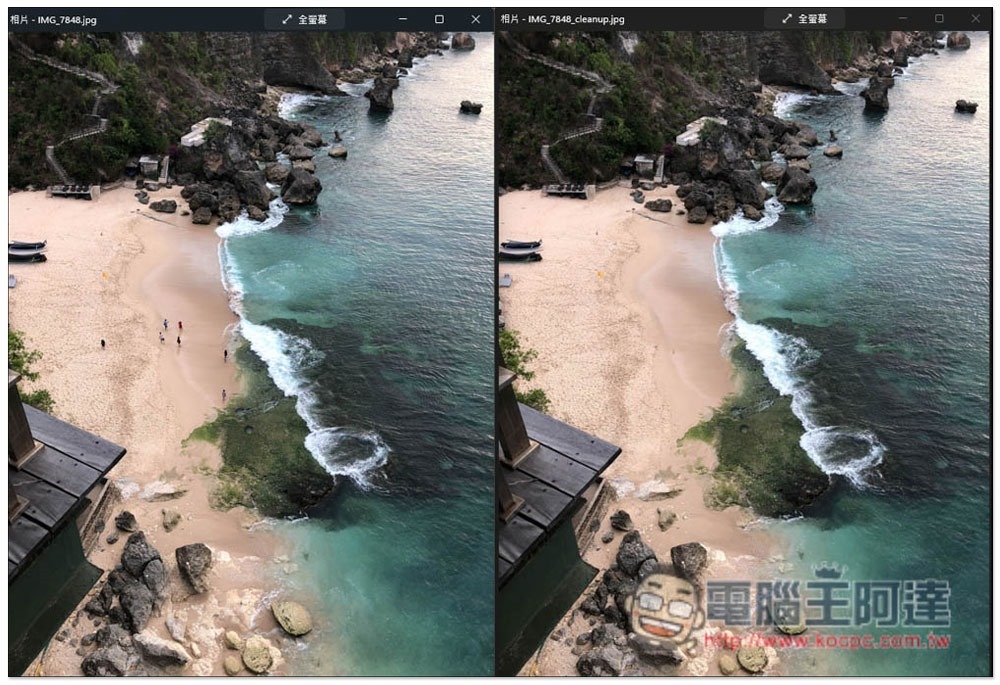
Introduction to Cleanup.pictures, a free online tool that removes unwanted people and objects from photos with one click
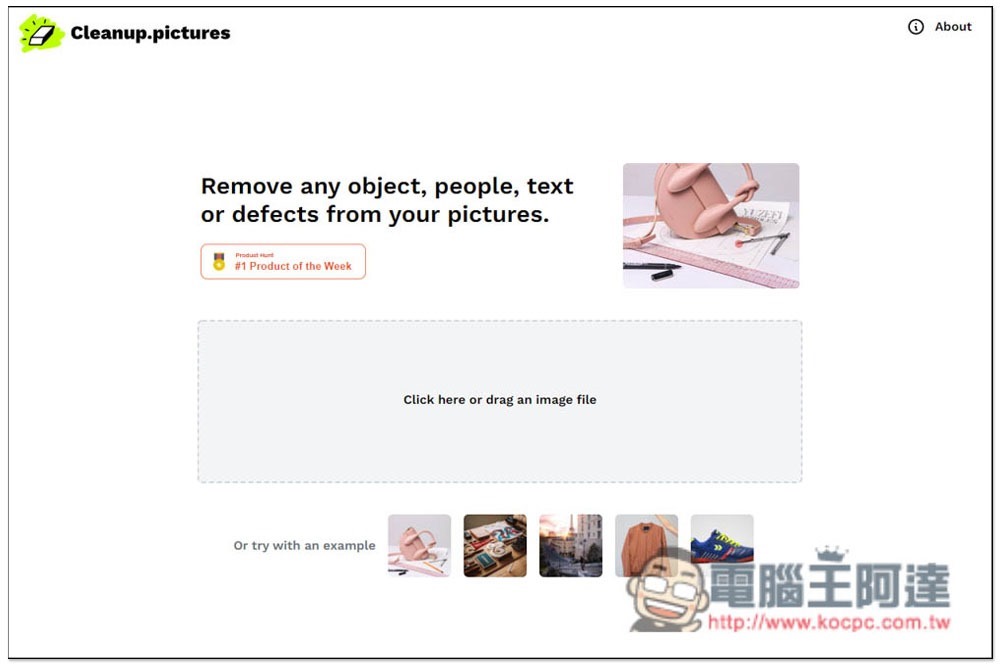
After entering the Cleanup.pictures website, you can drag in the photos of the people and objects you want to remove, or click on the gray box in the middle to select them manually. Some sample pictures are also provided below, if you want to try it out first:
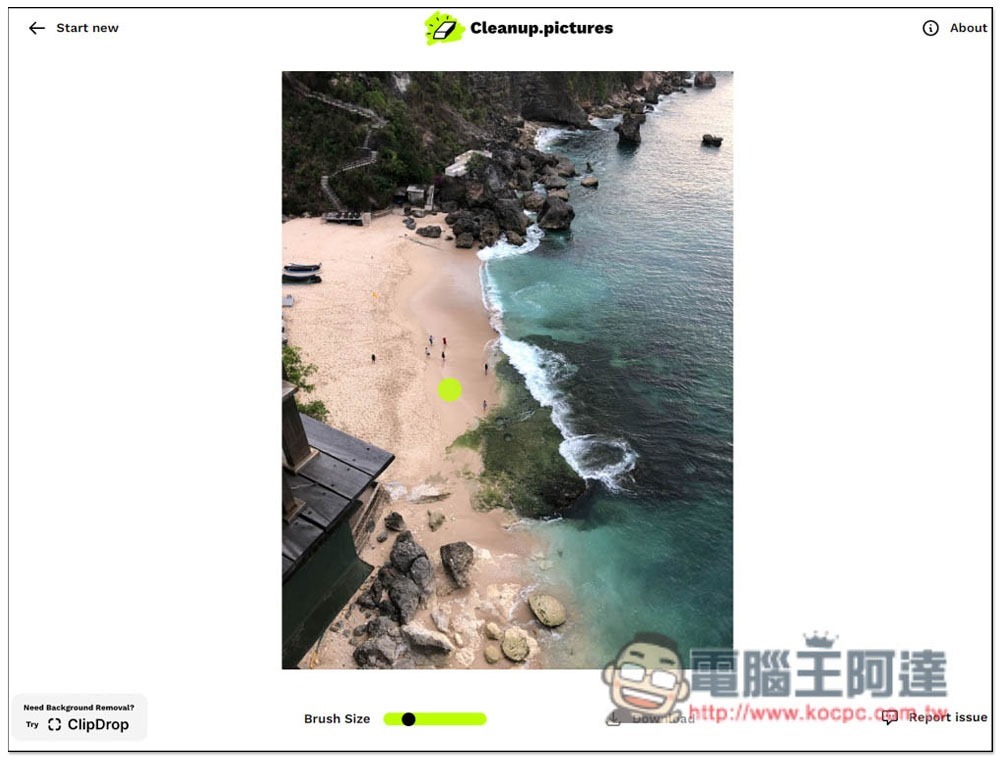
After uploading, a green circle will appear on your mouse. At this time, cover the thing you want to remove with the circle. I’ll take the people in the photo as an example. If the green circle is too big, use Brush Size below to modify the size:
Like this, you can remove all four people in the middle with one click, and the effect is quite good:
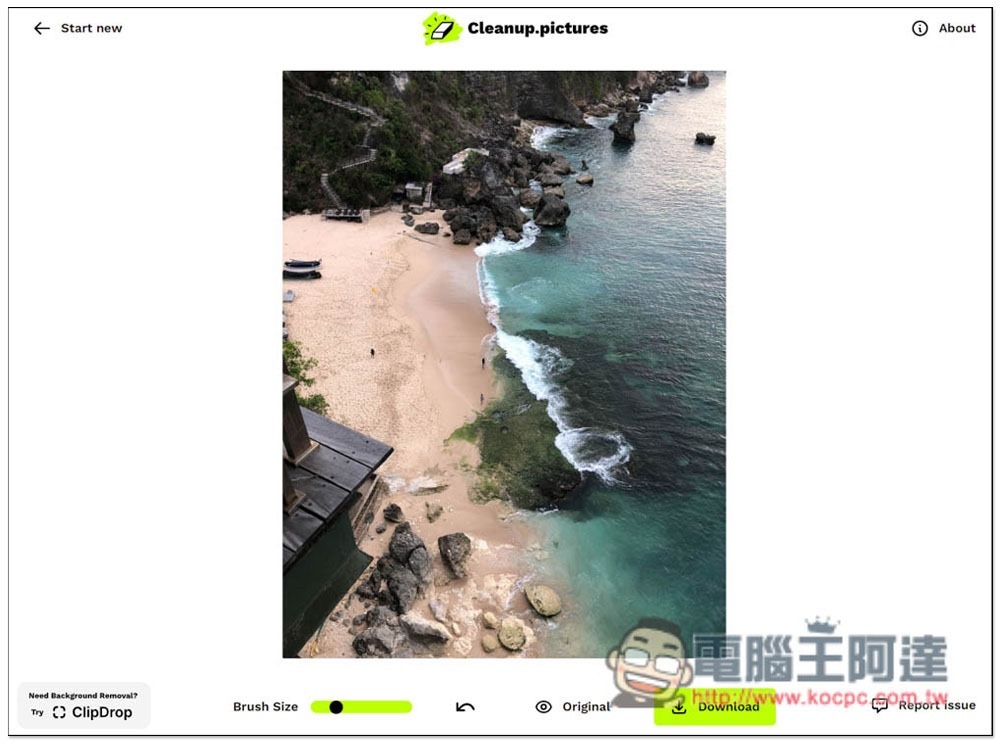
Then I removed the other three people, and the beach with many people suddenly turned into a deserted beach. If you are satisfied, click the Download button on the lower right. You can also click the Original function to compare the original photos and see how the effect looks natural. If something is unnatural, you can try moving the circle to the top and clicking again:
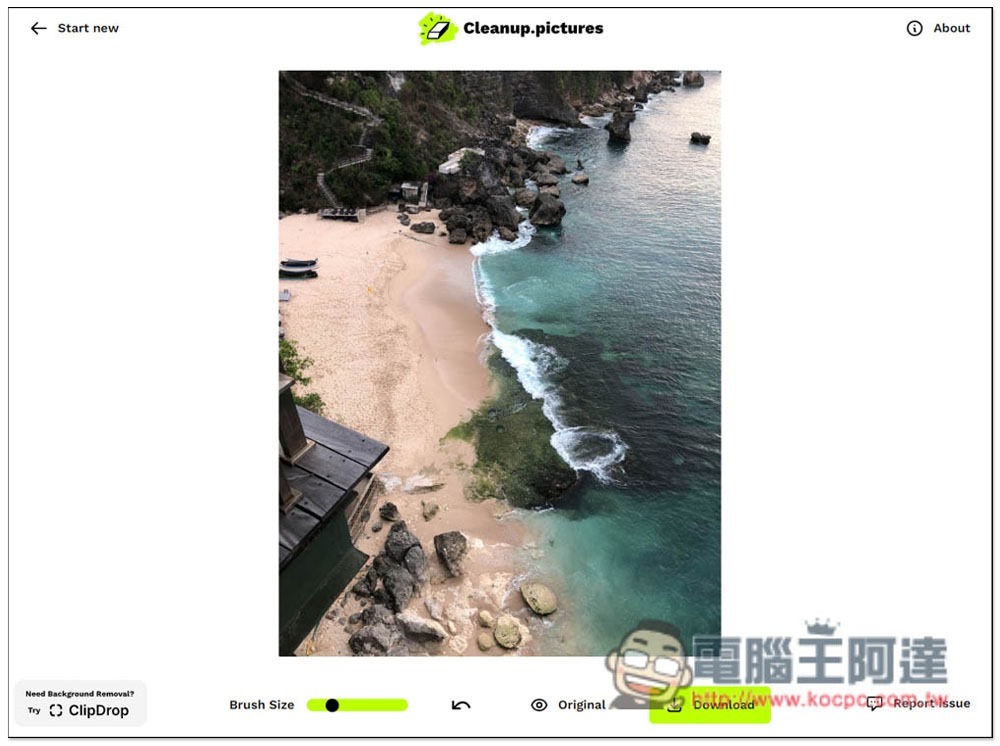
The downloaded pictures have no watermarks and are also large in size. For comparison before and after, please refer to the first picture of the article:
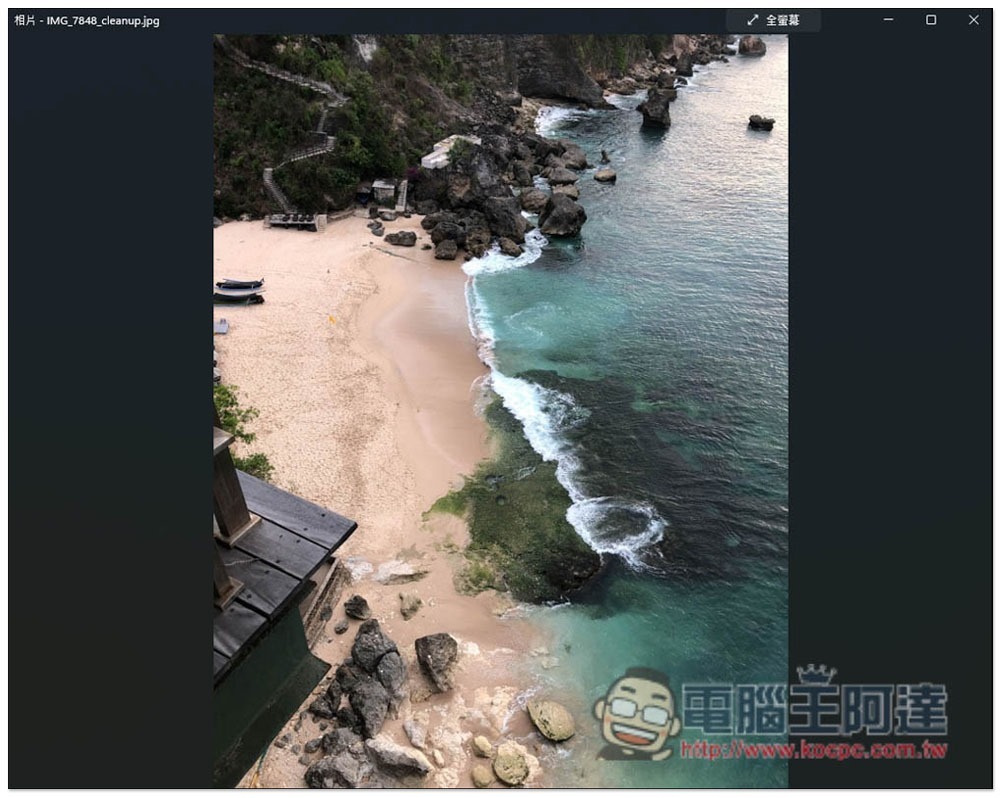
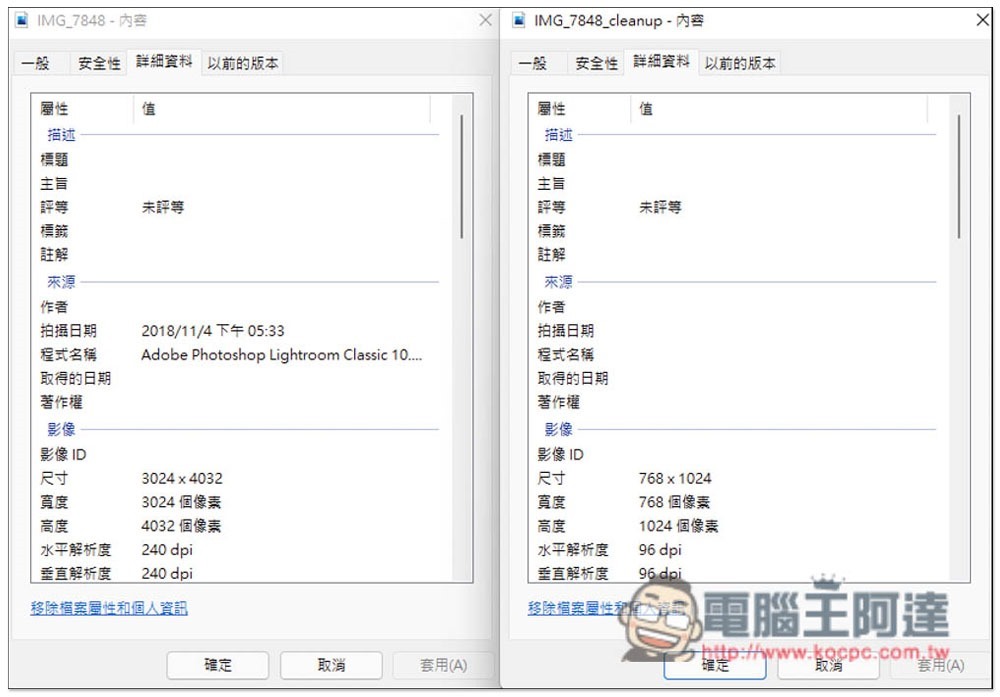
However, compared with the original photo, the size is still compressed. My photo was originally 3024×4032, and the modified photo became 768×1024, and the original Metadata information will also be deleted:
Source: KOCPC Chinese