


Just like the previous-generation iPhone series received Pro RAW updates, the iPhone 13 Pro series, the highest-end existing Apple smartphones, once mentioned at the press conference that the ProRes video format will be “unlocked” in the future, and now it has officially arrived through the iOS 15.1 update. Continue reading iOS 15.1 is here: Join simulcast sharing, iPhone 13 Pro unlocks ProRes! Auto macro can also be turned off (ProRes test shooting comparison video) report content.
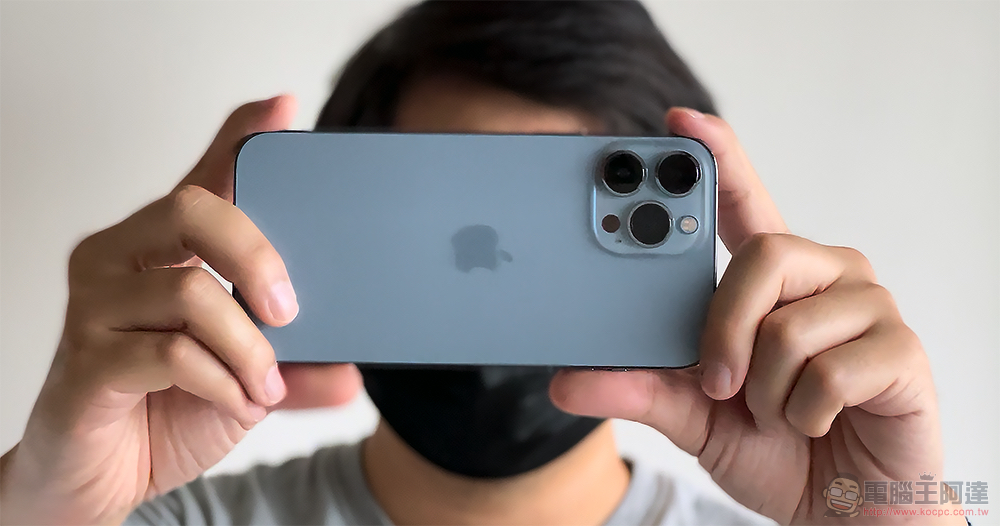
iOS 15.1 is here: Join simulcast sharing and unlock ProRes videos! Automatic close-up shooting can also be turned off (ProRes test shot comparison)
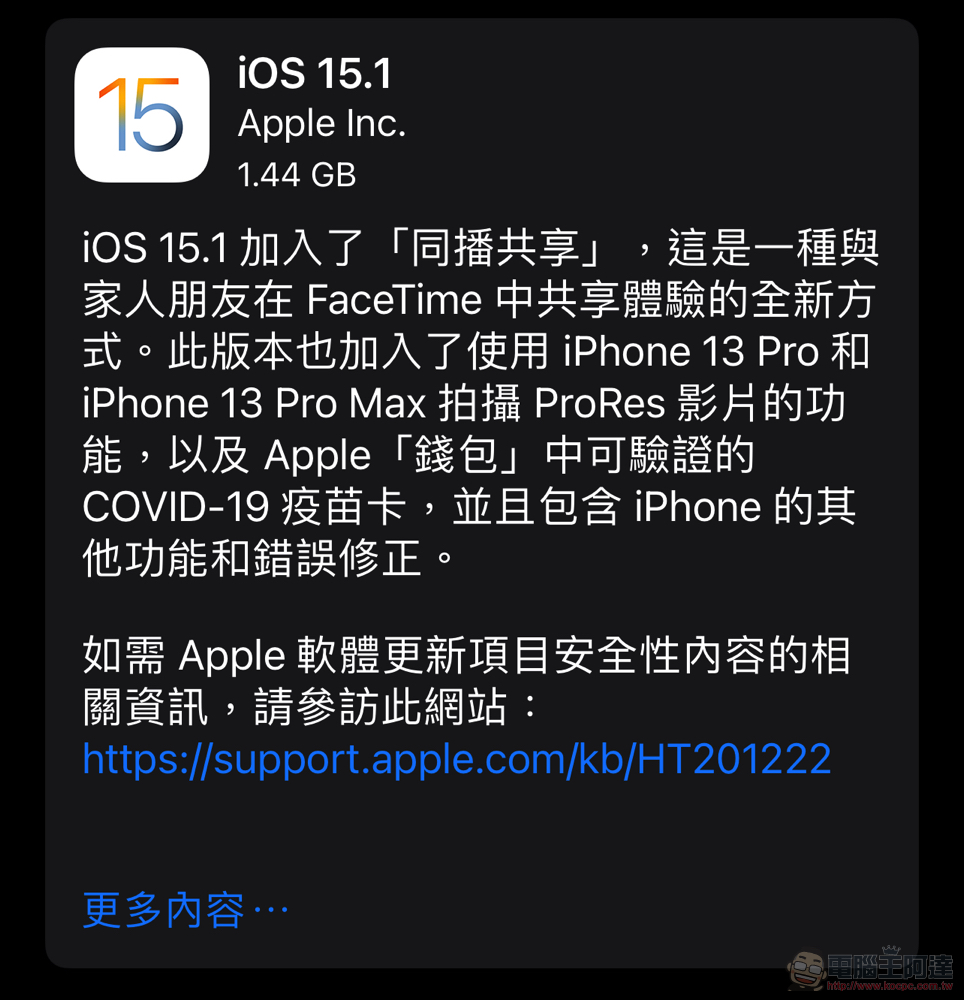
I wonder if you woke up this morning and noticed that a new update popped up on your iPhone? Although at first glance this update seems to be more related to the iPhone 13 Pro and 13 Pro Max (after all, two features are unlocked!). However, in fact, Apple has also brought SharePlay, which was previously launched in iOS 15 but has not yet been launched, and the “vaccine card” function prepared for the post-epidemic era (which can be accessed in the “Wallet app” – although it does not seem to be supported in Taiwan currently).
Also because this update may have a little more projects, the capacity has reached 1.44GB on the iPhone 13 Pro.
With this iOS 15.1 update, Apple first provides the iPhone 13 Pro with a switch that can turn off the automatic macro function, which is always a favorite when taking pictures of food. Based on our short trial experience of this function, we feel that it would be a pity to turn it off. Because you have to switch to an ultra-wide-angle lens below 1x to get the macro focusing capability as close as 2cm. Shooting functions that could have used a narrower angle of view cropping of 1x or even 1.5x will not be activated.
So given the choice, I personally will not turn off the automatic macro! It is recommended that when you are constantly switching lenses, you can appropriately adjust the digital zoom to 1.5~2x to shoot. On the one hand, you will not be so close, and on the other hand, the small telephoto picture will feel more professional (should).

The auto macro function can be found in “Settings > Camera” (currently at the bottom); the new ProRes function, like ProRAW, can be found in “Settings > Camera > Format”. After it is enabled, you can also see the quick access switch in the recording function. Both functions are currently exclusive to the iPhone 13 Pro series (unless future iPhones also have ultra-wide-angle macro functions).
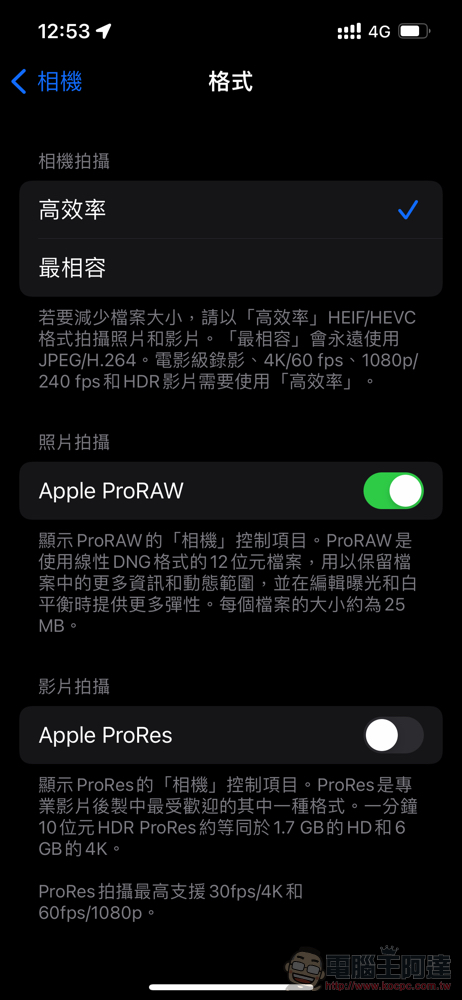
After the update to iOS 15.1 unlocks the ProRes recording function, which makes editing easier for professionals, you can see a quick launch button when recording with the original camera – ProRAW has a similar experience, and there will also be a ProRes-specific photo type folder. But I have to say that Apple ProRes is really a capacity killer… (Super)
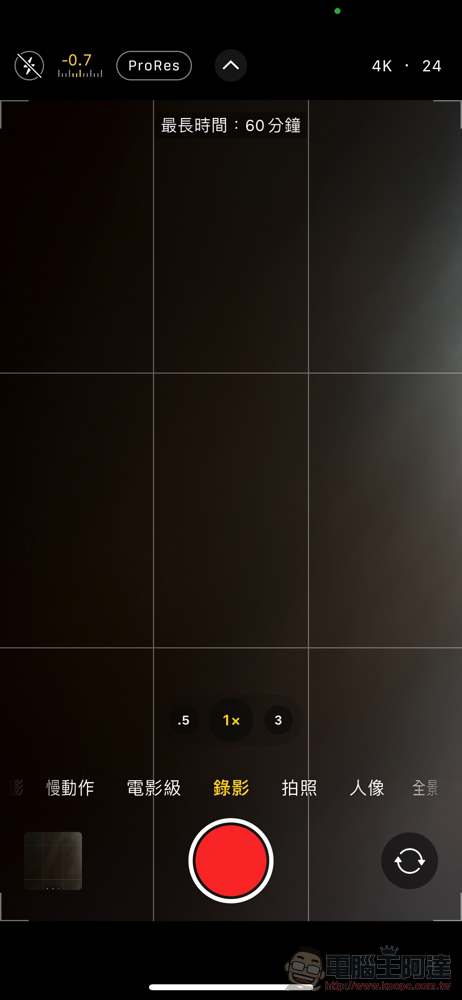
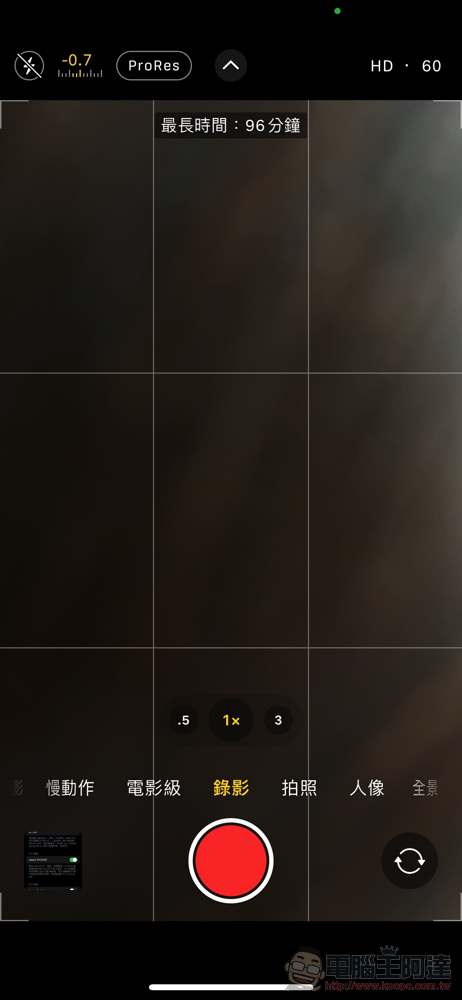
We simply recorded about 8 seconds of video in 4K and ate up 723MB. Because of this situation, Apple will also proactively prompt the remaining recording time in the camera interface – at this traffic rate… it is no wonder that the 128GB model has a limit of only 1080p 30fps (with this capacity, it can reach up to 4K 30fps or 1080p 60fps).
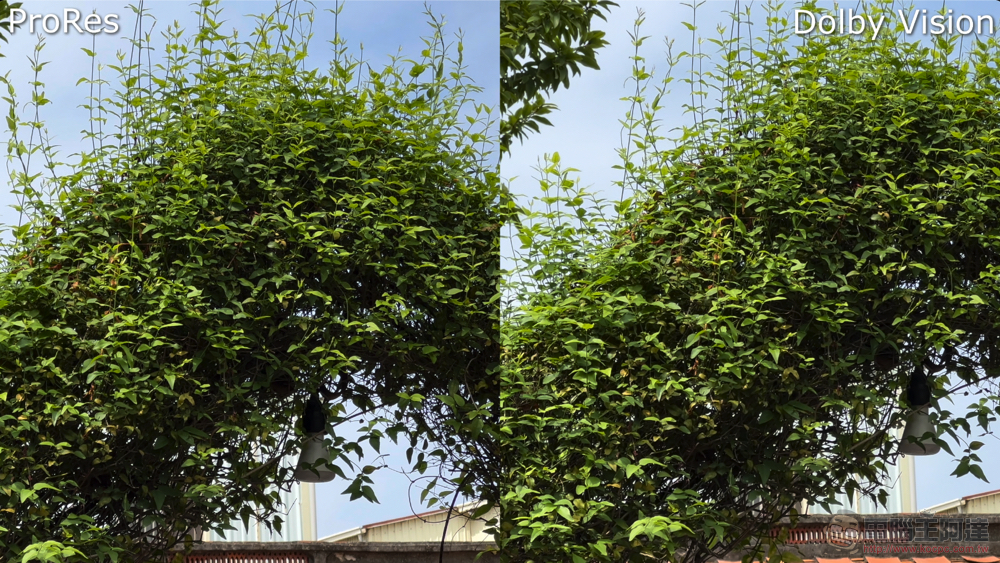
This time we also briefly recorded a comparison video with Dolby Vision. In fact, judging from the original video, PreRes does seem to have better sharpness and dynamic range. From the LumaFusion editing application, we can see that the ProRes specification of the iPhone 13 Pro is 422HQ Rec. 2020 HLG (12-bit). In this real-life video, we saw that the traffic reached a maximum of more than 760 MBits/s.

It must be said that ProRes should still be relatively suitable for professional users, and it is a more flexible choice in post-production and editing. For purposes such as life records, I personally think that the iPhone’s general video recording format is quite good.
That is to say, it is easy to record into the ProRes format with explosive capacity, which also makes many people troubled by the current situation that the iPhone cannot transfer files at high speed. However, since the iPhone can be edited on the phone through iMovie or even third-party LumaFusion, the A15 emulation performance of the 13 Pro is also quite powerful. So for me, who mainly uses mobile systems to edit videos, it’s not a big problem. But for professionals who need to move all the materials to the desktop system for editing, they really can only transfer them through AirDrop or USB 2.0.
It can only be said that Apple can really consider launching a professional editing application similar to Final Cut Pro that is more suitable for mobile phones (make a wish).
Further reading:
Tesla Model X / S / 3 / Y base models quietly increase in price, the most expensive is $5,000

Source: KOCPC Chinese