


Although there are many tools for converting YouTube to MP3 on the Internet, I believe that some friends will still hope to find one that can quickly search and download without copying and pasting there. I recently discovered this quite powerful Mp3juices.cc website that can achieve this. After entering the singer and song name you are looking for, you can search from 6 well-known free online music sources (including YouTube). If there is one, you can directly download it with one click.
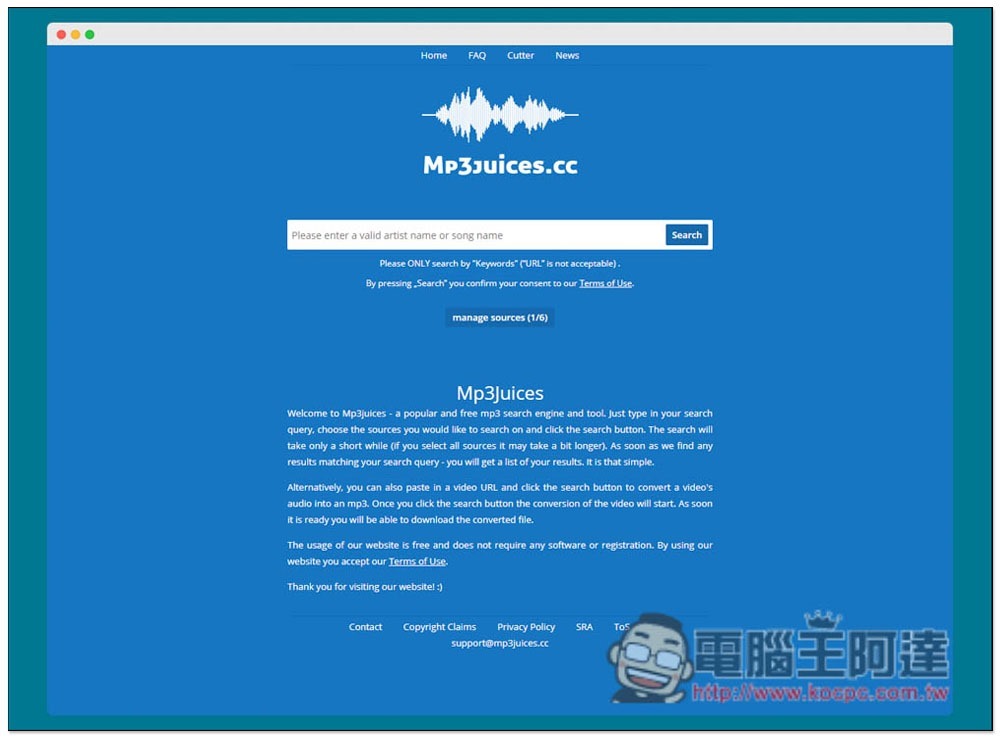
Mp3juices.cc One-click search and download of free MP3 music, supports 6 website sources in total
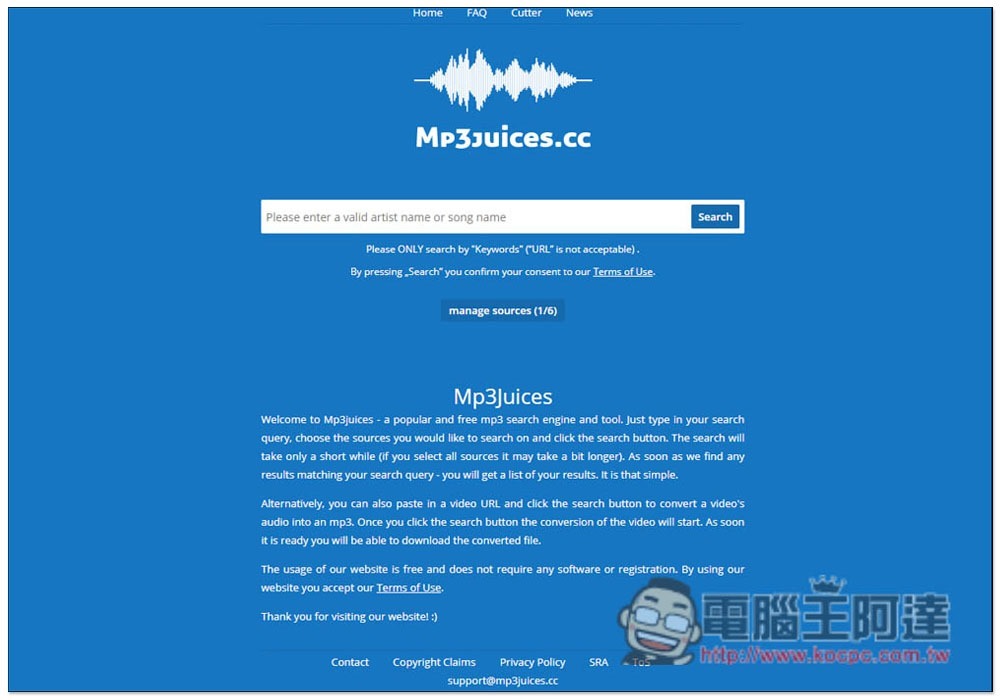
Although Mp3juices.cc is a foreign website, you can enter Chinese to find songs, enter the keywords you are looking for in the middle field, and then press Search. Also a reminder, this website is completely free, so there are a lot of ads. If you mind, please skip them:
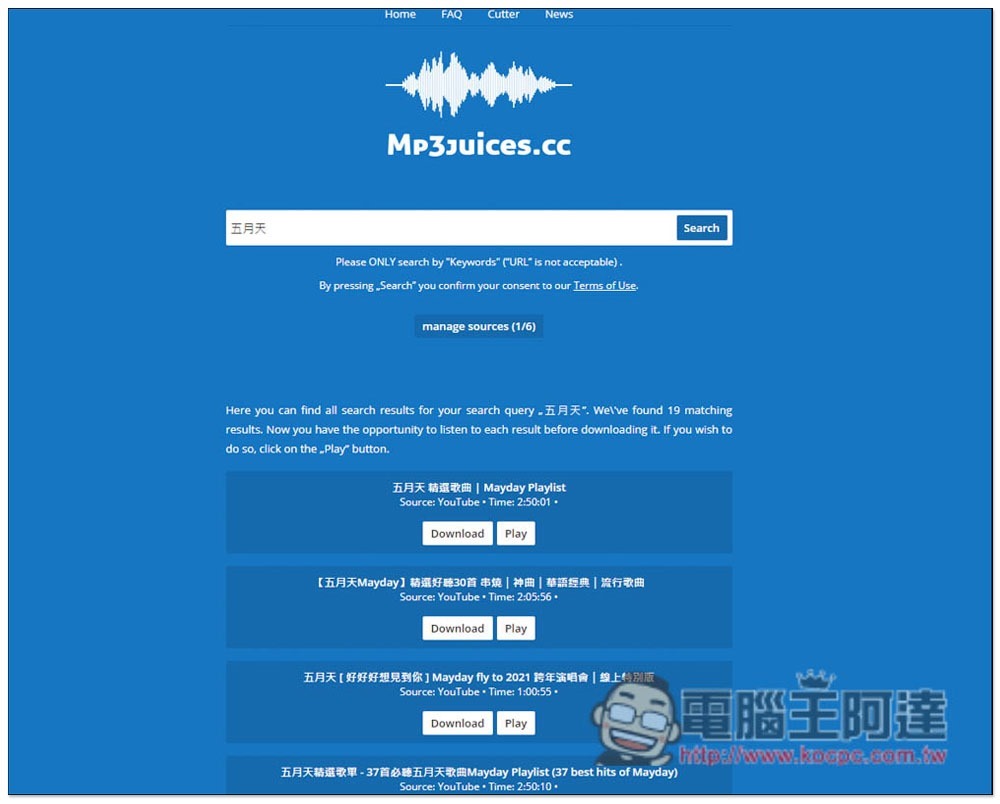
If I enter Mayday, the relevant results will be listed below. By default, only YouTube sources will be found. If you want to add others, click manage sources in the middle:
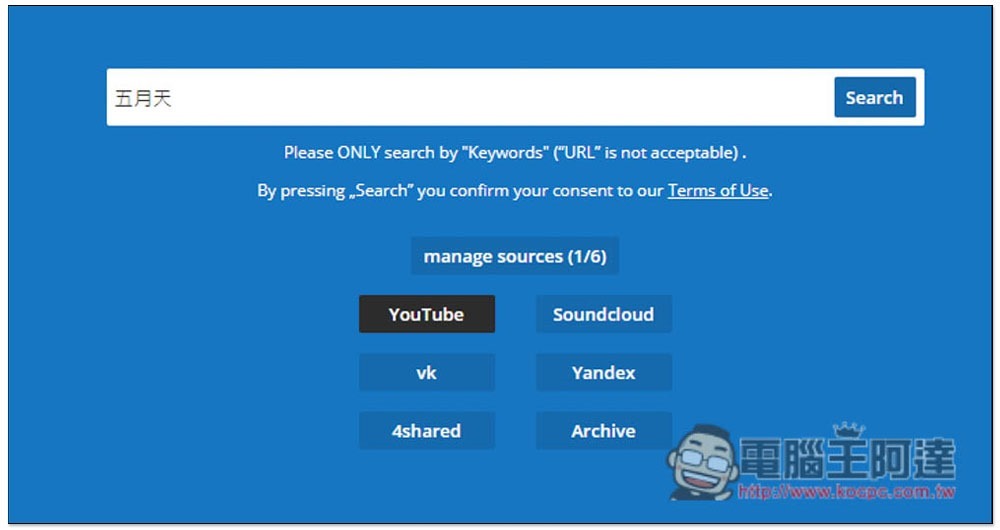
Supports six website sources: YouTube, Soundcloud, vk, Yandex, 4shared and Archive:
The Chinese search capabilities of this website need to be improved, so if you want to find a specific song, it is recommended to enter the artist + song name. Simply entering the song name may result in many irrelevant results:
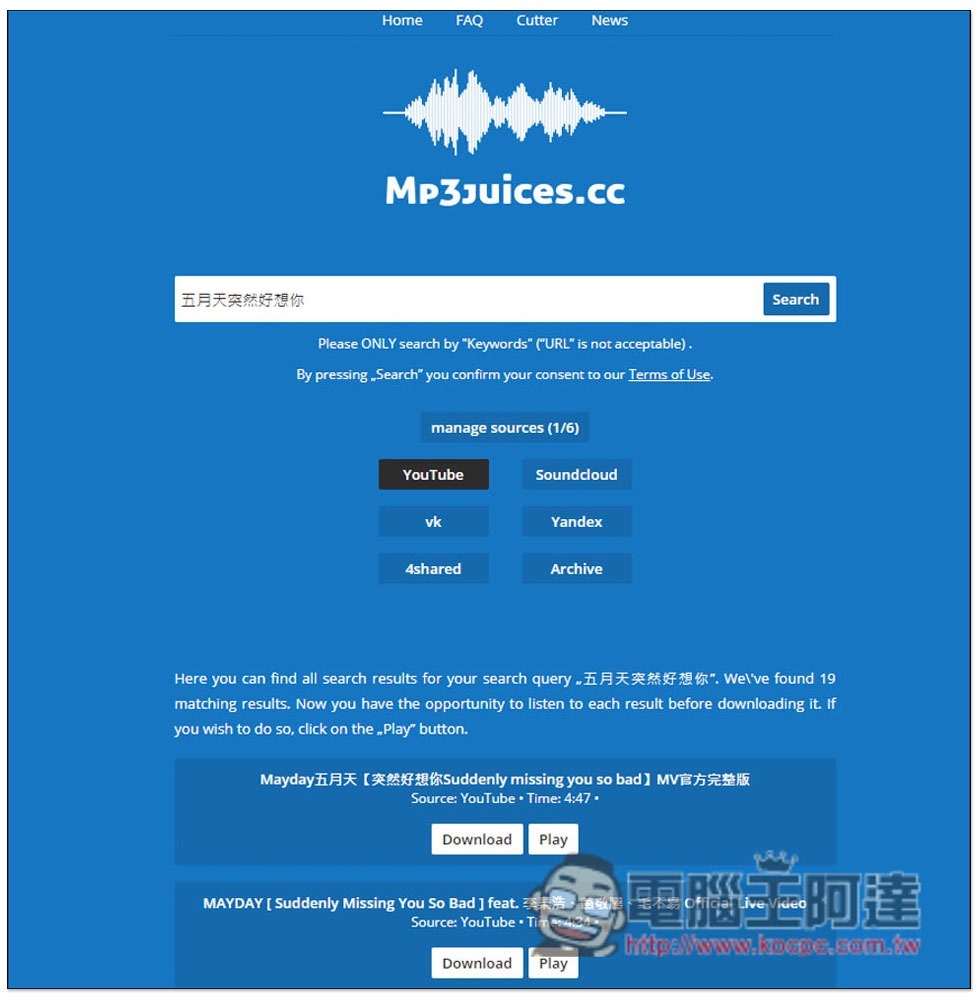
Press Download to download, and Play to play online. However, YouTube online playback cannot be listened to in this small window, and YouTube must be opened:

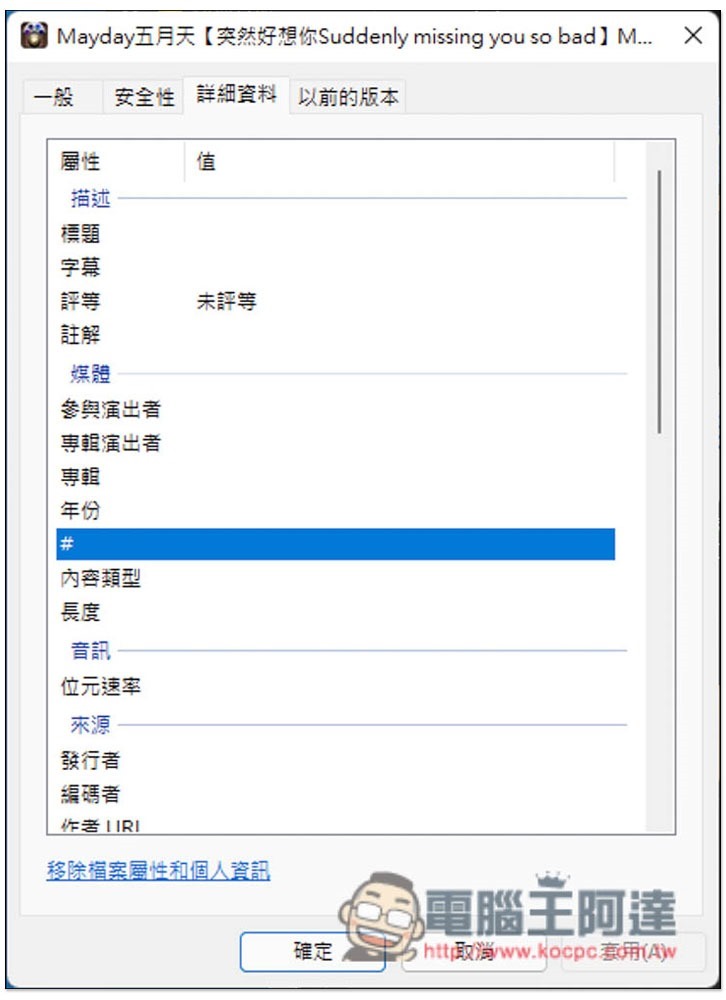
There is no Metadata after downloading, so the sound quality is not sure, but it sounds good:
Sometimes you may keep running out of results when searching. In this case, you can try to reopen the website and re-enter the keywords you are looking for. In addition, although this website also provides the function of Cutter to edit MP3 music, it seems that it is not available at the moment and will display an error that the response is too long.
Source: KOCPC Chinese