


Nowadays, you can search for almost any music MV on Youtube. As long as you click on the video, you can start singing along. But unfortunately, it all has human voices and is not a KTV accompaniment version of the MV video. Now through AudioStrip Platform Features, you can use AI smart technology to separate life from the sound of musical instruments. It only takes a few minutes to create your own version of the accompaniment MV without vocals. It is really good. This platform can not only upload the MP3, WAV, OGG, M4A, WMA, FLAC formats from which the vocals need to be removed, but also directly enter the latest pop music MV URL searched on Youtube, and you can do it with one click.Homemade karaoke accompaniment MV, if there are elders in the family who like singing very much, you can give it a try right away.
AudioStrip Homemade Karaoke Singing Tutorial
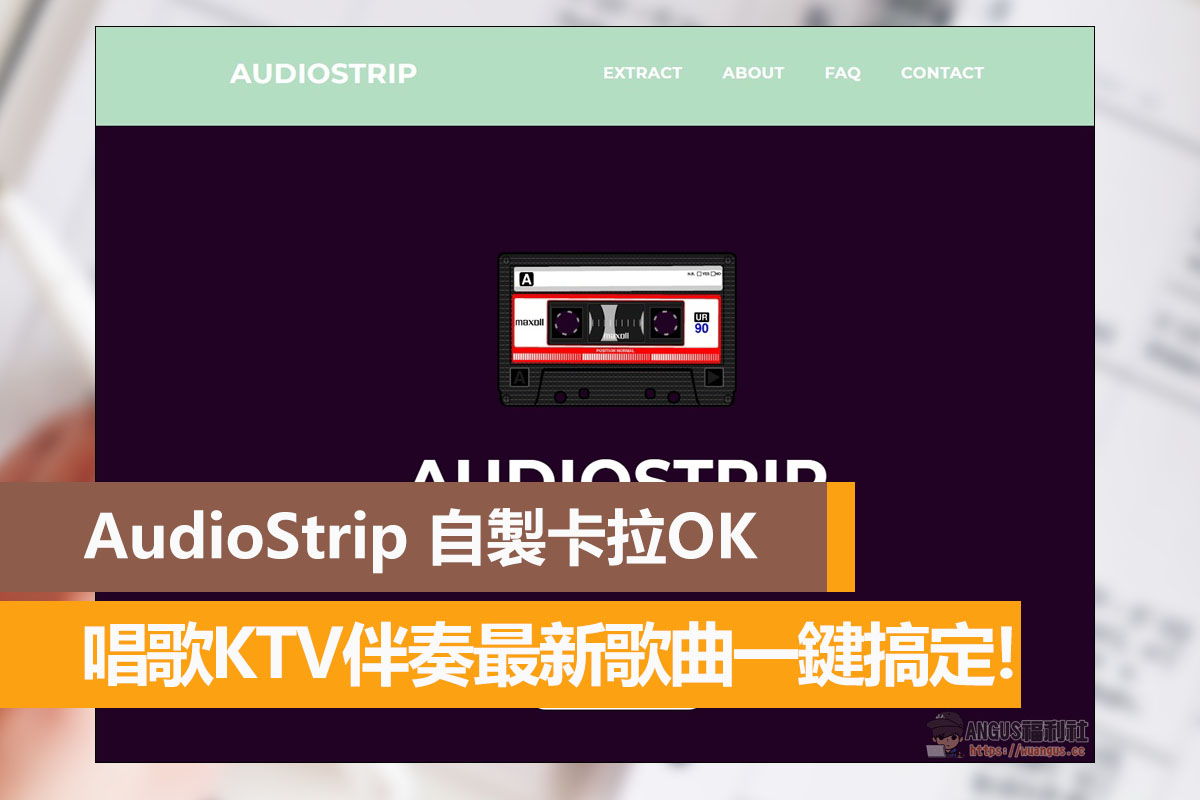
First, after entering the official AudioStrip platform, you can see a cute cassette icon, and the title says AUDIOSTRIP function description for removing vocals.

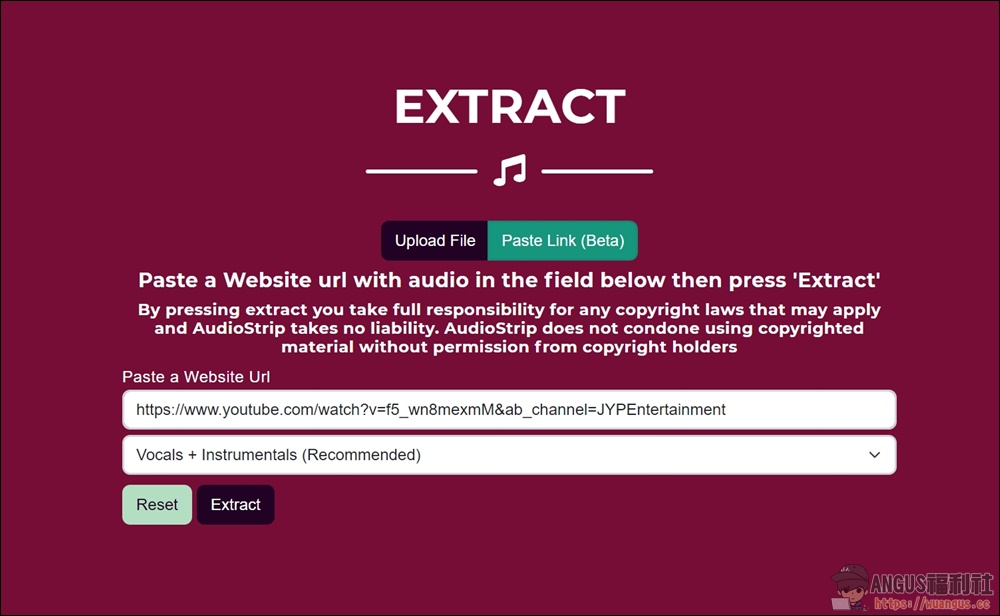
After moving to the bottom of the page, you will enter the EXTRACT section. Users can select “Upload File” to upload the video they want to remove the vocals from or “Paste Link” to enter the Youtube link they want to download the latest MV song, and then press “Extract” to use the AI technology to separate vocals and music with one click.
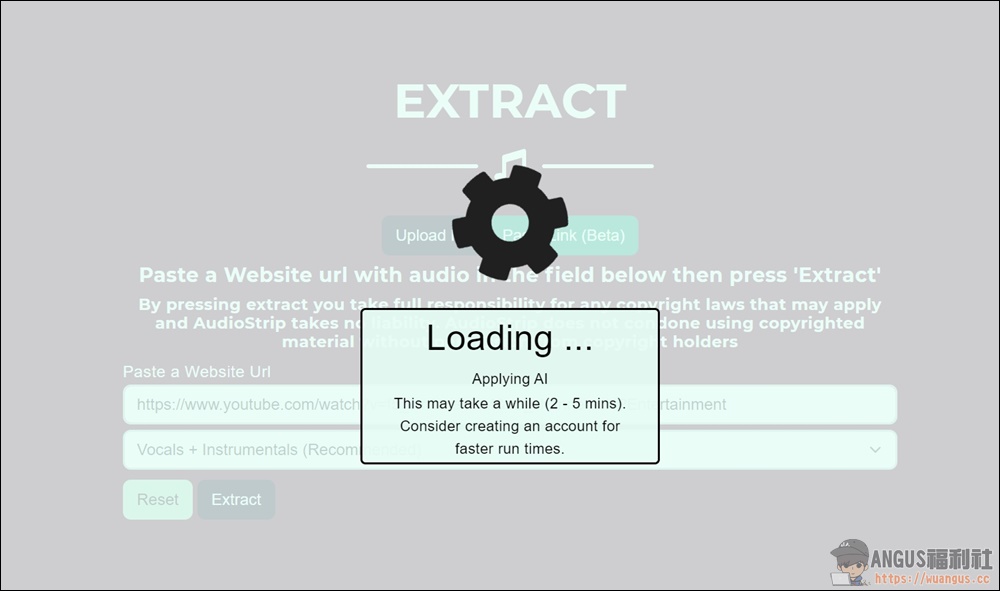
Next, just wait for the AI to run. The process takes 2-5 minutes, depending on the length of the video you are using. If the video is too long, it will take more time.
After the production is completed, you can immediately preview the video effect. There are two files below that can be played. The first is the accompaniment music, and the second is the isolated pure human voice. Finally, if you want to download it, click “Download” on the right and the download will start. In this way, it is quite simple to create a karaoke environment at home. Please hurry up and try it out.

- AudioStrip homemade karaoke singing:https://www.audiostrip.co.uk/
Source: KOCPC Chinese