


After buying a new computer or mobile phone, many people will definitely be curious about how much worse the performance is compared with the old equipment they used before. Is there any better? It is relatively easy to use the same operating system. There are many testing software on the market that can do it, and can even compare directly with the hardware. However, if it is a different operating system, it is much more difficult. Therefore, we recommend a very good cross-platform free testing software CrossMark. It is supported by Windows, Mac, iOS / iPadOS, and Android is also expected to be launched this month. In addition, with just one click, you can measure the productivity, creative content work, and system response of the device, allowing you to easily compare devices on different platforms.
For those interested in purchasing a new computer or mobile phone, you can alsoOnline scores, to learn what kind of hardware configuration will be better than what you have now, giving you more direction.
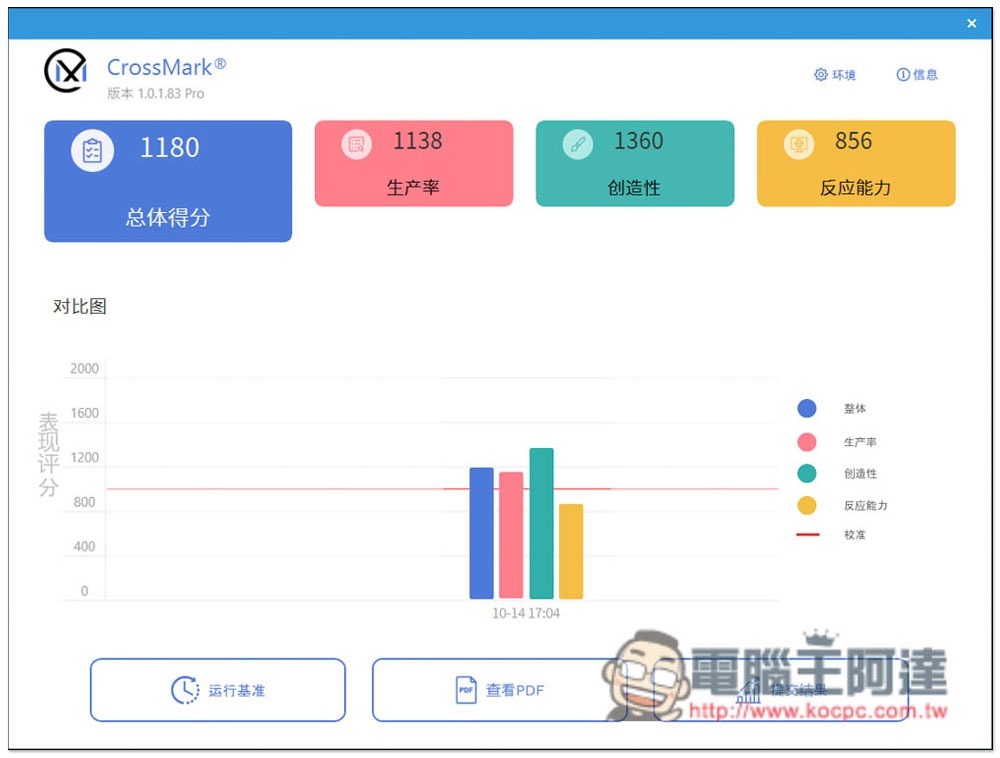
Introduction to CrossMark cross-platform free performance testing software
CrossMark is actually another old and well-known performance testing software SYSmark. It is another free testing software launched by the same company BAPCo. It focuses on how to accurately present the system performance in various working situations across platforms. It is available in the official mall of each operating system, so you can download and install it for free by directly opening the Store search:
Some operating system versions have Chinese interfaces, such as Windows. Each version is used in the same way. After opening CrossMark, you can directly click the Run Benchmark below to start running:
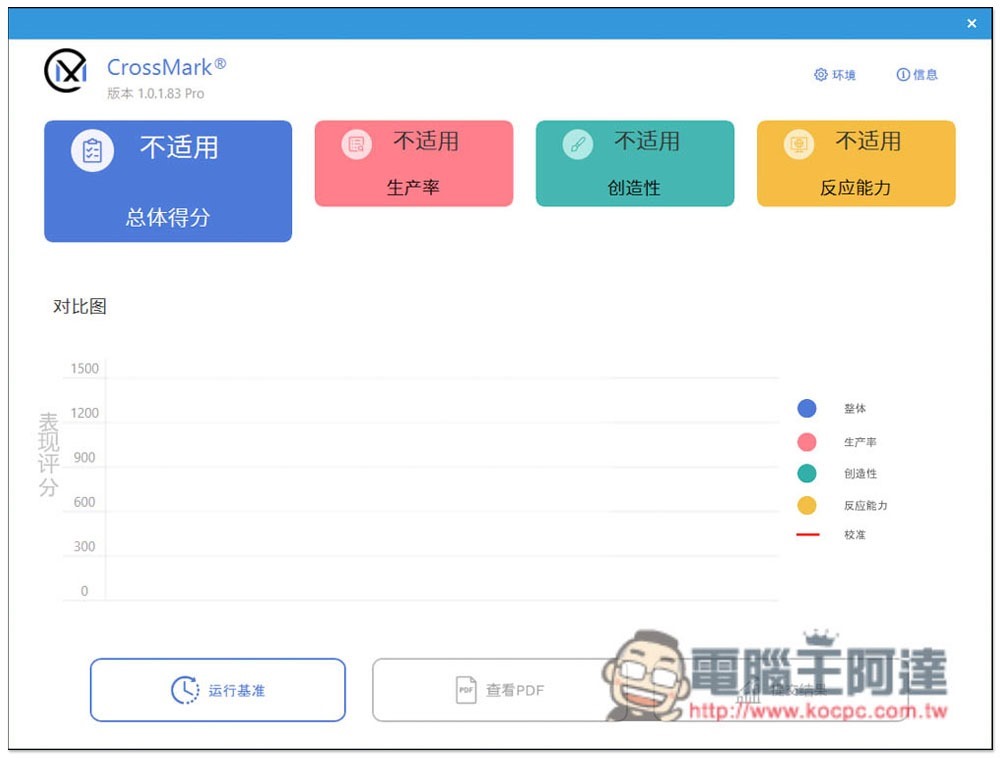
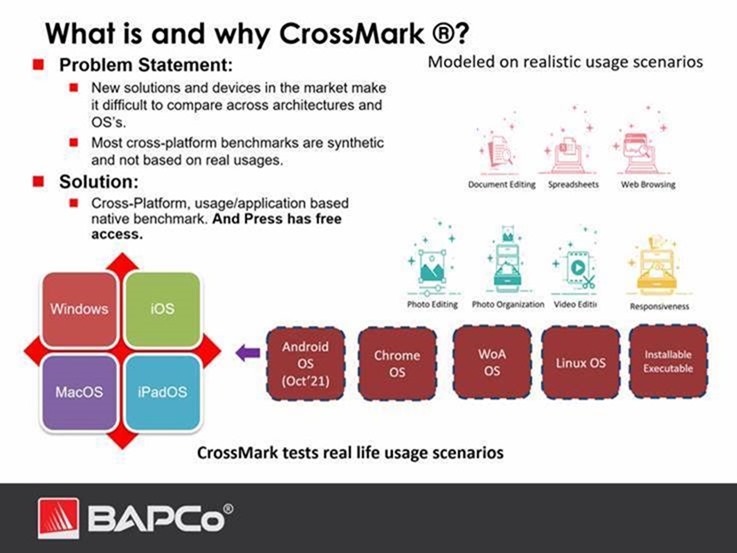
It will test three parts, “Productivity”, “Creative Content Work” and “System Responsiveness”. In more detail, this set will help you test the response speed of this device in 7 usage scenarios, including various document editing, simulated spreadsheets, web browsing, photo editing, photo organization, video editing, and opening programs and files.
After starting, just wait for the percentage to finish running. You don’t need to do anything else:

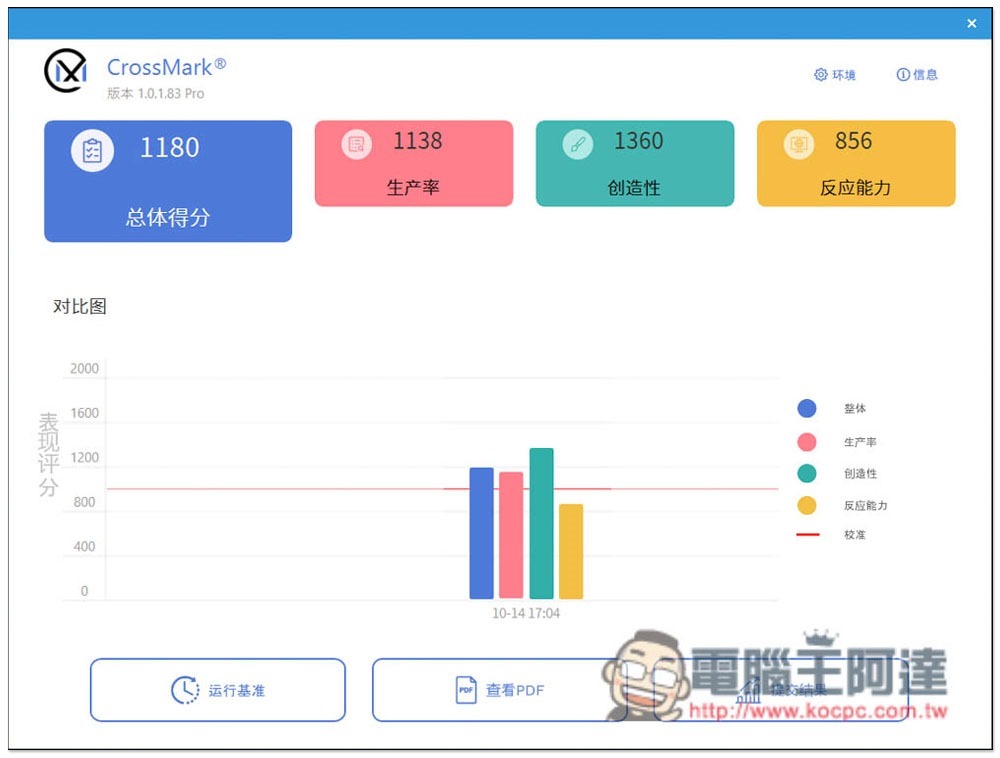
After completion, you will get four scores. If you want to know whether the performance of the newly purchased equipment is higher than that of the old equipment, just look at the overall score. The higher the score, the better. If your equipment is for work and mainly used for document processing, then look at “productivity”, and design is of course based on “creativity”:
The results can also be generated into PDF reports to facilitate your recording:
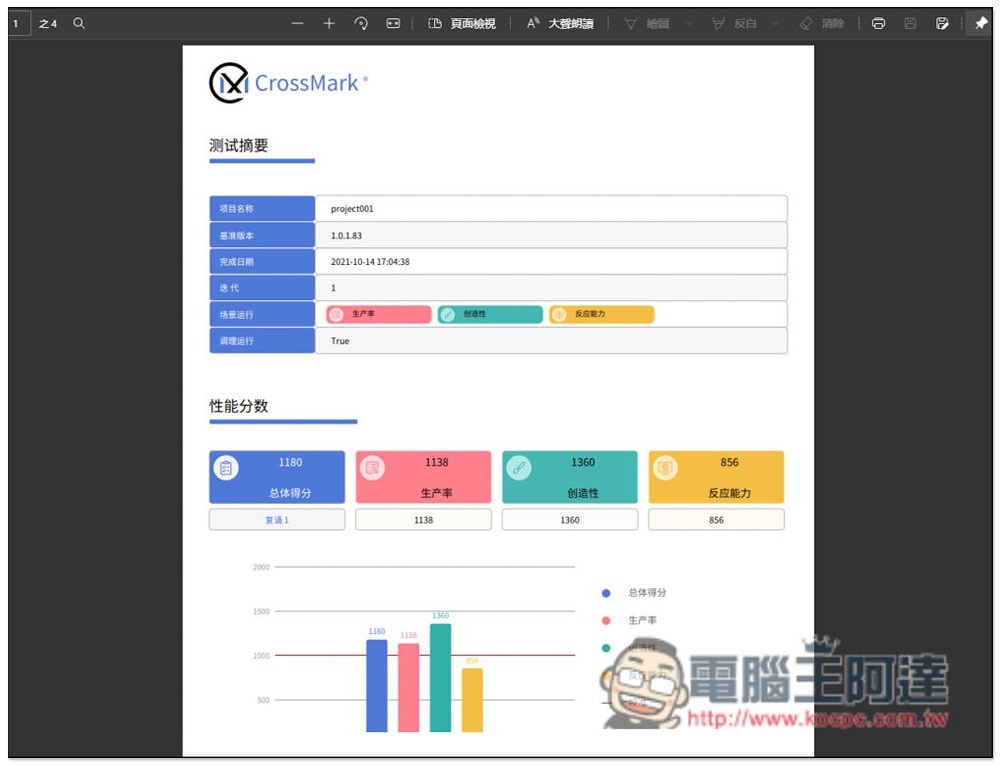
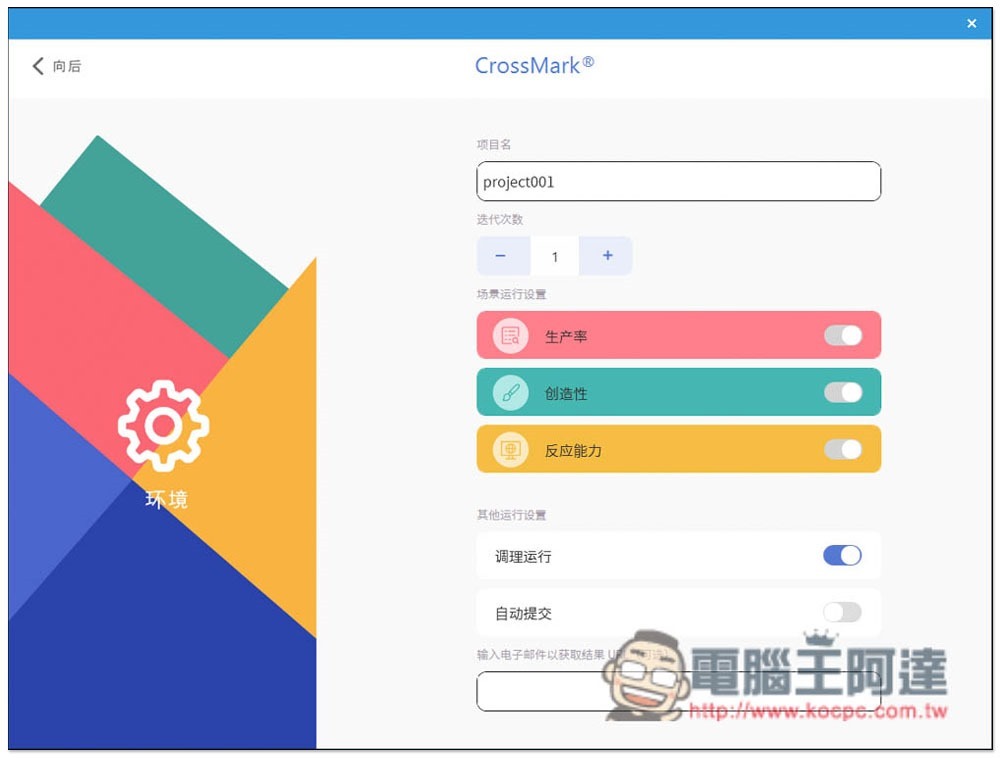
Before each test, you can enter the settings and name the project for this test. There are also some settings that can be adjusted:
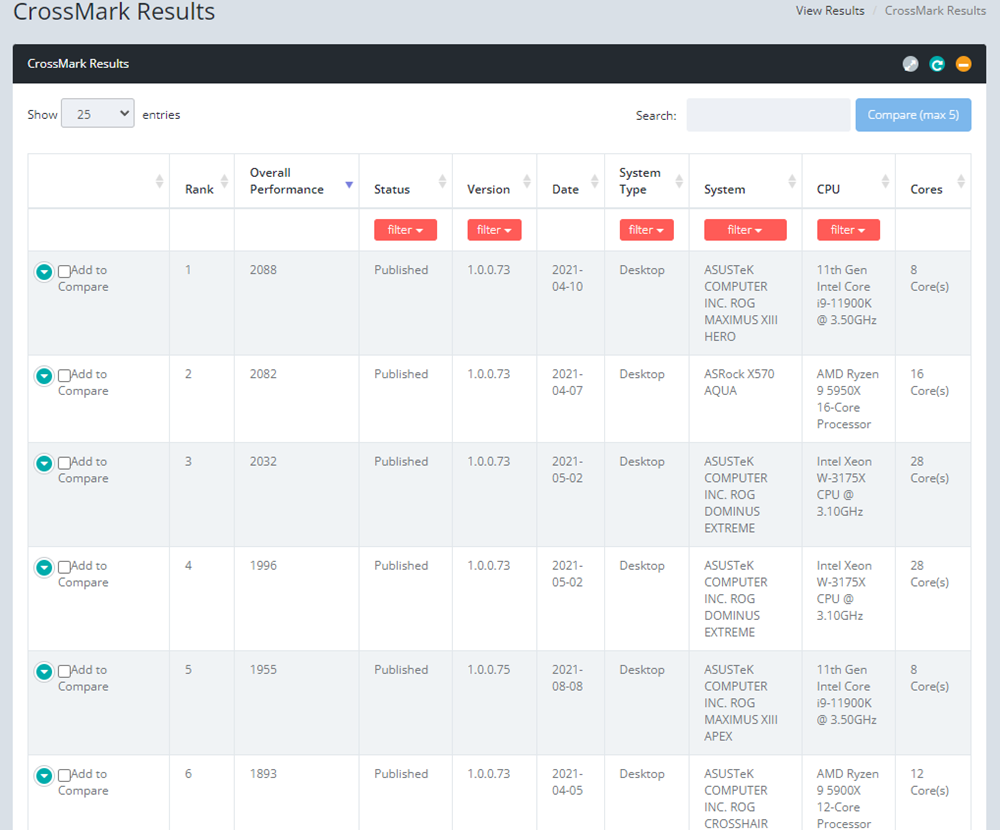
Official websiteThere is also a rich benchmark database for you to easily query and compare:
According to the official description, CrossMark will conduct sensitivity assessments of different system configurations, including multi-faceted comparisons such as processor clock speed, number of processor cores, memory capacity, number of memory channels, storage system type, graphics subsystem, display resolution, etc.:
Source: KOCPC Chinese