


As more and more companies focus on efficiency and paperlessness in recent years, electronic signatures are often encountered by many people. Although there are many free PDF tools on the Internet, most of them are unknown websites, so you will be worried about using them. In fact, Adobe also officially provides a PDF signature function, which supports text and images. It requires no installation and is completely free to use. All you need is an Adobe account (you don’t have to subscribe).
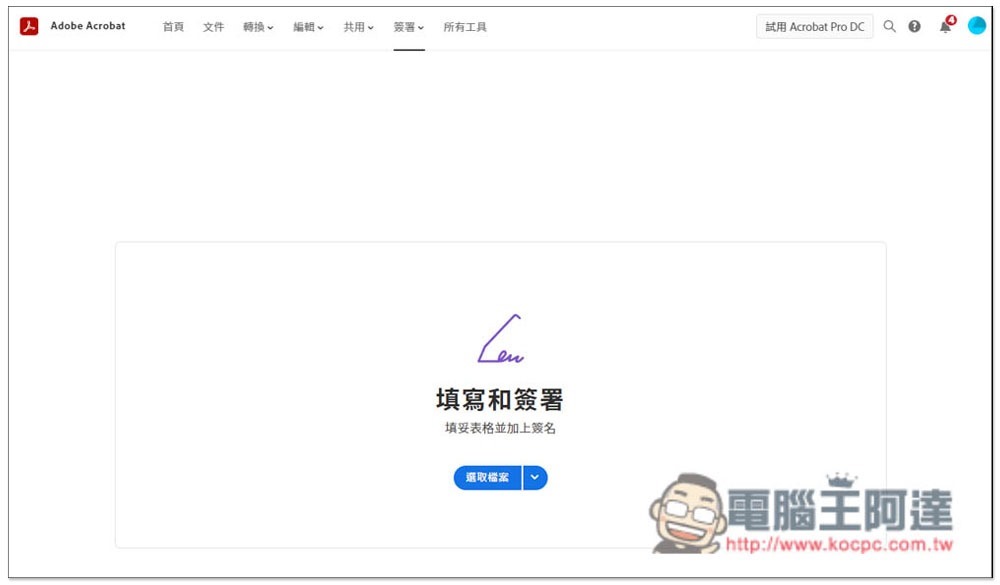
Sign PDF files through Adobe’s official website, safe and free
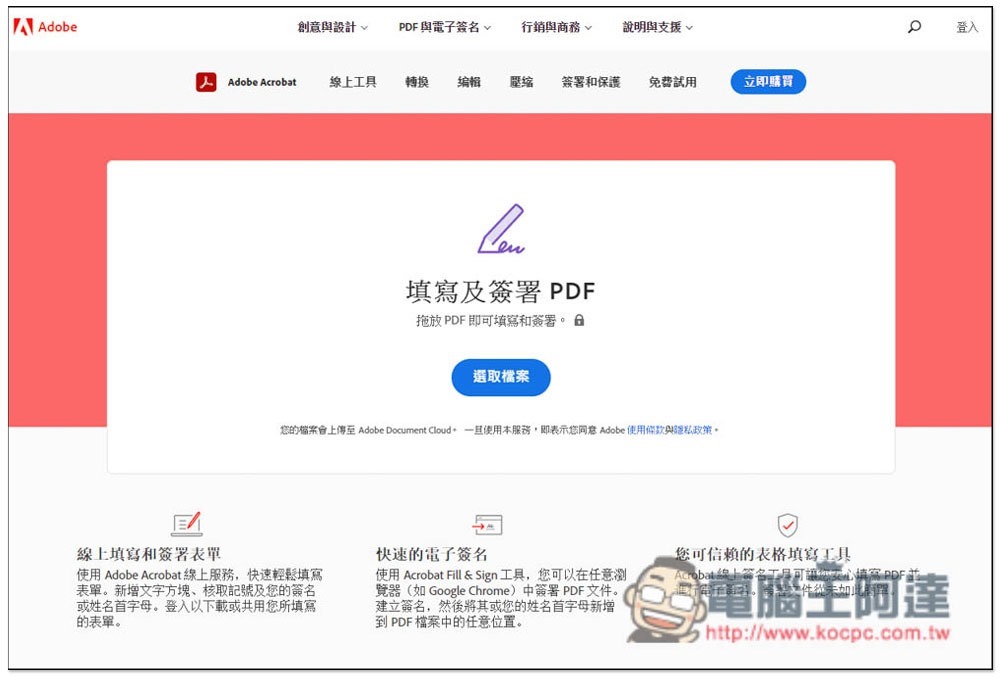
The Adobe official website provides many free PDF online tools, and signing is one of them. After entering the webpage, you can drag in the PDF file you want to sign, or manually select the file:
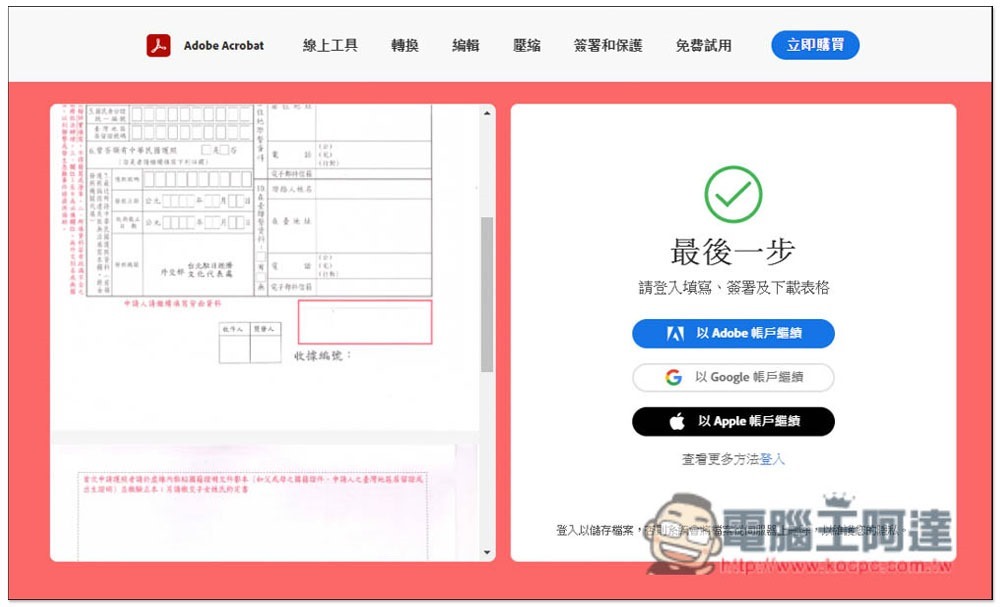
After the upload is completed, you need to log in to your Adobe account to start signing. If you don’t have one, you can register for free:
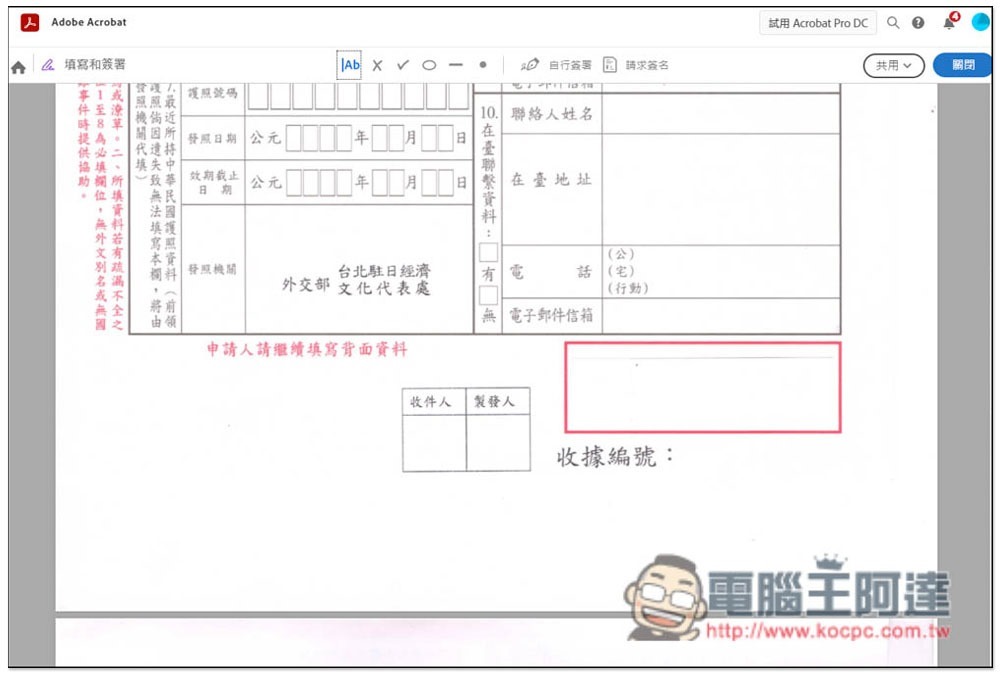
You will then enter the signing page, with the toolbar at the top. In addition to signing, it also supports requesting signatures and adding commonly used symbols and text:
Click Self-Sign to create your signature file. Once created, the signature file will be stored in your Adobe account. This means that you do not need to create it again when you need to sign other documents in the future:
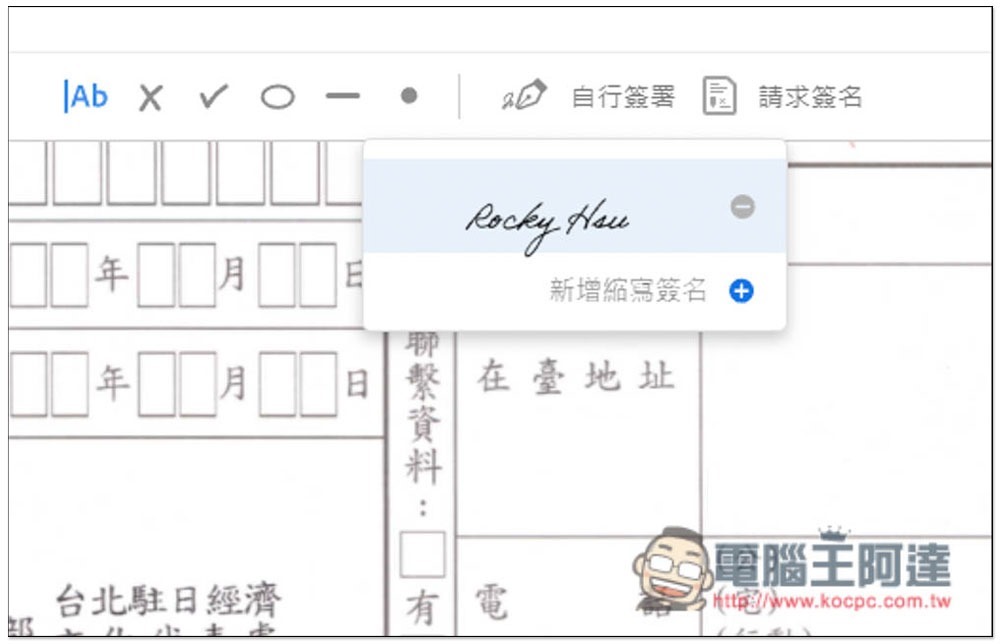
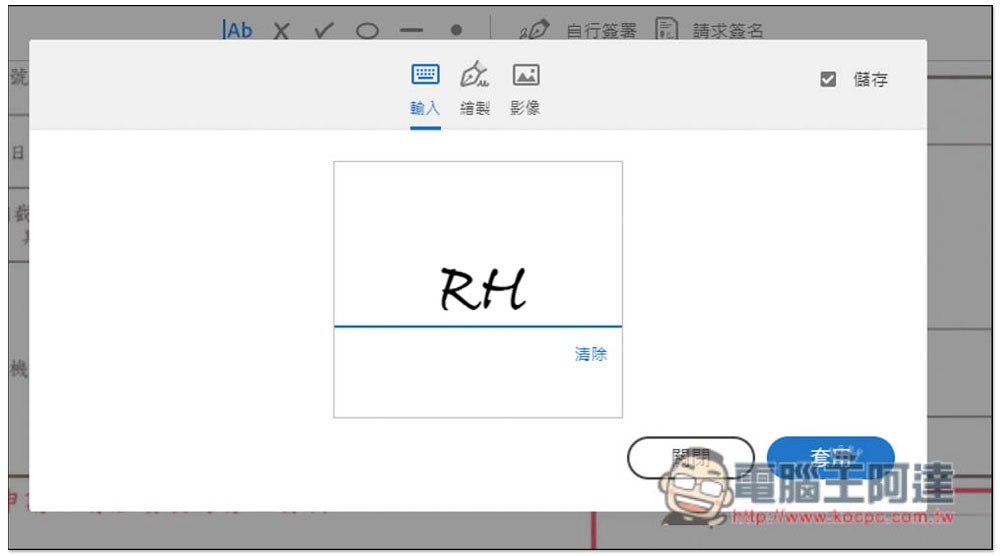
The signature file supports three methods, keyboard input, drawing and image. If you want to use a digital seal, upload your digital seal image through the image function:
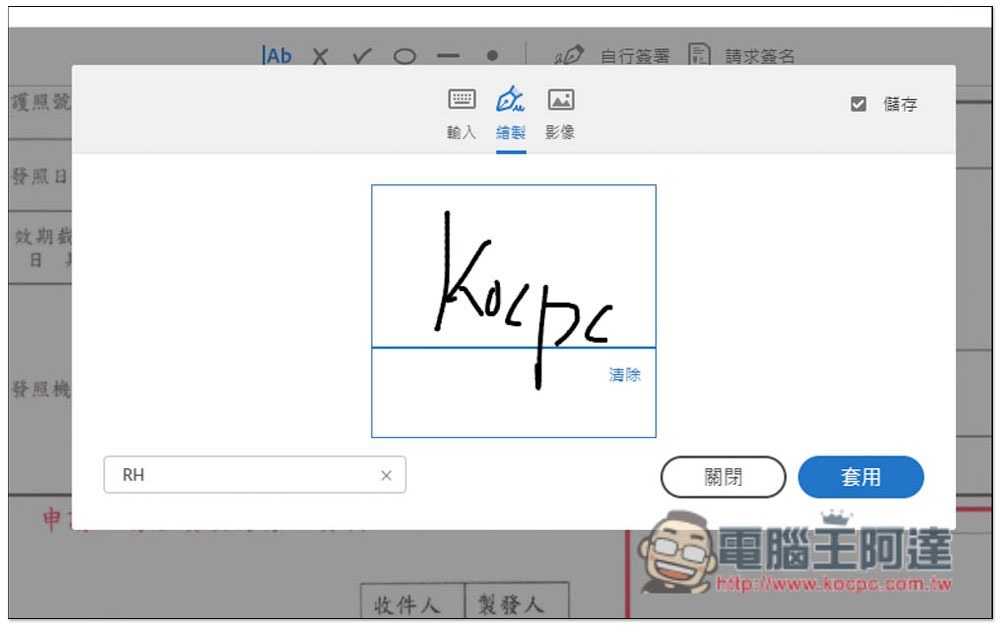
You can draw directly using the mouse to write:
After creation, the signature file will be placed on the PDF file. It will be very small at first and can be adjusted in size:
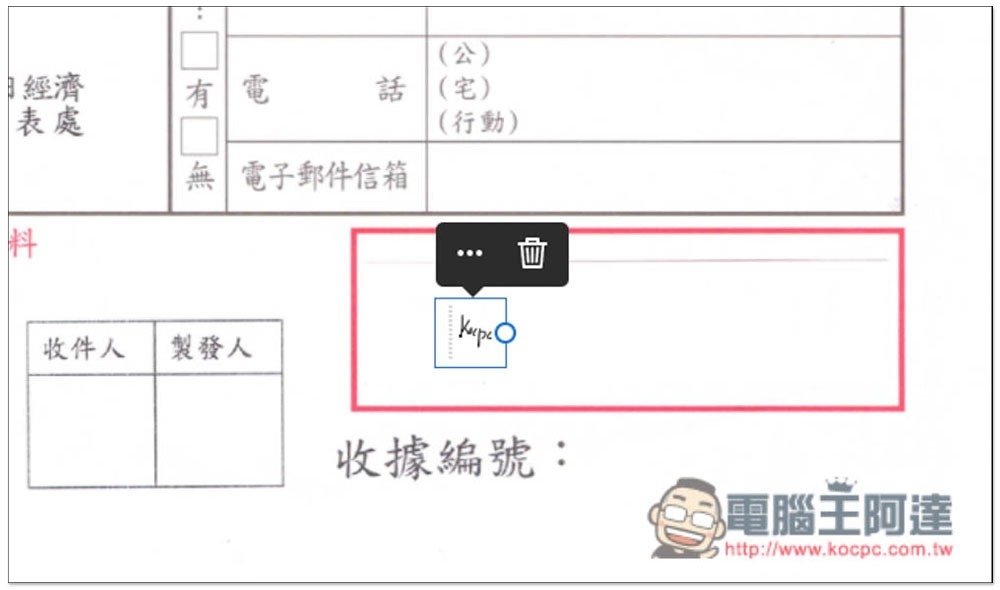
As shown in the picture below, you can move your signature above the field:
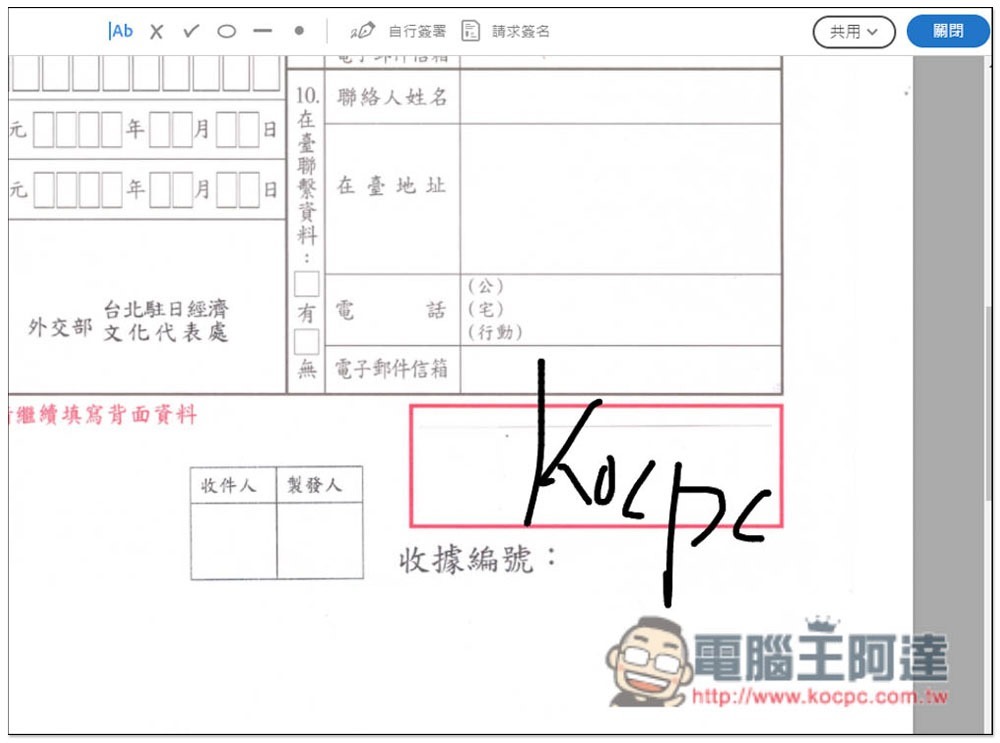
After signing, click Share in the upper right corner and you will see the “Download Copy” function:
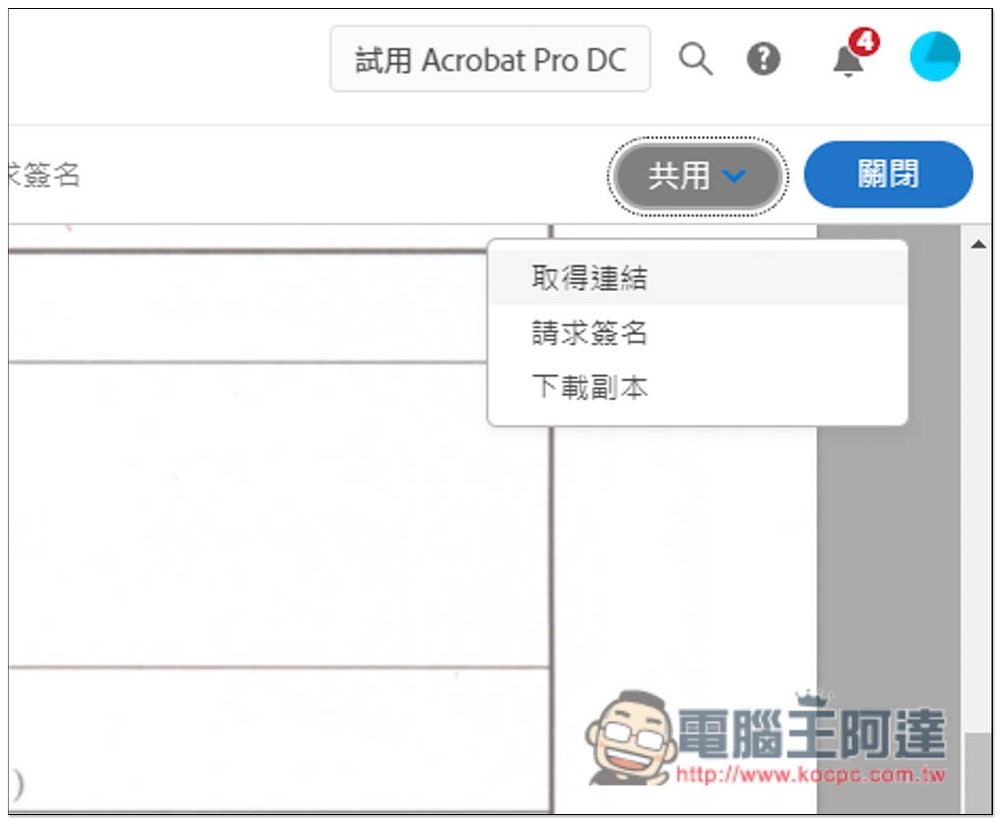
This way you can safely sign the PDF file:

For those who don’t have PDF signing software on their computers, I personally recommend using Adobe directly. It’s not that other PDF tool websites are bad. After all, Adobe is more famous and its security is more reassuring, especially when you need to sign important documents.
In addition, these uploaded PDF files will be stored in your Adobe Creative Cloud. The free space is only 2GB, which means that if you upload too many files in the future, it may become full. Remember to delete them manually to make more space.
Source: KOCPC Chinese