


We have previously introduced a Any Video Converter Free audio and video conversion software, but it needs to be installed on the computer, which is not very practical for people who only use it occasionally. Convertr.org can be considered. It does not require installation and can be used by opening a browser. It is also advertised as completely free, with all functions free of charge and without any restrictions.
Although it does not support as many conversion formats as Any Video Converter, the mainstream ones are available, so it can definitely meet most needs.
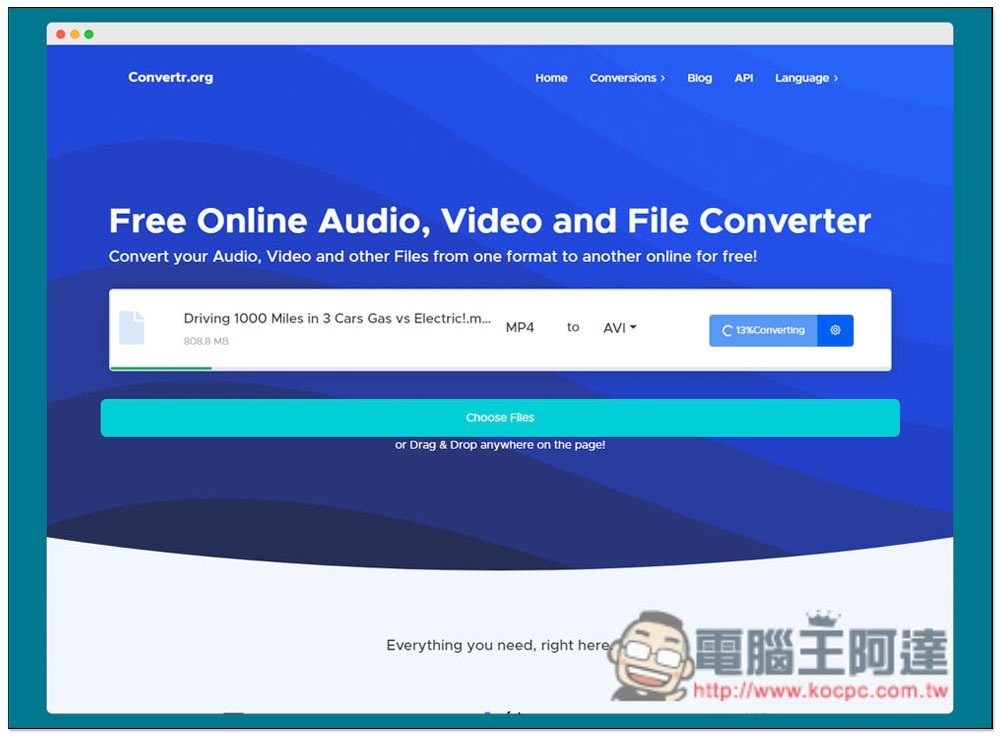
Introduction to Convertr.org Free Online Video Conversion Tool
Convertr.org has a Chinese interface, but it is through machine translation. I think the translation of some functions is strange, so I will use English as a demonstration below.
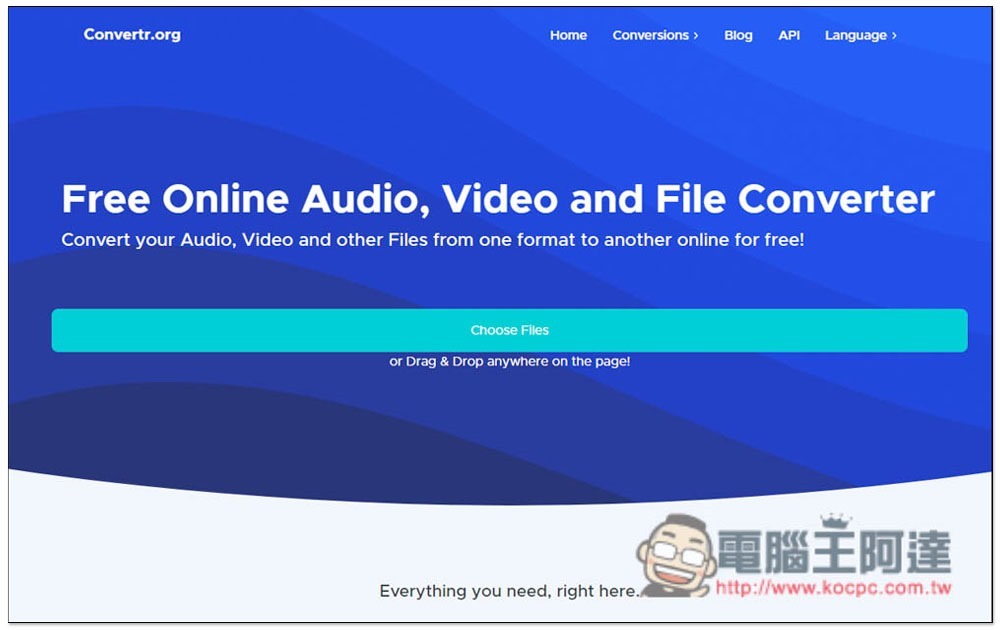
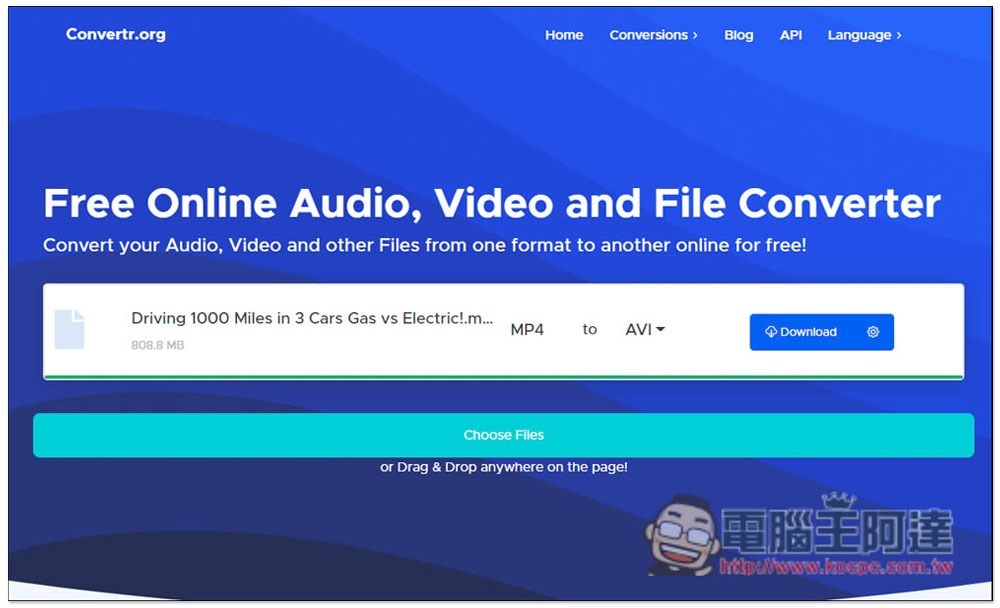
It is very simple to use. After opening the website, you can drag in the video or music file you want to convert, or you can click Choose Files to select manually:
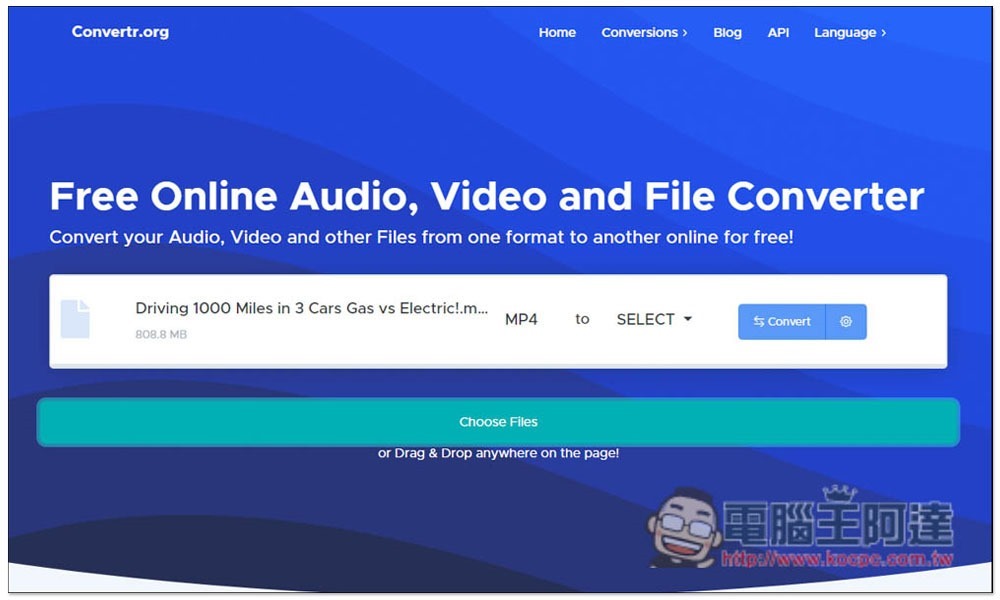
After the file is read in, first select the format you want to convert and open the SELECT menu:
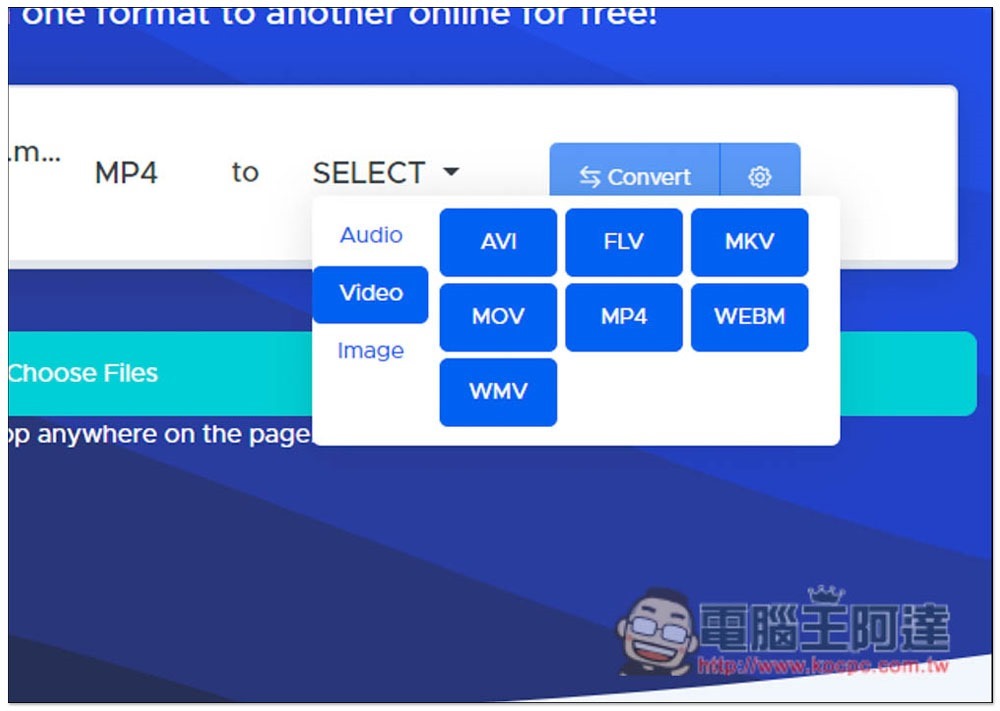
There are three options: Audio, Video and Image. For converting MP4 to other formats, the video provides AVI, FLV, MKV, MOV, MP4, WEBM and WMV. The mainstream formats include:
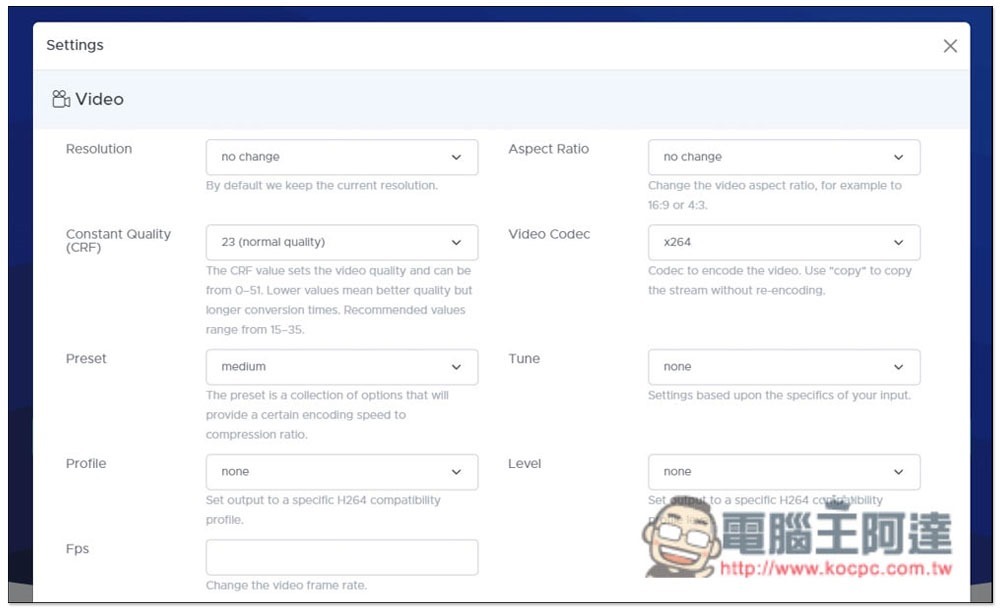
After setting the conversion format, you can also make some detailed adjustments. Click the settings icon on the far right to open this menu. The resolution, encoding, image quality, etc. can be adjusted. The original settings are retained by default. Those who do not need it can skip the conversion directly:
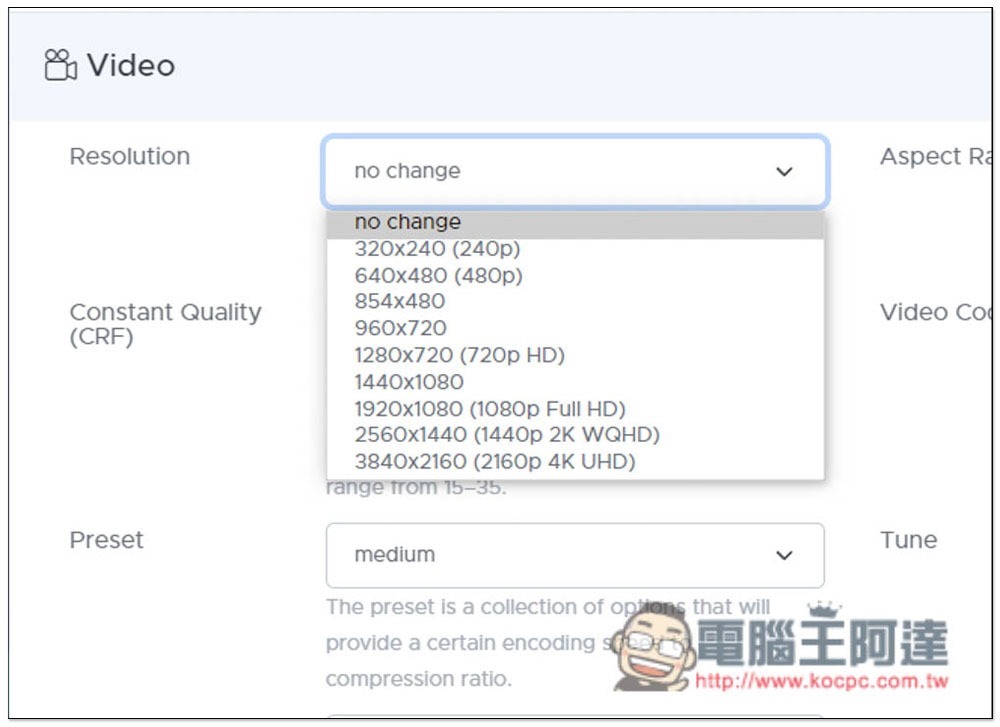
The resolution is supported up to 4K:
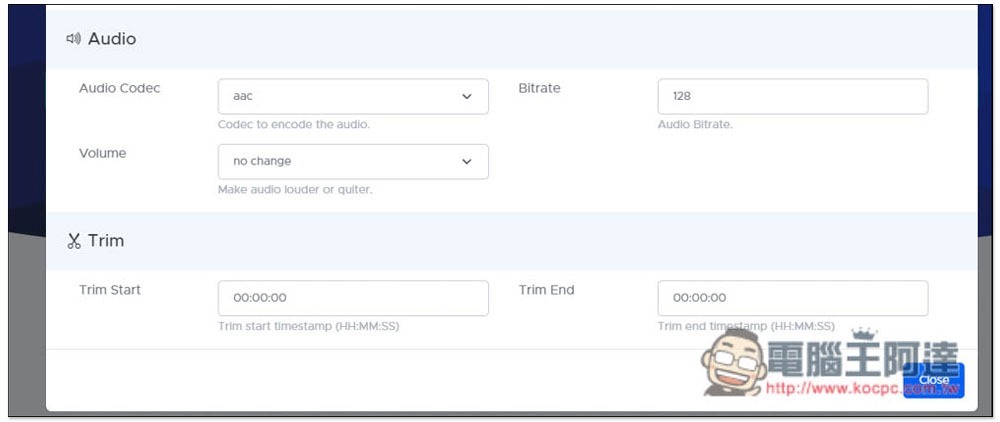
The sound encoding and volume can also be changed, and you can even specify only the segments to keep (Trim):
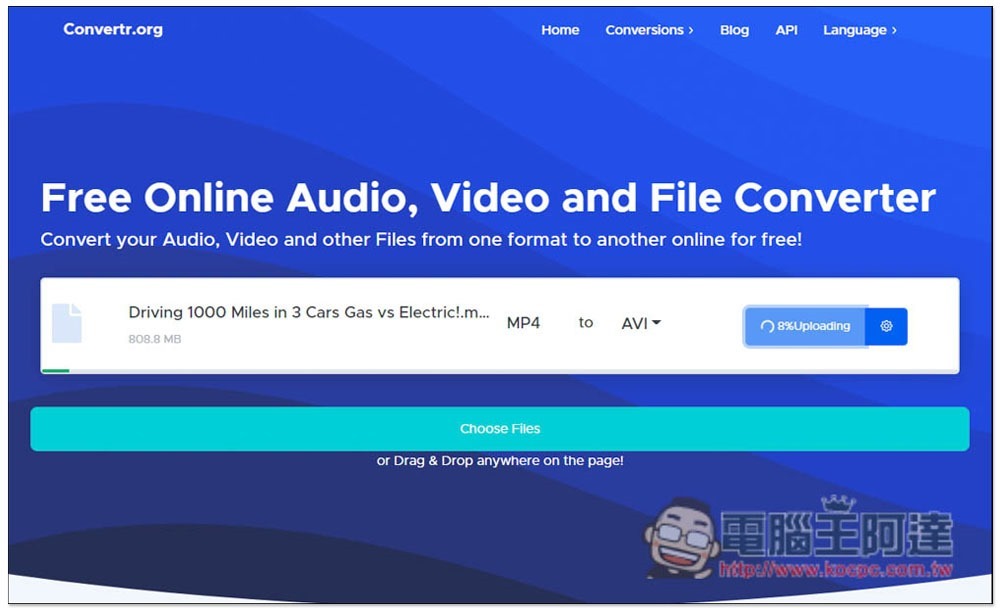
Press Convert to start uploading, processing, and converting. The time it takes depends on the size of your file. I tested an 800MB video and the total time took about 30 to 40 minutes. Compared with local conversion, it is still a bit longer, but it is acceptable. However, if the Internet speed in your home or environment is slow, unless it is a small file, it is not recommended to use this website. It will take a lot of time, and installing the video conversion software may not be much faster:
After the conversion is completed, the download button (Downlaod) will be displayed, click to download:
Source: KOCPC Chinese