


I believe that iPhone users, whether they have purchased the iPhone 13 series or have upgraded to iOS 15, are still exploring the new features of iOS 15. However, with major system updates, there are also reports of problems such as the inability to unlock the Apple Watch. In this regard, Apple has released an update to iOS 15.0.1 to solve some of the problems that have been reported.

iOS 15.0.1 is open for download to solve the problem of being unable to use Apple Watch mask to unlock
iOS 15 has many updates for notifications, maps, wallet, focus mode, Safari, original text, photos, health, weather, Siri, and privacy. For example, in “Present Text”, tap the highlighted text in the photo to make a call, send an email, or check route directions, and supports translation in seven different languages, including English, Chinese, French, Italian, German, Portuguese, and Spanish.

However, iOS 15 also brings many problems, which we will introduce one after another. Apple Watch won’t unlock、Bad screen touch conditionsetc.
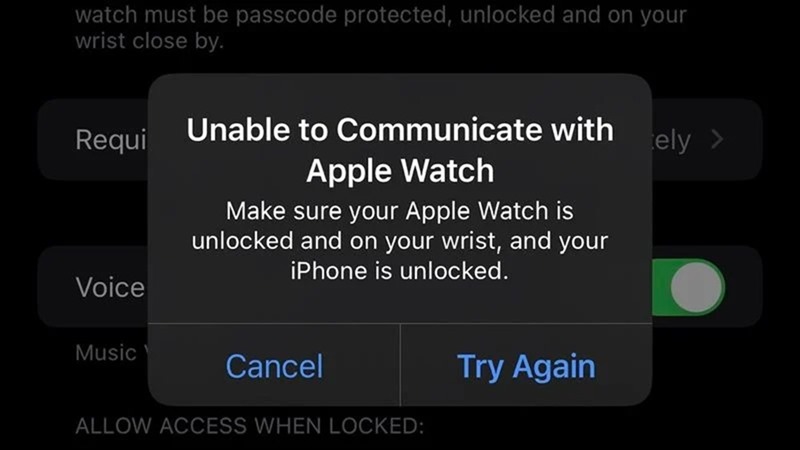
Apple has also released an update to iOS 15.0.1, which solves some relatively clear problems, such as the inability to unlock the Apple Watch, the storage space is full error, etc.
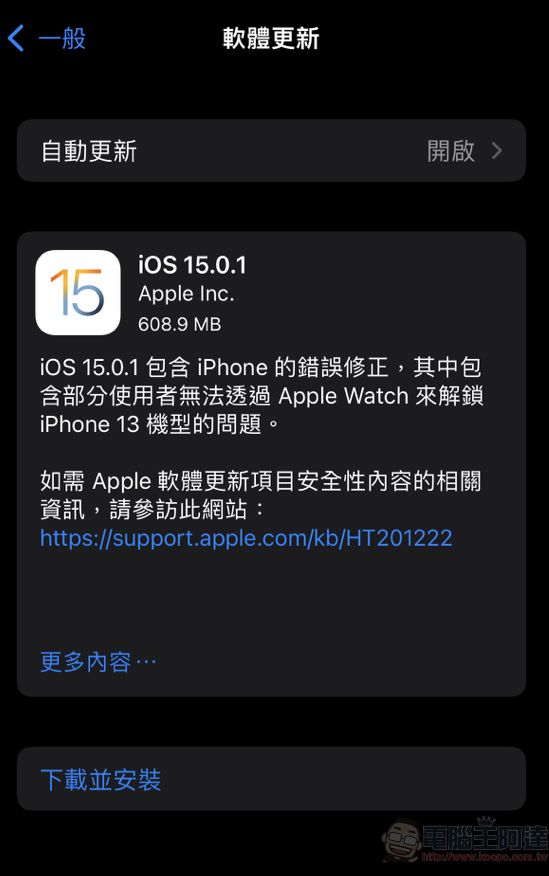
iOS 15.0.1 is currently available for download. Since the mask is attached to the body, the inability to unlock the Apple Watch function may be a problem that many people are concerned about. After downloading this updated version, there is no need to reset the system to solve the problem. However, we still have to remind everyone that updating is risky. It will be safer to make a backup before updating.
Source: KOCPC Chinese