


Because the Play Store is developed by Google, there is no app that provides YouTube background playback, no ads, or even the ability to download videos. Although YouTube Premium can solve this problem, not everyone has the budget. If you don’t mind installing the APK file yourself, Pure Tuber is a good choice, and it has the above functions.
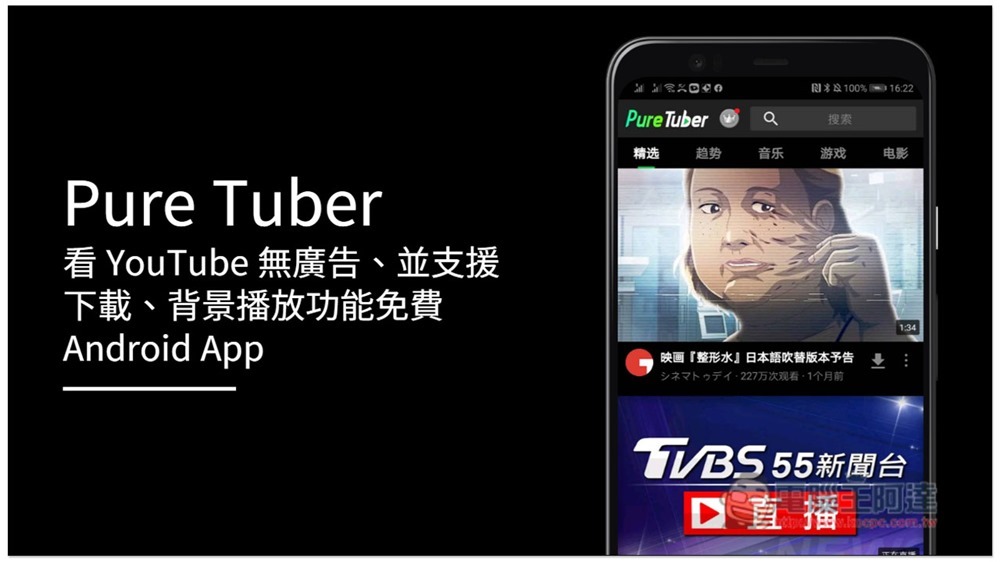
Introduction to Pure Tuber
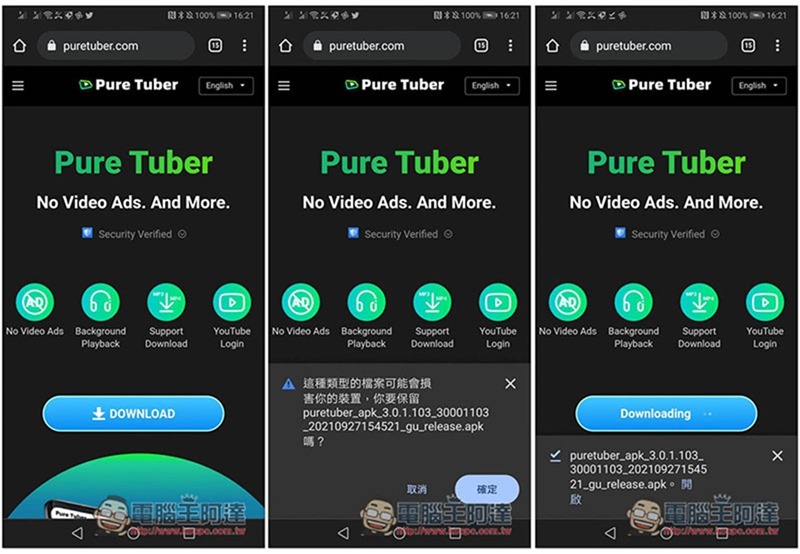
Pure Tuber is not available on Google Play. You need to download the APK file from the official website and install it. After pressing DOWNLAOD, a warning will pop up. After pressing OK, the download will start. After downloading, please open:
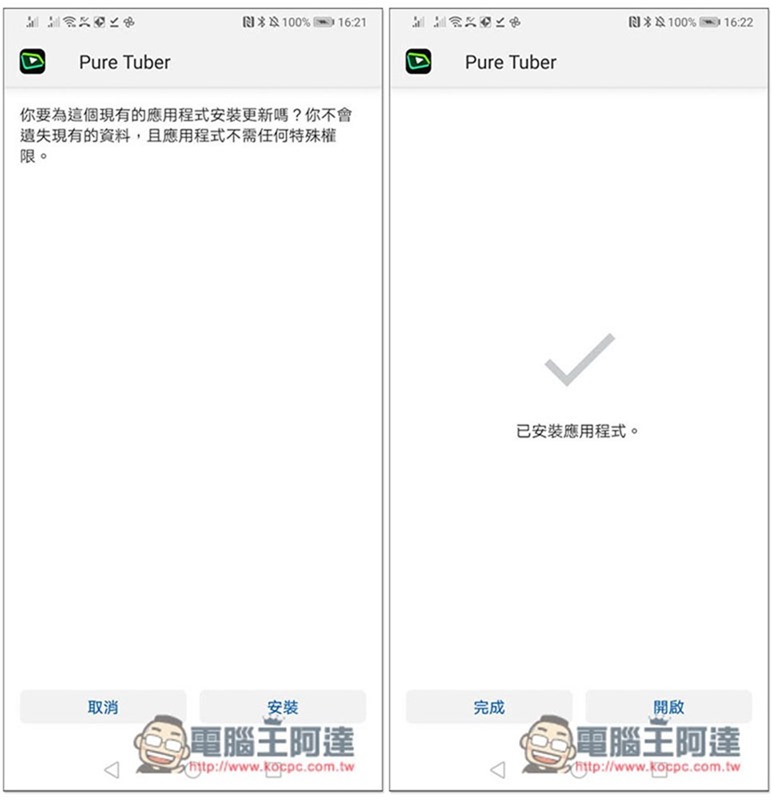
Then just follow the steps to install it:
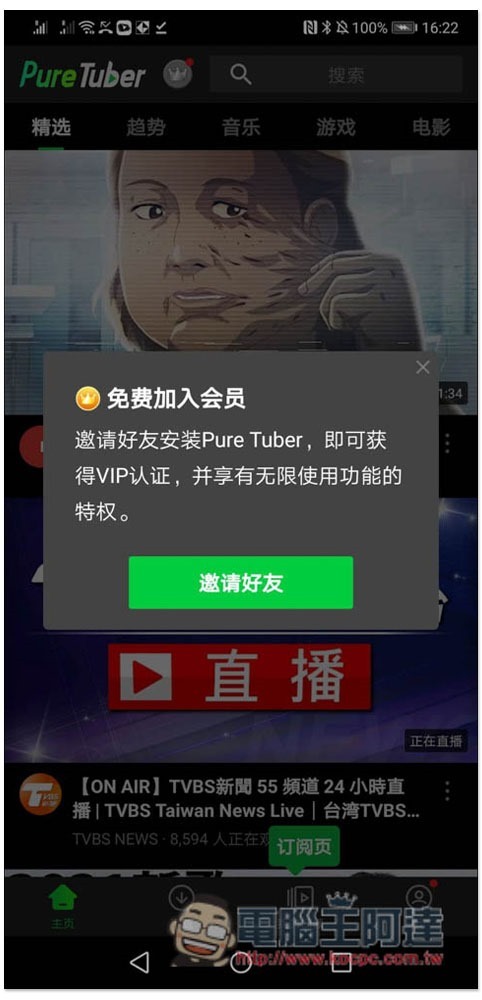
This app has a membership system. To put it simply, free members have a limit on the number of background plays and video downloads per day. By inviting friends, you can upgrade to VIP and there are no restrictions:
The homepage is the YouTube website, which provides some category menus and the search function is located in the upper right corner:

After entering the YouTube video page, you will see the “Download” function on the right:

After clicking, select whether you want to download videos or music:
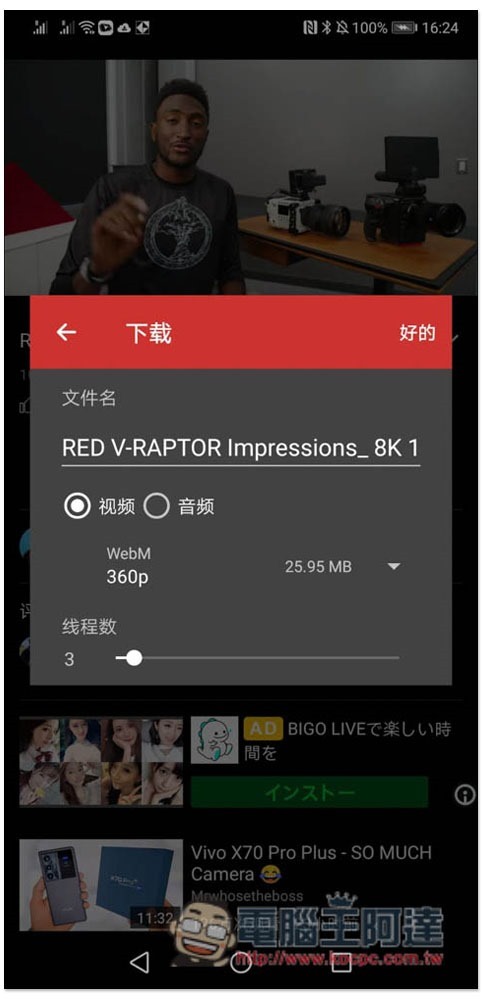
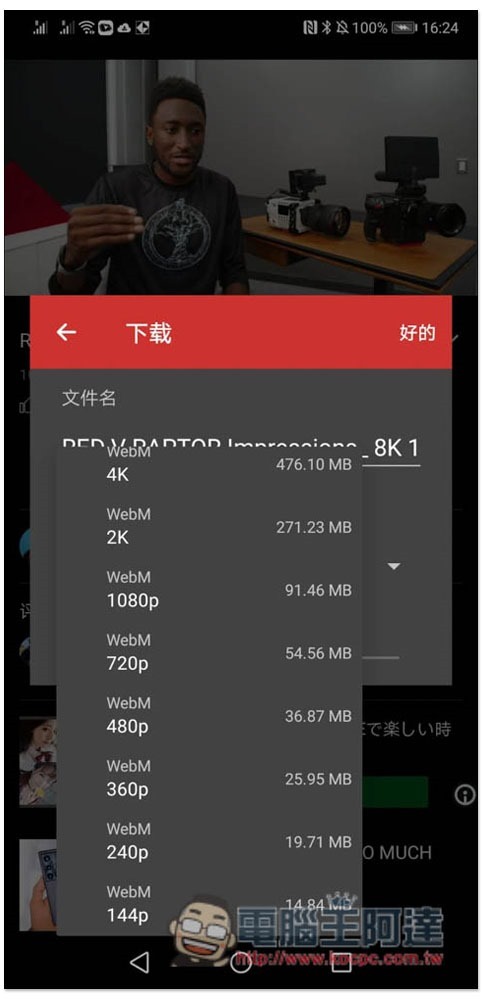
The video part only supports WebM, but Android can play it directly, so it’s no problem. It can be downloaded up to 4K resolution:
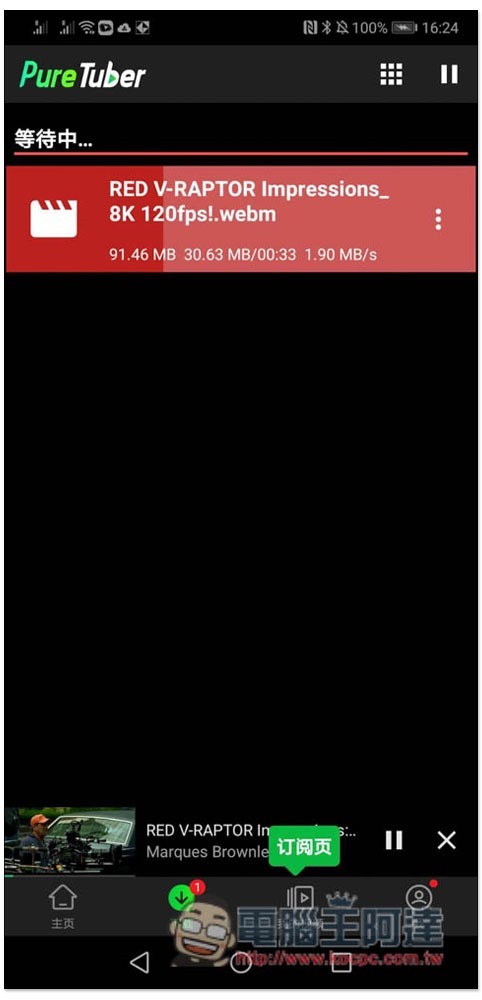
Then you can check the download progress in the download menu:
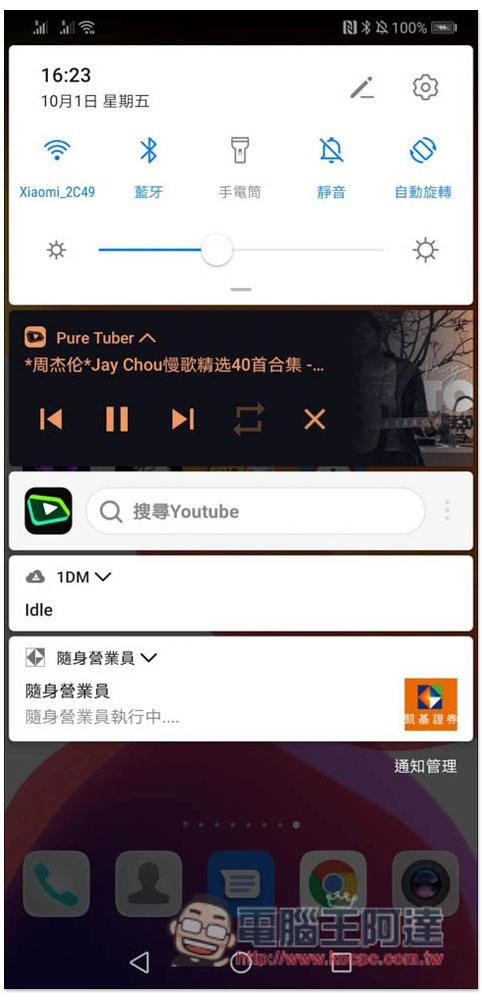
Background playback is also very simple. After opening the YouTube video you want to listen to, jump back to the desktop and the video will continue to play. The same is true for standby in actual testing:
This app also provides a YouTube login function. After logging in to your account, you can browse your subscribed YouTube channels, playlists, view past playback history, and more.
However, after all, it is installed manually through APK. If you are worried about security, it is recommended not to log in, or to create a new Google account specifically for this App.
Source: KOCPC Chinese