


Although there are many free online video and video conversion tools on the Internet, the files need to be uploaded when converting, and there are single-file restrictions, which makes it inconvenient to use. Any Video Converter is a free video and video conversion software that is a good choice. It is available in Windows and Mac versions. Basically, it supports all mainstream formats. It also provides common device options. For example, you can specify the format to be converted to a format that can be played by iPhone, Android, and smart TVs, so you don’t have to worry about making mistakes. It also provides online video downloading, video editing, and DVD burning functions such as YouTube.
Any Video Converter free video conversion software introduction
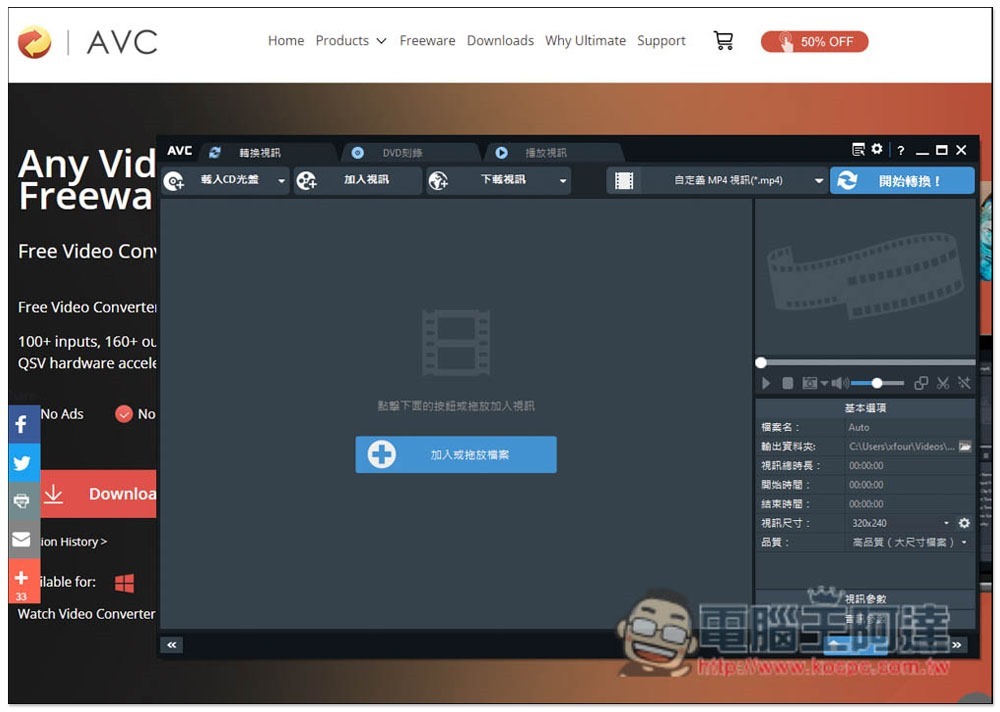
Any Video Converter has a Chinese interface, so there should be no problems in using it. After opening it, you can drag and read the file you want to convert:
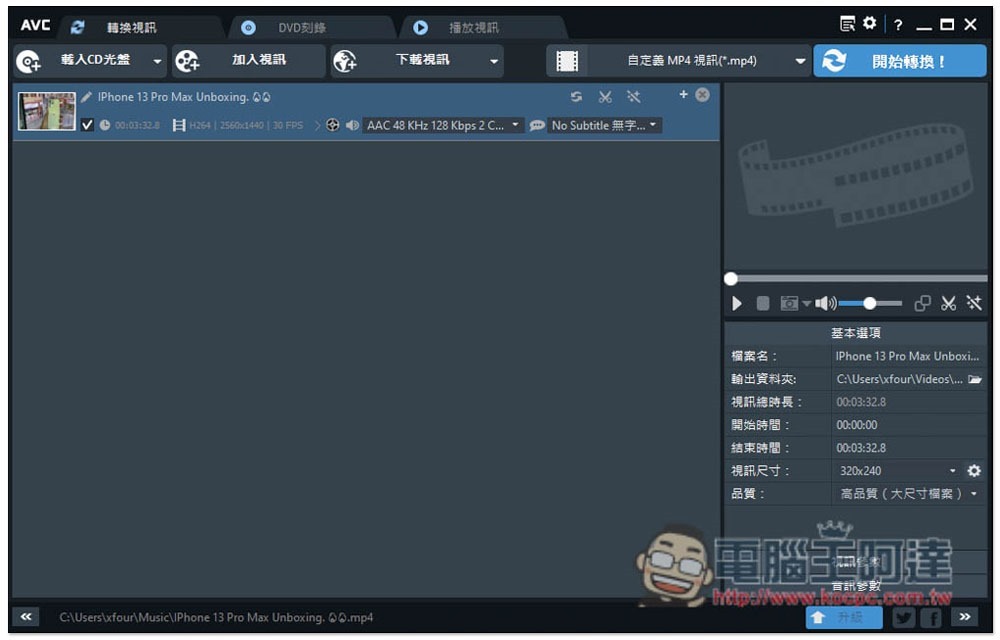
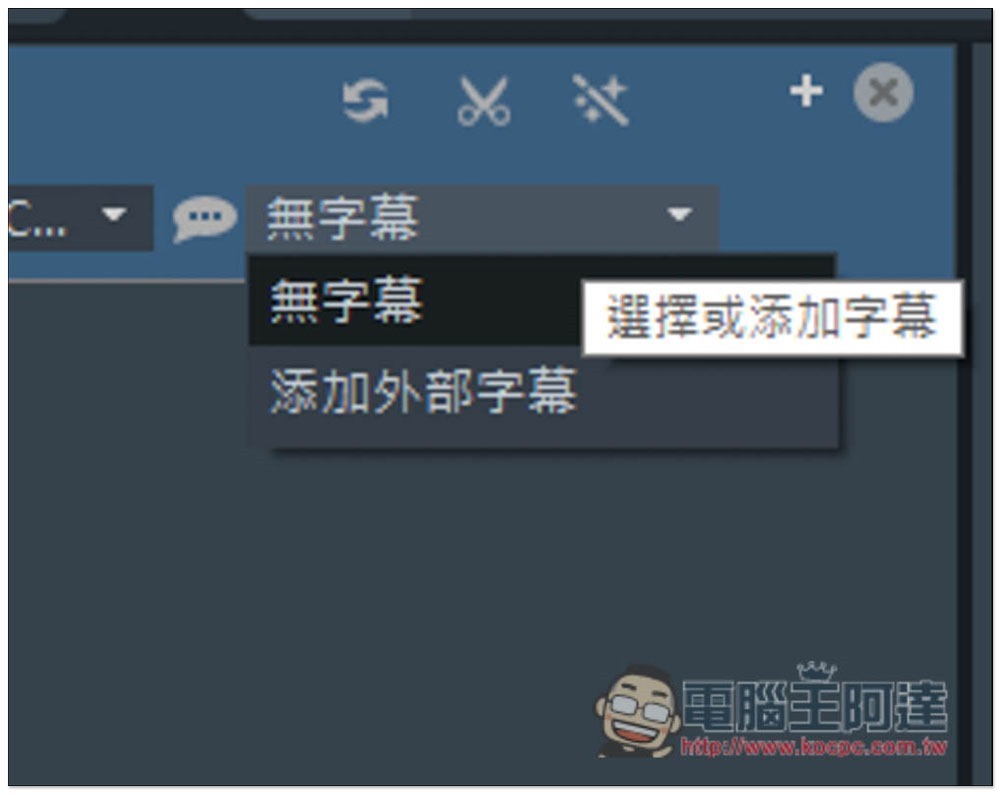
If the video has subtitle files, they can also be merged when converting:
In the upper right corner, you can select the format to be converted. The small icon on the left shows the device classification. WMV, MKV, AVI, MPG, MOD, M2TS, TS, MOV, H.264 and other formats are available:
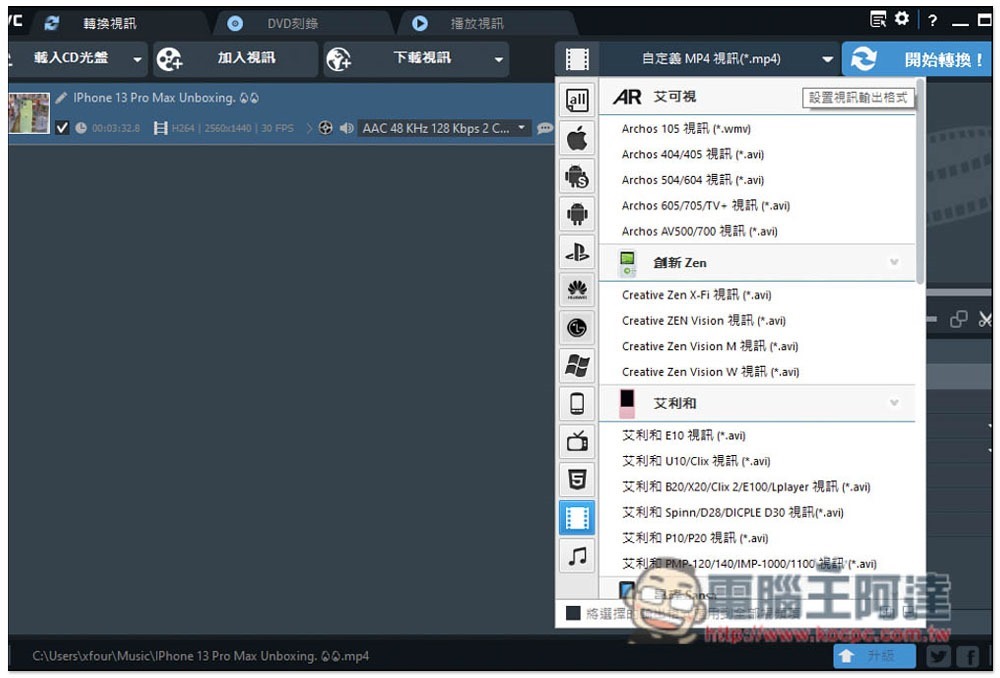
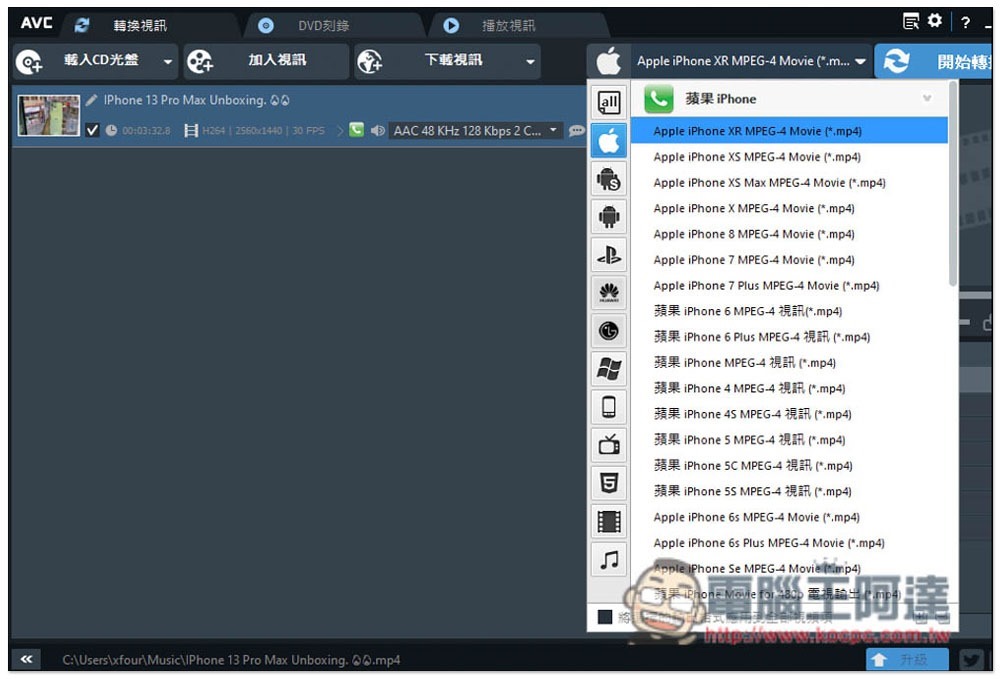
Almost every model of iPhone has it, but models after iPhone 12 have not been added yet, but they are roughly the same as iPhone XS:
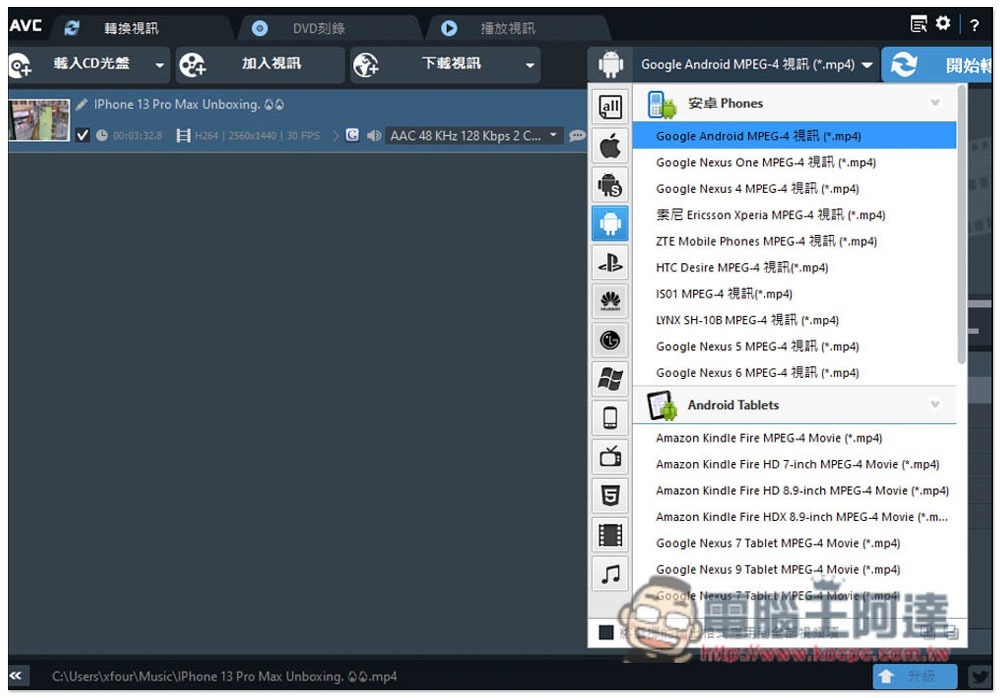
You can also find mainstream Android phones, especially Samsung, which has a lot of models to choose from:
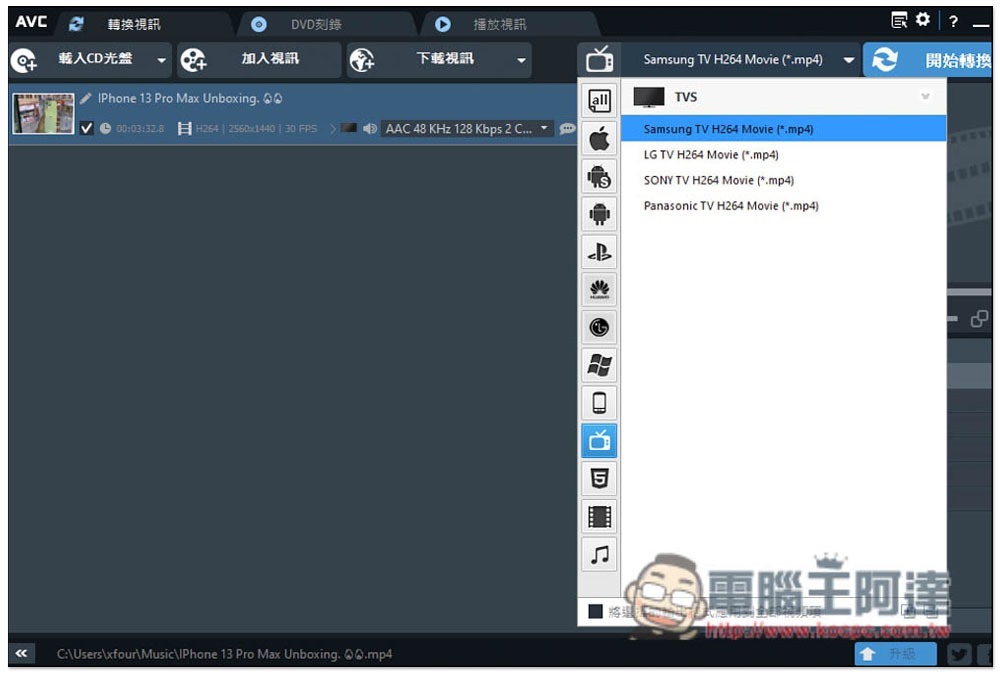
It even has a smart TV, which is quite rare. With these device options, you don’t have to worry about converting to the wrong format:
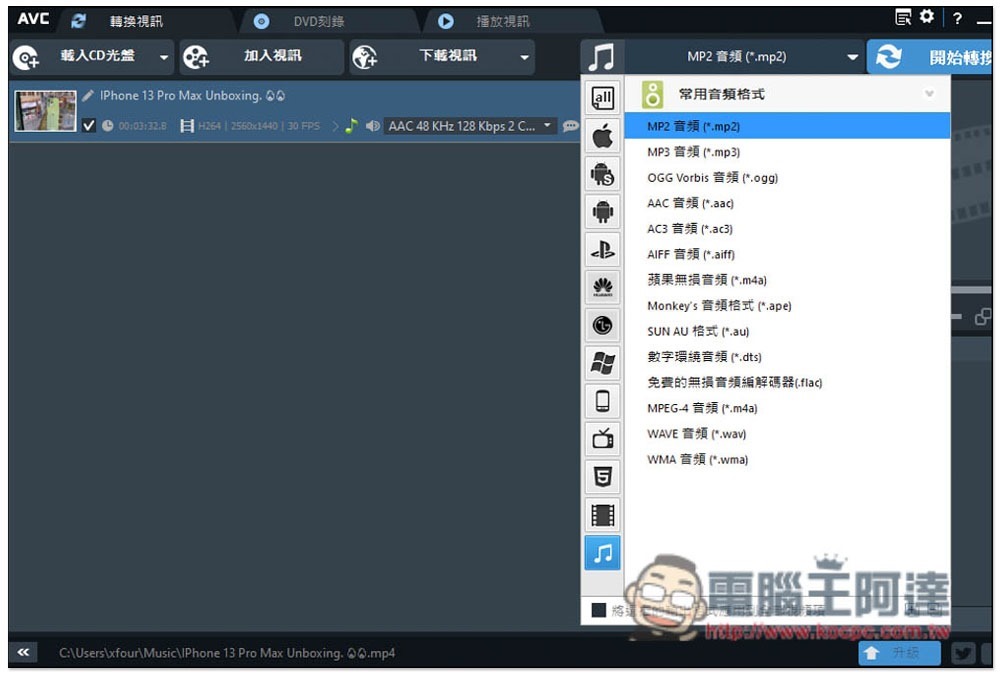
Of course, audio files can also be converted:
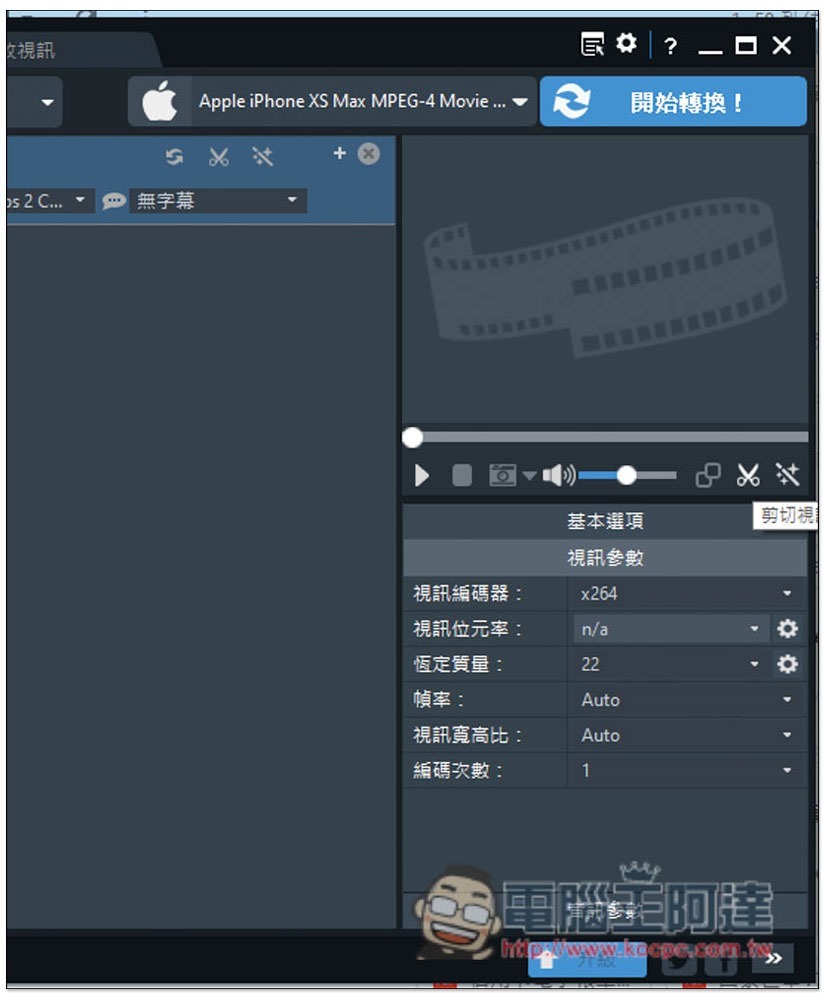
After the format is set, there are some settings in the lower right corner that can be customized. In addition, if necessary, there is a video editing function on the right side:
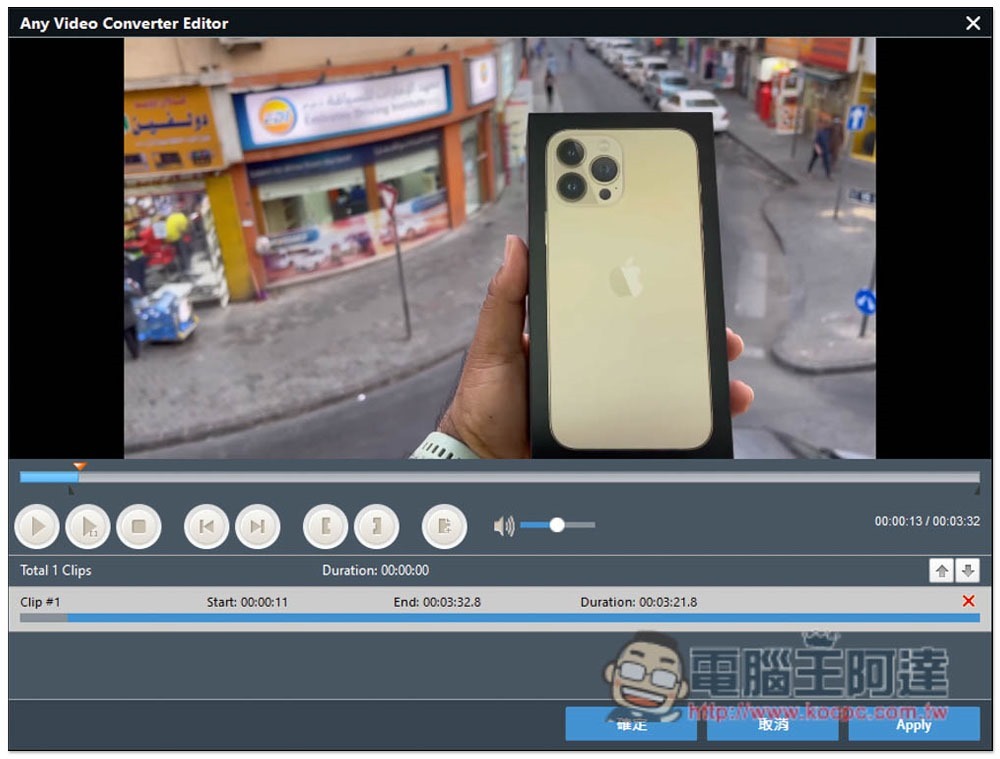
You can trim the clips you need and delete the ones you don’t want:
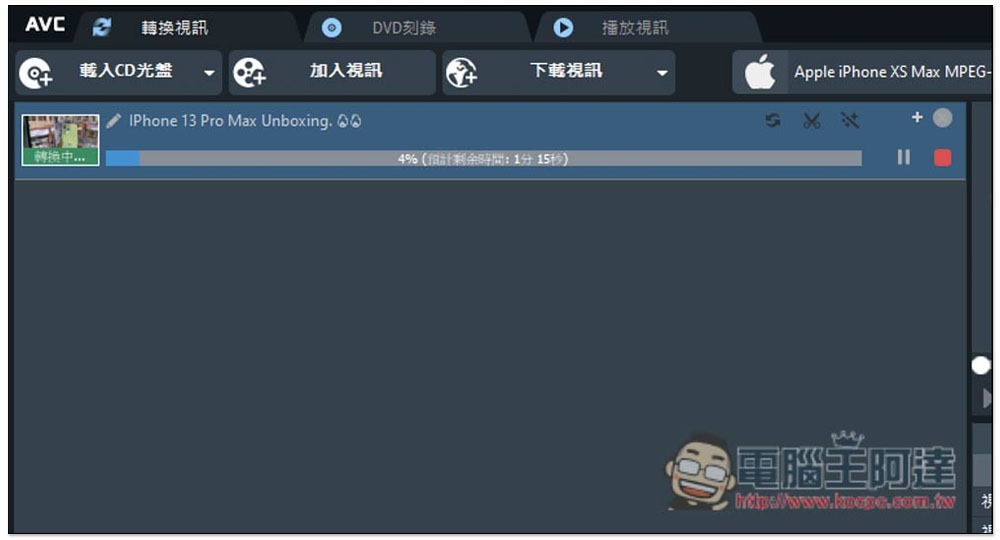
After everything is set up, press the upper right corner to start conversion, and the conversion will begin. The conversion speed is not fast, but it is not slow either (it is free after all):
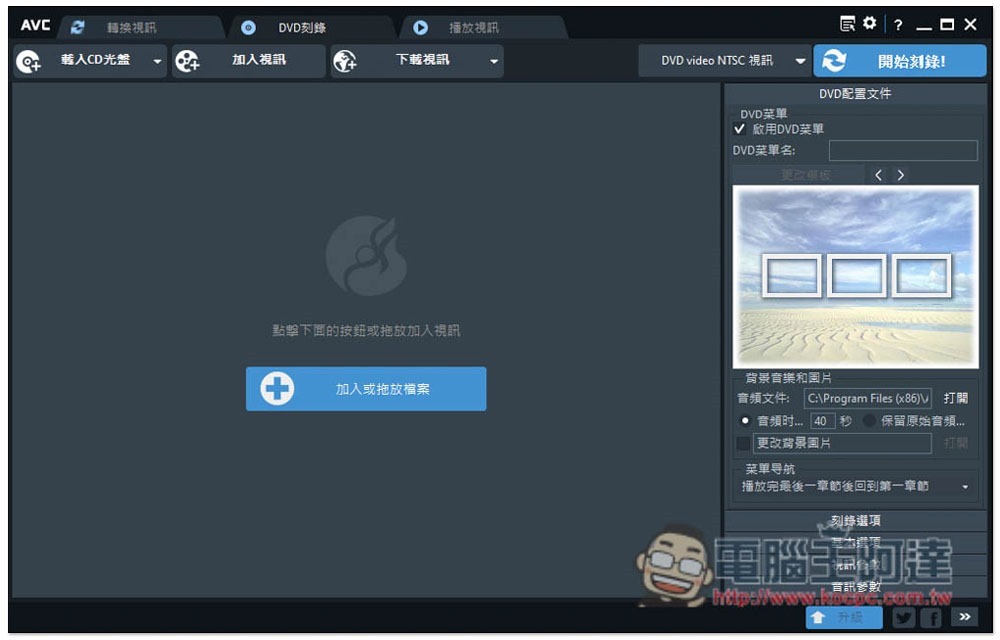
In addition to transcoding, this set also provides DVD burning functions:
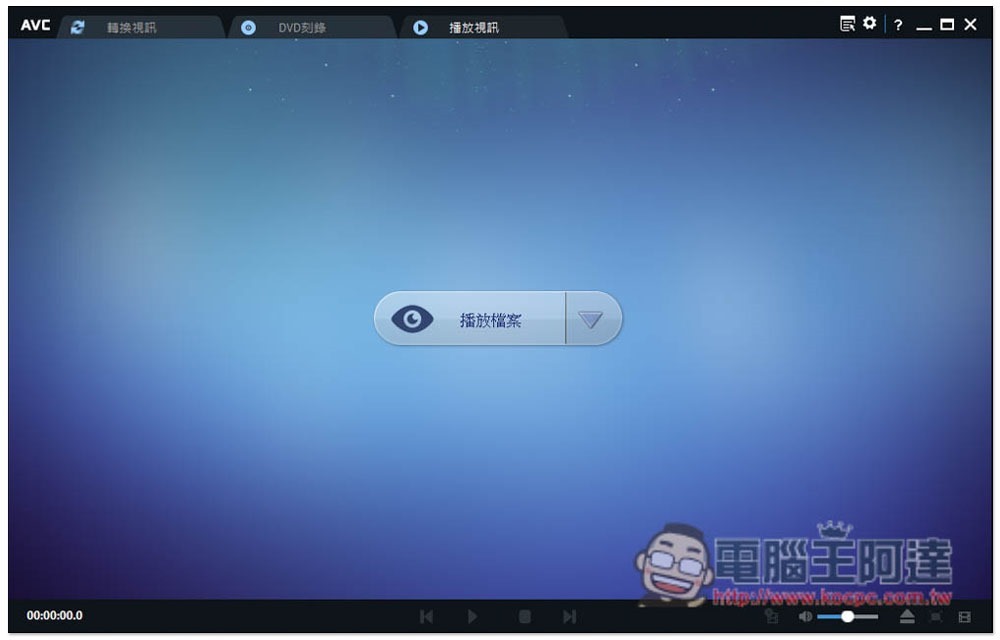
It even plays videos, but I don’t think it’s very practical:
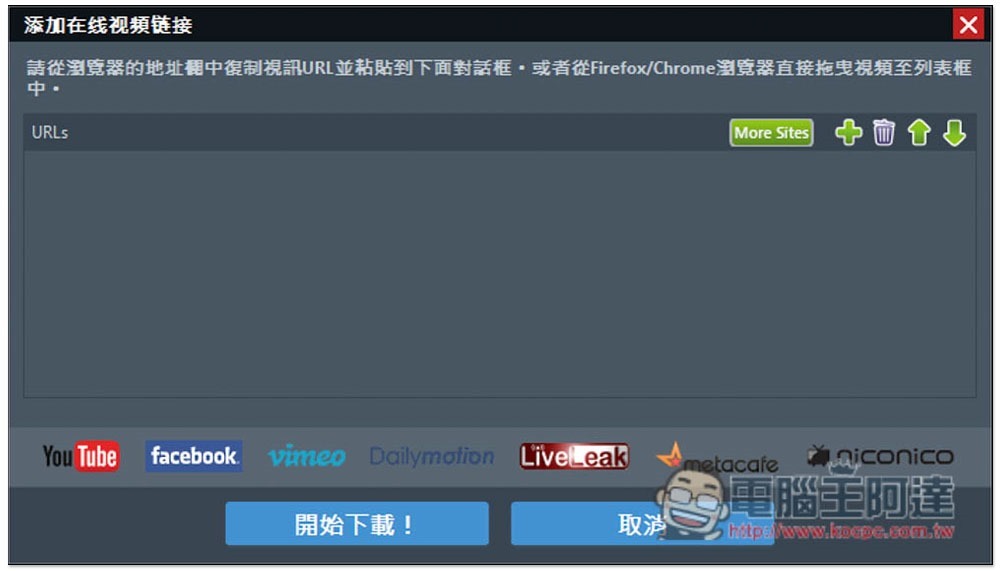
It also supports the video download function of mainstream websites. I tested YouTube and Facebook:
Source: KOCPC Chinese