


Following Google’s recent search engine algorithm changes, it’s often hard to quickly find what you’re looking for when searching for information, so you might turn to other search tools, or even AI.
This article introduces “SeekAll.ai”, a browser extension that is extremely useful for finding information. After installation, you can get results from multiple search sources with just one click. Beyond the familiar Google, Bing, ChatGPT, Perplexity, it also supports WebPilot, YOU, Claude, Kimi, China’s Baidu, Sogou, and even Xiaohongshu, YouTube, and more. You no longer have to manually open searches yourself.

SeekAll.ai gets results from multiple search sources in one click, including Google, ChatGPT, Perplexity, and over 30 other websites.
SeekAll.ai offers a local installer package and a Chrome extension; I installed the latter, and it works on any Chromium-based browser. Usage is also simple: just check the search result services you want, enter a keyword or content, and press the search button—it will open each service’s webpage individually and display the results.
Although there are many supported services, it’s still not recommended to search for too many at once, especially on computers with lower specifications, because each service opens a new tab. Checking 5 will open 5 new tabs, and checking 10 will open 10. Opening too many at once may be too much for computers with limited memory.
Some services require you to log in to your account before displaying search results, such as Facebook.
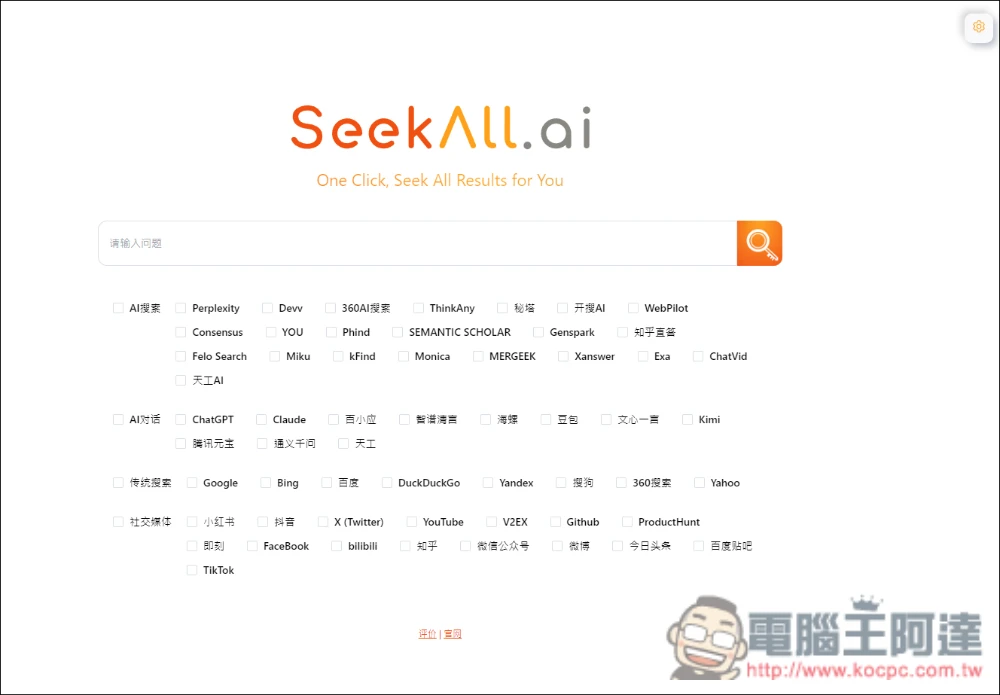
The following are the currently supported services.
- AI Search: Perplexity, Devv, 360AI Search, TinkAny, Metaso, KaiSearch AI, WebPilot, Consensus, YOU, Phind, SEMANTIC SCHOLAR, Genspark, Zhihu Direct Answer, Felo Search, Miku, kFind, Monica, MERGEEK, Xanswer, Exa, ChatVid, Tiangong AI
- AI Dialogue: ChatGPT, Claude, Baixiaoying, Zhipu Qingyan, Hailuo, Doubao, Ernie Bot, Kimi, Tencent Wubao, Qwen, Tiangong
- Traditional search: Google, Bing, Baidu, DuckDuckGo, Yandex, Sogou, 360 Search, Yahoo
- Social media: Xiaohongshu, Douyin, X, YouTube, V2eX, Github, ProductHunt, Jike, Facebook, bilibili, Zhihu, WeChat Official Account, Weibo, Toutiao, Baidu Tieba, TikTok
After clicking the link above to go to the SeekAll.ai official website, choose how you want to install it. Click ‘Chrome extension’ and you’ll be taken to the store page, then click ‘Add to Chrome’ at the top right:

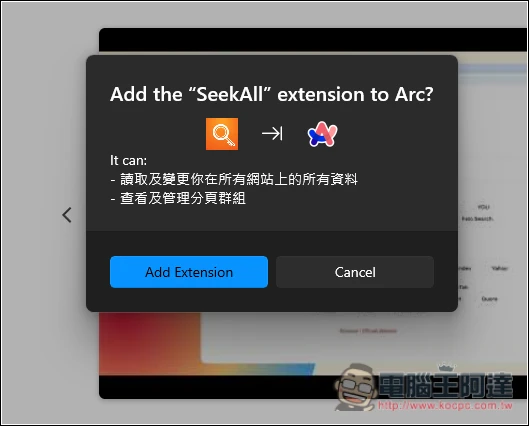
I use the Arc browser, which is also built on the Chromium core, so it can be installed too:
After installation, open it and you will see many search services. Check the ones you want to search, and enter your search content in the field above:
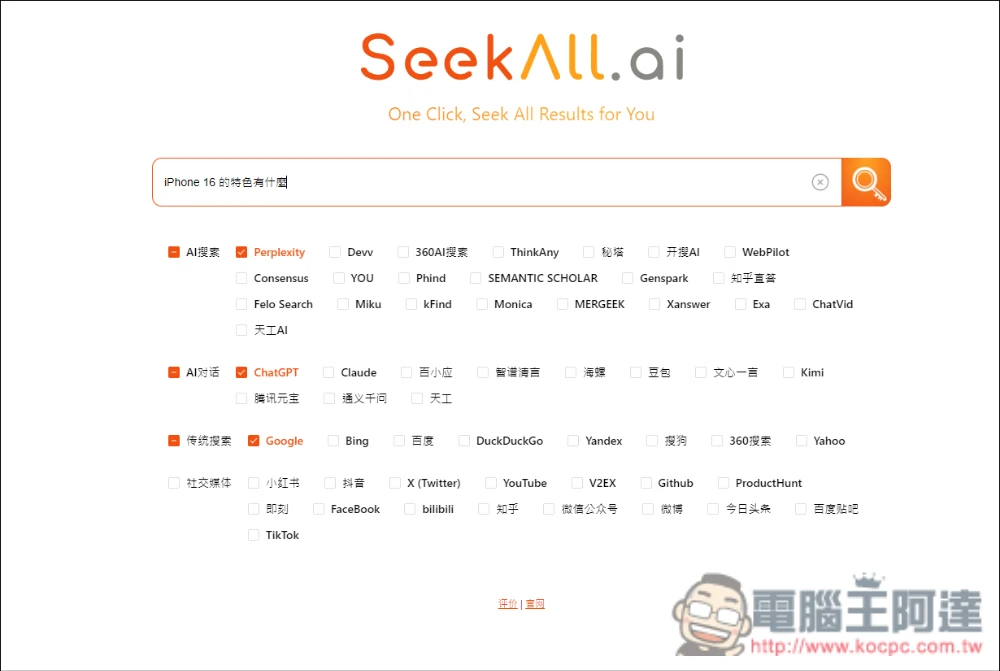
Like this, I check Perplexity, ChatGPT, and Google, and the search content is “What are the features of iPhone 16?”:
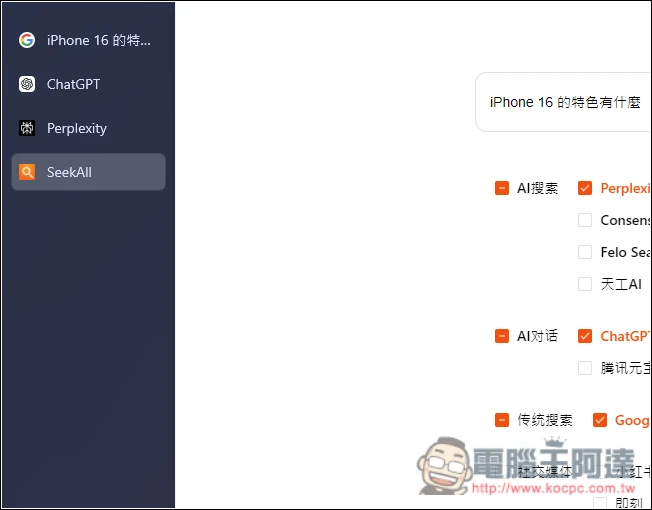
Then you’ll see browser tabs automatically open the pages for these three services:
Every webpage already has the content I wanted entered into it and displays the results:

Below there is also a search function for continued follow-up questions. Similarly, you only need to type in one webpage and the other webpages will be affected too—no need to enter them one by one. This way, you can keep searching across multiple webpages consecutively:
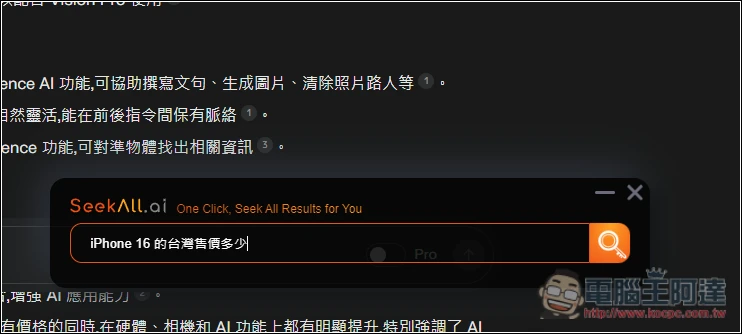
ChatGPT will keep asking in the same chat room instead of opening a new one, which is a nice touch:

In the settings, you can adjust which websites are displayed, and you can also manually add other websites:

Source: KOCPC Chinese