


AI is really getting more impressive these days. It’s not just articles, images, videos, music, and websites anymore—now it can even generate app applications, and it’s all done through natural language. All you need to do is provide a text description, and this free, open-source tool called LlamaCoder can generate it. It also supports multiple models, including Llama 3.1 405B, Llama 3.1 70B, and Gemma 2 27B.
The generated app not only gives you the code, but also lets you use it online directly, and even share it with others.

With LlamaCoder, you don’t need to know how to code—just describe your idea in text, and AI will generate your app.
Although LlamaCoder is a free open-source tool developed overseas, its LLM models all support Traditional Chinese, so you can directly provide prompts in Chinese and it will still generate correct results.
The way to use it is just like most AI generation tools: you enter a description of the app you want, and it generates it for you. Once it’s generated, you can also make modifications.
However, note that when making changes, it doesn’t modify the currently generated App; instead, it regenerates a new one. As a result, the entire interface and features may vary somewhat. It’s better to provide a complete description Prompt all at once.
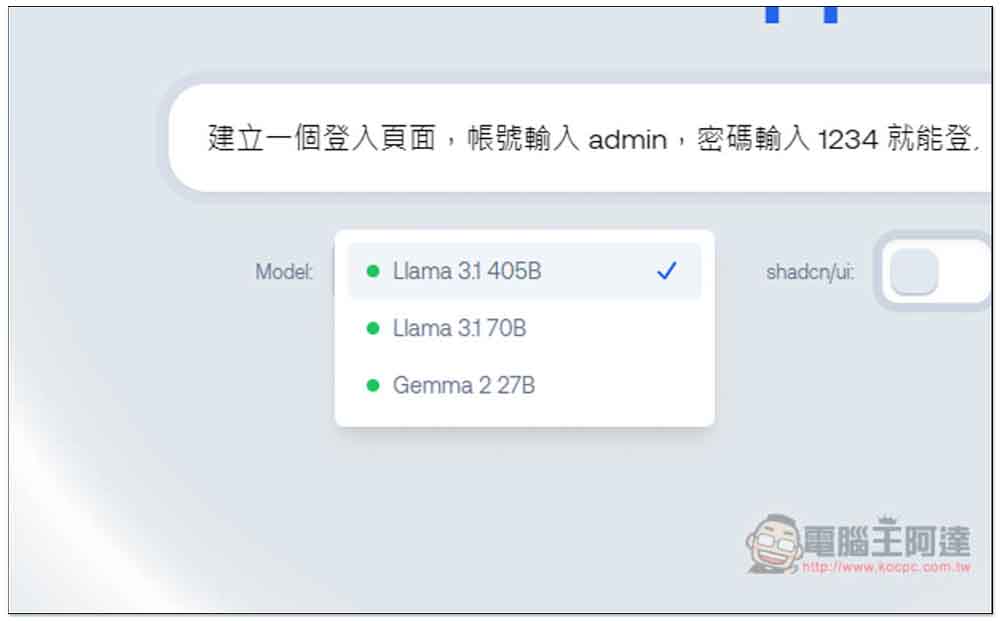
After clicking the link above to enter LlamaCoder, just type the app description prompt you want to generate in the box, like I entered: “Create a login page where entering admin as the account and 1234 as the password lets you log in, then displays an exquisite calculator.”

There are three models. If you have no special requirements, just use Llama 3.1 405B. But if you’re not satisfied with it, you can also try other models:
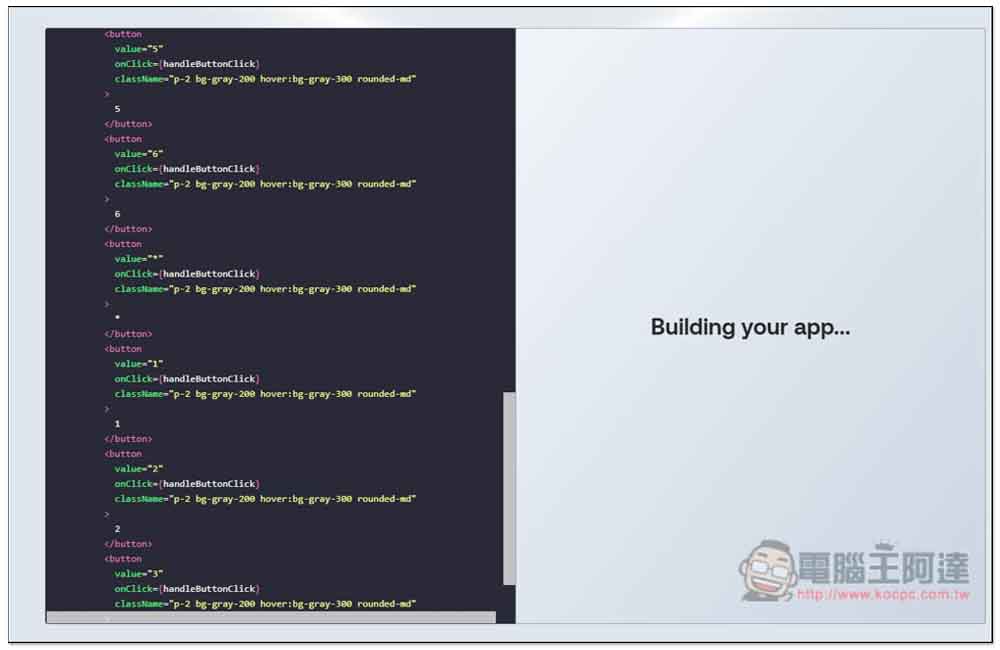
Then it starts generating, and the code being generated in real time also appears on the left side. It’s done in just a few dozen seconds—very fast:
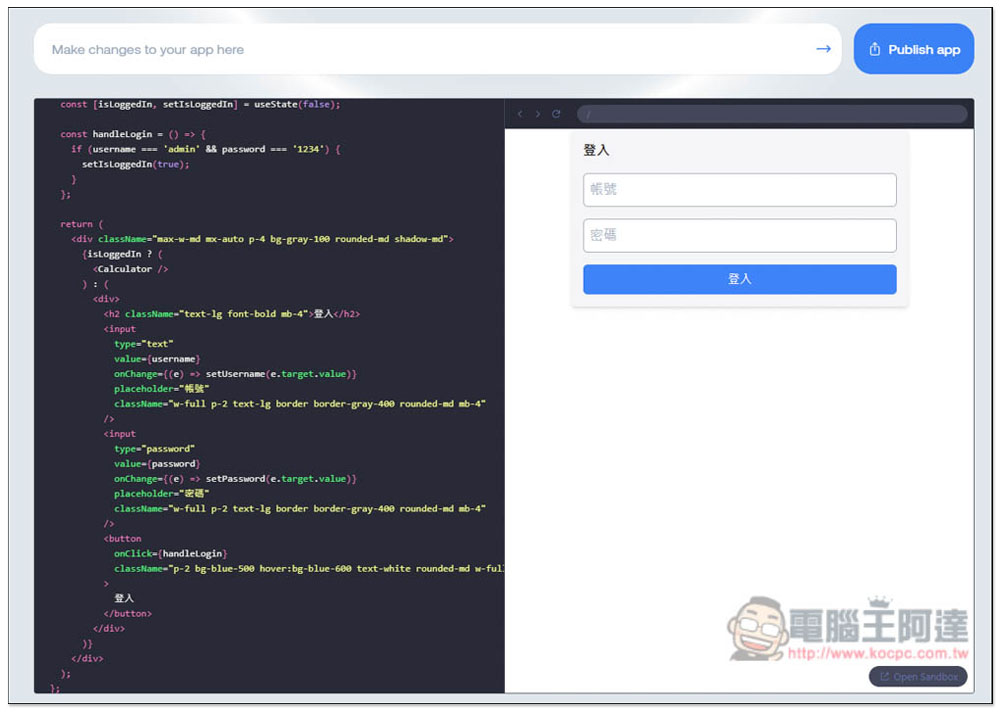
Once generated, the result will appear on the right side, just as I requested—a login interface where you can enter your account and password:
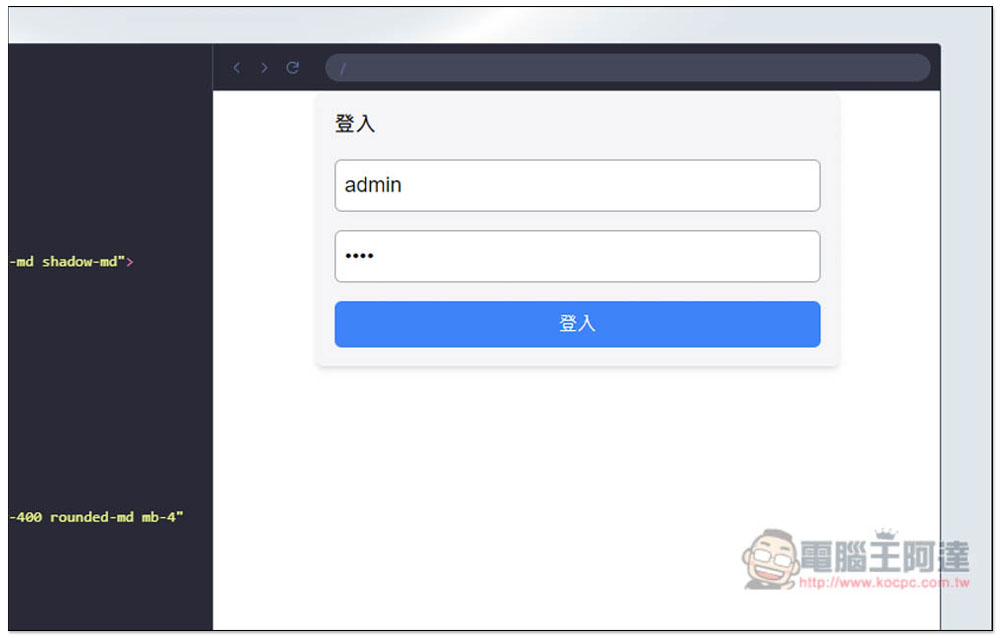
I entered the admin and 1234 as requested:
Really logged in correctly, and there’s also a calculator tool inside:
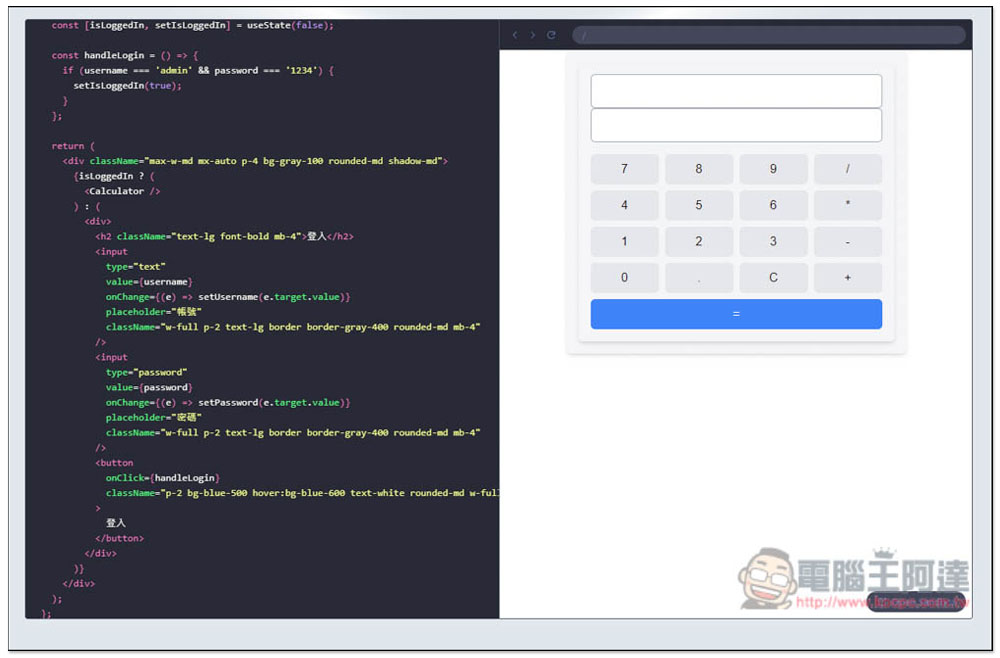
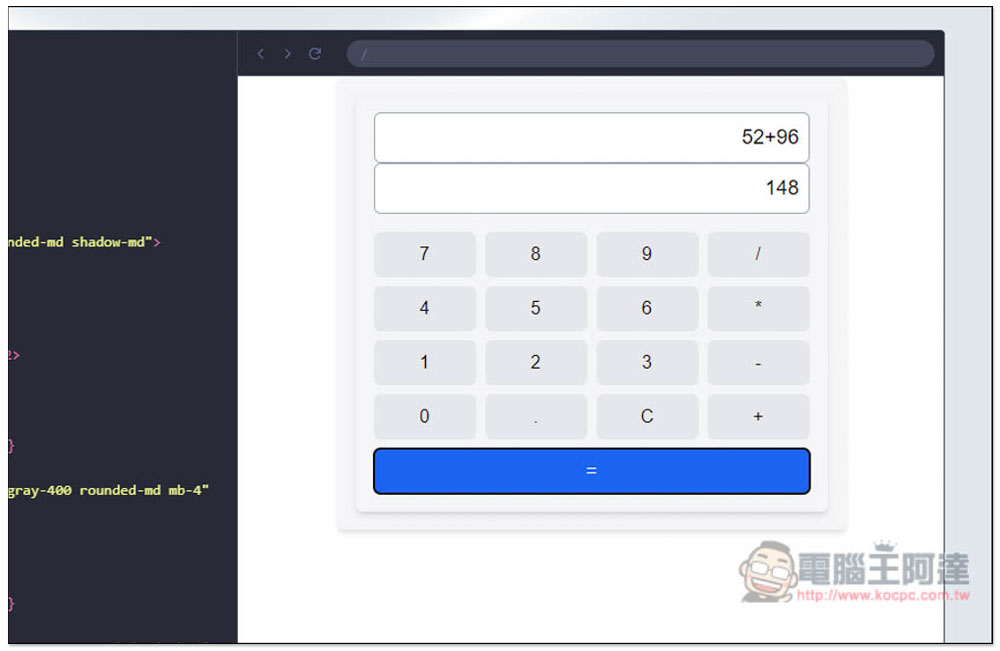
The actual tested calculator operates normally:
The fields above are for adding and modifying content. I would like to add a new feature: “The calculator will record each of my calculation results below.”
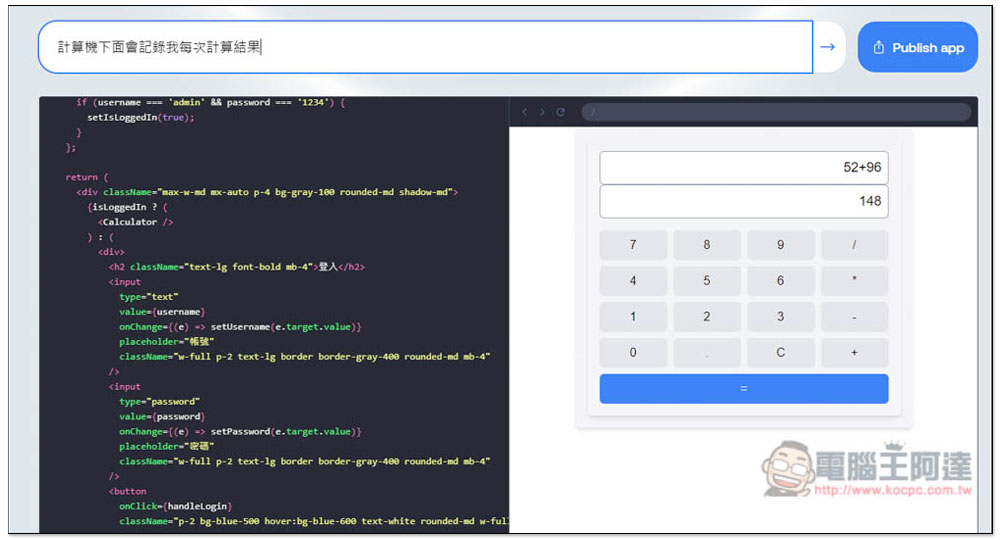
Pressing Enter will regenerate everything from scratch, so you’ll need to wait another few dozen seconds:
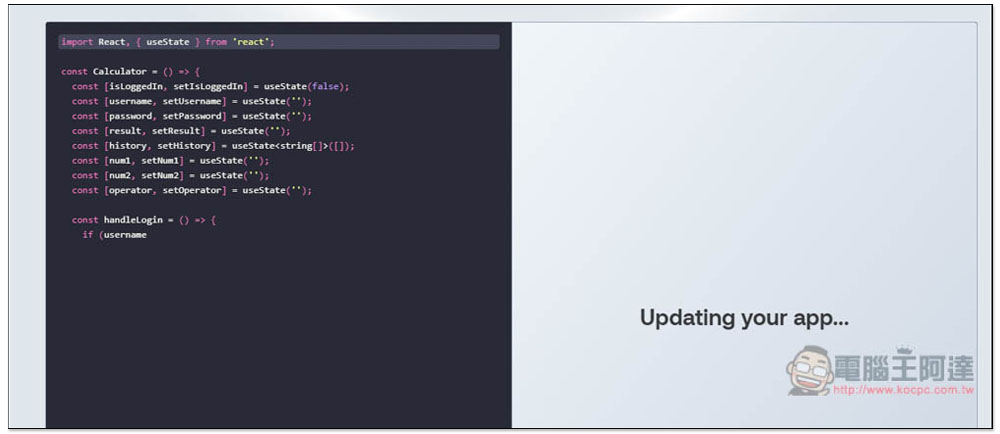
After regeneration, the login interface has also changed and is now in English. However, the admin, 1234 I requested can still log in:
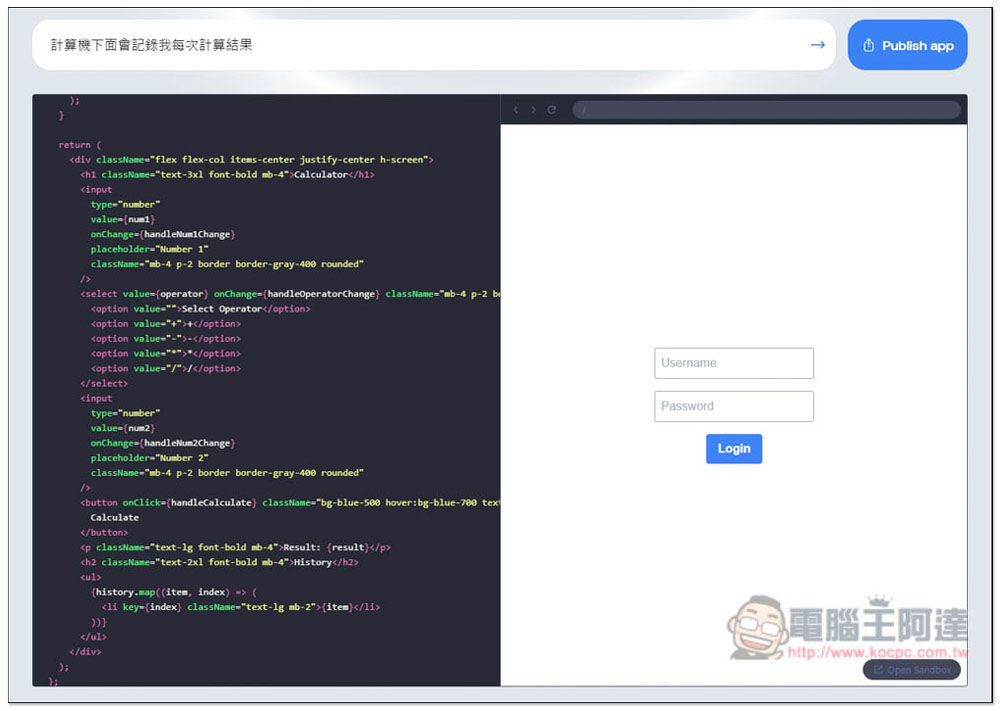
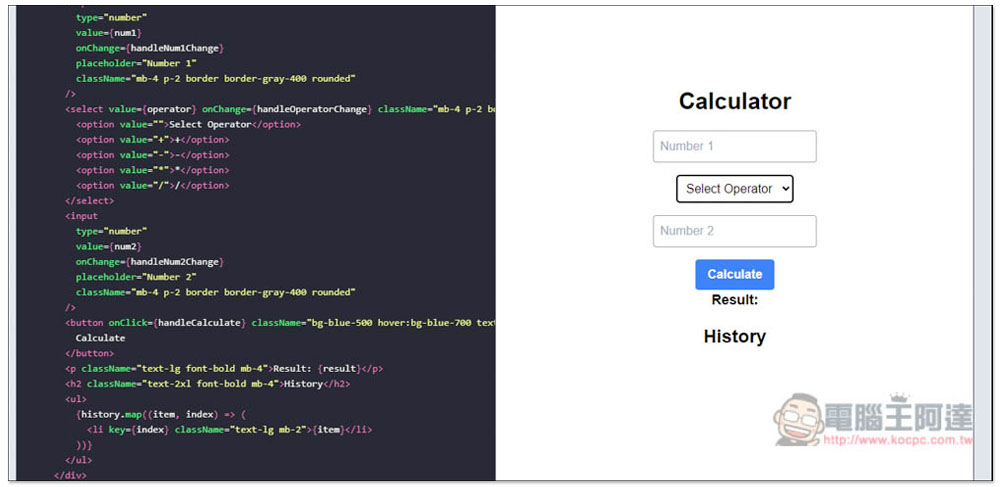
The internal calculator is also different, becoming manual value entry, and then you select the algorithm to use in Select Operator, such as: addition, subtraction, multiplication, etc.:
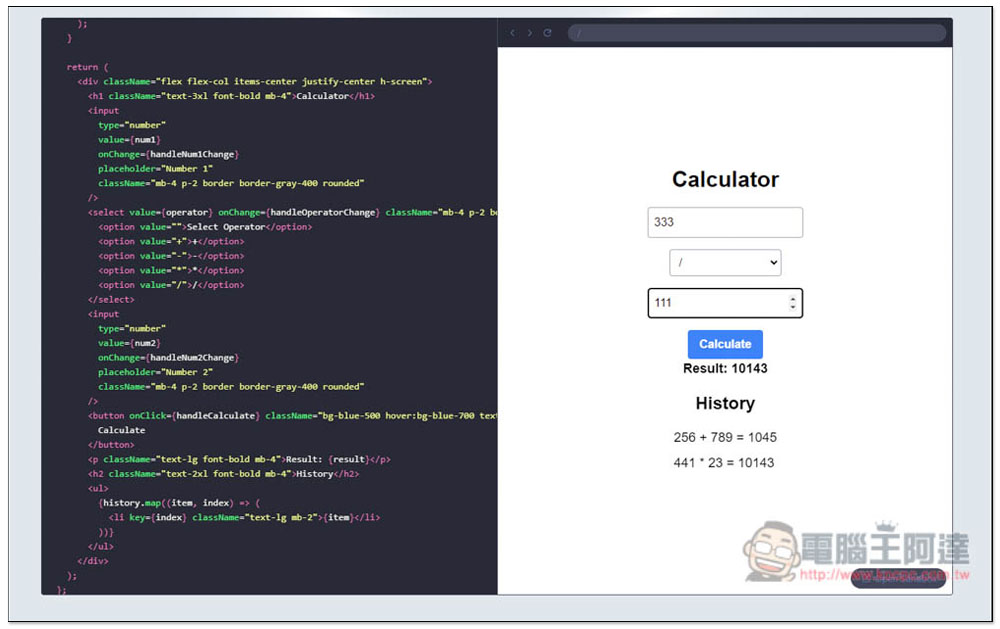
And the recording of each calculation result as I requested has indeed been added in, it’s just that I’m not really fond of the interface design. Of course, you can also regenerate it — this tool has no usage restrictions at all. For anyone interested in trying it out, I have… Publish Open for everyone to try:
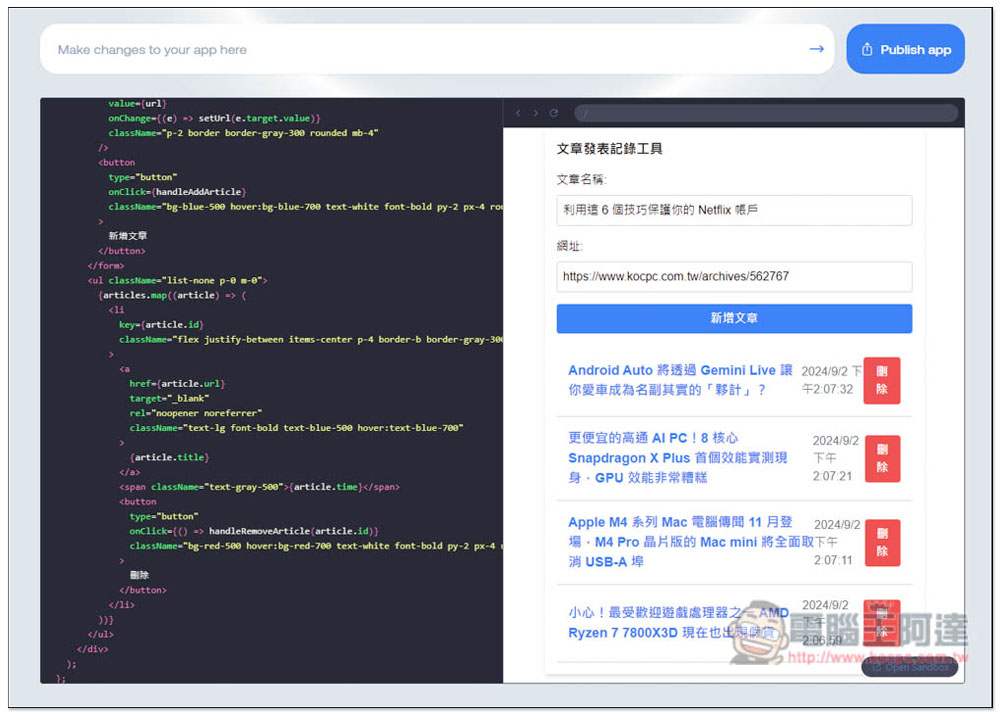
Next, I also have another one I can test.Record the article publication timeThe tool, described as “Create a tool to record article publication timestamps, capable of recording 100 entries. I will input the URL and article name, and the URL should include a hyperlink.” The generated App indeed matches my requirements:
Source: KOCPC Chinese