


Skylum AirMagic is a very powerful one-click AI automatic photo retouching software for Windows and Mac computers. After reading in the photo you want to retouch, press Output, and it will automatically retouch the photo to help you adjust the photo to the best condition, such as adjusting the saturation in a timely manner, making the sky bluer, and the plants greener. Simply put, it makes the photo look better.
The original price of this set is US$39. Recently, the official website is doing a promotion. Just enter your name and email address to get the serial number for free, and it is free for life.
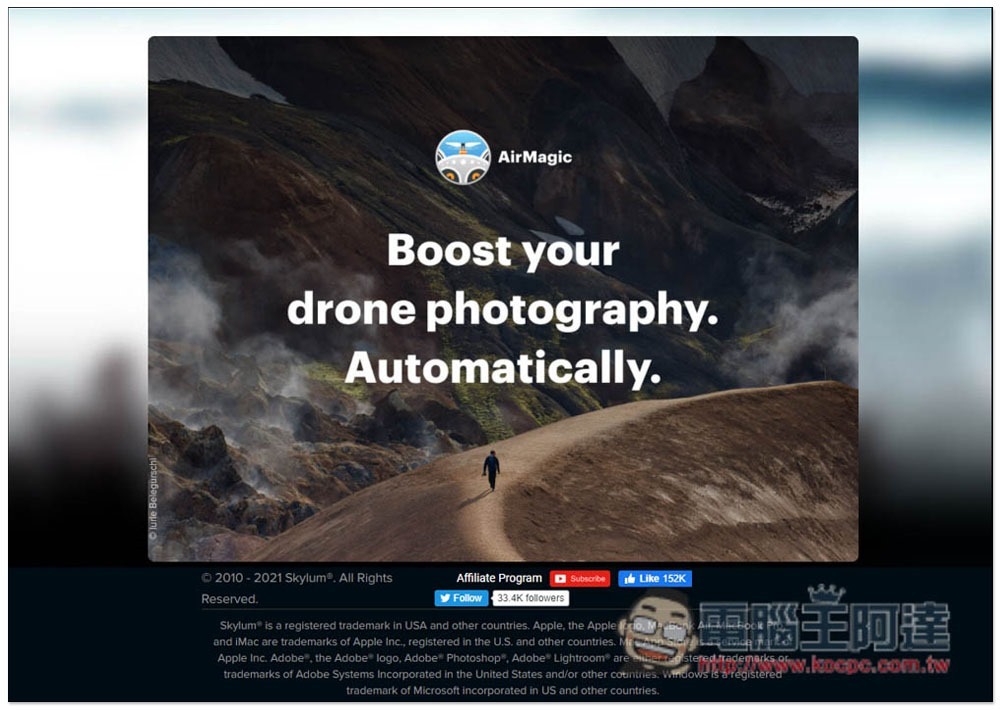
Skylum AirMagic Limited Free Promotion Introduction
After entering the Skylum AirMagic limited free event webpage, you can see the information filling field on the right side. After entering your name and email, click Submit below. In addition, the event webpage does not mention when the exemption will be limited, so it is recommended that those who see it quickly get it and activate the serial number:

The serial number and software installation point will be sent to the email address you filled in:

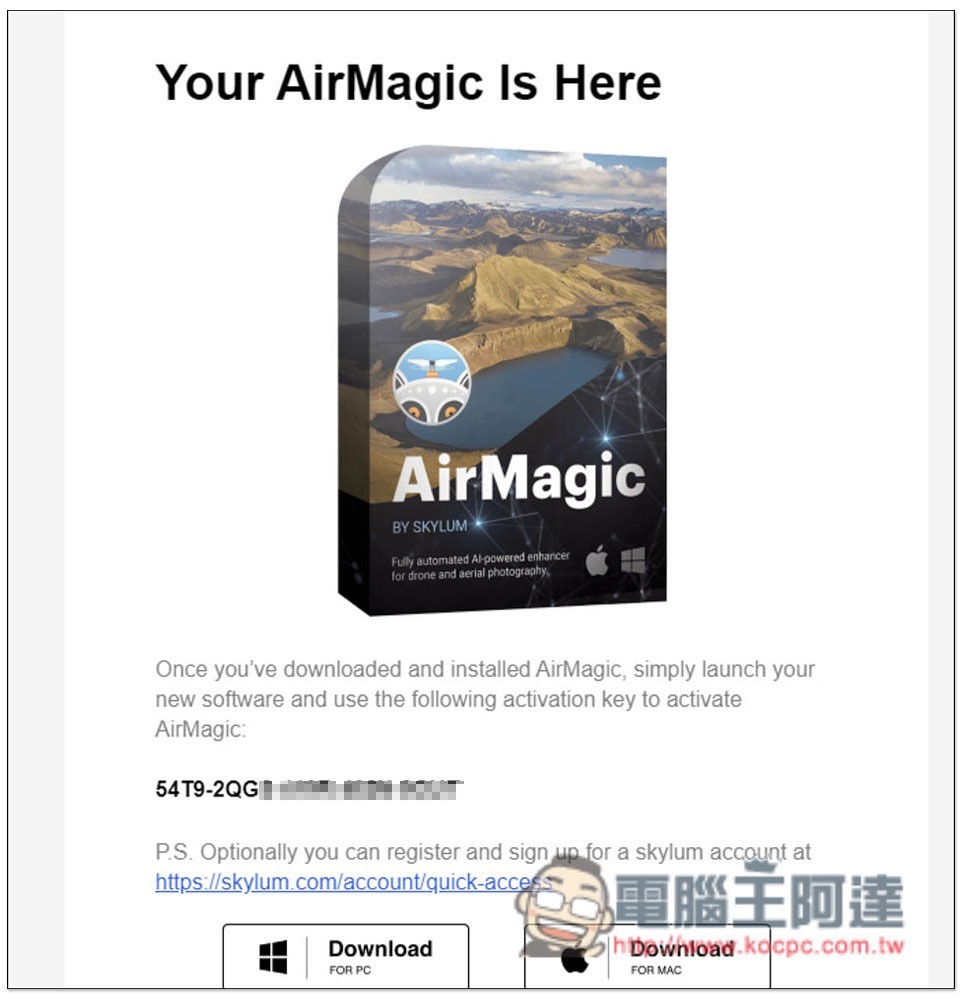
You will receive this letter when you open your mailbox. Below you will find the registration number and software installation download points for Windows and Mac:
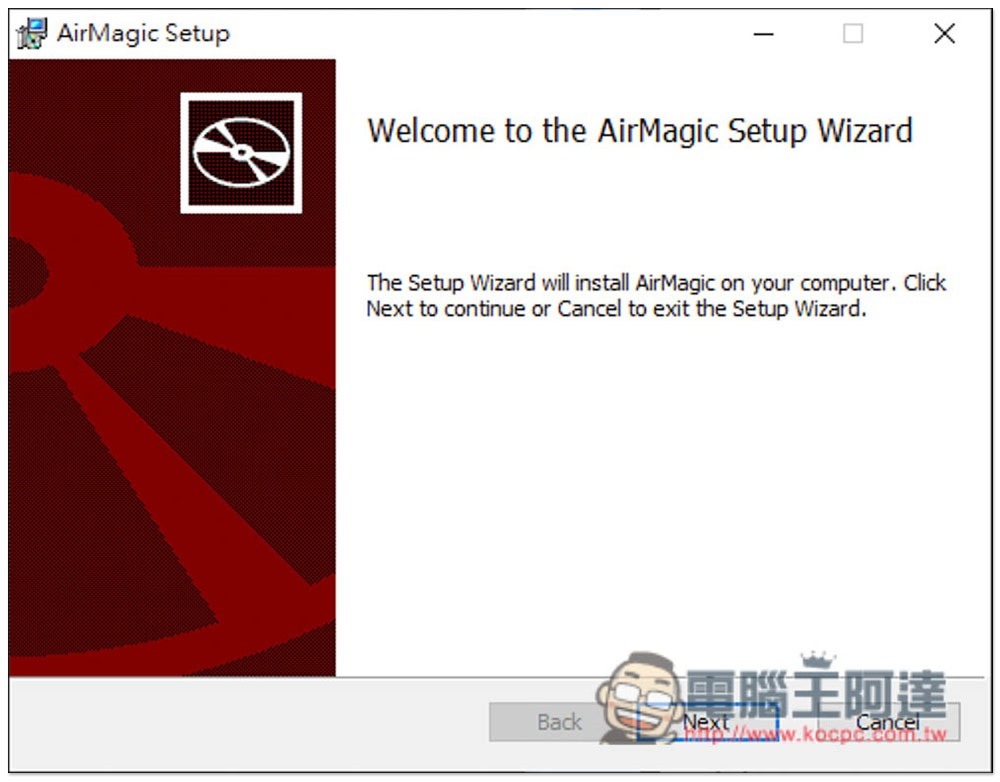
For Windows, if there are no special requirements during the installation process, just click Next:
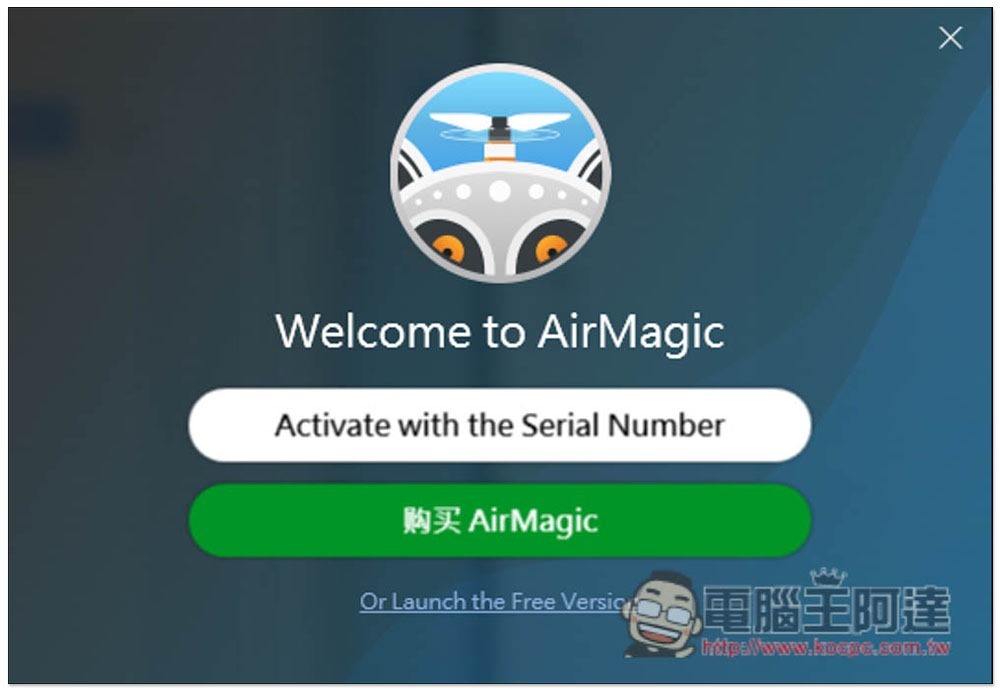
After installation, open the software and click “Activate with the Serial Number”:
Paste the serial number you just got and fill in your email address:
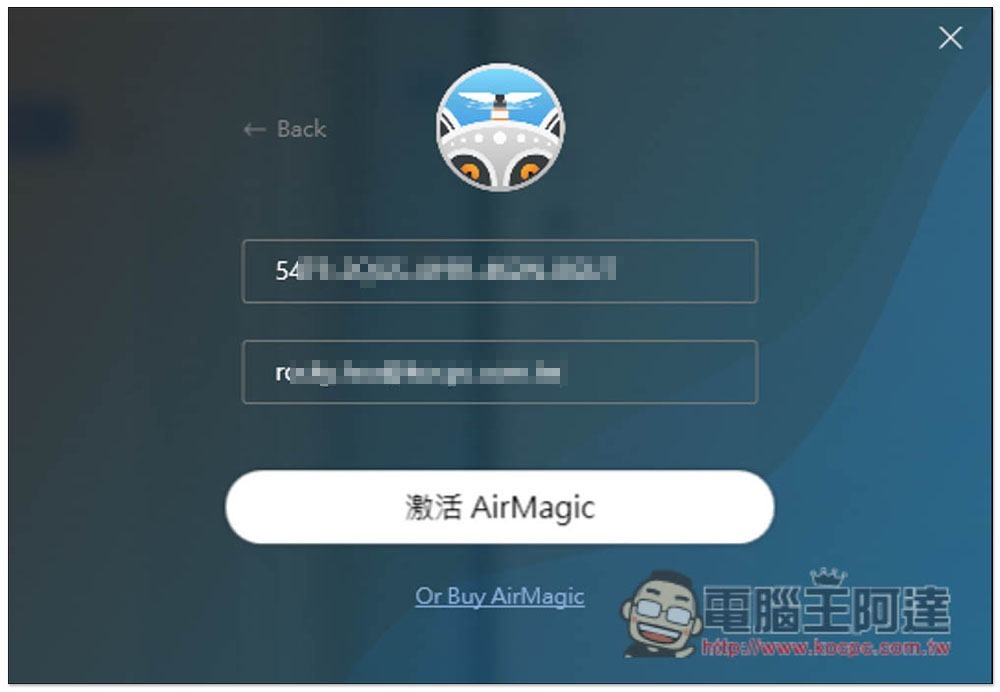
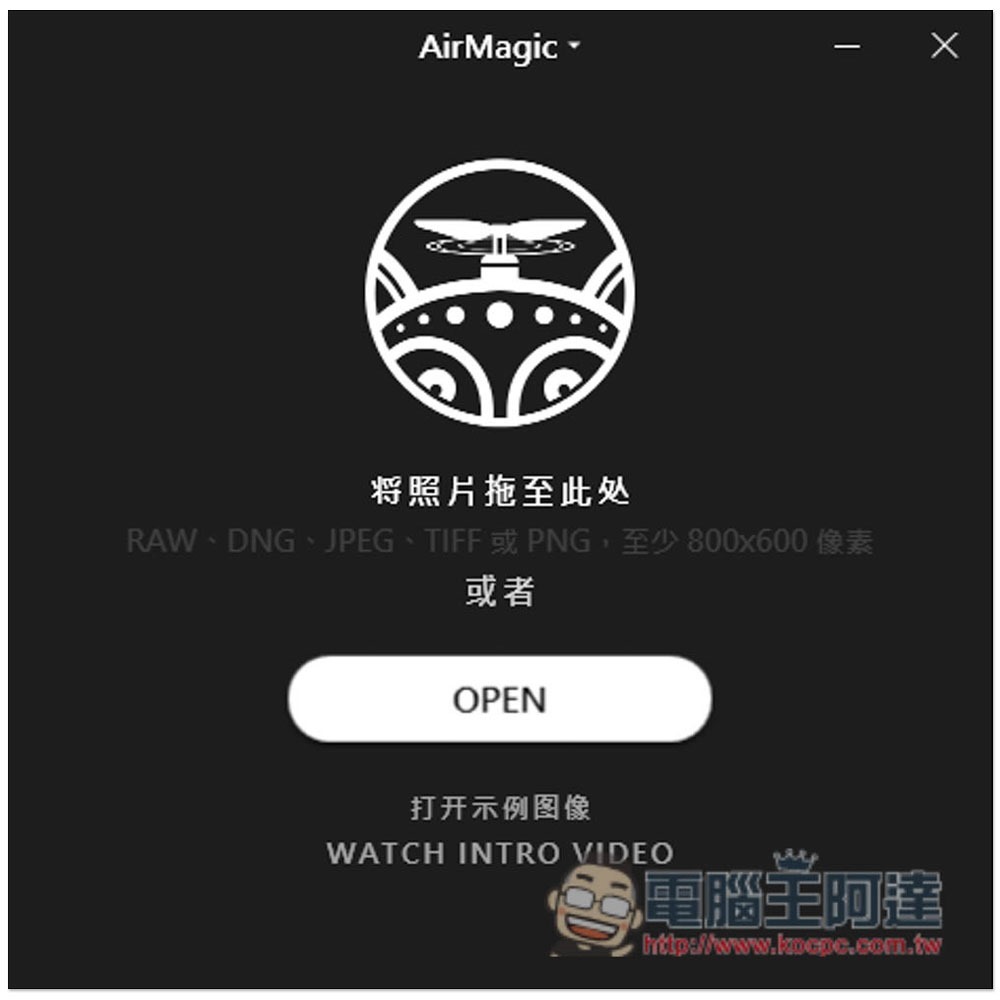
In this way, the activation is successful and you can start using it! When you want to edit a picture, just drag in the photo you want to adjust:
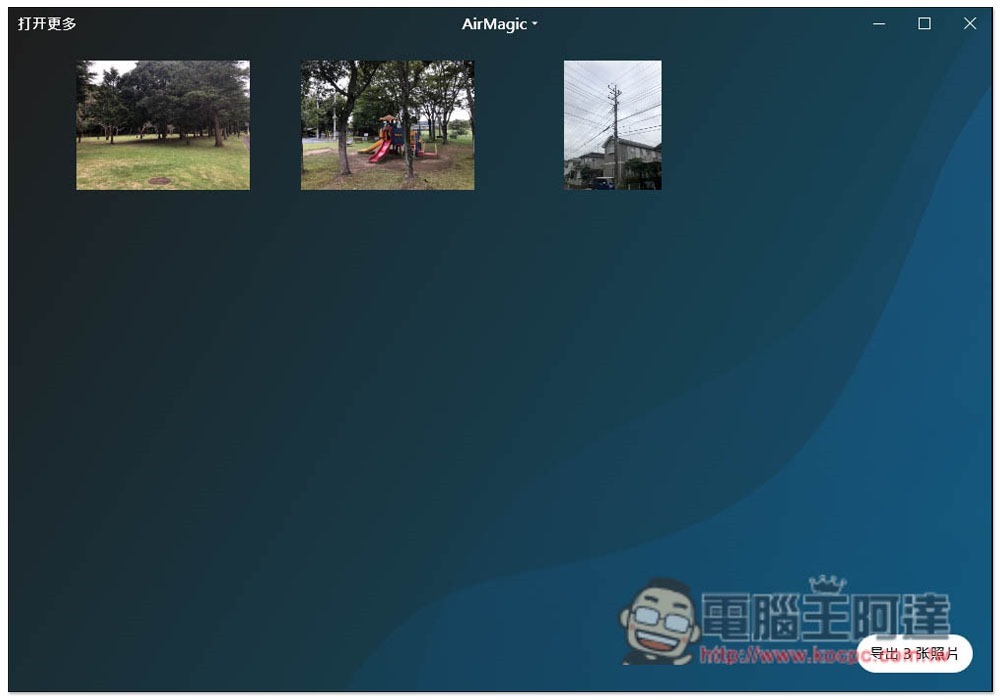
As shown in the figure below, after reading in, click the “Export” function in the lower right corner:
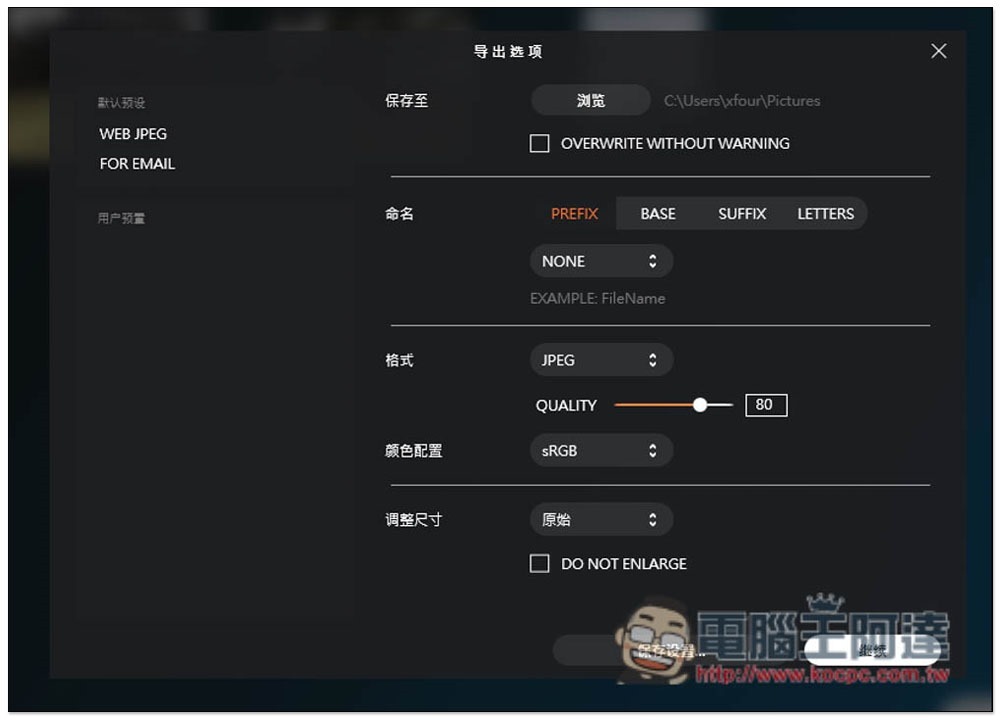
The default storage is JPEG format. It also supports TIFF, PNG, JPEG 2000, Photoshop, and PDF. The quality can also be adjusted:
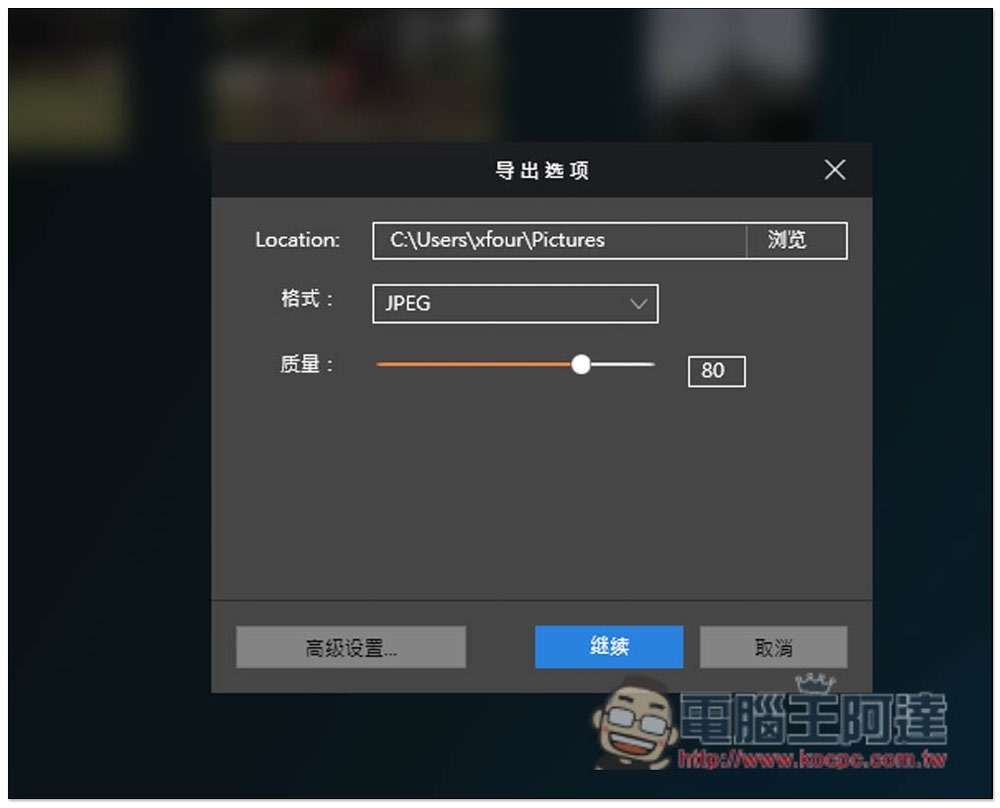
In the advanced settings, you can also set naming, color configuration, and size adjustment to see if you need it:
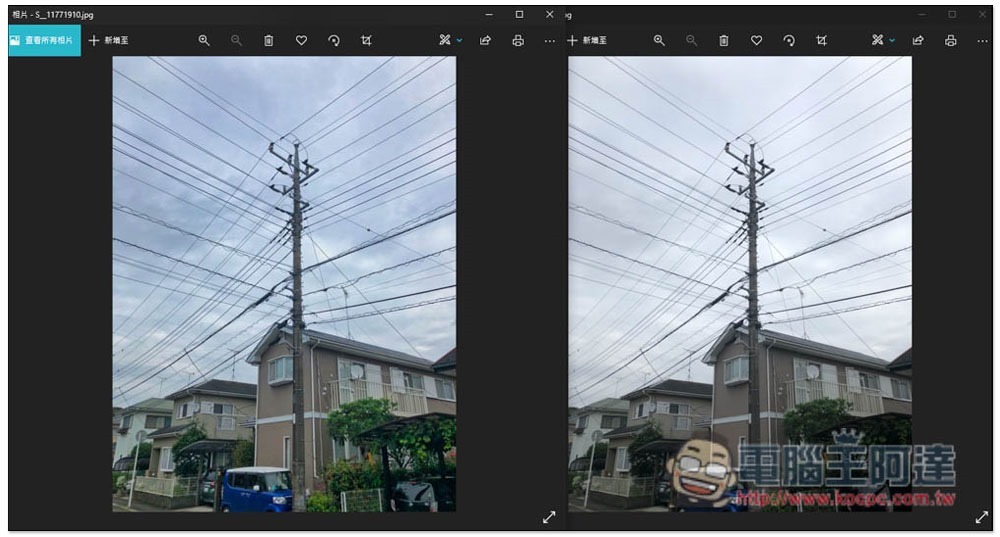
The right side below is the original picture, and the left side is the photo exported using this set of automatic retouching. The sky becomes bluer and more layered:
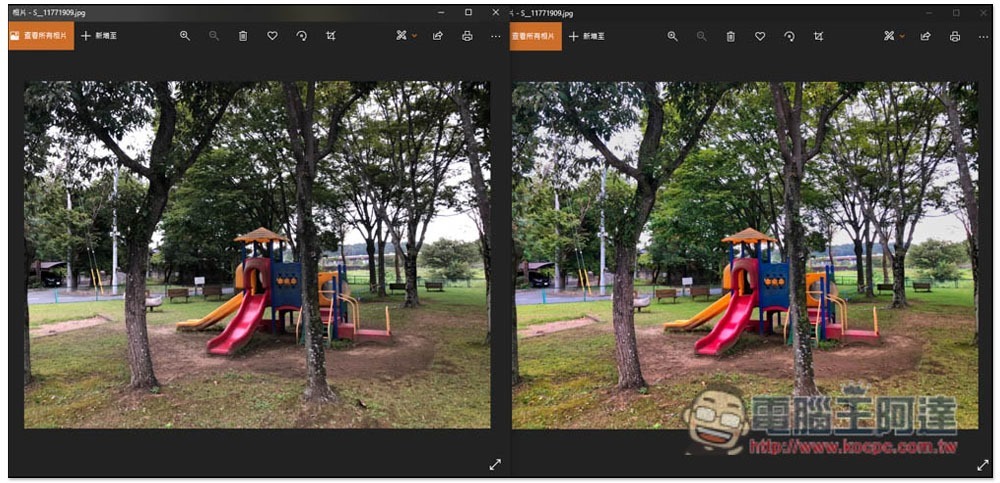
Another picture, the left is the original picture, and the right is the effect after automatic retouching. Not only the color becomes brighter, the leaves and grass also become greener, and the brightness in the dark areas is also improved:
Source: KOCPC Chinese