


Microsoft has already startedForce upgrade Windows 11 24H2 Home and Professional computers to Windows 11 25H2, according to foreign media Windows Latest, the scope has now been expanded. As long as it is a Windows 11 home computer, it will be forced to upgrade to Windows 11 25H2 one after another. You cannot refuse. This time point happens to be just after Windows 11 26H2 is confirmed to be launched in the second half of 2026, so it is obviously paving the way for subsequent versions.
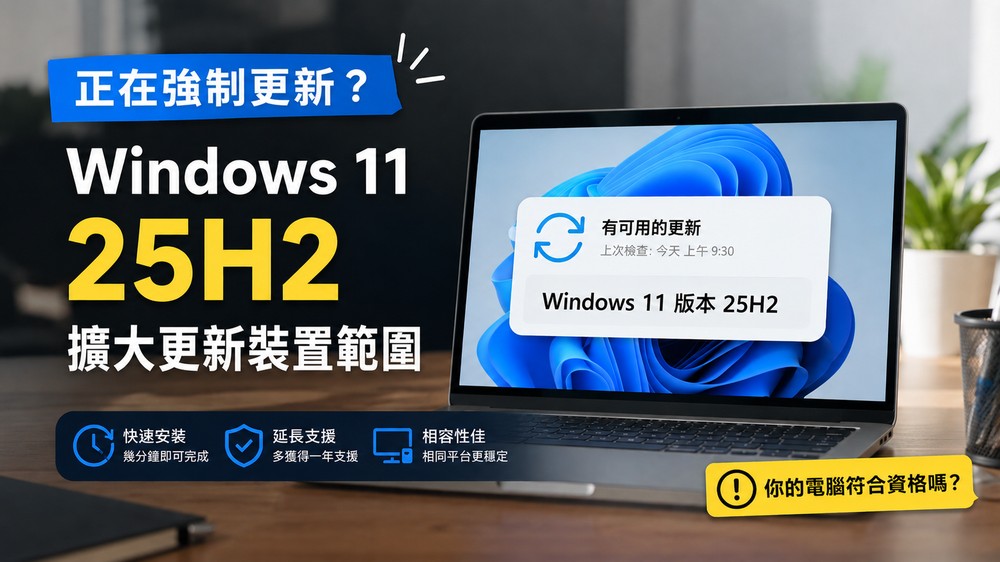
Windows 11 25H2 automatic push scope expanded, eligible Home/Pro computers may receive it
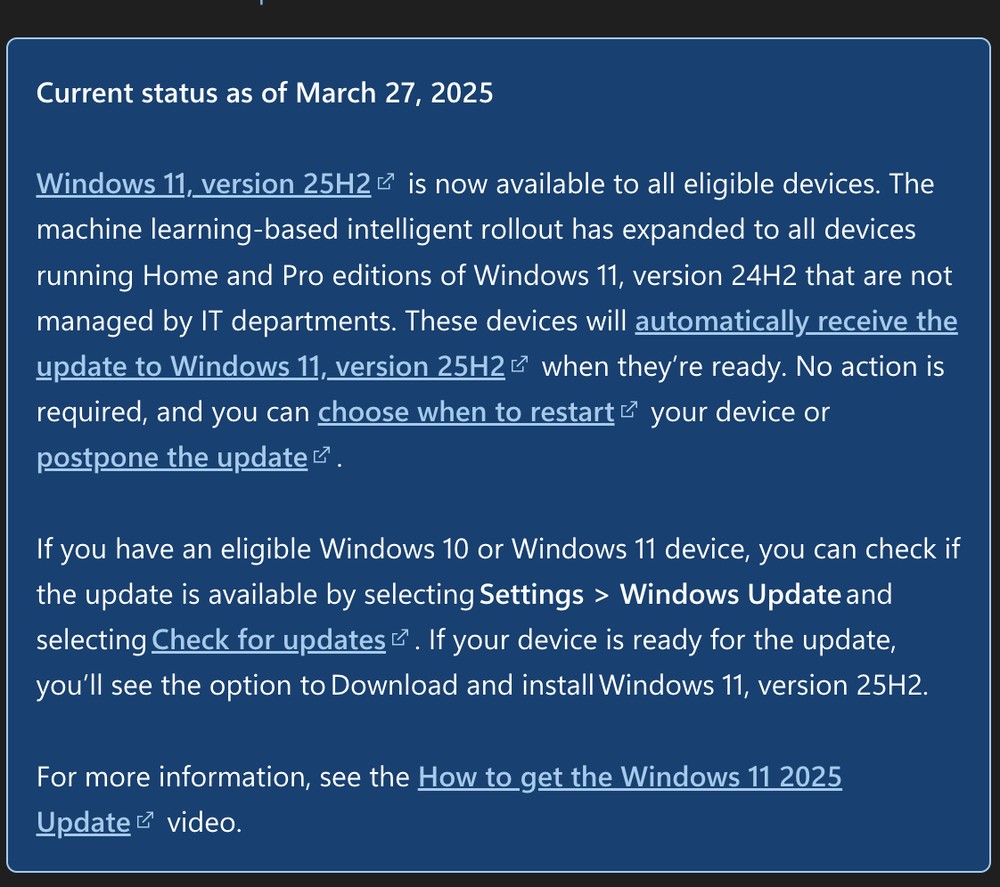
According to Microsoft’s Windows 11 25H2 Release Health page, as long as it is compatible with Windows 11 Home or Pro version and is not managed by the IT department, the device will receive the Windows 11 25H2 update through “machine learning-based intelligent rollout”. To put it simply, Microsoft will push it gradually according to the device status, rather than pushing it to all computers at once.
It should be noted that before thispageIt was originally written that it was only for Windows 11 24H2 Home/Pro devices. Later, the 24H2 restriction was removed, and it was interpreted that all consumer Windows 11 computers that meet the qualifications and are not managed by company or school IT policies will be forced to upgrade to 25H2 (the picture below is the old version):
However, even if it is forced, it is not the kind of forced installation that you have no control over. You can still choose the restart time or pause the update for a period of time. The main difference is that Microsoft will actively schedule this version into the update process, and you cannot refuse the update.
25H2 is not a big update, so you can basically upgrade with confidence. In addition, judging from Microsoft’s support cycle, it is reasonable to upgrade users’ computers to 25H2 at this time. The Microsoft life cycle page shows that 24H2 support for Windows 11 Home/Pro will end on October 13, 2026, while 25H2 will be supported until October 12, 2027. In other words, after upgrading to 25H2, the biggest difference for general home and personal Pro version users is that the security update period is extended for another year.
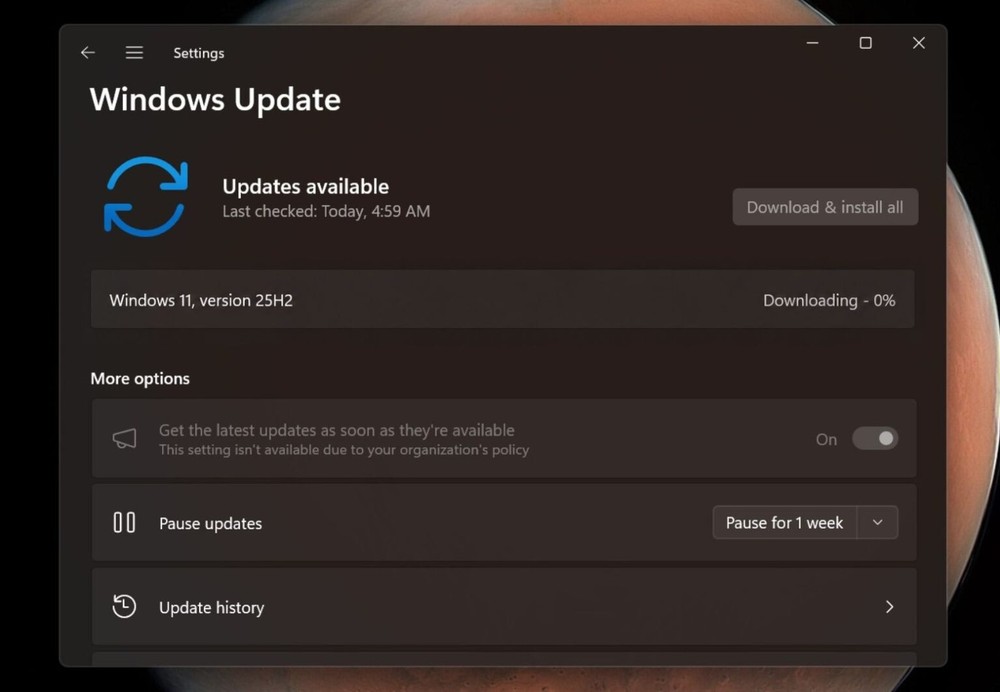
Image source:Windows Latest
Another reason could be 26H2. Microsoft has already previewed Windows 11 26H2 in the Windows IT Pro Blog and stated that 26H2 will adopt the same shared update maintenance model as recent annual versions. So for devices that have been upgraded to 24H2 or 25H2, the update process will be closer to a monthly cumulative update, rather than a large system reinstall.
Windows Latest It was also mentioned that the process of upgrading from older versions such as 23H2 may not be as lightweight as 24H2 and 25H2, but requires a more complete installation image file and cumulative updates, which cannot be solved by just a few KB of small enablement kits.
Is there any way to avoid this forced update?
Many people will definitely want to ask: Is there a way to skip it? The answer is, it can be postponed, but if you are a regular Windows 11 Home user, it is a bit difficult to permanently skip it.
The official methods currently provided are to pause the update or choose a more suitable restart time. When the time expires, available updates will be scanned again. Of course, you can still pause again if necessary.
Windows 11 Pro users can defer feature updates through group policies or Windows Update for Business related settings, but this is a bit difficult.
And it should be noted that avoiding updates is not necessarily safer, not to mention that this time you will be extended the security update period by one year.
Source: KOCPC Chinese