


Nowadays, there are more and more AI music generation tools online, but most free versions can only generate music within 2 minutes. The AI Music Generator recommended in this article offers a longer duration, up to 4 minutes, and allows 3 generations per day. It also supports Chinese, which is quite nice.
The AI music generated can be used for commercial purposes. The only minor drawback is that downloading it as MP3 format requires upgrading to the paid version. To save money, you can first use the free version to generate more music, and once you’ve generated a certain amount, pay to upgrade to the most basic plan. There’s no limit on MP3 downloads, and you can even download AI music generated by others.
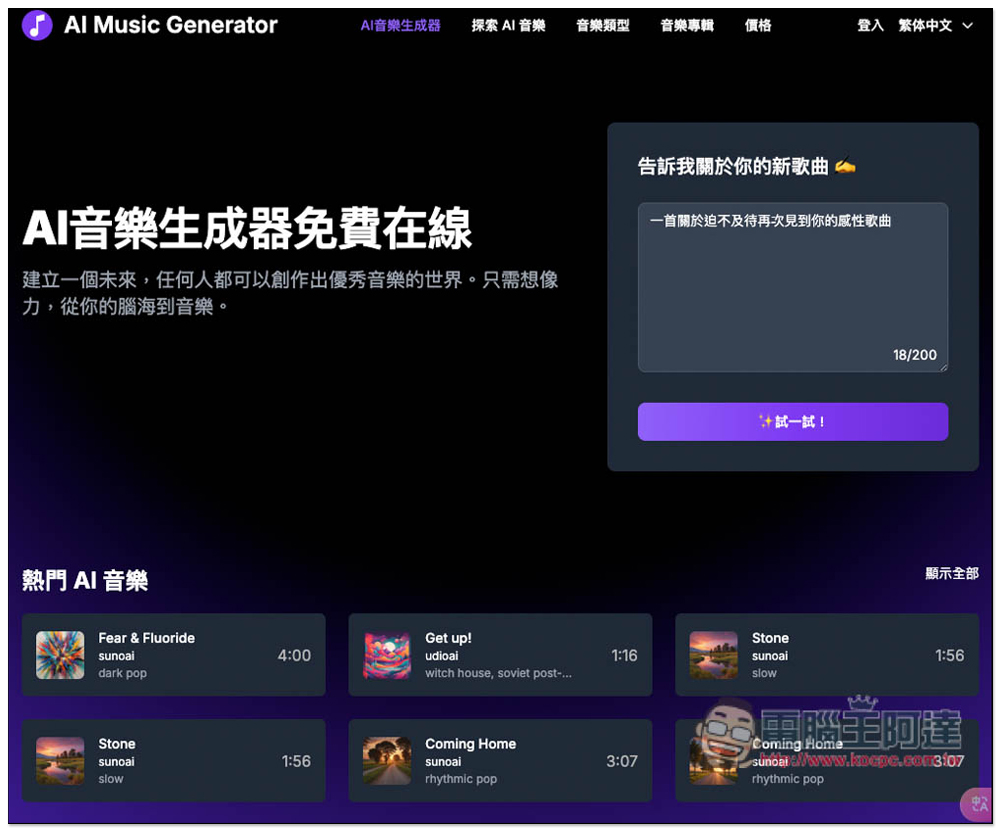
AI Music Generator – free AI music generation tool to create your own AI music playlist online
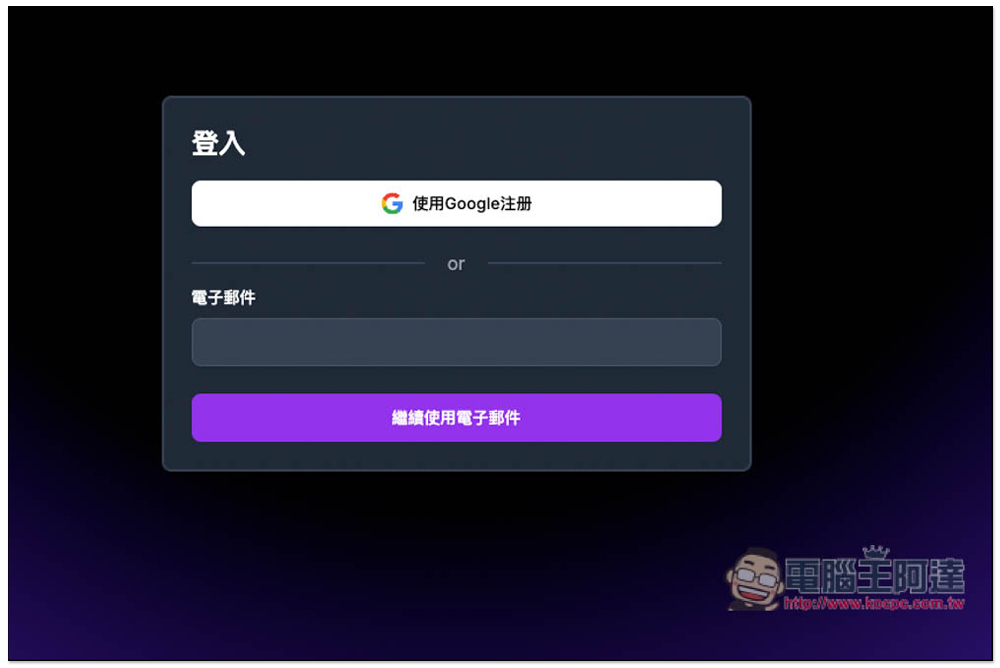
AI Music Generator has Chinese, so you don’t need to worry about not understanding it. The prompt description can also be entered in Chinese. Before generating, you need to log in via email; no registration or filling in any details is required, but you’ll need to receive an email to get a login code.
After logging in, all future AI-generated music will be recorded in your email.
It can generate AI music with or without lyrics, and also offers a custom mode where you can input the lyrics you want to use in the music. Generation is also quite fast, taking about 1–2 minutes, so you don’t have to wait long.
After clicking the link above to enter the AI Music Generator, you can enter a description of the song you want to generate on the right, up to 200 characters. Once you’ve entered it, click “Try it”:
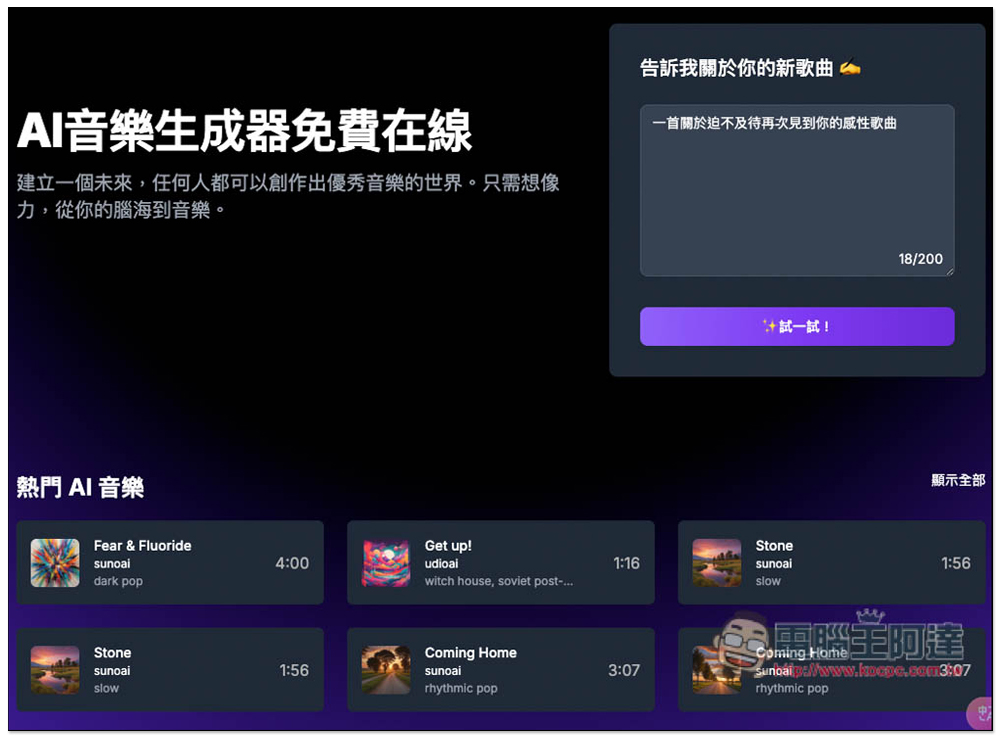
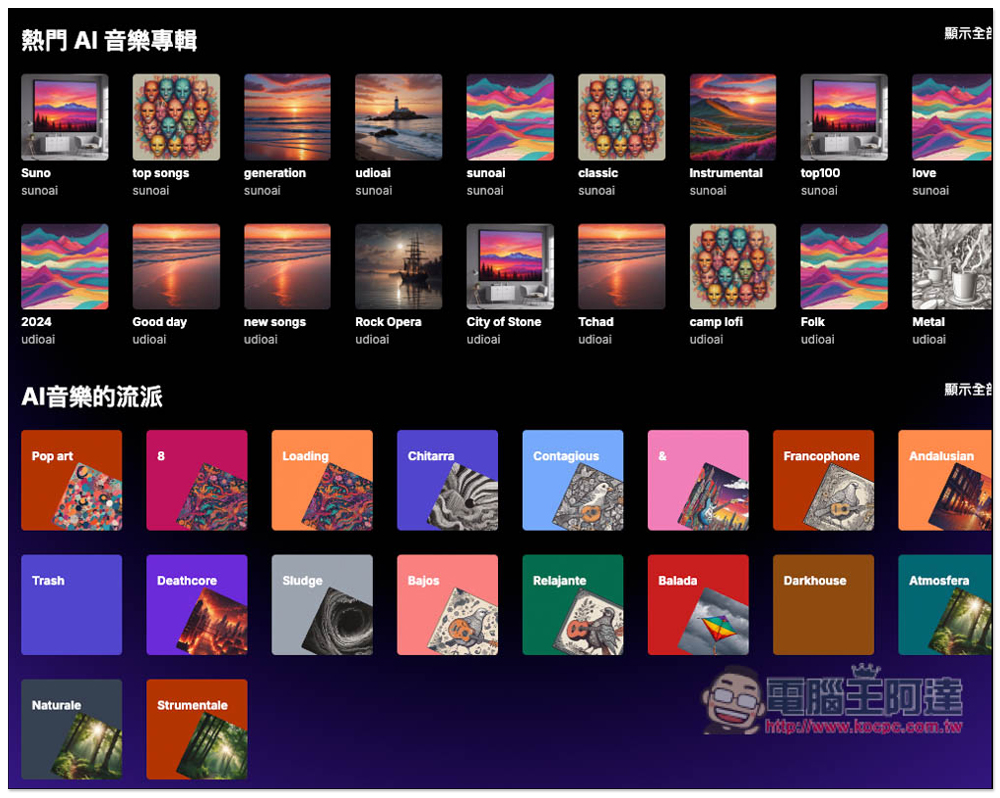
Additionally, this website also has community features. If AI music generated by users is not set to private, you can play it and listen, or even download the MP3 files for use. The number of AI music tracks currently available on the site is already very large.
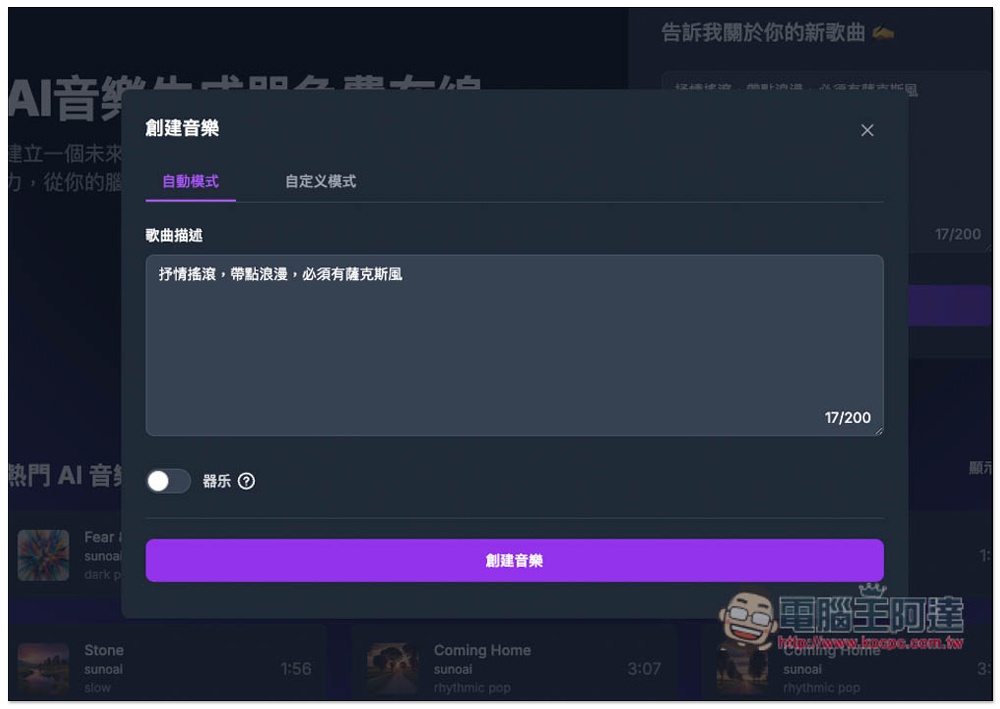
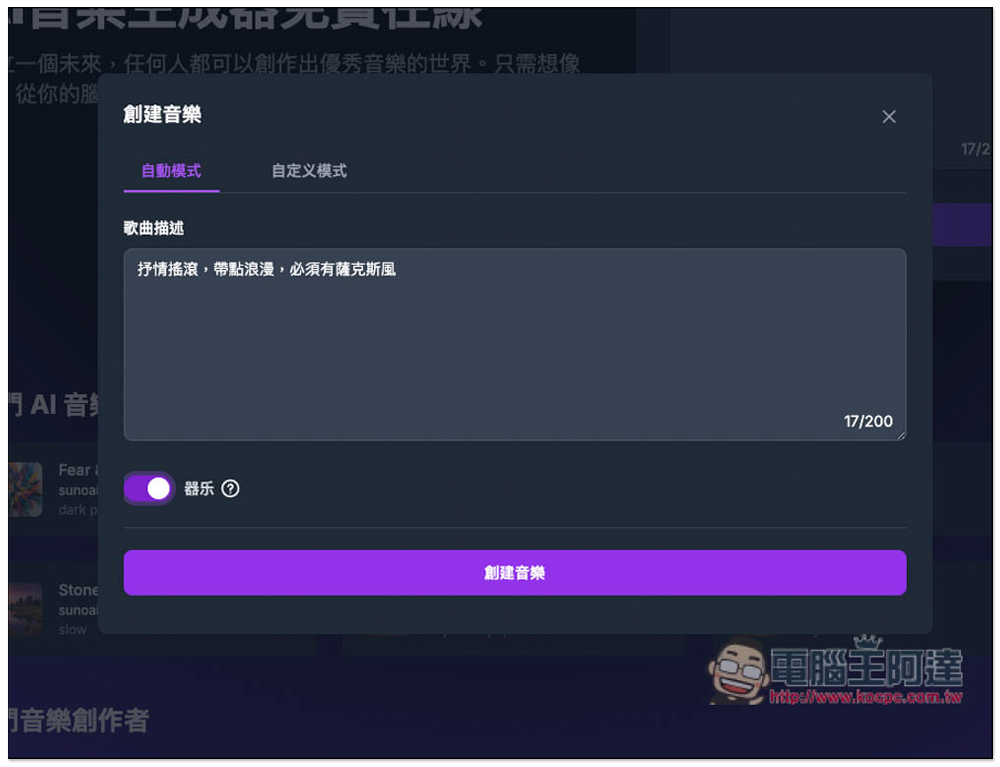
After entering the description and pressing the try button, you will go to the create music tool page, which has two modes: “Auto Mode” and “Custom Mode”. If you don’t need to manually input lyrics, Auto Mode is enough:
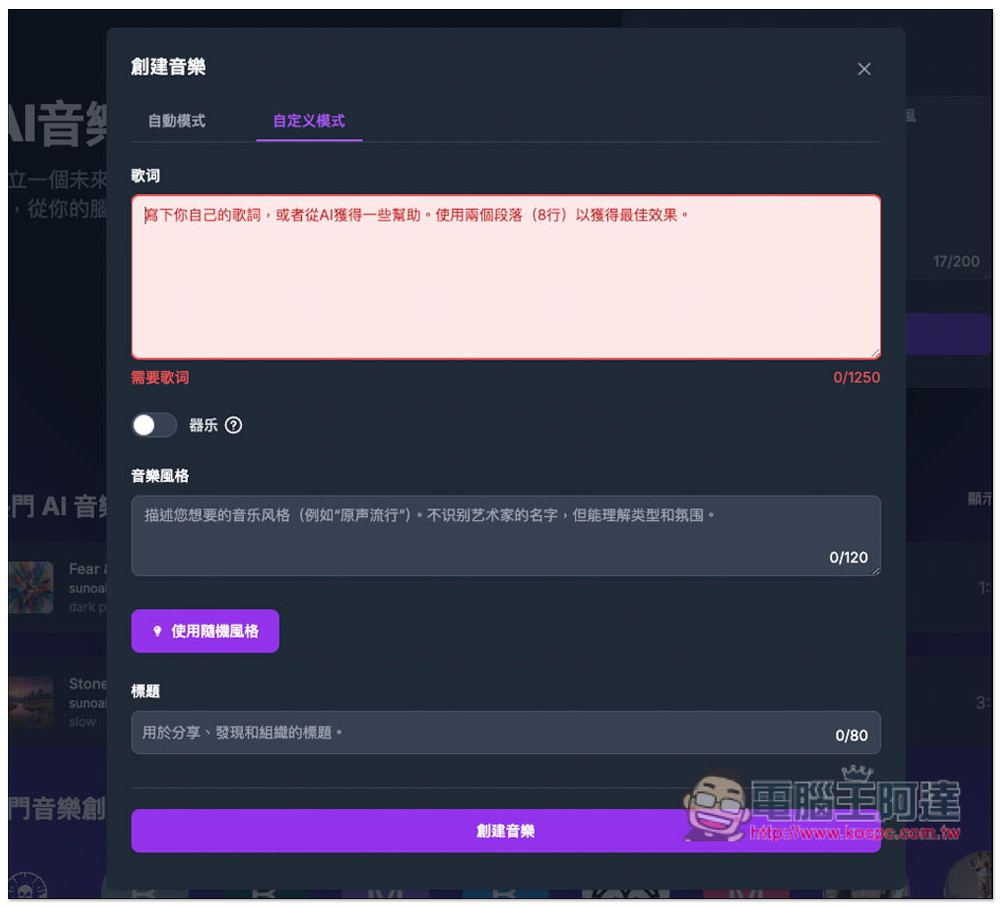
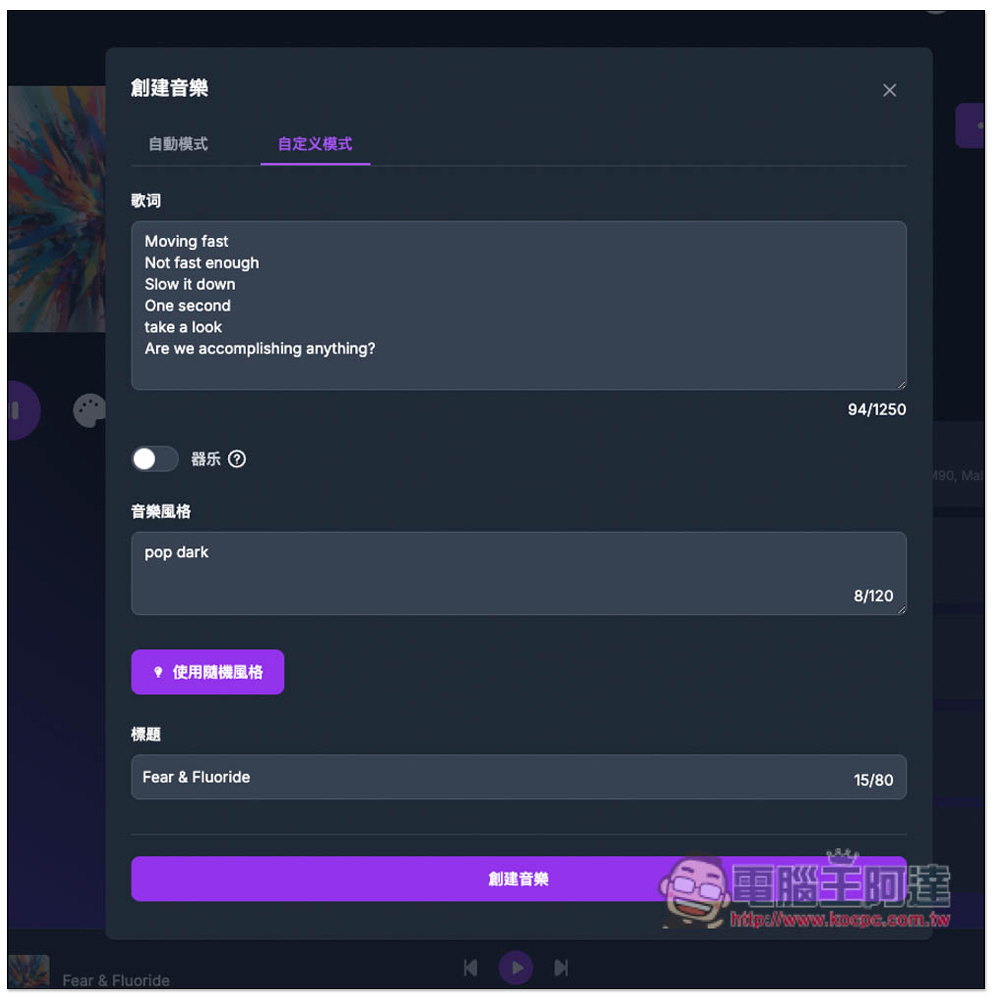
The image below shows the custom mode screen, where you can manually enter lyrics, set the music style, and the title:
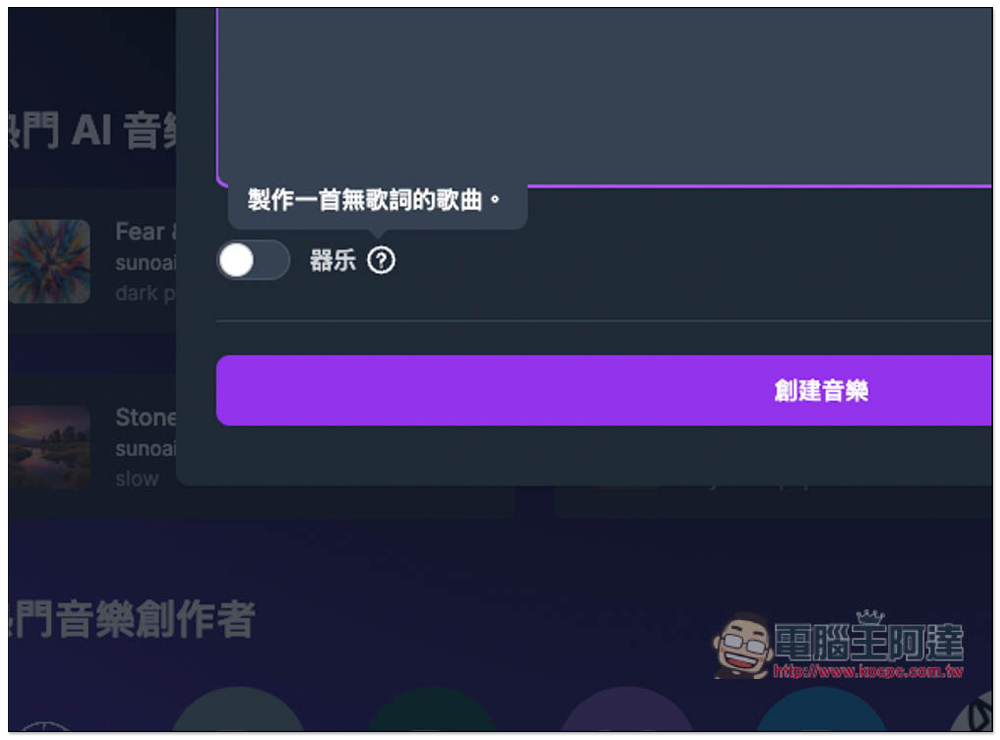
If you want to generate music without lyrics, remember to turn on “Instrumental”:
After everything is set up, Create Music below:
Enter your email to log in:
Then it starts generating music, and each time it generates two pieces. I’m not sure why?
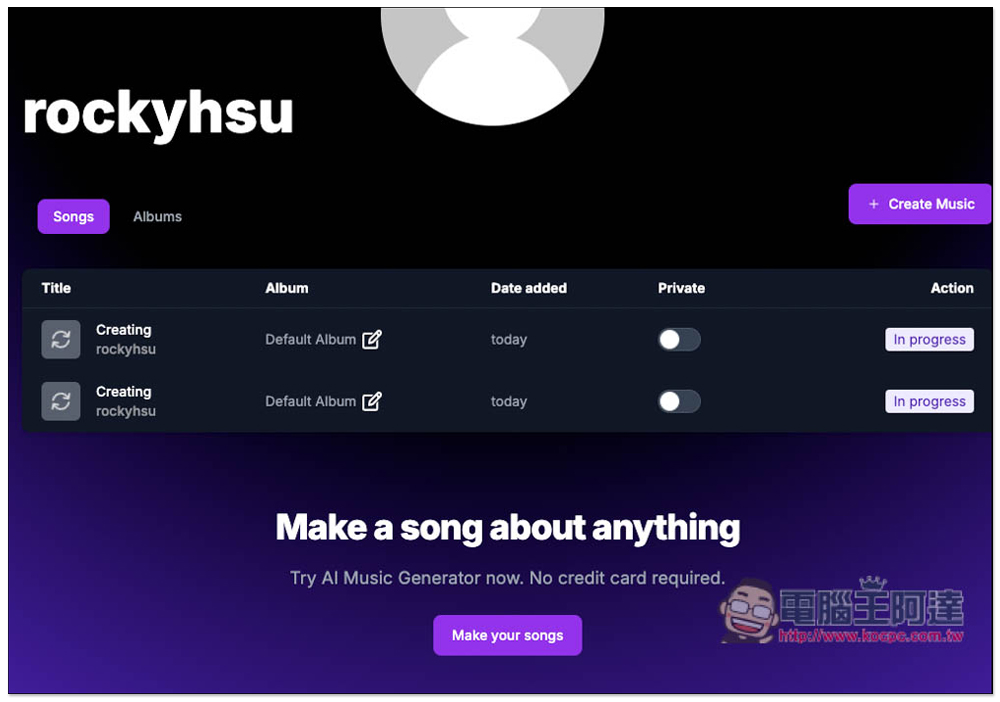
Wait a few minutes, then refresh your account backend page. If the music cover and name appear, that means it’s been generated. Go into the page to play the preview.
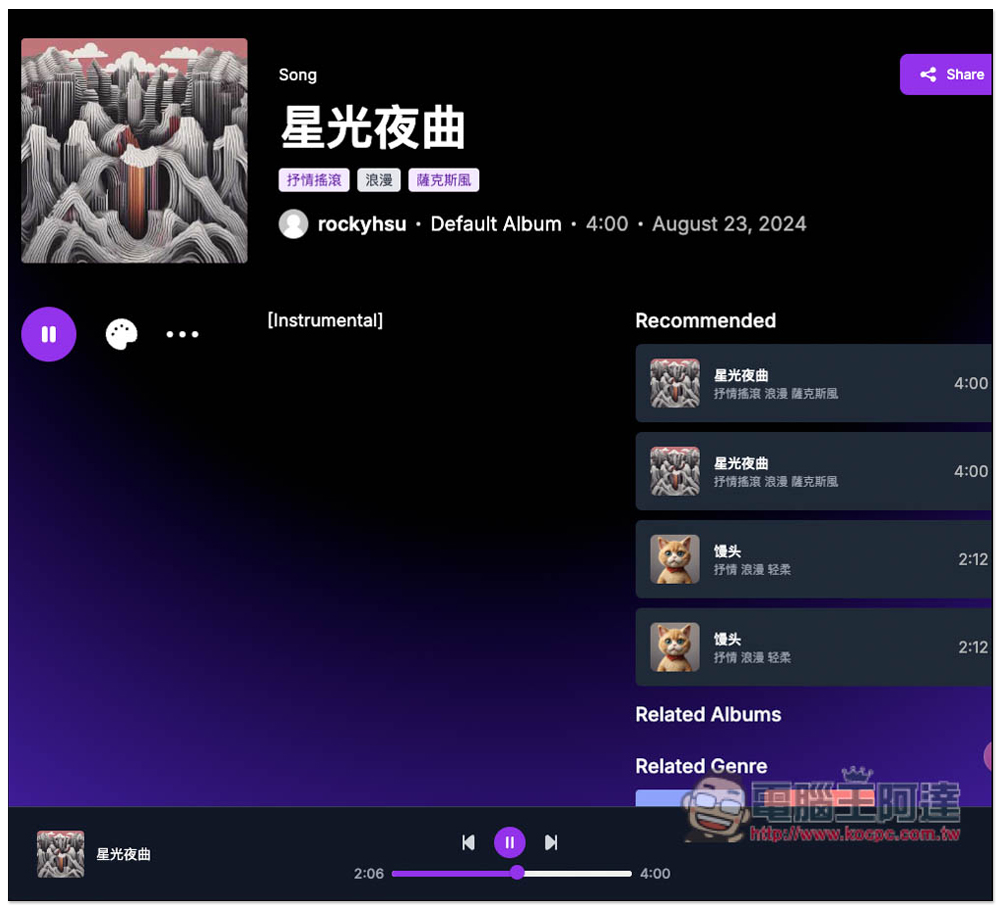
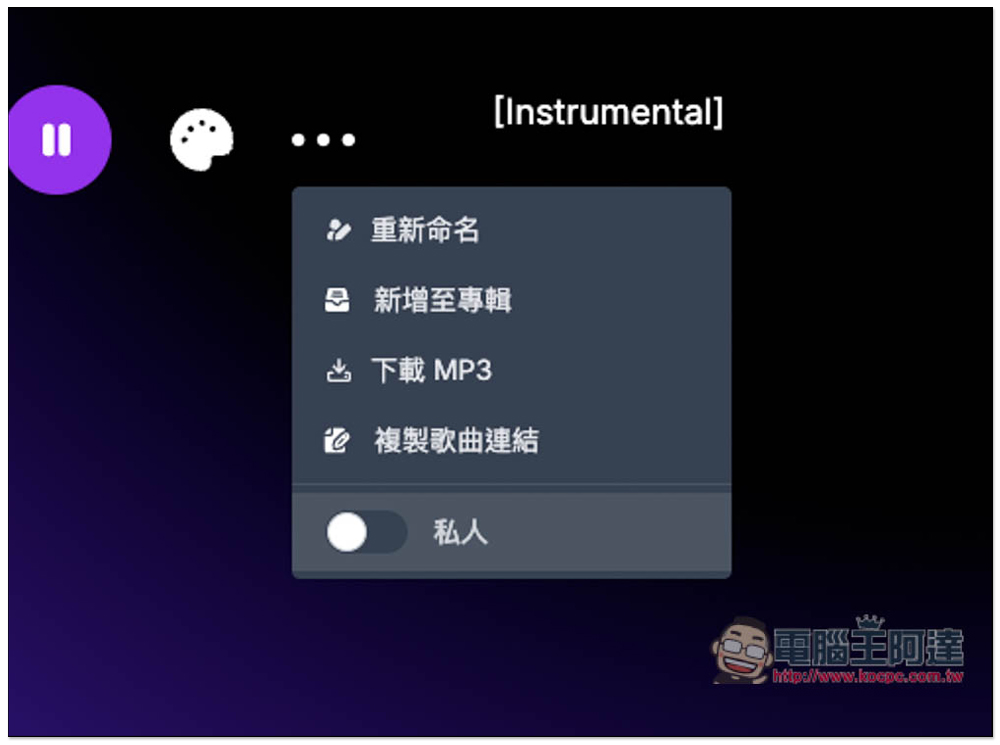
Open the … menu to find the download MP3 feature, but it’s only available in the paid version. Each song can have a link created for others to listen to, or you can add it to your album. If you don’t want it public, remember to turn on Private:
If the music is generated with lyrics, the song page will also display the lyrics:
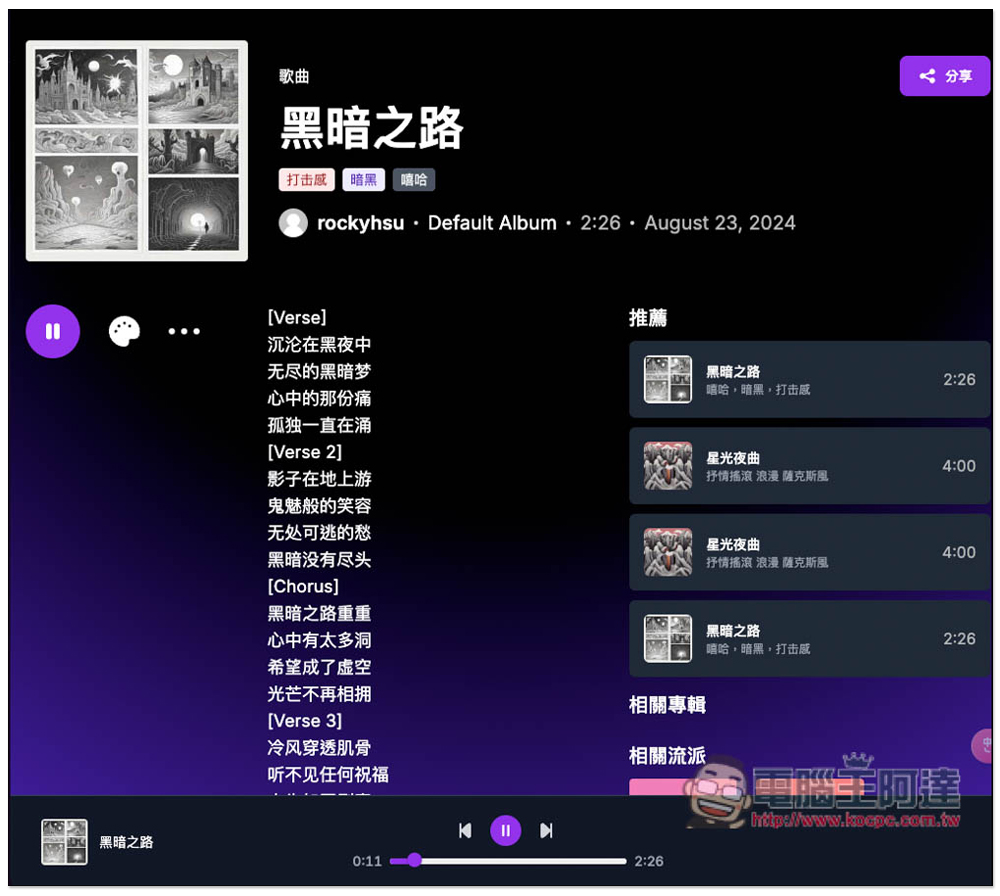
You get a free quota of 3 songs every day. If you max that out for a week, that’s 21 AI music tracks. Besides downloading them for creative use, you can also treat this website as your online AI music library, and open it up to listen whenever you want.
I tested that other netizens’ public AI music can also be downloaded as MP3:
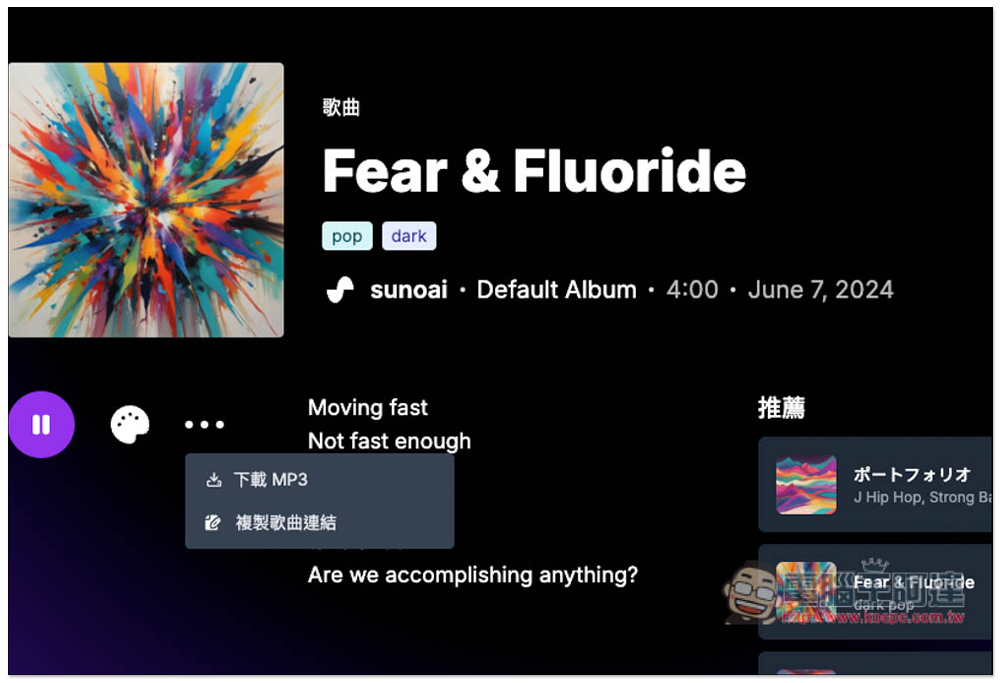
You can even see the Prompt and settings used when it was generated:
The FAQ webpage also explains the copyright of AI music:
AI Music Generator 提供具有基本功能的免費版本。高級功能和商業用途可能需要訂閱或付費。
Source: KOCPC Chinese