


Although eating out is convenient in Taiwan, many people choose to cook for themselves for health, weight loss, or to enjoy whatever they want anytime. This article recommends a great app called “Cook AI”, which can be seen as an AI chatbot built specifically for cooking. It has multiple chef roles built in, and besides asking for recipes and cooking steps for various foods you want, it also supports image recognition: upload a photo of the food you want, and it will analyze what dish it is and give you the recipe and cooking steps. It’s quite handy.
More importantly, Cook AI’s lifetime version is currently free (originally $99.99). Once you get it, you can use it for free forever with no restrictions. The free promotion will likely end today, so grab it quickly if you need it.
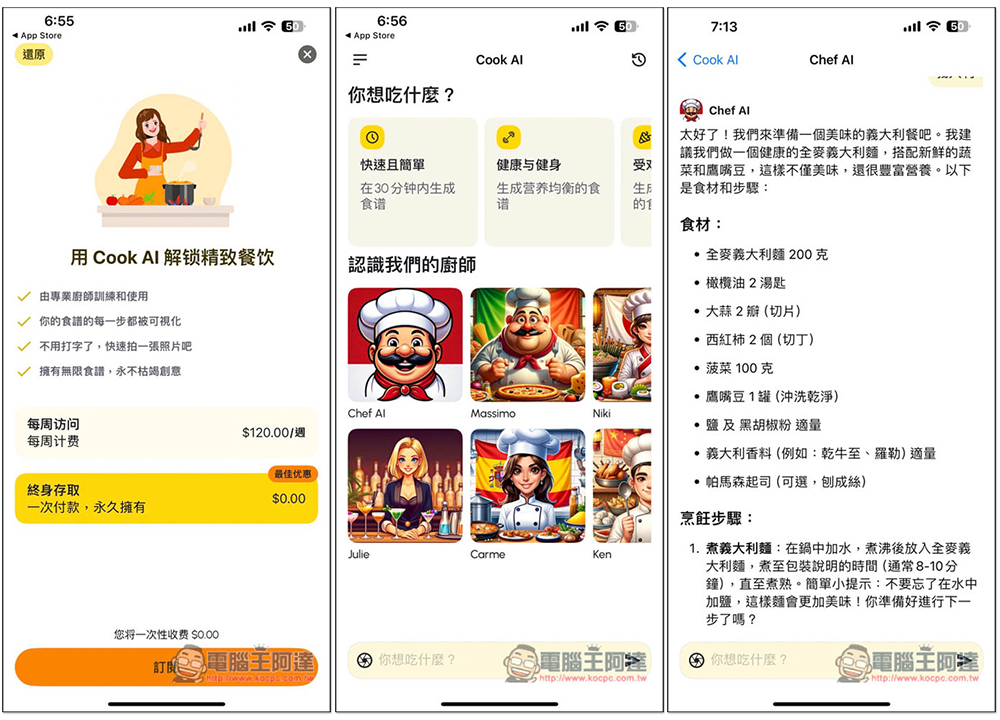
Cook AI Lifetime Version Free! An AI app built for cooking, with recipes for weight loss and healthy eating—you can even upload photos of your dishes!
“Cook AI” mainly has four major features:
- Enhanced AI
- Generate image
- Ingredient identification
- Infinite Recipes
Cook AI has a Chinese interface, so you don’t need to worry about not being able to understand it. The default response language is Simplified Chinese, but you can request answers in Traditional Chinese.
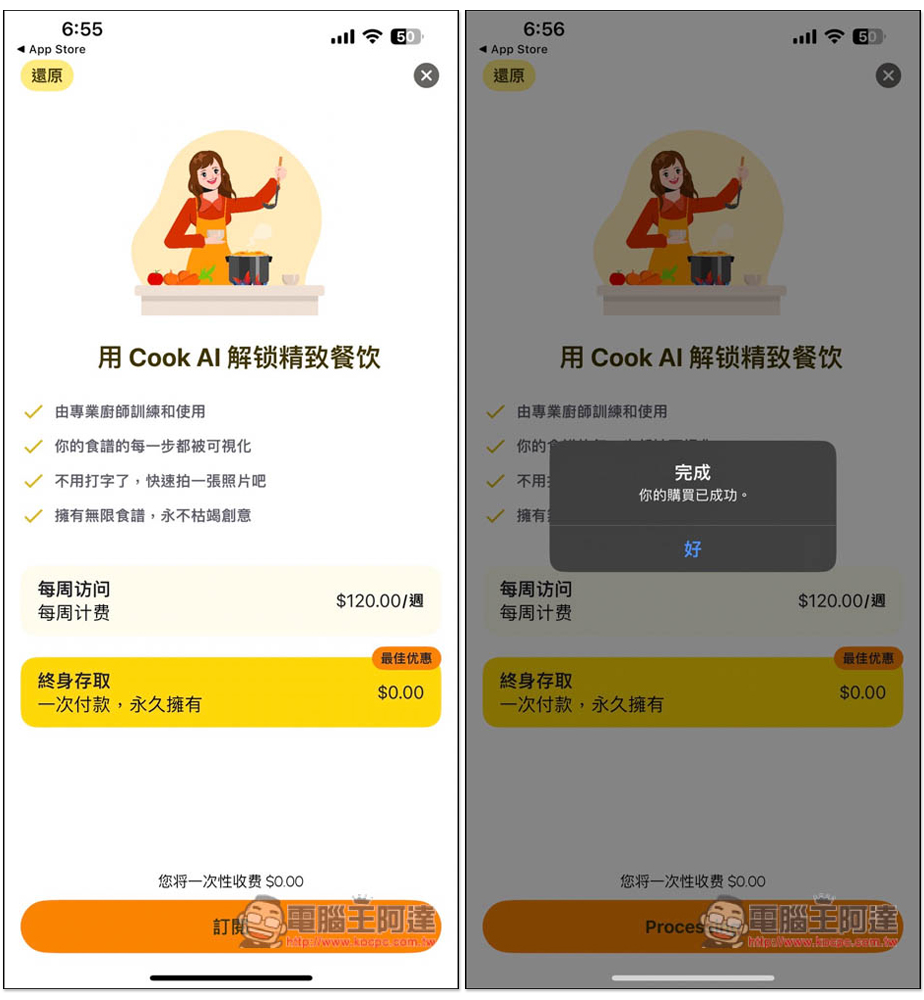
After downloading and opening Cook AI, you’ll see that the “Lifetime Access” plan is currently 0 yuan. Select it and press the subscribe button below. Remember to confirm that no charges are being made, and if everything looks good, press confirm—that’s how the purchase is completed.
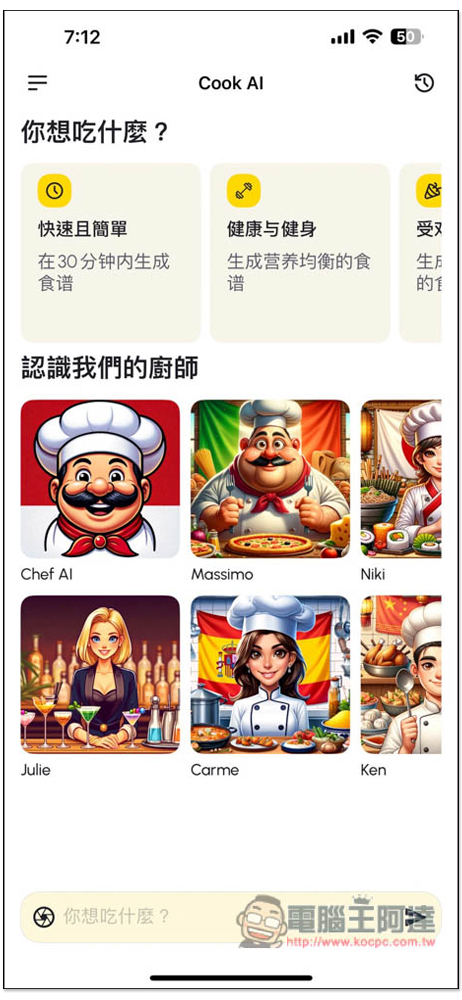
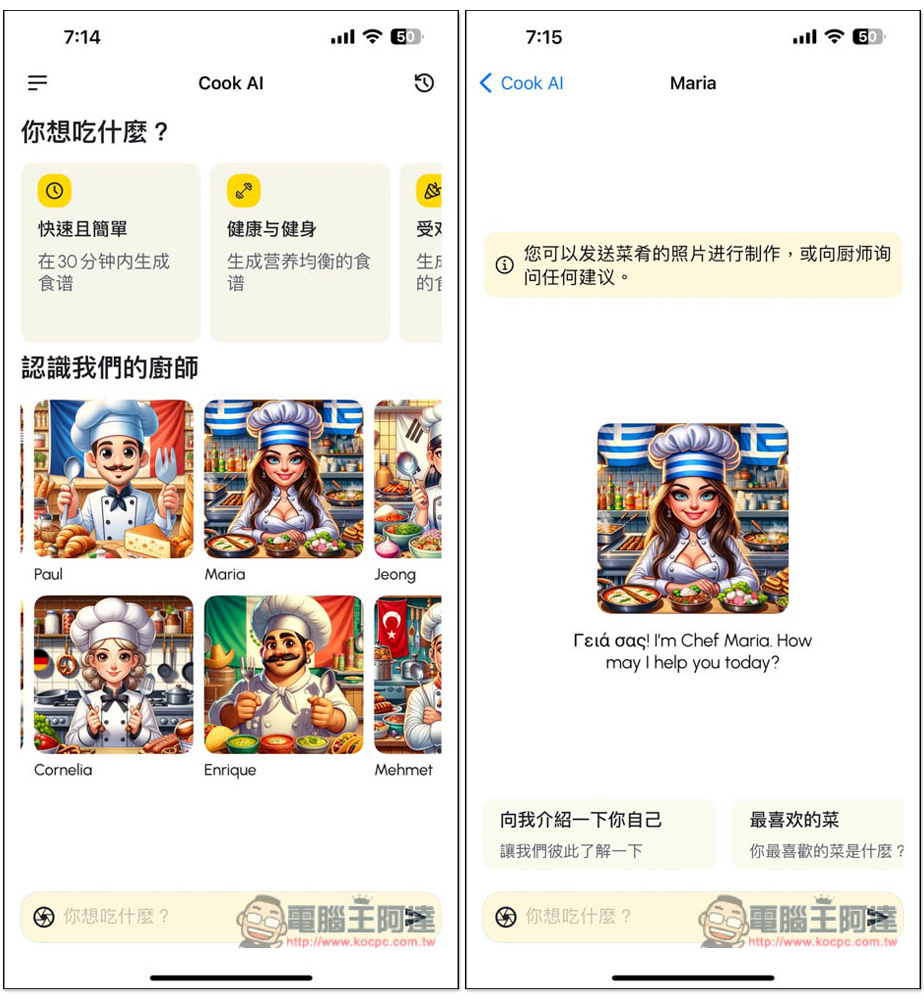
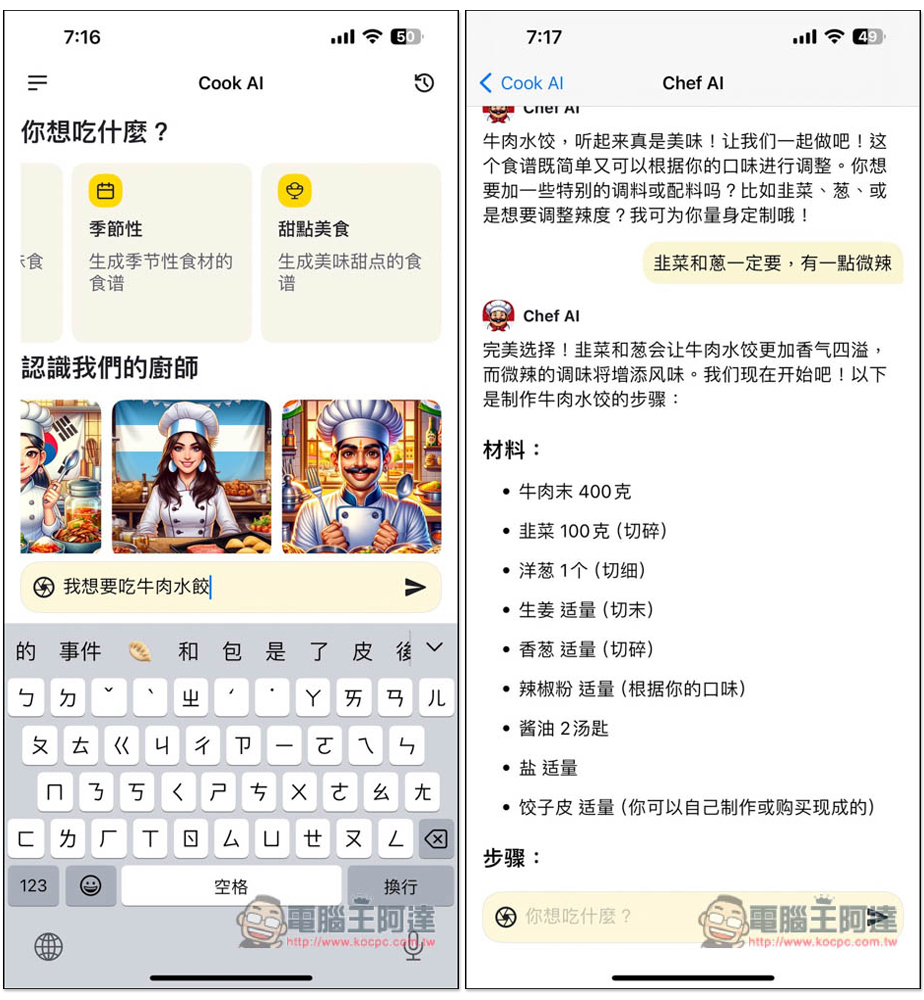
The figure below shows the operation interface. At the top, several common questions are already preset, such as quick and simple recipes within 30 minutes, nutritionally balanced recipes for health and fitness, popular recipes, and so on. In the middle, there are built-in chef characters, each with different personalities and culinary strengths. If you already have a question in mind, you can directly type it at the bottom to ask the AI.
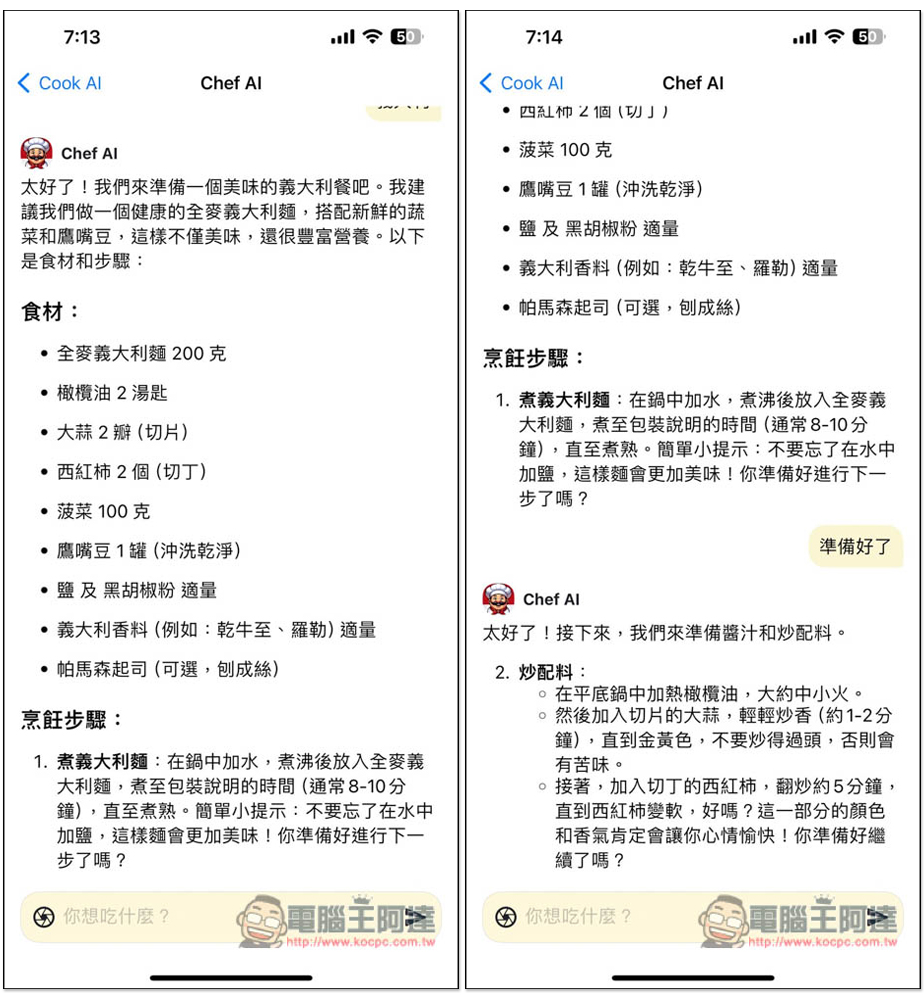
I select the preset healthy and fitness recipes above, and then it will automatically jump to the AI chat interface. By default, it will respond in Simplified Chinese. If you don’t like that, you can enter a request to respond in Traditional Chinese:
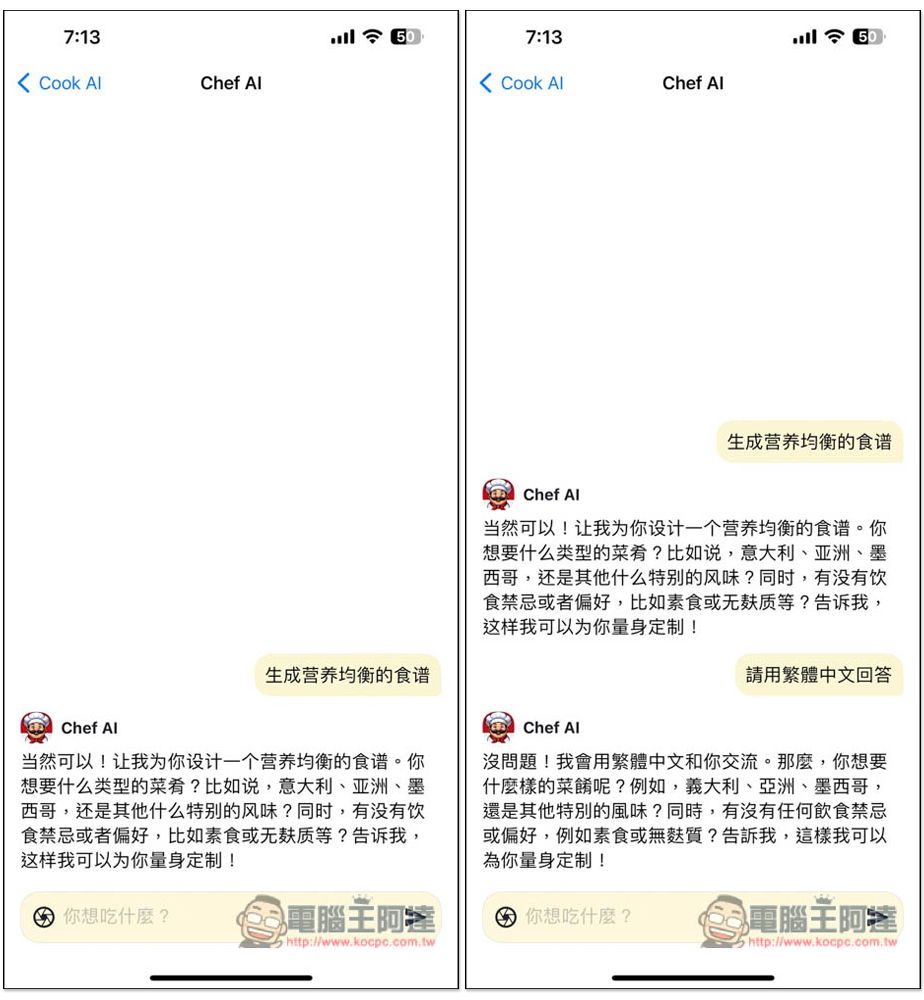
Most AI will first ask you what type of cuisine you like, or what particular flavors you enjoy. After you answer, it will generate a recipe that better matches what you’re craving at the moment. The best part is that the cooking steps aren’t generated all at once — instead, it waits until we’ve finished a step, then we can type “continue” or “I’m ready” to have it generate the next step.
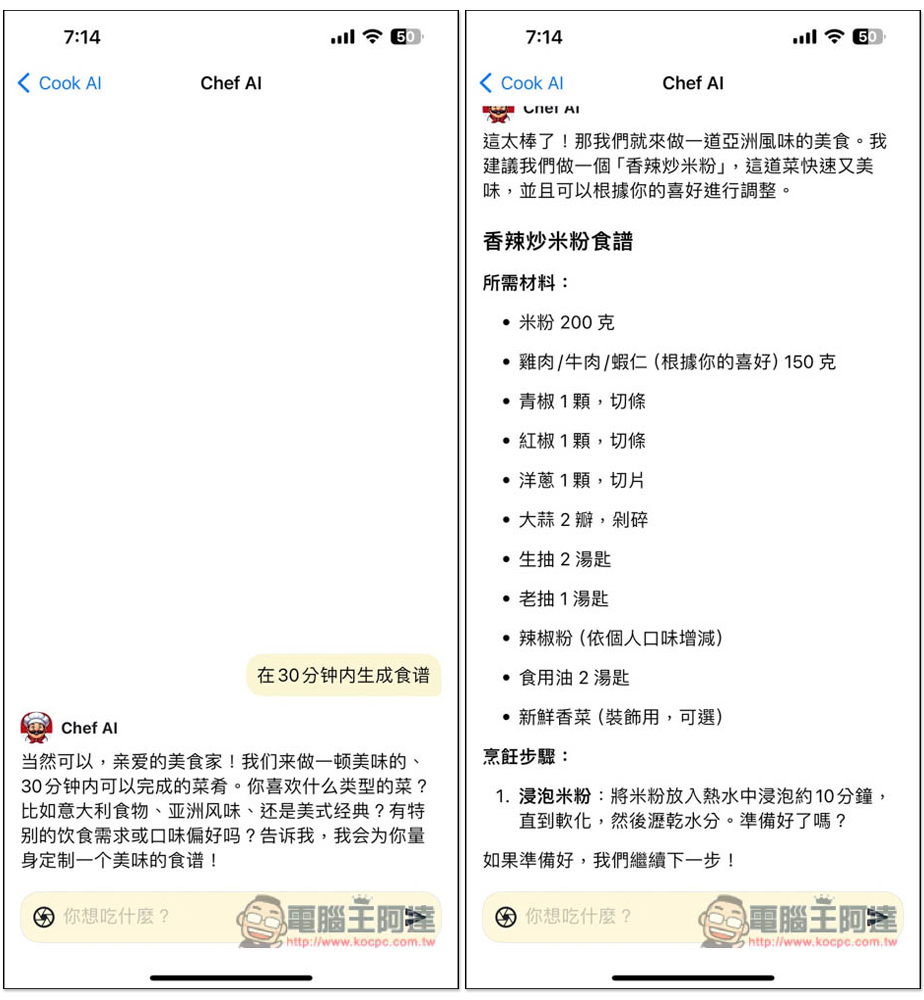
Most people probably like recipes that can be made in 30 minutes or less, since the cooking process doesn’t take too long:
For the chef character, before starting to use it, you can first ask it to introduce itself and its favorite dishes, so you’ll quickly know what kinds of cuisine to ask this chef character about:
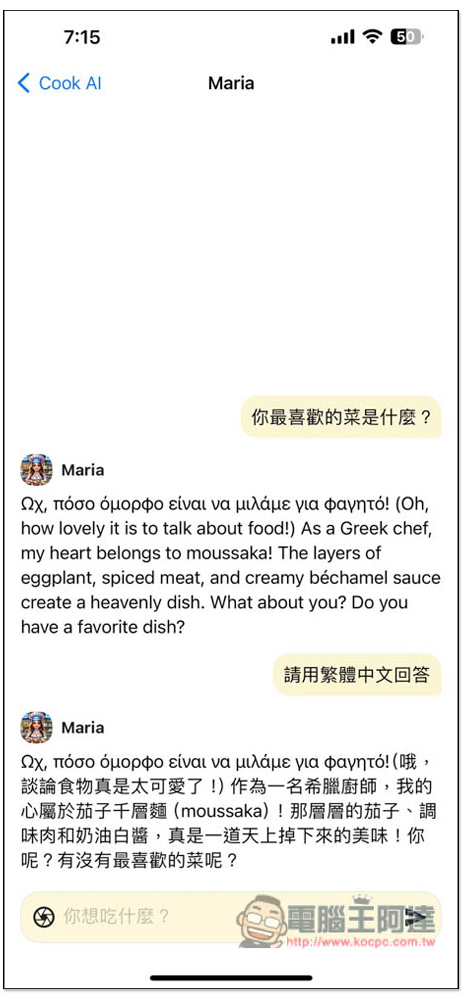
The default response language here is different. It uses the language of the chef character’s country plus English. If you can’t understand, just tell it to reply in Traditional Chinese.
Dessert recipes are of course no problem either. You can ask any cooking-related questions, and even cooking tips are fine:
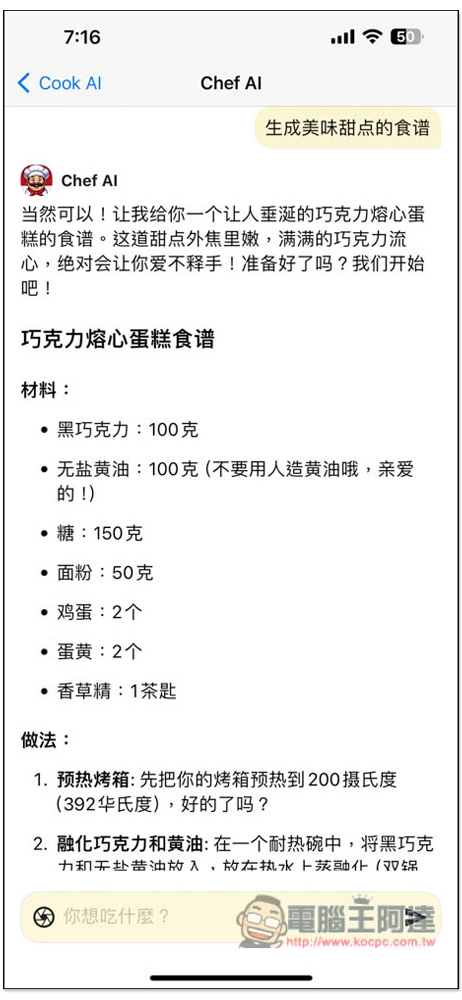
The nice thing about this app is that when you ask a question, it doesn’t generate an answer all at once. Instead, it asks about your preferences first and then generates, which effectively avoids producing recipes that don’t match.
Also, just a heads-up: the developer hasn’t said when the lifetime version’s free promotion will end. If the lifetime version requires payment after you download it, that means the free promotion has already ended.
Source: KOCPC Chinese