


Now that many web pages or applications have supported dark themes, I believe that many people, like the editor, are always blinded by the white page when they “Google it” – although this description is a bit exaggerated, and in fact, Google also provides corresponding theme functions for its own applications, but for the page part of the web version of Google Search, there was only the classic version before. Now it seems that at least in the next few weeks (the editor has already received the message) everything will be “turned around”. Continue reading Google Search dark theme has officially arrived on the desktop version, how to activate it here! Report text.
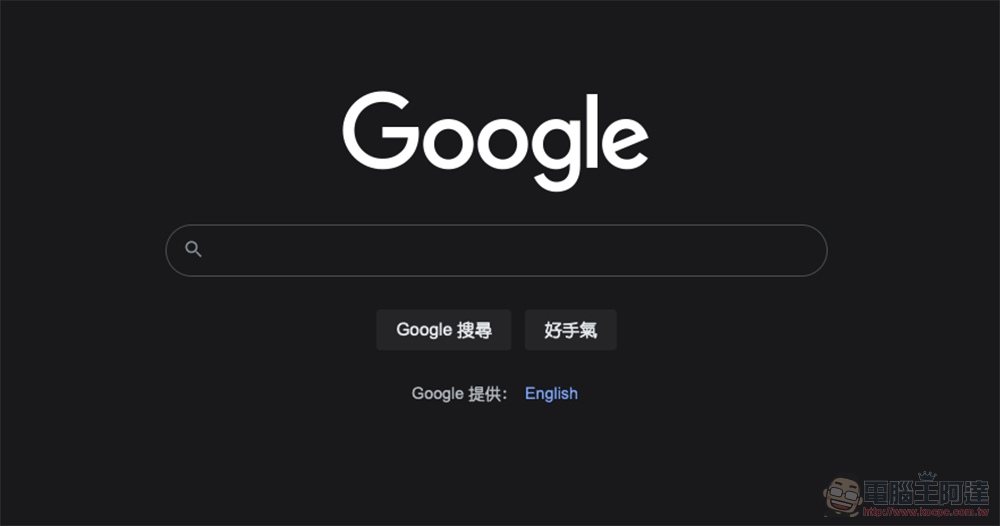
Google Search dark theme has officially arrived on the desktop version, how to activate it here!
Have you Googled today? Or should I say, did you use the computer browser Google today? If you’re lucky, you should see the prompt “Dark theme now available”!
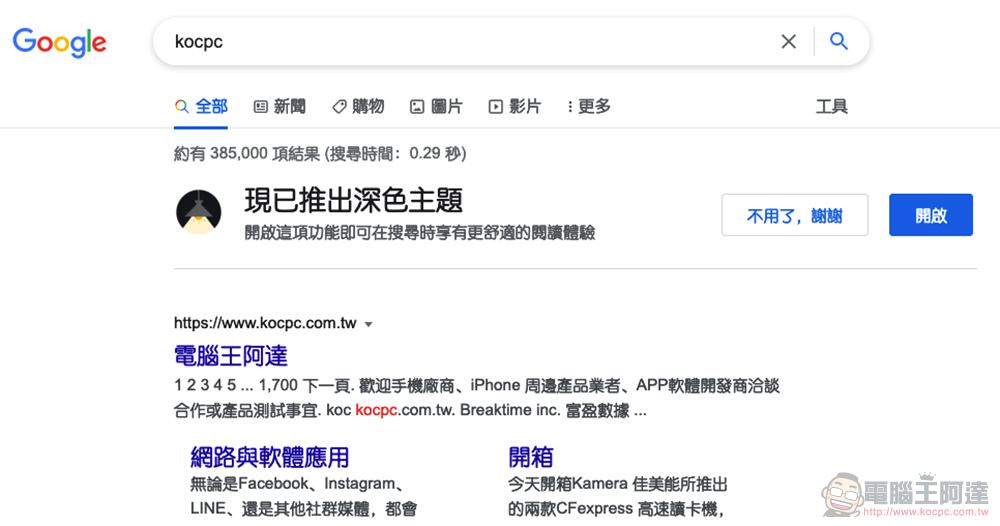
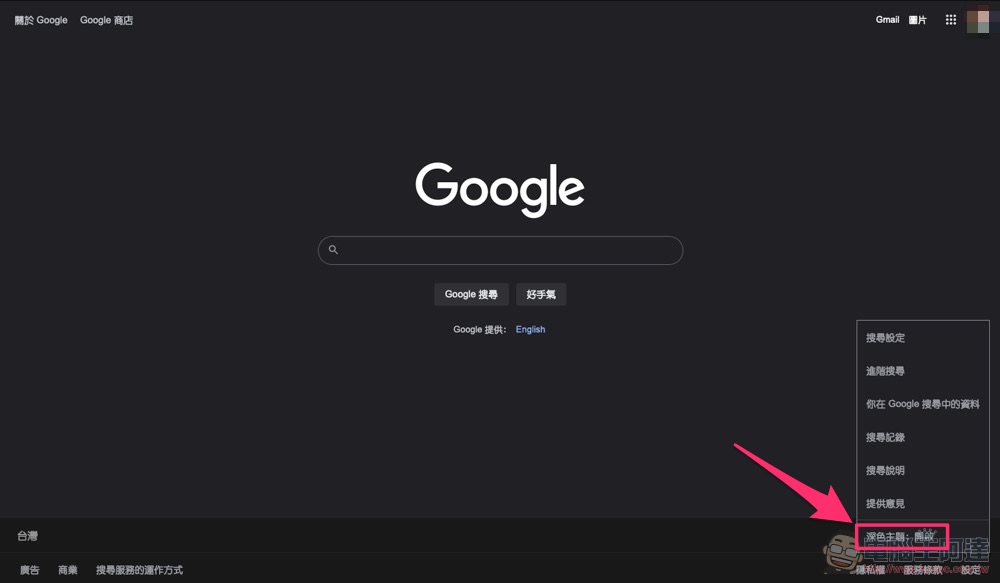
That’s right, the long-awaited dark theme support for the web version of Google Search has been confirmed to be coming to the desktop version of all users in the next few weeks. We tried it and found that we have received this feature. Don’t worry, everyone. Don’t be nervous if you don’t receive a function prompt. In fact, you can try searching for “Settings” in the lower right corner of the web version on Google to see if you can find the “Dark Theme” function:
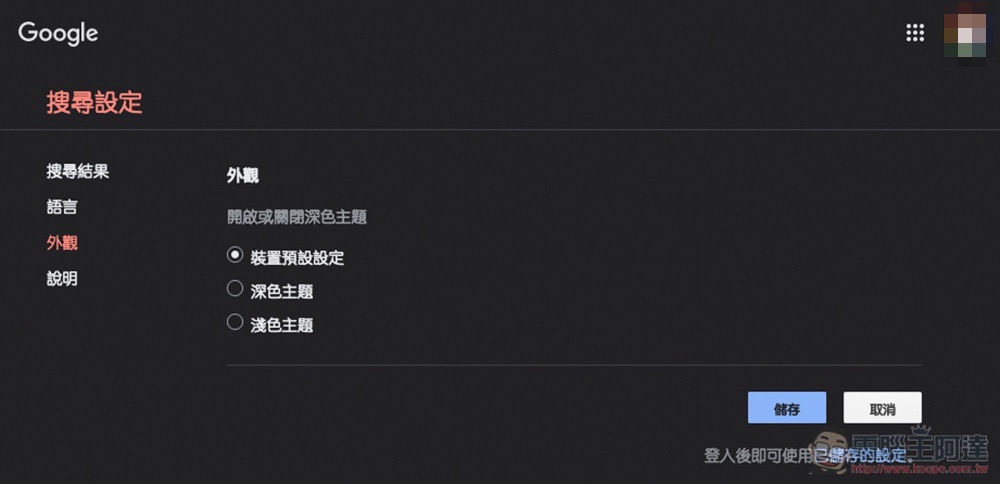
You can also go to the Google Search settings page (Click me to go directly to the page), find “Appearance” and you can select “Dark” or “Light” according to the theme settings of the desktop system:
Naturally, a theme function will be developed for such a long time, and it will not just change the homepage to a dark color. The Google search results page that switches to dark mode will also change accordingly:
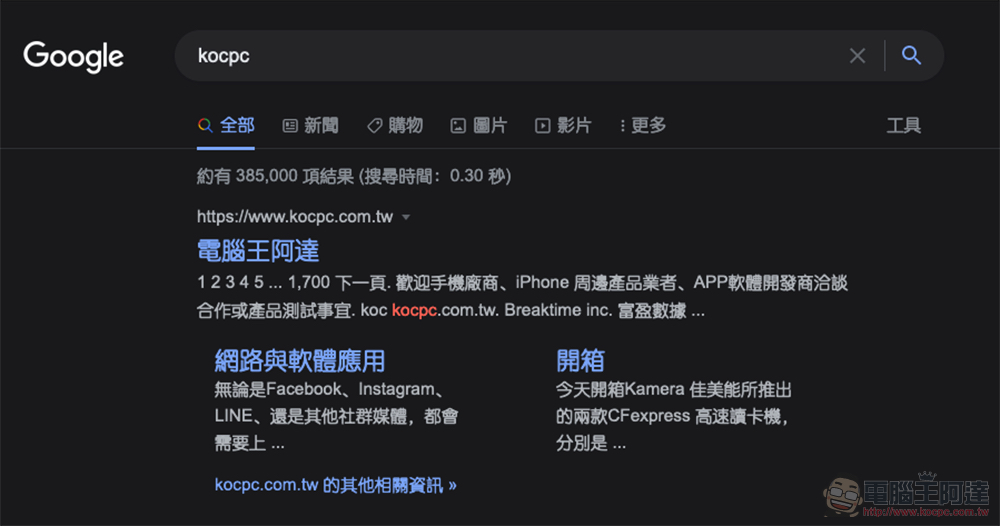
News, pictures, videos, etc. (maps jump directly to Google Maps) also provide themes that are more suitable for low-light reading. It’s really quite good (like it):

That is to say, we also found that when you search using the “privacy tab” of your browser, you can also receive a prompt from Google recommending activating this feature. Although you would think that this means that the dark theme of the web version of search should be fully pushed, right? However, because the same functions are set in the mobile version, although my colleagues have already receivedSafari mobile support, but until today, the editor actually seems to have not received it yet. All we can say is that, after all, Google’s server push order remains a mystery. So if you haven’t received it, you may have to wait for a while.
Further reading:
64GB is gone! Ming-Chi Kuo predicts iPhone 13 Pro will have a maximum capacity of 1TB
The latest Android “Nearby Sharing” finally supports “everyone”
Source: KOCPC Chinese