


When learning English, many people will want to learn and watch their favorite YouTube and Netflix videos at the same time, so as to have the motivation to continue. This article will recommend a super easy-to-use free tool “Language Reactor”. After installation, it will not only automatically translate YouTube and Netflix videos into Chinese subtitles, but also click to look up Chinese explanations and other examples when you see a word you don’t understand.
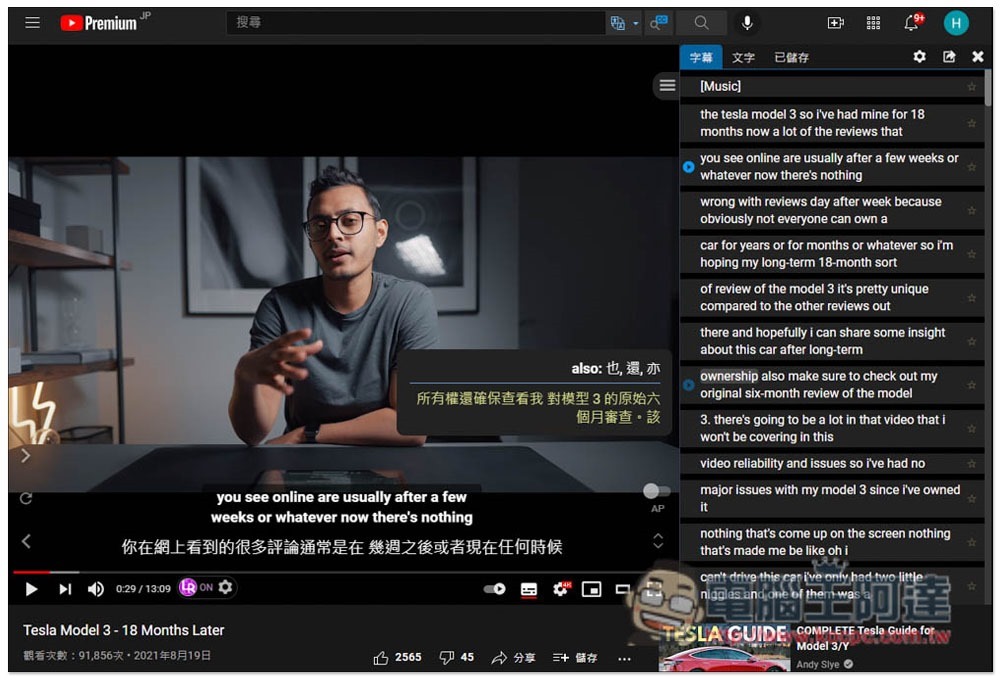
Language Reactor is a super useful auxiliary tool for learning English using YouTube and Netflix
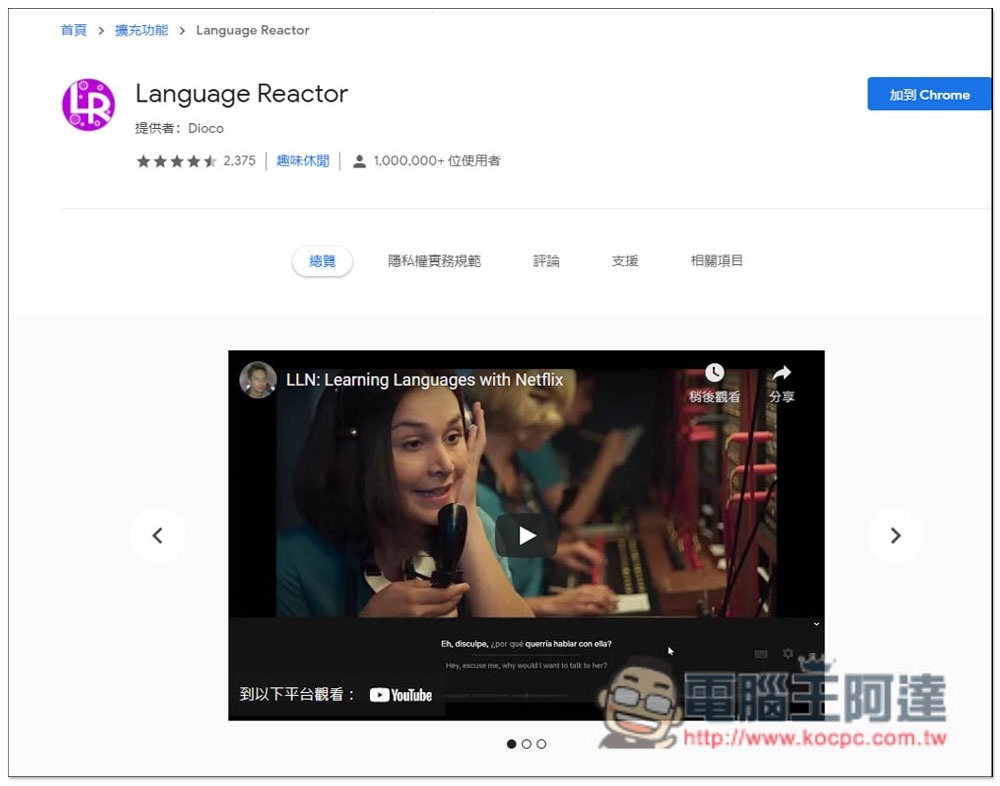
Language Reactor currently only provides Chrome browser extensions, but Edge can also be installed, so anyone using Chrome and Edge can install it:
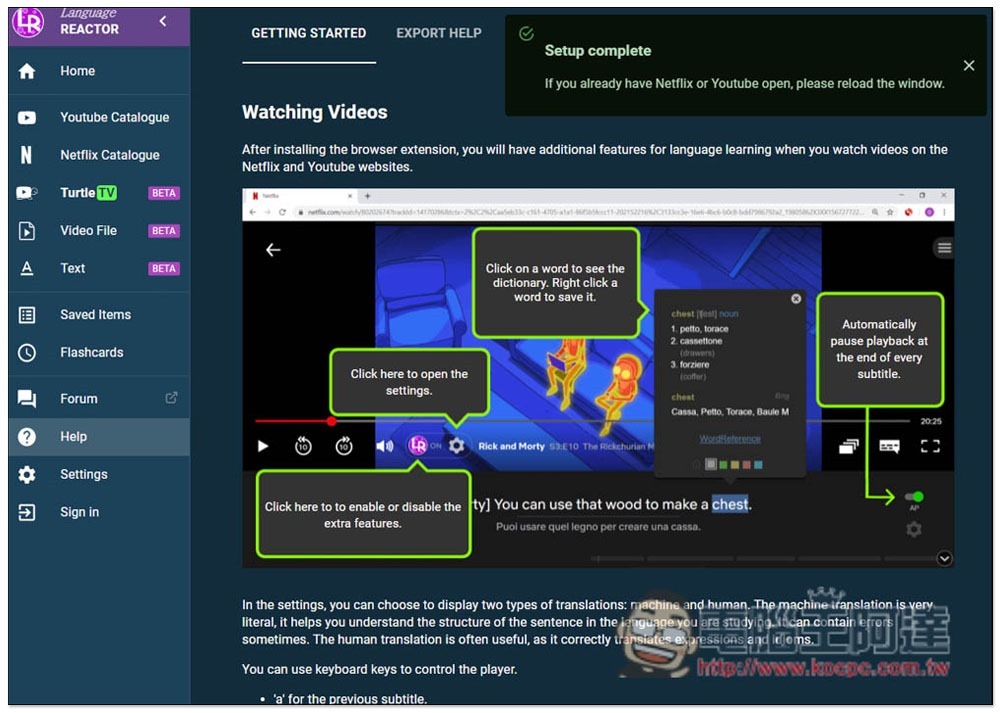
After installation, an introduction page will pop up. It doesn’t matter if you don’t understand it. I will teach you one by one below:
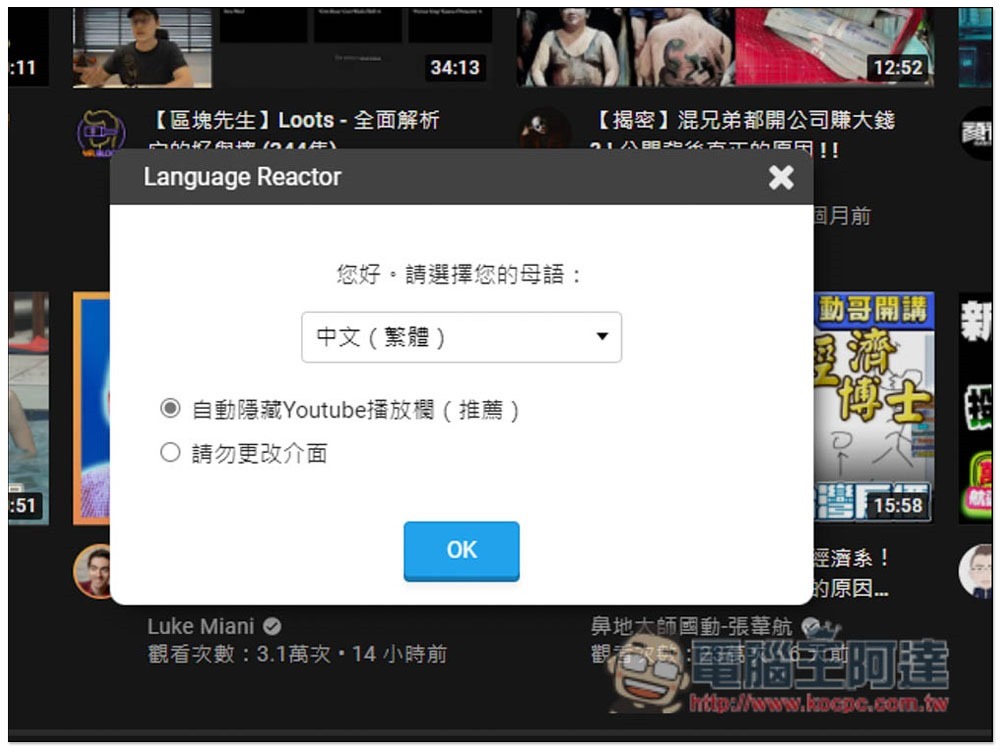
Let’s take a look at YouTube first. After installing this extension plug-in and opening the YouTube web page, you will be asked to select your native language. The default is Chinese (Traditional), and then press OK:
Then open any foreign video, and the playback screen will look like this. In addition to the English subtitles of the video being displayed on the right (if the video creator does not provide a subtitle file, automatically generated subtitles will be displayed), the subtitles translated into Chinese will also appear below:
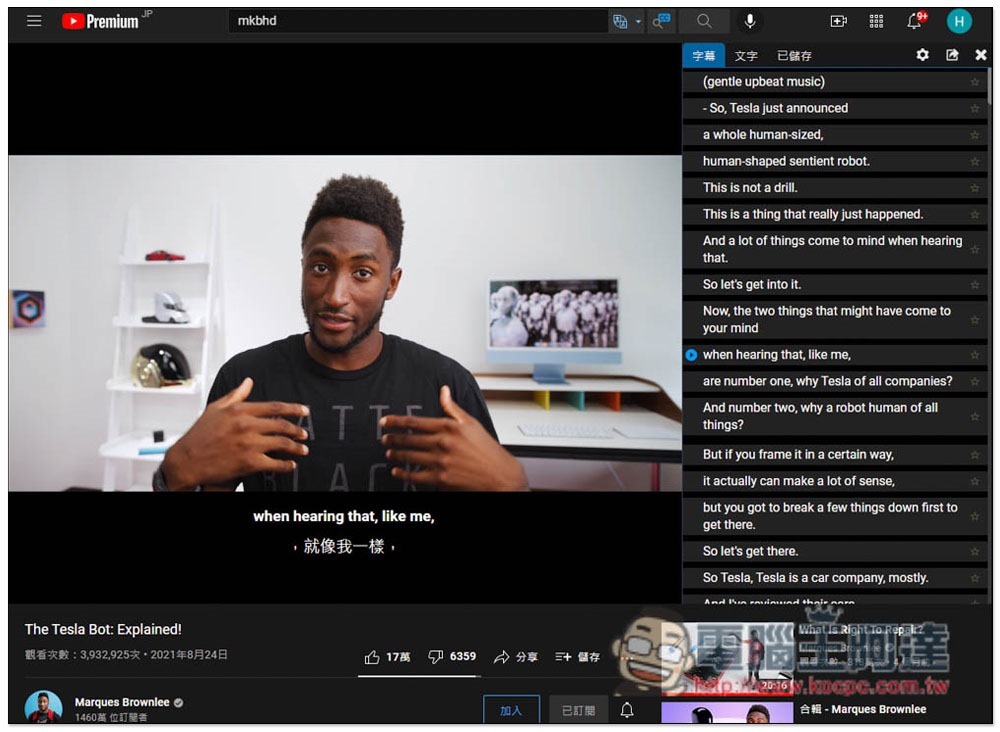
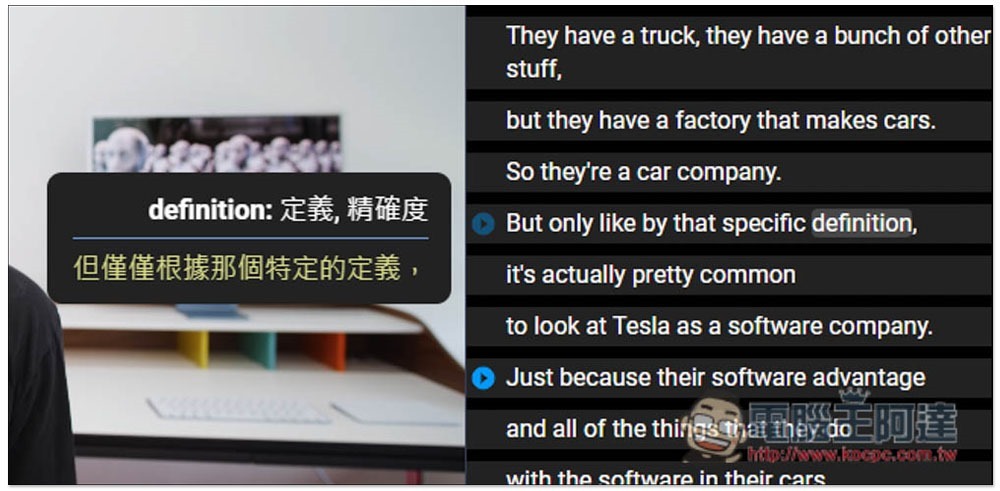
When you encounter an English word you don’t understand, move your mouse over and the Chinese explanation will be displayed:
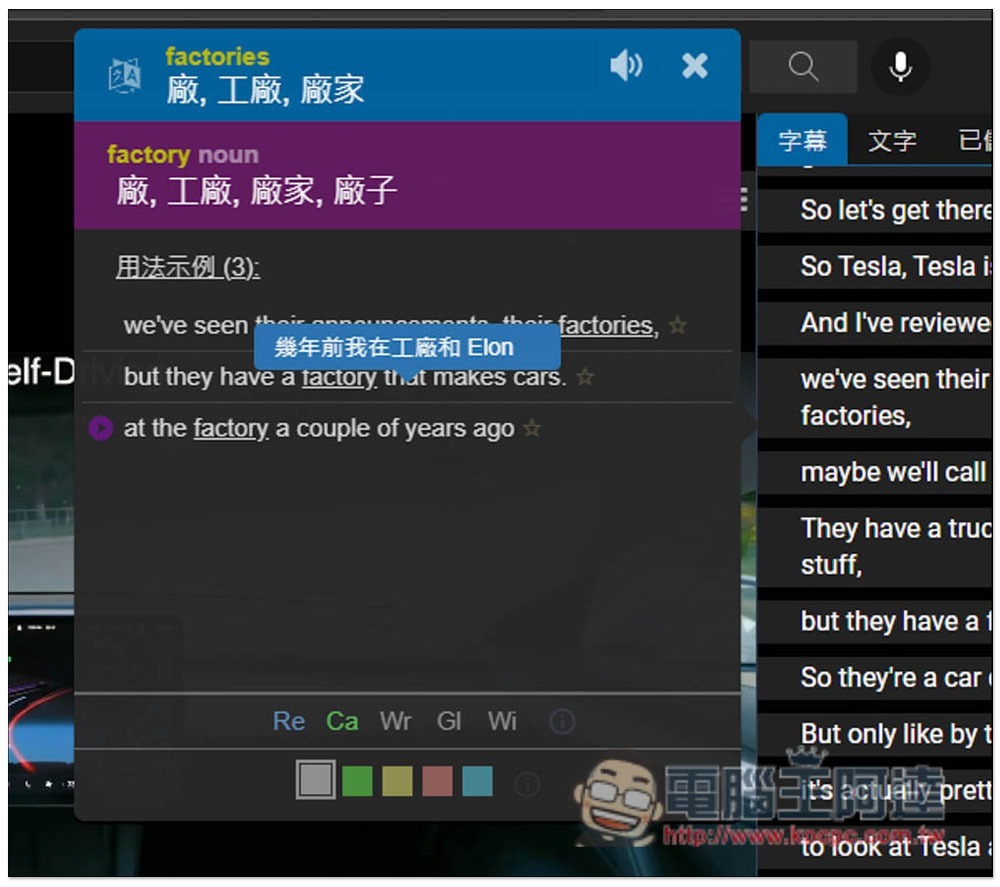
Click to view more detailed word explanations and pronunciations:
The way to use Netflix is similar. There are English subtitles for this movie (or other languages of your choice) on the right side, and the Chinese translation is also displayed below. If this Netflix provides Chinese subtitles, the subtitles manually translated by Netflix will be used by default:
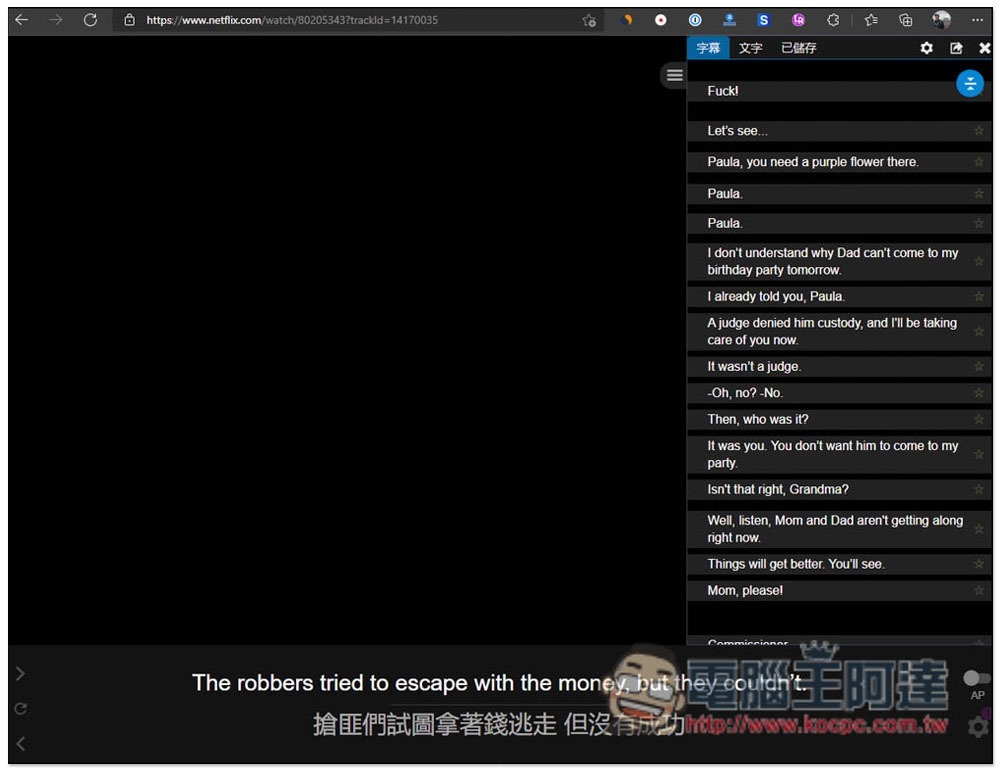
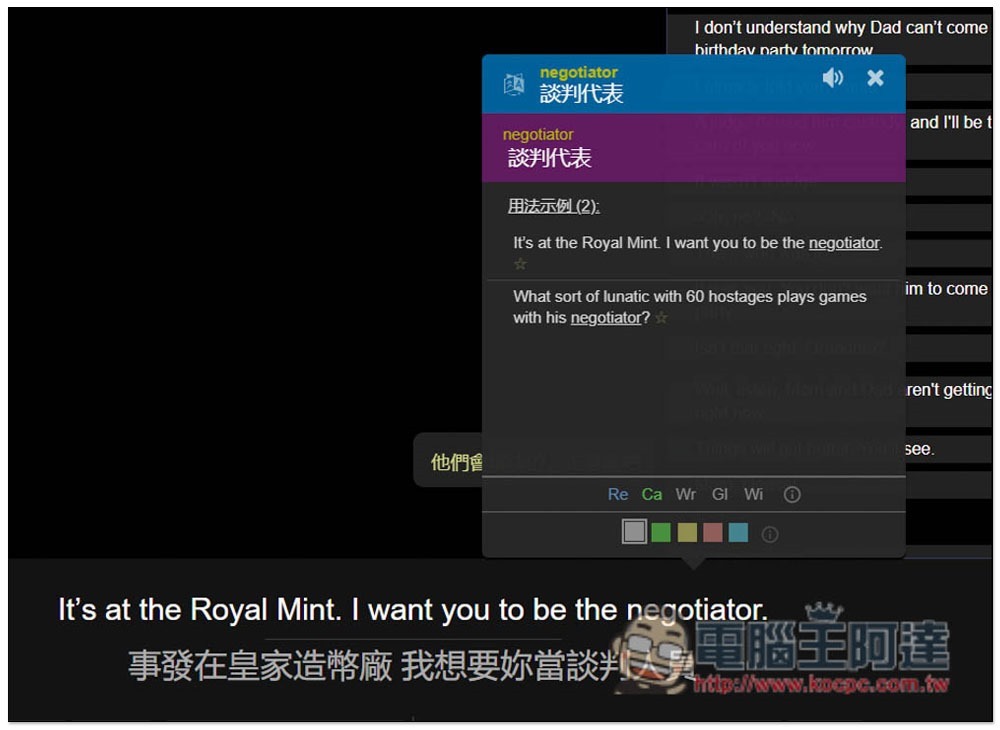
You can also check the meaning of a word after clicking it, and the video will automatically stop playing to prevent you from missing any exciting moments:
The functions of Language Reactor are not limited to the above. Readers can play with the rest by themselves, and a single card function will be added in the future. In addition, the backend section also organizes YouTube and Netflix channels that are good for learning English. You can also browse them.
Source: KOCPC Chinese