


Although this may be a relatively interesting feature for many people, for people with disabilities, this feature is likely to be a way to a more convenient mobile life. The Android 12 system, which is still a beta version, has been dug up to add a new feature for accessibility that can control the system with expressions and eyes (actually the direction of the eyes). Our Computer King Ada team also took the lead in testing this new feature. Continue reading Android 12 can be operated with expressions and eyes! How to set it up? See the (teaching) report here.
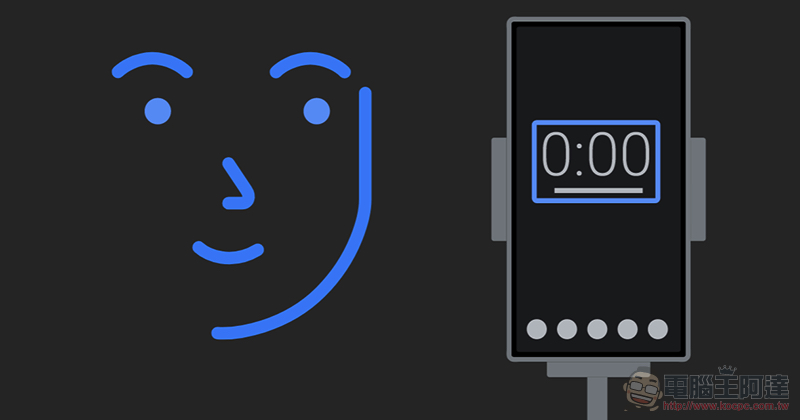
Android 12 can be operated with expressions and eyes! See here for how to set it up (tutorial)
I say this first, because this is a test feature that appeared in the beta version. So although we think this feature is really good and the degree of completion is higher than expected, there is still the possibility that it will be removed from the shelves when the official version is launched in the future due to some factors that may not be explained – although the probability is probably not high. In short, if you want to try it or really need to use expressions and eyes to operate it for some reason, you can really consider installing the system on a phone that supports the Android 12 public beta version and enabling it.
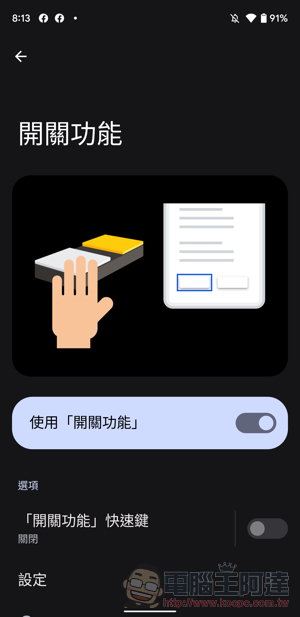
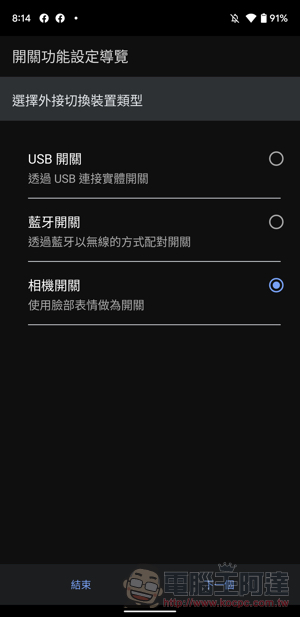
This feature can be found in “Accessibility Settings > Switch Function” in the Android 12 system – yes, although the name of this feature is weird, it should be easier to understand when you see that it is Switch Access in English. In short, it is an option that can be used to perform function switch operations through external devices. As far as the author understands, in the past, it was mainly used in auxiliary products for the disabled including Bluetooth or USB connections as the main supporting accessories.
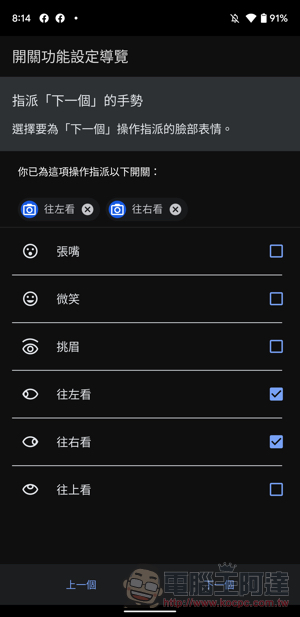
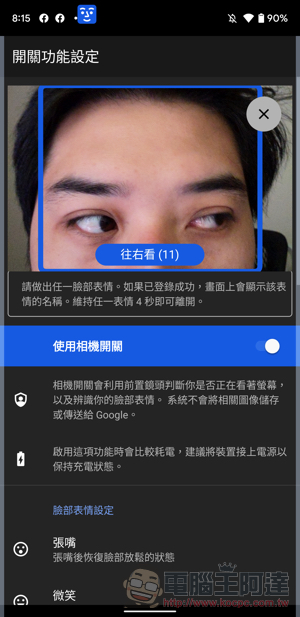
After turning on this function, you can select the number of switches – it is recommended to select multiple switches so that you can control different functions with multiple expressions and eyes. After that, there will be a scan selection function option. After completing the settings, you can start to specify the facial movements you want to add, such as opening your mouth, looking left/right/looking, smiling or even raising your eyebrows. Available functions include previous/next options and pause.
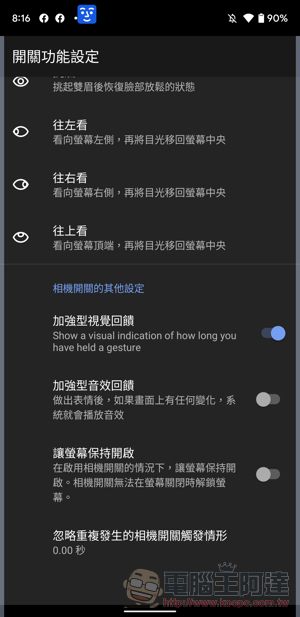
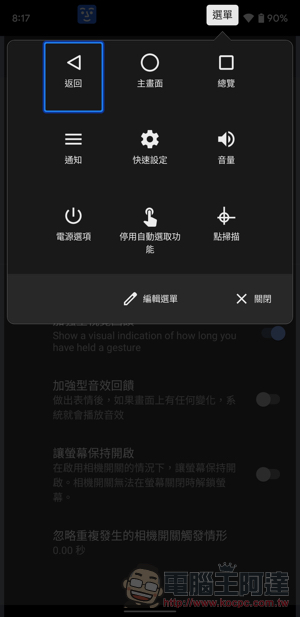
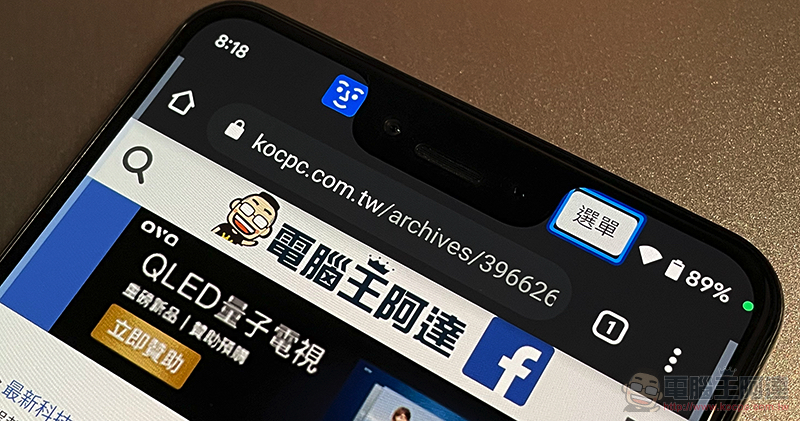
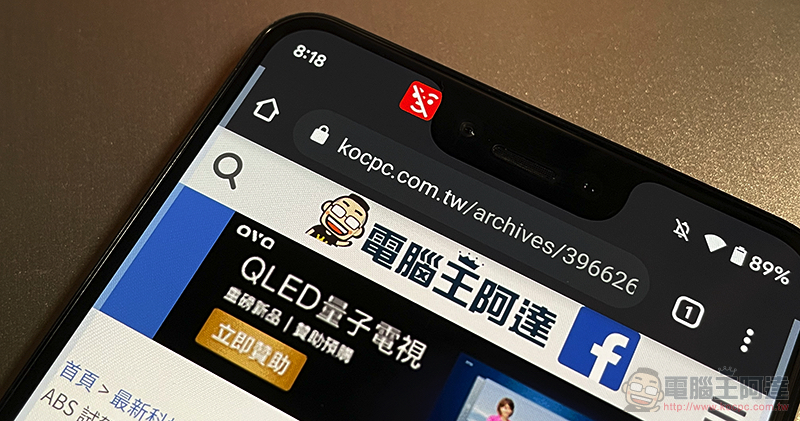
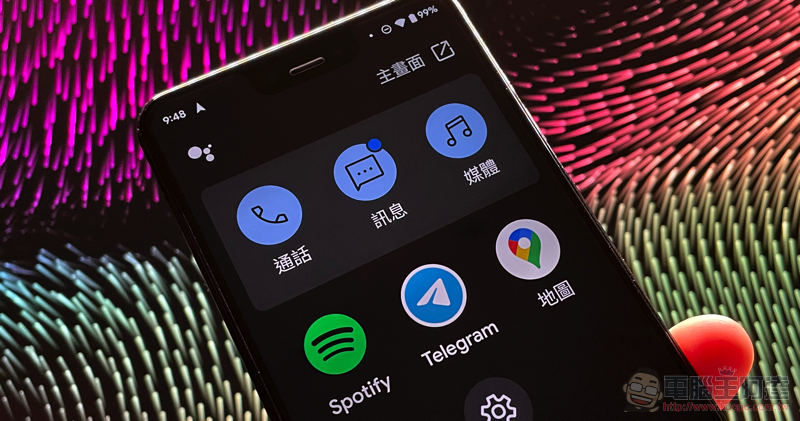
To actually try this function, the Android system will place the detected icon in the upper left corner of the bangs. If a face is detected, it will be displayed in blue; if it is not detected, it will be displayed in red. In the upper right corner, there is also a “menu” that can call up some system function menus that can be selected and used. Generally speaking, although the operation is not faster and clearer than direct finger touch control, there is also a warning that it may cause greater power consumption of the mobile phone. But for people with limited mobility and related needs, this should be a very convenient built-in function.
Further reading:
Source: KOCPC Chinese