


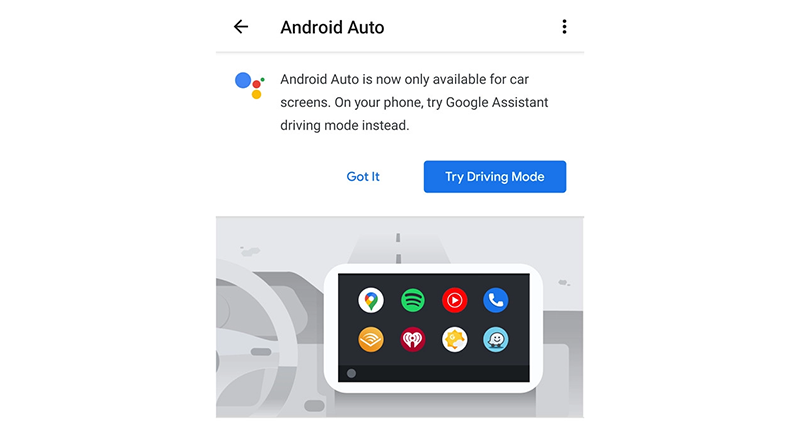
Friends who like to use Android Auto directly on the phone screen may have to change their usage habits and use alternatives in the future. Because now it seems that Google is preparing to transform this system, which originally spanned the car and mobile phone screens, into a strategy similar to Apple CarPlay, which can only be used on the car screen. Continue reading Will Android Auto disappear from your phone screen? Google issued a “Car and Device Only” push message report content.
▲Image source: XDA Developers
Will Android Auto disappear from your phone screen? Google sends out “car and machine only” push message
▲Image source: XDA Developers
To a certain extent, the previous Android Auto approach of running mobile phones and cars in parallel should also be a compromise strategy when there was not much car support at the beginning? Now, as this specification is becoming more and more popular in original car machines from car manufacturers, and recently they have also begun to introduce the “Google Assistant Driving Mode” for Google Maps that is more in line with the direct use experience of mobile phones – in some respects, it is hoped that the design can be more focused on the car machine interface in the future.
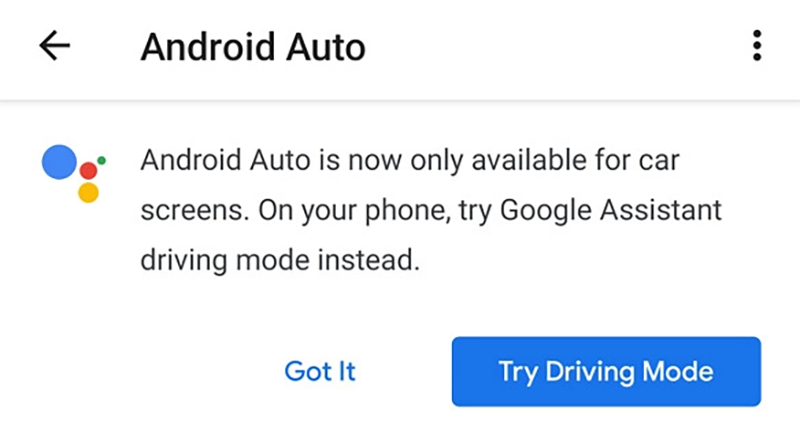
Now in the mobile version of Android Auto settings interface, Google has begun to push non-car usage scenarios, and it is recommended that you try the new driving mode function. And the message directly mentioned “Android Auto can only be used on the vehicle screen” in the message.
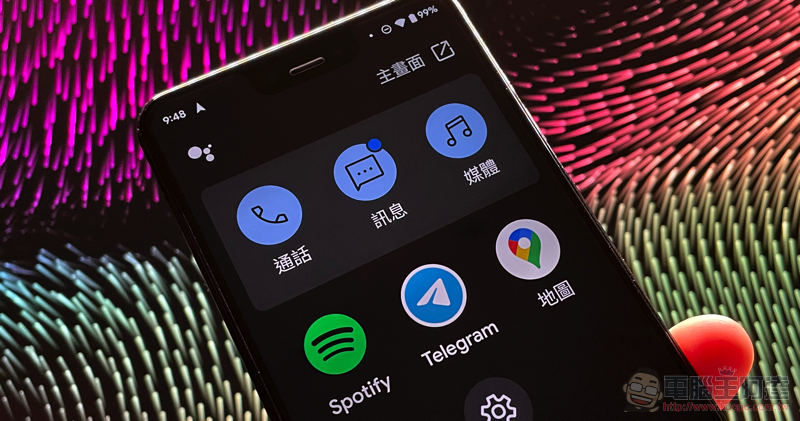
▲Picture: The new interface of Google Assistant driving mode is more user-friendly on straight screens.
According to the screenshots from foreign media XDA Developers. It can be seen that in the Android 12 Beta version, Google has begun to push such new policy messages. However, the author did not find such a push on the mobile phone that has been installed with Android 12 public beta. It seems that Google’s Android Auto car-limited change does not intend to be enforced immediately.
But based on past practice, we estimate that Android Auto’s fate of gradually fading out of mobile phone screens should be an established fact… And because of this, maybe it would be more practical to switch to the new driving mode function in Google Maps early?
If you want to turn on the driving mode interface of Google Maps, you can go to the settings of Google Maps and find “Navigation Settings > Google Assistant Settings” to start enabling the relevant function permissions of driving mode. After navigating, you can directly use this new interface that integrates calls, text messages, and three-party apps.
Pictures/sources cited in this article
Further reading:
Google Pixel 6 will no longer come with a charger. If you want, you can buy Pixel 5a(?)
Source: KOCPC Chinese