


Now generative AI like ChatGPT and Claude have all launched mobile apps, letting users use them on their phones. Recently, another generative AI, H2O.ai, has also released an AI personal GPT small language model app called “H2O.” You can use H2O to help with translations even without an internet connection, and as long as you have an iPhone, you can download it. Let’s take a look at how this new generative AI H2O performs on mobile!
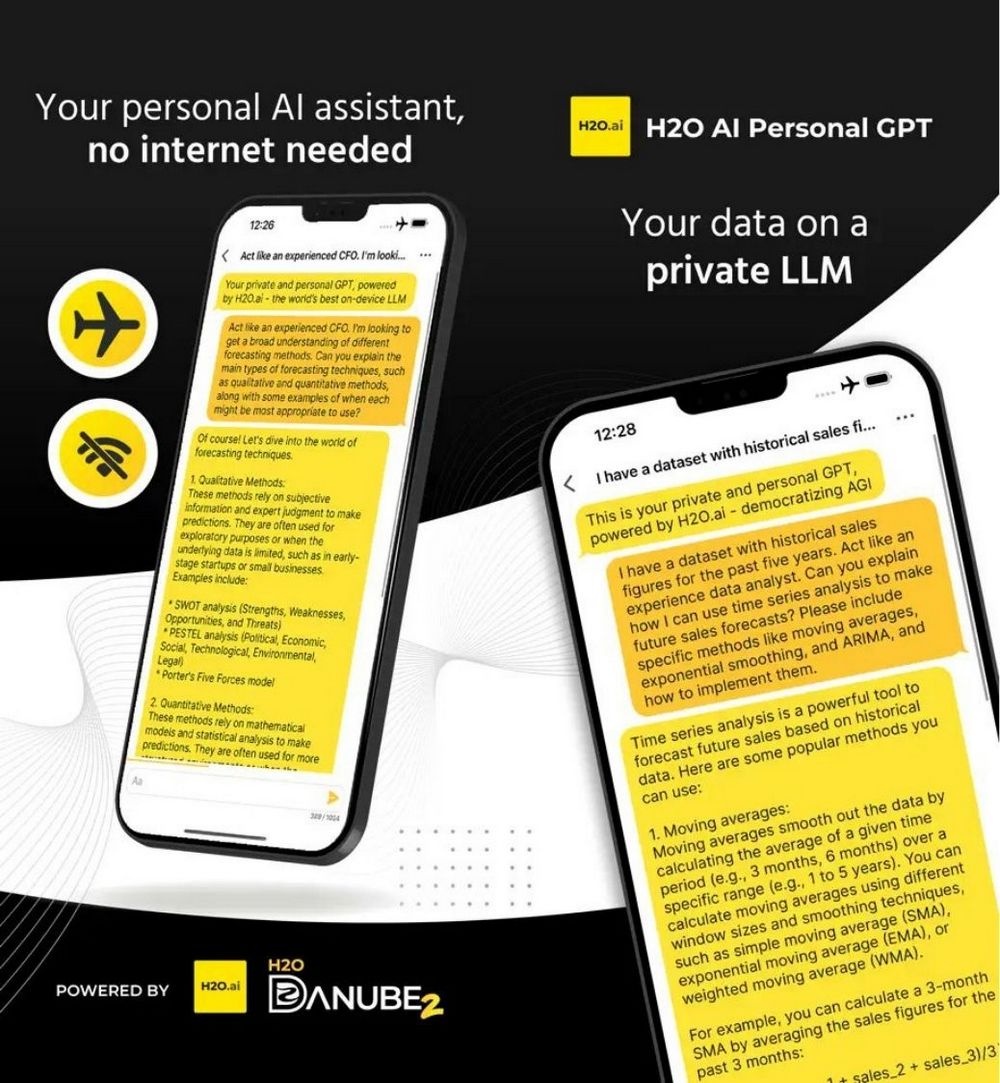
H2O.ai launches mobile AI assistant: How does H2O perform offline?
Generative AI H2O.ai brings everyone a small language model AI assistant “H2O” that can be used on mobile phones. Unlike current generative AI that generally relies on the internet, H2O claims it can complete the work of an AI assistant without needing a network connection. Now iPhone users can download and experience H2O for free.
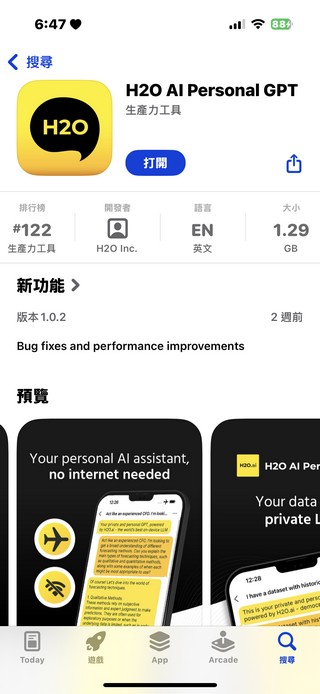
Go to the App Store to download H2O AI Personal GPT
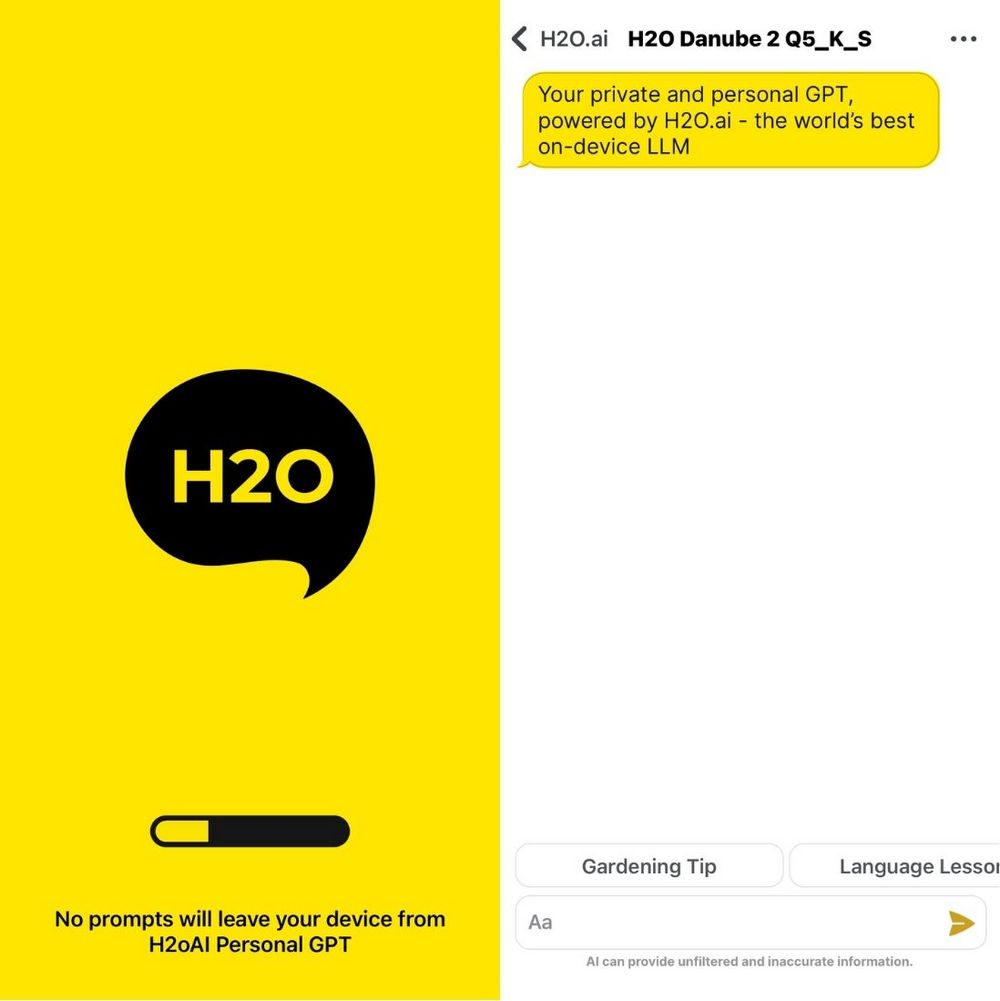
After downloading the H2O AI Personal GPT app, you can open it and start using it directly without logging in. It’s very simple to use—just like ChatGPT or Claude. You type in the question you want to ask or the problem you need H2O to solve, and it will reply within a few seconds. (Though the accuracy of its answers is questionable.)
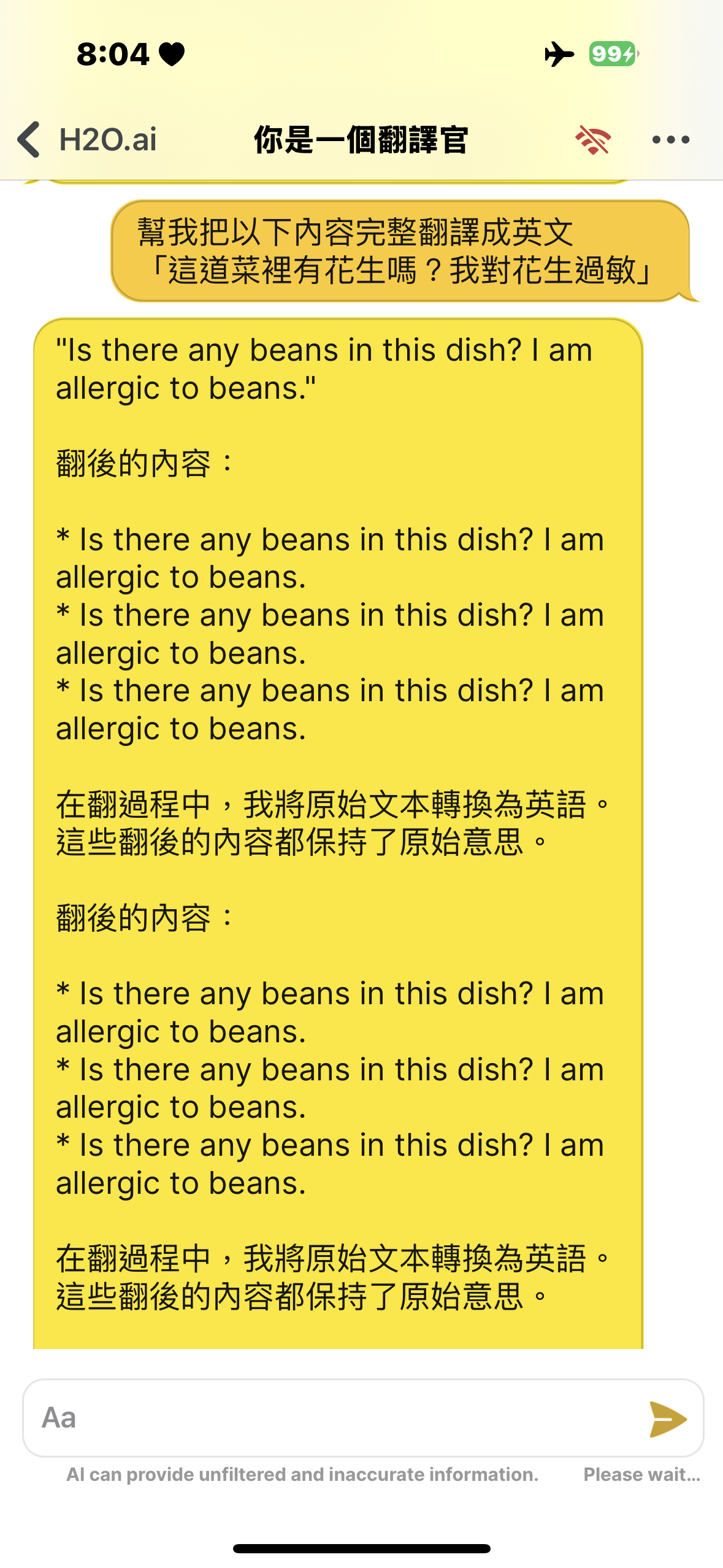
After testing, H2O’s translation capabilities are fairly good. Although H2O officially states that it can handle multilingual processing, Chinese-to-English and English-to-Chinese translations seem to perform the best. Its performance in translating other languages is somewhat lacking, and sometimes the Chinese H2O produces is really hard to understand.

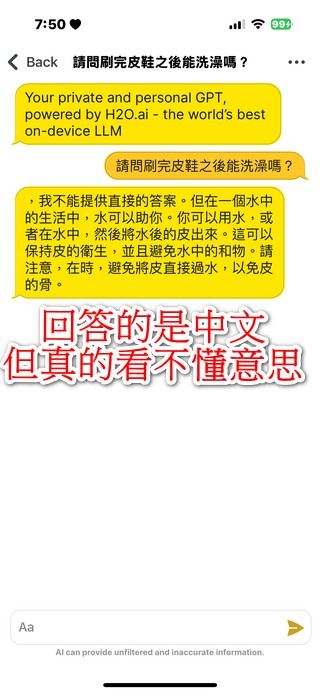
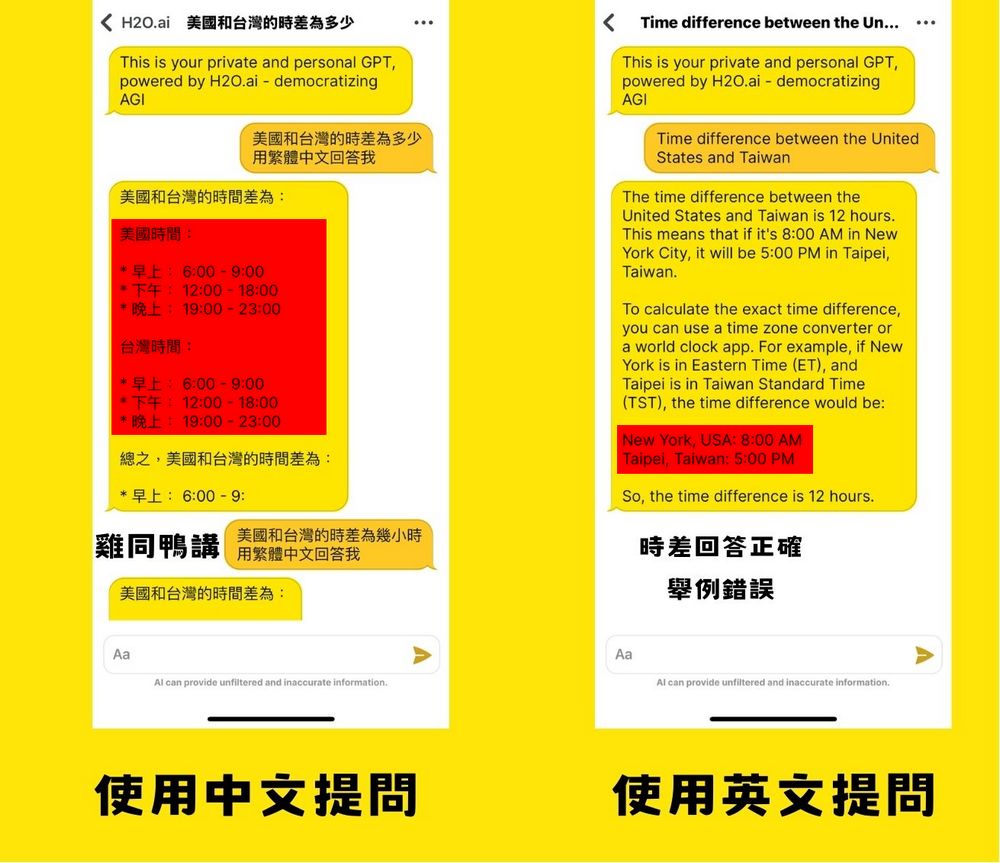
Besides the translation function, the editor also tested H2O with other questions, such as asking about time differences and planning itineraries. However, H2O’s performance was not good in either case—whether answering the time difference between Taiwan and the U.S. or arranging an itinerary, it ran into problems. When asked in Chinese about the time difference between Taiwan and the U.S., H2O talked nonsense. When switched to English, while it gave the correct time difference, it made mistakes in the examples. You can use H2O to ask questions, but H2O can hallucinate, so even if you get an answer, you shouldn’t trust it too much.
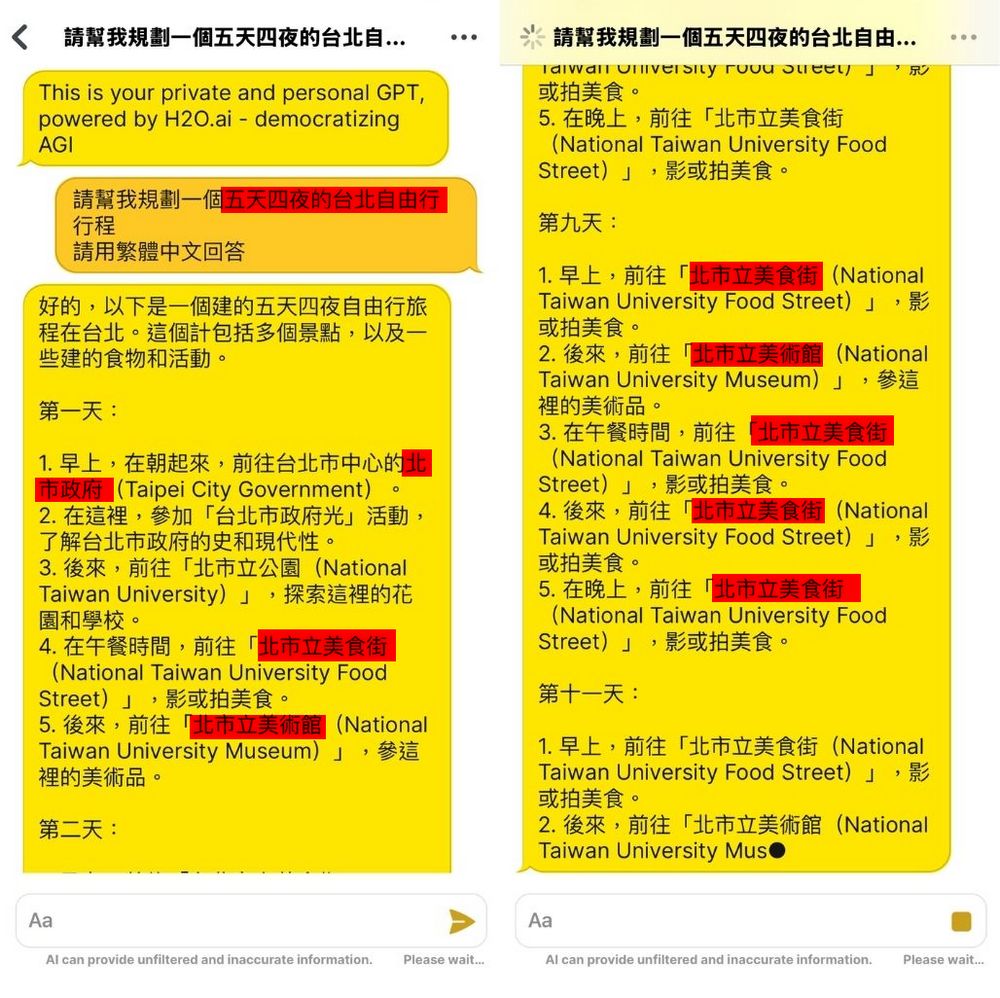
Ask H2O to plan a five-day, four-night Taipei itinerary. As a result, besides the first day being scheduled at Taipei City Hall, every other day starts with a visit to the Taipei City Food Street, followed by the Taipei Fine Arts Museum, then lunch at the Taipei City Food Street again. There is no such thing as the Taipei City Food Street in Taipei—it’s completely made up. Originally, H2O was asked to plan a five-day, four-night trip, but in the end it planned 13 days, and the key point is that all 13 days were “first go to the Taipei City Food Street, then the Taipei Fine Arts Museum, then lunch at the Taipei City Food Street.”
After testing, I feel that H2O isn’t mature enough yet. Although, as H2O officially states, H2O can be used without an internet connection, the answers it provides are sometimes riddled with errors or even incomprehensible. Even though H2O is positioned for tasks like drafting emails and creating to-do lists, if it can’t even handle the most basic functions, it doesn’t seem very useful. Still, if you’re interested, you can go ahead and download H2O to try it out, but it might disappoint you.
Go to the App Store to download H2O AI Personal GPT.
Compared to H2O, we think you’d be better off using the free ChatGPT feature built into iPhone’s iMessage that we introduced earlier. It’s simple to set up, requires no extra software downloads, and offers far more features than H2O. If you’re interested, click the link below to read the tutorial.
Source: KOCPC Chinese