


When you want to upgrade or replace the system disk of your computer or laptop, having a software that can copy 100% of the hard disk data will make it much easier. You don’t have to reinstall the operating system, drivers, or even back up data. Just copy and replace the hard disk, and you’re done.
If you don’t have it yet, a good DMclone professional software is currently offering a limited free offer. The original price is US$29.95. You can get it for free now, and it is a lifetime version. It is available for Windows and Mac. There is not much time left for the limited free time. Those who need it should quickly collect it.
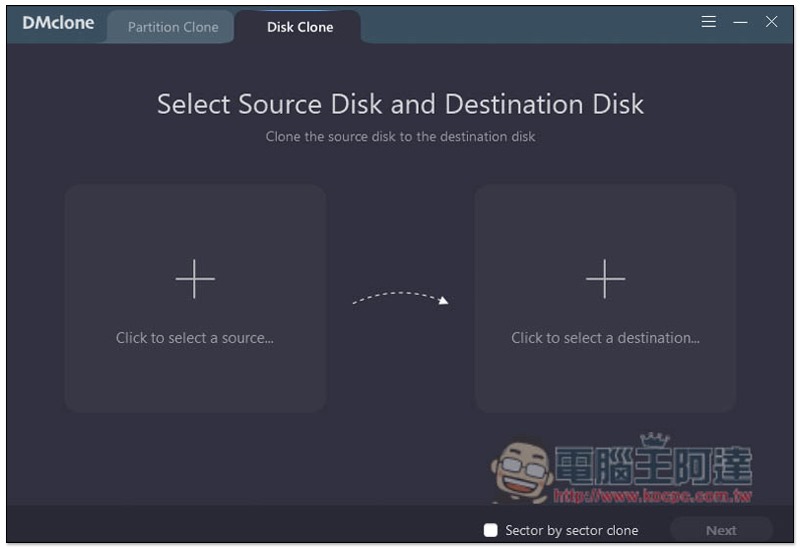
DMclone limited free event
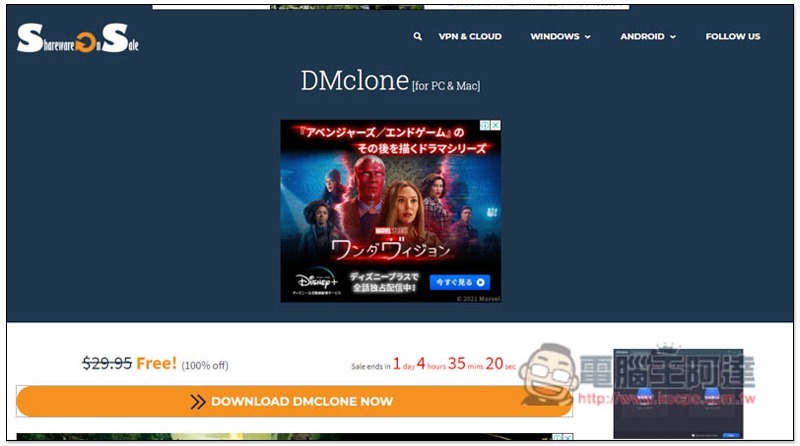
The website launching the DMCLONE limited-free event this time is SharewareOnSale. There is only about 1 day left. After entering the event page, press DOWNLOAD DMCLONE NOW:
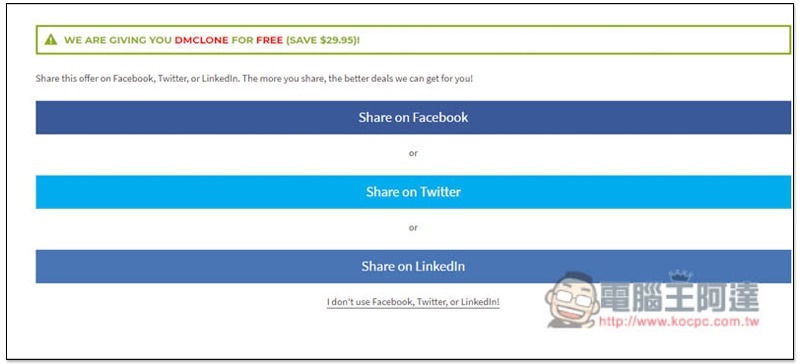
You will be asked to share to Facebook, Twitter, and LinkedIn. If you don’t want to share, you can press “I don’t use Facebook…”:
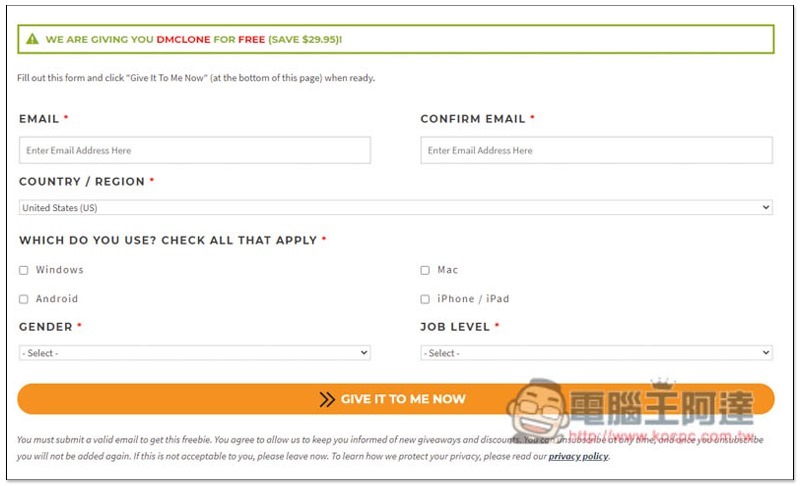
It will jump to the input information page. After completing the input, press GIVE IT TO ME NOW:
Then you can get the installation point and software serial number of the Windows and Mac versions. It is recommended to install and activate it as soon as you get it. You may not be able to activate it after the limited-time promotion is over:
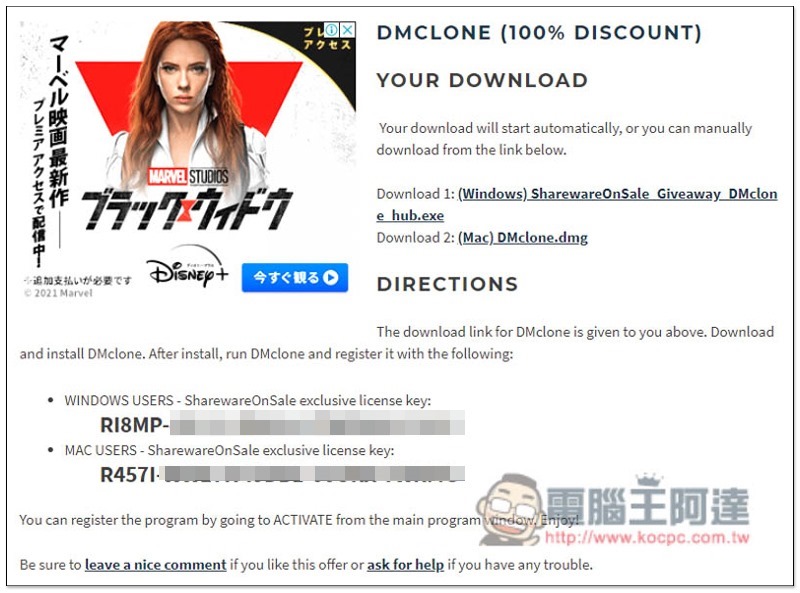
The Windows version will download the Hub software of SharewareOnSale, and you also need to use it to download the DMclone installation file:
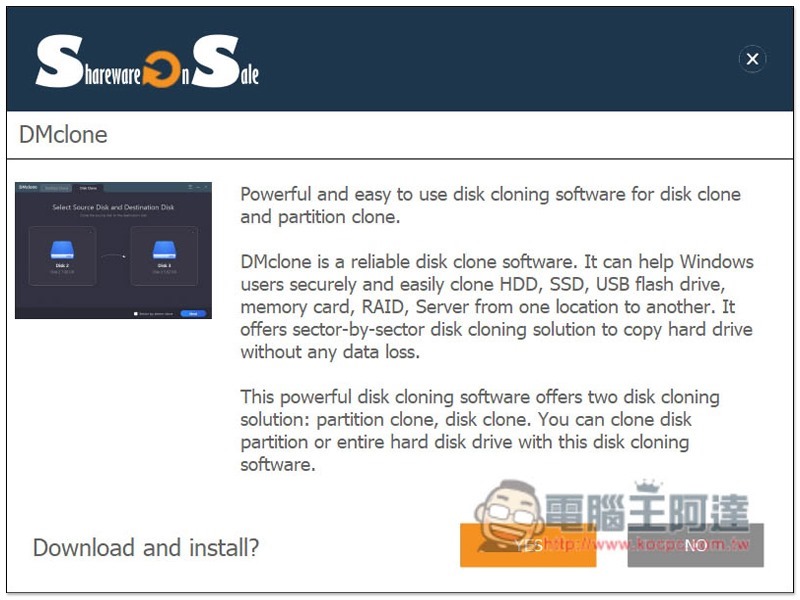
This step asks you if you want to install the website’s limited-free notification tool. If you don’t want to, just press No:
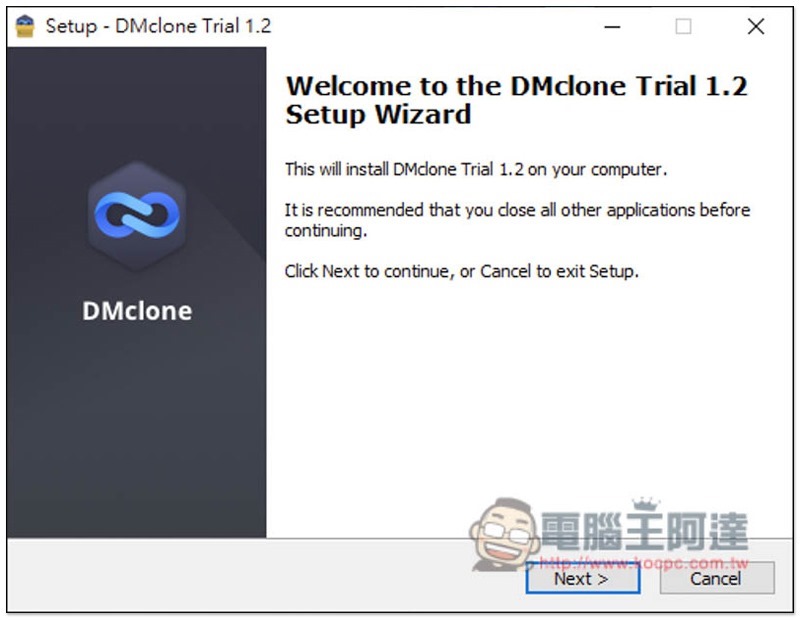
Just keep pressing Next during the installation process:
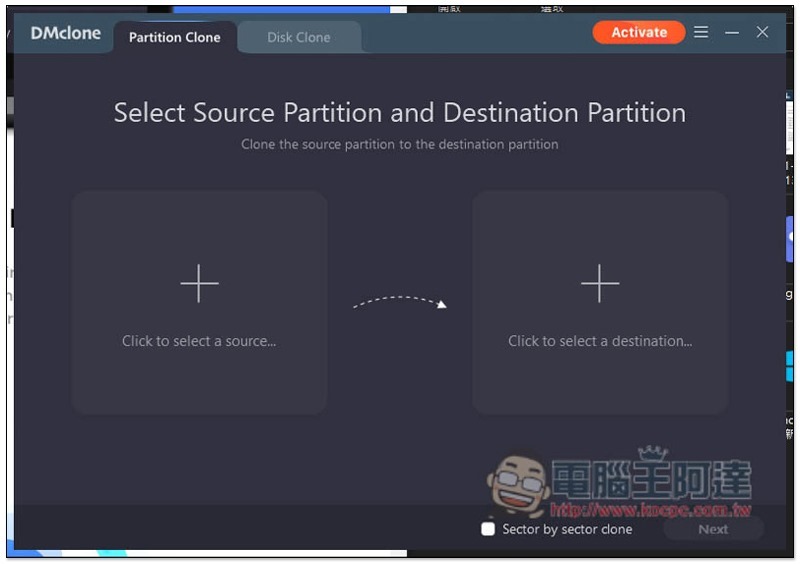
After opening the software, it is still not enabled. Press Activate in the upper right corner:
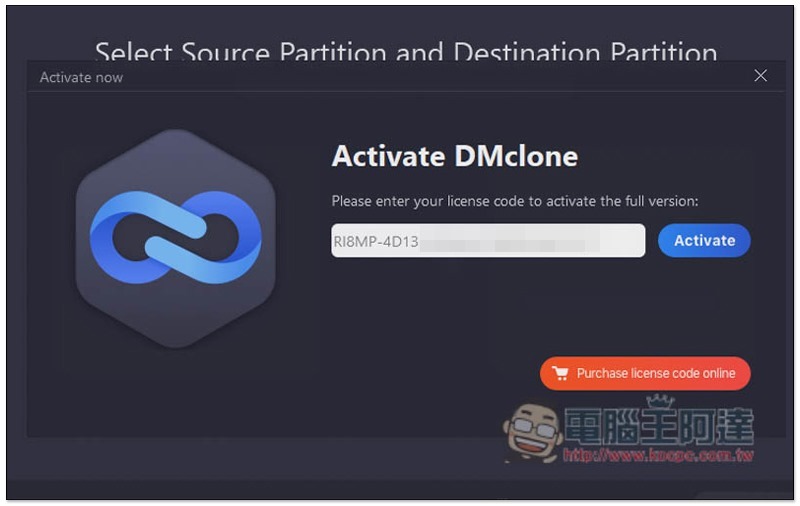
Enter the serial number you just got:
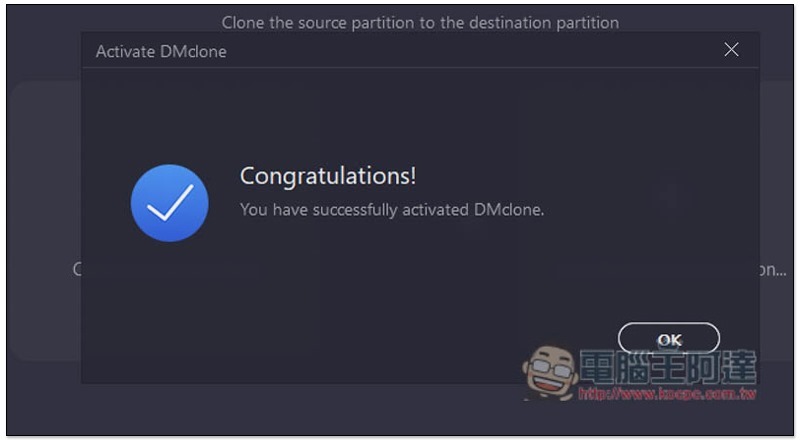
This enabled it successfully! It can be used for life and is the latest version. Another thing to note is that the limited-free version does not provide free upgrades, so if there are any upgrade notifications in the future, remember to ignore them. If you upgrade, you may not be able to continue using them for free:
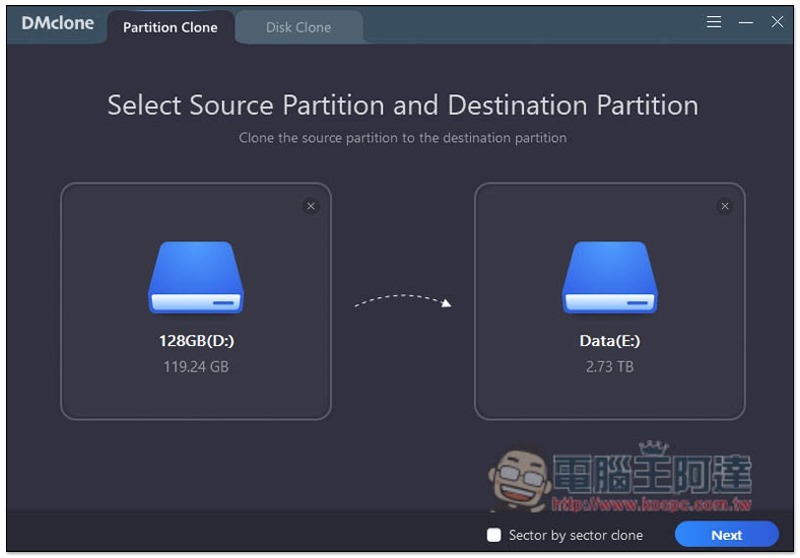
After activation is completed, the original Activate word will also disappear. This set has two copy modes, “Partition Clone partition copy” and “Hard disk copy”. The operation methods are the same. On the left, select the hard disk you want to copy, and on the right is the new hard disk:
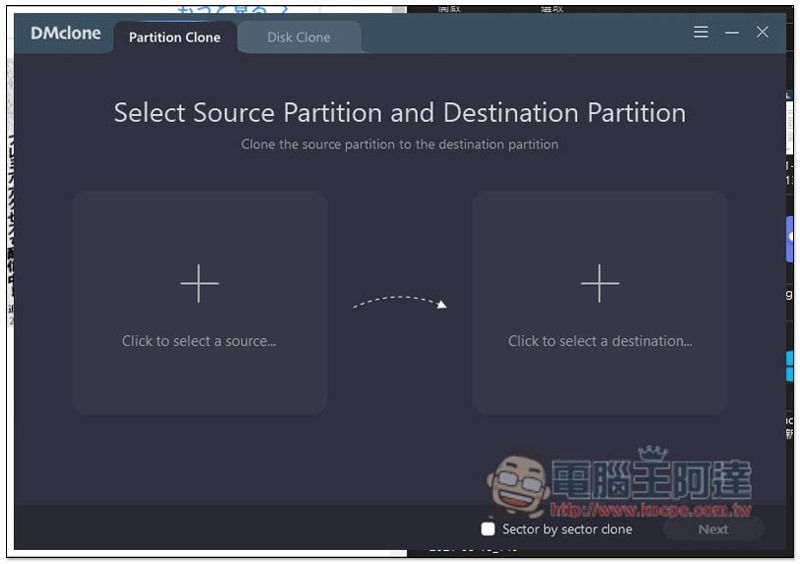
“Partition Copy” can specify the hard disk partition to be copied:
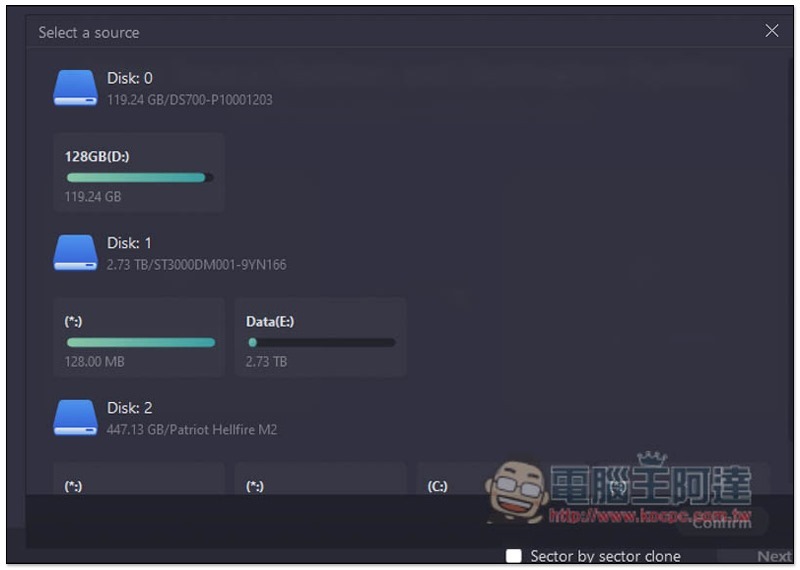
After selecting, press Next:
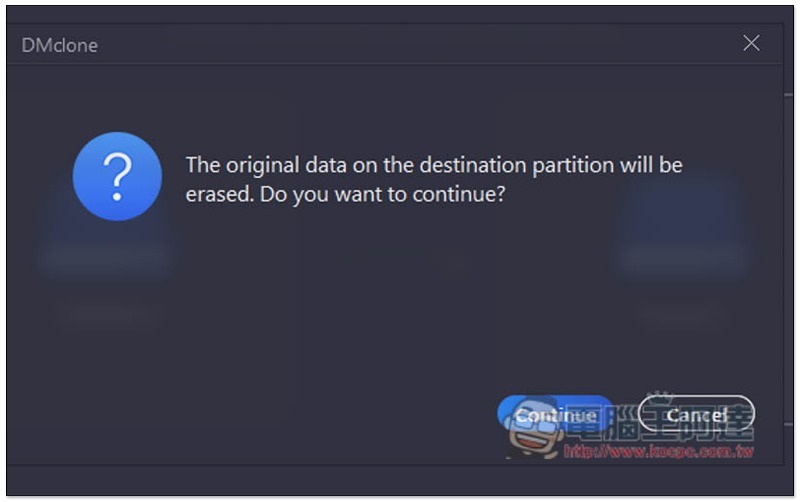
You will be reminded that the data will be deleted, and then copying will begin:
Source: KOCPC Chinese