


In the past, if you wanted to memorize a picture of a person or object, it would take a long time of practice and time to complete. It was especially difficult for people who were not familiar with professional image processing software and related skills such as Photoshop. Today I will share a super easy-to-use free online automatic memorization tool “AirMore”. Users can choose according to the type of images they need to memorize. Whether it is people, products, cars, animals, logos, text and seals, they can all be recognized through AI and can be quickly memorized with one click!

AirMore is a free online automatic memorization tool that can quickly memorize people, products, cars, animals, logos, texts and seals.
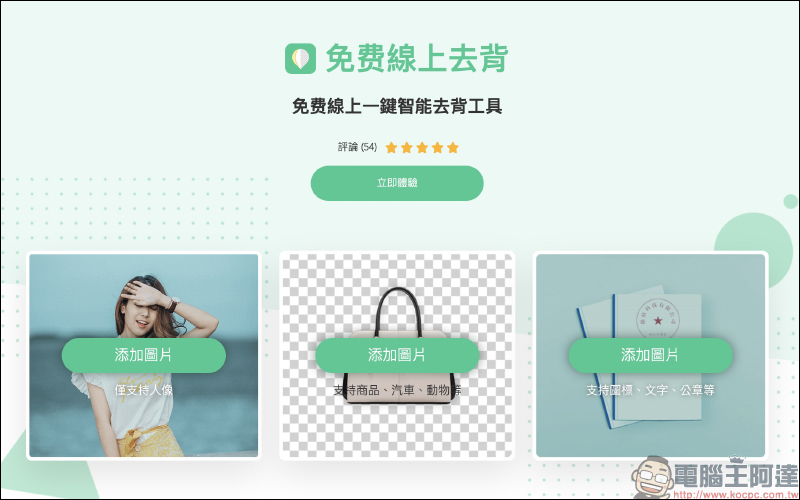
Today I share the AirMore free online automatic back removal tool that uses the latest AI artificial intelligence to continuously learn recognition capabilities and can help users automatically identify the objects they want to keep. Whether it is people, animals, pictures, logos, text and other items, it can be removed in a few seconds. Unlike other AI online de-memorization tools, most of which do not classify image types, AirMore is divided into three types: “portraits”, “commodities, cars, animals, etc.” and “logos, text, seals”, which can perform more effective de-memorization work based on the characteristics of different types of images.
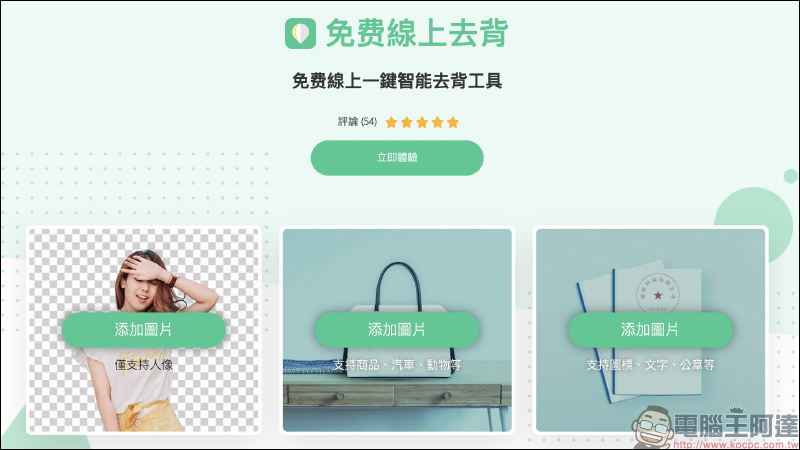
The AirMore free online memorization tool is very simple to operate. It is completely free and does not require membership registration. Just click on the image type on the main screen to upload the image to start. First, let’s demonstrate how to memorize a portrait. Click “Portrait” to upload a picture:
Wait a few seconds after uploading for this to work:
The system will then automatically display the image memorized by AI and the original image on the preview screen. Only the retained area of the original image that has just been memorized will be displayed.
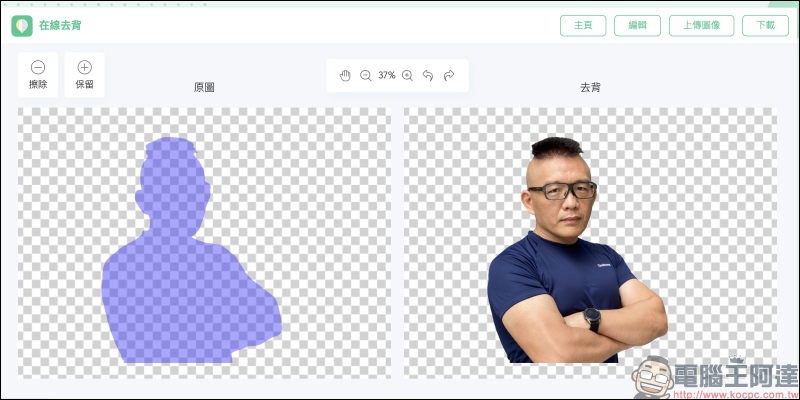
If you want to view the original image and compare it with the image behind it, you can click on the blank space of the original image, and the base image of the original image will be displayed. At this time, the user can use the preview tool to zoom in, zoom out, and manually adjust the image to remove the areas to be retained and erased. By default, AirMore will convert the background to a transparent image after background removal. Users can click “Edit” to adjust the image background:
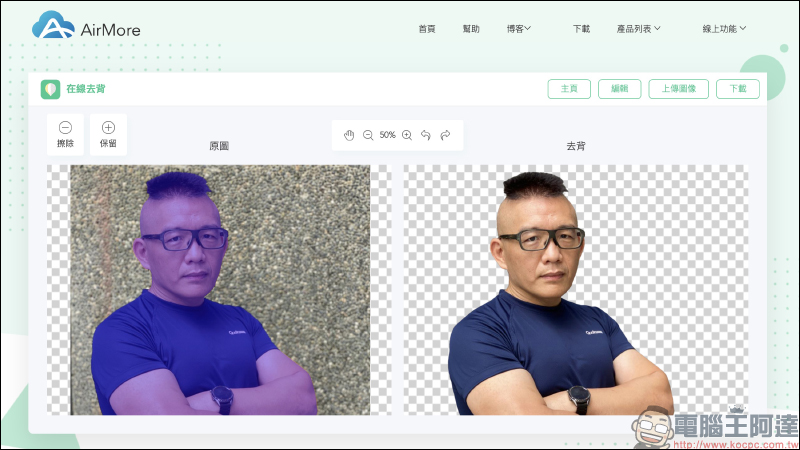
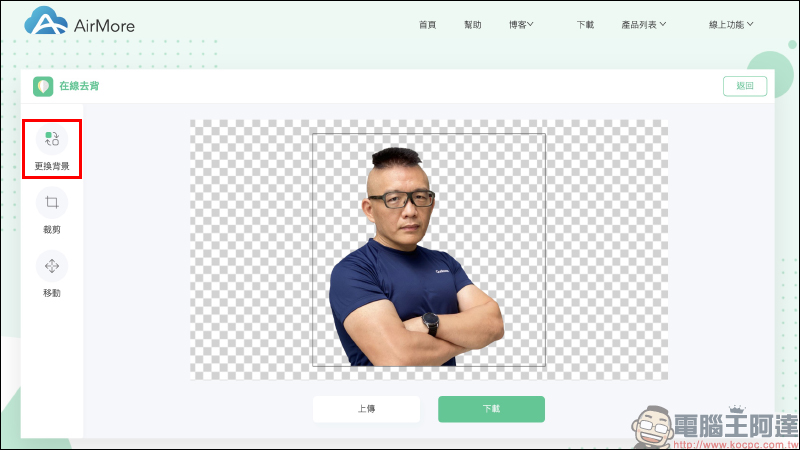
In the background changing function, users can adjust different background colors.
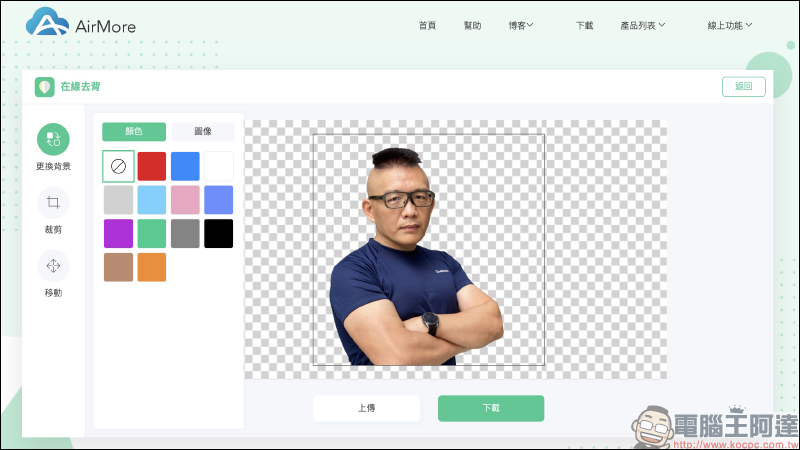
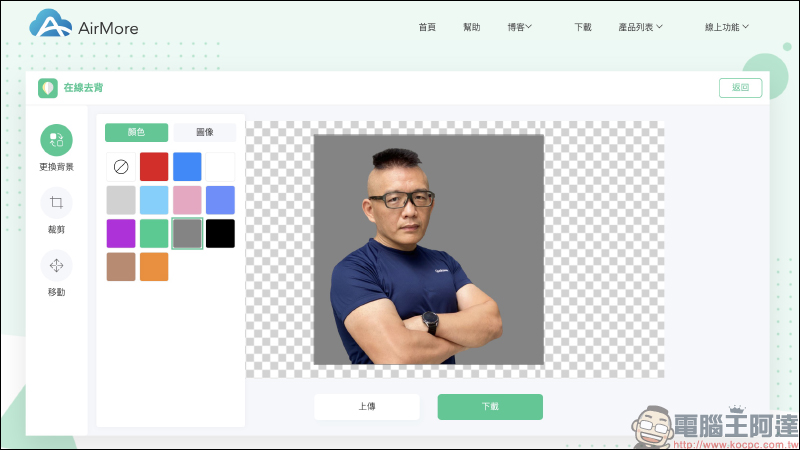
If the picture you want to memorize is ideal, you can click the “Download” button to download the picture. The following is the result of online back removal through AirMore without any manual adjustments. The effect of back removal is quite satisfactory.
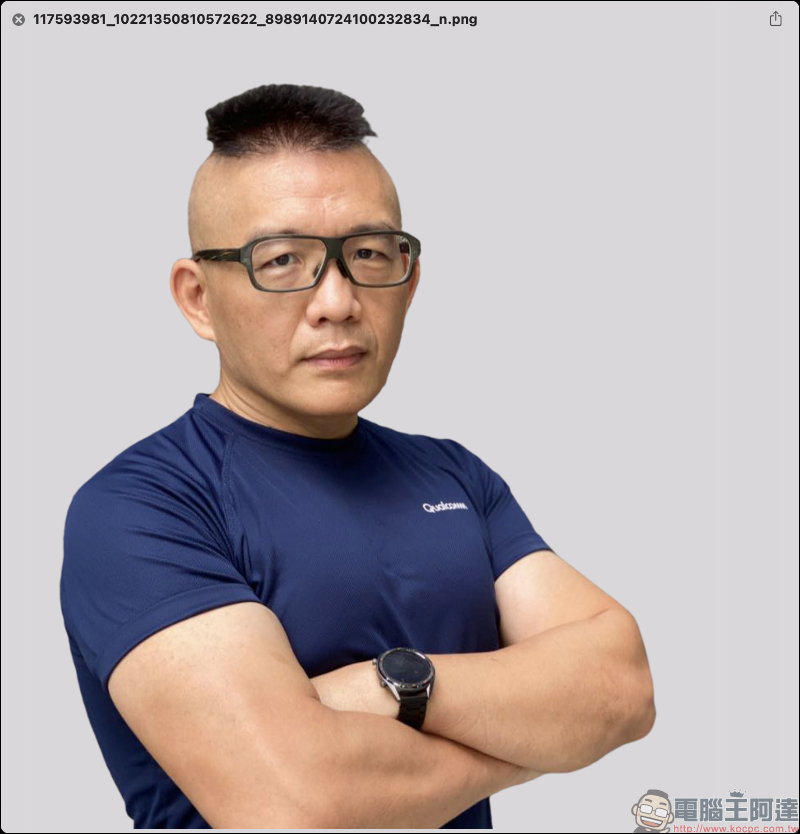
If you need to de-back the pictures of some products, you can click on the de-back function specifically for products, cars, animals and other types of themes.
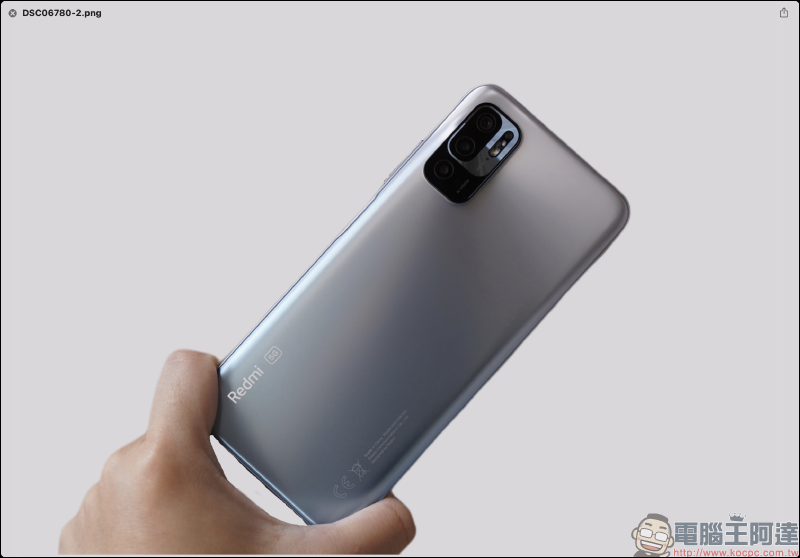
The author has unboxed it before Redmi Note 10 5G The picture is an example. You can see that there is no big problem in removing the back of the phone body, but the position of the finger tab is not completely removed.
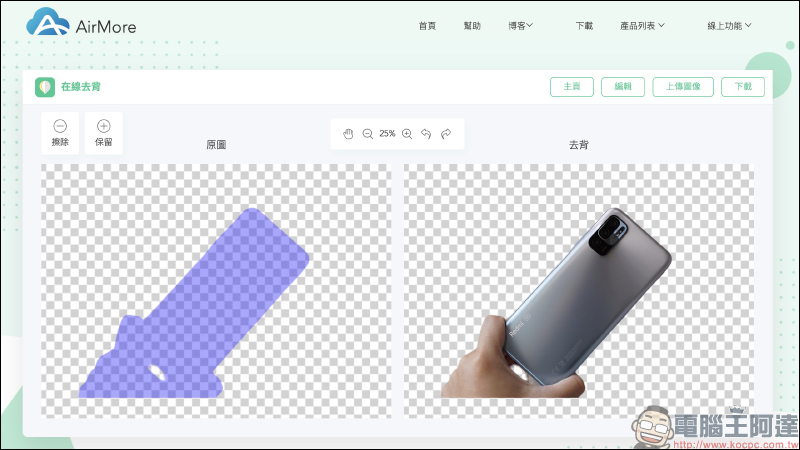
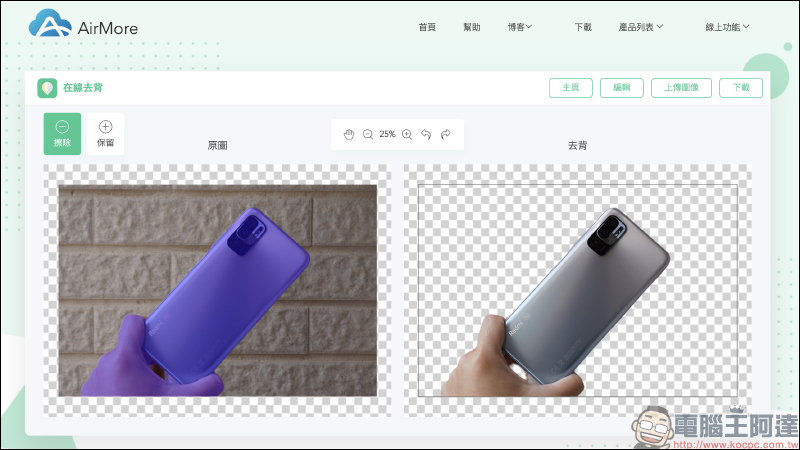
At this time, you only need to enlarge the preview image, select the erase and retain brush functions, and then you can manually and slowly remove the area that you want to back.
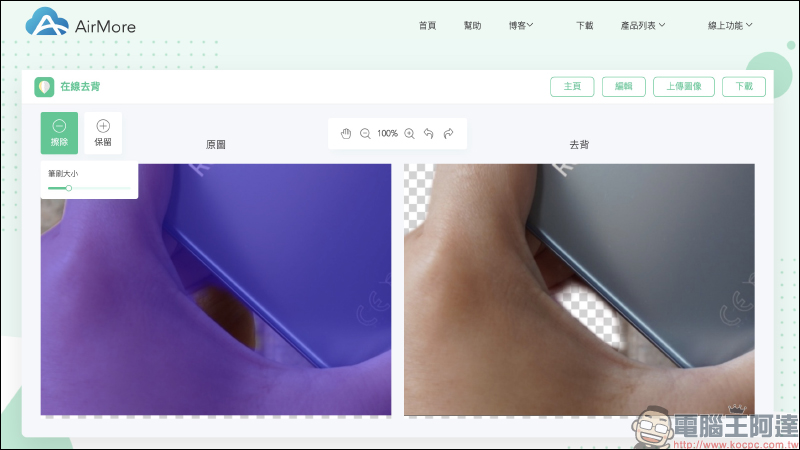
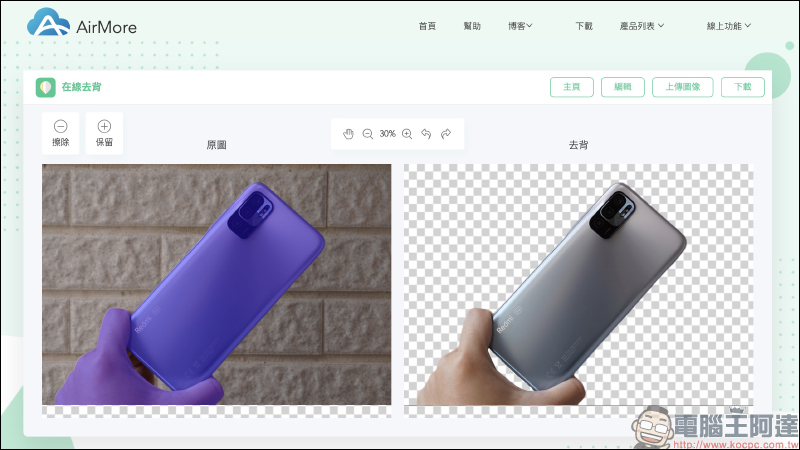
The approximate effect of back removal is as follows. If you have patience, you can slowly develop a more ideal back removal.
AirMore free online automatic back removal tool:Click here to go
Further reading:
LINE free sticker collection: 17 cute and practical LINE stickers for free download
Source: KOCPC Chinese