


As the Android 12 public beta version continues to change, we are gradually seeing that in addition to Material You and some new features, Google is taking new directions to create a system experience – one of which is more “multi-tasking” for the system’s “recent applications/multi-tasking page”. Continue reading Android 12 multitasking page adds graphic recognition and sharing functions, so you can share beautiful pictures if you don’t agree (eh)! Report text.
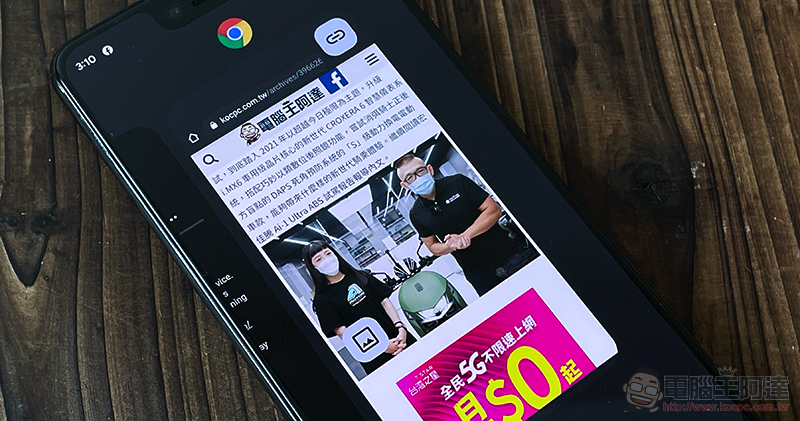
Android 12 multi-tasking page adds graphic recognition and sharing functions, so you can share beautiful pictures if you don’t agree (eh)!
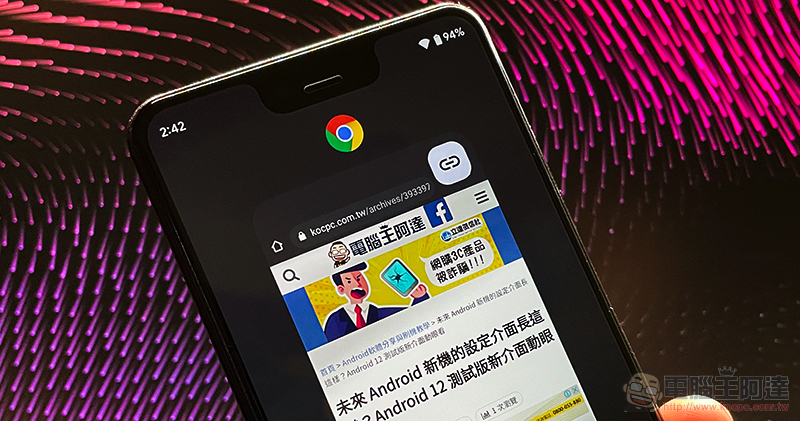
In the Android 12 beta version, we found that Google has recently attached great importance to the function and user experience of the “Recent Apps/Multiple Tasks Page”. The recent beta versions not only provide new gesture options for multitasking and sliding back to the desktop, but there is no longer the problem of accidentally touching Google Assistant (Because it can be turned off). For this multi-tasking page, Google has added shortcut functions at the bottom that can recognize text “select” and take screenshots, in addition to the original function that can only be used to switch applications.
Recently, there has been a further analysis of screen elements for the content in the multi-tasking application page – speaking of it, in fact, every time the multi-tasking screen is started, it seems that the system directly takes a quick screenshot? It seems that it would be a piece of cake for Google to provide more recognition functions in more depth?
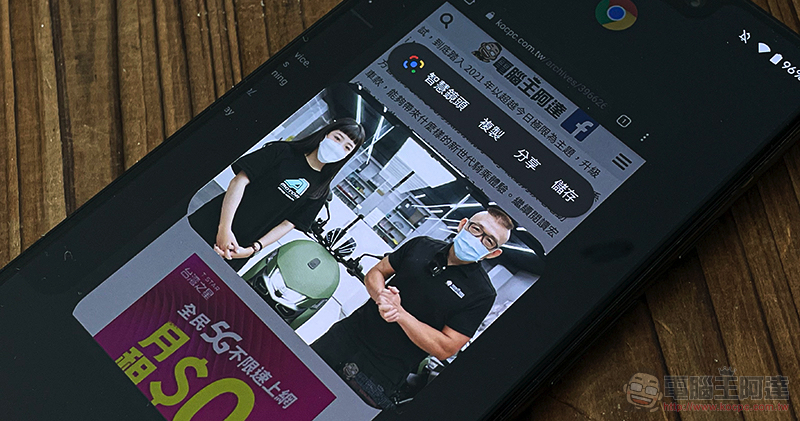
All in all, in the latest public beta version of Android 12, Google imported the previous version of Beta for the first time Chrome web quick link sharing featureExtending it even further, even images within the app can be shared in a more in-depth manner, and even the extended recognition search function of Google Lens smart lenses can be extended.
Its usage is exactly the same as the previous quick link sharing, that is, it is very simple to launch the multi-tasking page with system gestures or buttons. The system will detect the button that adds an extension function to the image that appears in the thumbnail of the multi-tasking application. After clicking, you can quickly copy, share or save; you can also use Lens smart camera to search for images.
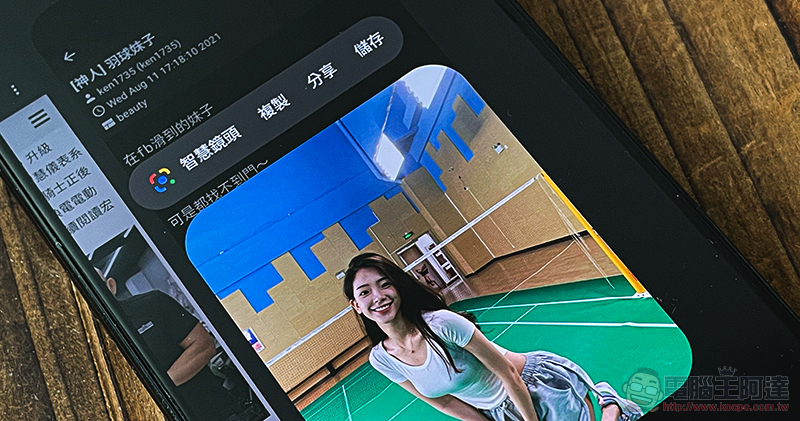
▲Picture: Actual test JPTT can also support fast image sharing on multi-tasking pages.
The most interesting thing is that this time the multi-page image detection function will not only appear in Chrome applications. We have actually tested that even JPTT and Facebook can trigger related functions through images on the page. Personally, I think this is very useful when you see a picture and suddenly want to search or copy it, especially in applications like Facebook, where you may have to click on the menu just to save the picture. In this way, related operations can be performed more quickly.
The only problem is probably that Facebook’s layouts composed of multiple pictures are currently unable to drive such a quick picture function.
Further reading:
Traditional car dealerships can also embrace trams! Gogoro officially opens third-party maintenance
Source: KOCPC Chinese