


Now there are more and more tools that generate videos from text, but none of them generate music. After creating a video, users still need to find their own way to add audio, otherwise the video feels flat and boring. Today I’m introducing FoleyCrafter, a framework that uses AI to automatically generate high-quality sound effects synchronized with your video. Simply upload a video, and FoleyCrafter will automatically select suitable sound effects and place them into the video, delivering results that are neither delayed nor awkward.
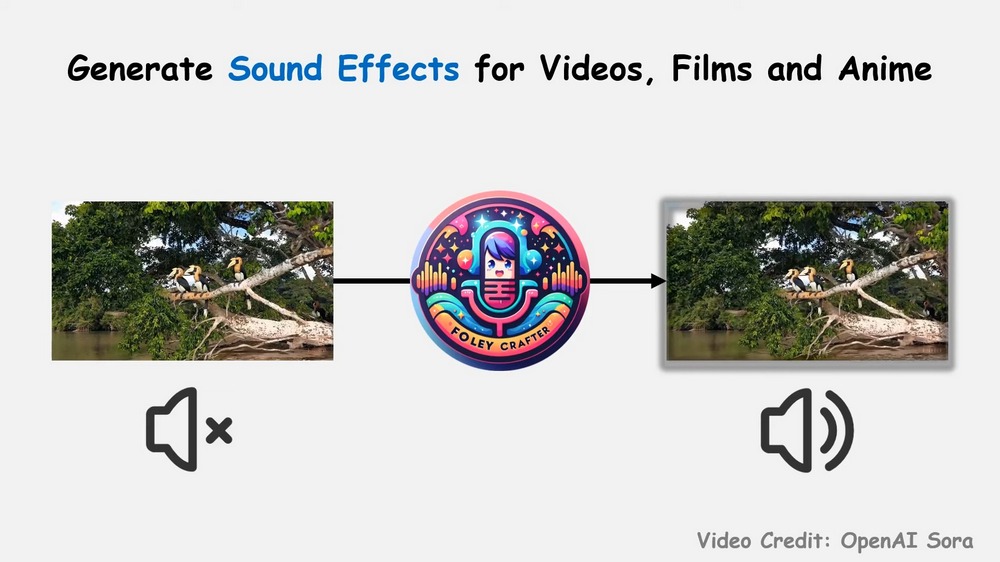
FoleyCrafter: An AI tool that automatically adds sound to your videos, letting you easily create professional-grade content.
Shanghai Artificial Intelligence Laboratory in China has developed a framework called FoleyCrafter that automatically adds sound to videos. You just upload a video and enter a prompt describing the sounds in it (the prompt is optional), and FoleyCrafter will automatically generate sound effects that match the video and are synchronized in time. You can first check out the video provided by Shanghai Artificial Intelligence Laboratory:
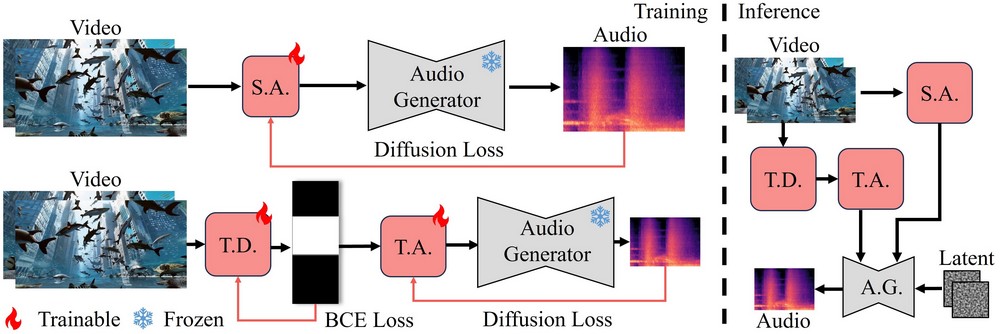
FoleyCrafter is built on a pre-trained text-to-speech (T2A) generator to ensure that video and sound effects are perfectly combined. FoleyCrafter mainly consists of a semantic adapter (S.A.) and a temporal controller, which further includes a timestamp detector (T.D.) and a temporal adapter (T.A.). These all help FoleyCrafter maintain high-quality sound effect synthesis capabilities.
Here are a few actual cases made by netizens using FoleyCrafter, testing the video sound effects produced without prompts and with prompts.
動画に合った音声を生成してくれる
AIツール『FoleyCrafter』試した結果✨①怪獣:プロンプト無し️⭕️
②川:プロンプト無し️⭕️
③ジェットコースター:プロンプト無し️⭕️
④少女:プロンプト可愛い少女の笑い声❌どれも冒頭にノイズが入るand人物は苦手か?④だけ意図せずホラー化🫣#AI… pic.twitter.com/hRl7sW22mq
— minmin みんみん (@minmin_4410) July 8, 2024
Or a case of using FoleyCrafter to redub your favorite anime:
use #foleycrafter to add sound effects for my lovely zenitsu 😍 pic.twitter.com/j1I3ybgCZX
— Yanhong Zeng (@zengyh1900) July 4, 2024
Additionally, there are also examples of the developer themselves using FoleyCrafter to add sound effects to videos:
🤩Video to audio generation with FoleyCrafter#FoleyCrafter #RunwayGen3 #gen3alpha #gen3withsound https://t.co/Xiqv28L9sp pic.twitter.com/wRyBv0xk0A
— Yiming Zhang (@ymzhang319) July 3, 2024
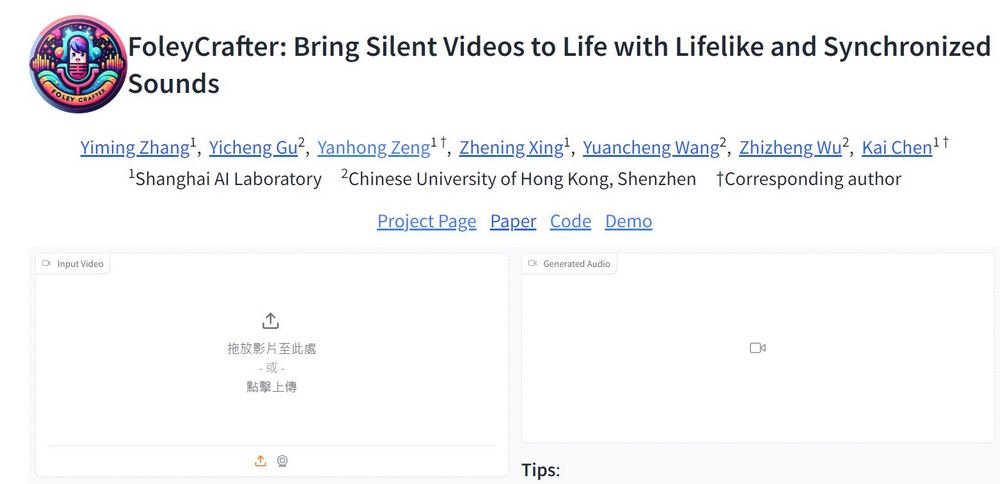
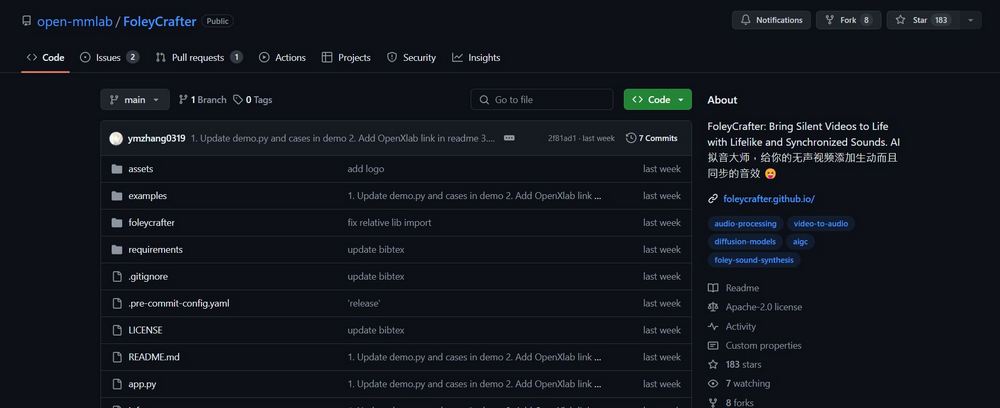
China’s Shanghai AI Laboratory has open-sourced FoleyCrafter, with the model and code available at Github You can get it from the above, and interested friends can also go to FoleyCrafter to generate videos with sound effects, or go to watch more made with FoleyCrafter.Sample video。
Head to FoleyCrafter to have AI auto-generate sound effects for your videos.
Source: KOCPC Chinese