


When using an iPhone, problems of various sizes will occur, such as: crashes, black screen, inability to open, stuck on the Apple logo when booting, stuck on updates, etc. Many people should first go online to look for solutions. Except that they may not be able to find them, even if there are, for people without any technical background, it is very difficult to operate and solve them on their own, and in the end they can only send them to a repair center. In fact, it doesn’t have to be so troublesome. With the iMyFone Fixppo software, anyone can easily solve it. It can fix more than 150 kinds of iPhone system faults, and it is super simple to use. The iPhone will automatically detect and fix it after it is connected. Even people who are not computer literate can get started quickly.
In addition to iPhone, this set can also repair iTunes, iPad, iPod Touch and Apple TV errors. It is almost a must-have helper for Apple product users. If you encounter problems in the future, you will not need anyone or spend time running to the repair center. I will introduce it to you in detail below.
Click here to go to iMyFone Fixppo official website
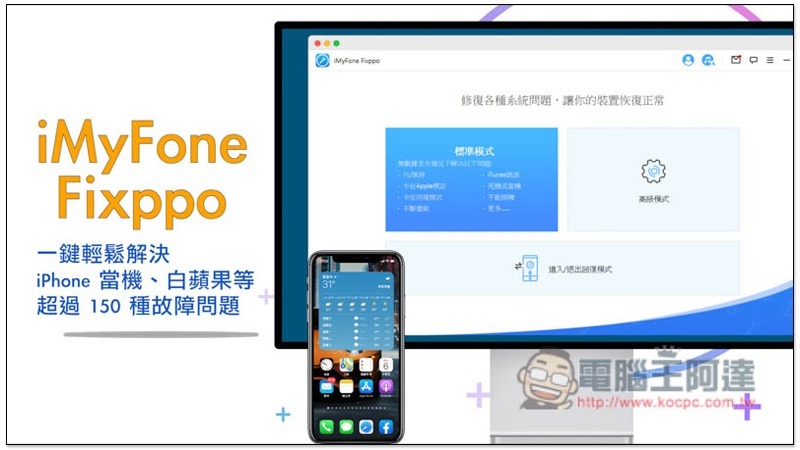
What causes iPhone to crash, white apple, etc.?
It’s hard to say. It could be caused by software, improper operation, or even hardware. In terms of a crash, there are many reasons for this, such as an iPhone overheating, an app error, a system conflict, etc. In terms of probability, errors caused by software are relatively high.
Why do you need software like iMyFone Fixppo?
As mentioned above,iPhone error occursMost of the time, software is the cause, but not everyone knows how to find out the problem. Since they don’t know, it is difficult to find the correct repair method. If you use it indiscriminately, it will get worse and worse.
iMyFone Fixppo provides a simple yet effective solution. The software automatically helps you find the problem and fix it. You don’t have to spend time searching here and there, visiting repair centers, or calling Apple customer service. It saves trouble and effort, and does not require any technical knowledge.
Click here to go to iMyFone Fixppo official website
Three major features of iMyFone Fixppo
Super simple operation process, even computer novices can easily fix iPhone errors
iMyFone Fixppo has a Chinese interface and provides three modes: “Standard Mode”, “Advanced Mode” and “Enter/Exit Recovery Mode”. If the problem is not too serious (such as forgetting the screen password, etc.), try the standard mode first. This mode can fix more than 150 iPhone system failures. If it really cannot be solved, you need to use the advanced mode:
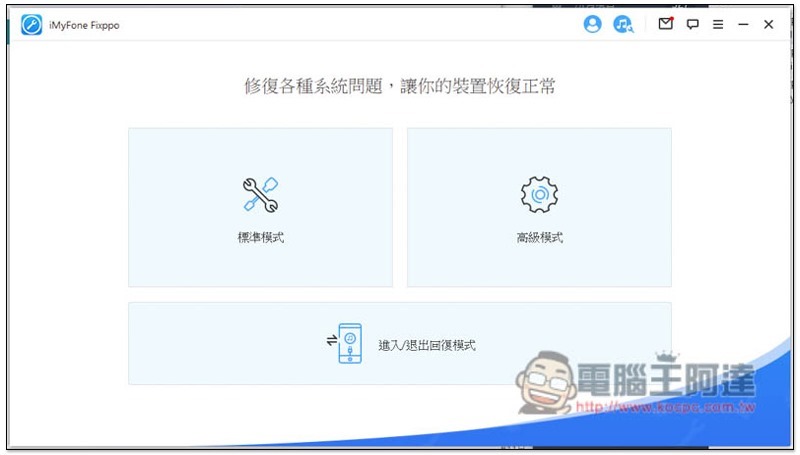
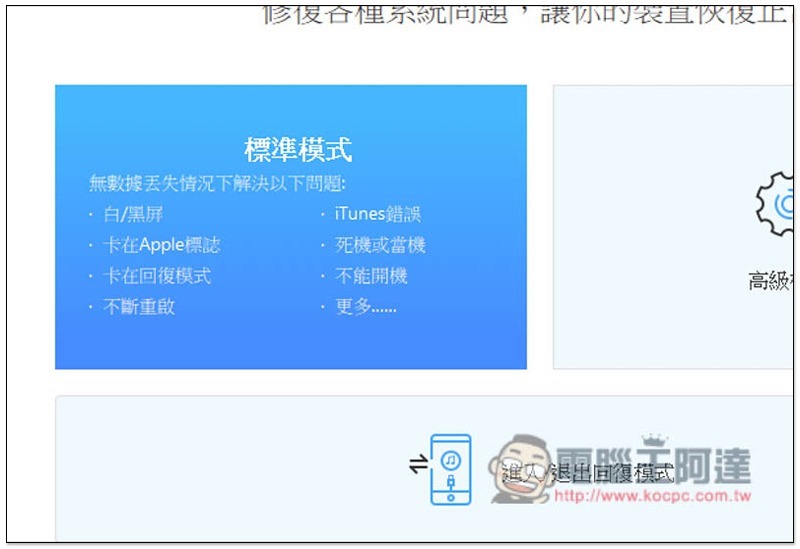
When using the standard mode to fix errors, your iPhone will not lose any data, so you can try it with confidence. In my actual test, there was indeed no loss. All data, photos and videos are in:
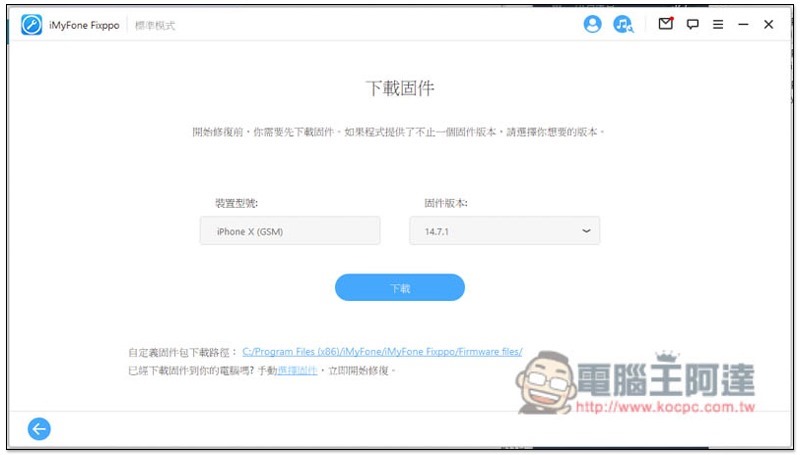
The operation method is also very simple, just follow the instructions on the screen to complete it step by step. You need to download the iPhone firmware before repairing. The software will automatically detect your iPhone model. If there is no problem, press the download button:
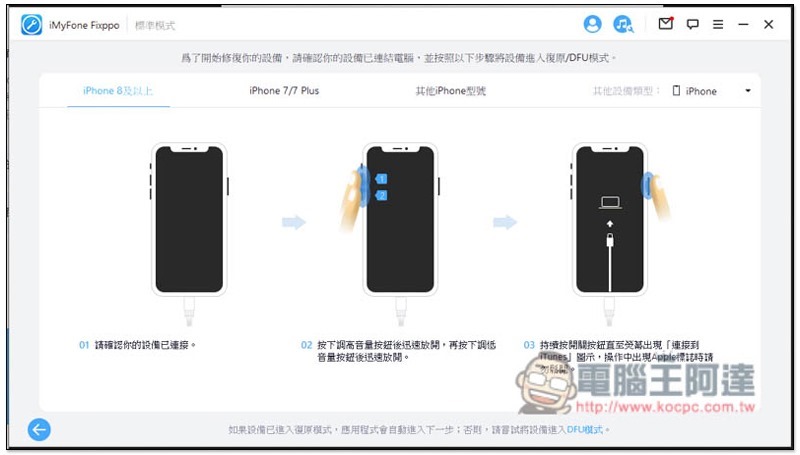
The iPhone also needs to enter recovery/DFU mode. For those who don’t know how to operate, the screen also lists the operating steps for each iPhone model. It depends on which one you have. Follow the steps to enter DFU mode:
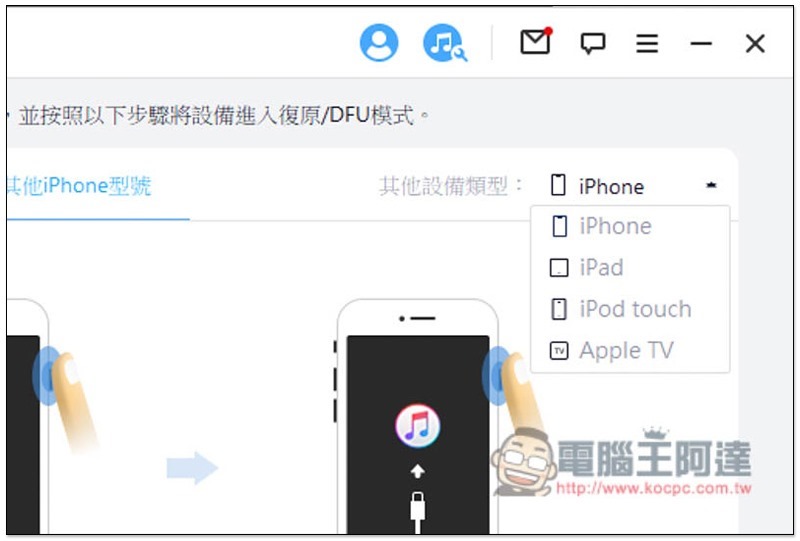
There are also tutorials for other Apple devices, and the menu in the upper right corner can be switched:
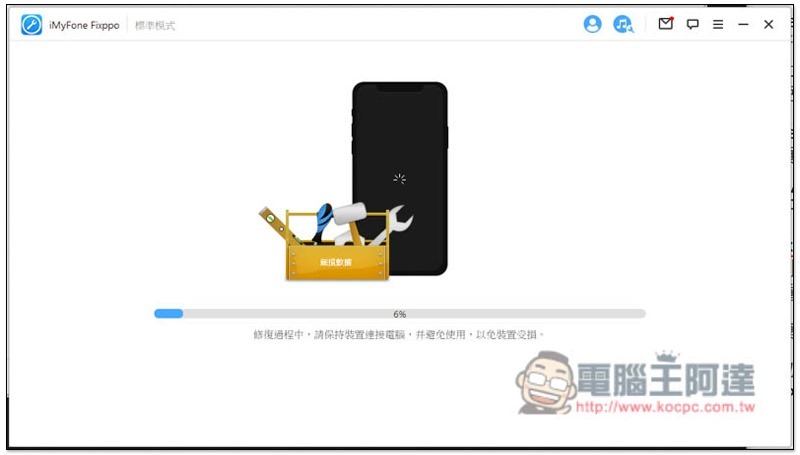
Then it will start to repair. You don’t have to choose what’s wrong with your iPhone, it will automatically check. This function is really good. It simplifies the original professional repair steps. Even computer novices, elders, and people who don’t understand technology products can complete the repair by themselves. Plus this will take a while. During the repair process, remember to keep your iPhone connected to the computer and do not unplug it:
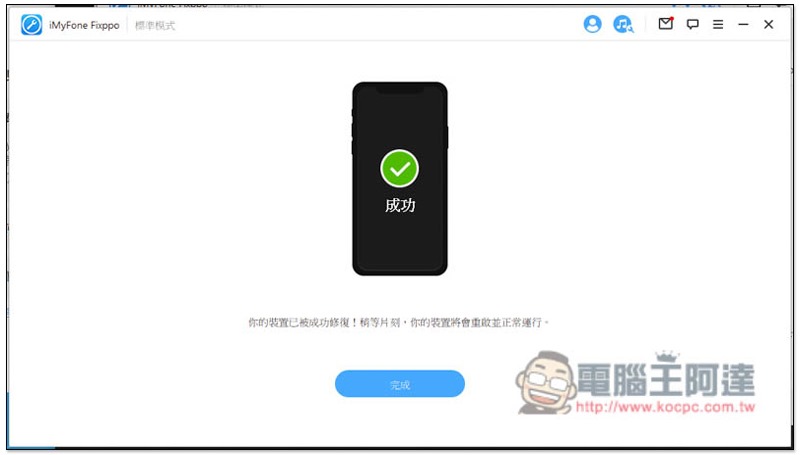
After completion, “The device has been successfully repaired” will be displayed, and the iPhone will also enter the data recovery screen. This will take more than ten minutes, and then let it run to the desktop:
Advanced mode to fix more difficult problems
If your problem is forgetting the screen unlock password, or other more difficult error problems that cannot be solved with the standard mode, iMyFone Fixppo also provides an advanced mode, which will try to solve it directly by clearing all data on the iPhone and restoring the iPhone to its original state (that is, the cleanest system you just got).
Therefore, if you can back up your data before use, remember to back it up first so that you can restore your data later.
The operation process of advanced mode is similar. You need to download iPhone firmware before repairing:
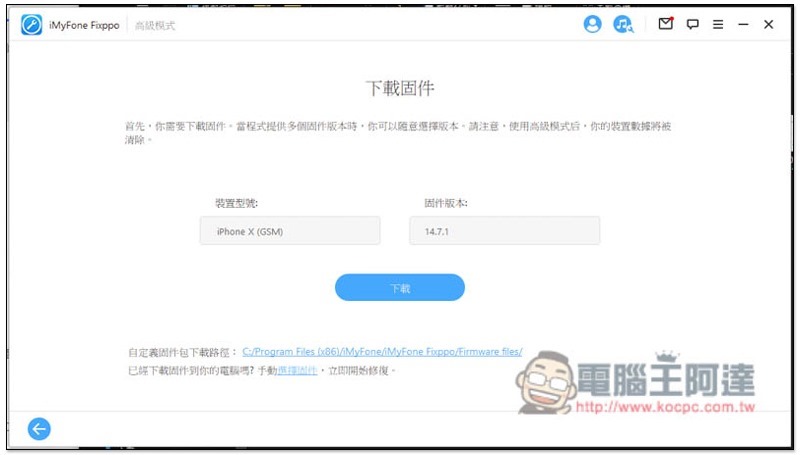
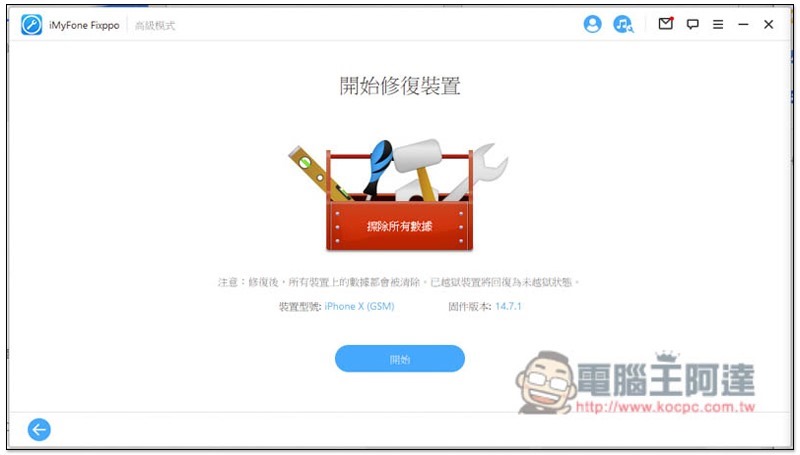
You will be reminded again that all data on the device will be cleared, click “Start” below:
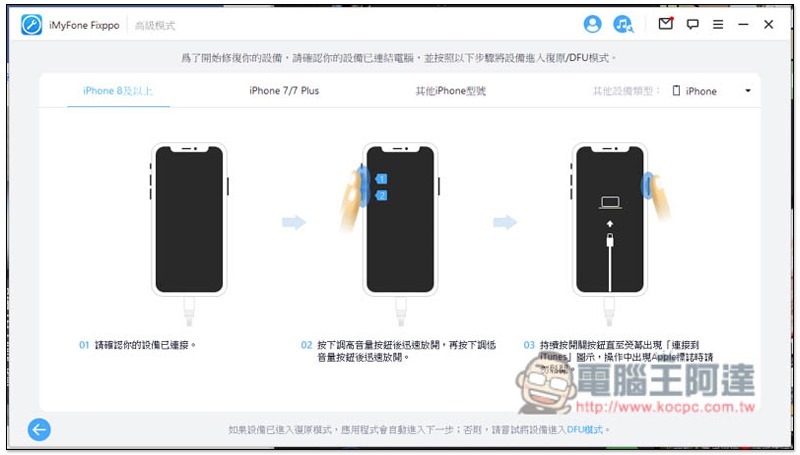
You also need to enter recovery mode:
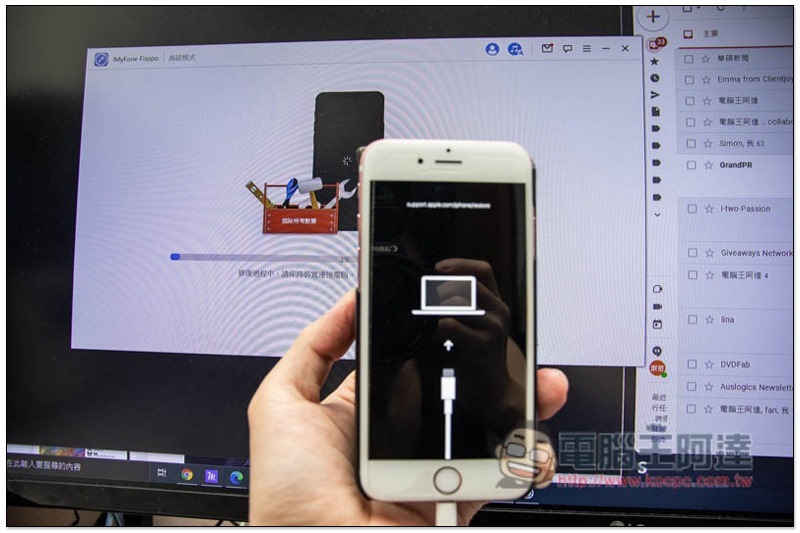
Then it will start to repair automatically, no need to choose what problems or errors are encountered:
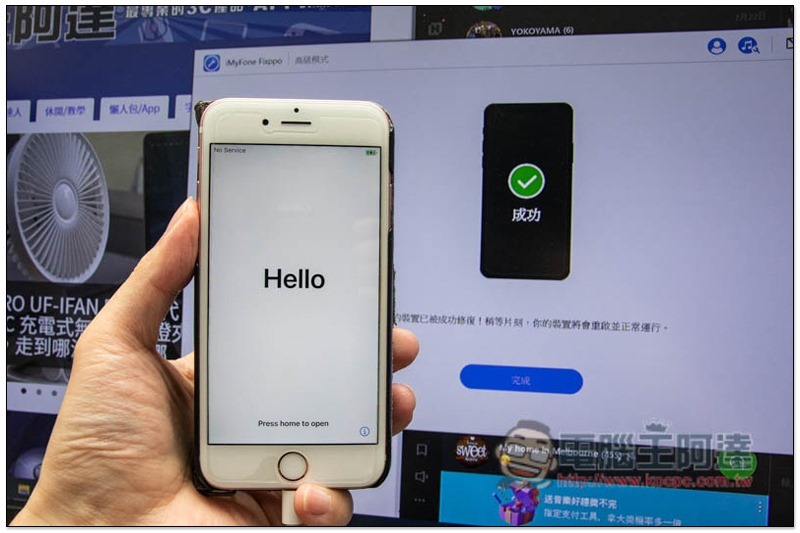
After the repair is completed, the iPhone will display the initial welcome setup screen:
Quickly enter recovery mode (recovery mode) with one click without pressing any physical iPhone buttons
As there are more and more iPhone models, the operation of entering reply mode is also different. For example, the previous iPhone 6s models required pressing and holding the home button and the top (or side) button at the same time. The iPhone 7 series changed to the top (or side) button and the volume down button. The iPhone 8 and later models are different. It is really difficult to remember.
iMyFone Fixppo has a very considerate built-in function, which can switch any iPhone model to recovery mode with just one click, and exit safely with one click when not in use.
After connecting the iPhone and entering the recovery mode function, press “Enter Recovery Mode” below:
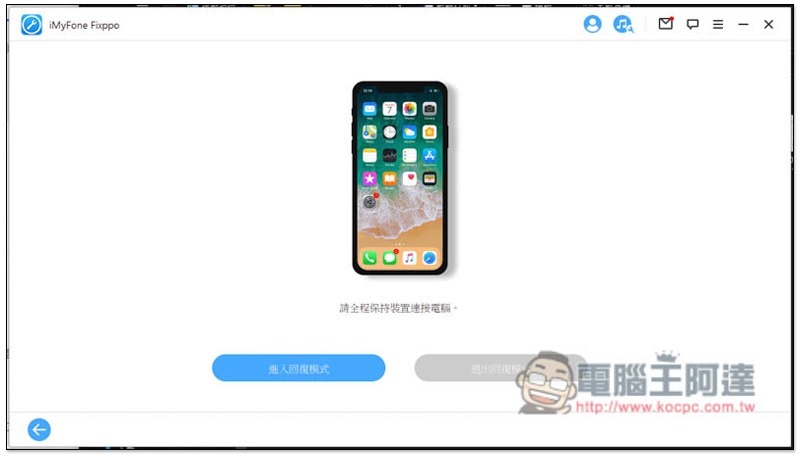
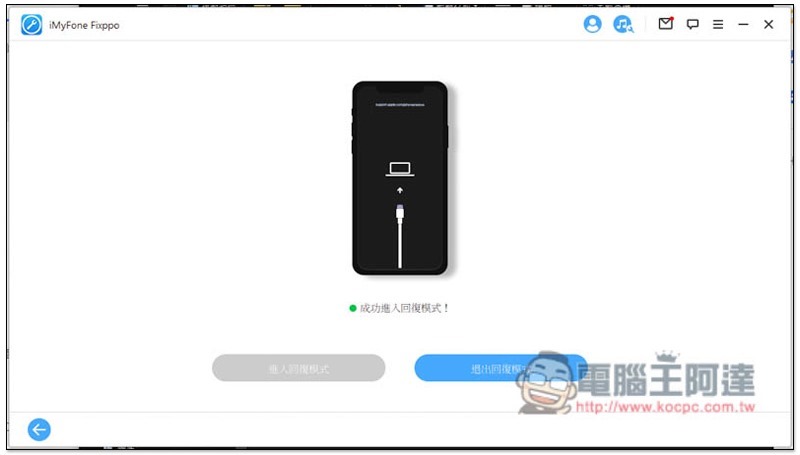
In less than a few seconds, you will see your iPhone successfully enter reply mode without pressing any physical buttons. Even elders can operate it:
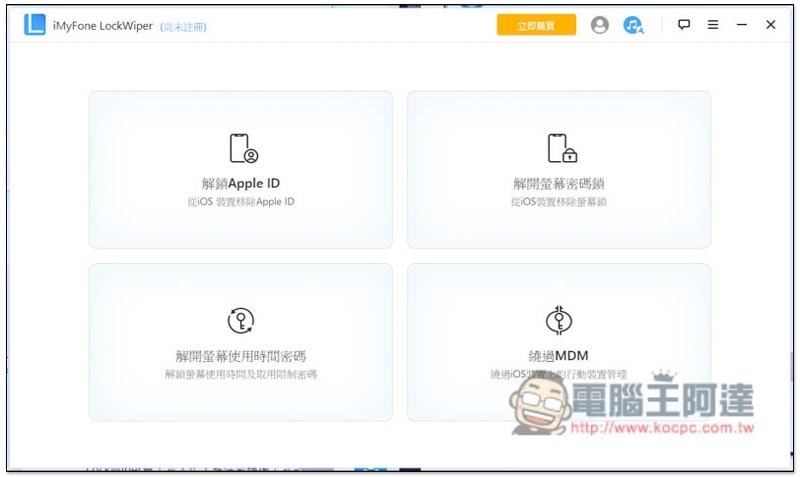
Are you having a password problem that Advanced Mode can’t resolve? Try another set of iMyFone LockWiper
In addition to Fixppo, iMyFone has also launched another set of tools specifically designed to solve iPhone password problems. LockWiper The software supports forgetting Apple ID, iPhone being locked, forgetting password to limit screen time, bypassing MDM, etc. Some situations can be solved without clearing iPhone data. For detailed information, you can check the official website:
Summarize
After testing, iMyFone Fixppo is really good. It is a super lazy, no-brainer iPhone, iPad, iPod Touch and Apple TV repair software. For friends who have been using iPhones for a long time, it is highly recommended to collect a set of lifelong versions, so that you don’t have to be nervous when encountering minor problems in the future.
Click here to go to iMyFone Fixppo official website
iMyFone student discount starts, multiple software packages start at 50% off
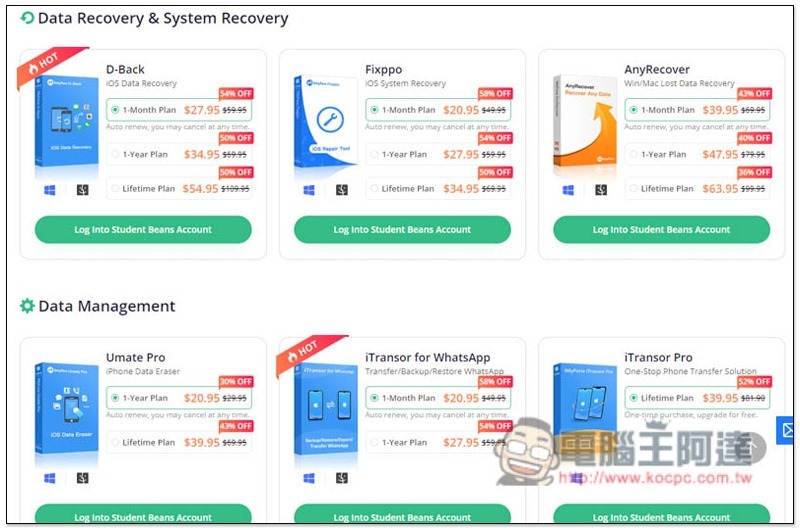
For readers who are still in school, iMyFone recently launched a “student discount” activity, after applying for a Student Beans student account, a total of 8 sets of software can get a discount of about 50%, and most of them provide a lifetime subscription serial number option. The iMyFone Fixppo recommended in this article only costs 34.95 US dollars for a lifetime, which is very cost-effective:
Source: KOCPC Chinese