


Currently, there are many AI models. In addition to chat, image generation, and audio recording, there are also models designed for image detail enhancement. This article introduces “Aiarty Image Enhancer,” a software created specifically for AI image enhancement. It can not only enhance the details of existing images, but also fix shake (though, of course, not if it’s too severe), and it supports lossless image upscaling.
This app was originally paid, but it’s currently running a limited-time free promotion. Both Windows and Mac versions are available, so we highly recommend downloading it to try it out.
“Aiarty Image Enhancer” – a super handy AI image detail enhancement software that’s free for a limited time, and can also fix motion blur and improve skin texture (Windows/Mac)
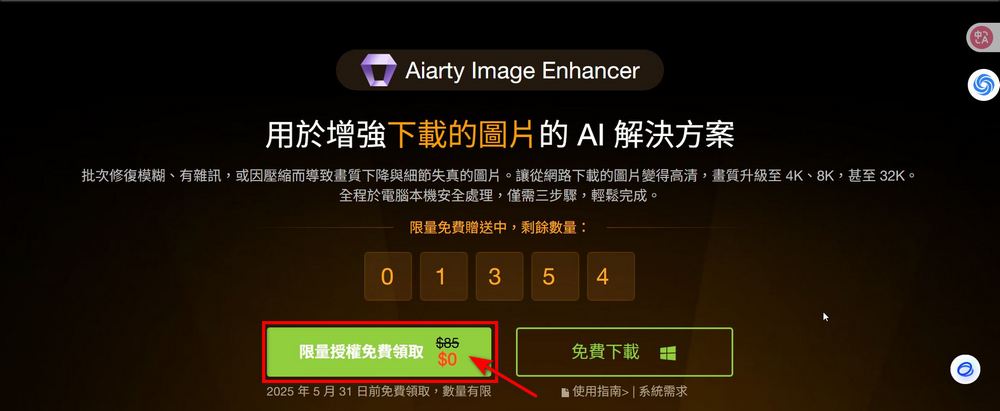
This “Aiarty Image Enhancer” limited-time free promotion is now available on the Aiarty official website. Visit the Aiarty official website to claim a limited-license Aiarty Image Enhancer for free.
Go to the Aiarty official website to claim your free Aiarty Image Enhancer software.
After clicking the link above, you’ll see an option to claim a limited license for free. Originally priced at $85, it can now be obtained for free. It’s valid until 2025/5/31 and quantities are limited. If you see this, we recommend grabbing it first before anything else.
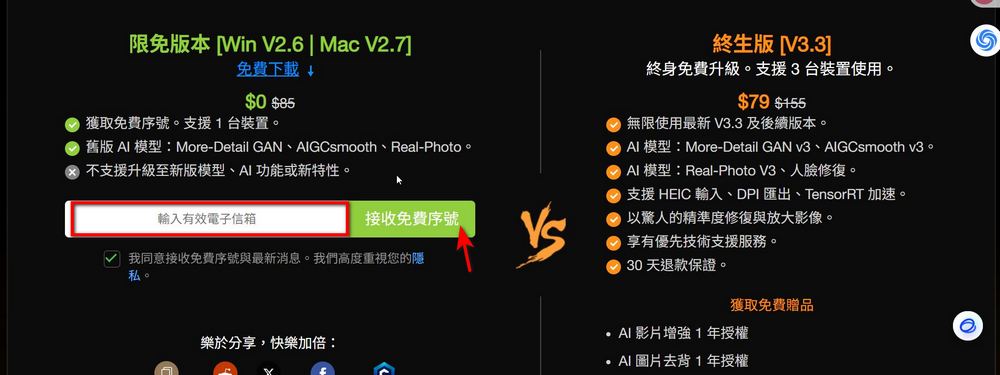
After clicking the option to claim a limited license for free, you will see a field to enter a valid email address to receive a free serial number. Fill in the email address you use regularly, then click “Receive Free Serial Number.”
After completing the above steps, you can receive your own Aiarty Image Enhancer registration code in your email. Everyone’s registration code is the same, though I haven’t tested whether you can use it directly without entering an email. If you’re interested, you can try:
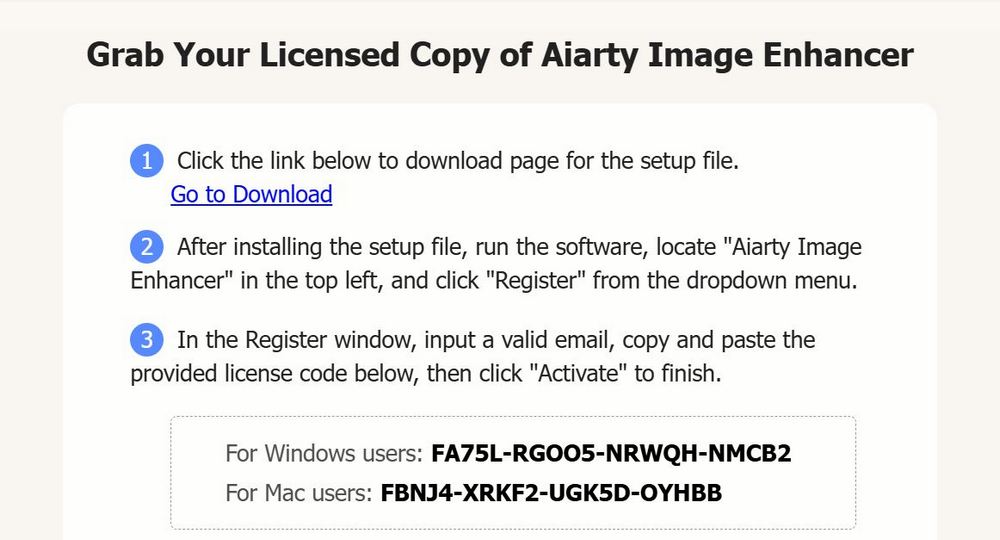
After obtaining the registration code, you can click the download button on the right to download and install Aiarty Image Enhancer, which is available in both Windows and Mac versions.

After installation, the software will detect your computer’s hardware information to configure the optimal environment.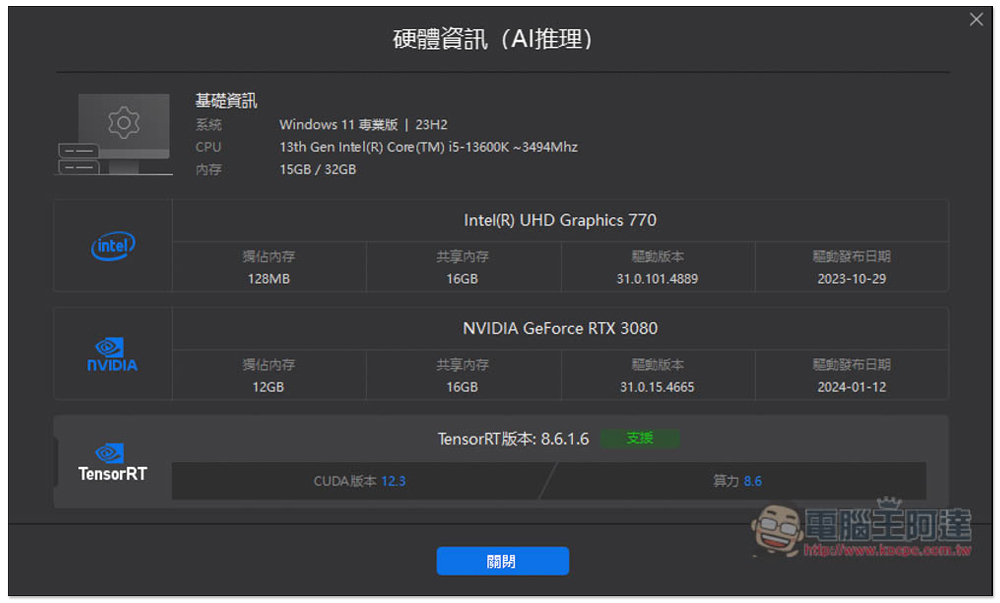
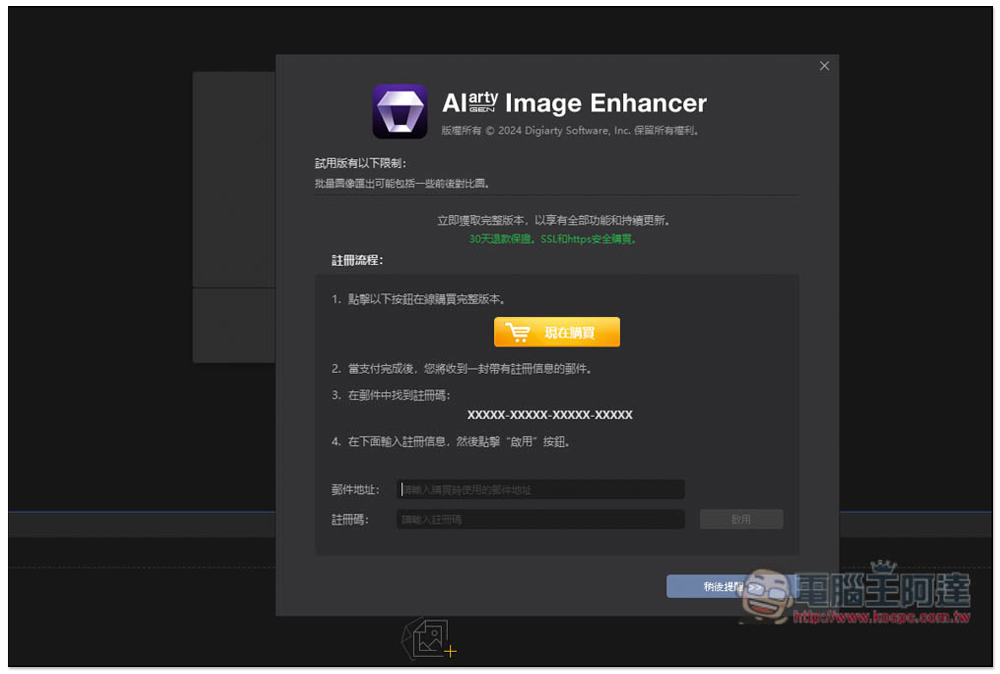
After entering the main screen, an activation screen will pop up. Fill in your E-Mail and the serial number you just obtained:
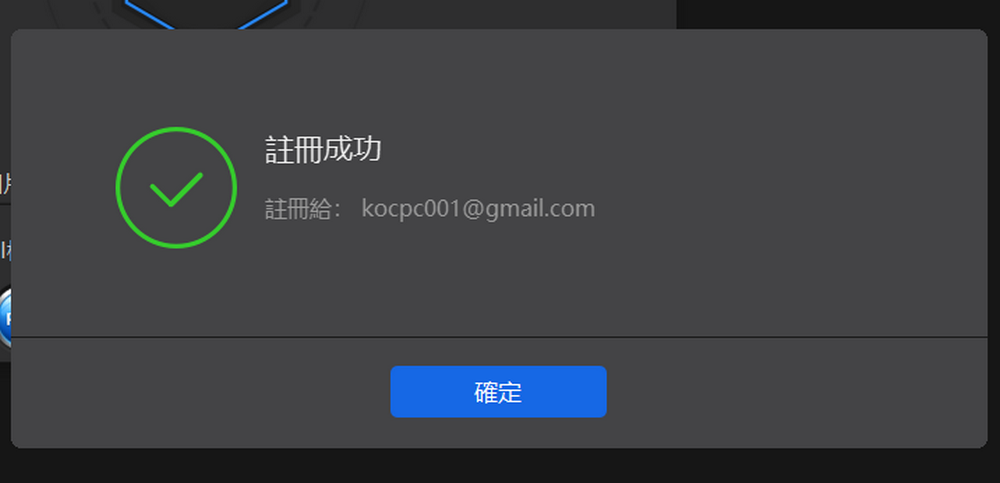
Seeing the registration success screen means it has been successfully activated:
It supports Traditional Chinese, and it’s very easy to use. Drag in the image whose details you want to enhance. On the right, you can choose the AI model, upscale factor, text, etc.:
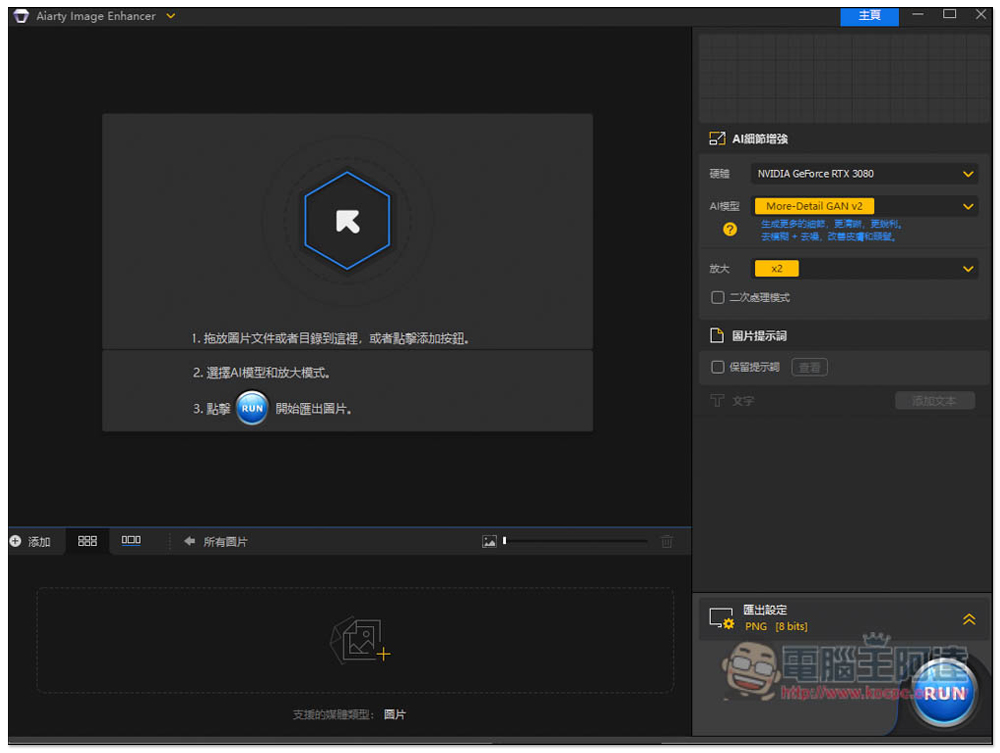
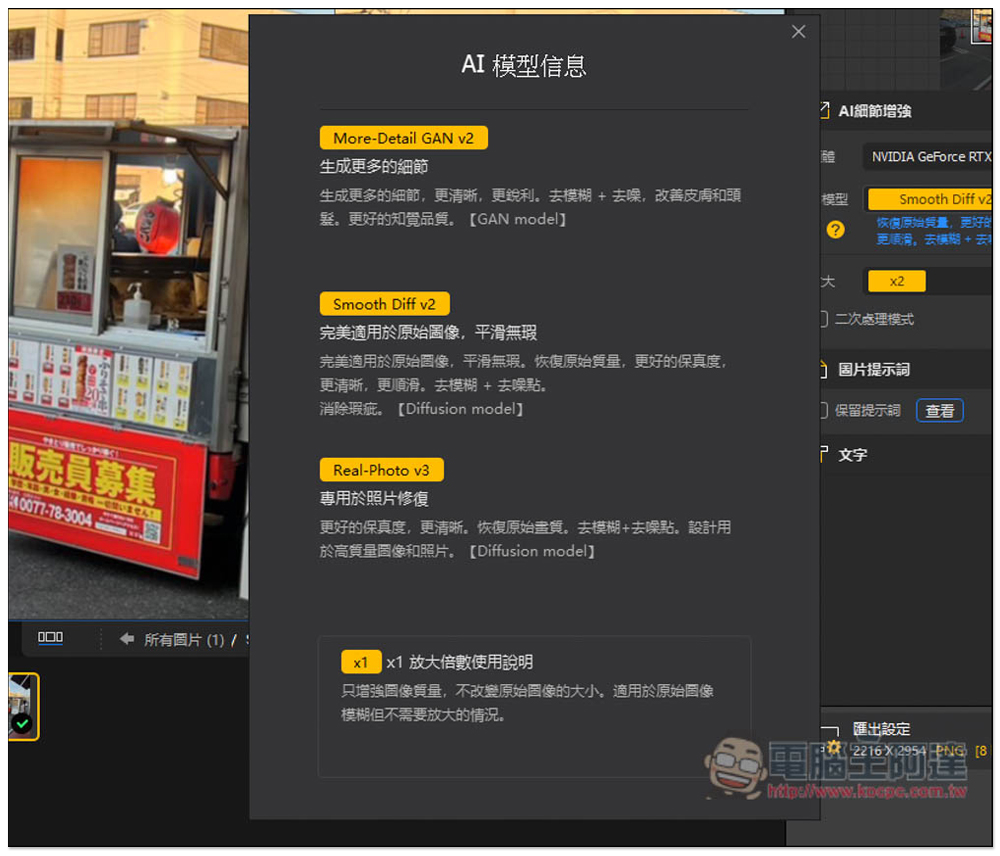
There are three models: More-Detail GAN v2, Smooth Diff v2, and Real-Photo v3, and each model has different strengths:
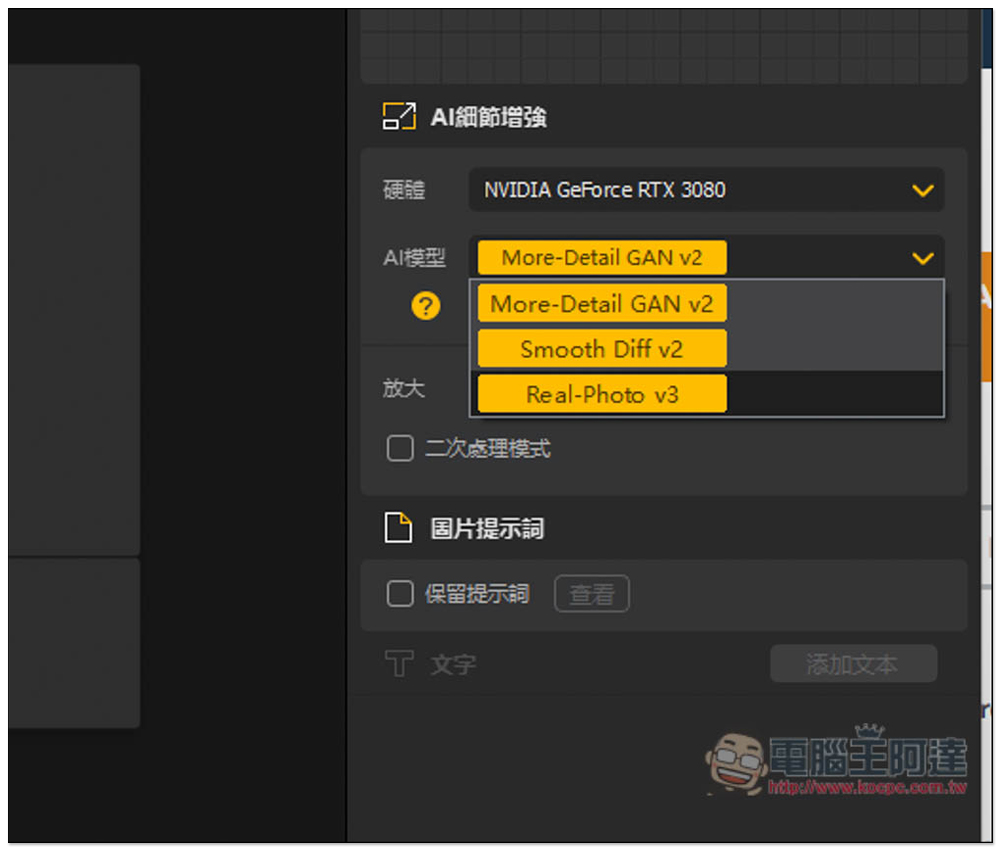
- More-Detail GAN v2: mainly used to generate more image details; this is the most recommended one
- Smooth Diff v2: Smoother images, restored original quality, and better fidelity
- Real-Photo v3: Specialized for photo restoration, deblurring + denoising
After I import the photos, AI detail enhancement is automatically enabled.
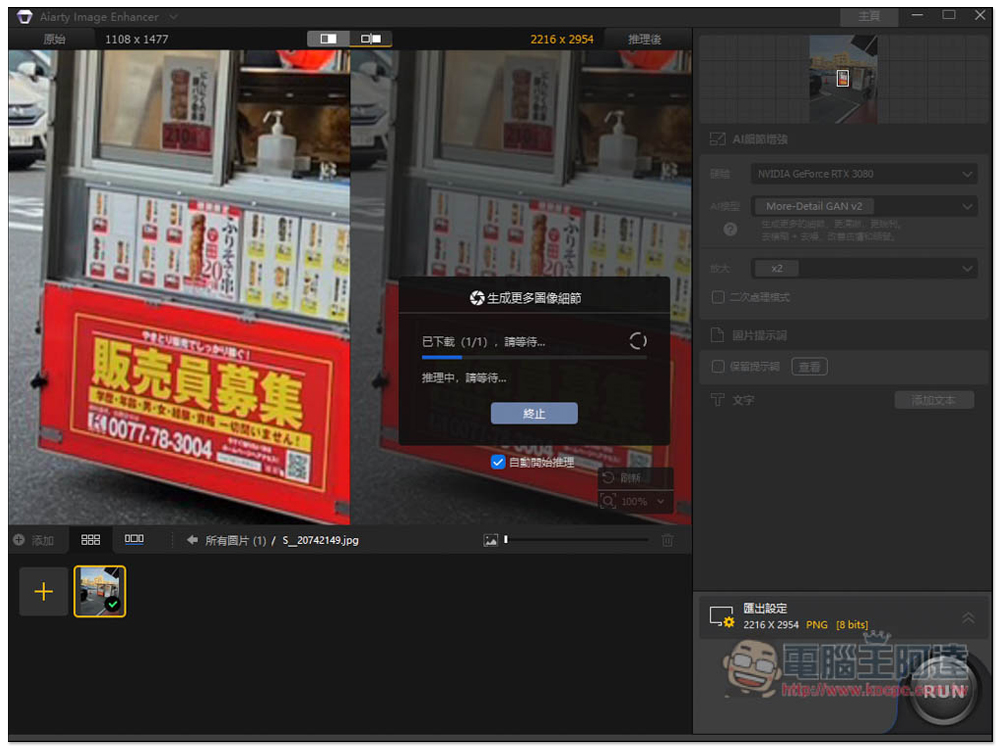
It also shows a before-and-after comparison — the left side is the original photo, and the right side is the photo after detail enhancement. The difference is massive, truly impressive. And I even zoomed in 2x, which means the photo has higher resolution and stronger detail.
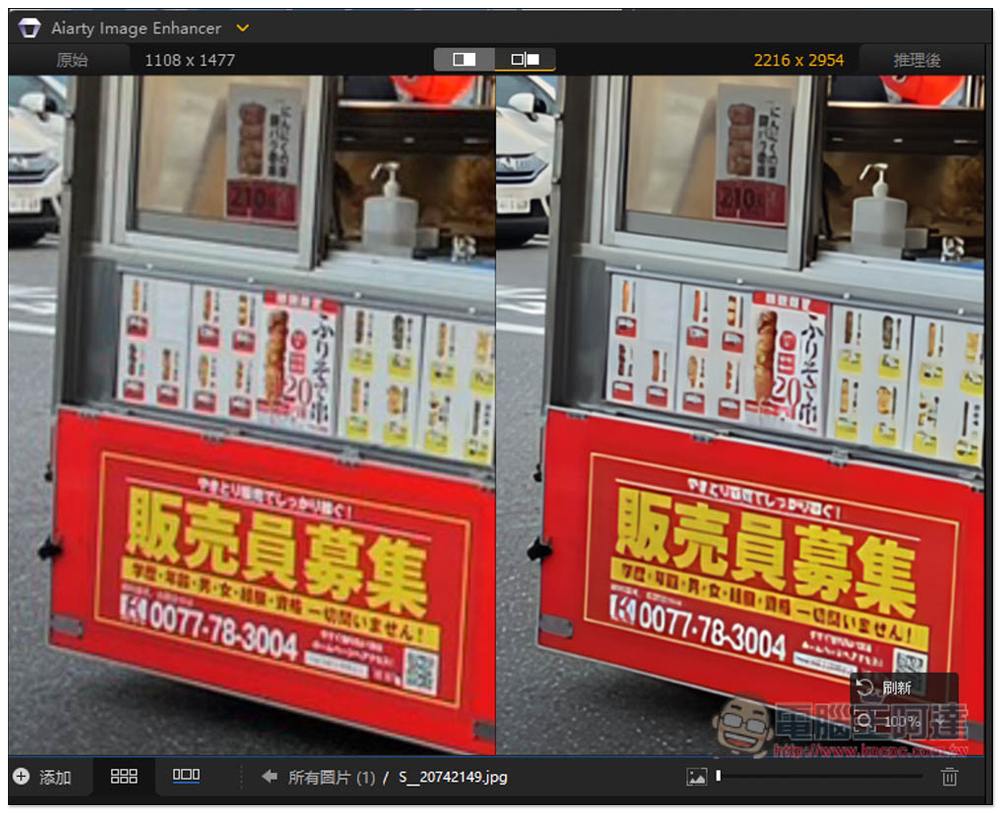
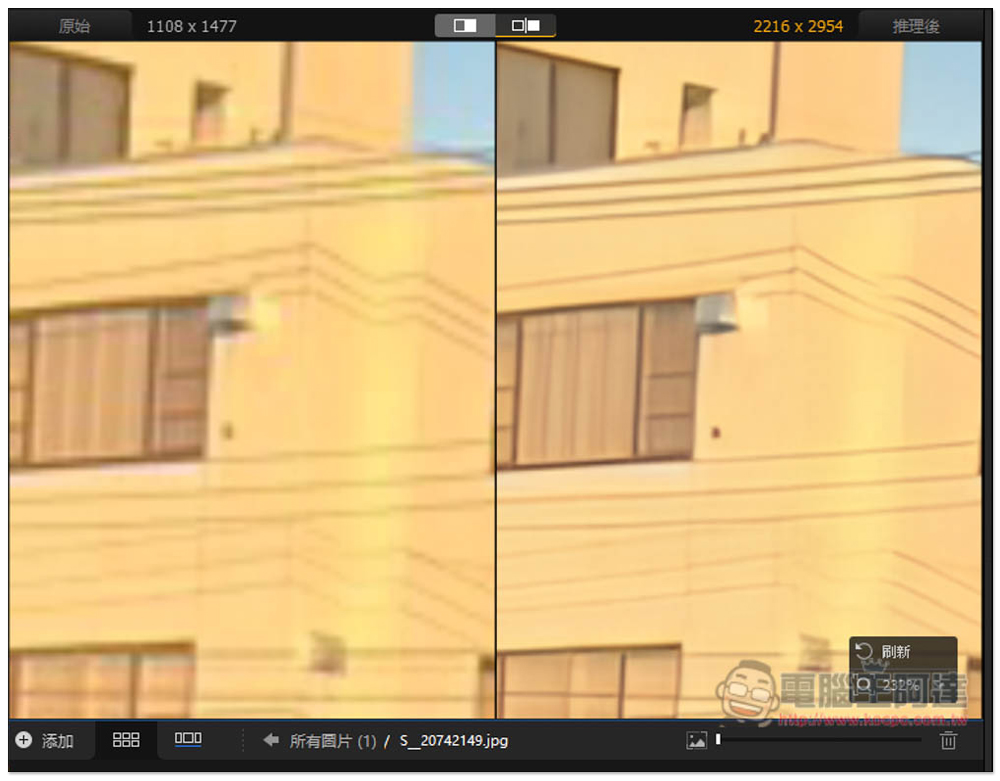
I also looked at other details in the photo, and the house portion was enhanced quite well too—it became clearer and the colors are more balanced.
If satisfied, you can configure the export settings below:
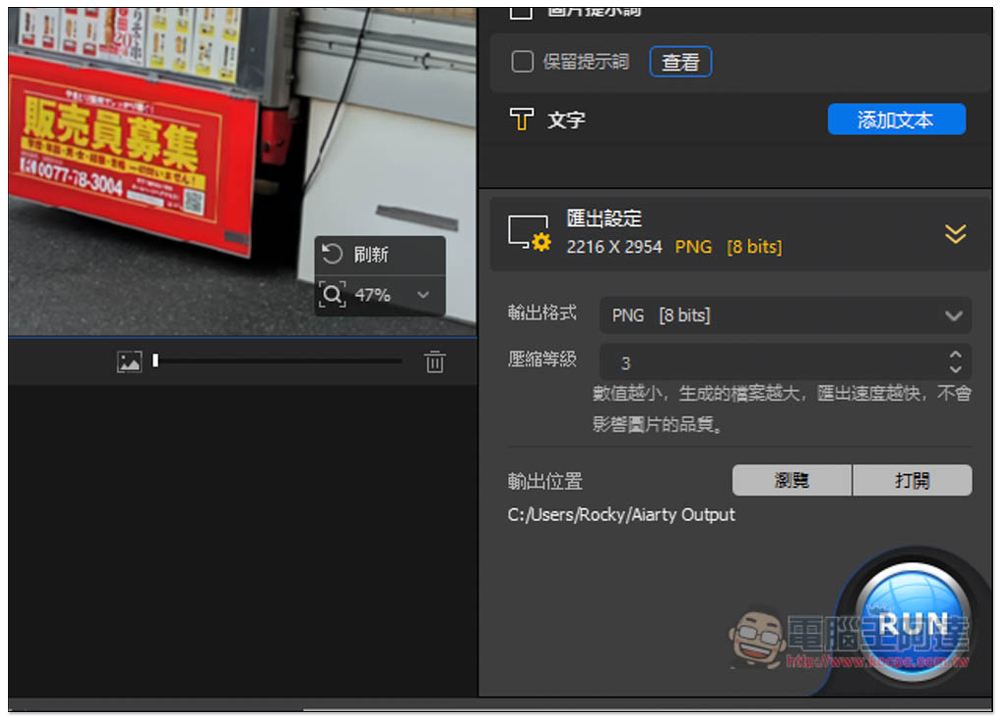
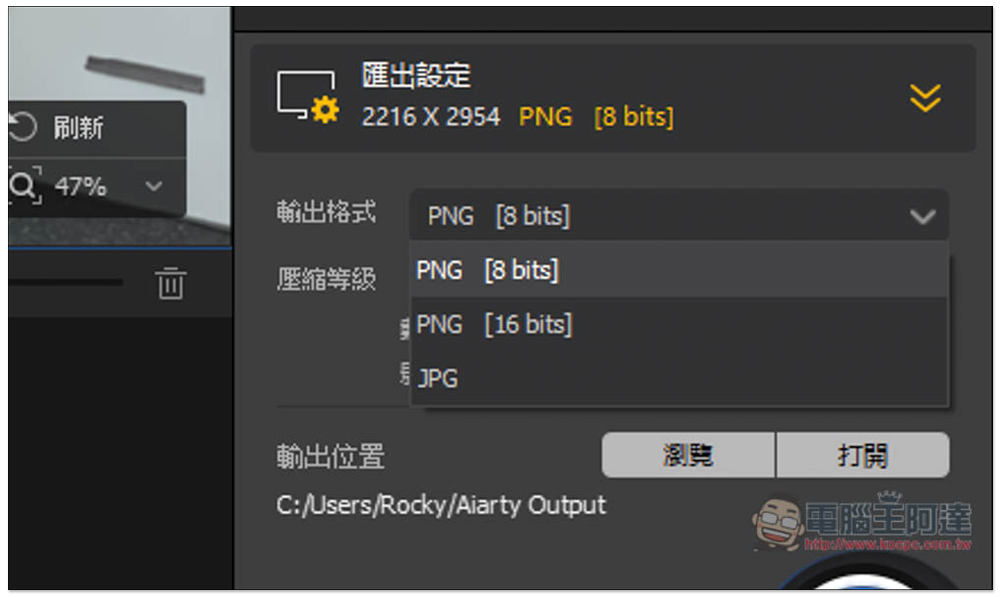
Can be exported as JPG or PNG, with adjustable compression levels:
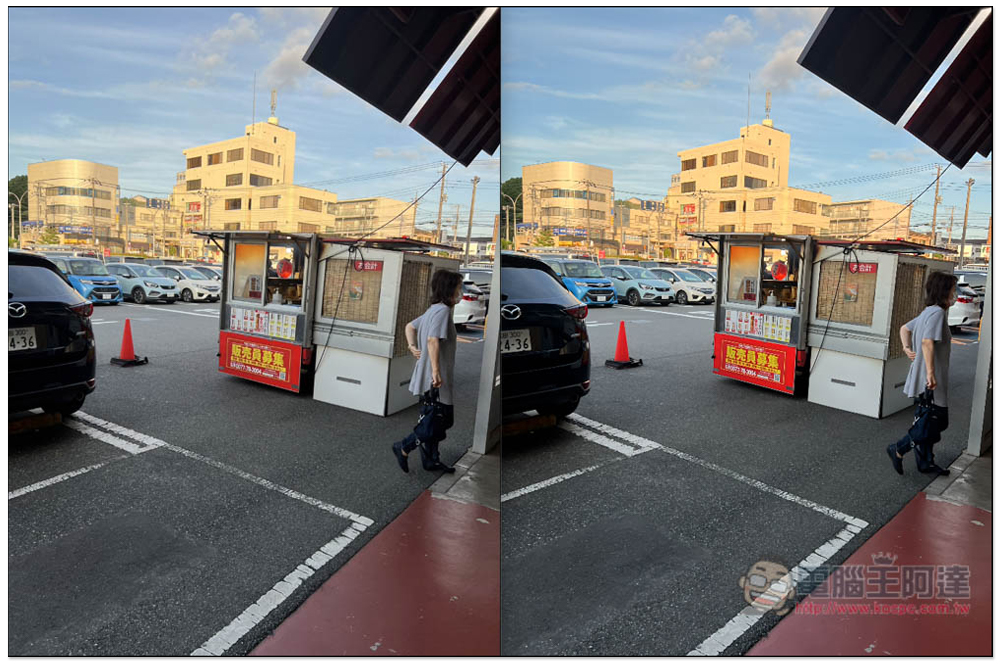
After exporting, I also compared to see if it was the same as what was shown in the software. Sure enough, the photo details really did improve (left: original, right: enhanced):
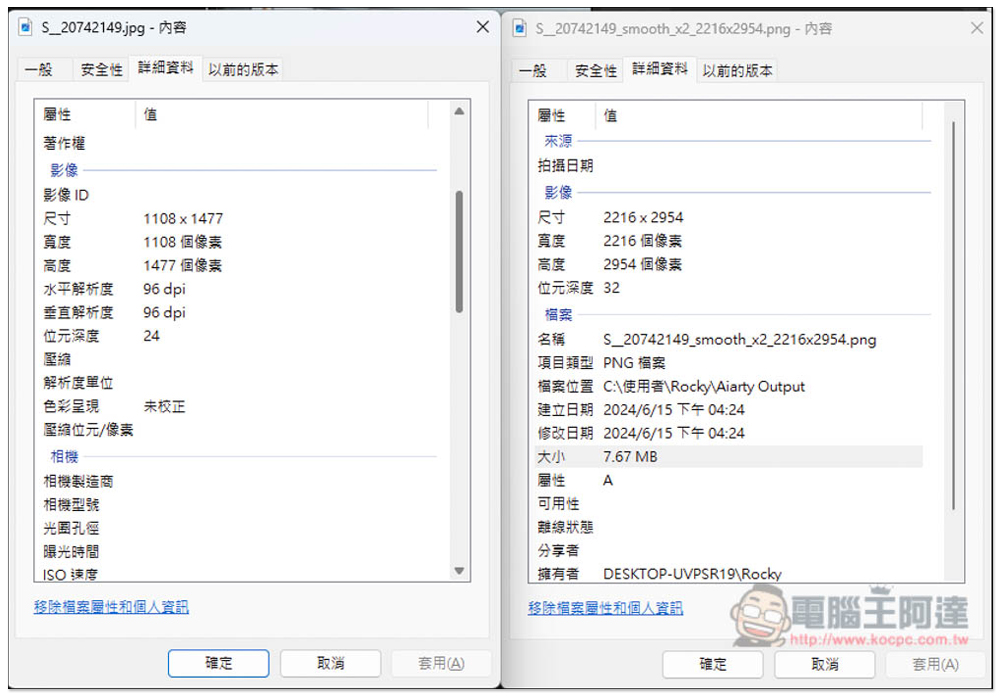
The resolution is indeed magnified 2 times:
Besides enhancing photos, for those who use generative AI images, you can also use it to enhance details, and the results are quite impressive:
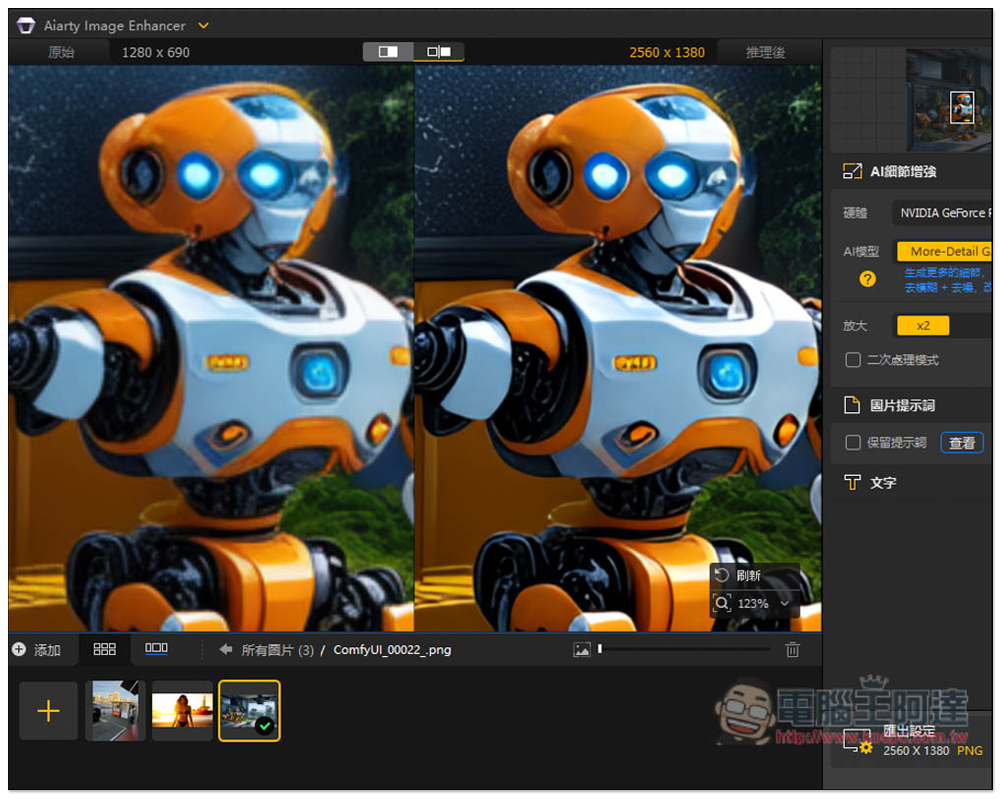
This software has other features too—we’ll leave the rest for readers to explore on their own.
Source: KOCPC Chinese