


When using text-to-music programs, do you ever find it hard to describe the music you want with text? Earlier, we introduced a free AI music generation website where you can write your own lyrics. SunoYou don’t need to know how to play any instrument—just come up with lyrics and the style you want, and you can use Suno to make music. It’s basically a music generation tool with zero learning curve. Recently, Suno also launched a new “Audio Input” feature that lets you import any sound into Suno to create songs.

Suno’s latest “Audio Input” feature is now available—any sound can be turned into a song.
Suno, the free AI music generation website, has launched another new feature called “Audio Input” that lets you create songs that best match your requirements by recording or uploading audio.
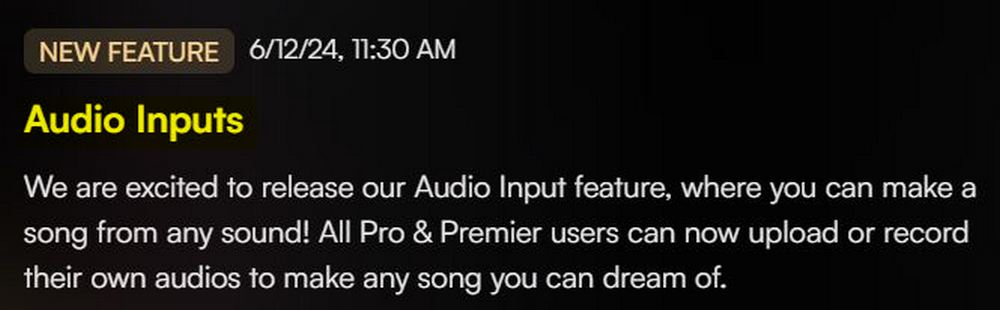
Currently, only Suno Pro and Suno Premier subscribers can use the Audio Input feature.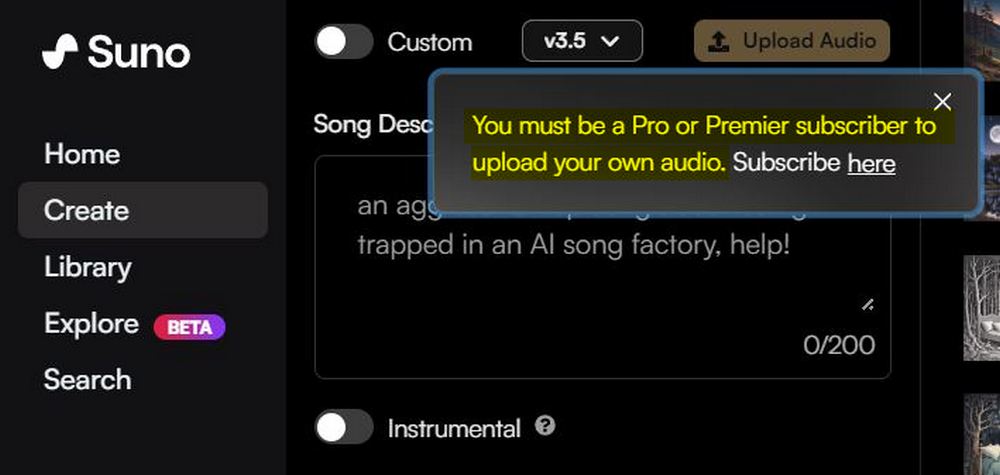
Click here to go to Suno to create music.
How should subscribers of Suno Pro and Suno Premier use Suno’s new Audio Input feature?
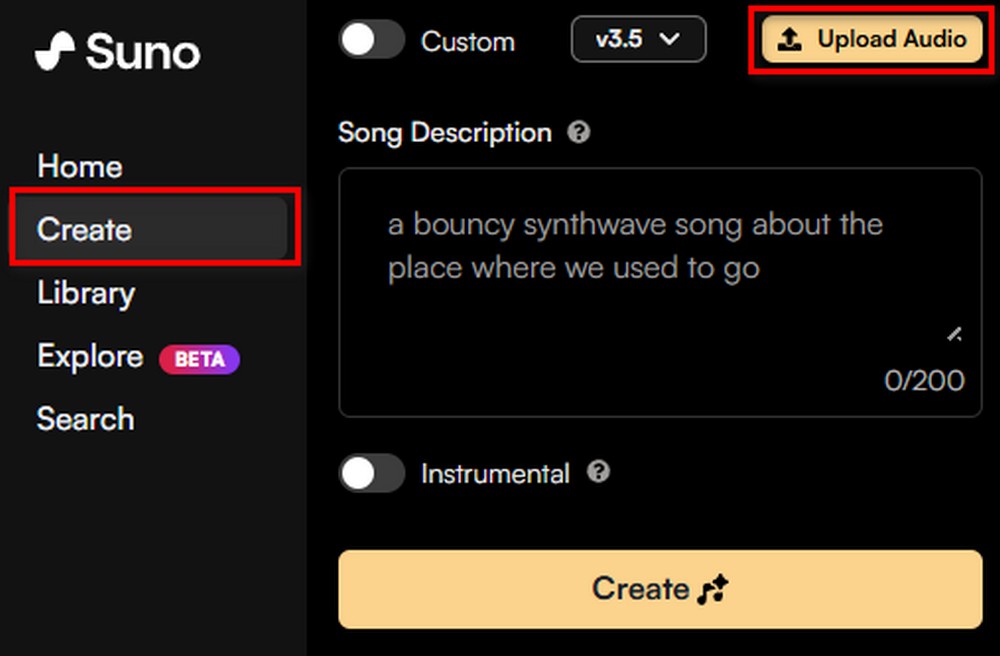
First, log in to Suno. After logging in, click “Create,” then click “Upload Audio” and choose whether to upload a recording or a file.
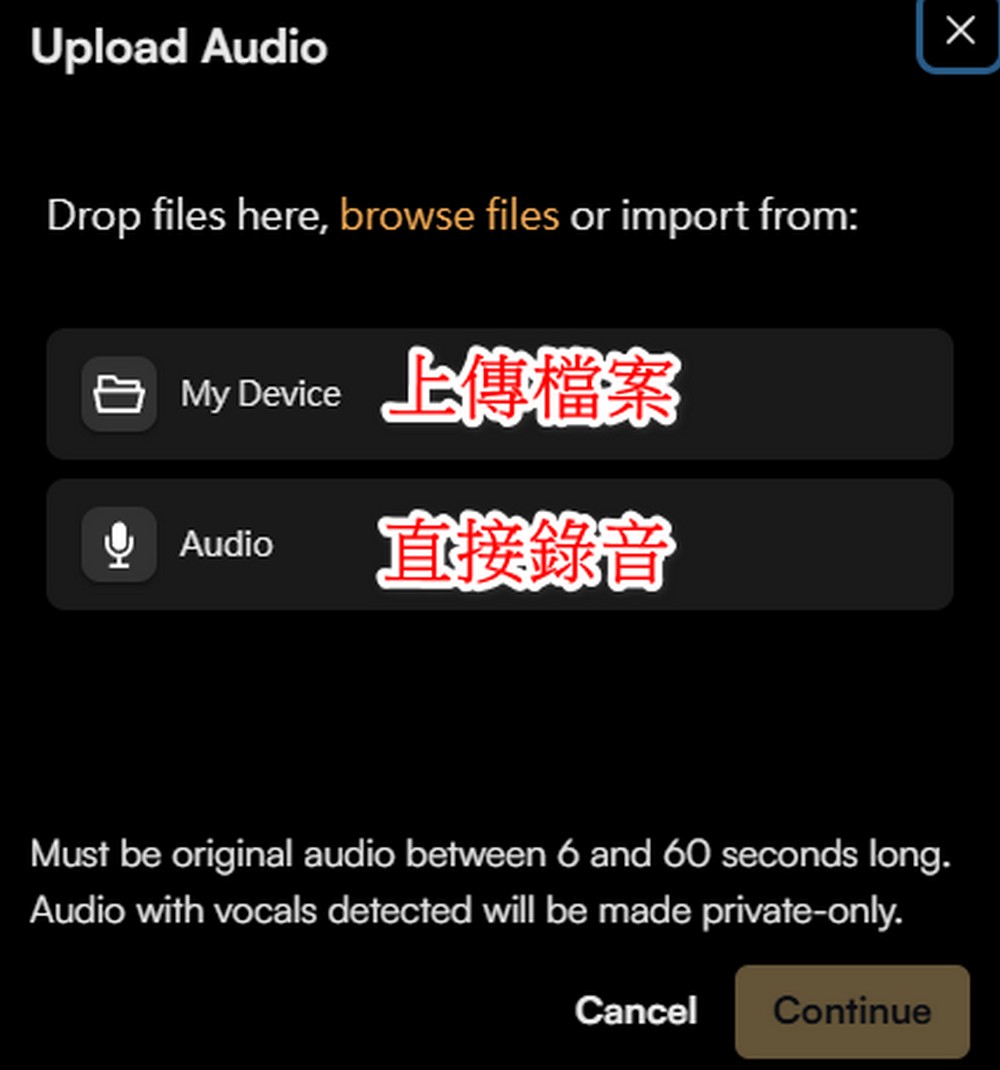
The recommended length for uploaded recordings and files is between 6 and 60 seconds. If it’s too short or too long, Suno will not be able to generate music.
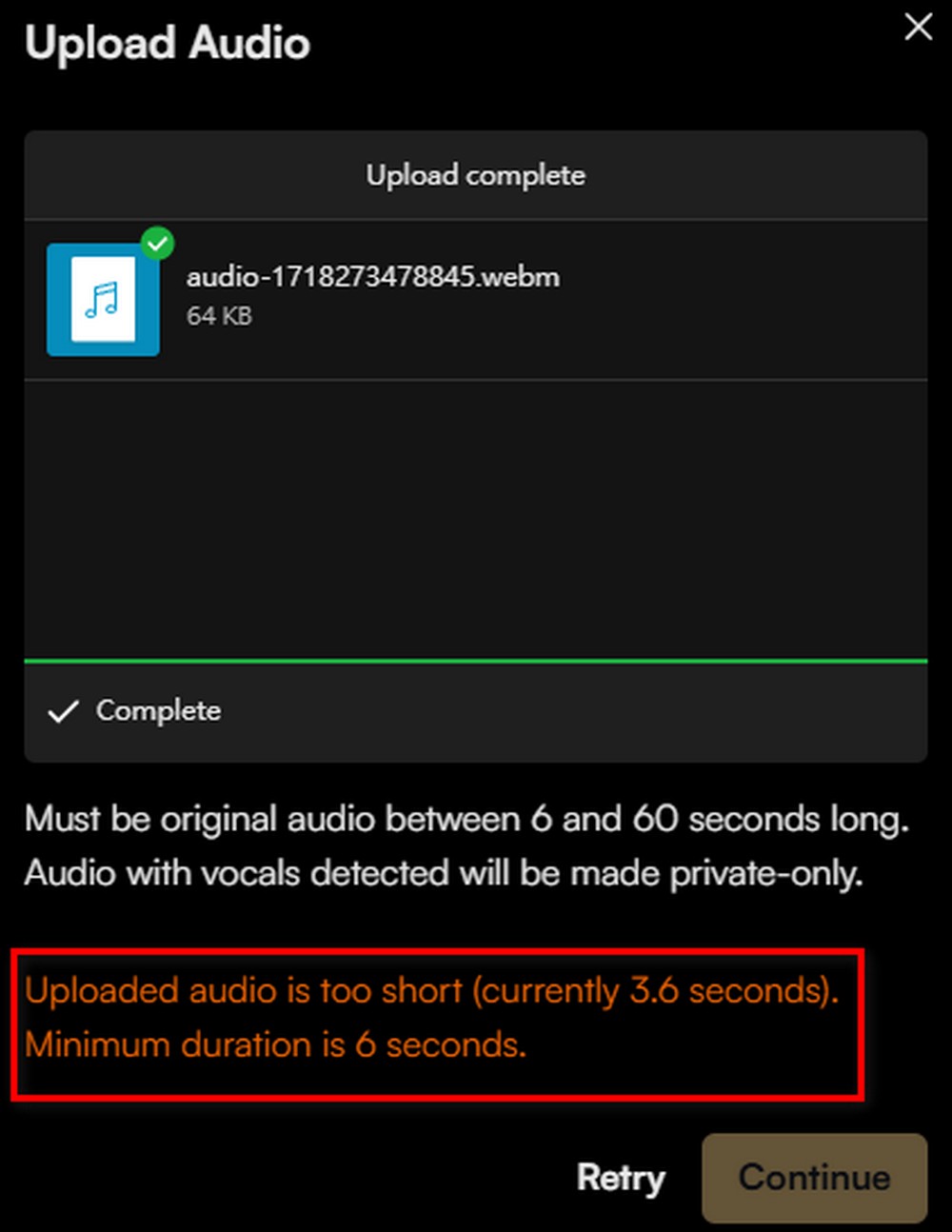
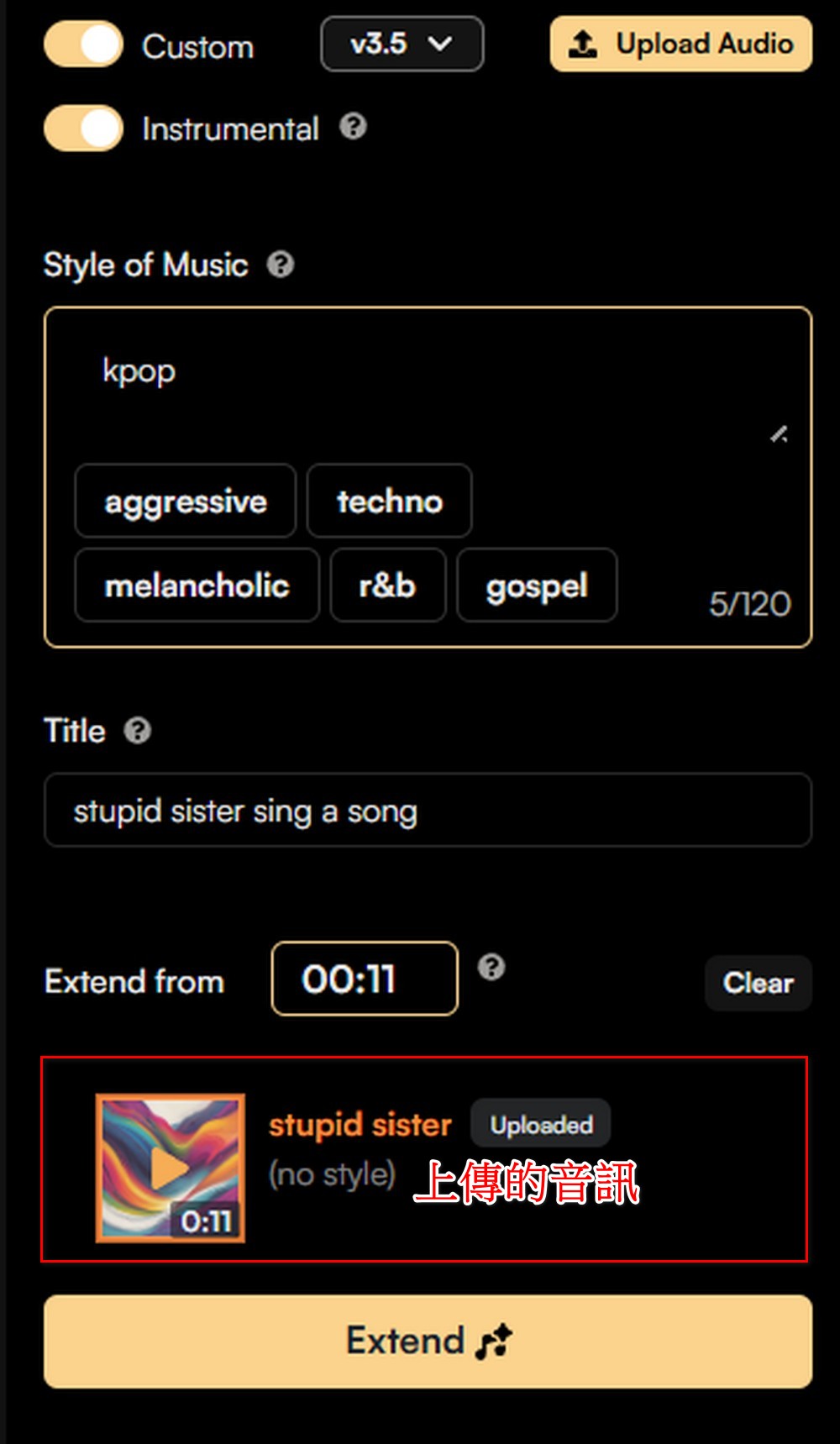
After uploading, an “Extend” option will appear next to your recording. Click “Extend” to add the audio you want to use into your song. Remember to still provide a music genre for your song, and you can also fill in any lyrics you want! You can check out the official examples for creative inspiration.
Use the sound of a watering can hitting an iron pipe to generate a psychedelic rock-style song:
Make a song from any sound. Coming soon 🎧
VOL-1: A watering can, but make it psychedelic rock pic.twitter.com/E6g682aWq5
— Suno (@suno_ai_) May 25, 2024
Use a performed classical piano melody and add some Parisian accordion to generate music:
Make a song from any sound. Coming soon 🎧
VOL-2: Classical piano, and bring in some French accordion
Performed by Anessa (Pianist and Suno Software Engineer) pic.twitter.com/19MpMsFuzB
— Suno (@suno_ai_) May 29, 2024
Use a melody you hummed yourself to generate an R&B song.
Make a song from any sound. Coming soon 🎧
VOL-3: Humming a tune, but give it an R&B vibe
Sung by Rebecca (Suno Product Manager) pic.twitter.com/nJQIgOnGZd
— Suno (@suno_ai_) June 3, 2024
Now using Suno, whether you’re typing, humming, or using any other method, as long as you can produce sound, Suno can help you generate music. If you’re interested, you can also try making music yourself—record your sudden ideas and upload them to Suno, and let Suno make the music for you. Just remember to upgrade to Suno Pro or Suno Premier first to use the Audio Input feature!
Click here to go to Suno to create music.
Source: KOCPC Chinese