


Some AI developments are genuinely terrifying. Recently I came across this incredible GeoSpy AI free online tool—just upload a photo, and it can identify from the details where it was taken, with impressive accuracy. I tested it even with a completely unremarkable photo taken from a cable car looking outward, and the result was correct. It gives you goosebumps.
This also means that in the future, when you see someone sharing great photos and want to know where they were taken, you can just run them through this tool—no need to ask the person.
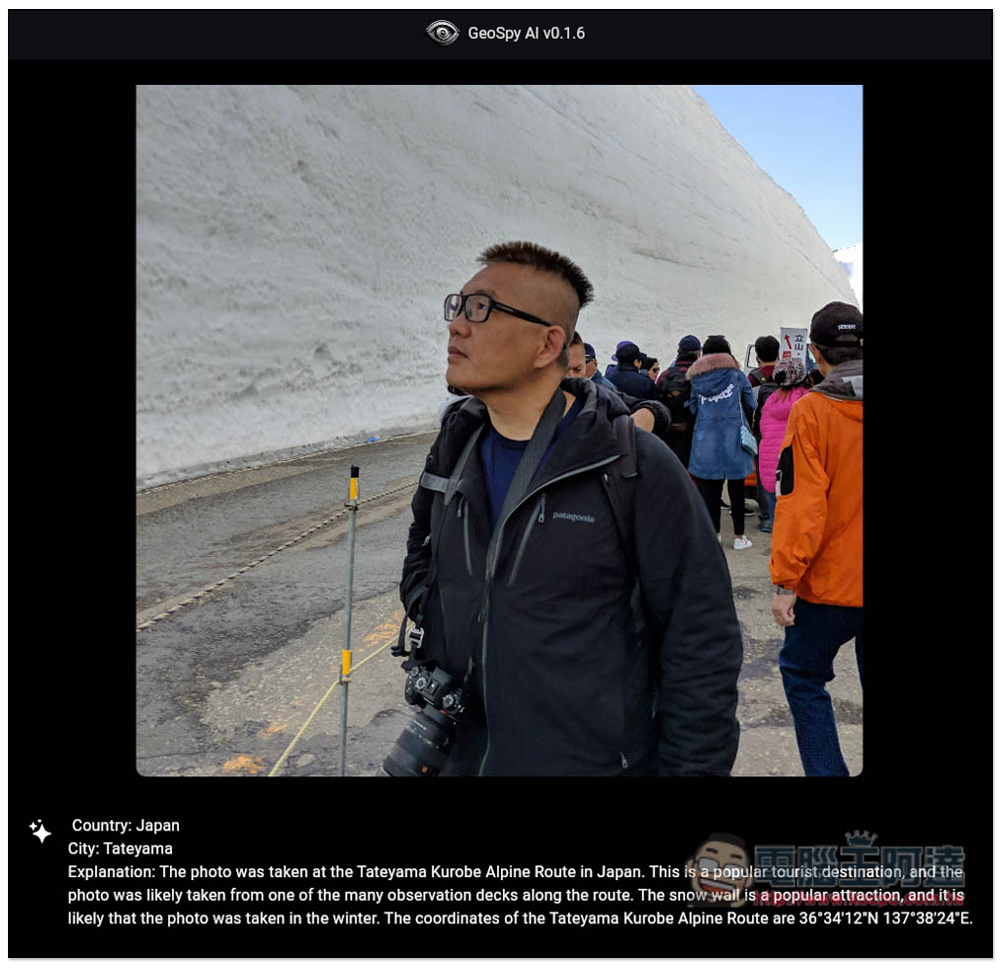
This AI is pretty scary – GeoSpy AI can figure out where a photo was taken just by uploading it.
- Trial GeoSpy AI
There isn’t much information available yet about what model GeoSpy AI uses or how it was trained. The developer behind it is the Graylark.io team. What is certain is that GeoSpy AI employs advanced algorithms to analyze images and identify features such as buildings, signs, and lighting. Once the analysis is complete, it provides a location description and approximate coordinates.
When analyzing, it’s like holding a magnifying glass, focusing on every detail, including landmarks, plants, facilities, sky, and shadows.
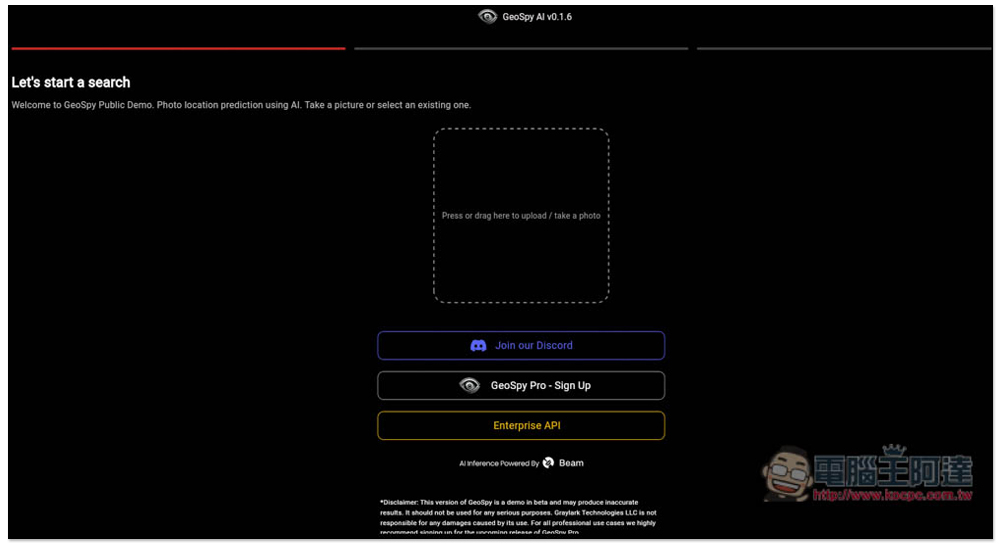
Using GeoSpy AI is simple: all you have to do is click the link above, go to the website, upload the photo you want to identify, and the recognition feature will start working.
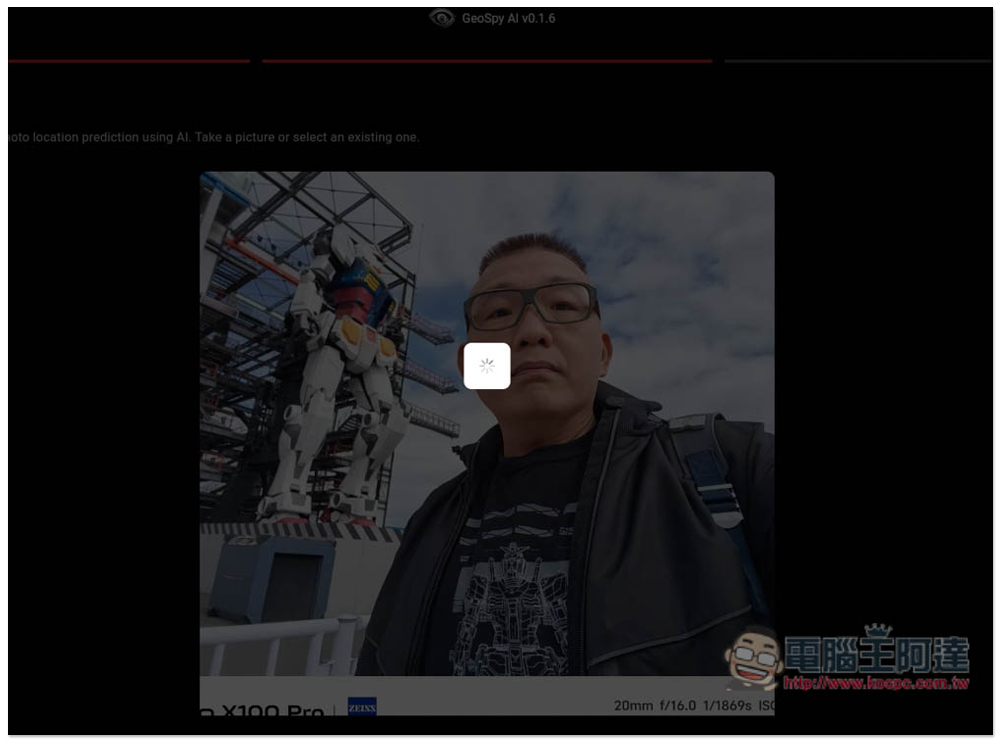
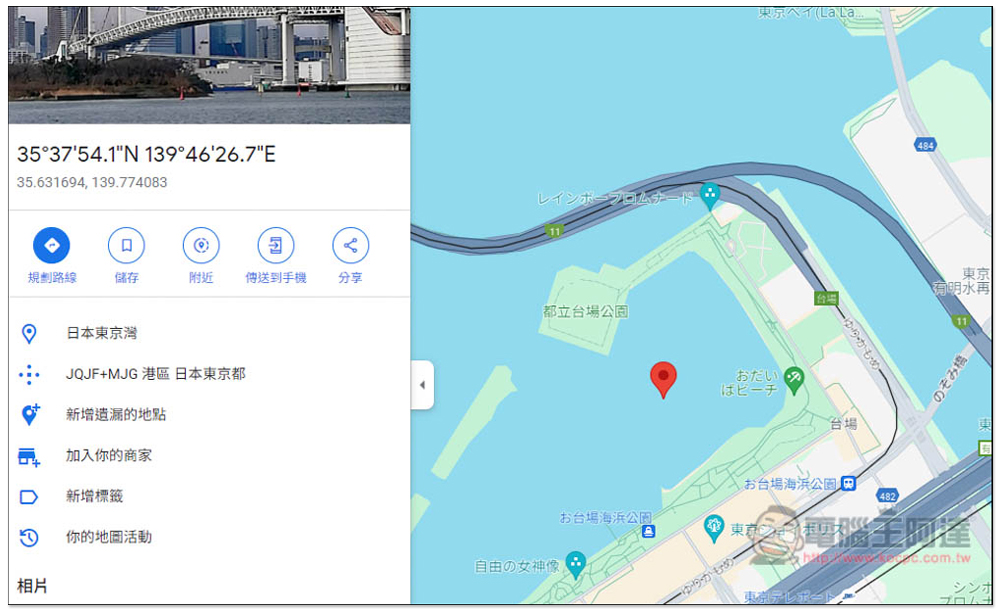
First, let me test this profile picture of Ada. For anyone who follows Gundam or enjoys traveling in Japan, you’d probably recognize at a glance that this was taken in Odaiba. But for those who don’t, they’d definitely have no idea where it is.
At first I didn’t have high expectations, but unexpectedly it correctly identified them—both the country and region were correct—a Taiwanese factory located in Japan, and it even gave Google Maps coordinates:
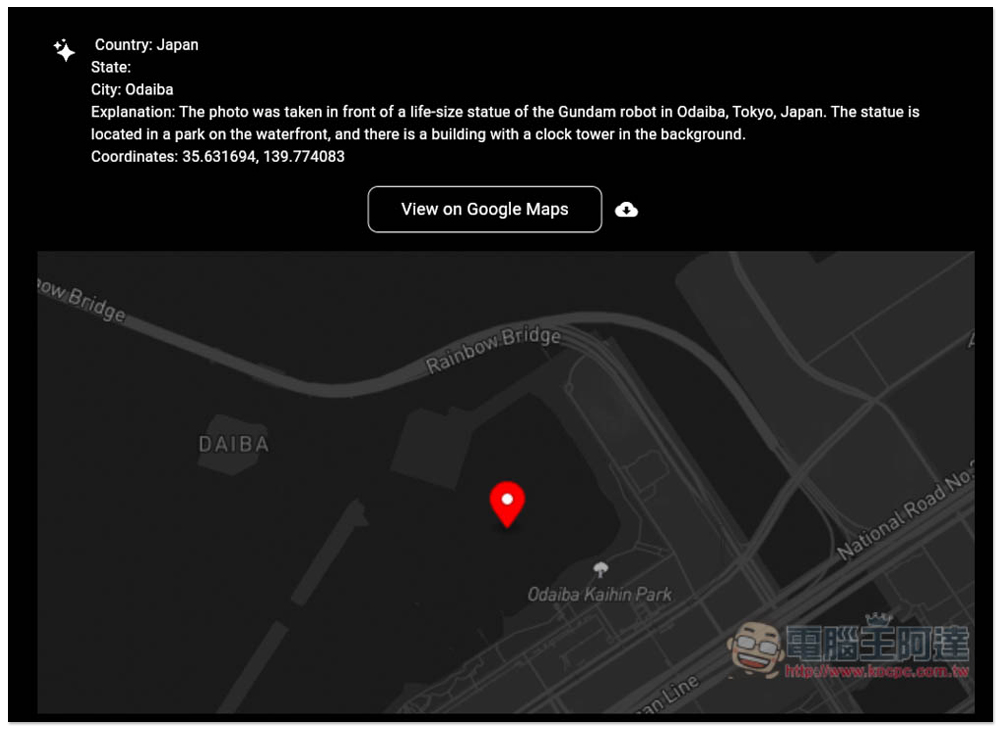
I put it into Google Maps and it really is marked at Daiba:
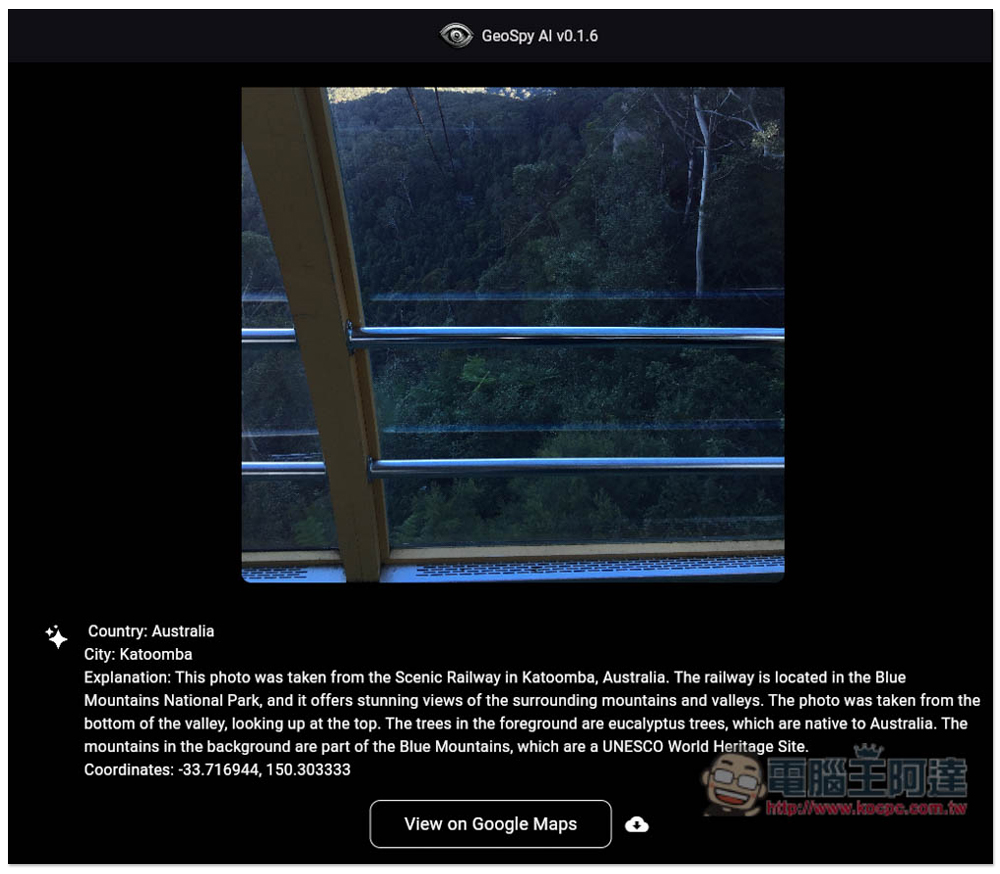
Next, I tested a photo taken inside the cable car in the Blue Mountains, Australia. The view outside the window was just mountains and trees, with no visible features that could identify the location at all. But the result was amazing, and I was totally stunned—GeoSpy also correctly identified that it was likely taken in the Blue Mountains. Also, none of the photos I tested here had GPS data.
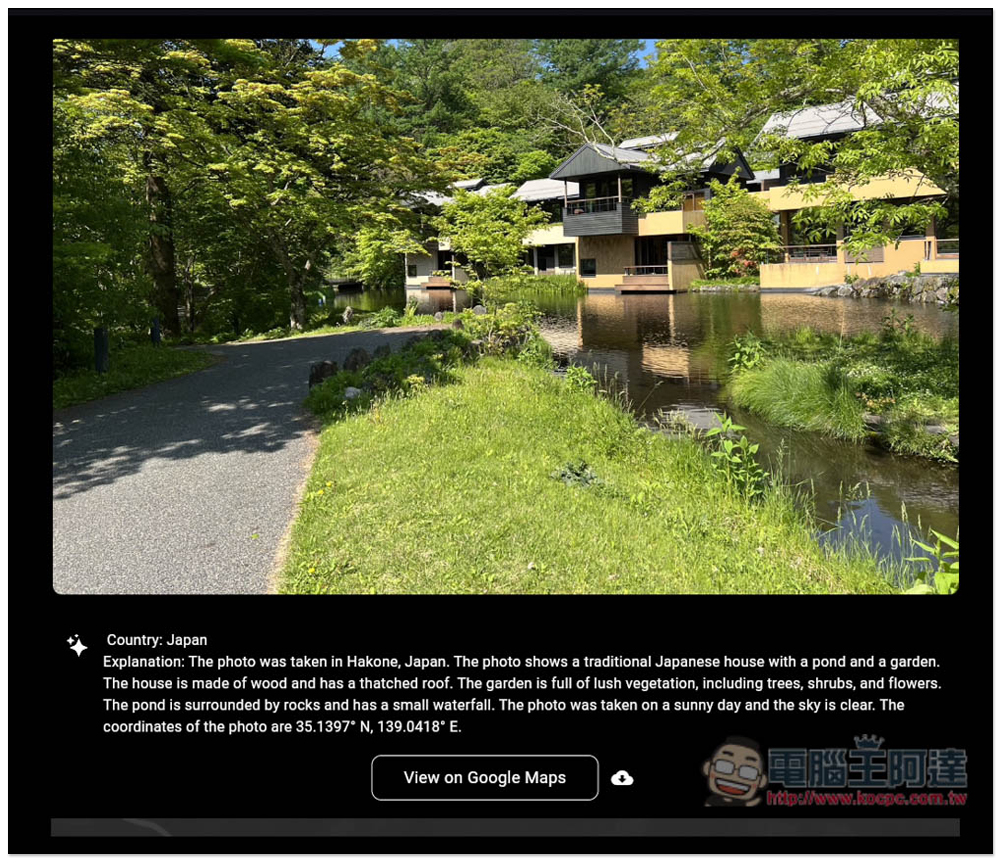
I posted a landscape photo from a stay at Hoshinoya Karuizawa a few years ago. Although it’s not as striking as the previous two, it still correctly recognized that it was taken in Japan. But when I checked the coordinates, of course it was wrong—it gave the location as Atami:
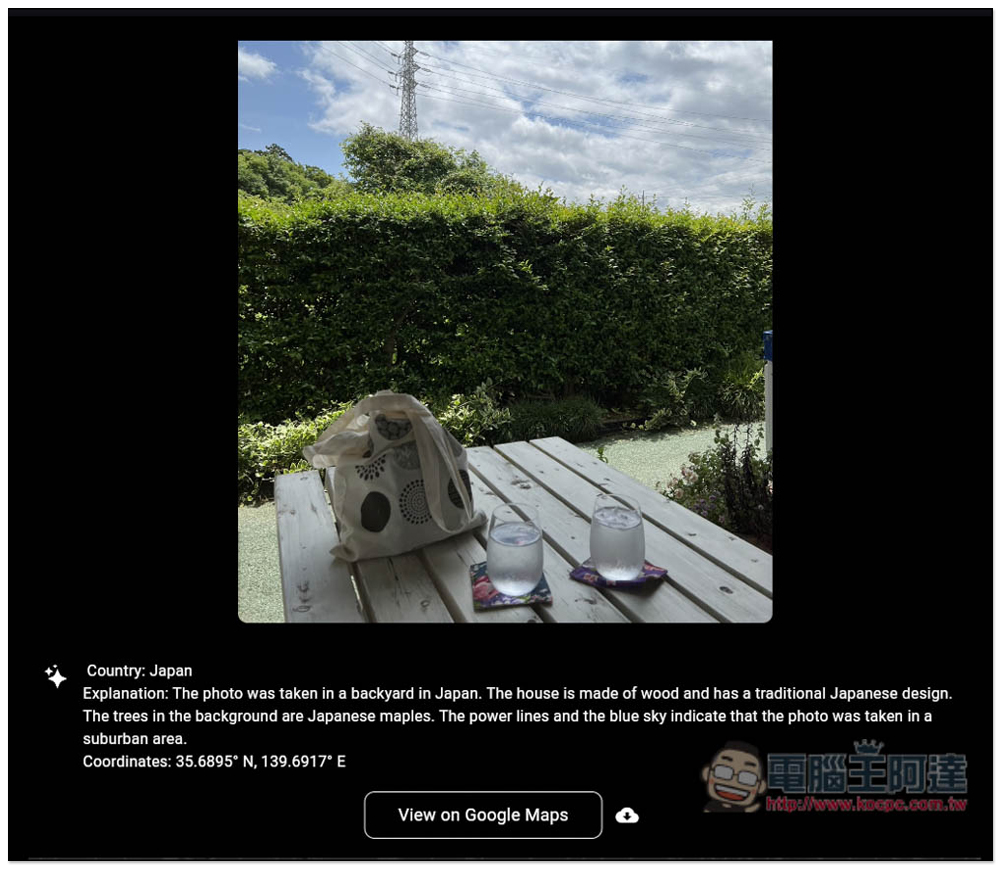
I don’t believe it can correctly identify the country every time, so I just uploaded a random snapshot. If I hadn’t said anything, some people would probably guess this was taken in Taiwan, but the answer is Japan. GeoSpy got it right too—its detail analysis is really impressive:
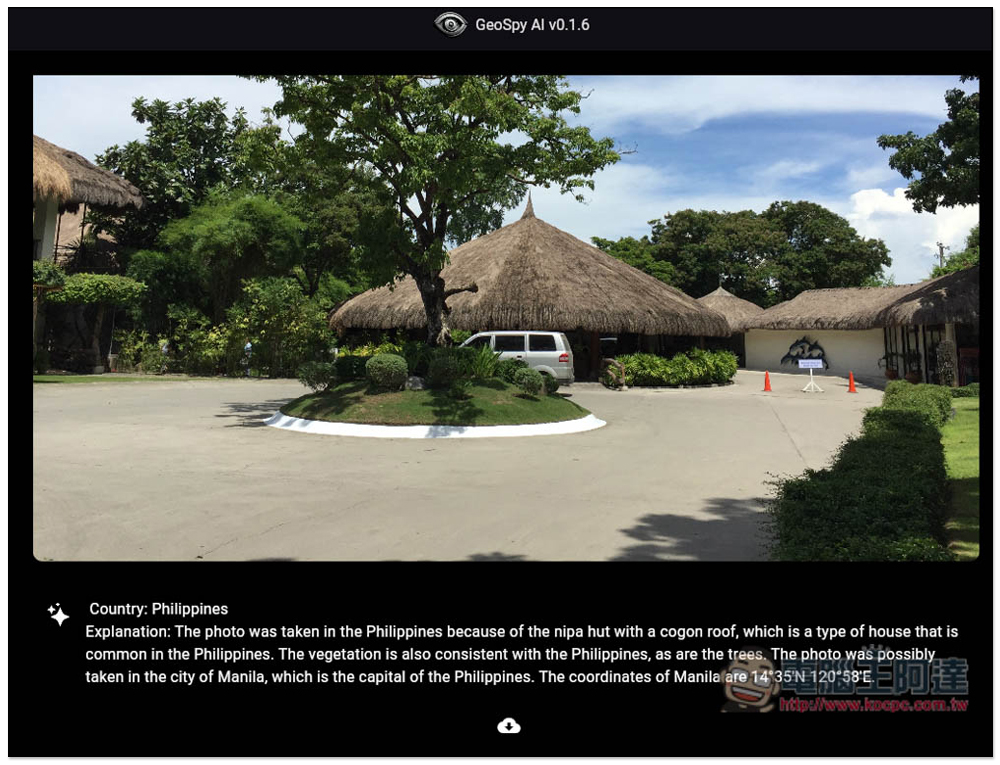
Let me try a different country. This photo was taken in Cebu, Philippines. Although it also correctly identified the photo as being from the Philippines, it guessed the city wrong — it thought it was Manila.
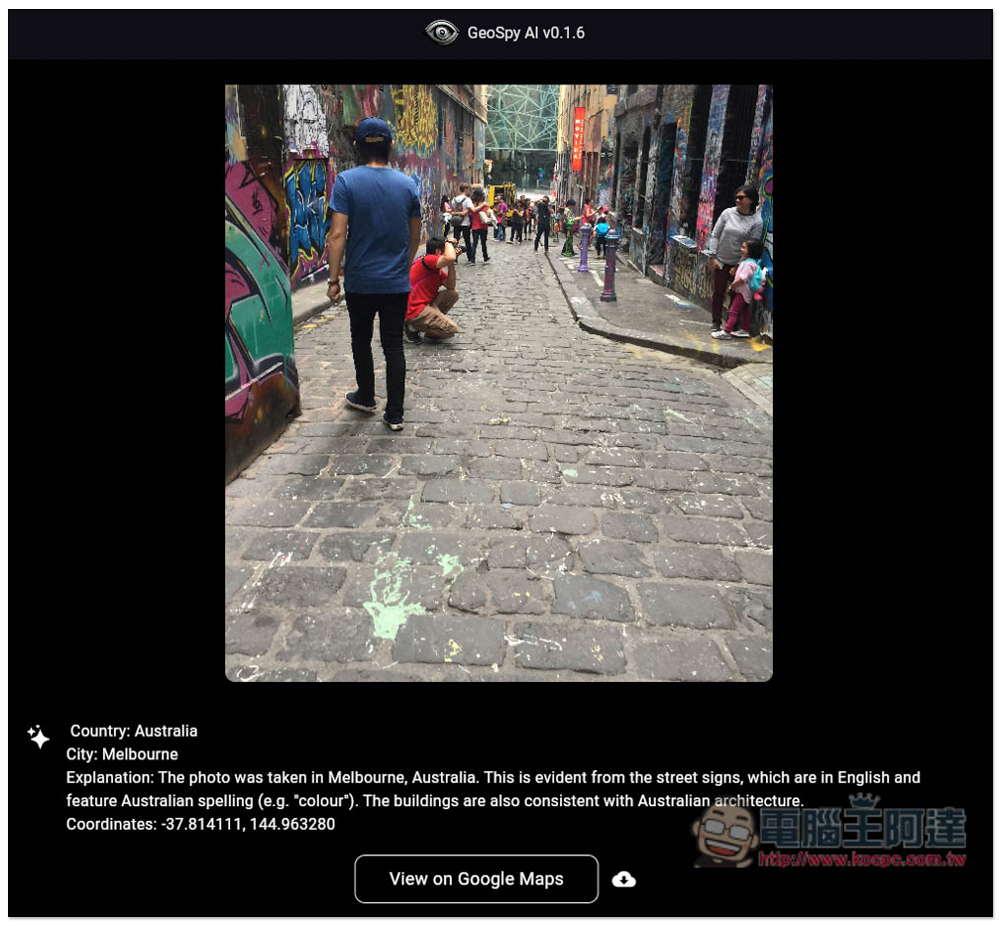
I find this one impressive too. Many streets abroad look like this, with all kinds of graffiti art on the walls, but it’s certain that it was taken in Melbourne, Australia. This one really was taken in Melbourne.
GeoSpy AI also offers a paid Pro version, which is said to be even more accurate.
At this stage, according to the developer, v0.1.6 is still a beta version, not the official release. But if the beta is already this powerful, imagine what the official version will be like.
Source: KOCPC Chinese