


Adobe Premiere Pro, the heavyweight desktop software favored by many video creators, has recently confirmed that it officially supports M1 Mac devices. In this update, Adobe has also brought a very surprising feature – Traditional Chinese support for Speech to Text. That’s right! They brought the function of quickly integrating smart speech to text and generating subtitles into this editing software. As for whether it is easy to use or not, which one is more powerful compared to Clips, which many people love to use and we also have in-depth tutorials on automatic subtitles? This article will also give you a preliminary actual test. Continue reading Adobe Premiere Pro’s new “Traditional Chinese automatic subtitle recognition” function (quick test report) report text.
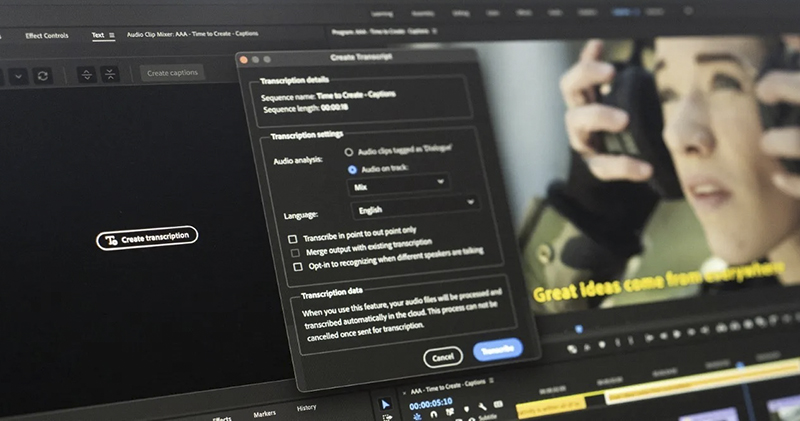
▲Image source: Adobe
Adobe Premiere Pro officially supports M1 Mac, adds “Traditional Chinese automatic subtitle recognition” function (quick test report)
Adobe recently updated its new software lineup for M1 Mac computer devices, including Premiere Pro, Media Encoder and Character Animator, which are now natively supported and provide significant speed improvements. In addition, it is also announced that the beta versions of Character Animator and After Effects will bring more powerful new features and performance.
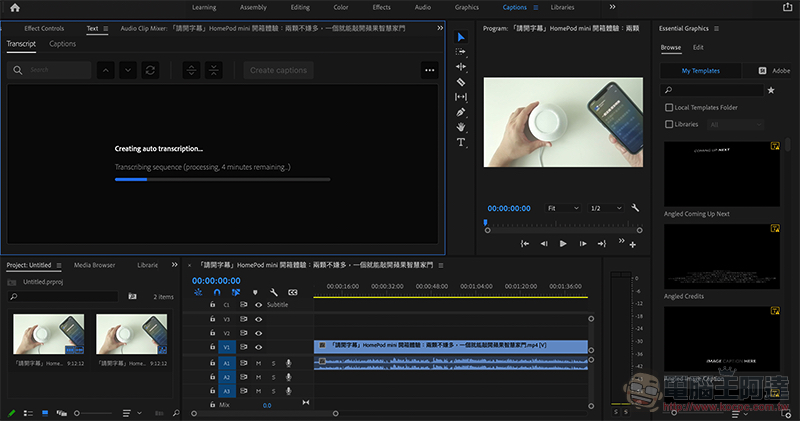
However, this time Adobe Premiere Pro actually brings a surprising new feature. This will save many video creators from the subtitle hell – officially bringing in the Speech to Text subtitle function that supports Traditional Chinese at no additional cost. According to official information, this feature will increase the overall work efficiency of adding subtitles to videos by an average of about 5 times. Adobe Sensei artificial intelligence will also know how to add subtitles in conjunction with the rhythm of speech.
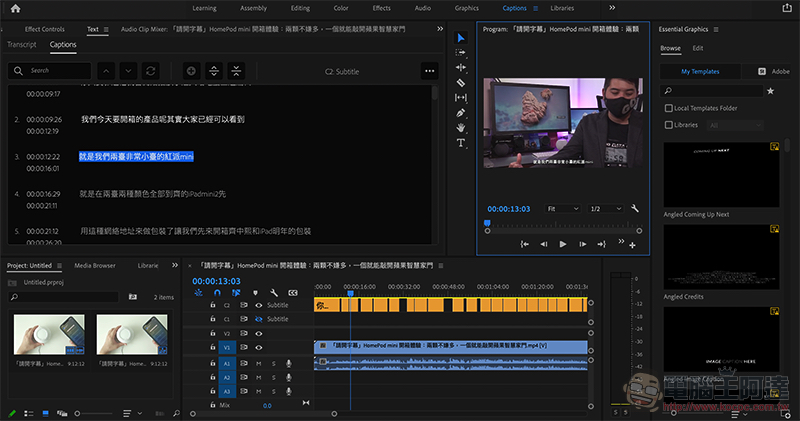
Computer King Ada also quickly conducted actual tests on this function. You will find Transcript’s speech-to-subtitle function in the “Captions” subtitle function in the top function bar. We actually tried to identify a video of more than 9 minutes. We tried this function on the M1 MacBook Pro (of course it can also be used on X86 computers). The system seems to separate the audio tracks and upload them to the cloud for analysis. It takes about 3 to 5 minutes to complete the processing:
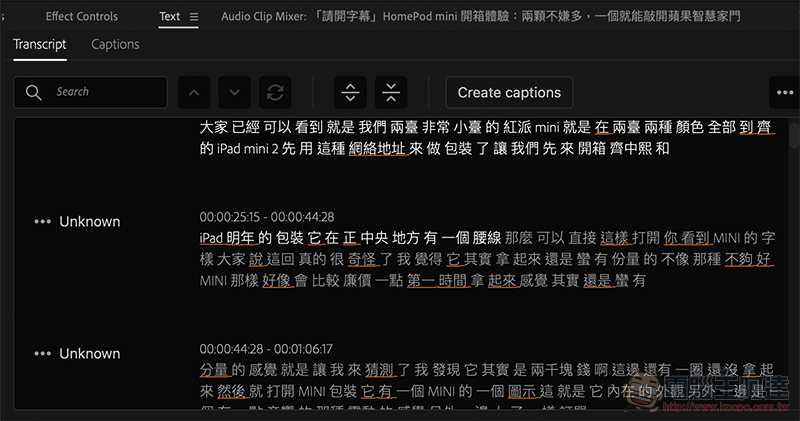
For the effect part, you can check out our actual test video below. Overall, our impression is that the current effect seems to be better thanCuttingIt’s worse, there are a lot of errors in recognition, but it’s quite convenient and intuitive to modify it through Premiere Pro’s easy-to-use subtitle interface:
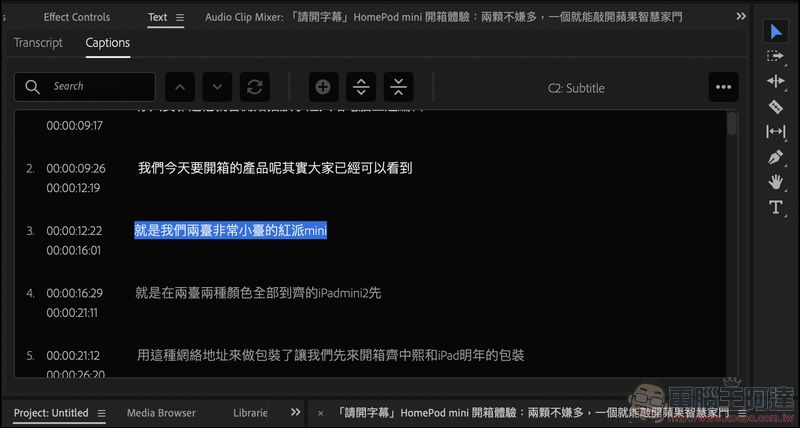
Overall, the automatic subtitle function of Adobe Premiere Pro can natively support Traditional Chinese and can also easily generate subtitle files and other subsequent support integration. We still recommend friends who subscribe to Adobe plans to try this function more, because it is completely free. The following are the subtitles automatically recognized by Adobe Premiere, and we have also placed the correct subtitle version below (CC subtitles need to be turned on):
Correct subtitled version:
Further reading:
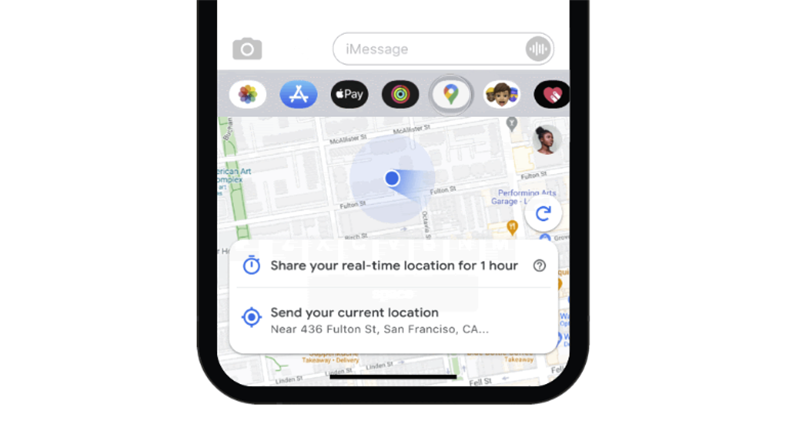
Google Maps for iOS also has a dark interface, making iMessage location sharing more practical
Source: KOCPC Chinese