


With the combination of multi-lens system and computational photography, the shooting capabilities of the iPhone are obvious to all, and are even often used for professional purposes – for example, Blackbird Concessionaires, Ferrari’s exclusive Hong Kong agent, recently used the iPhone 12 Pro Max to shoot advertisements to showcase the power and beauty of the two latest sports cars.
However, perhaps due to factors such as lens design and overlay operation, the iPhone has long suffered from backlighting, which is often noticed when shooting. Now it seems that Apple seems to be quietly solving it… The point is, it’s not just given to you on iPhone 13 or iPhone 12s, but even existing phones have the opportunity to get such improvements. Continue reading Regarding the glare problem in iPhone shooting, Apple seems to be using a “very Apple method” to solve the problem.
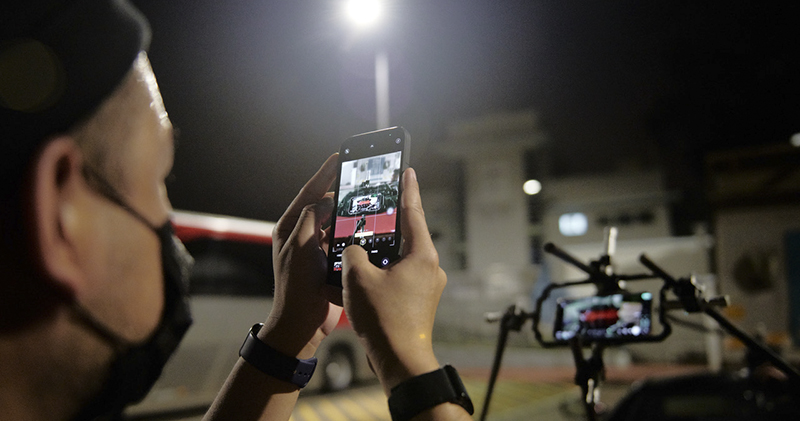
▲Image source: Apple
Apple seems to be using a “very Apple approach” to solve the problem of glare when shooting with iPhone
▲Video: The latest sports car commercial shot by the exclusive Hong Kong Ferrari agent using iPhone 12 Pro Max.
In fact, major mobile phone manufacturers such as Apple and Google will use the power of computational photography to enhance shooting performance. Due to size, energy consumption and other conditions, relatively professional cameras have tight hardware limitations. There is no longer a clear gap between “mobile phones vs cameras” as before, and mobile phones have become a professional shooting tool for many people. Because of this, it doesn’t seem too surprising to see Apple continue to try to use “computational photography” to solve the flare/flare problem that has been very obvious on the iPhone for a long time, and has even become a bit of a feature?
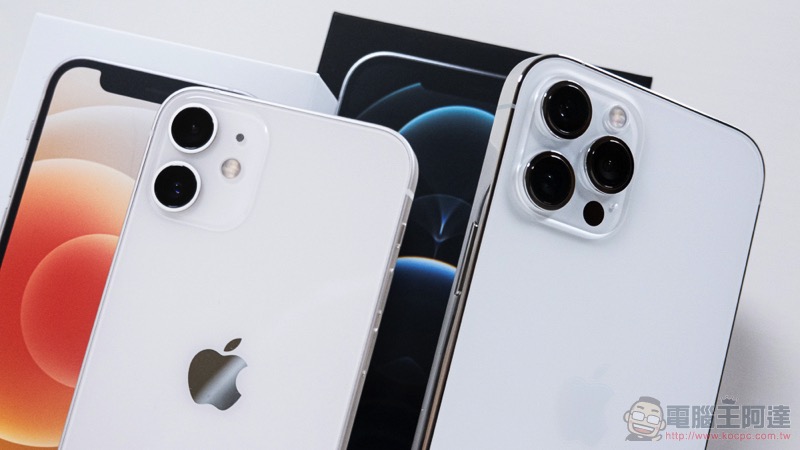
In short, some users who participated in installing the latest beta version of iOS 15 recently began to discuss online that the iPhone seems to know how to automatically eliminate the green glare that was directly recorded in the past through image post-processing. This has been speculated by many evaluation experts to be a “ghosting” that cannot be solved due to computational photography. Now it seems that Apple may have tried to solve it.
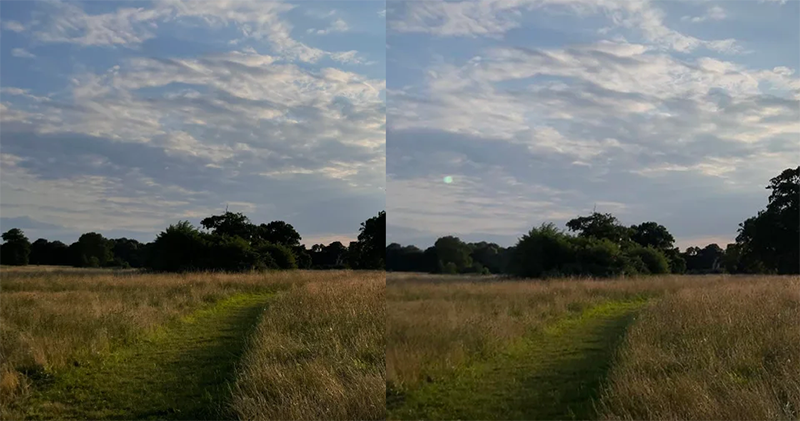
▲Image source: u/Doubeluckstur
According to the photo posted by a Reddit user, he discovered that under certain conditions, the green light that can be seen on the iPhone when previewing the shot disappeared when he checked it later. To confirm whether this was automated processing by the system, he also viewed a version of the original photo. At this time, he thought that the bright light he had captured appeared in the picture.
That is, it is said that some people have actually reproduced such a function. However, some people have found that this function will not be activated in all shooting situations where there is glare – in the opposite casecomplex backgroundThere are also strange-shaped flares that may not be detected?
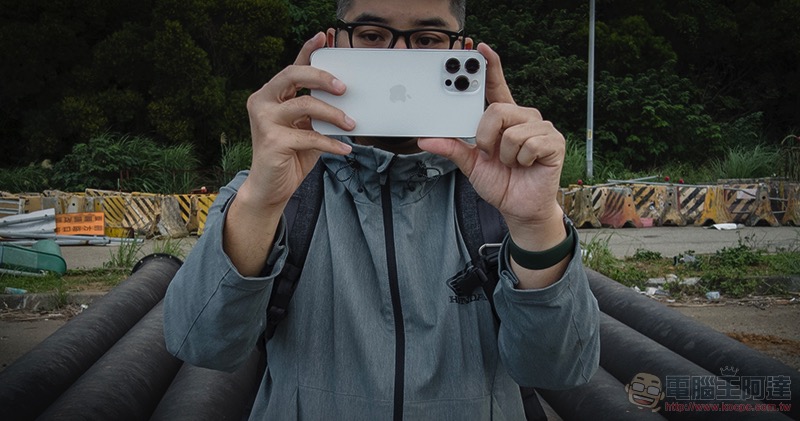
That is to say, the editor has made some attempts to reproduce such a function, but so far I have not found an example of it being automatically eliminated. I wonder if anyone has encountered such an effect? However, some people say that sometimes there is beauty in photos if there is sparkle – I don’t deny this, but sometimes it is a bit uncomfortable to be stuck in an important scene. Fortunately, usually such light spots are not too difficult to eliminate with post-production (in fact, the scary thing is the strip light source…).
Pictures/sources cited in this article
Further reading:
OtterBox puts the “click and close” MagSafe on the game joystick, and it feels easy to use!
Pixel 6 and 6 Pro are not available yet, but you can download their wallpapers to use!
Source: KOCPC Chinese