


Previously, we introduced a Stable Diffusion Online Image generation tools were originally completely free and usable without registration, but later, perhaps due to too many users, they now require registration and have usage limits. So this article recommends another tool that also uses the Stable Diffusion XL model: “Fast Stable Diffusion XL,” a free tool that generates images extremely quickly and provides 4 results at once.
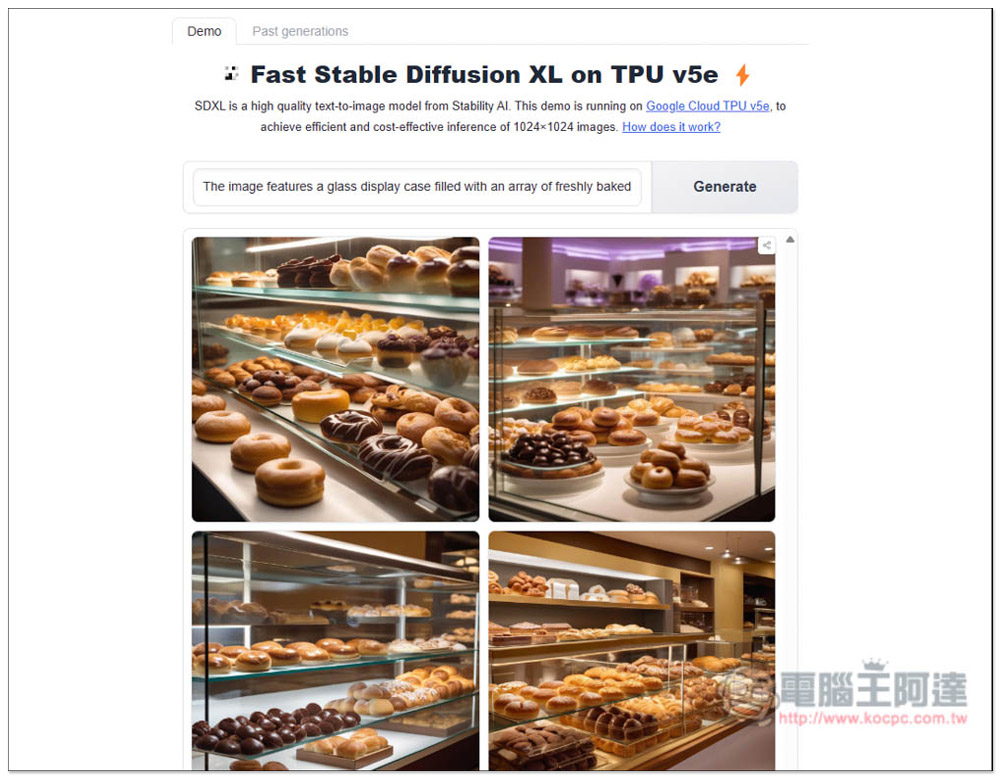
Fast Stable Diffusion XL free AI image generation tool with super-fast generation speed and four results at once.
Fast Stable Diffusion XL is a tool hosted on Hugging Face, so it is completely free to use. It runs on Google Cloud TPU v5e and generates 4 images at a time with a resolution of 1024×102. Although that’s not very large, if it’s not enough, you can upscale them using other AI upscaling tools.
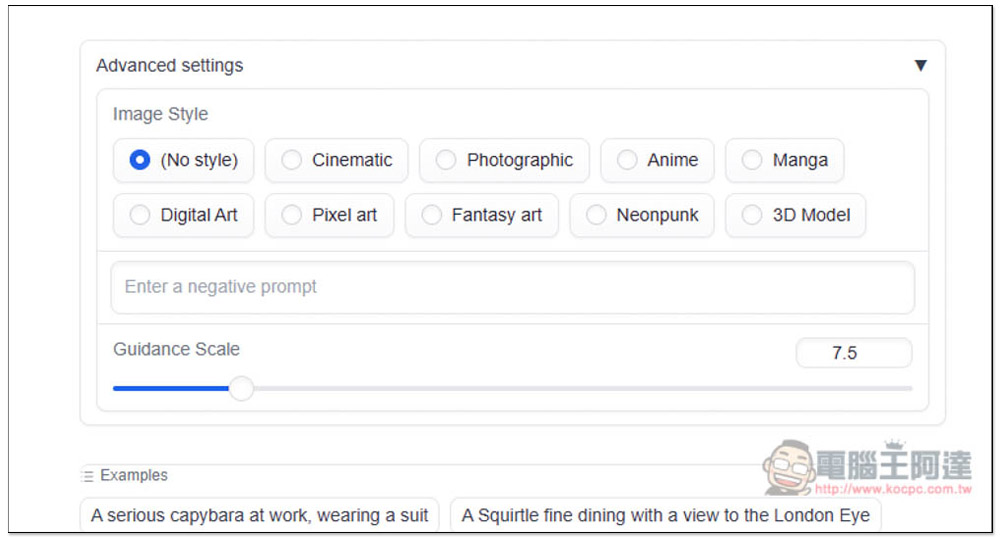
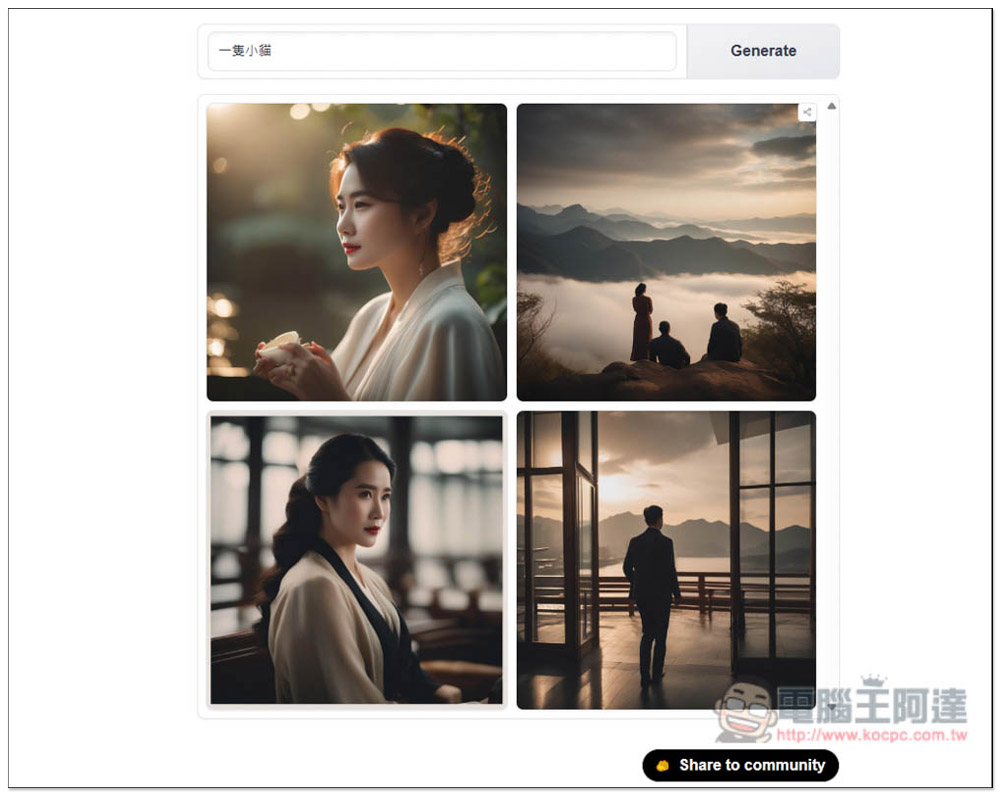
Only English prompts are supported for image generation—inputting Chinese will produce garbled results, but the generated images turn out surprisingly good. There are also 9 image style options, including Cinematic, Photographic, Anime, Manga, Digital Art, Pixel art, Fantasy art, Neonpunk, and 3D Model. If you don’t have a particular style in mind, you can use the default No Style.
The generation speed is extremely fast—even when generating 4 images at once, it only takes about 10 seconds. With a simple prompt, it might finish in just 6-7 seconds. It’s the fastest AI image generation tool I’ve used.
After clicking the link above to enter the Fast Stable Diffusion XL tool, type the prompt for the image you want to generate into the box. If you just want to try it out first, there are some suggested prompts at the bottom.
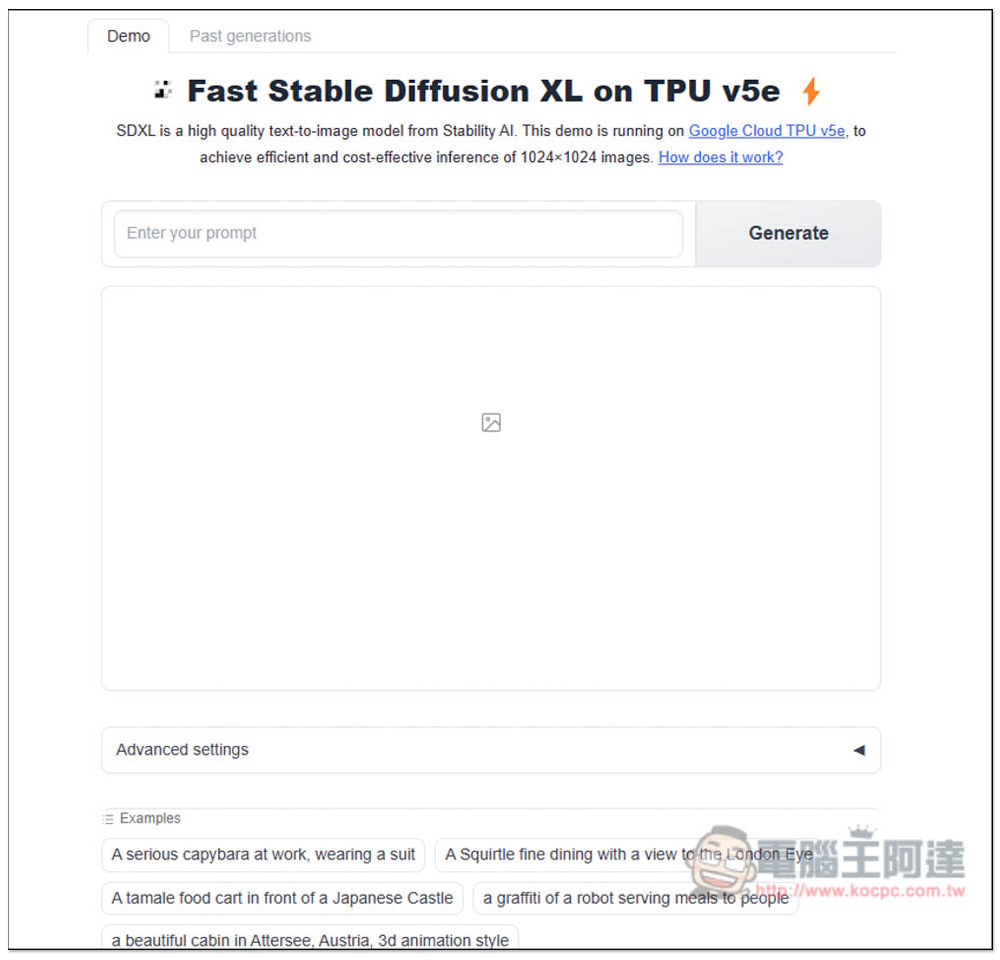
After expanding Advanced settings, you can set your desired image style, enter a Negative prompt, and adjust Guidance Scale:
The prompt can be very long. Once you’re done, just press the Generate button.
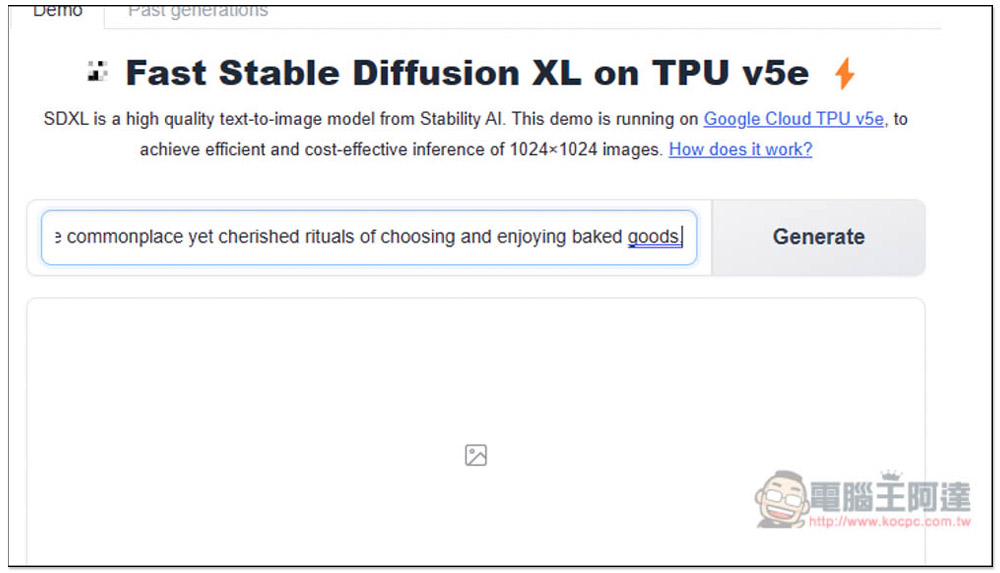
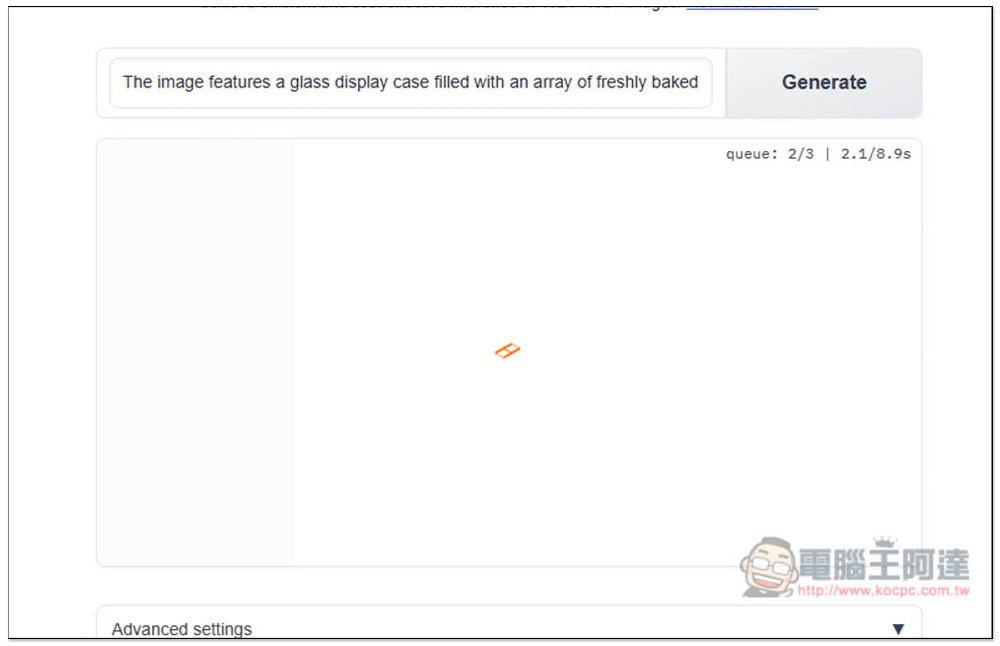
Then wait for the bottom to finish running, and the estimated completion time will show in the upper right corner—basically always within 10 seconds.
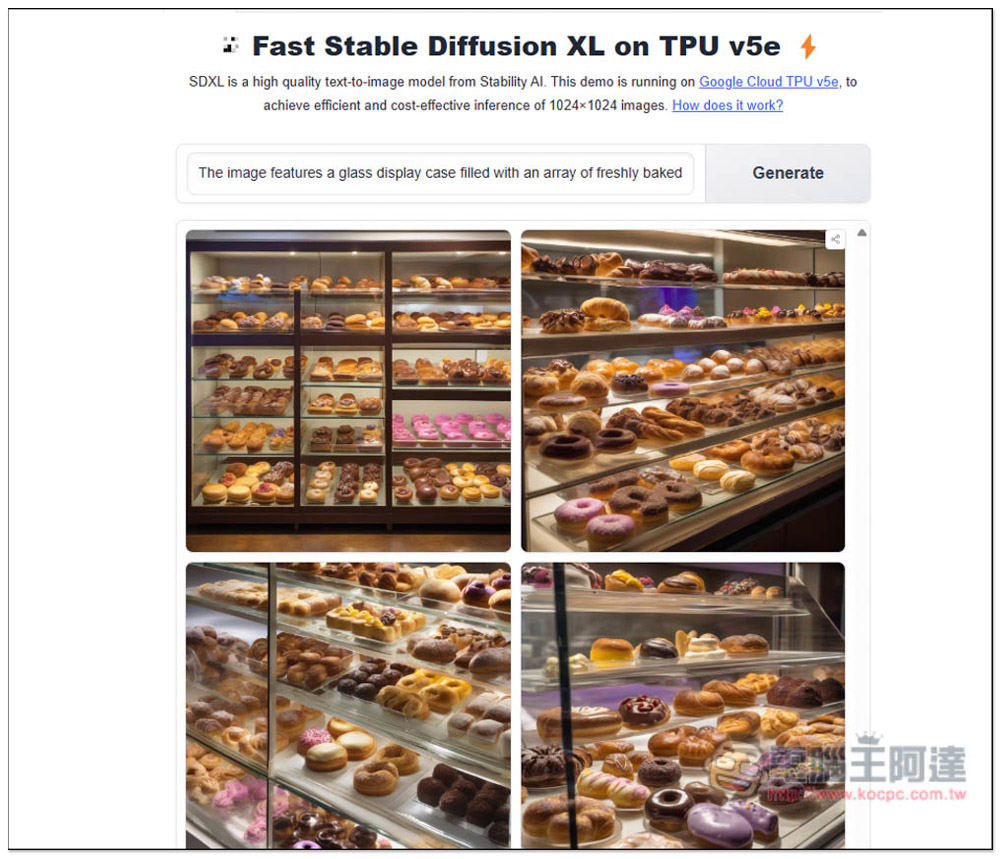
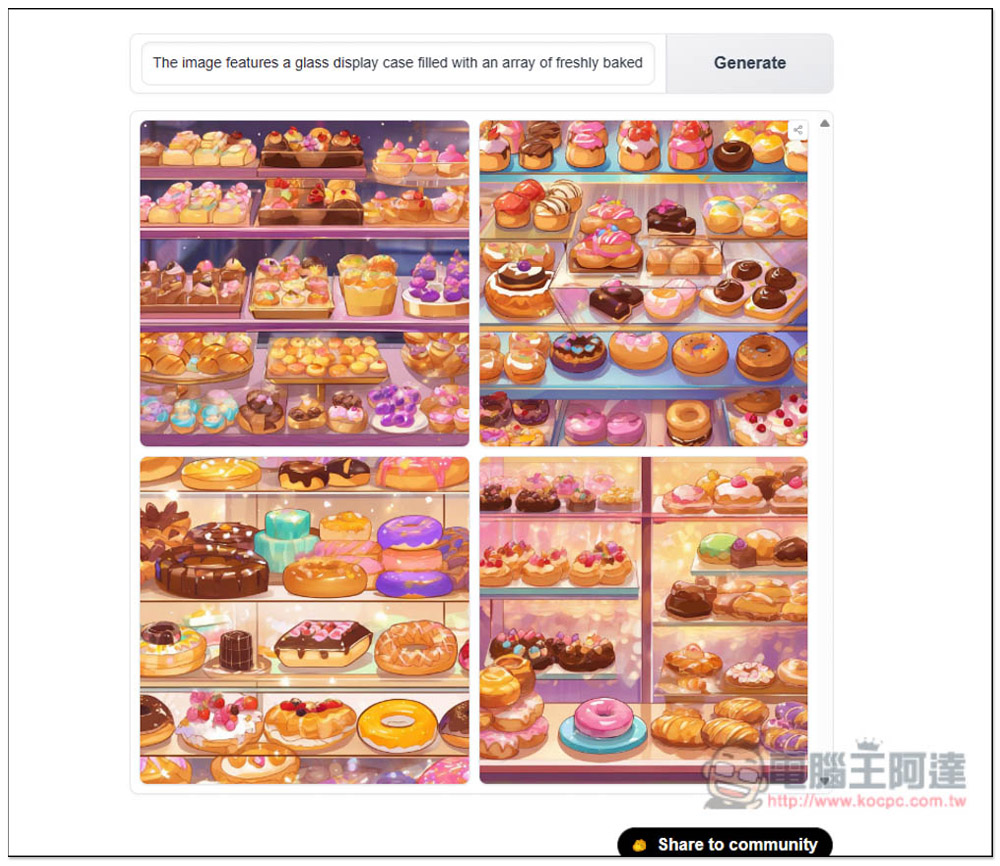
After completion, 4 results will appear. Although the generation speed is fast, the quality of each one is quite good, and matches the donuts in the display case as required by my prompt:
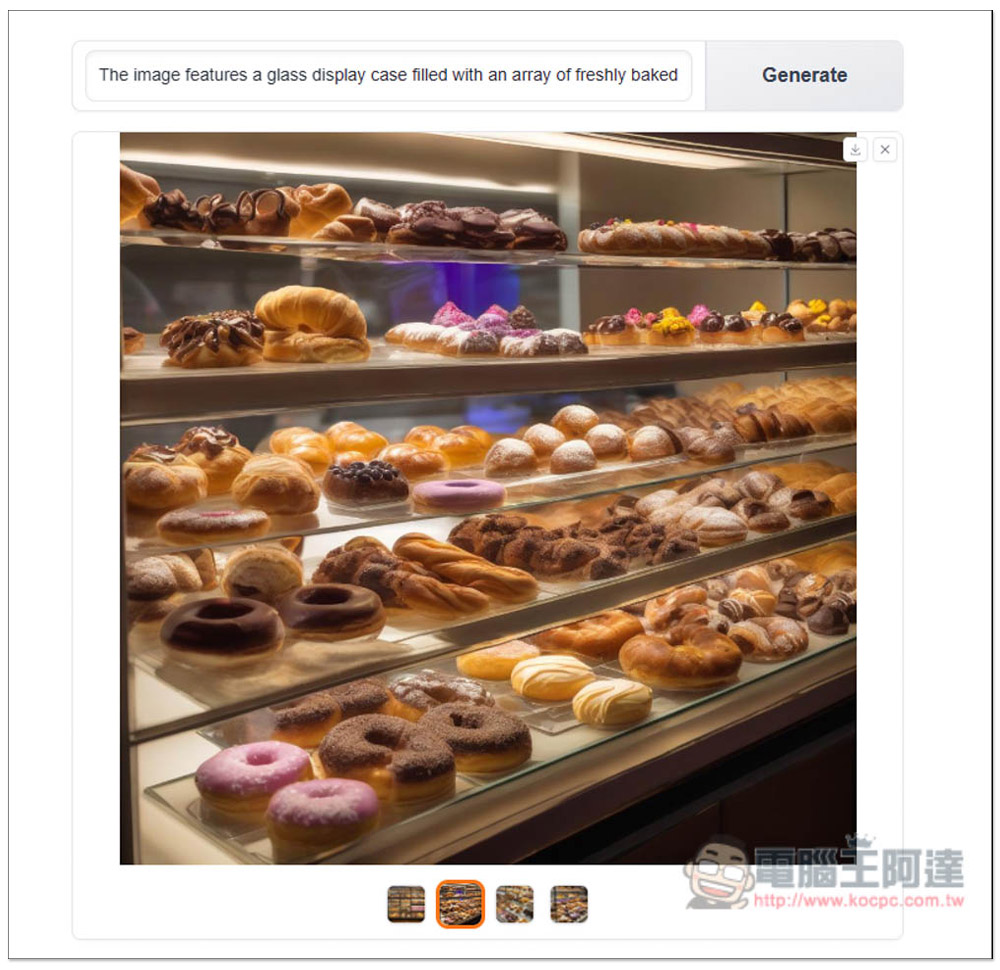
Tap to open the full-size image. If you like it, tap the download icon in the top right corner to save it to your device:
If you want to try other image styles, choose the option you want, and then click Generate again:
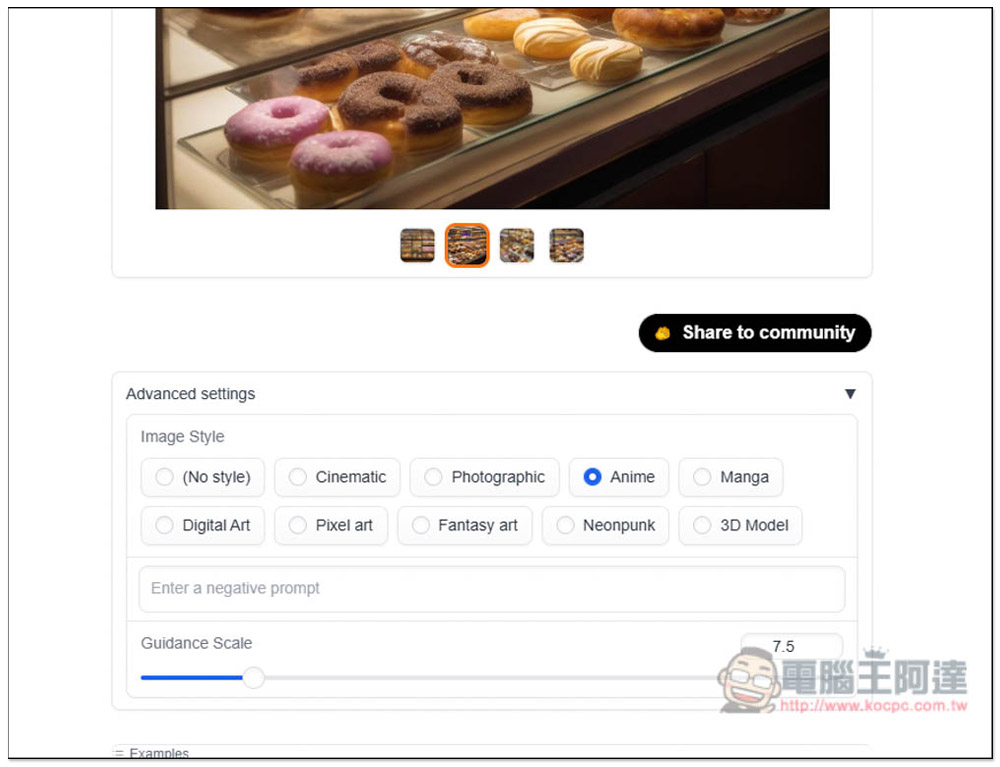
I chose animation, and sure enough, the image style changed to animation. However, it will regenerate, so if you like what was just generated, remember to download it first.
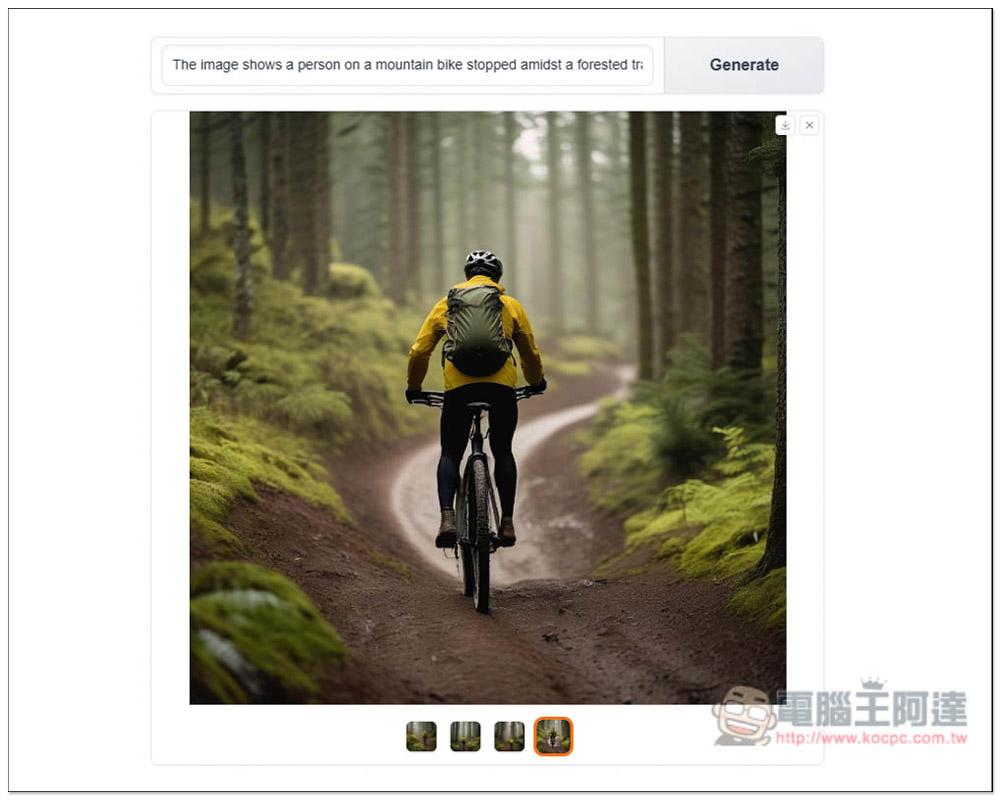
The quality of images generated with people in them is also quite good:
When I input Chinese, the generation goes haywire—I typed in “a little cat” and got 4 images that all had people in them (though they were pretty awesome).
Source: KOCPC Chinese