


Today I’d like to introduce a website called Freepik that lets you use AI for free to generate images from text. You don’t need complicated prompts to produce images of decent quality. The interface is simple, and you can also choose the color tone, lighting, and framing of the image. Let’s take a look at how to use Freepik.
Freepik Usage Guide: A Free AI Text-to-Image Service for Customizing Various Scenarios
“Freepik” is a website that lets you do a lot of creative work with AI. You can use features like Freepik’s text-to-image, real-time drawing-to-image generation, and style transfer to create or edit images. Today we’re introducing Freepik’s text-to-image feature.
If you’d like to use Freepik’s AI text-to-image feature, please click here.
After clicking the link, this screen will appear. Enter the prompt and click “Generate.”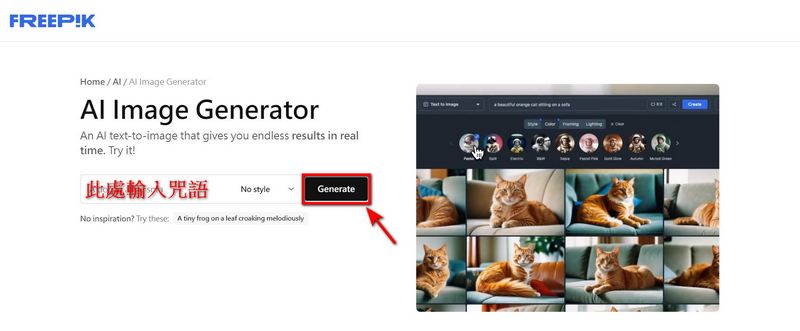
Afterwards, a screen requesting you to Log in will appear; everyone can simply choose their preferred way to log in.
After logging in, this screen will appear, and now you can start generating images. First, enter a prompt, select the image “Style” you want, then simply click “Generate” to create the image. Note: Only English prompts can be used.
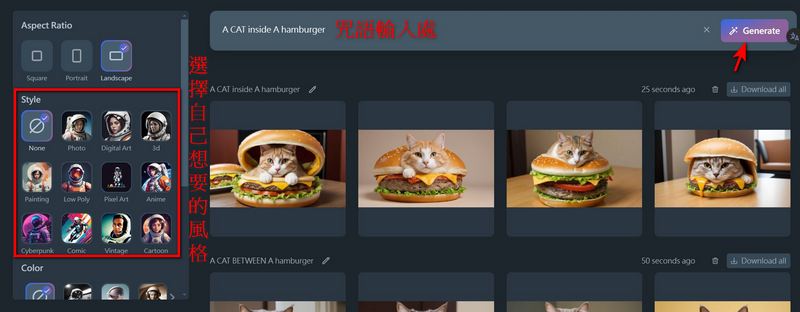
If you want generated images to have more depth, Freepik offers options such as “Color”, “Lighting”, and “Framing” for you to choose from, so you don’t need to input a long string of prompts; just click on the effect you want.
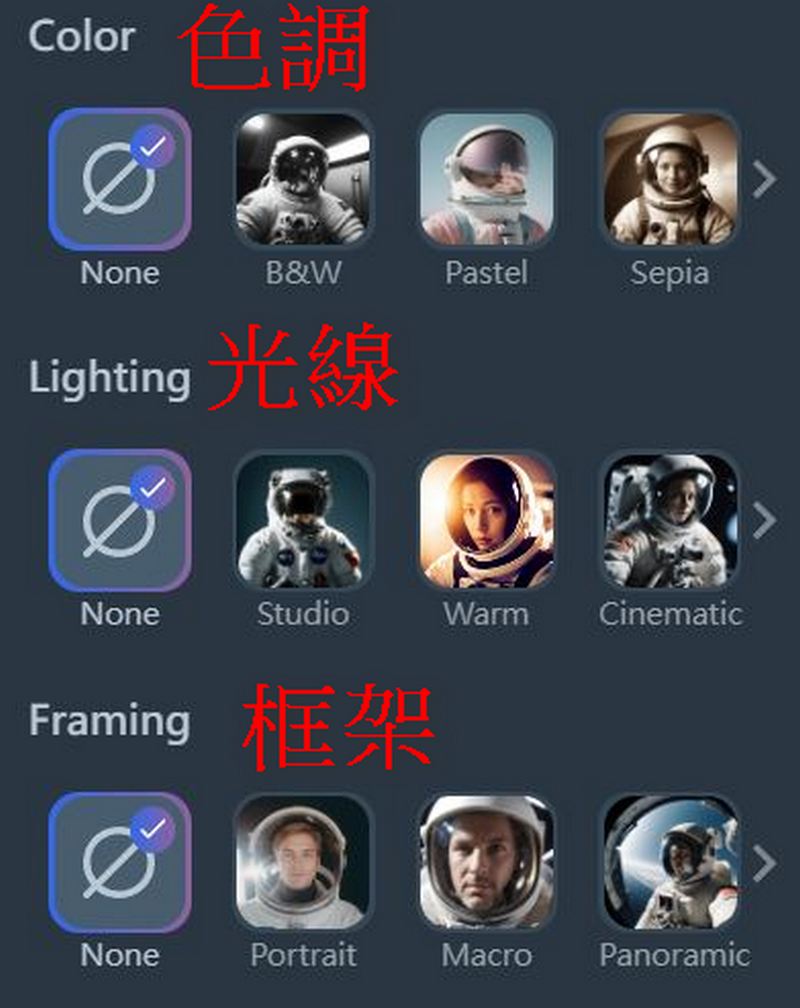
Each prompt input generates 4 images, and the total free allowance is 20 images. This means you can only generate for free up to 5 times. (Tip: After you run out of free attempts, you can log in with another account to get 5 more free generations.)
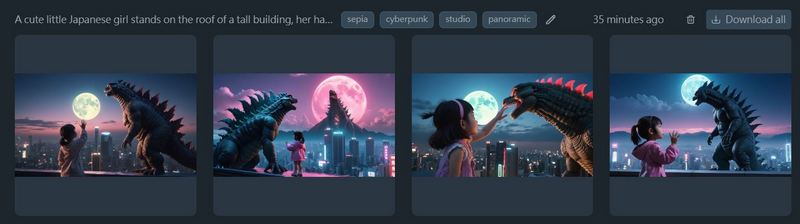
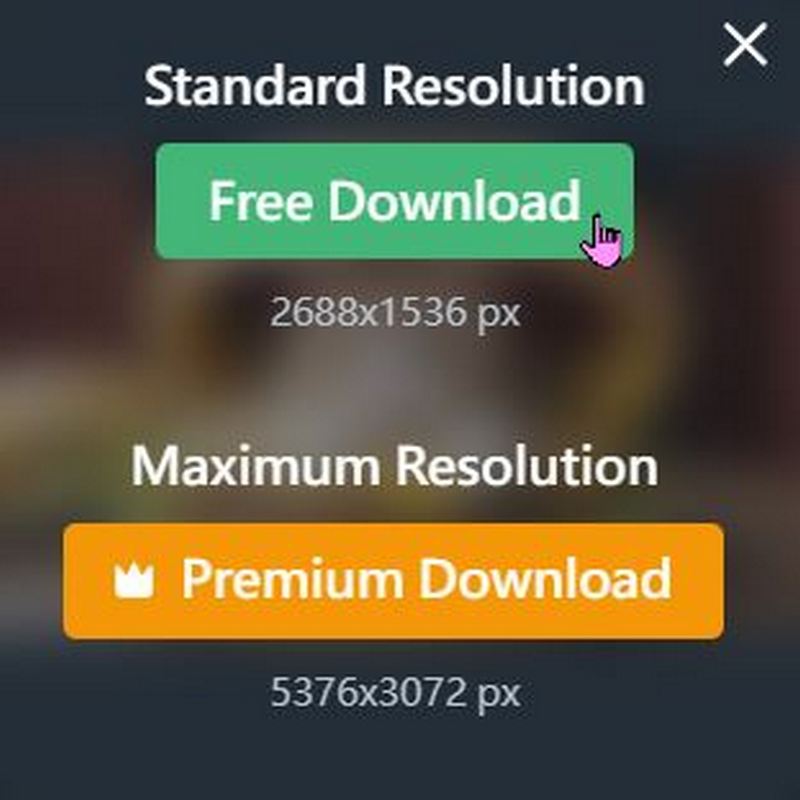
You can also download images you like, but free members are limited to 10 free downloads per day.
Here are the prompts and options the editor used for your reference:

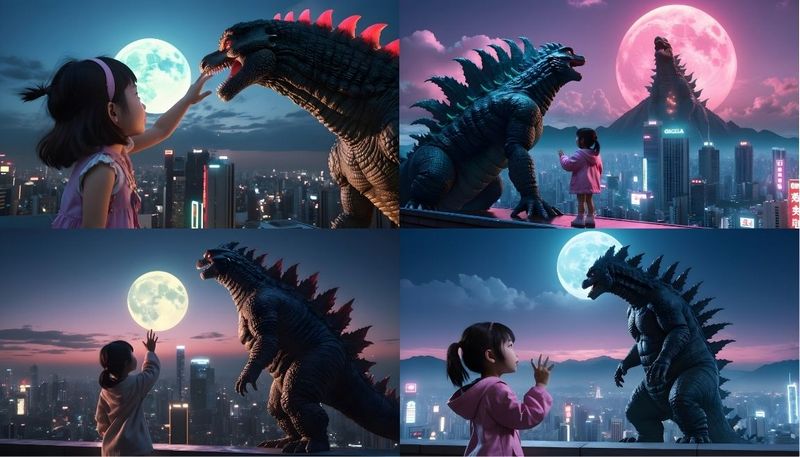

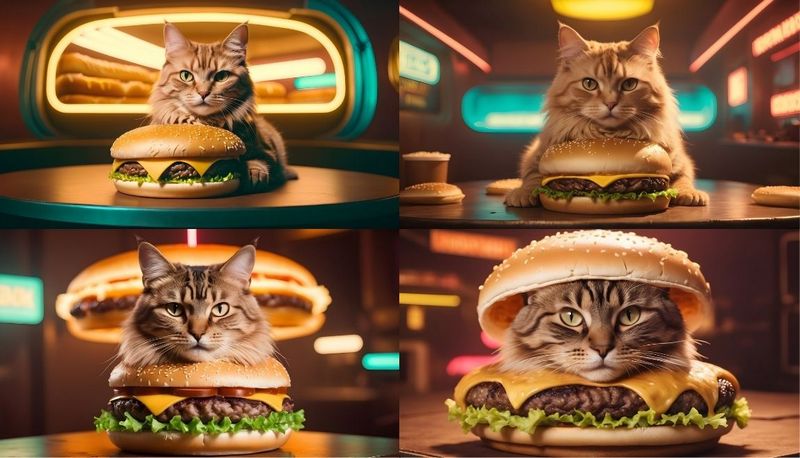

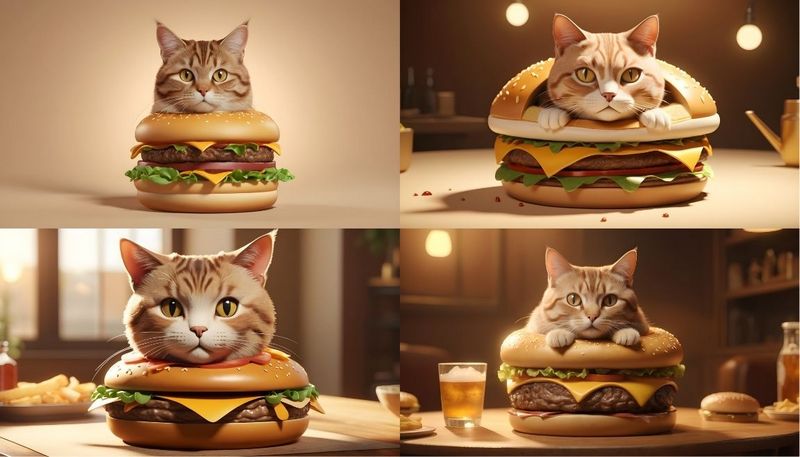

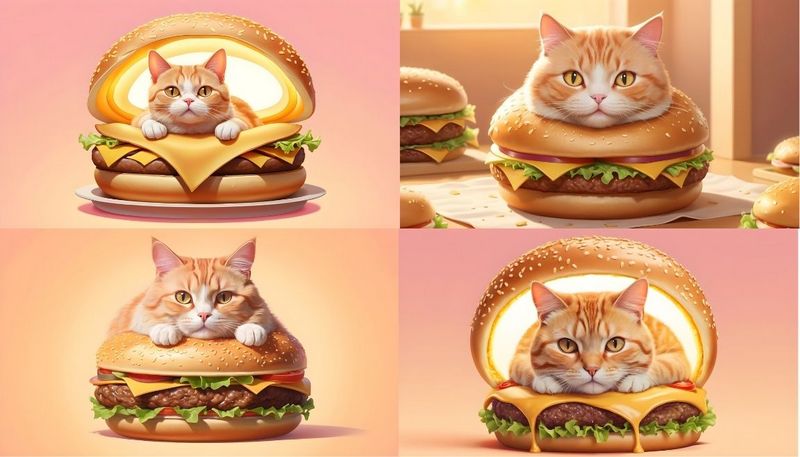
If you’d like to use Freepik’s AI text-to-image generation feature, please click here.
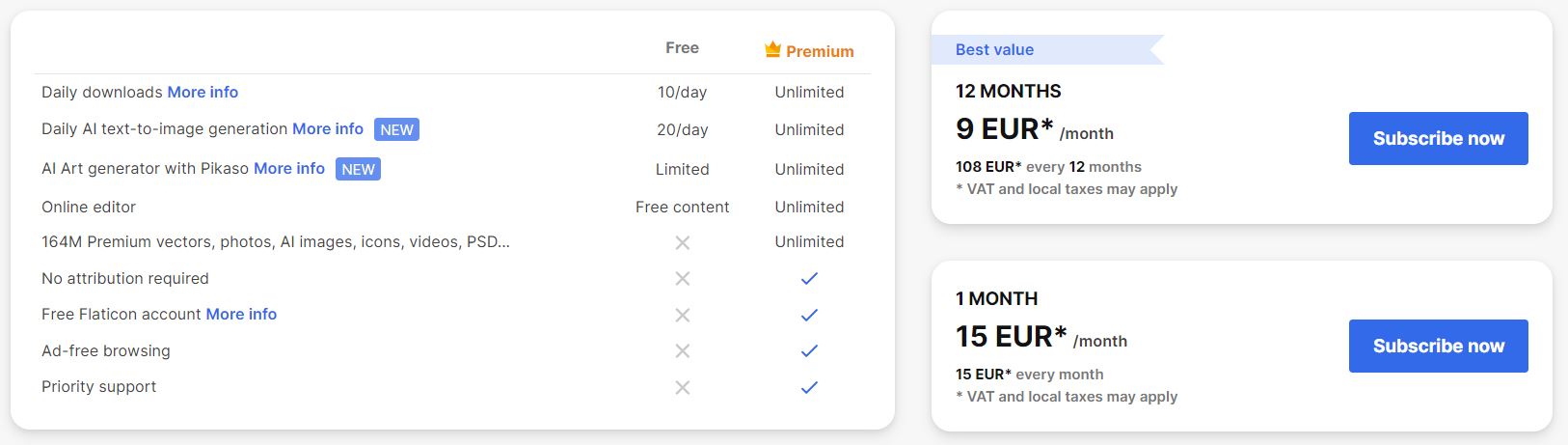
If you think Freepik is really useful, you can upgrade to the Premium version, choosing to subscribe for a full year or on a monthly basis. For the yearly plan, the total is 108 euros (about 3716 TWD), while the monthly plan costs 15 euros per month (about 516 TWD). Freepik actually has many more features, so if you’re interested, feel free to click!HereLearn more!
If you feel that Freepik’s five free image generations per day are too few, you can also consider AI text-to-image options like Google Bard, krea.ai, and face-to-sticker. We have written tutorials for all of them; if you’re interested, click the links below to visit:
Source: KOCPC Chinese