


We have taught you several methods before to experience Windows 11, such asUpgrade directly to Windows 11 Preview、Install to virtual machine software,as well asChange scenery theme, although both are good, but the operation is a little more troublesome. If you just want to simply play with the Windows 11 interface, now there is a better choice, which is the “Windows 11 Web Edition”, which can be easily experienced by opening the browser.
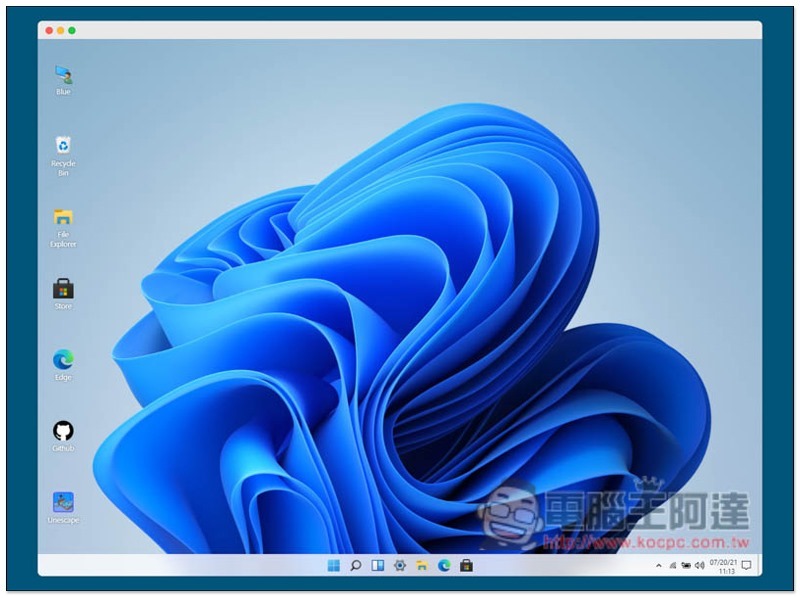
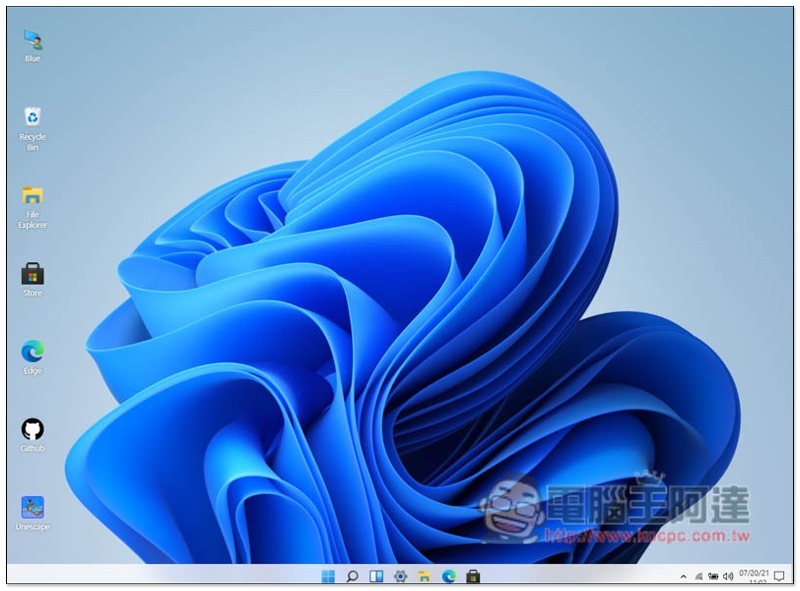
Windows 11 web version, you can play it by opening the browser
The Windows 11 web version is an online version recently created by the foreign master blueedgetechno using React. The interface is exactly the same as Windows 11, but it is not a complete operating system after all, and some functions cannot be used, but the simple experience is no problem. In addition, because it was developed abroad, the language part is only in English.
After entering the Windows 11 web version, you can start experiencing it without registering anything:
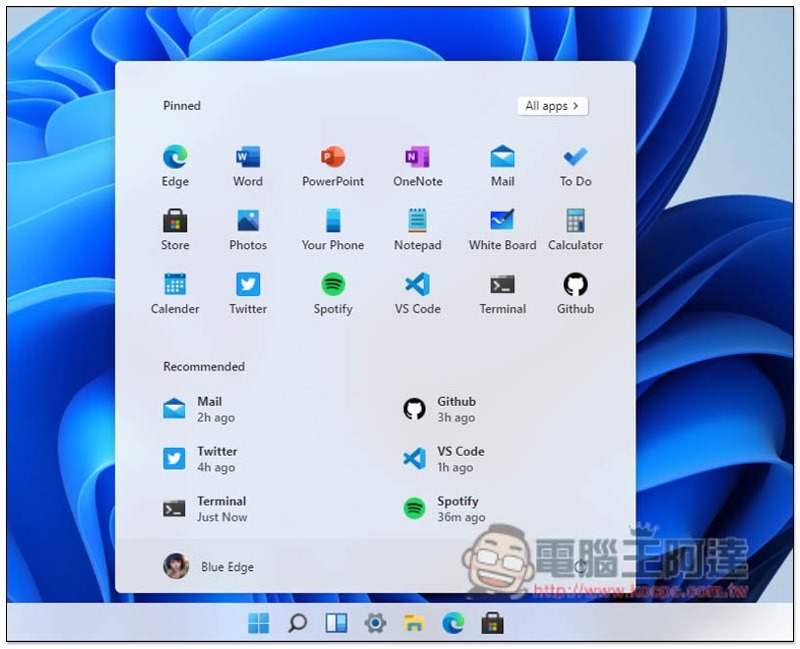
The start menu is also located in the middle. Some of the application icons provided above will launch the web version or the built-in software of your Windows computer after clicking. For example: when I press Spotify, it will open the Spotify web version, and when I press Mail, it will launch the mail application on my computer:
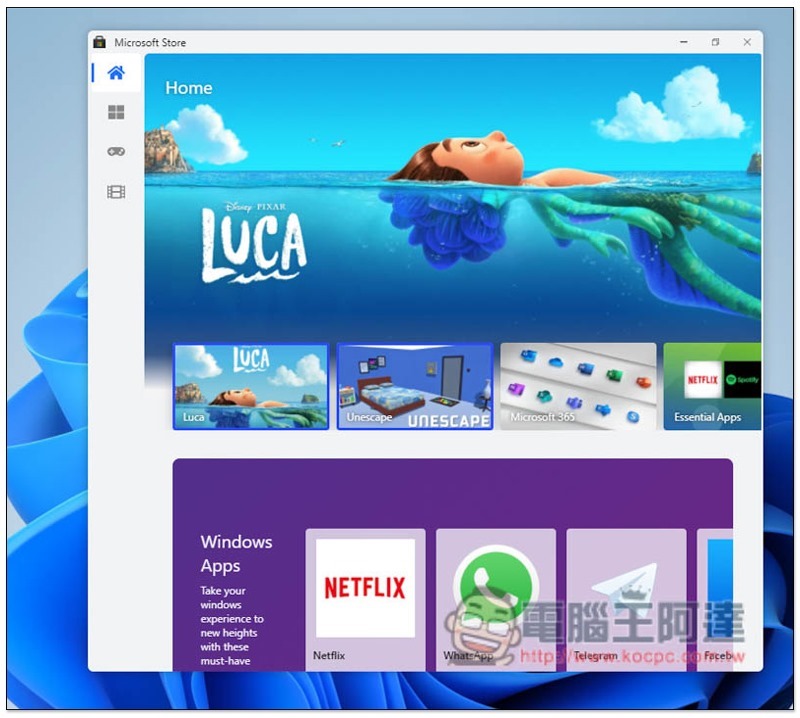
There is also a Microsoft Store, but it is just an interface. All functions and applications in it cannot be pressed and have no effect:
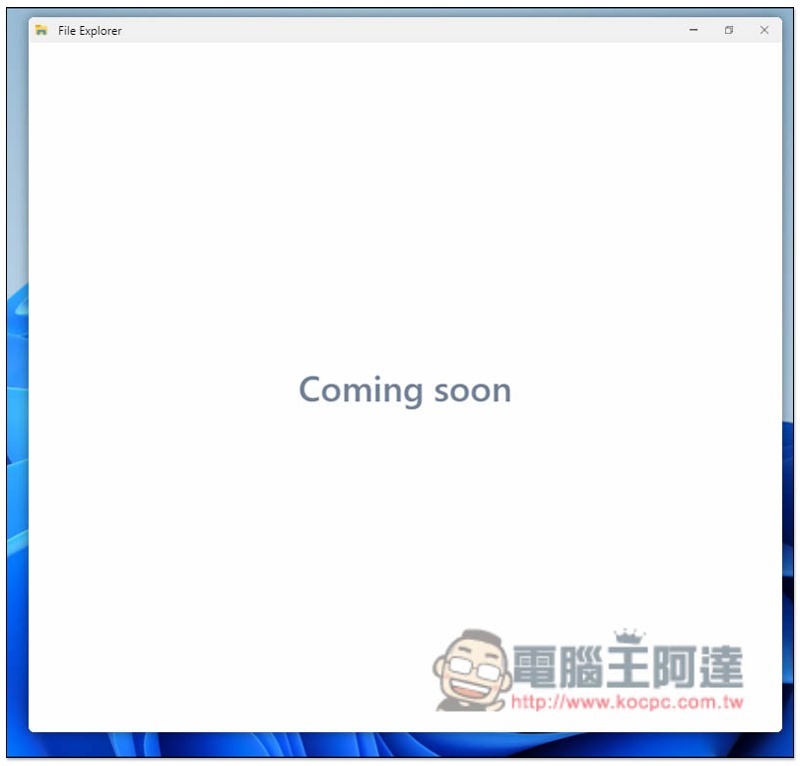
File Explorer looks like it’s not ready yet. When you open it, it will show Coming soon:
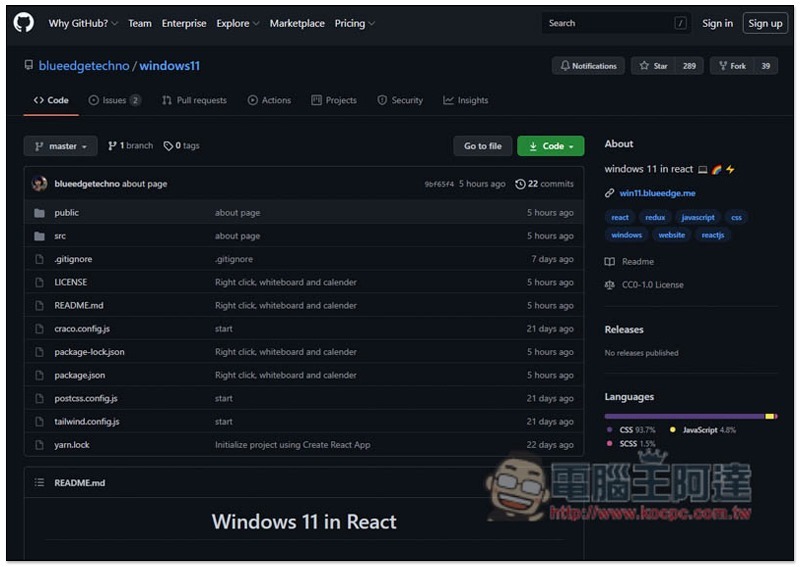
Clicking on Github will automatically open the Windows web version of the open code resource page. Those who are interested can study it:
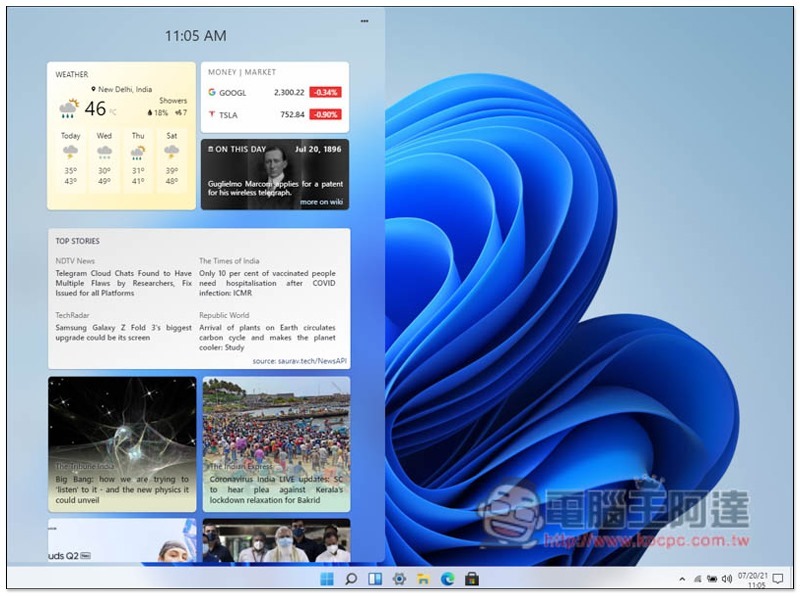
There is also a Widget on the left, but it is just an interface and its functions are not available:
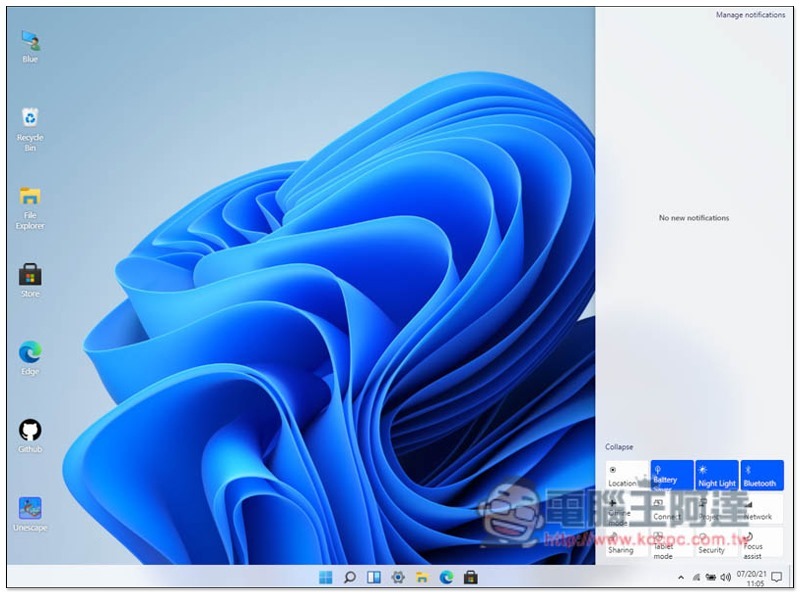
The notification and control center can also be opened on the right side, and the functions of the control center below can be turned on and off, but they just turn blue and white, and there is no way to control any functions:
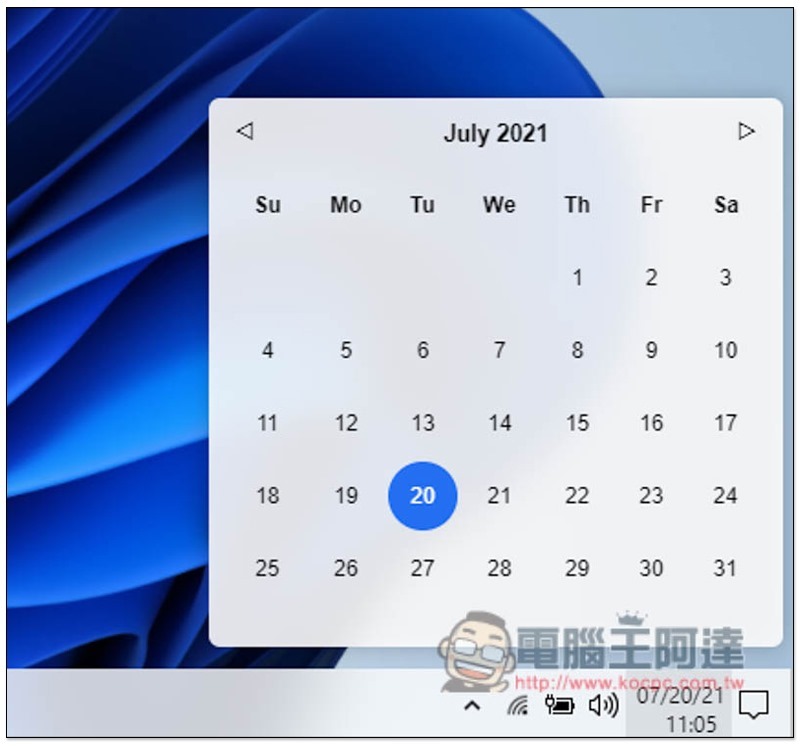
Only the calendar can be opened in the lower right corner:
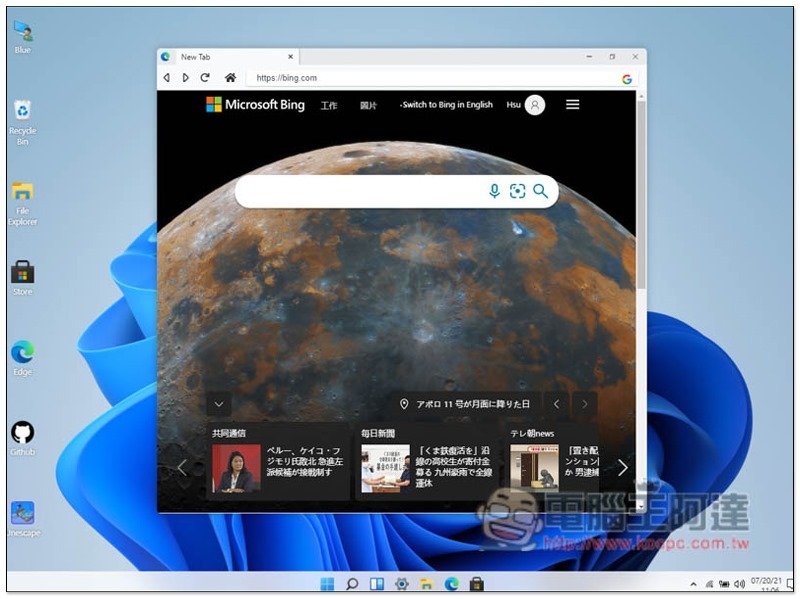
The Edge browser can also be opened, and what’s special is that it seems to also connect the Edge content on the computer:
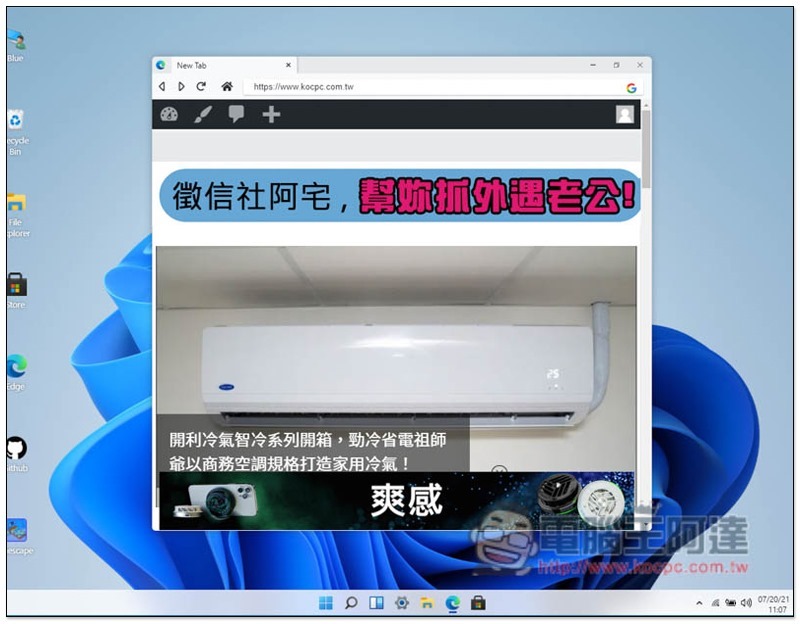
For example, when I open the Computer King Ada website, I will be logged in:
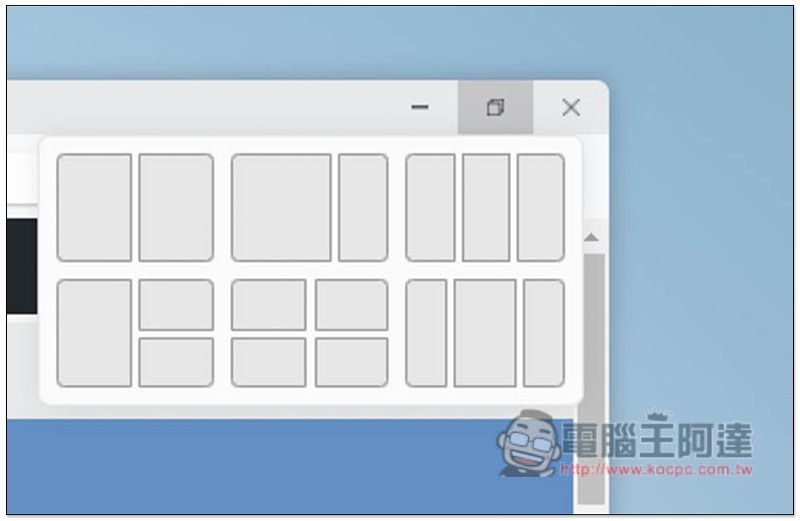
You can also try Windows’ new window arrangement feature:
Source: KOCPC Chinese