


Today I’m introducing a free AI service called “face-to-sticker” that can generate American comic-style stickers from just one image. No need to know how to write prompts — as long as you have a clear photo with a clean background, the AI can create a sticker featuring your facial characteristics. Let’s take a look.
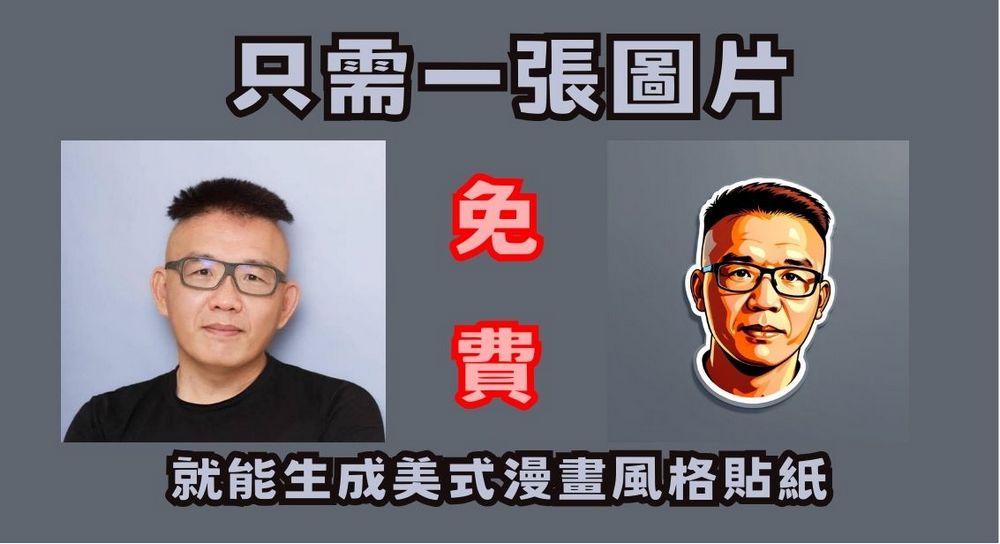
Just one image is all it takes to generate American comic-style stickers with the free AI service “face-to-sticker”.
The open-source machine learning platform Replicate offers many AI models for everyone to use. Whether you want to generate images, videos, or music, you can find a suitable AI model on the Replicate website. Today we’re introducing the “face-to-sticker” AI model on Replicate. It only needs one image to generate an American comic-style sticker with your facial features. Even without adjusting parameters, it can produce stickers highly similar to the person, making it especially suitable for beginners.
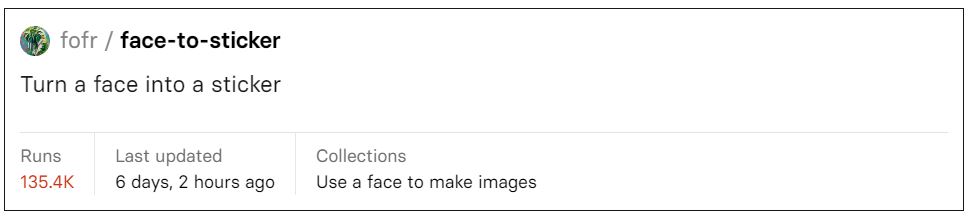
Click to experience the “face-to-sticker” AI model.
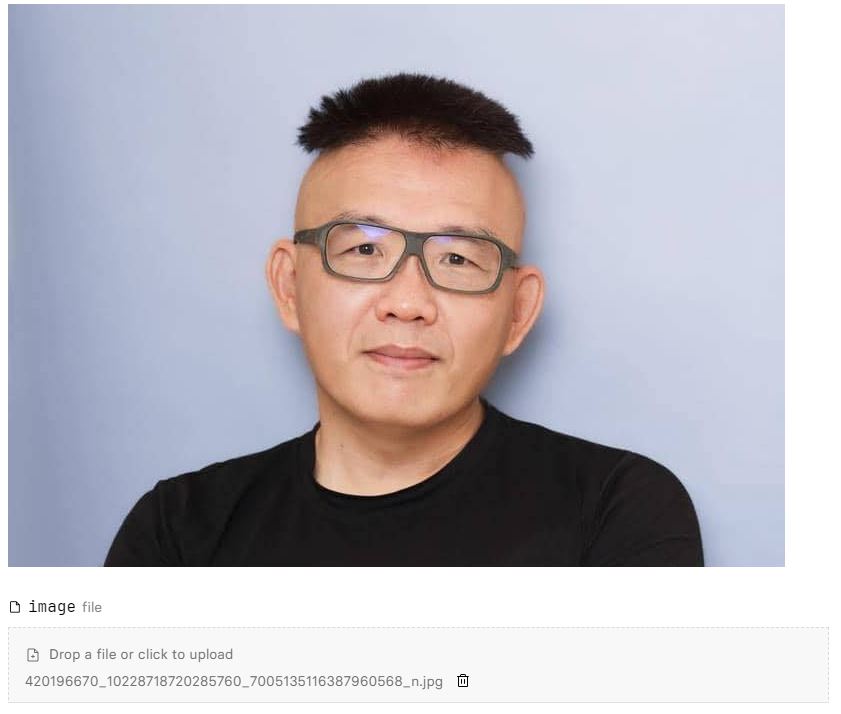
After clicking into face-to-sticker, on the left side of the page under image, click “Drop a file or click to upload” to upload the picture you want to turn into a sticker. Alternatively, you can click “Take a photo with your webcam” to take a photo directly. It’s recommended that the image background not have too much clutter, and not show too much of your body, for the best results! After selecting your photo, type “a person” in the prompt field—you don’t need to describe your image in detail to generate a sticker that closely resembles you.
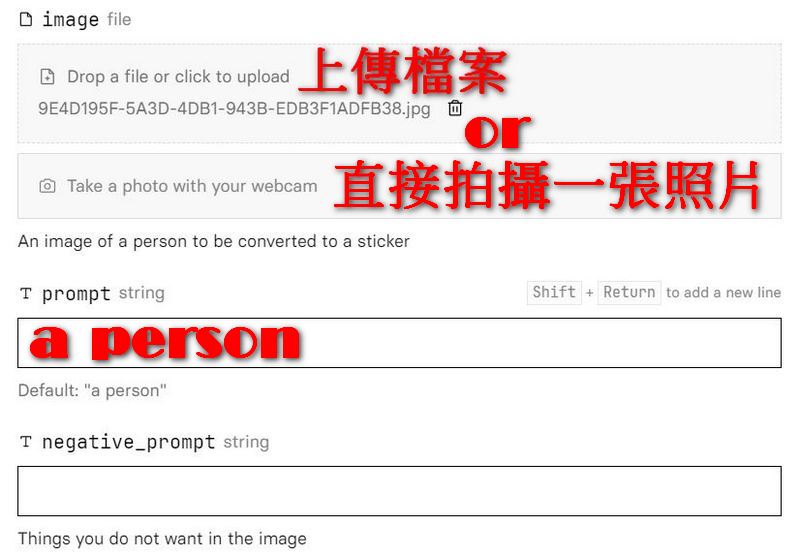
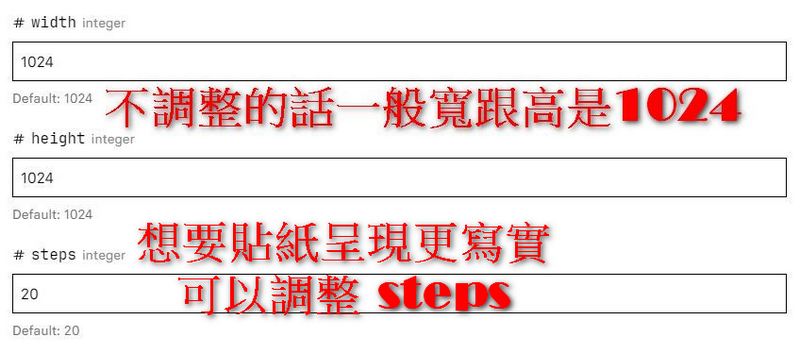
Next, you can adjust the width and height of the generated sticker as desired. If you don’t adjust them, the default width and height will both be 1024. If you want the sticker to look more like a real person, you can also adjust the steps; without adjustment, the default steps will be 20. You can leave the other parameters as they are for now, and modify them later if you’re not satisfied with the generated sticker.
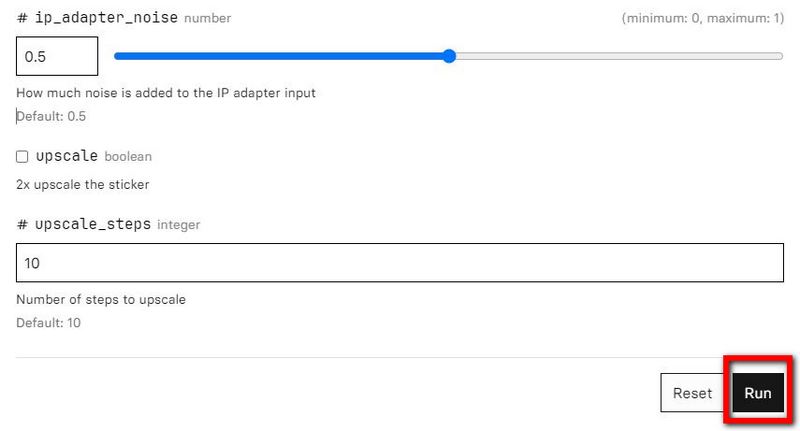
Once everything is set up, click “Run” and the model will start generating images for you. It will produce two stickers in total—one with the background removed and one with the background still intact. You can save them according to your needs.

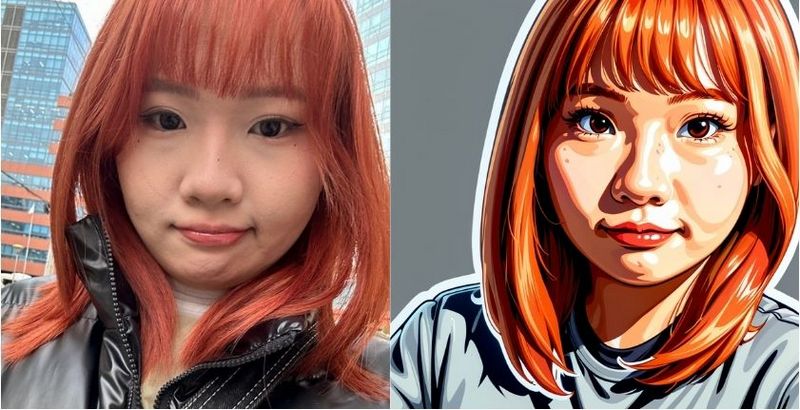
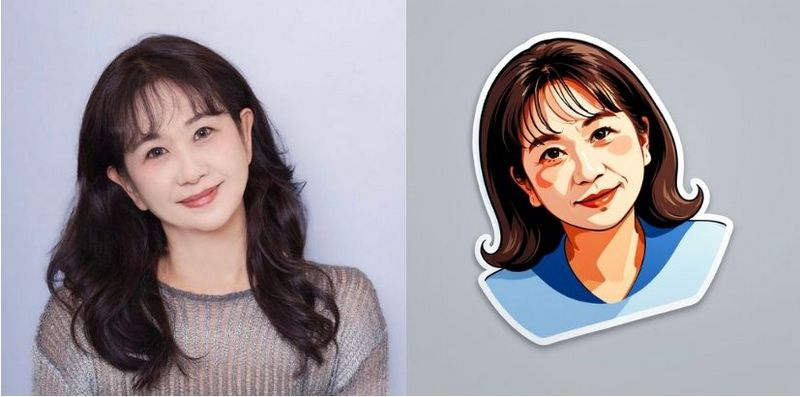
Here is the image tested by our editor; the generated sticker closely captures the essence of the provided image. The different angles of the person in the photo are also reflected in the sticker, and the hair color and the mole on the face are clearly shown.
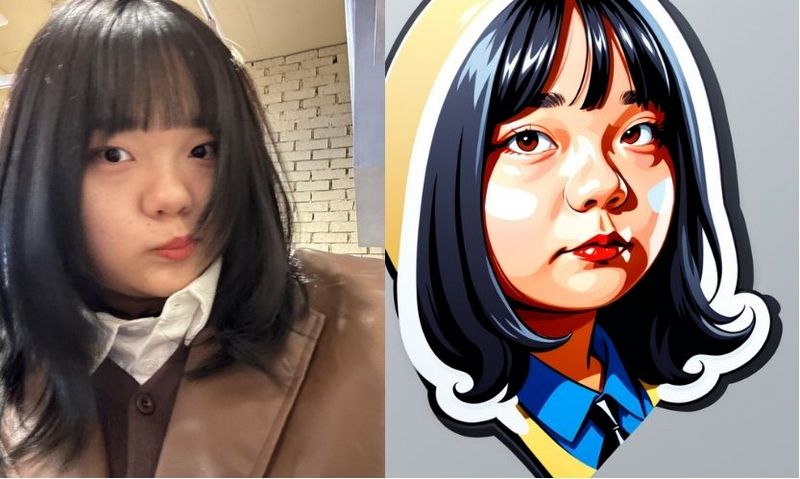
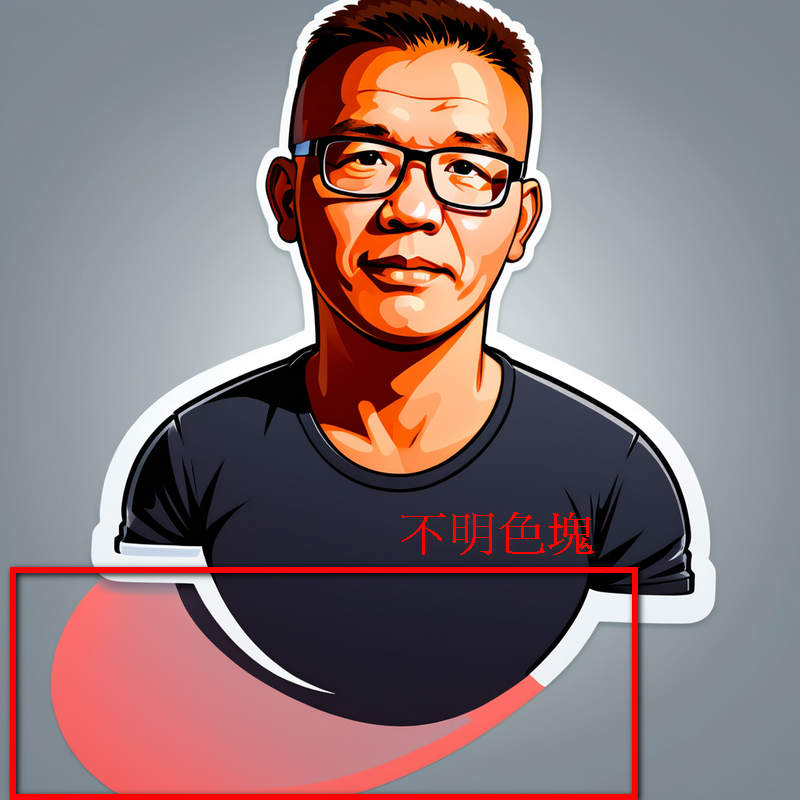
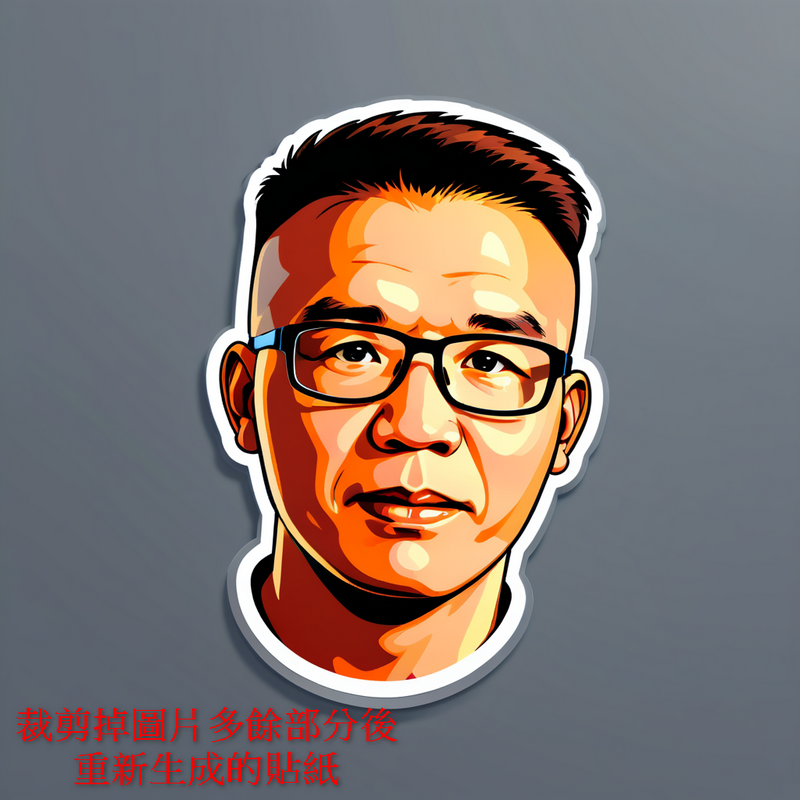
Sometimes the generated sticker may have a color block at the bottom, but if you crop the extra part at the bottom of the original image and run it again, the sticker will come out fine. If you’re not satisfied with the first result, just click Run again—even without adjusting any parameters, the quality of the regenerated sticker will improve. If you’re interested, you can try the “face-to-sticker” AI model. It’s easy to use—all you need is one image. No complex prompts required, so even beginners can pick it up quickly. You can even make stickers for the whole family. It’s free, so why not give it a try?
Click here for friends who want to experience the “face-to-sticker” AI model.
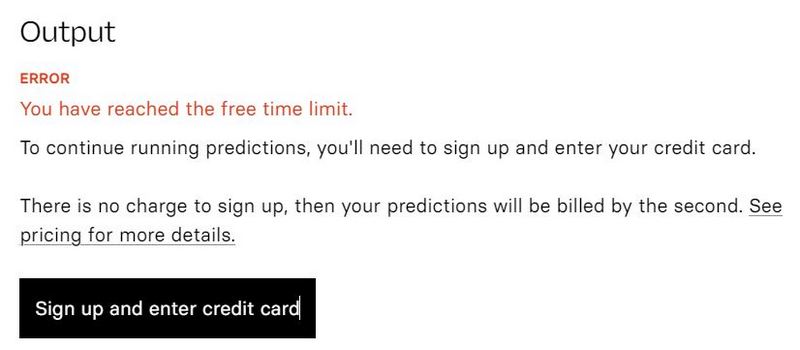
Everyone should note that “face-to-sticker” is free but has usage limits. Once the free quota is used up, you’ll need to pay. However, it’s not a bad idea to make the most of it and try a few more while the free credits are still available.
Source: KOCPC Chinese