


Recently discovered this quite powerful AI open-source tool “VideoTrans”, which offers three main features: video-to-subtitles, subtitle translation, and voice dubbing. Besides being usable separately, it also provides one-click execution, meaning you only need to set things up and press one button to complete a video’s subtitles -> translation -> dubbing. Even those without a GPU can use it (though having CUDA will make it much faster).
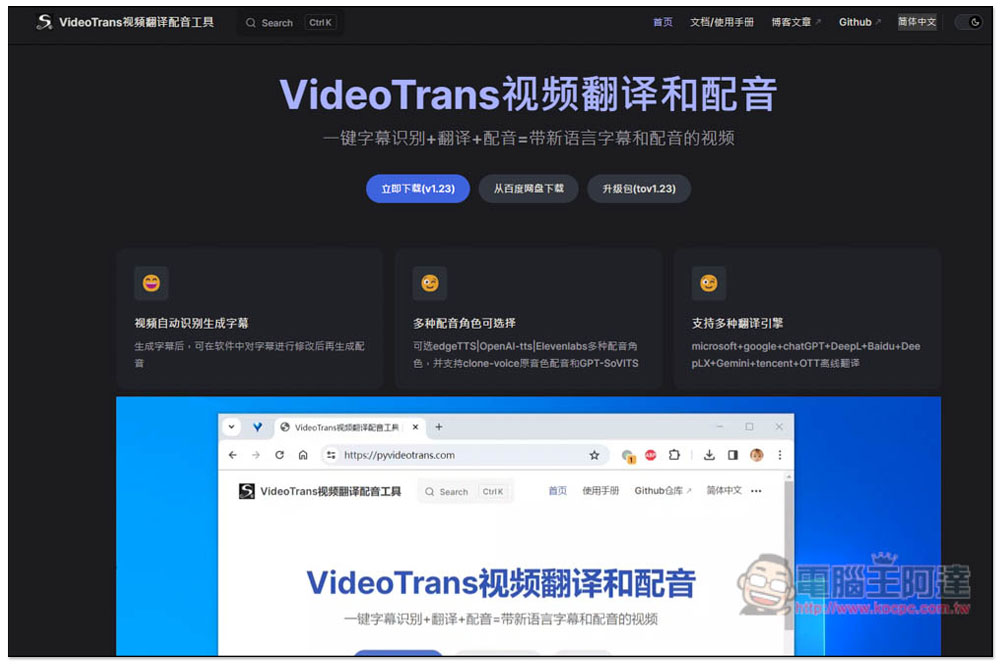
“VideoTrans” is a powerful open-source AI tool that automatically translates subtitles after converting video, and then dubs over them.
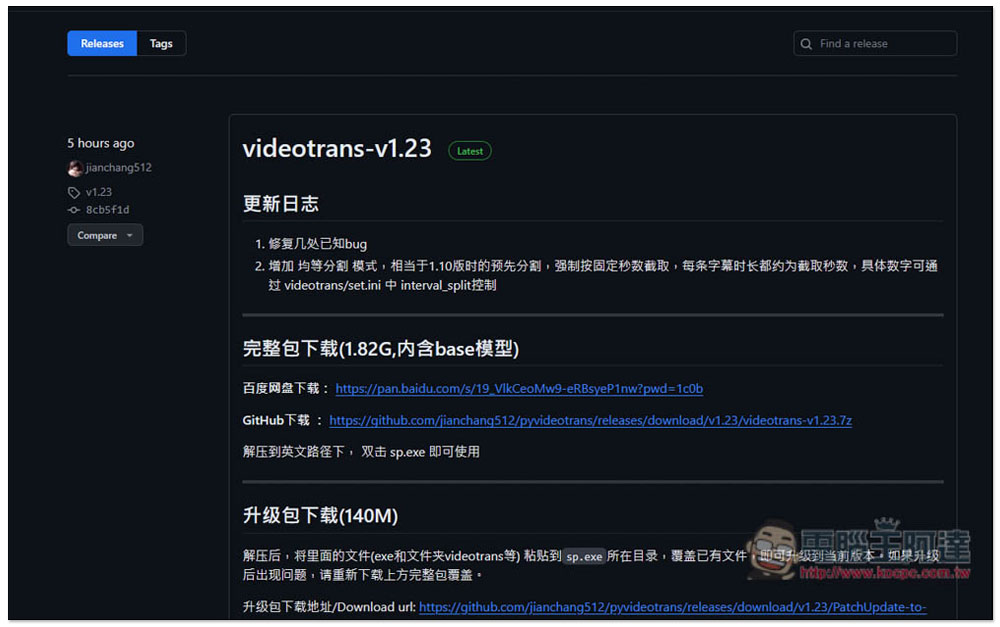
VideoTrans is an open-source tool. New versions are shared on the GitHub project. At the time of writing, the latest version is v1.23. If you haven’t downloaded it before, click the full package download link. The file is quite large, at 1.82GB, and includes the base model. For future new versions, just download the upgrade package directly—no need to re-download the full version.
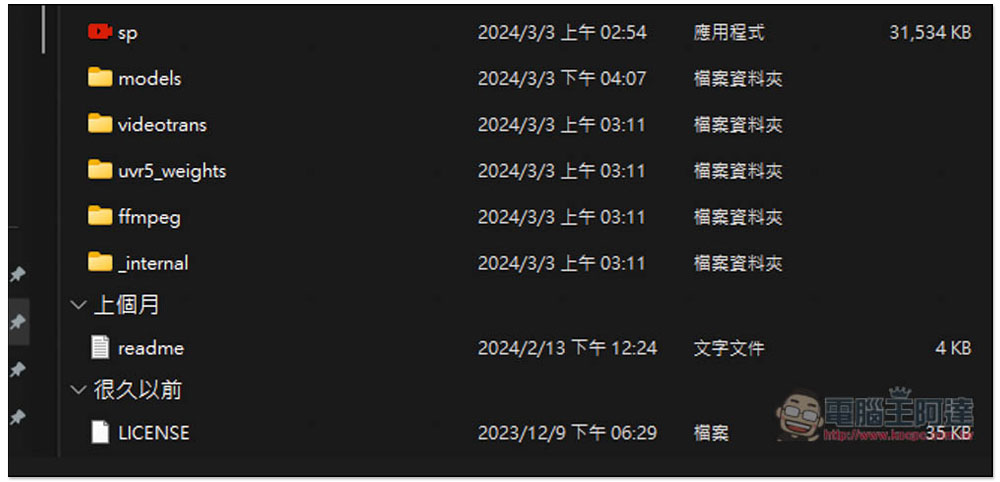
After downloading, remember to extract it to a directory with an English name, not Chinese, as it may cause issues. Once extracted, you can start using it directly by double-clicking the file “sp”.
Function
VideoTrans has Simplified Chinese, so you don’t need to worry about not understanding it. It offers a wide range of features, with the menu located on the left side. The standard feature mode includes the video-to-subtitle, subtitle translation, and post-translation dubbing functions mentioned at the beginning of the article.
- Standard feature mode
- Identify subtitle translation.
- Video recognition subtitles.
- Subtitle video merge
- Subtitle creation and dubbing.
- Audio/video to text transcription.
- Text-to-speech
- Video and audio separation.
- Audio-video subtitle merging
- File format conversion
- Two audio streams mixed together.
- Please provide the Traditional Chinese text you’d like me to translate.
- Download YouTube videos.
- Background vocal separation
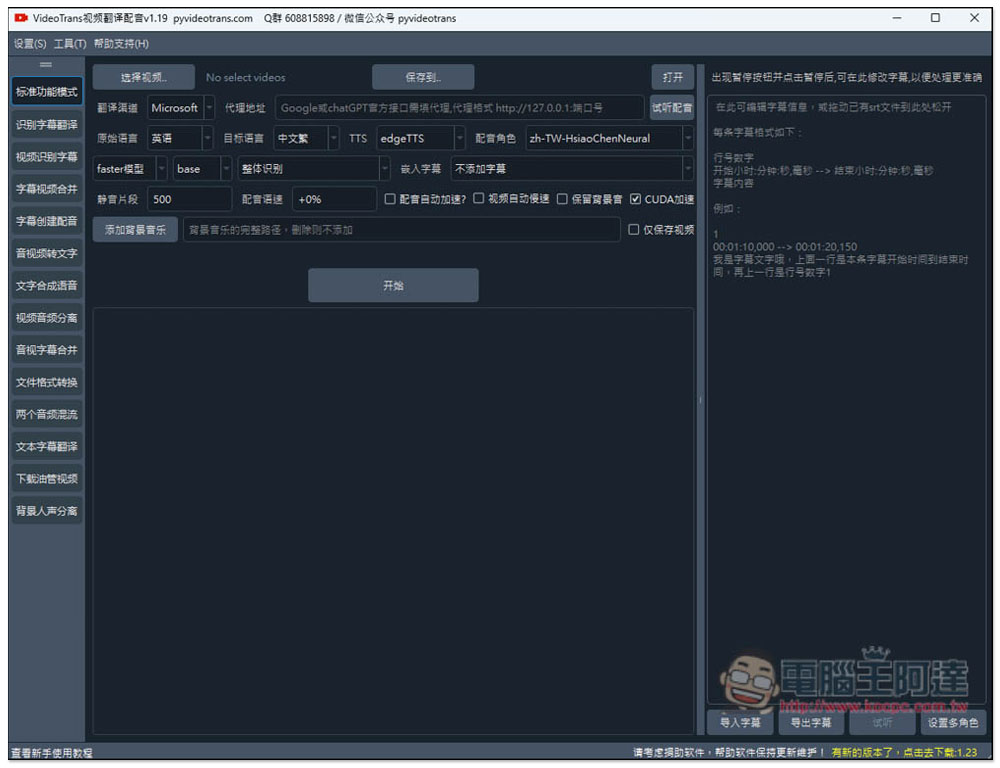
Automatically translate and dub subtitles after completing video transcription.
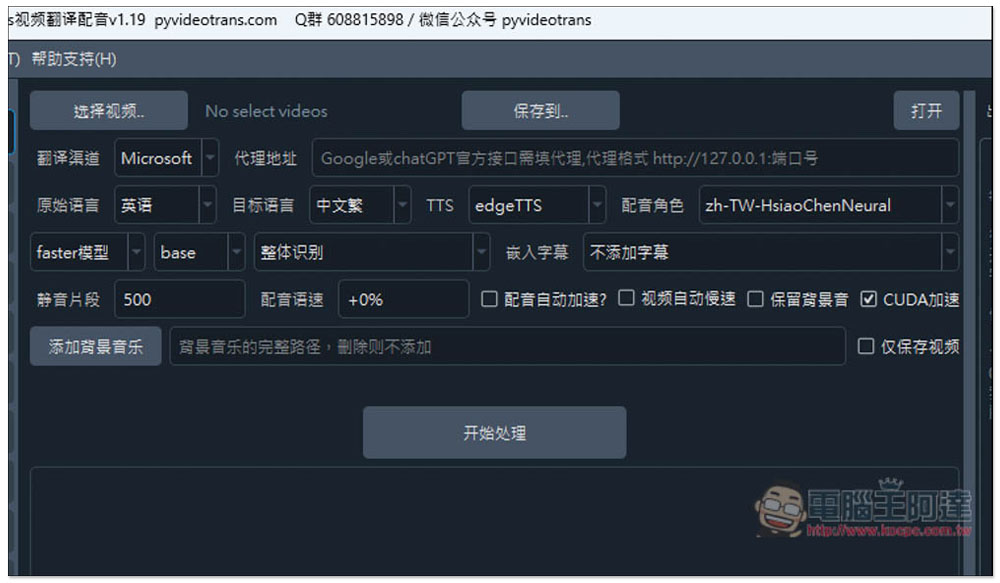
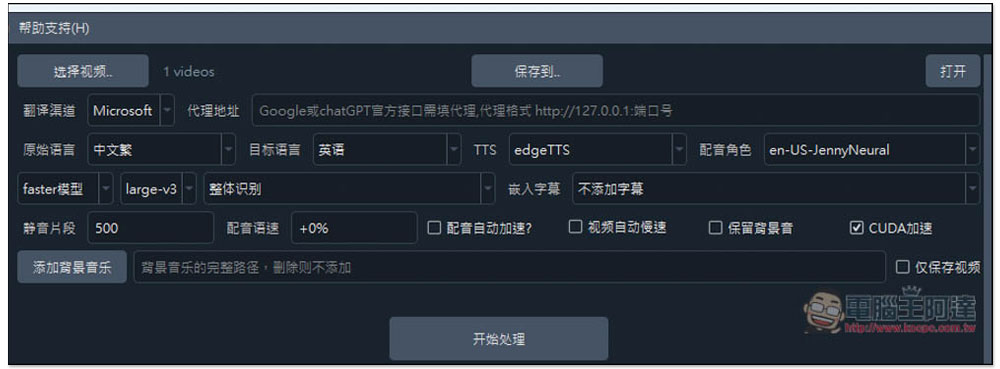
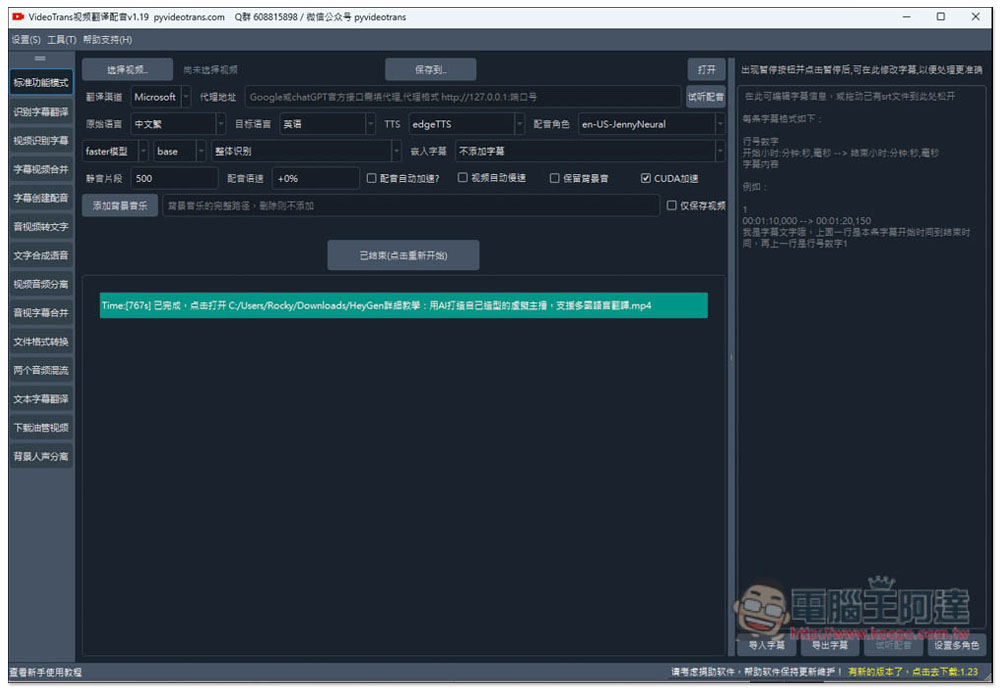
After selecting Standard Mode, there are some settings at the top that look complicated, but they’re actually quite simple. First, choose the video you want to convert, then set where to save it.
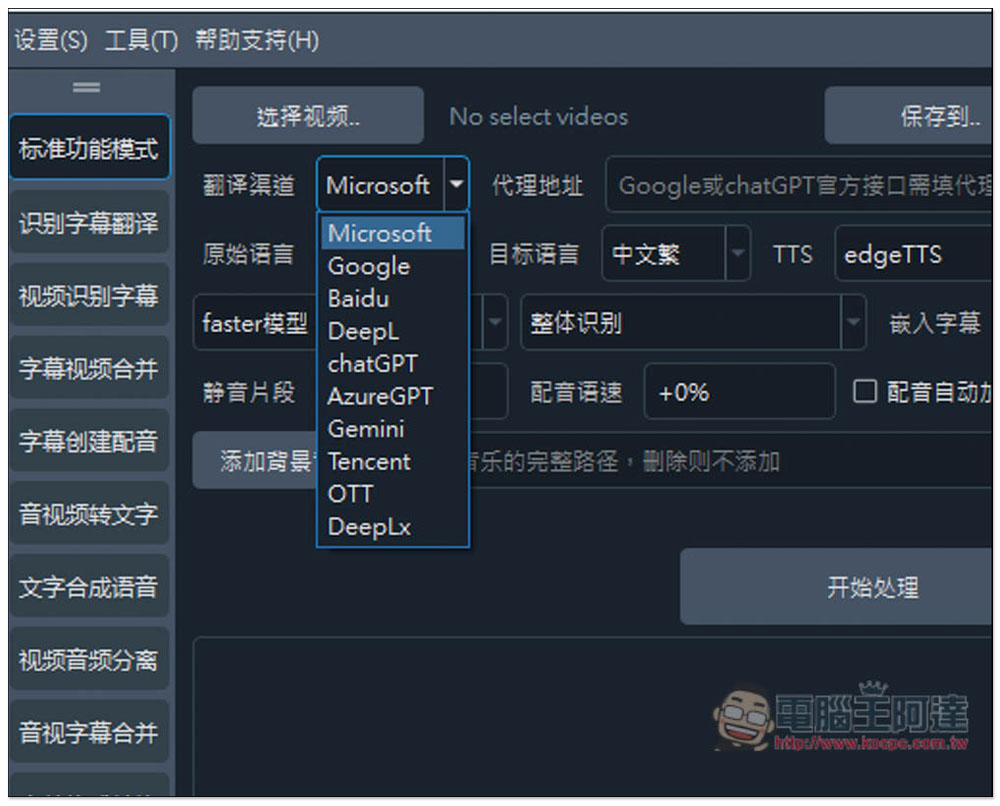
The default translation engine is Microsoft, which is completely free to use and requires no setup, so it’s recommended to just use Microsoft from the start. The others all require configuration—for example, Google needs a proxy address to be set, and ChatGPT requires you to fill in your own API key.
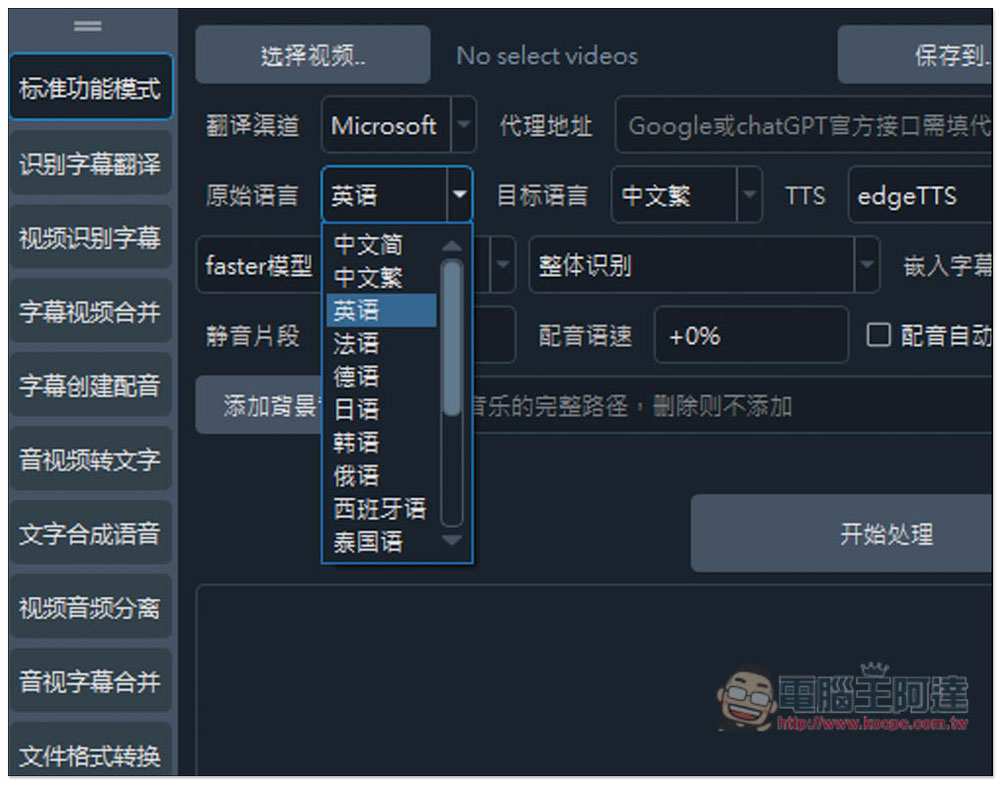
Select the original language of the video and the target language, with support for multiple languages. Chinese is also divided into Simplified and Traditional.
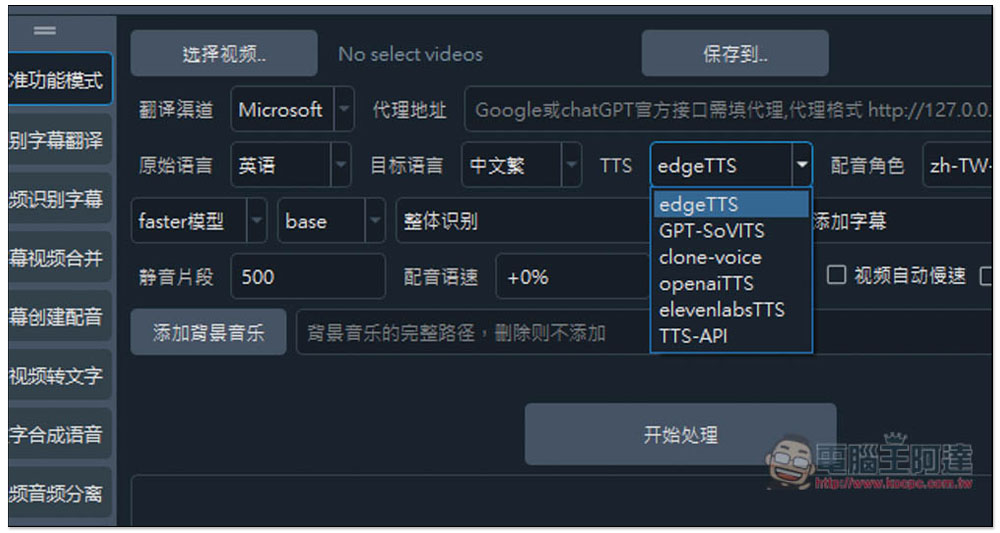
TTS voiceover supports edgeTTS, GPT-SoVITS, clone-voice, openaiTTS, elevenlabsTTS, and TTS-API. If you’re not sure which to choose, just use edgeTTS.
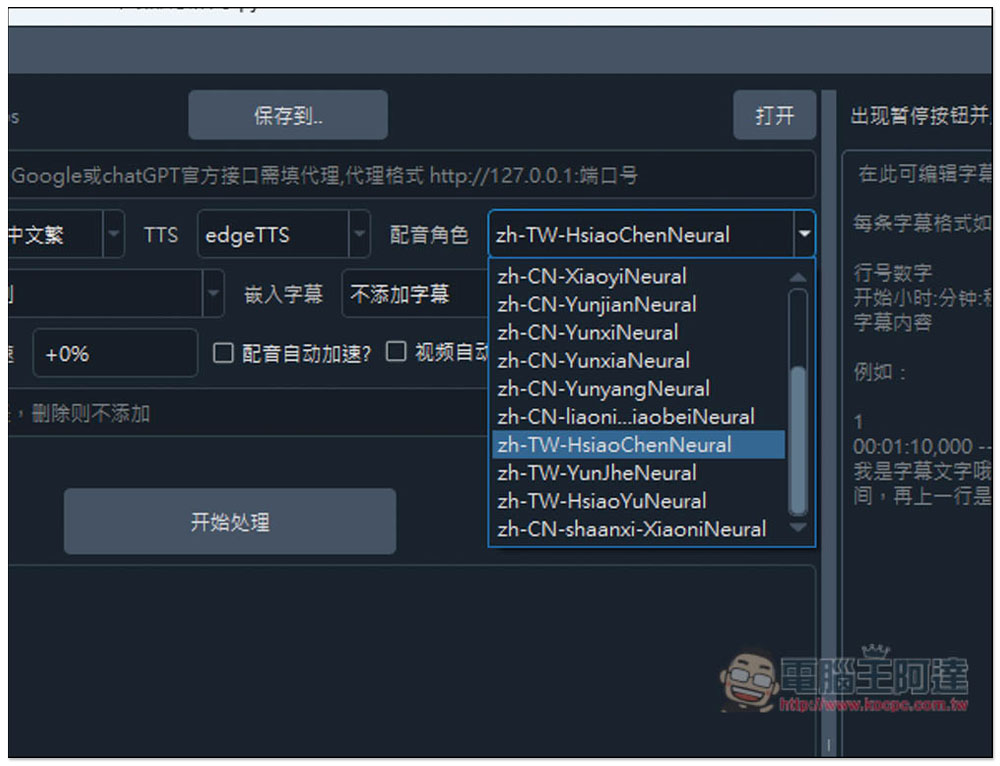
Set the dubbing language. Chinese is also divided into Mainland pronunciation and Taiwanese pronunciation.
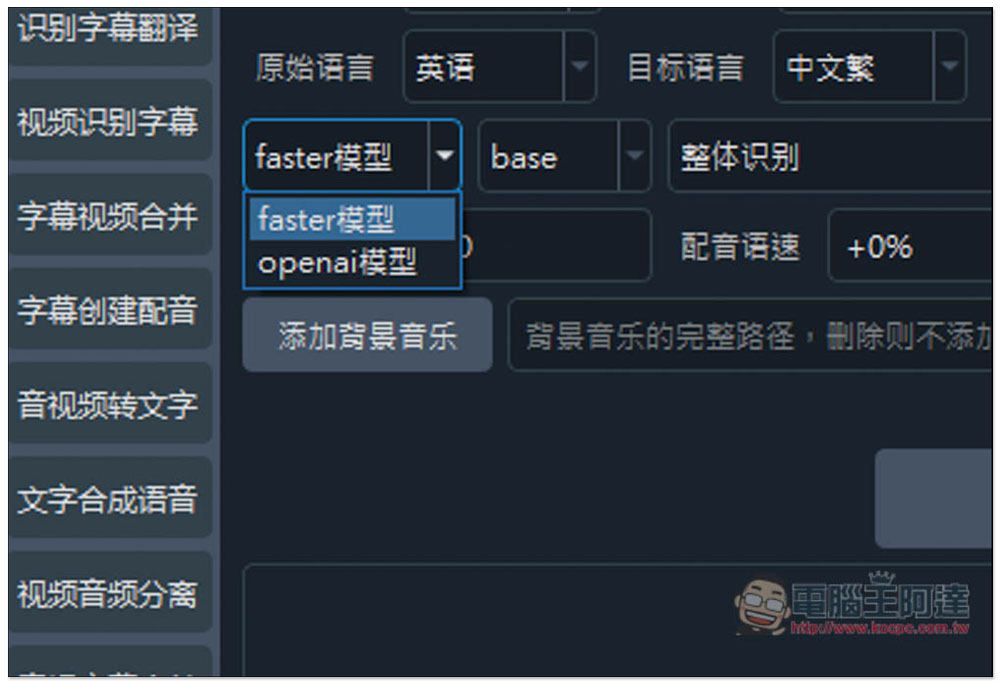
You can choose the faster model or the OpenAI model. The full package download already includes faster base, so that one doesn’t need to be downloaded separately; all others do.
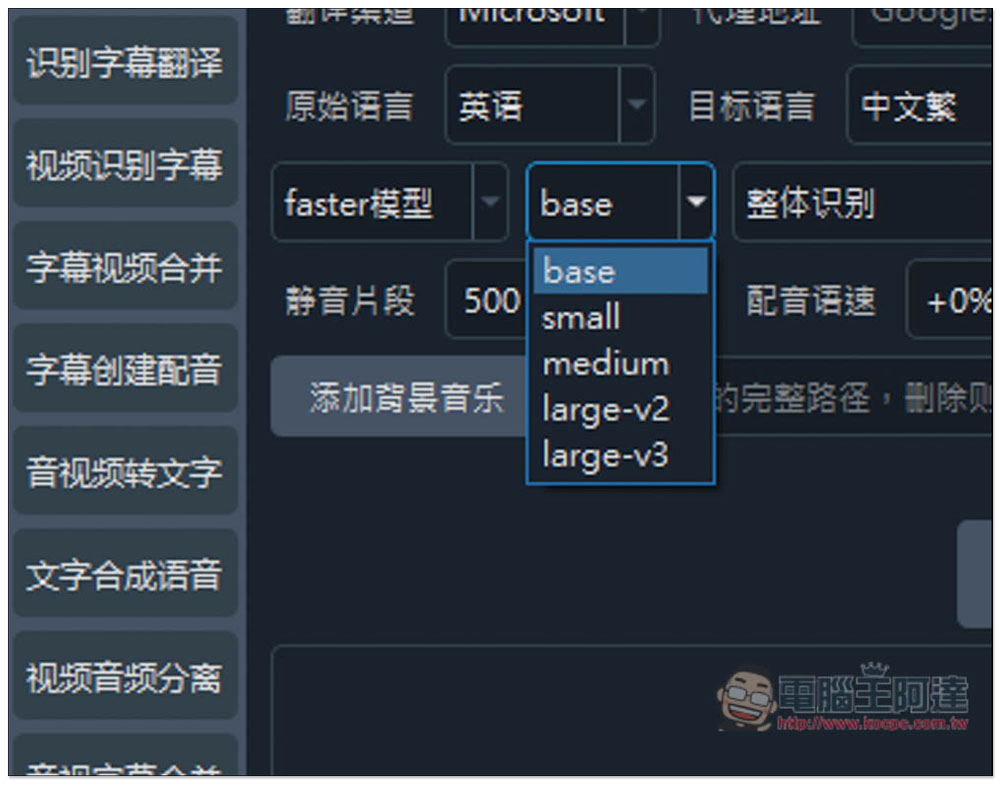
There are five options: bse, small, medium, large-v2, and large-v3.
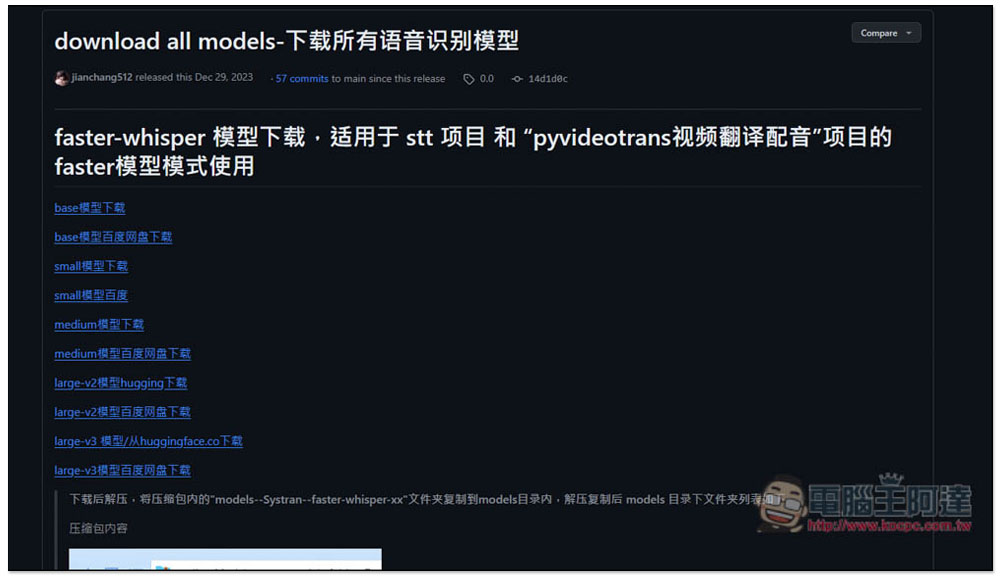
The model can go here.Web pageDownload:
Like this, once everything is set up, just press the Start Processing button below to run it. Also, if you have an NVIDIA graphics card, remember to check the CUDA acceleration option—it will be much faster than using CPU only.
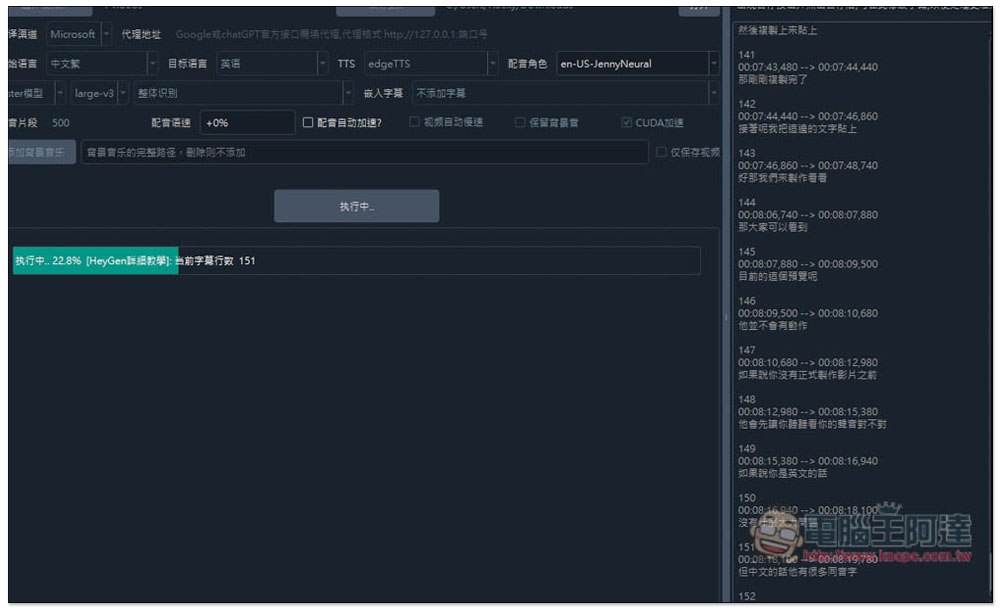
First, convert the video into subtitles, and the subtitle results will appear on the right side:
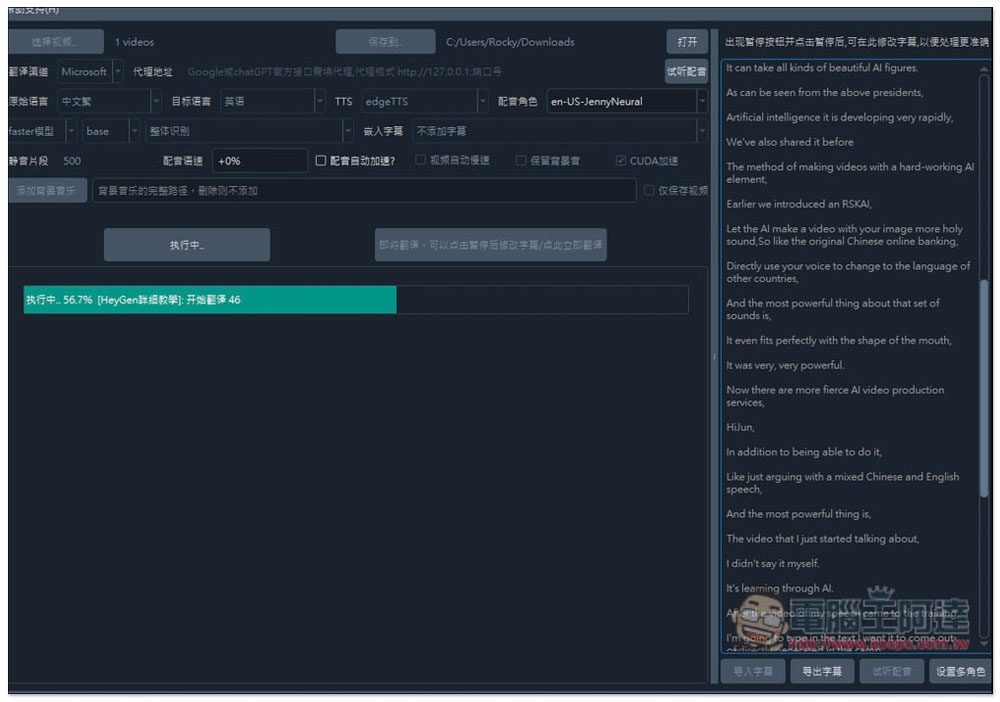
Next, I translate the subtitles into the specified language. I’m using one of Ada’s YouTube videos, converting it to English and adding voiceover.
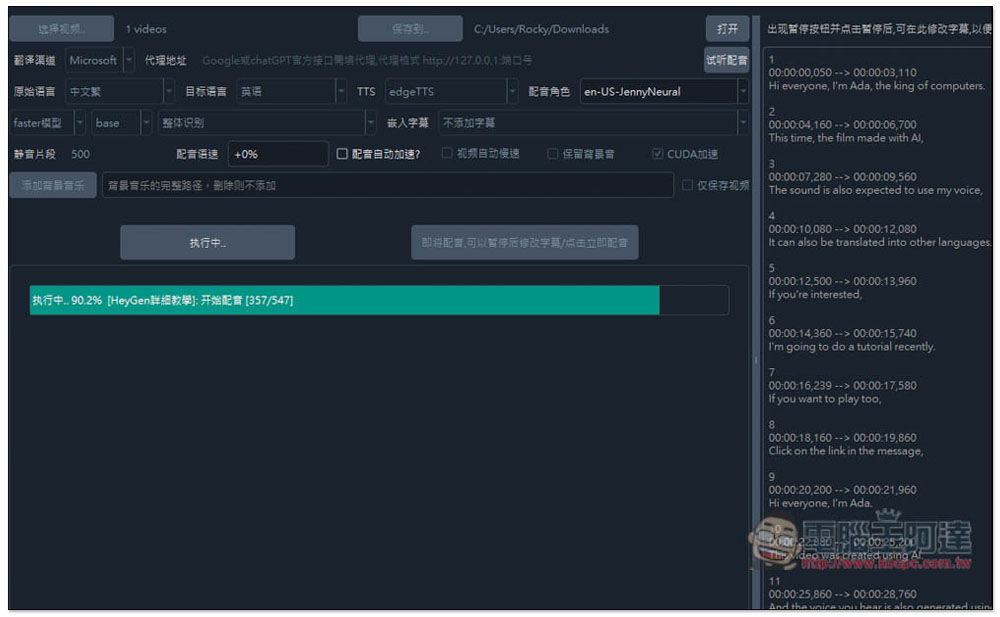
Once the English translation is completed, the voiceover will begin automatically. You don’t need to do anything in between.
Displaying “completed” means it’s done; at this point, open the folder location where you saved your files.
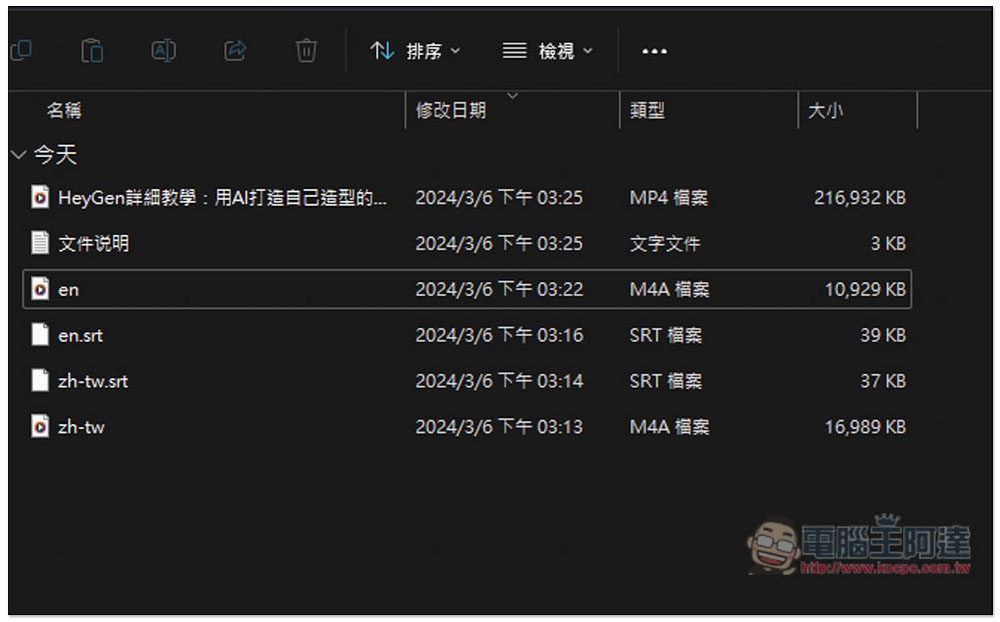
You will see six files, including the dubbed video file, the audio-only file, the translated subtitle file, the original subtitle file, and the original audio file:
I’m testing this video by Ada:
Use this tool to create an English-dubbed video, and I’ll only take the first 20 seconds.
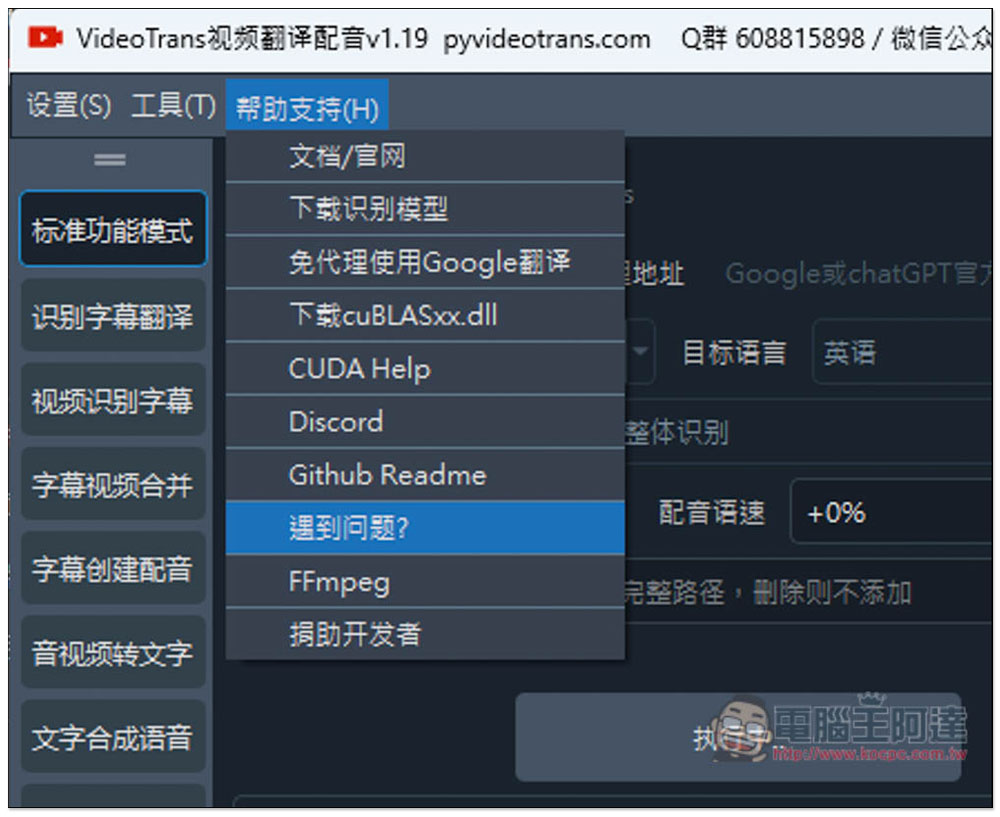
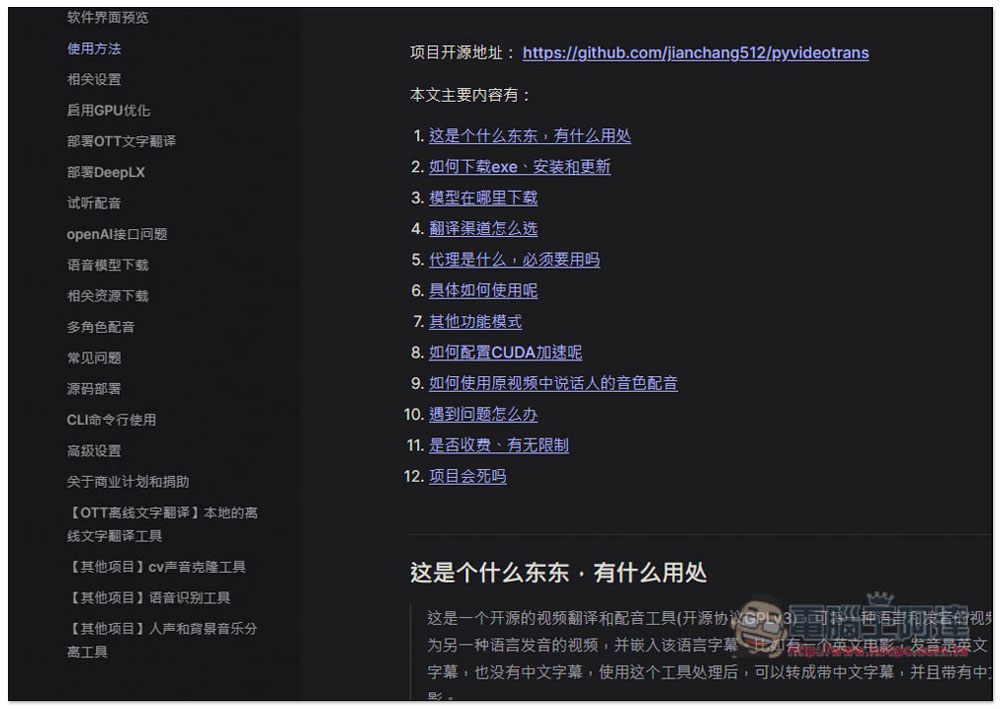
Additionally, this tool also provides a complete user manual. For those who don’t know how to use it, it’s recommended to read it first. In the help support menu, the first item, “Documentation/Official Website,” is:
Written in considerable detail.
This tool has way too many features, so I’ll leave the rest for everyone to explore on their own.
Source: KOCPC Chinese