


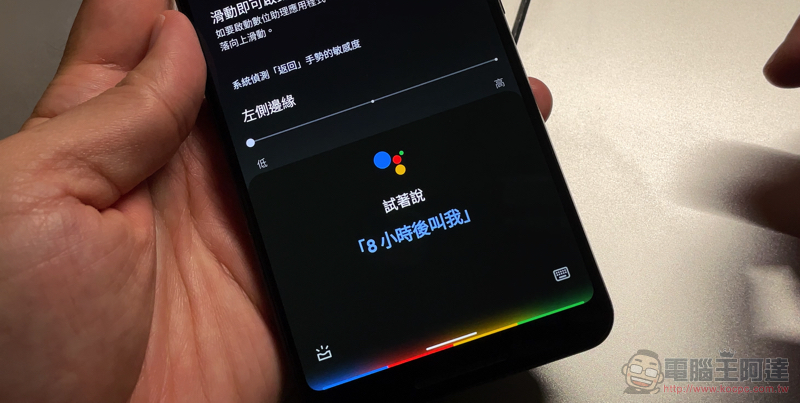
Although Android 12 seems to be dominated by new system gestures that have almost no presence – after all, in the beta versionGuide page tutorialEverything is ready. But I wonder if all the veterans of the Google smartphone system have the same troubles as the editor when using this operation, that is, it is easy to accidentally touch the function that should not pop up, and you may not be able to find a way to turn it off for a while! However, the problem that the new Android system gestures are very easy to trigger Google Assistant has finally been solved! Take a look at our teaching below.
New Android system gesture makes it super easy to trigger Google Assistant? Now we have the solution (teaching)
Although the new generation gesture function of the Android system is very convenient to use – the key point is that it does not occupy the display space of the screen (like it). But I don’t know if everyone is like the editor, who often accidentally triggers a gesture operation, which is the Google Voice Assistant shortcut function when sliding in from the left and right lower corners.
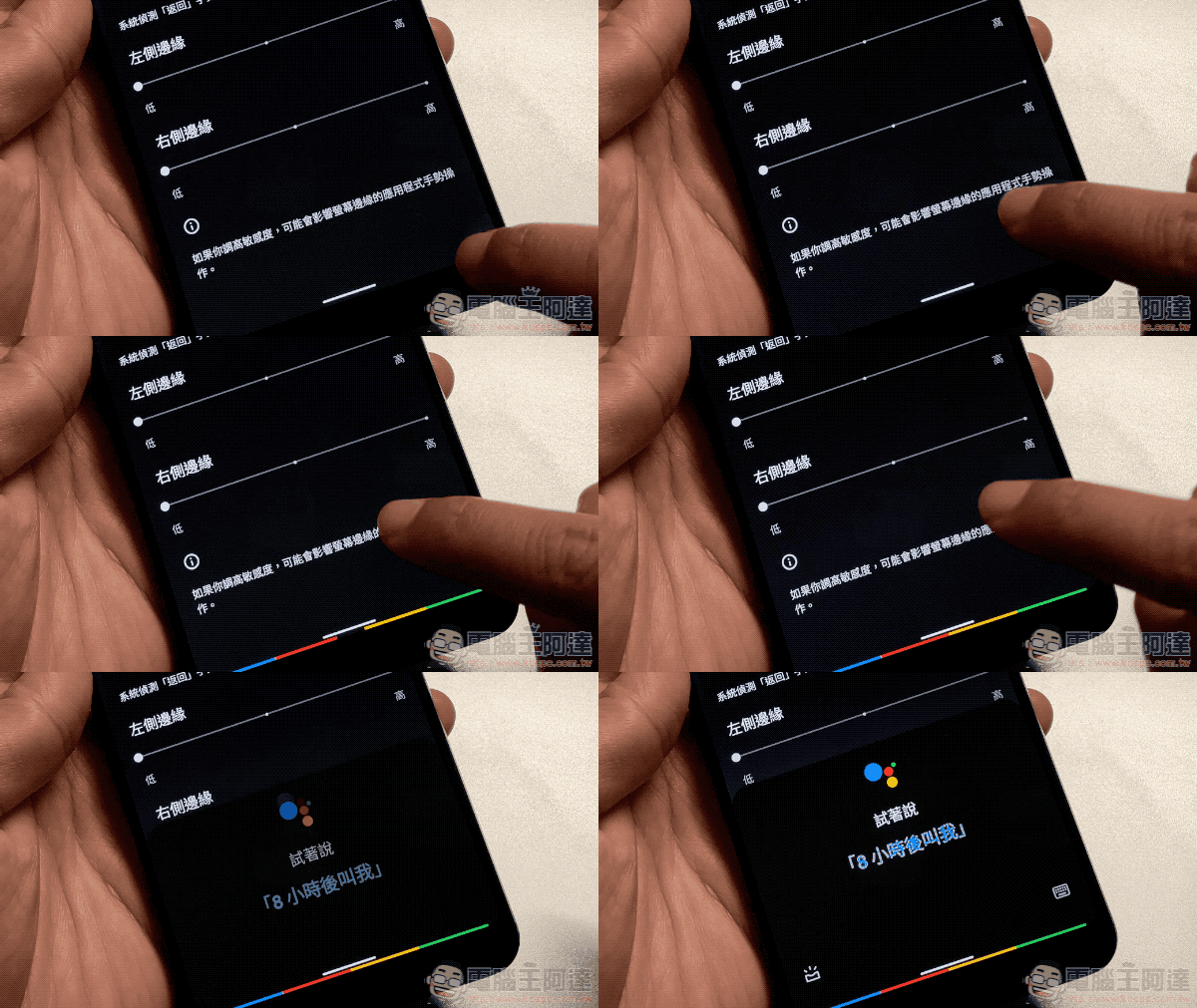
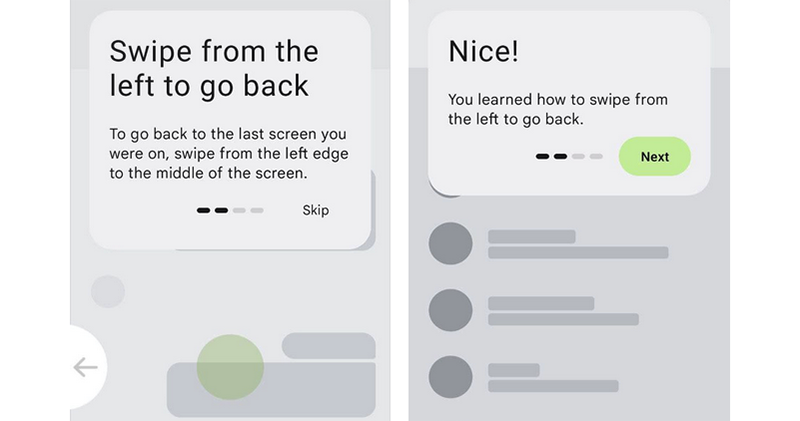
I have to say that even if I know that I may accidentally touch myself, I will know how to operate it more accurately. But it seems that Google has also noticed that this feature may cause trouble to users, so in the latest Android 12 Beta 3 version, it has brought more thoughtful and detailed settings to the main operating mechanism in the system settings. Allows you to turn off the option to wake up this little drawer of digital assistant apps.
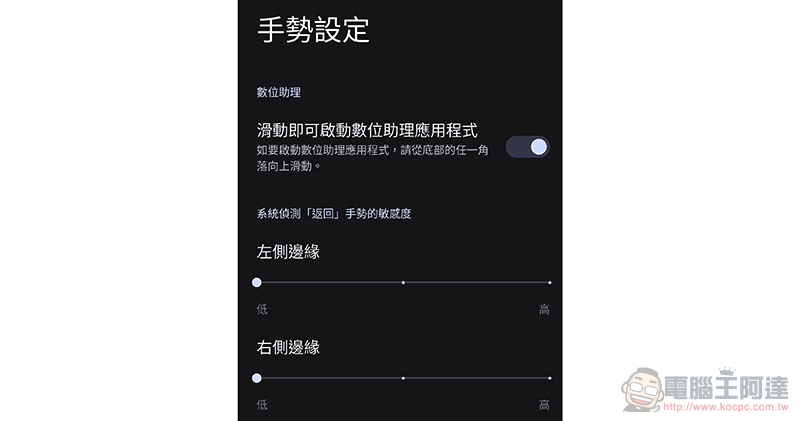
As long as you go to “System > Gestures > System Operation Mechanism” in the new version of Android, you can set whether the gesture to activate Google Assistant should be activated in the setting button next to the new gesture operation. After this is completed, even if you slide the corner into the screen, you can still control the bottom slide-in. According to actual measurements, basically the entire bottom + lower edge corner slide in can activate the system operation gesture.
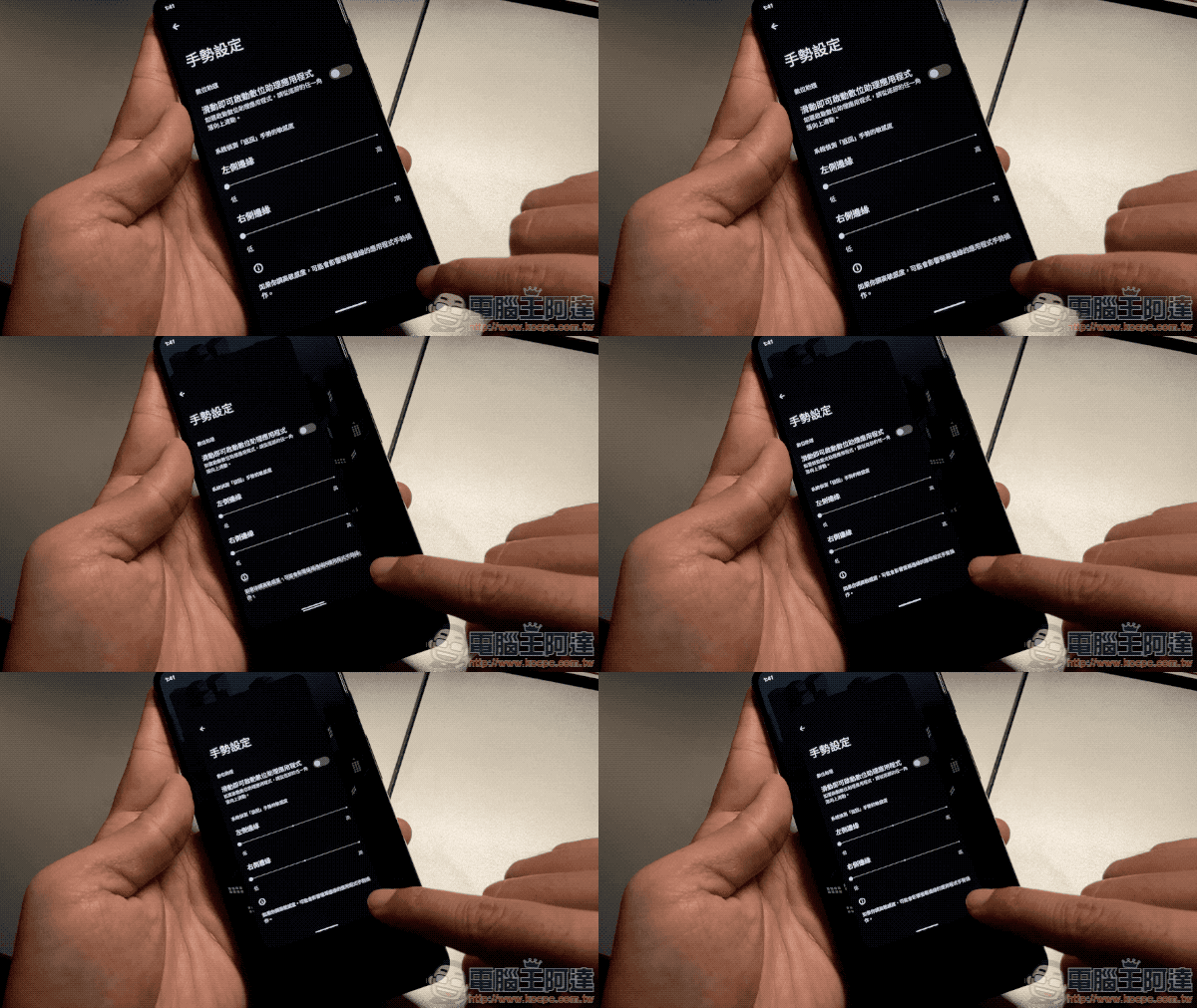
After all, there are many ways to activate Google Voice Assistant – not only by voice, but many phones also have independent buttons or desktop shortcuts for use. Even in Android 12 you can set a long press on the power button to wake up Google Assistant. So I believe that for most people, there are already many other ways to quickly launch voice assistants.
Therefore, such detailed settings can be regarded as allowing users to choose more convenient and considerate operation options. Friends who are troubled by similar misoperations may consider setting it up when upgrading to Android 12 in the future.
Further reading:
Source: KOCPC Chinese