


For players who love to play computer games, they will definitely want to know where the performance of their graphics card is. There are many testing software on the market that can do this. If you don’t know how to choose, it doesn’t matter. This article will help you compile 5 free testing software that I think are pretty good. In addition, the data measured through these software can also be used as a comparison reference for you to change to a new card.
Photo by Christian Wiediger on Unsplash
5 free software and games that can test the performance of GPU graphics cards
1. Final Fantasy XIV: Endwalker GPU benchmark
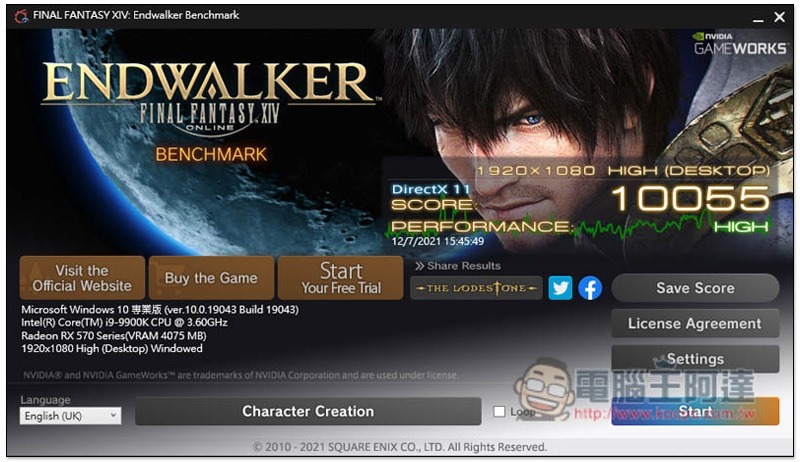
Final Fantasy XIV: Endwalker GPU benchmark is a free test game for graphics cards that was just launched recently. It requires no installation and can be run directly after downloading. The image quality is preset to high quality. If you know that your graphics card is not very good, it is recommended to lower the image quality setting before testing.
After running the test, you will get a score and tell you how your computer performs when playing Final Fantasy XIV: Endwalker.
2. Heaven Benchmark
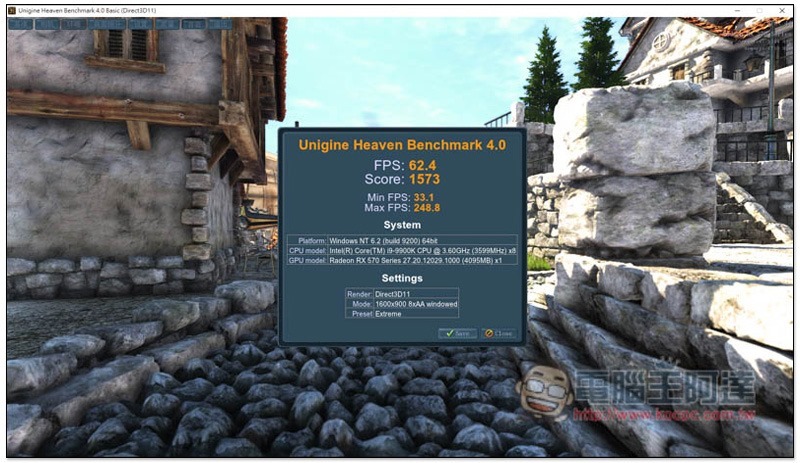
Heaven Benchmark is a very old free GPU performance testing software. It can often be seen in domestic and foreign graphics card test reports. It supports Chinese interface, which is a plus for players who don’t understand English well, and there are a large number of settings that can be customized, such as: API, quality, tessellation, 3D stereo sound, anti-aliasing, resolution, full screen, etc.
For those who don’t know how to set it up, two settings, basic and extreme, are provided for you to choose from. Those with good graphics cards can just try extreme.
Because it is a very old brand, there is a lot of test data available on the Internet for comparison, allowing you to quickly know what level your graphics card performance is.
3. Catzilla
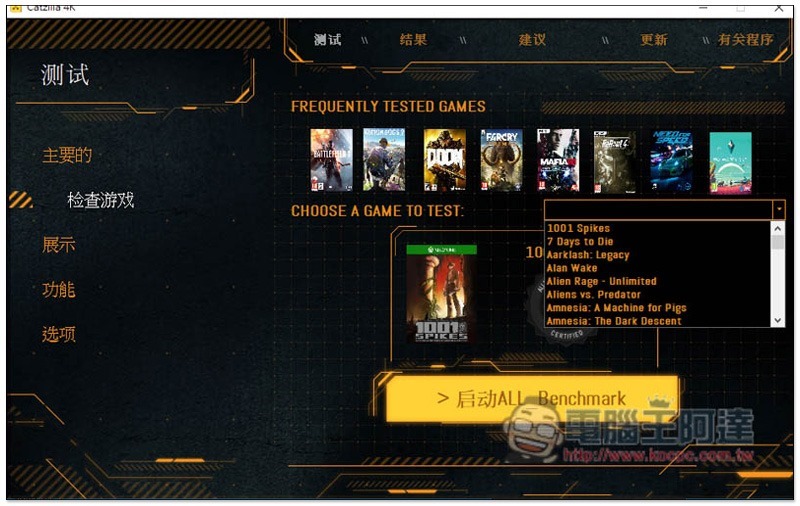
Catzilla is also a very popular graphics card testing software. Many foreign players will use it to test the game performance of their computers, especially in the 4K part. It can test the 4K capabilities of your graphics card. It also has a Chinese interface, so you can understand the setting functions. Remember to execute it as a system administrator.
A great feature of this game is that you can choose the games you want to test, and there are quite a few games provided.
4. UNIGINE SUPERPOSITION
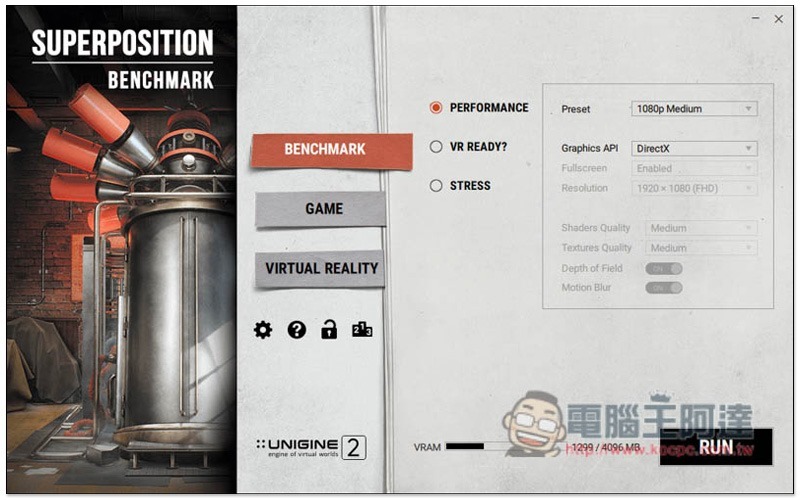
For players who want to understand the VR gaming capabilities of their graphics card, UNIGINE SUPERPOSITION is a must-have. It provides three test modes: “PERFORMANCE”, “VR READY?” and “STRESS”. Each mode can also adjust detailed settings. For example: PERFORMANCE’s Preset has image quality settings such as 8K, 4K and 1080p.
5. UserBenchmark
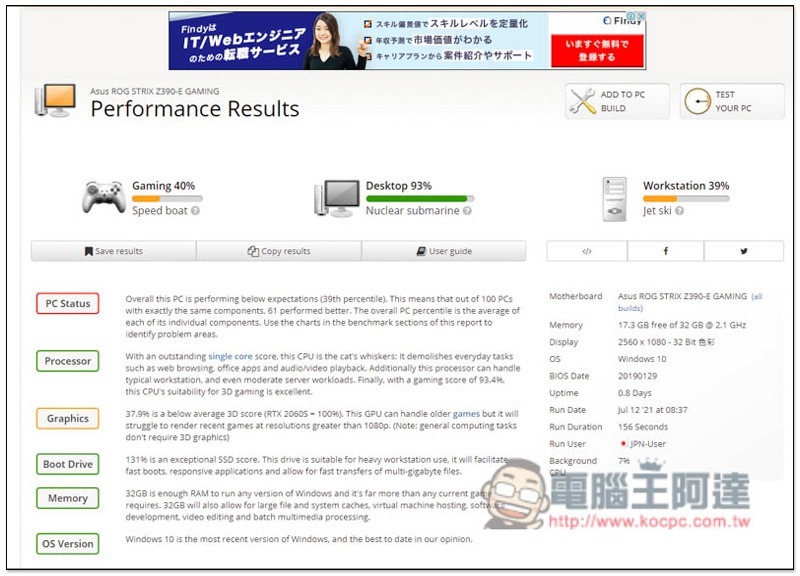
UserBenchmark is a free GPU testing software that is extremely simple to operate. After opening the software, the test will start directly without setting anything. After the end, you will get a complete report. In addition to the GPU, there will also be scores for the CPU, hard disk, RAM, etc.
The official website also directly provides a list of scores for each graphics card, allowing you to quickly compare, which is quite good.
Source: KOCPC Chinese