


If I were to calculate the time of profound regret (hanging my head) when I manually close a webpage that I shouldn’t have closed, I would equate it with the time it takes to reset the browser’s recovery page (CMD+SHIFT+T, you see, I can even memorize the Mac shortcut keys XD). Now, it seems that Google Chrome wants to reduce your regrets to… the response time of the cache is so short. Continue reading Chrome’s new feature is ready to eliminate the regretful time you have to close a webpage with your hand (clench your fist).
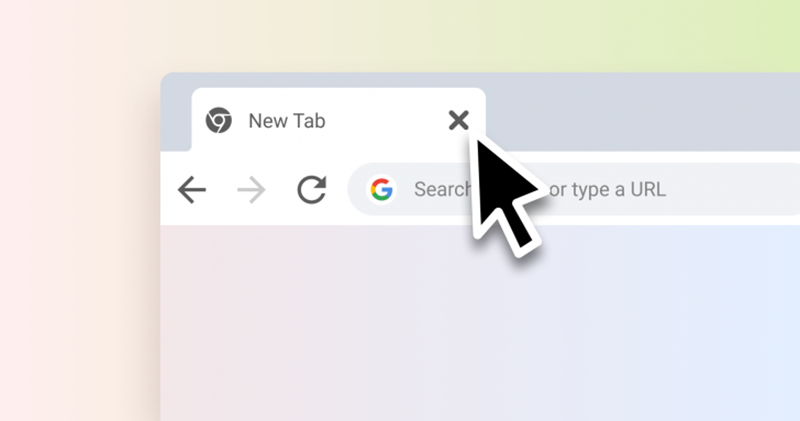
▲Image source: Android Police
Chrome’s new feature is ready to eliminate the regretful time you spend closing web pages with your hand (make a fist)
Although I feel that this kind of thoughtful function will increase the burden on the memory (correctly). But obviously, when faced with the screams of many people, they always rush to close the pages or windows that should not be closed (?). Google has thought up a feature that feels like a miracle, but is not a new technology to be honest, to help you quickly recover from the regret of accidentally closing Chrome tabs.
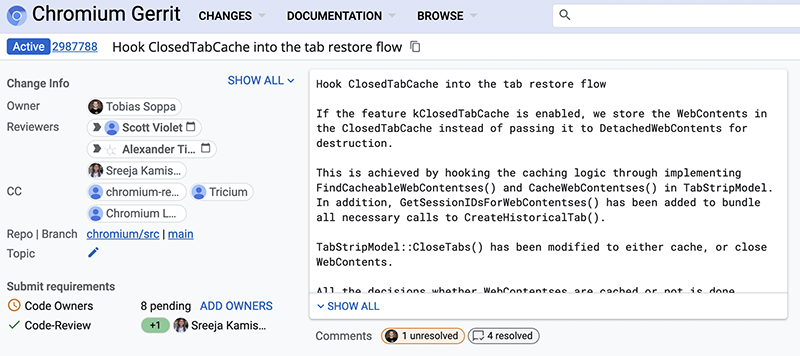
Foreign media Android Police recently dug into projects on Google’s open source platform Chromium Gerrit. I found that Google seems to be intensively developing a thoughtful feature called “ClosedTabCache”. As the name suggests, it is a function that retains and turns off the paging cache. The advantage is quite easy to understand, that is, when you have no time to stop yourself from closing the page, if you choose to restore the page, you can quickly read back the previous state through the cache.
This function is said to be very similar to the cache function of the previous and next pages. It takes advantage of the cache to keep pages that may still be accessed in the near future in the memory and not clear them immediately (specifically, 15 seconds) to provide a smoother user experience.
For those who are often careless, this feature of turning off paging cache, which is still in the early stages of development, will make you feel like the browser responds quickly. But for people who don’t care or rarely use such a feature, they might hope that Chrome can provide an option to turn it off in the future, right? I wonder if you will launch a function like knocking bowls soon?
Pictures/sources cited in this article
Further reading:


Source: KOCPC Chinese