


Stable Diffusion normally requires you to install it yourself, but not everyone’s computer hardware is powerful enough, and the installation process isn’t exactly simple. As AI tools become increasingly abundant, there are now quite a few websites offering Stable Diffusion models, like the one we introduced previously. Google colab、Tensor ArtRecently, I discovered an excellent “Stable Diffusion Online,” which, as the name suggests, is the online version of Stable Diffusion. The best part is that it can be used for free without registration, with no generation limits—you can create as many AI images as you want. I highly recommend bookmarking it.
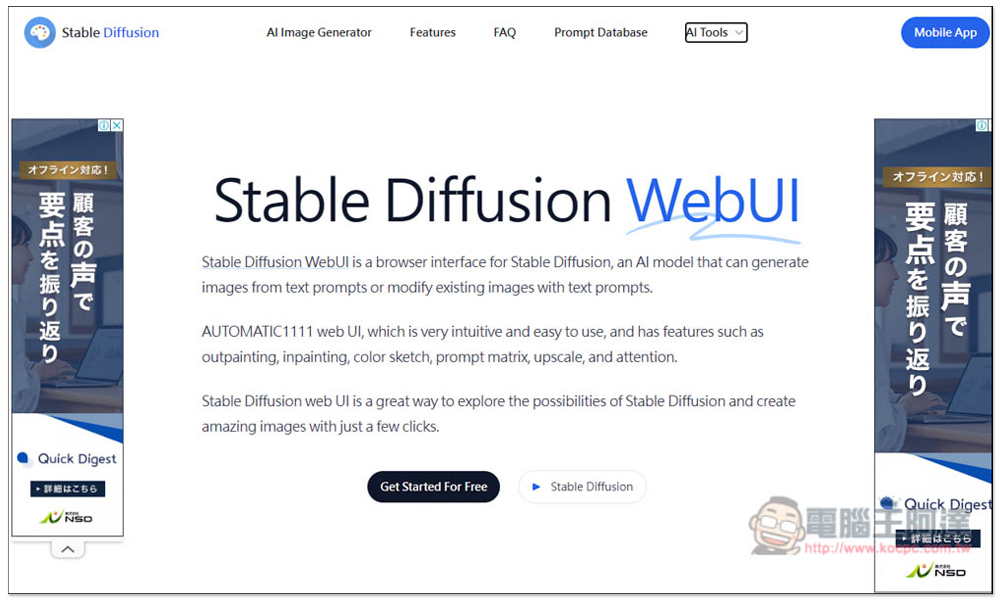
Stable Diffusion Online – Free online version, no signup required, unlimited generations
The Stable Diffusion Online interface is very straightforward—after clicking the link above to access the website, just click “Get Started for free” to start generating. It uses SDXL (Stable Diffusion XL):
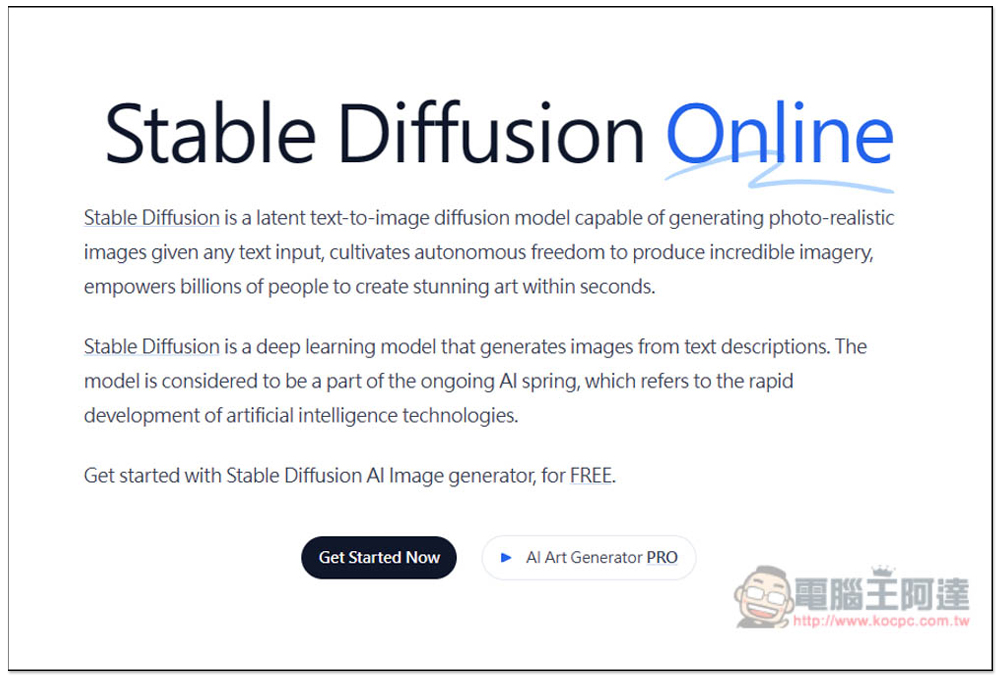
Next, you’ll see this screen. Enter your prompt instructions in the Prompt field. Styles on the right is for selecting styles:
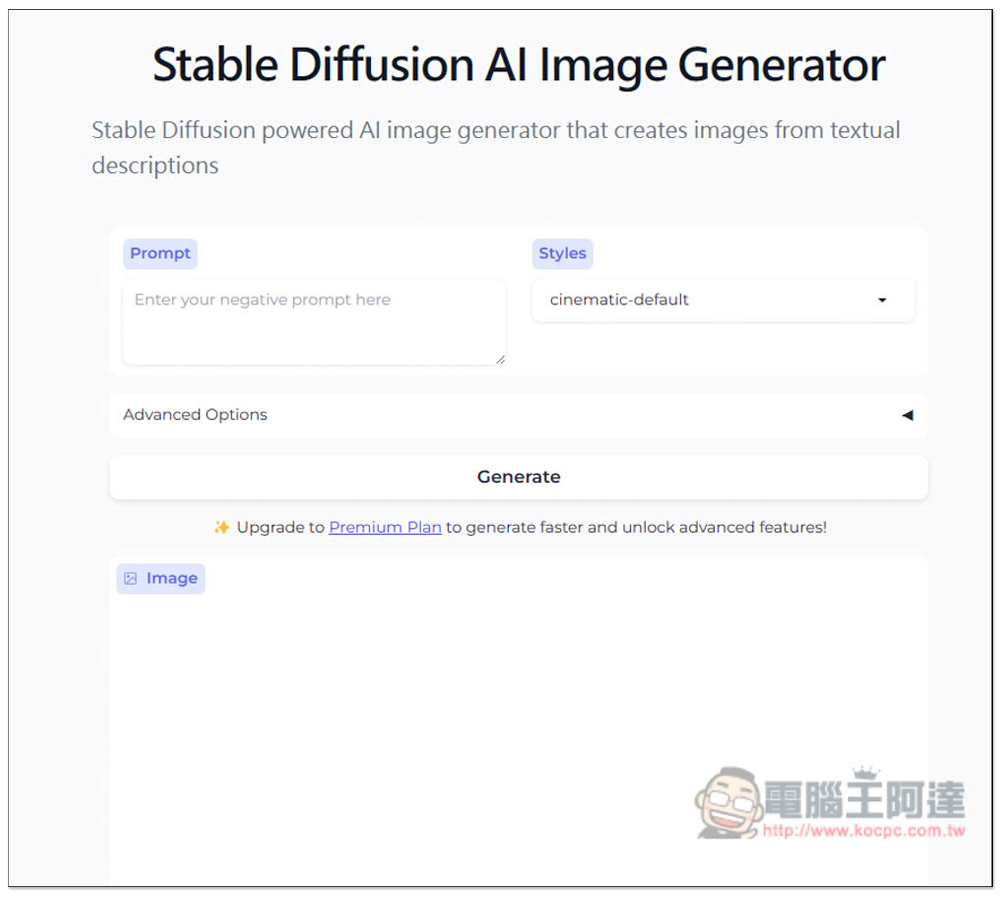
It offers tons of style options, defaulted to cinematic style, plus 3D models, animation, digital art, and more—even Pokémon. The free version allows unlimited image generation, so if you’re not sure what a style looks like, just generate it and try it out.
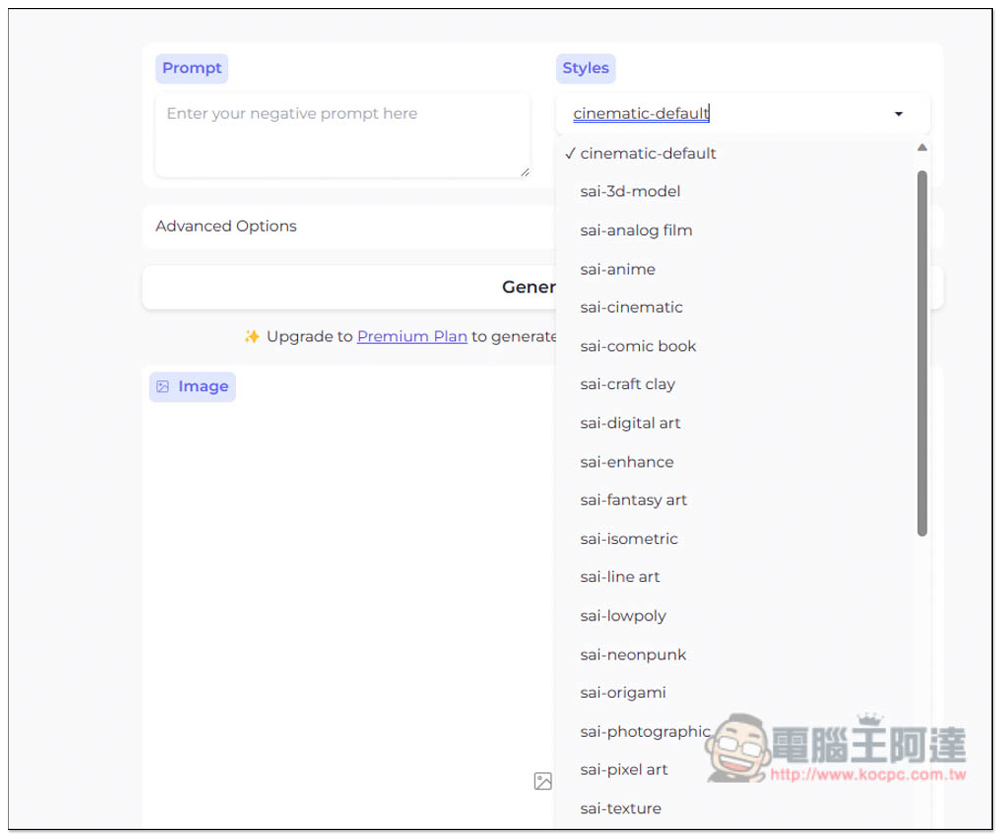
In Advanced Options, you can also configure some advanced settings, such as negative prompts, seed, and guidance scale—all three are available in the free version. Image height and width, as well as performance mode, are limited to the paid version. Once everything is set up, press Generate to start generating.
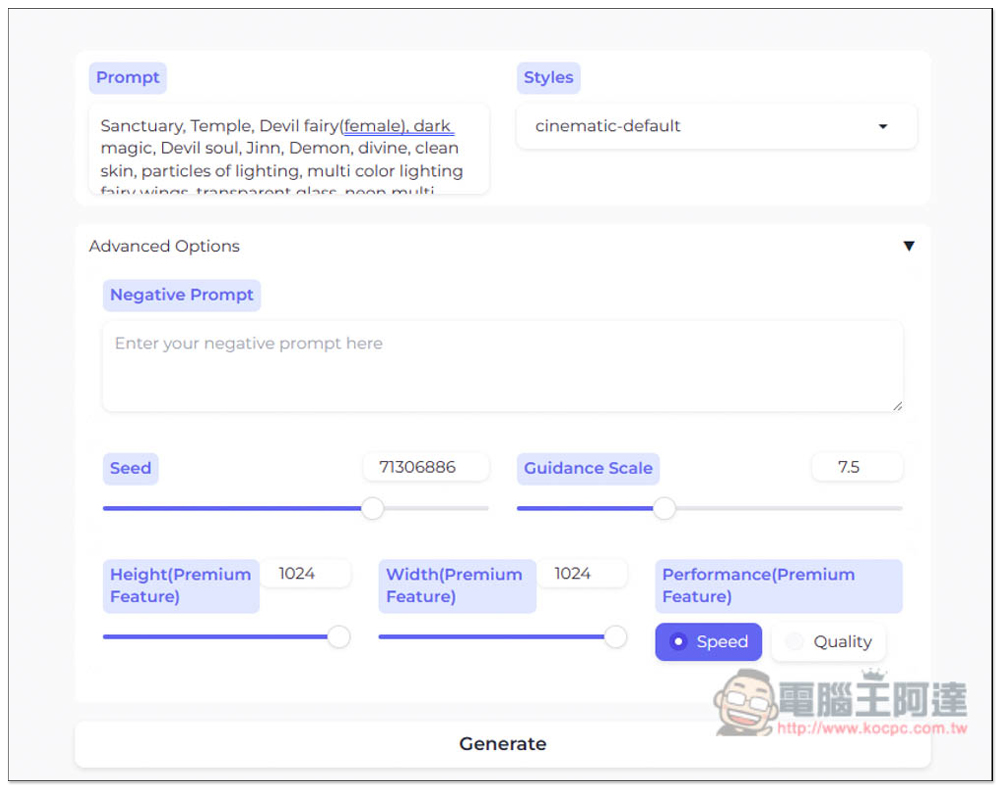
The free version can only generate one image at a time, and each one takes about 48.9 seconds—the speed isn’t particularly fast, but since it’s free, I think it’s still acceptable:
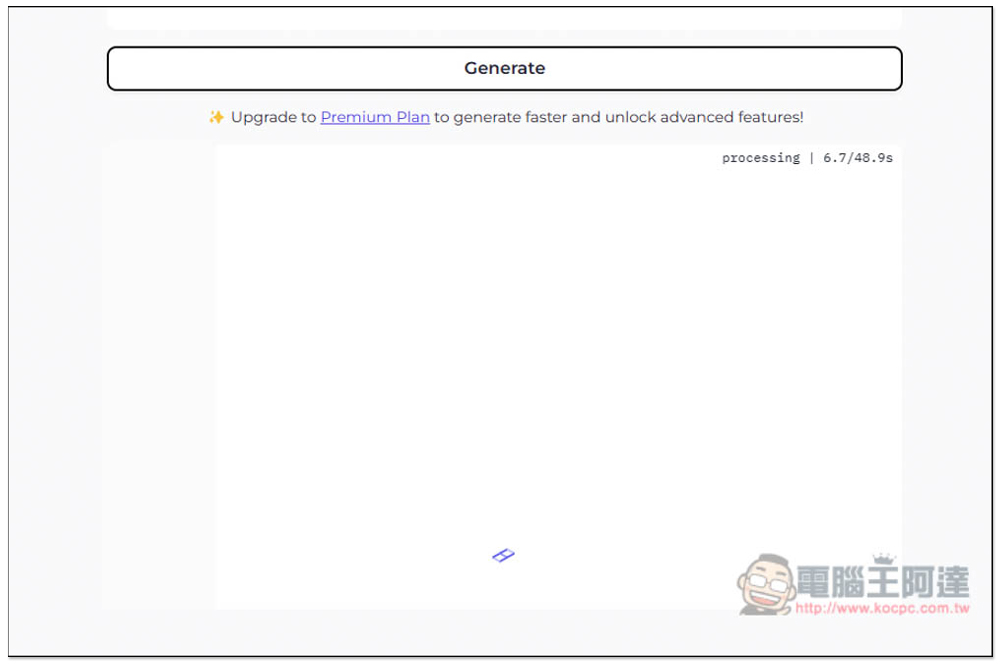
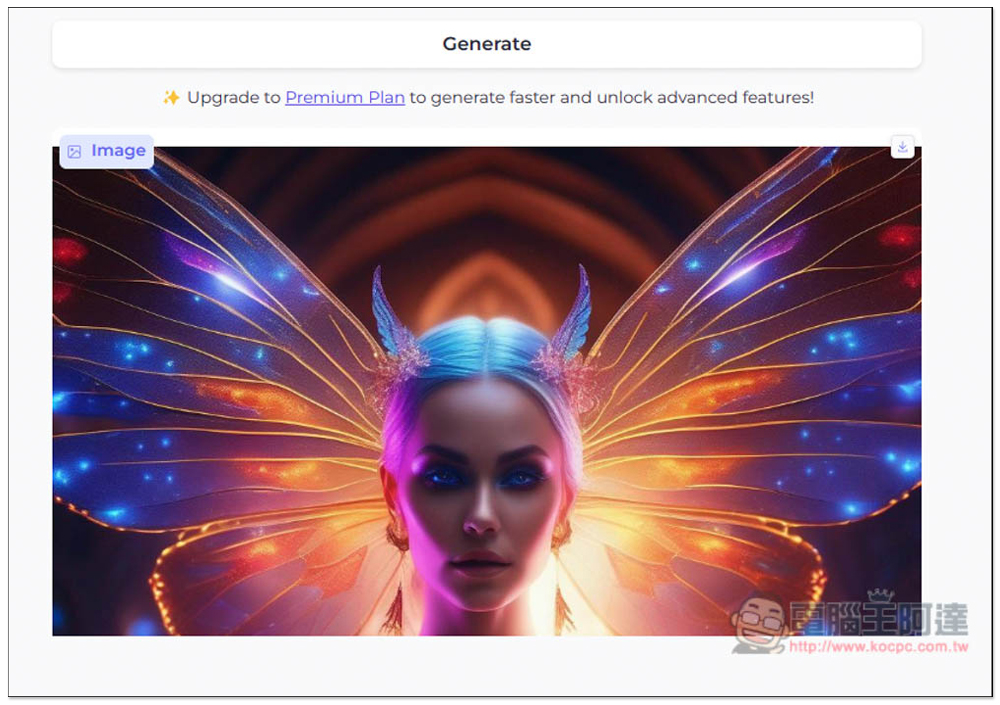
After it’s generated, a preview image will appear below. However, I’m not sure if it’s my browser issue or a bug in this website’s design, but I can’t view the full image. I need to click the download button in the top right corner and download it to my computer to view it.
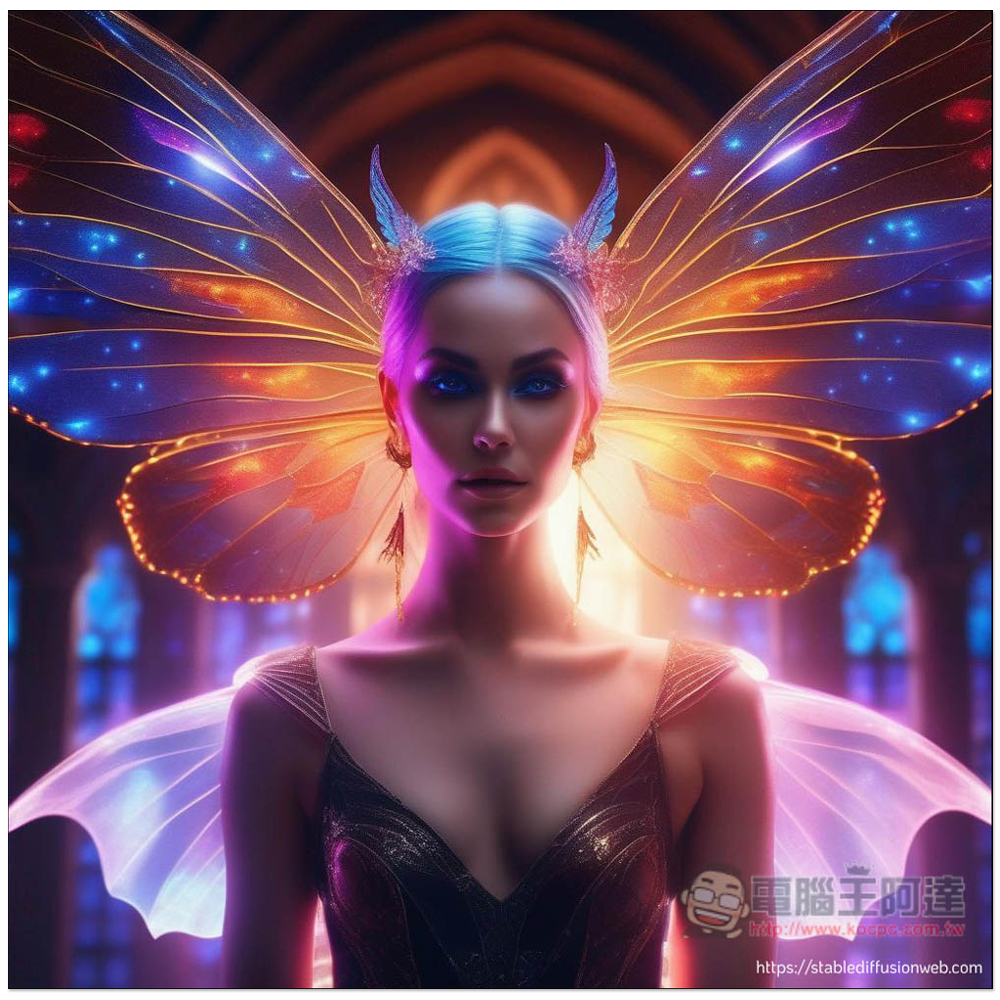
The image below was generated by this tool using AI. Even in Speed mode, the quality is still pretty good. However, the free version has one downside—there’ll be a watermark in the bottom right corner. Of course, the watermark issue should be easy to deal with, since there are now some AI tools that can remove it:
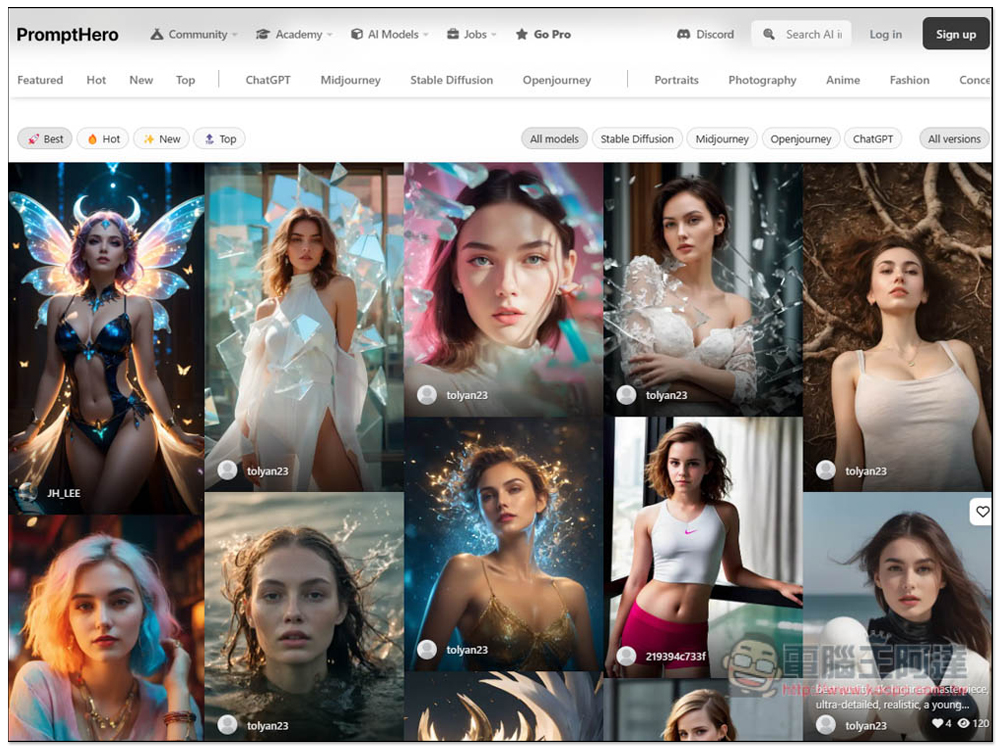
For those who find writing prompts difficult, here’s a pretty good one. PromptHero A website where you can find tons of free Stable Diffusion prompts — just click on any image to copy the full prompt. They also have Midjourney, ChatGPT and more:
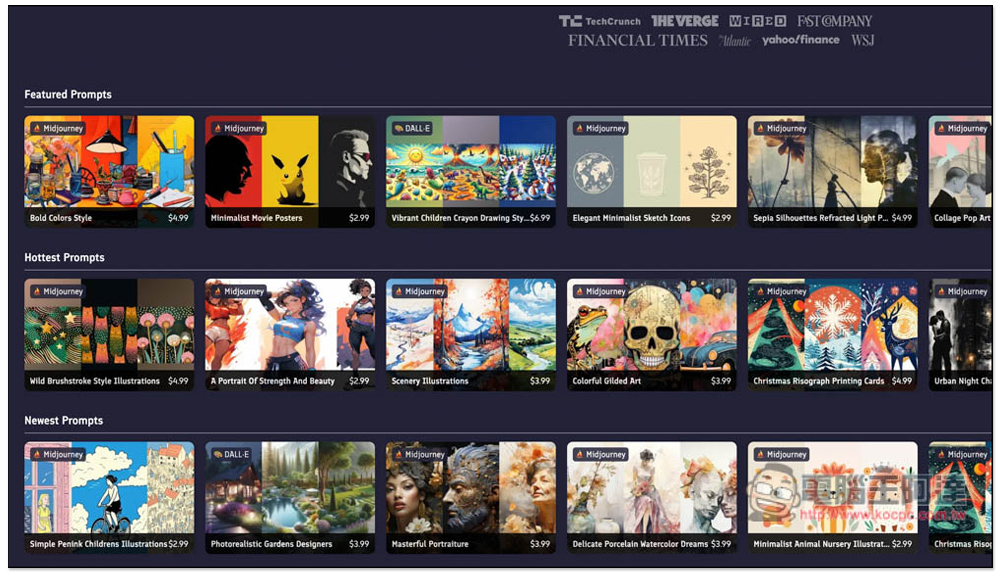
We also organized 5 of them beforeWebsites for collecting lots of PromptsThis can also be referenced:
Source: KOCPC Chinese