


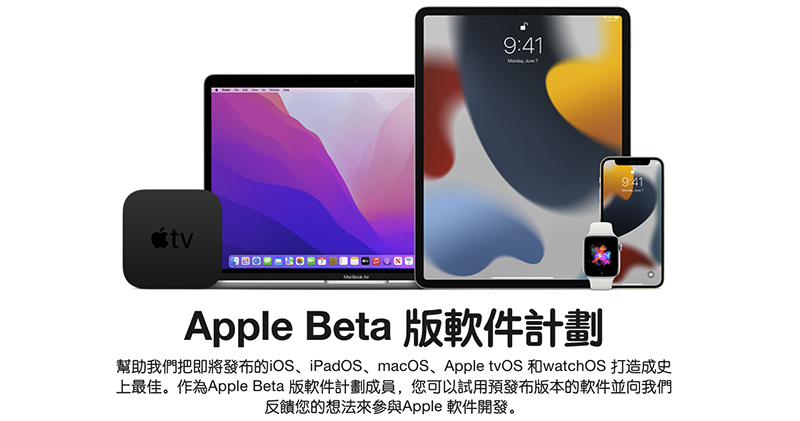
Whether it is iOS 15 Focus mode for more focused use, a new notification experience, or the visual recognition function of the original text neural network engine that feels a bit like a tribute, and iPadOS 15 The interface is improved again for multi-tasking, and even watchOS 8 and tvOS 15 various evolutions. If you always like to try new things, you can now use the new generation of Apple Beta software to be the first to play the new features introduced at WWDC and help improve the stability of the software! Continue reading iOS 15 / iPadOS 15 / watchOS 8 / tvOS 15 public beta begins! How to enable viewing the text of this report.
▲Image source: Apple
iOS 15 / iPadOS 15 / watchOS 8 / tvOS 15 open beta begins! How to enable see this
Seeing the various new features announced at WWDC 2021, including the new features of the system used by the latest versions of iPhone, iPad, Apple Watch and Apple TV, are you all looking forward to it and even hope to try it before the official version? After testing the developer version, the public beta program for Apple software has started again this year.
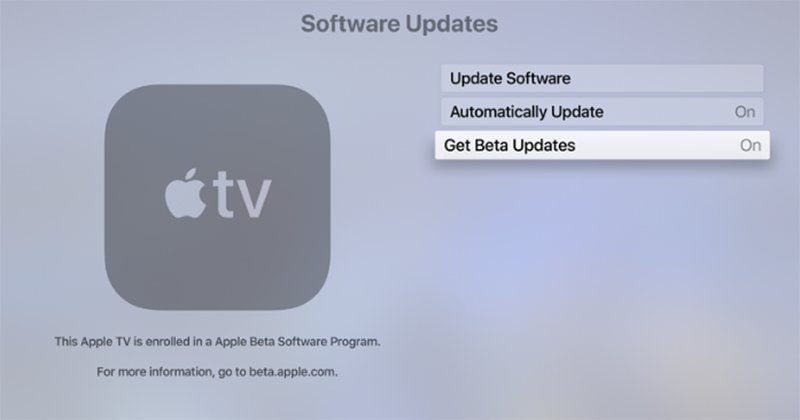
As for how to start? Basically, except for macOS, which is not ready for public beta at this time, all devices will be able to start the new system update by downloading the description file – tvOS is a bit special. You need to log in with an Apple ID and select “Get Beta Updates” in the system software upgrade to download the latest tvOS 15 for use; Apple Watch needs to install the description file through a connected iPhone.
▲Image source: Apple
If you want to upgrade the public beta system, you can click on the device Public Beta Guide Page, find the system and method you want to upgrade (the following is prepared for everyone, click it yourself!iOS 15 / iPadOS 15 / watchOS 8), you can select “Download Profile”, then you can install the profile in settings and upgrade the public beta version of the system through software updates.
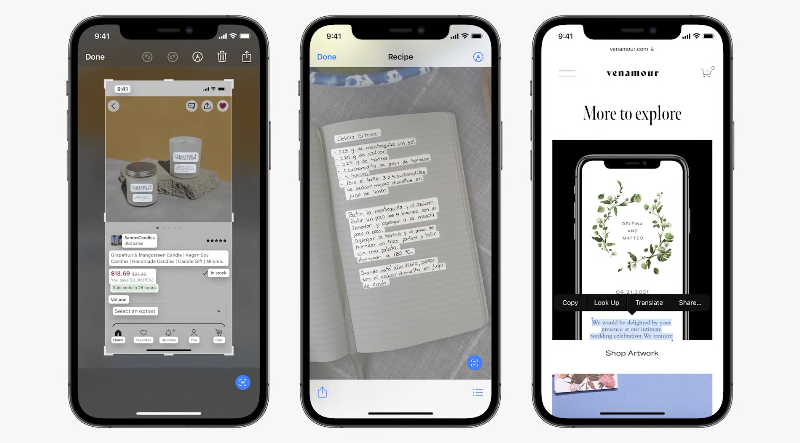
▲Picture: When taking pictures or viewing pictures, you can quickly copy and use text within the text, which is really convenient! (Source: Apple)
It should be noted that in addition to the device itself having to support the new system (Click here to check whether your iPhone or iPad is on the list). It is also recommended to make a backup before upgrading to avoid data loss due to unfortunate problems that may be encountered during the upgrade process. Of course, if you are really worried about system stability, it is recommended to at least wait until the next version of the Public Beta minor update (currently Beta 2). After all, after the first wave of public beta, many problems should be corrected, or simply waiting for the official version may be a relatively safe way.
Further reading:
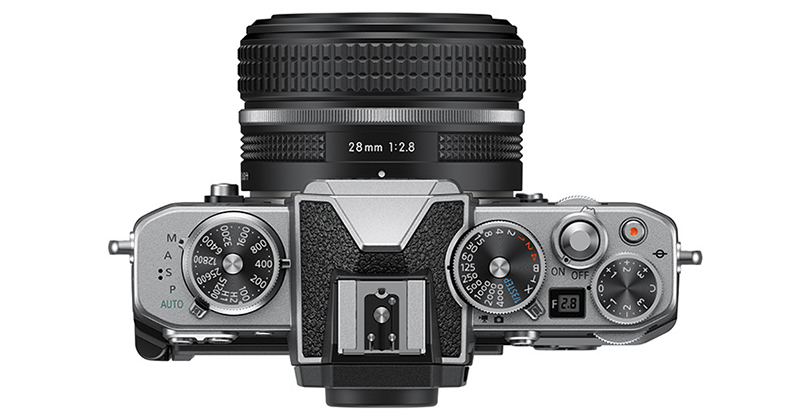
Feelings can also be small, Nikon’s old film camera-style Z fc mirrorless officially debuts
Model 3 removes radar and gets top safety rating with Tesla Vision

Source: KOCPC Chinese