


This year marks the 20th anniversary of the launch of the iPod.We’ve also reported on rumors that Apple “may” launch a new iPod product this fall, but until this news is confirmed, no one knows whether Apple will launch an iPod. However, for those who have experienced the iPod era, maybe they were students or office workers who just came out of the society, they must miss iPod a lot, right?
Recently, there is an iPod emulator based on the concept of iPod Classic, which allows users to play online music streaming services such as Spotify or Apple Music from iPod through a computer browser. In addition, there are also built-in Brick mini-games for entertainment.

iPod Classic simulator: supports Spotify and Apple Music playback, and can also play Brick classic mini-games (operation tutorial)

iPod emulator:Click here to go
(You need to use a computer browser to open it for music playback. It is recommended to use the Chrome browser for operation)
After opening the webpage of this iPod simulator, you can see the classic iPod Classic of the year. However, unlike the way users saved music to iPod from the computer through iTunes for playback, this iPod simulator can be played with the Apple Music or Spotify online music streaming platform. Users only need to log in to their account to use it.
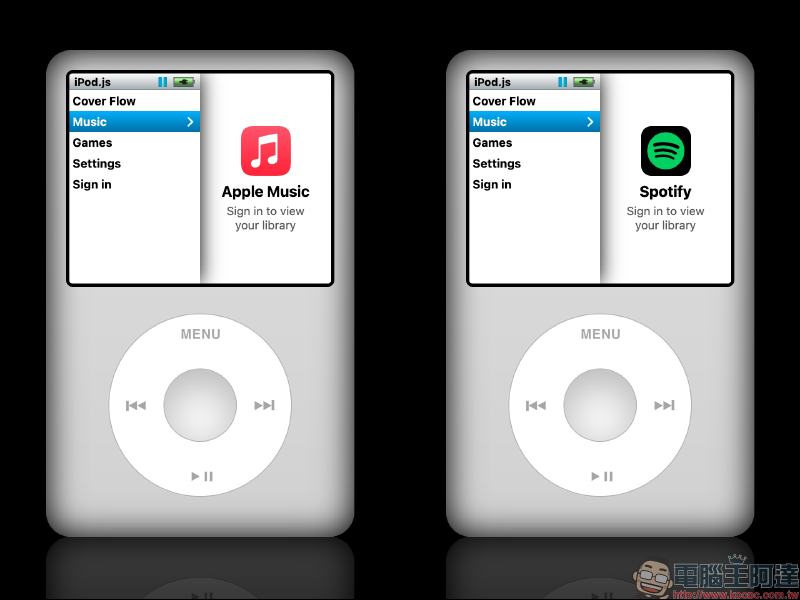
Here I will use Spotify as a demonstration:
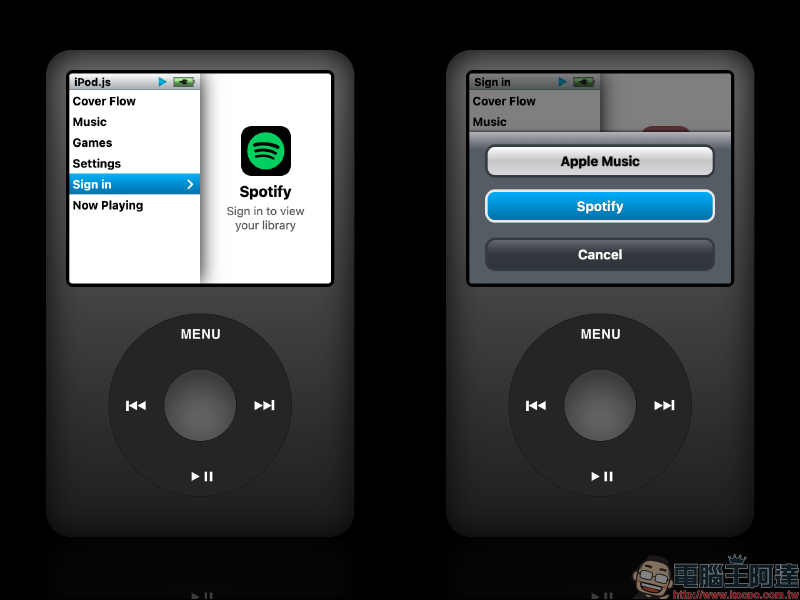
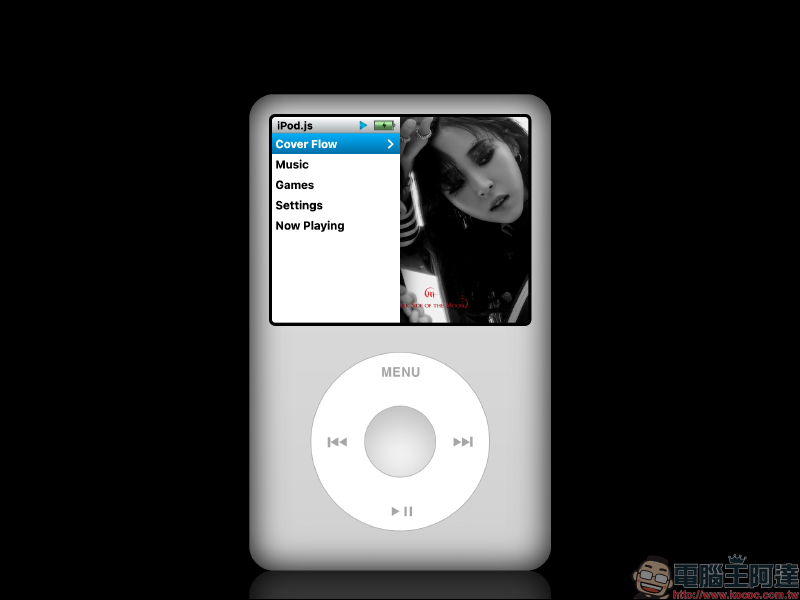
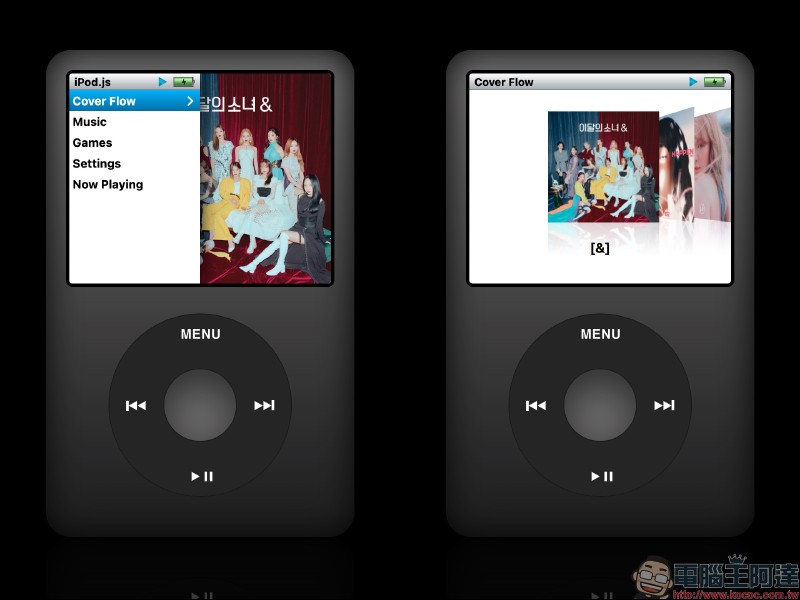
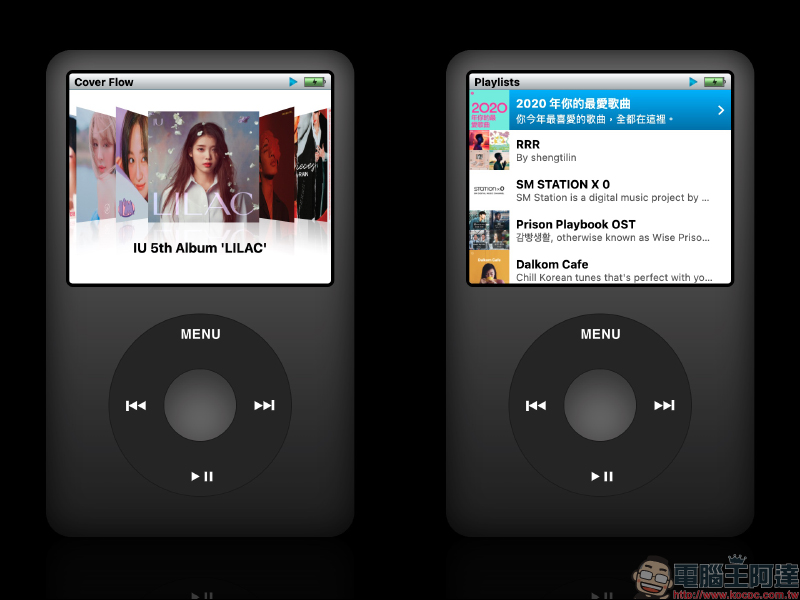
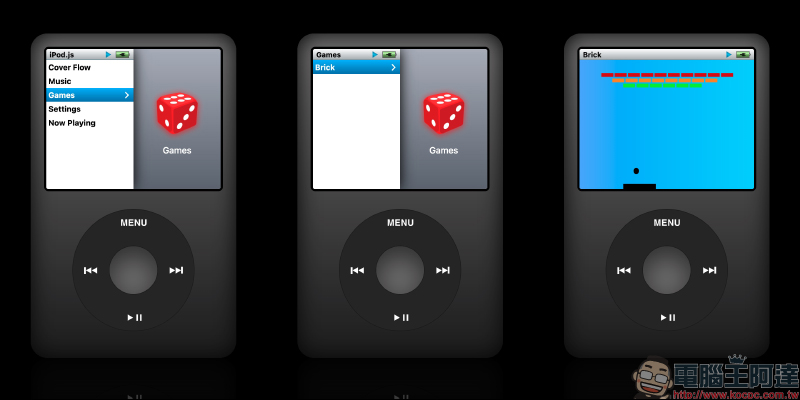
After logging in, you can see the most classic menu of the year on the iPod home screen! Including the use of album cover page turning, the most classic Cover Flow interface, as well as the Music menu, Games, Settings and Now Playing.
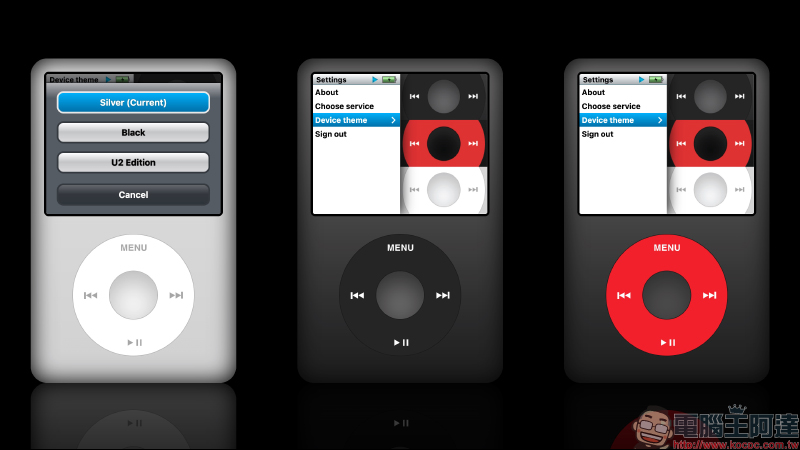
In the settings menu, users can customize the iPod device theme:
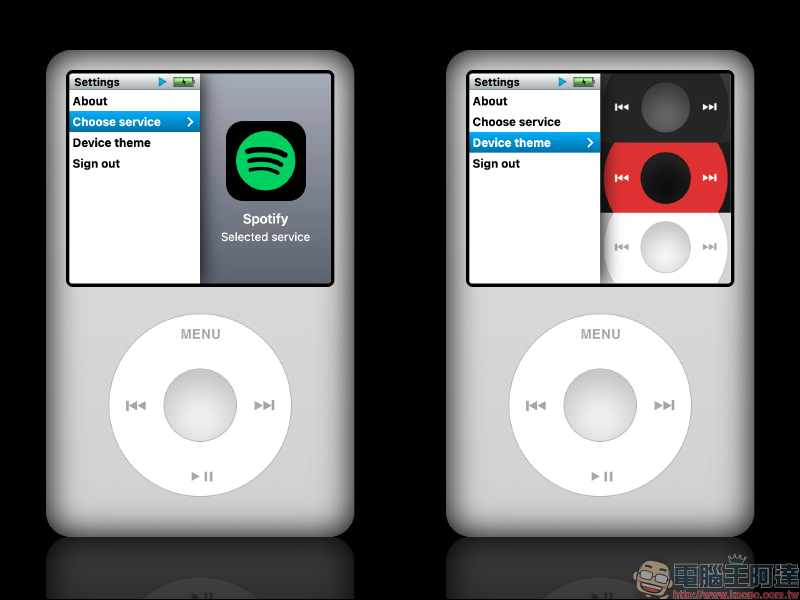
In addition to the original silver version, there are also black and U2 limited editions.
Many people may have forgotten how to operate the iPod playback interface, but if you have experienced that era, I believe you will be able to get started soon. The first is Cover Flow, a page-turning interface visualized through album covers. Users can find it on the home screen or in the music menu. After entering the Cover Flow page, just press the left/right button of the keyboard, or long press and hold the outer ring of the player to move clockwise/counterclockwise to select different albums on the screen.
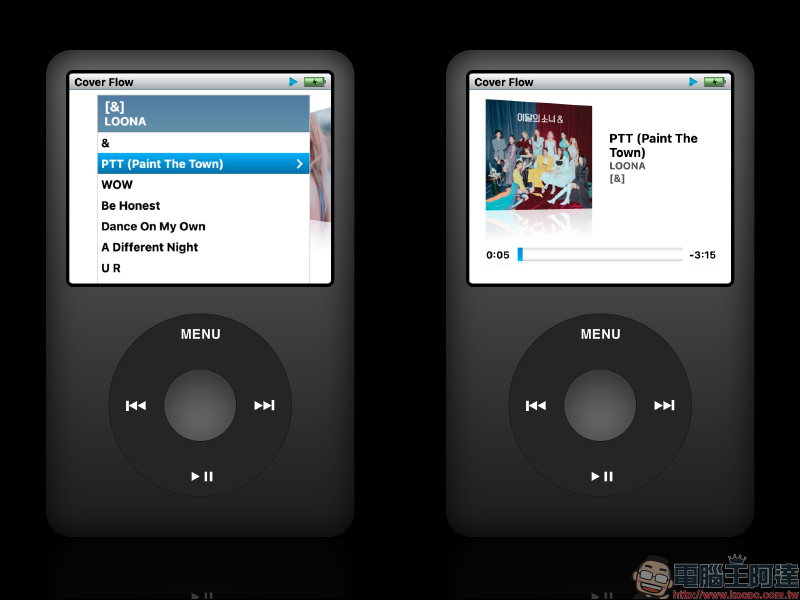
If you find the album you want to play, click the round button in the center of the iPod to expand the album tracks. Select the track and click it to start playing the music.
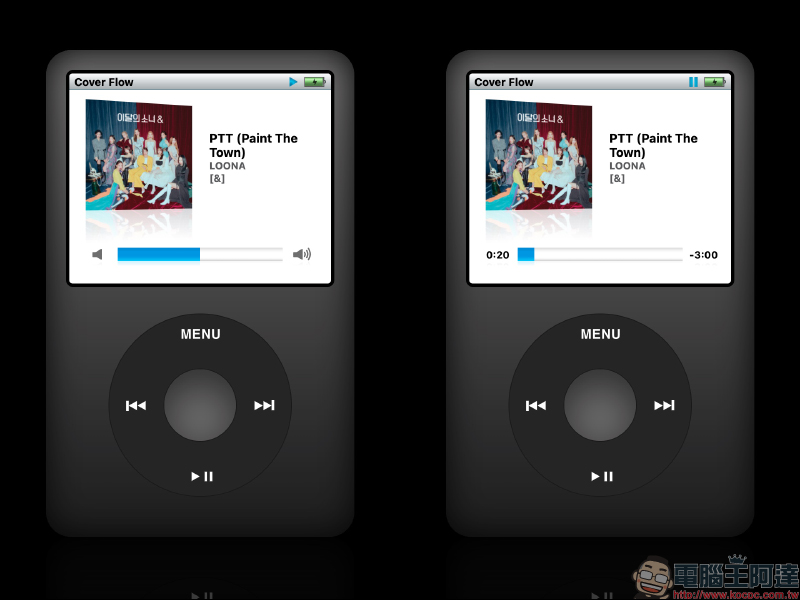
If you want to adjust the volume while playing music, just press any of the keyboard’s arrow keys to adjust the volume. In addition, just click the player button on the iPod to control the previous song, next song and music play/pause.
In addition to Cover Flow, this iPod emulator also restores other features such as playlist, artist, and album selection.
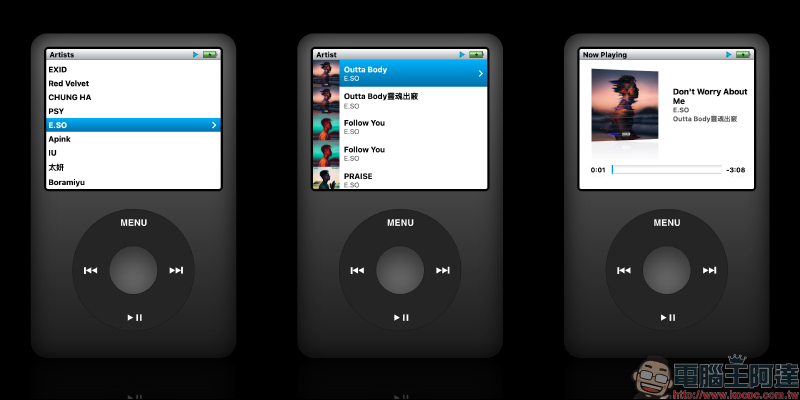
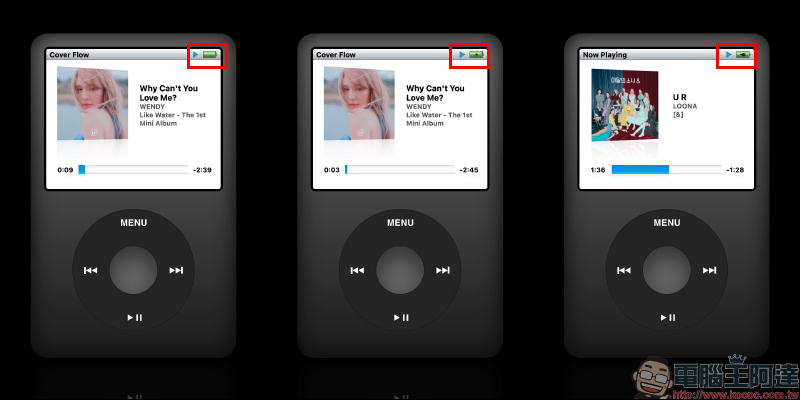
This iPod simulator not only looks like the iPod Classic, but the interface is also very restored. Even the power icon in the upper right corner will change according to the user’s current computer power state. Different icons will be displayed such as not connected to power, charging and fully charged.
In addition to music playback, the iPod emulator also has a built-in Brick mini-game.
iPod emulator:Click here to go
(You need to use a computer browser to open it for music playback. It is recommended to use the Chrome browser for operation)
But the most worrying thing is how long this iPod simulator (iPod.js) produced by Tanner V can “survive”. After all,The last time there was a Rewound App that turned your phone into a classic iPod, it was quickly removed from the shelves not long after its launch.。
Further reading:
Karbo LINE Robot | Which is the most cost-effective, credit card or electronic payment? Instant discount query artifact, a must-have for petty bourgeoisie! (teaching)


Source: KOCPC Chinese