


illustAC is a powerful Japanese free material website that I recently discovered. It provides tens of millions of free illustrations. Simply put, the illustration patterns you want can be found here. It is not only for personal use, but also for commercial use. You can also modify the patterns yourself. It is very worthy of collection for designers and friends who are running websites.
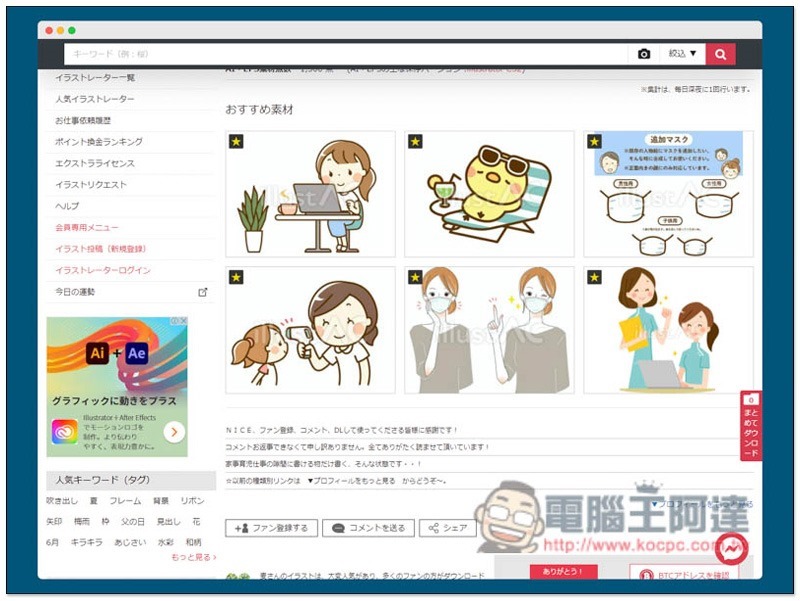
Introduction to illustAC Japanese material website, providing tens of millions of free illustrations
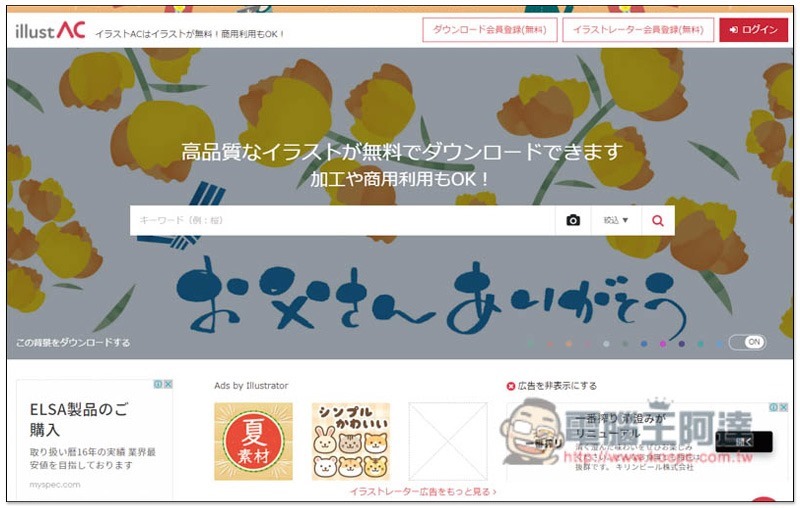
After entering the illustAC website, you can directly search for the keywords of the illustration materials you are looking for at the top. I tested English well and most of them can be found correctly. However, it is not necessarily true for Chinese. Sometimes a lot of irrelevant materials will appear:
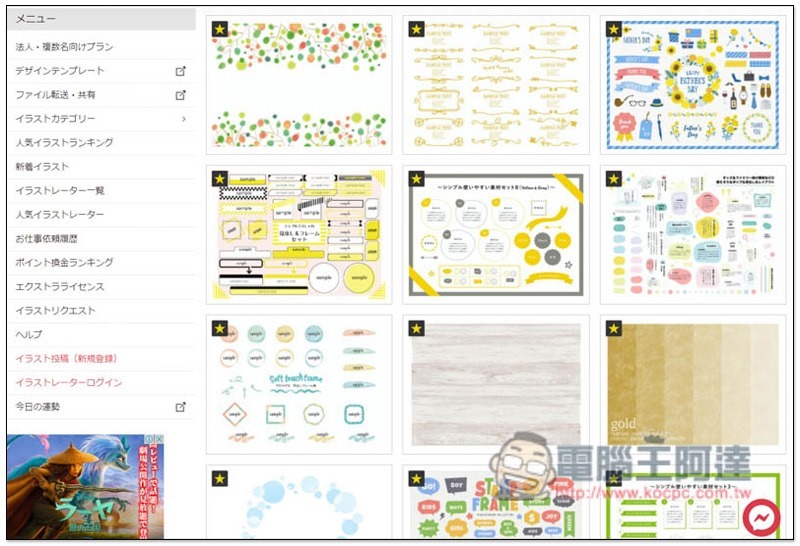
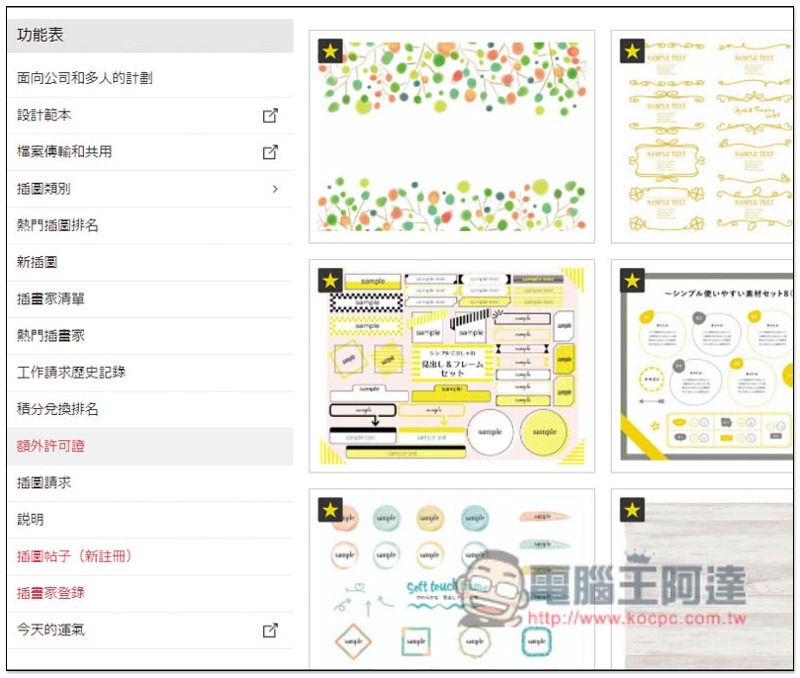
You can also scroll down to browse the most popular free materials. There is a menu on the left:
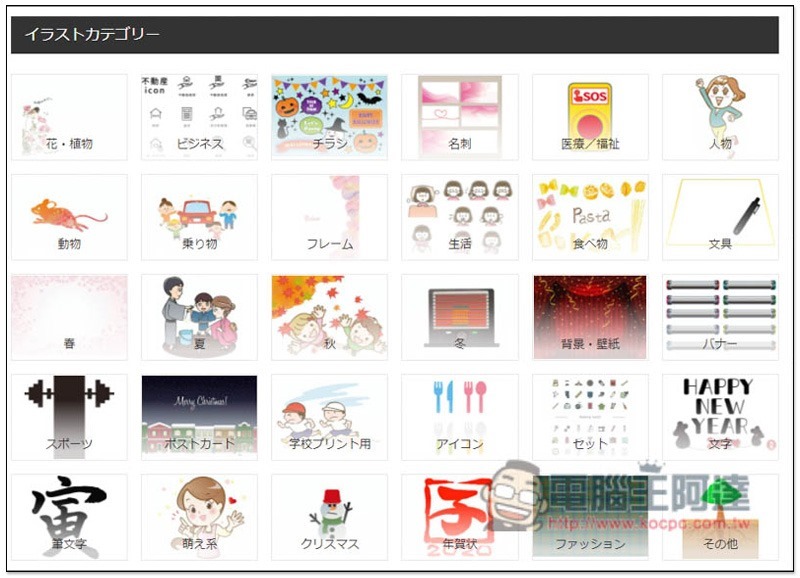
There are also categories of illustrations and some Chinese characters below. If you really find it difficult to read, you can also use the full-page translation function of your browser:
Like this, you can have a rough idea of what the left menu is used for. I highly recommend searching from popular illustrators. You can easily find some high-quality materials:
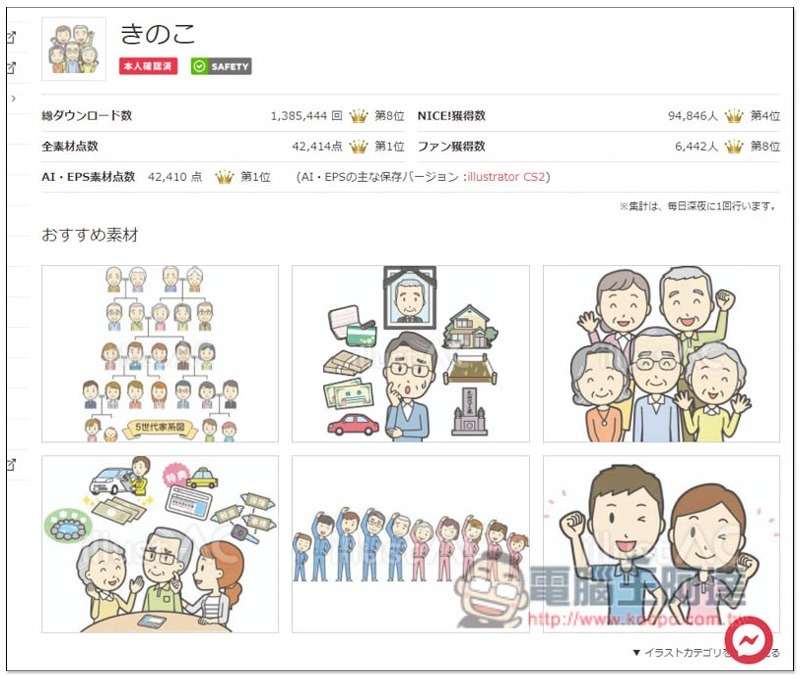
This artist’s work is very good. Once you find one you like, you can enlarge it to view:
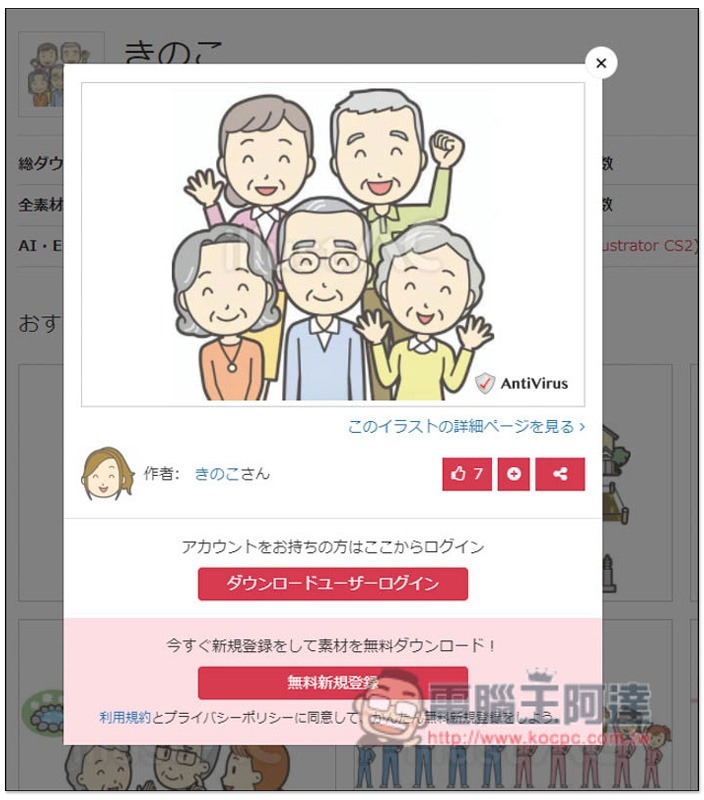
However, you need to register an account before downloading. It is completely free. Log in according to the new rules below:
Fill in your email or register quickly with Google, Facebook, Twitter and other accounts below:
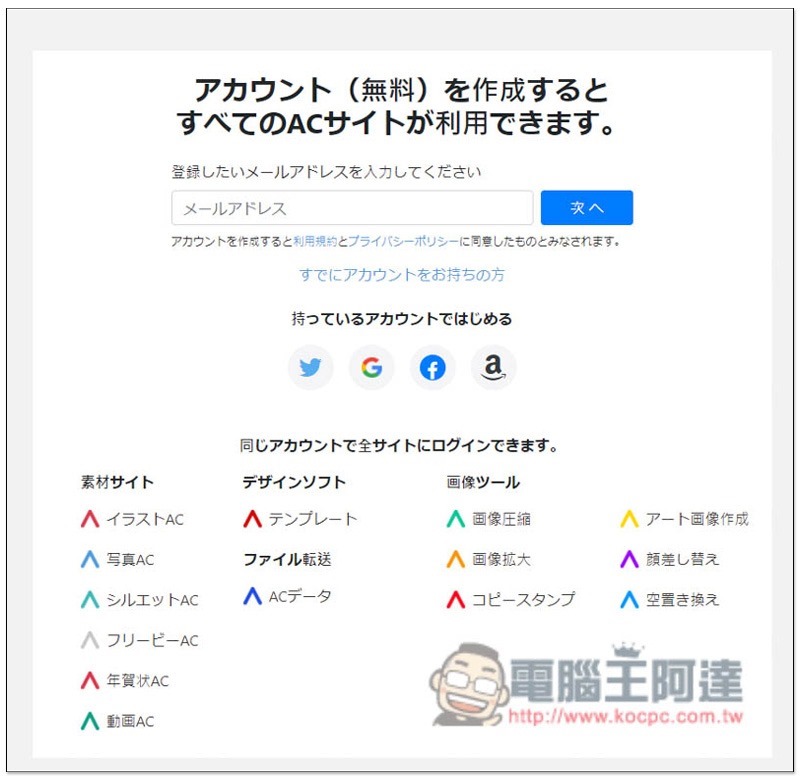
If you fill in the mailbox, a password setting letter will be sent to you:
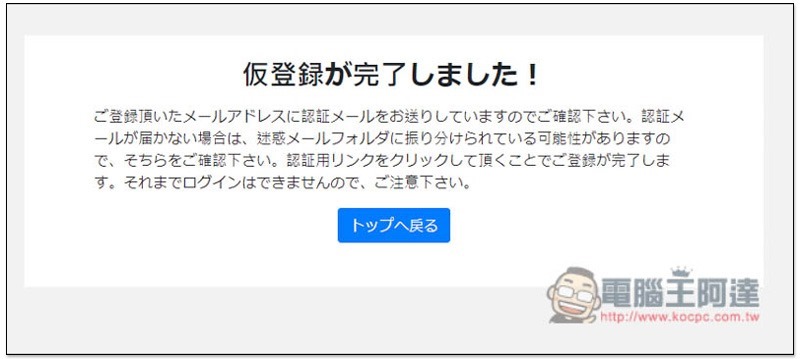
Click the red link in the letter:
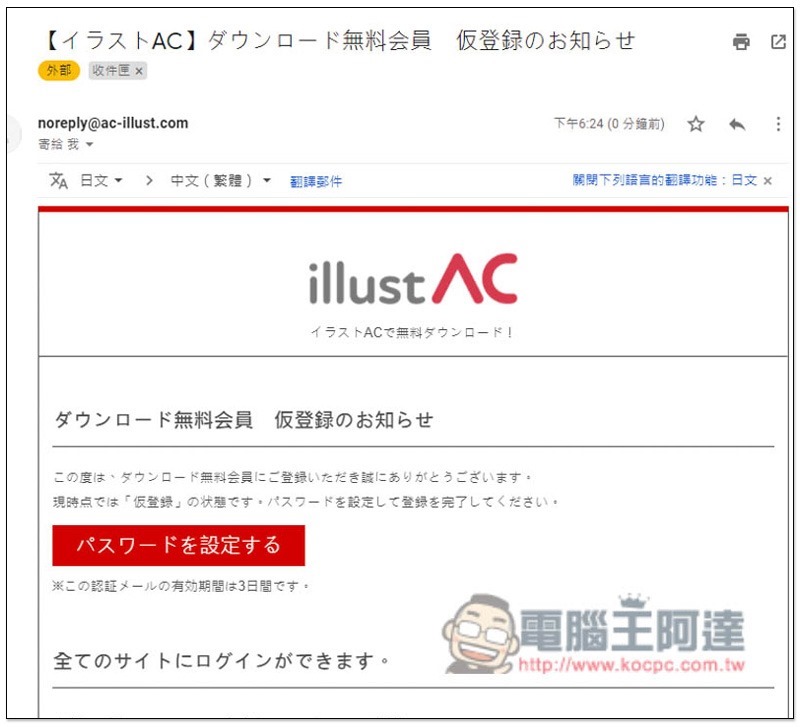
Now you can set the password:
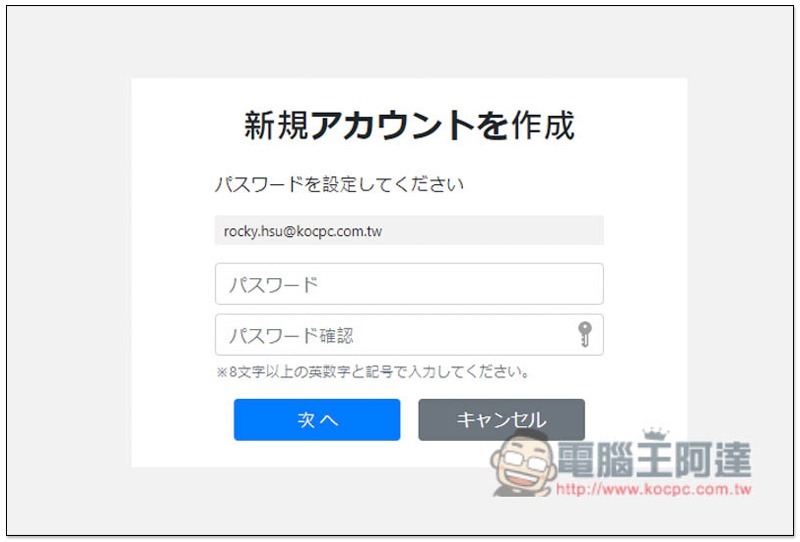
When this screen appears, you’re done! You can start downloading materials:
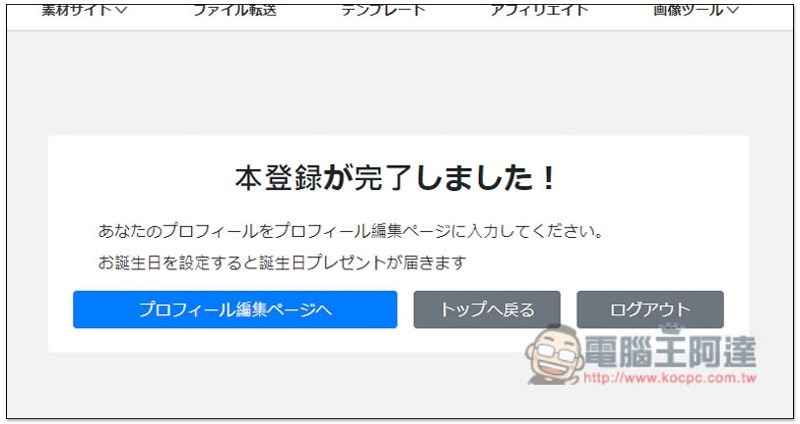
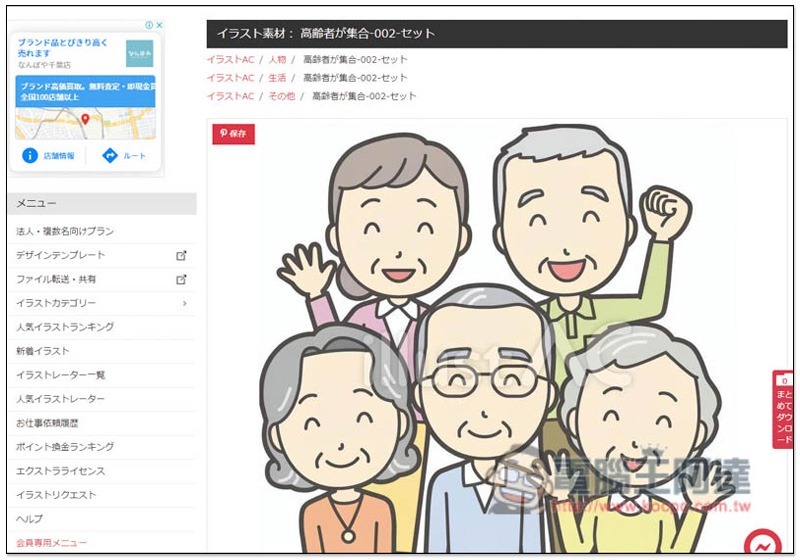
After entering the material page, please scroll down. The save button in the upper left corner of the image is not to download, but to share it on Pinterest:
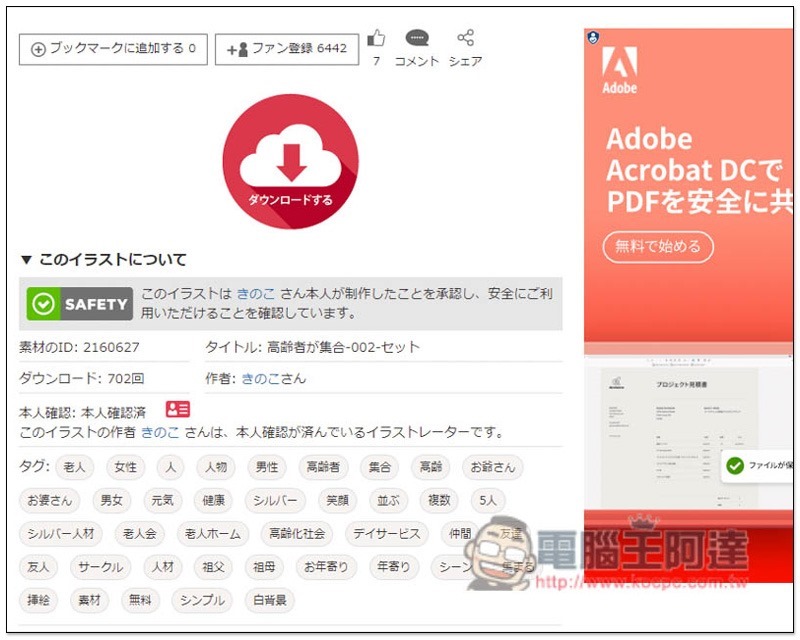
You will find this cloud download icon, please click on it:
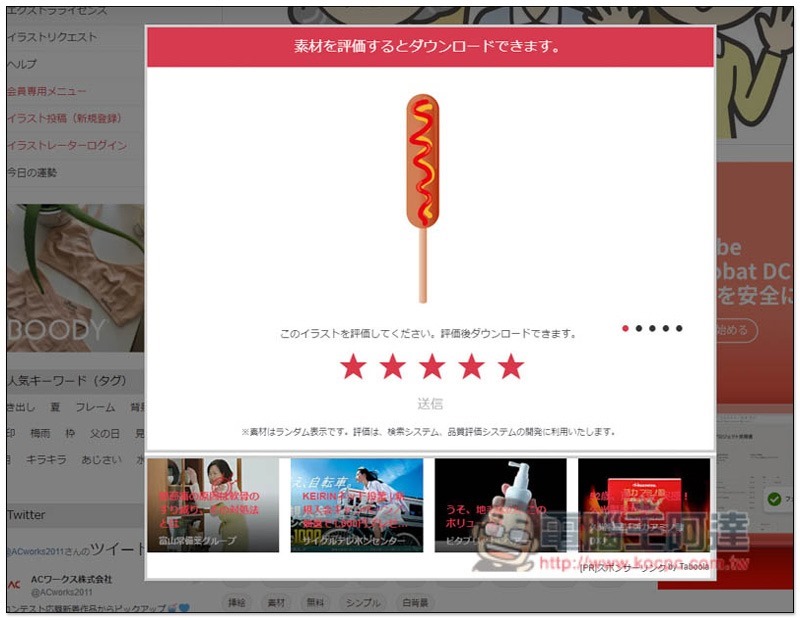
You need to complete the ratings of the five pictures before downloading. After rating, click the send message below:
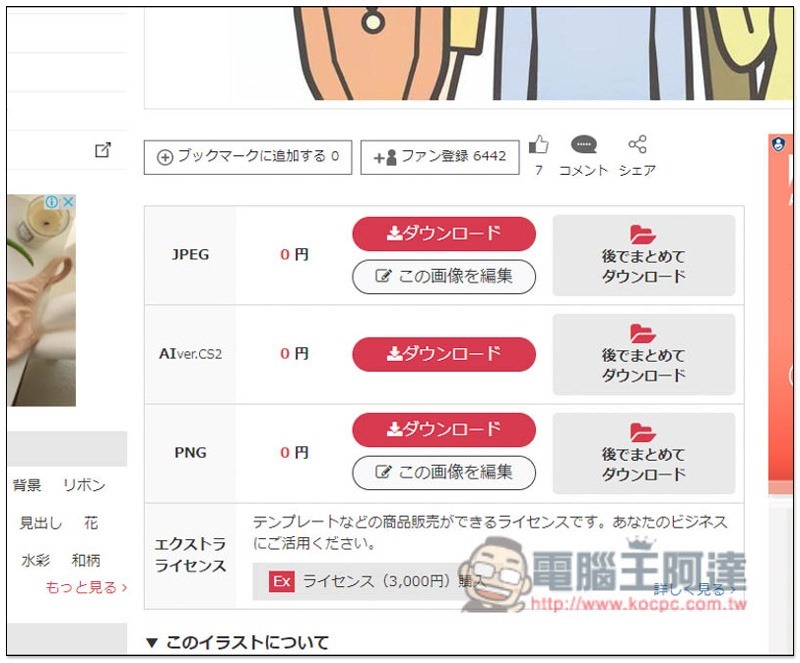
In this way, the real download point will appear, almost all of which are JPEG, PNG, and AI files, depending on which one you need:
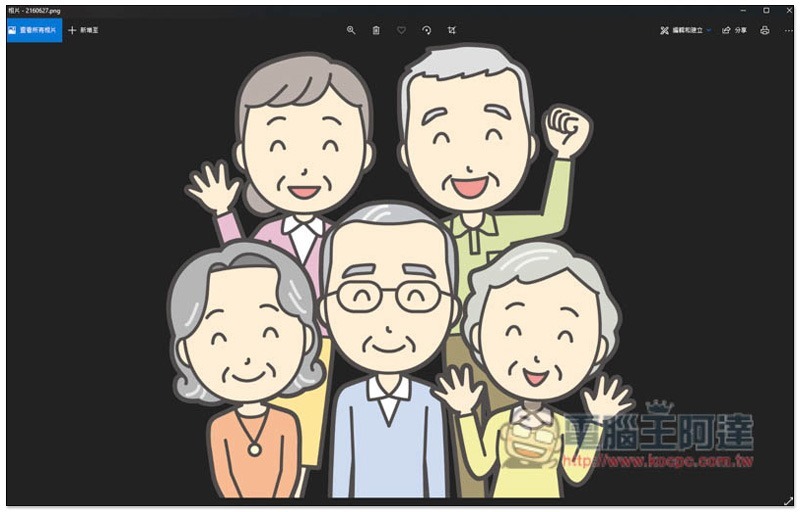
Below are the PNG files I downloaded, all of which are large images:
Source: KOCPC Chinese