


For some people, they may prefer to use listening devices to absorb information because they can be used for multiple purposes, such as preparing breakfast while listening, driving while listening, etc. However, not every information you like has an audio version. This article will recommend a recently discovered and very useful free tool called Listnr, which can convert online articles into MP3 audio files with one click. It supports many languages. Officially, there are more than 22 in total, including Chinese and English, and it also provides online listening functions.

Listnr converts articles into podcasts and MP3 sound files with one click
Before I start the introduction, let me remind you that Listnr is not a completely free tool, but the free version can forward 15 articles per month, which should be enough for friends who use it lightly. For those who think it is good and want to forward more, you can consider paying to upgrade.
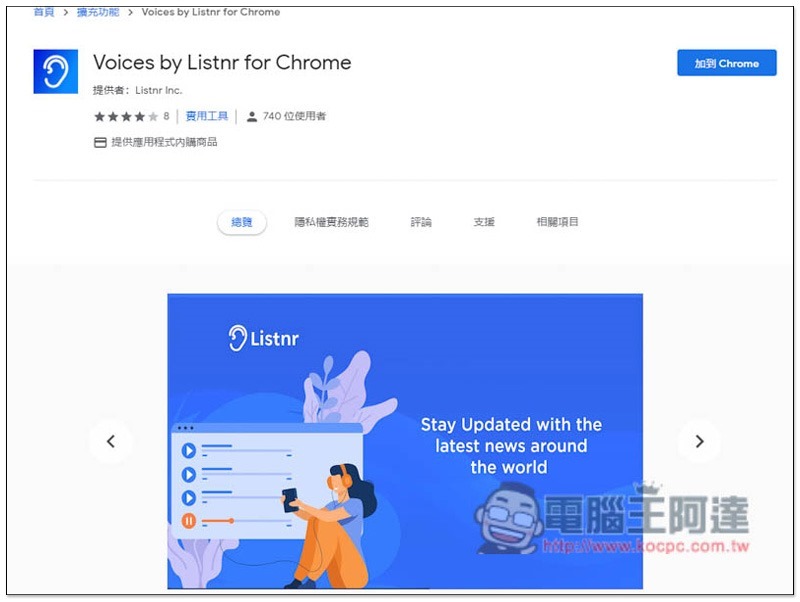
Listnr is a set of extension plug-ins for Chrome, which can also be installed on Edge browser. After entering the extension plug-in installation page, click “Add to Chrome” on the right:
This message will pop up above, click “Add extension”:

After the installation is complete, you need to register an account to start using it. Quick registration with Google account is provided:
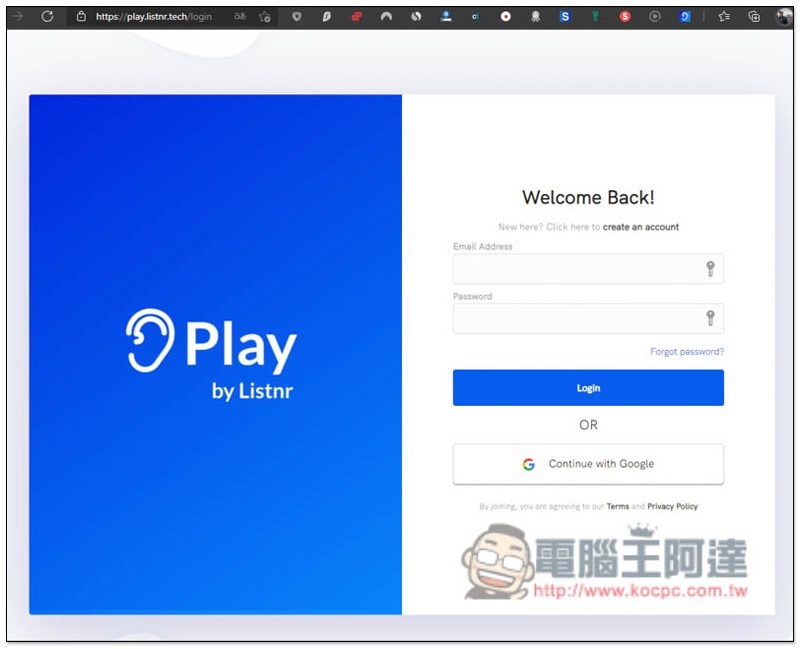
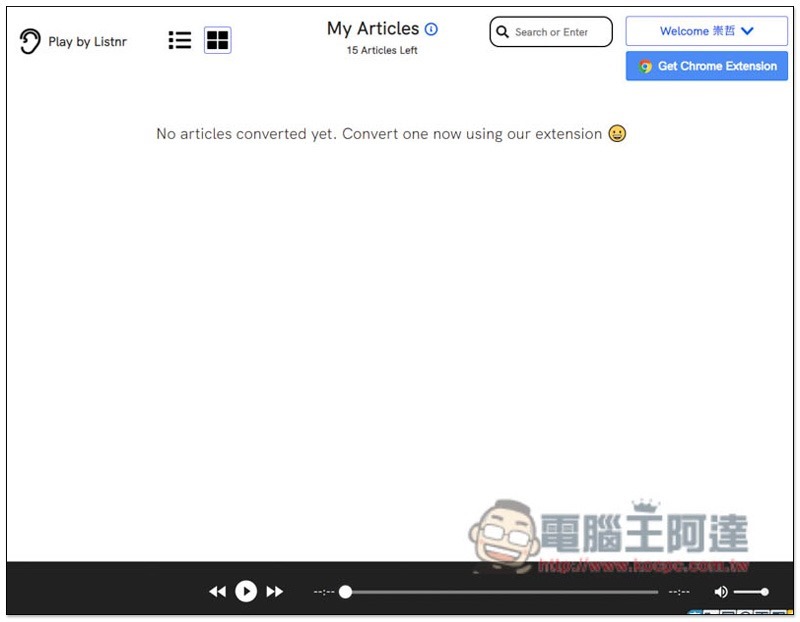
Then you will enter the background. There is no sound file at the beginning, so it is empty. Find the article you want to convert to sound:
Taking this article as an example, after opening the Listnr extension plug-in, you can see the CONVERT TO PODCAST function. However, if you use it for the first time, please change the conversion language (the default is English) and click the head talking icon in the upper right:

Change it to Chinese (China) and then you can start the conversion. Although it is officially said to support more than 22 languages, I don’t know if it is a limitation of the free version. Currently, there are only 5 languages available:

After the conversion is completed, go to the backend of Listnr, you can see your converted articles, click to start playing. I have to say that the pronunciation of this product is quite good, and it doesn’t sound too robotic. Moreover, the article contains English and I can read it in English, which is very smart:
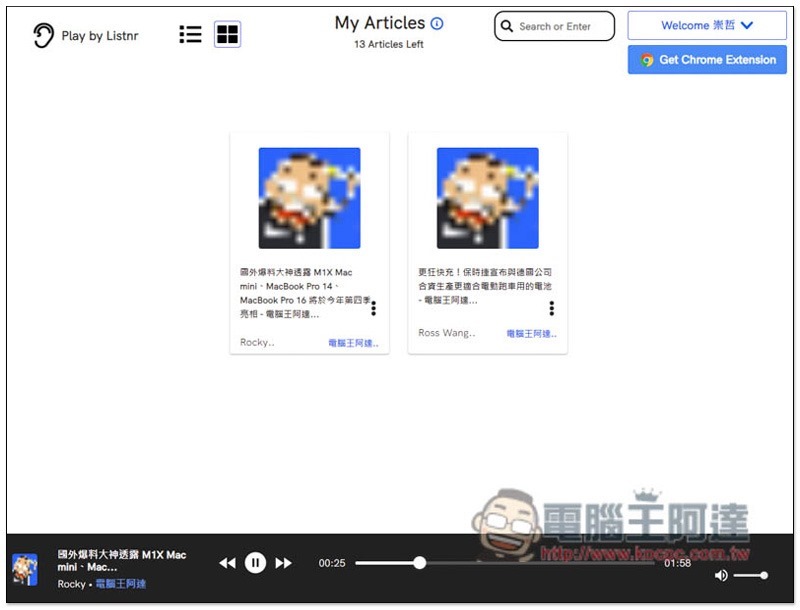
Open the … option to find the download function, in MP3 format:

Source: KOCPC Chinese