


When watching YouTube videos on a computer, even if you have purchased a YouTube Premium membership, the page still has a lot of unnecessary information, such as: recommended video list, video information, etc. Although full screen can solve this problem, not everyone likes it. If you want to watch videos more focused on non-full screen and not be disturbed by these noises, then the Unhook free extension plug-in recommended in this article is very suitable for you, Chrome, Edge, Firefox Both are supported, and you can specify what information you want to hide.
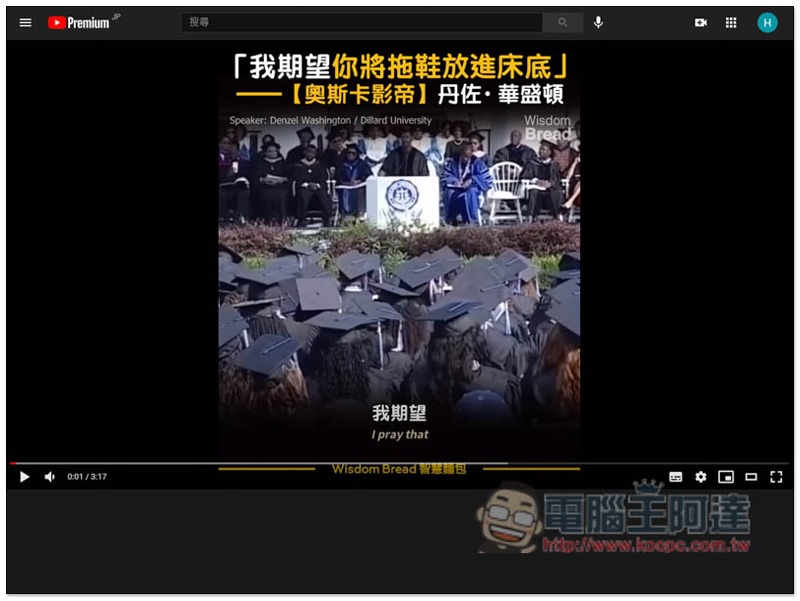
Unhook free extension plug-in introduction, allowing you to watch YouTube videos more focused
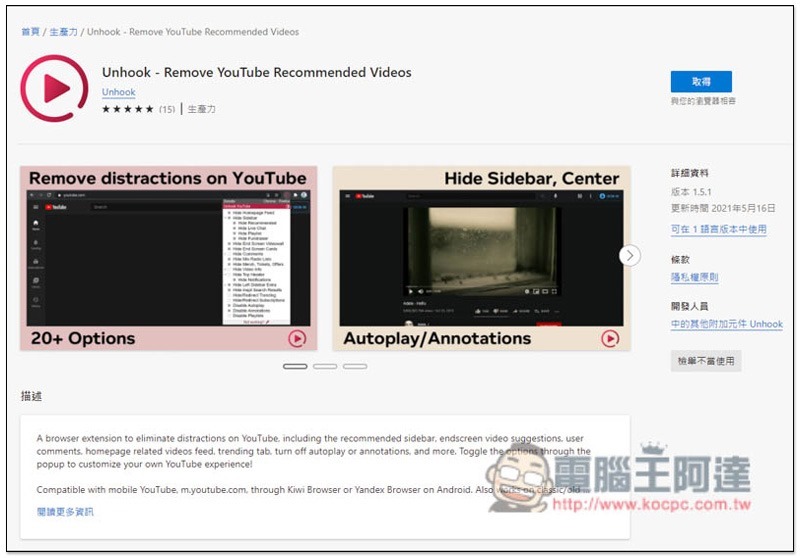
Unhook has Chrome, Edge and Firefox versions, and the installation methods are roughly the same. Below I will use Edge as an example.
After entering the extended plug-in store page, click the “Get” button on the right:
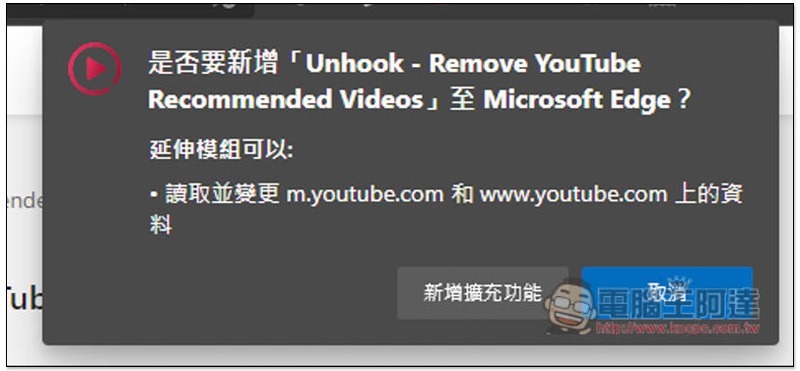
This information will pop up above, click “Add extension”:
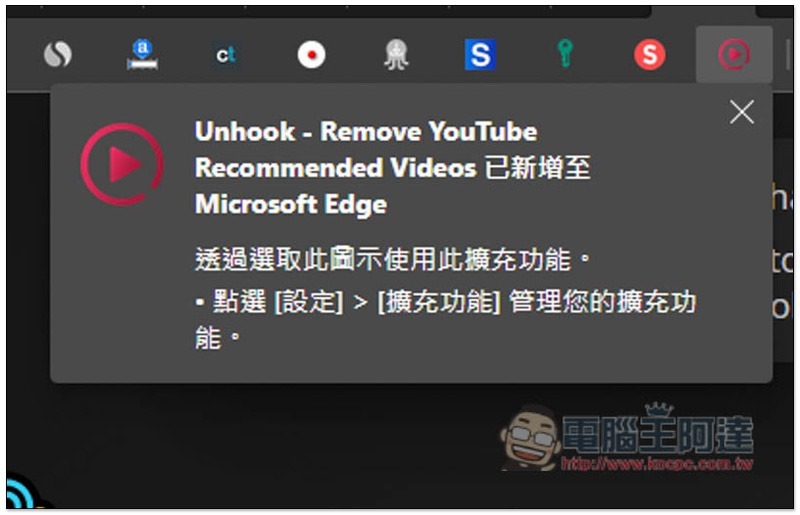
When the upper right corner shows that the addition has been successful, it means the installation is complete:
After opening this extension plug-in icon, you will see many options. The left frame turns gray to indicate that it is enabled. Homepage Feed is enabled by default, so when you enter the YouTube homepage, you will not see anything. Click it and it will turn white to cancel:
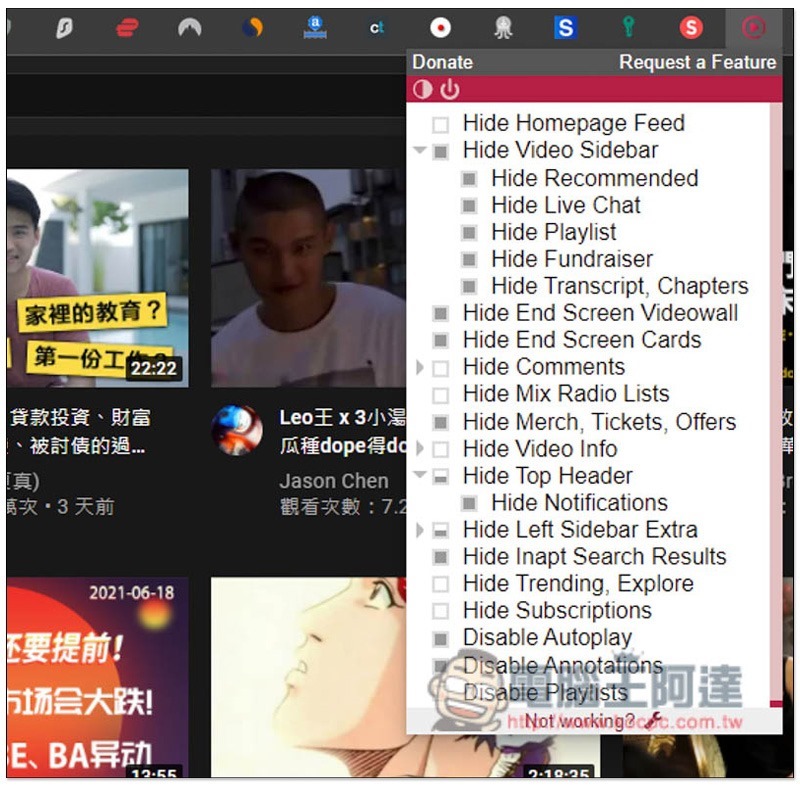
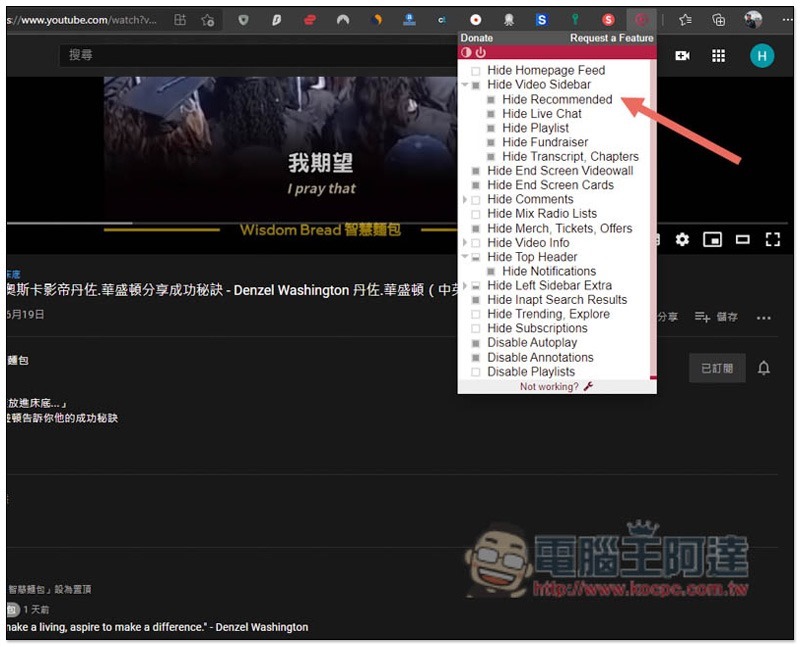
After entering the video playback screen, if your Hide Recommended is enabled, the recommended video list on the right will disappear:
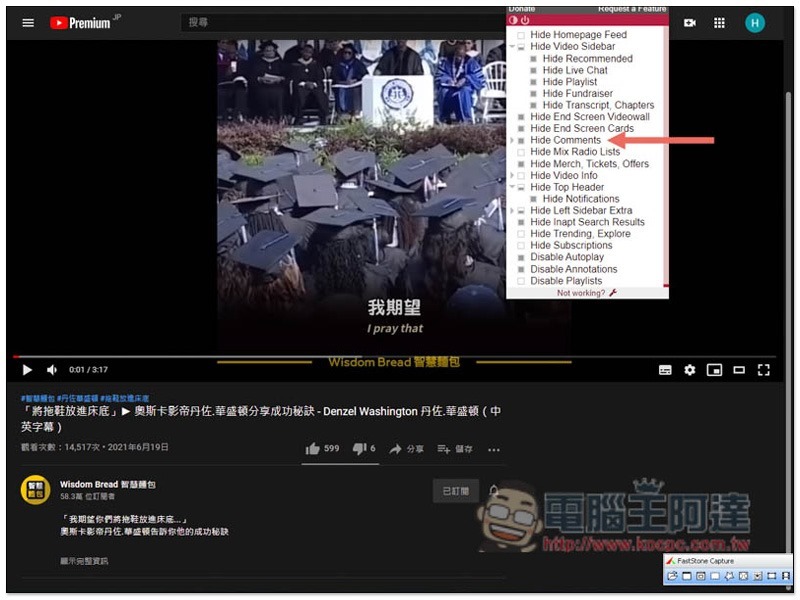
After I enabled Hide Comments, the comments on the video below disappeared:
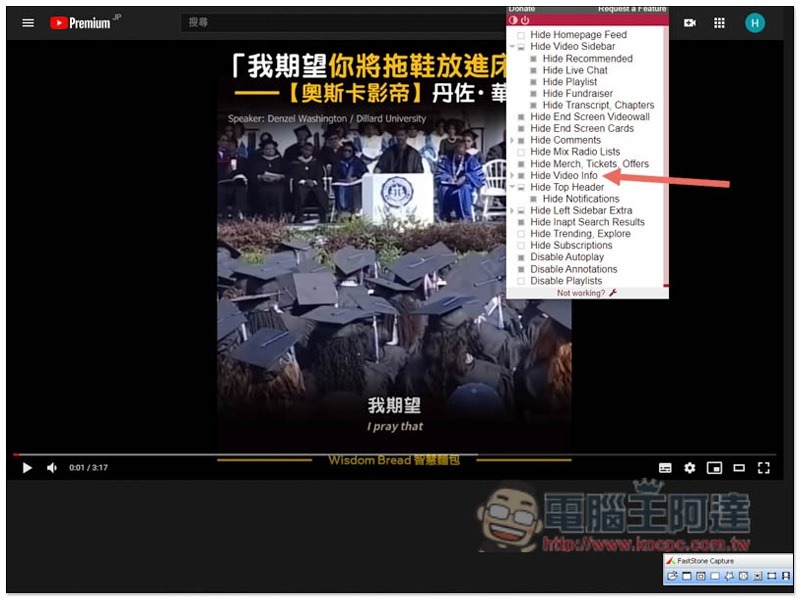
Video information can also be hidden (Hide Video Info), so that only the YouTube video remains on the screen, without any information to disturb you:
It also supports dark mode. Click the circle icon in the upper left corner to switch:
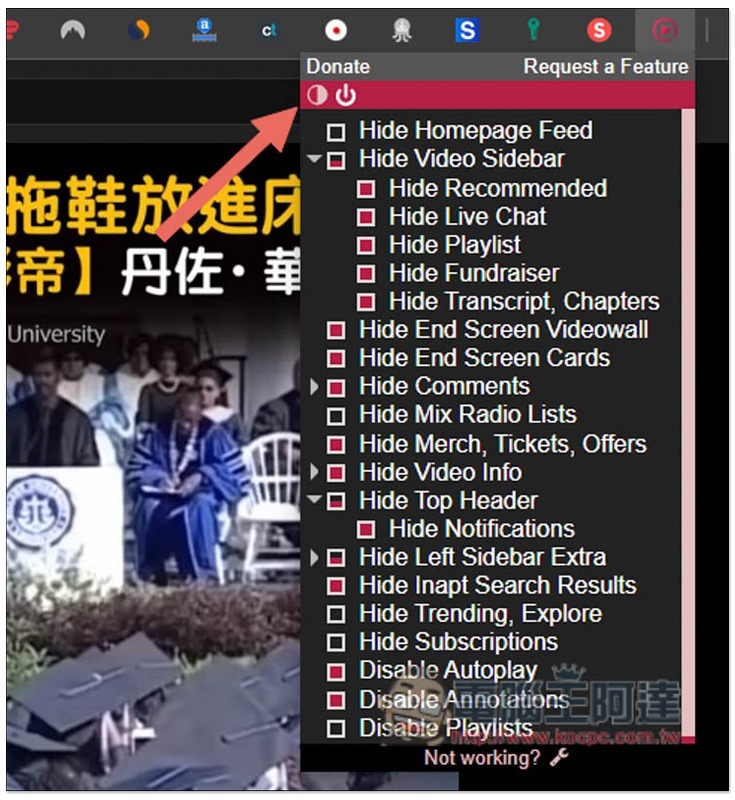
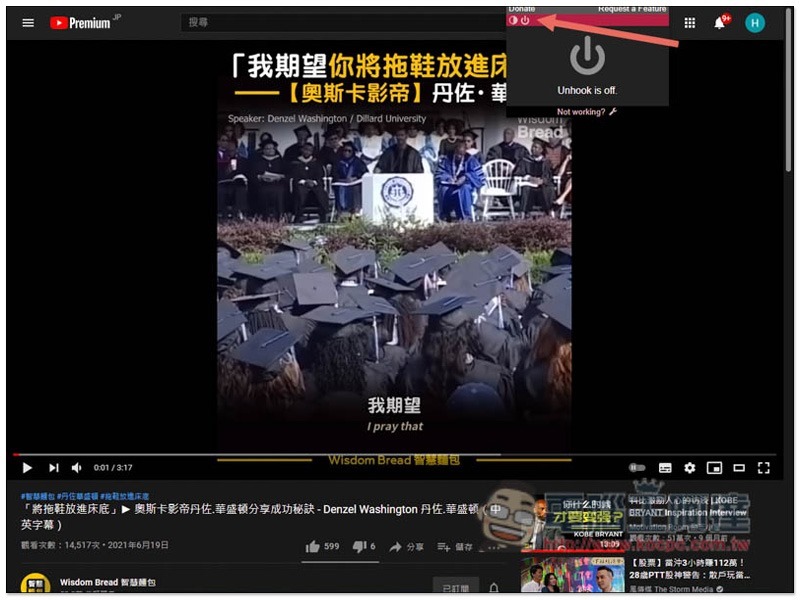
There is also a master switch function. After watching a YouTube video, you can click to turn off all hidden settings and continue to find other videos:
The Great Suspender Original 擴充外掛,自動凍結 Chrome 沒在用的分頁,釋放更多系統資源
Source: KOCPC Chinese