


There are many free tools for downloading YouTube and online videos on the market. The characteristics of Vividl are that it is small in size, easy to operate, supports hundreds of websites, and is an open program code. It also provides installation-free files. It is very suitable for people who do not want to install too many software on their computers. I will introduce it to you below.
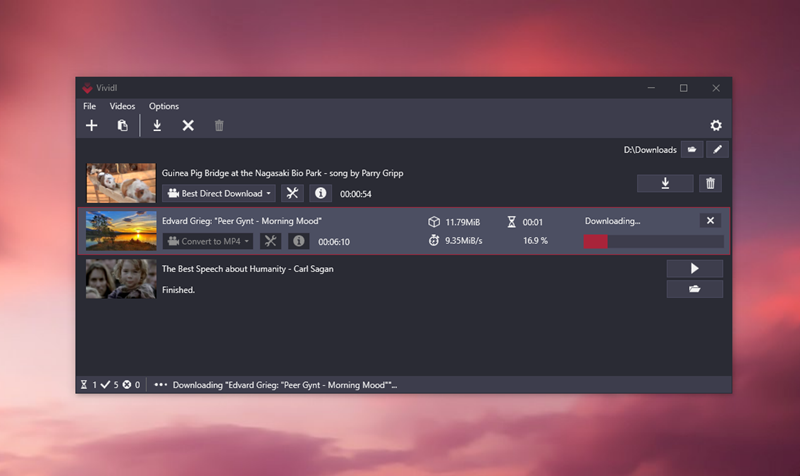
Vividl is a free open source video downloader that supports hundreds of websites such as YouTube, FB, and IG.
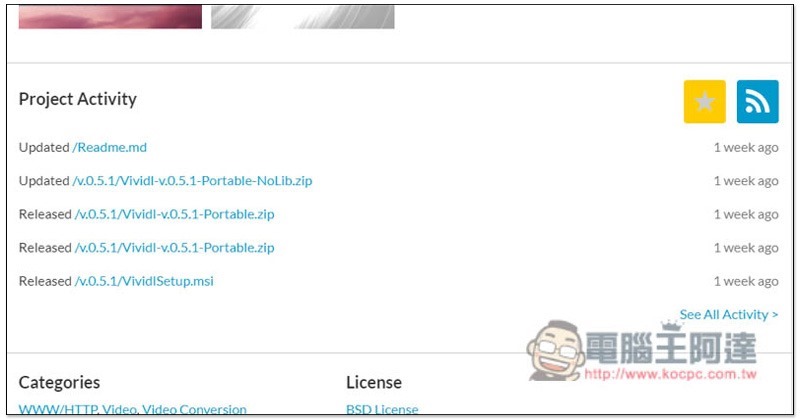
After entering the Vividl download point, if you want to download the installation file, you can click Download directly. If you want to download the installation-free file, please scroll down the page, and then find the Portable download point in Project Activity. Please download Portable.zip:
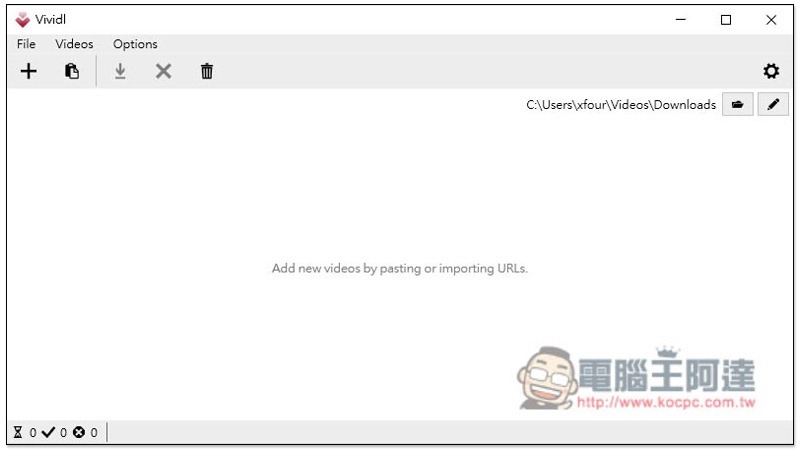
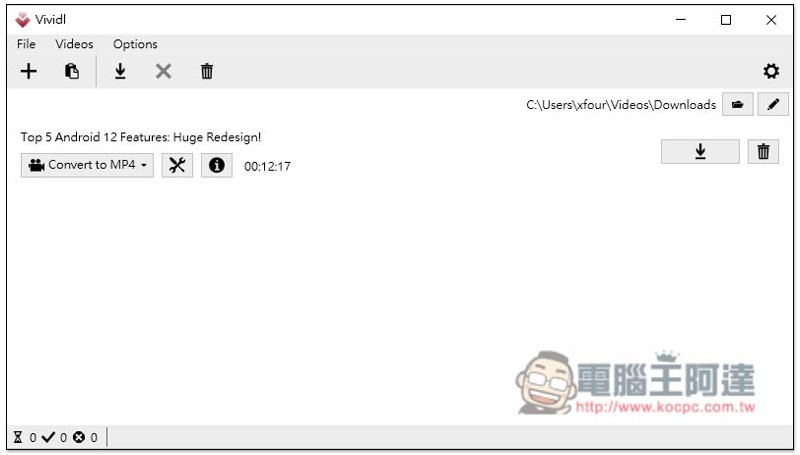
The picture below is the operation page of Vividl, which is very simple and does not have any advertisements:
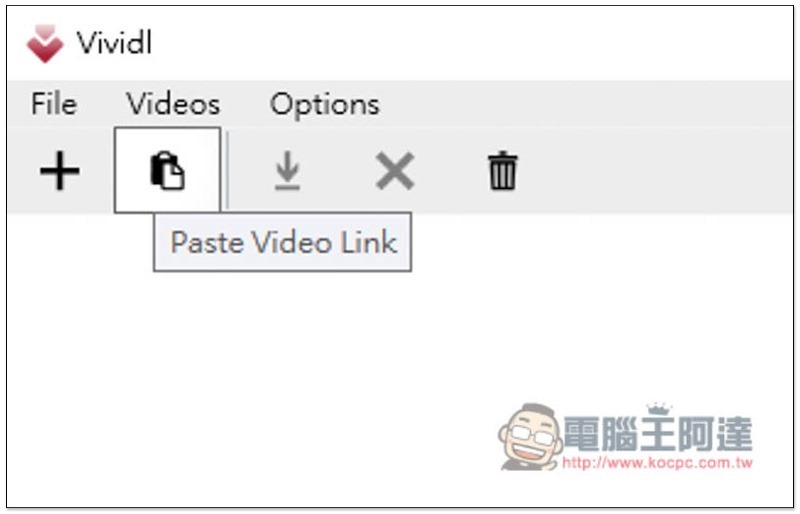
The method of use is very simple. After copying the URL of the YouTube or other video you want to download, click the paste icon above:
If a video is found, the download settings will appear. For YouTube, the default is to automatically convert it to MP4 format after downloading:
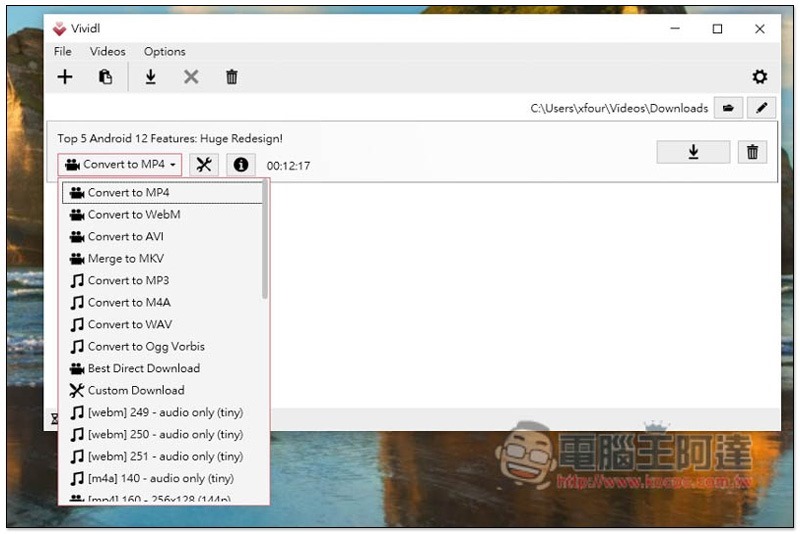
If you want to change to another format, just open the menu and select the format you want. The video supports MP4, WebM, AVI and MKV. Music supports MP3, M4A, WAV and OGG:
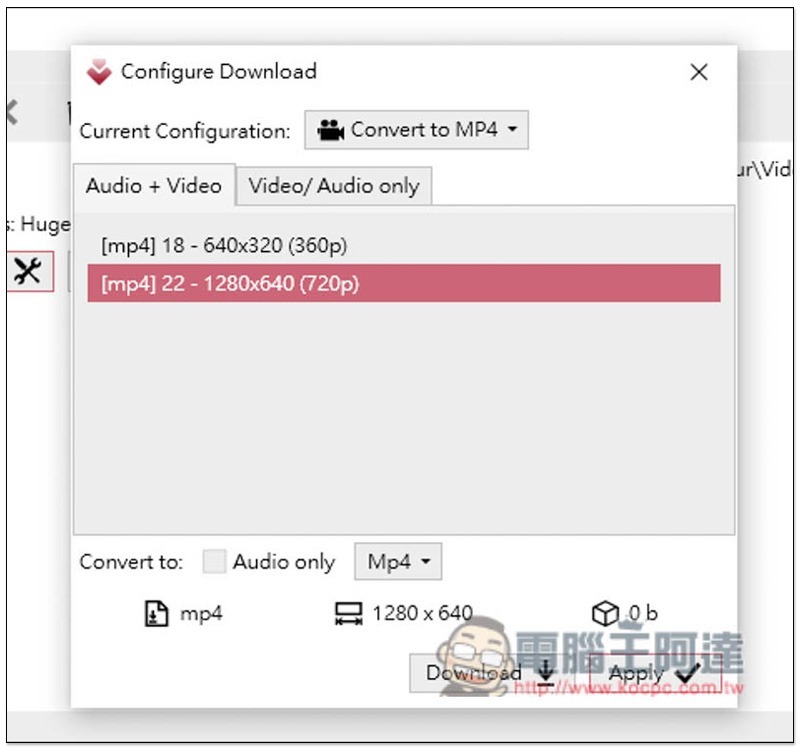
You can also open the settings icon to make adjustments. Another small drawback of this product is that the YouTube sound + video part only supports up to 720p:
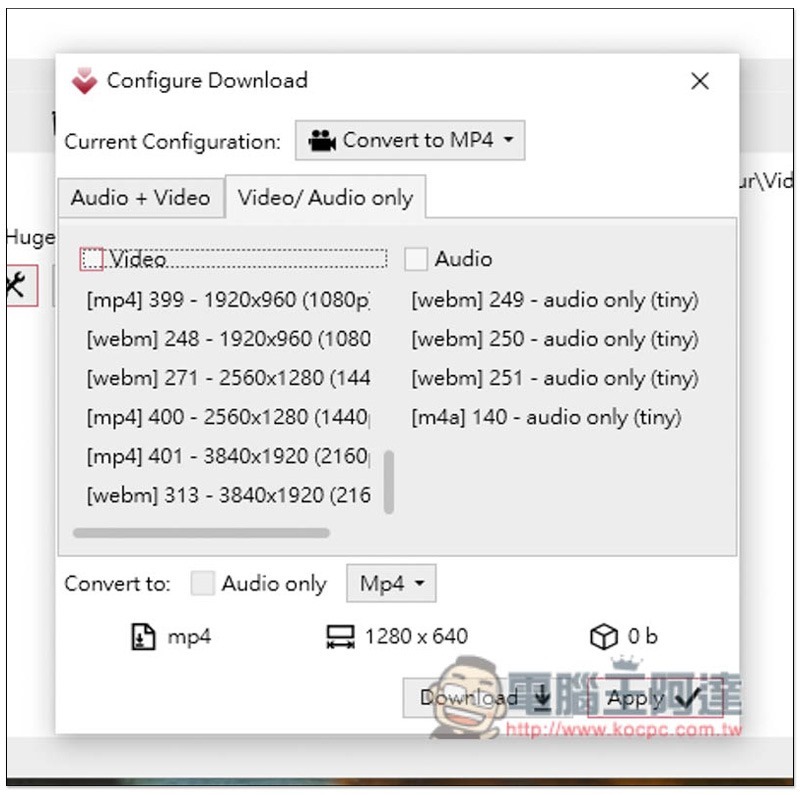
However, if you simply download the image (that is, the video has no sound), it supports up to 4K and can be automatically converted to MP4 format. Therefore, if you want to download a video (image + sound) above 1080p, you must download the image and sound separately, and then merge them through other software, which is a little more troublesome:
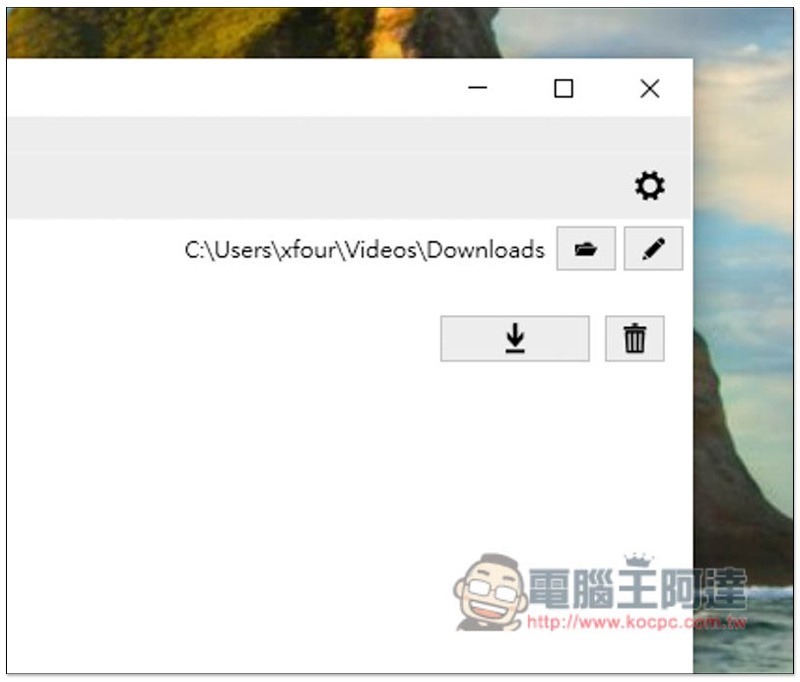
After setting up, you can click the download icon on the right, and the storage location can be modified in the path above:
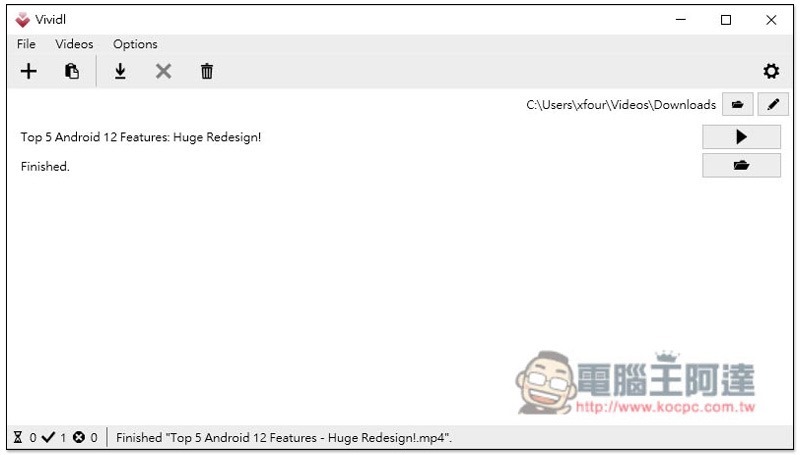
The download speed is quite fast. After downloading, you can play it directly or open the folder:
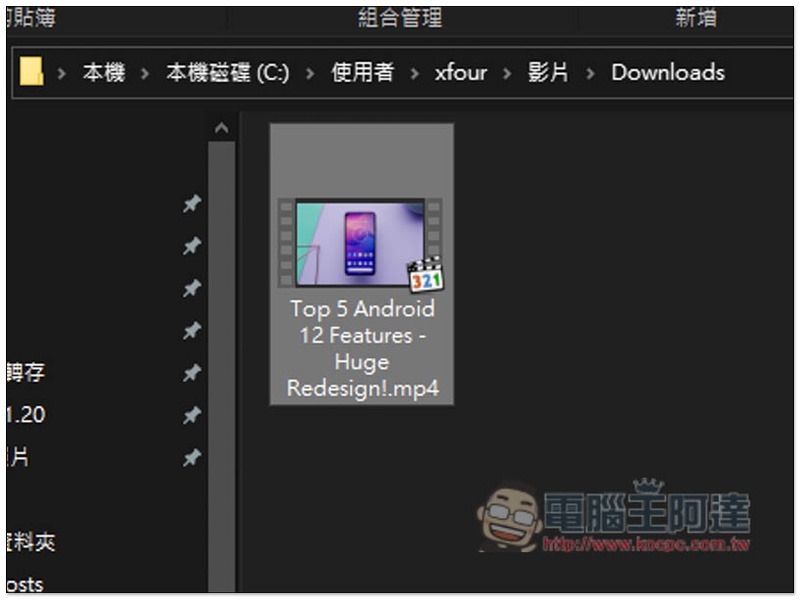
The actual test was indeed successful:
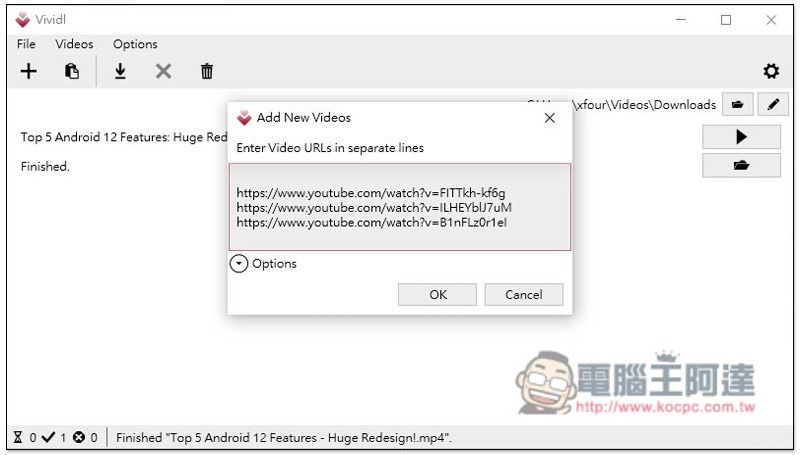
It also supports importing multiple websites at the same time. Click the + function on the far left:
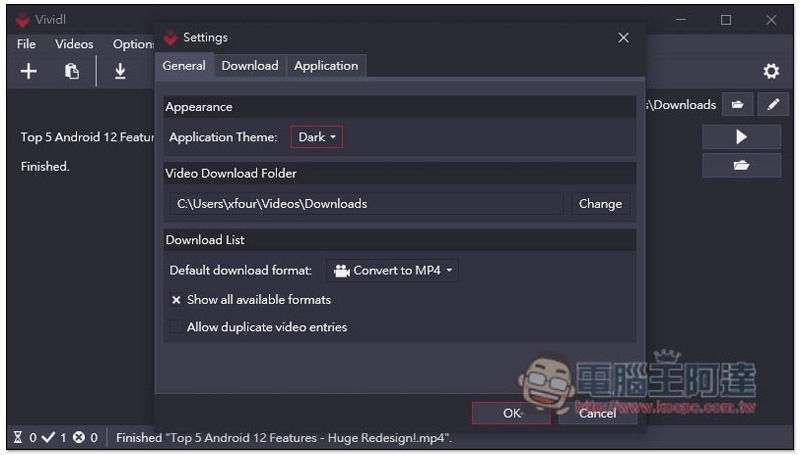
There are also some options that can be adjusted in the settings, such as the theme also providing dark mode:
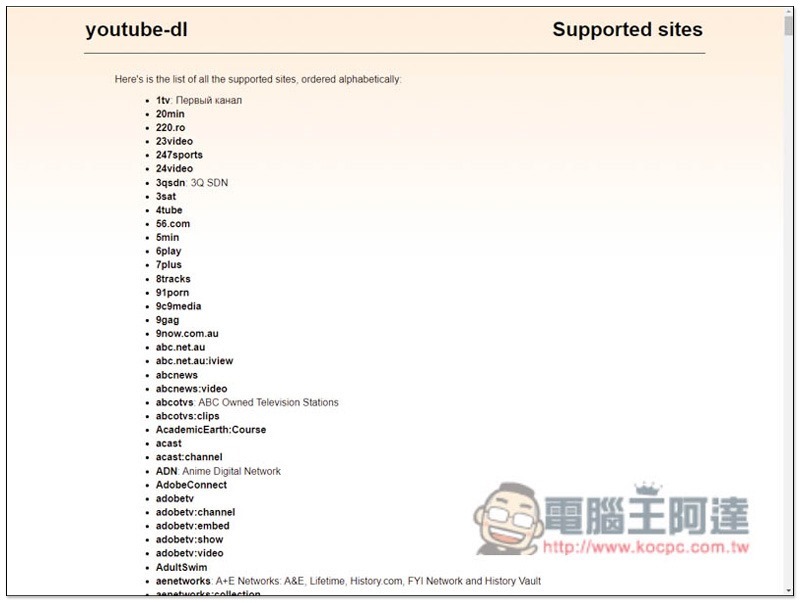
As for how many websites this set supports, those who are interested can checkClick me to view all listings, basically common websites include:
Source: KOCPC Chinese