


The problem of a game controller running out of battery usually seems like a minor annoyance, but if you happen to sit down to play a game and pick it up only to find that the battery is low, it can be really annoying.
In order to solve the problem of forgetting to charge, a foreign player has recently made the Steam Controller like a sweeping robot, which will slowly crawl back to the charging base by itself. This is achieved through the built-in vibration motor, camera and web tool of the handle. More importantly, he also opened this tool to everyone for free use. It means that as long as your environment meets the requirements, it can also make the Steam Controller crawl back to charge by itself. However, there are some things you should pay attention to before using it.
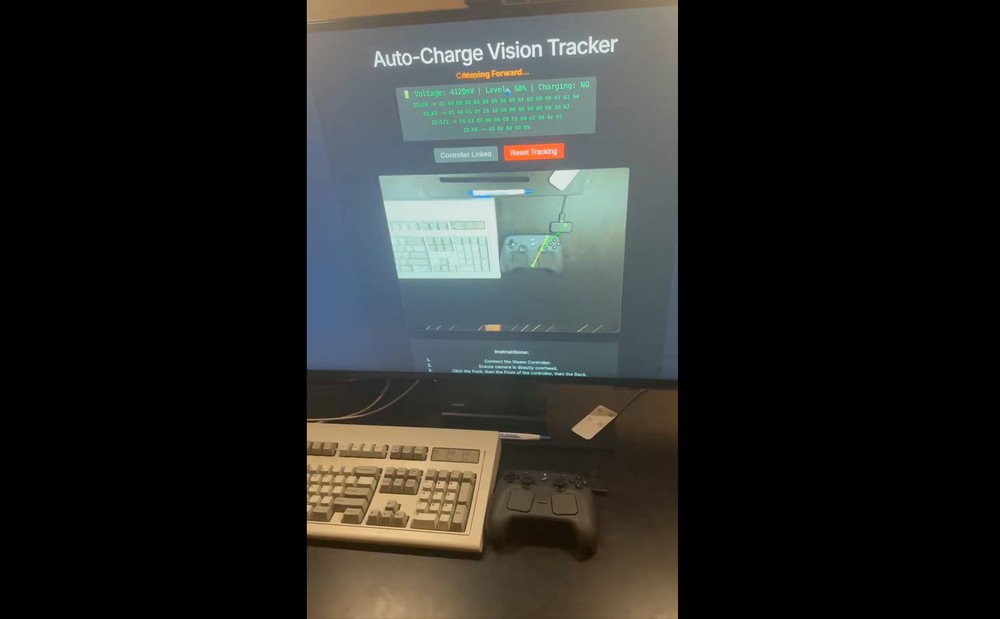
Foreign players use WebHID, computer vision and vibration motors to let the Steam Controller slowly crawl back to Puck
The person who created this tool is a player named Ray Foss, who is an aerospace worker and programmer. The project name is “Steam-Controller-Auto-Charge”, an open source web application for automatically directing the Steam Controller to the magnetic charging Puck.
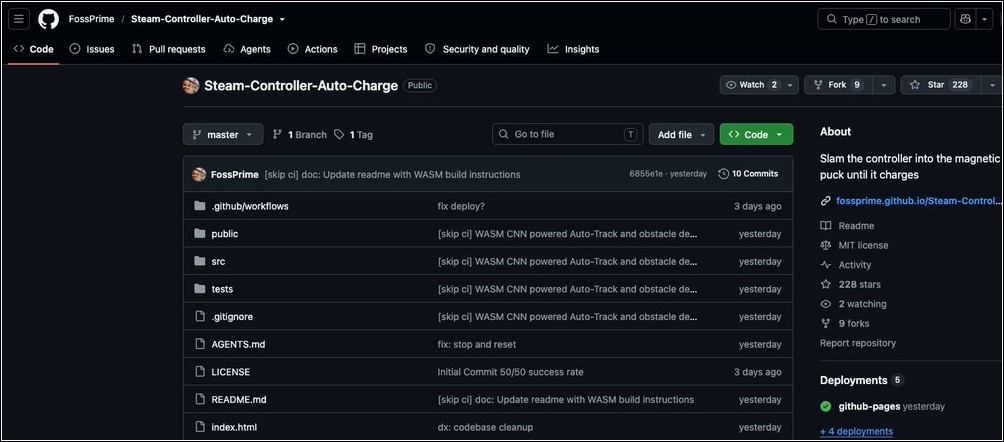
The design principle is not to let Puck find the handle, but instead to let the hand move itself toward Puck. The whole process can be roughly divided into three parts: seeing, calculating the direction, and finally making the handle move through vibration.
The first step of “visibility” means that the user needs to place the webcam above the desktop and shoot the desktop with the lens down, so that the web tool can see the positions of the Steam Controller and Puck at the same time. The tool will then use OpenCV.js for optical flow tracking to track the points calibrated by the user, including the Puck, the front end of the handle and the back end of the handle.
The second step is to “calculate the direction”. The front and rear positions of the handle will let the tool know where the handle is facing now, and the Puck position is the destination. Therefore, this tool will calculate the distance and angle from the center point of the handle to the Puck. If the direction is off, it will vibrate on one side. When the directions are similar, both sides will vibrate forward together. This set of logic can also be seen in the GitHub source code. For example, FORWARD will trigger vibrations on the left and right sides at the same time, and LEFT and RIGHT will control different channels respectively.
The final third step of “moving” is through the bilinear resonance actuator built into the Steam Controller, which is the component that feels vibration feedback when playing games. This tool will connect to the Steam Controller via WebHID and emit 70Hz asymmetric vibration pulses, allowing the controller to slowly move based on vibration and table friction. The README also states that when the handle is less than 150 pixels away from the Puck, the tool will cut the vibration pulse frequency in half to make the final movement closer to the magnetic charging stand gentler.
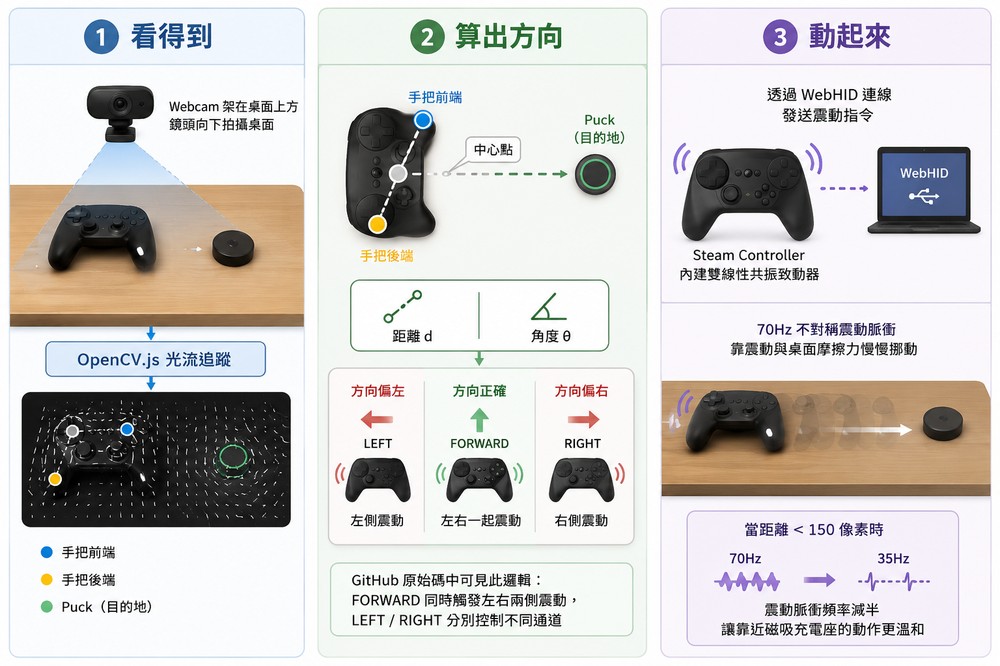
Schematic diagram produced by ChatGPT
In other words, there is no need to modify any part of the Steam Controller to achieve the effect of “slowly crawling back to charge”.
Actual effect:
For those interested in giving it a try, Ray Foss has GitHub Pages provides online version:
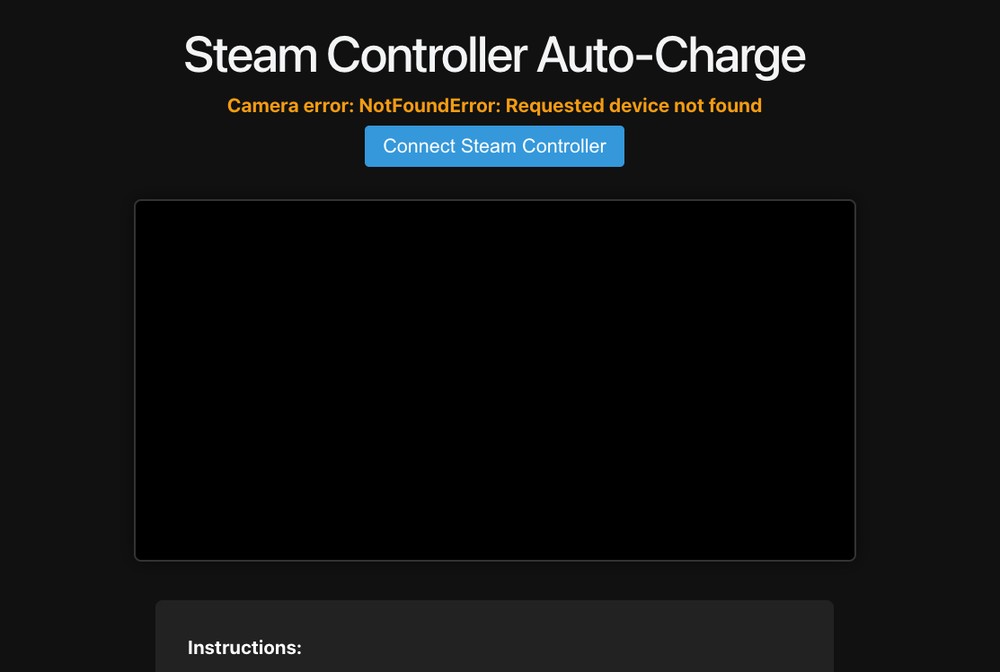
Here are the requirements: You need a 2026 Steam Controller, a Steam Controller Puck, a webcam that can take pictures of your desktop from above, and a Chromium-based browser that supports WebHID, such as Chrome or Edge. Browsers such as Firefox and Safari are currently not necessarily suitable for running this WebHID process.
There are also some things you should know.
- desktop environment: The Steam Controller has no wheels and no shock-absorbing structure, so the desktop must be flat and clean enough, and it is best not to have wires, coasters or other obstacles between the Puck and the handle, otherwise the handle may not be able to move smoothly to the charging base.
- wear and tear: Since the handle moves slowly on the table by vibration, there must be friction between the bottom and the table. Ray Foss also mentioned that rubber feet can be used to improve wear, acceleration and control. This sentence also means that the bottom of the handle will definitely wear out. If you cherish the appearance of the handle, it is not recommended to try it.
- success rate: Ray Foss also added that there is no guarantee that it will be docked successfully. Different desktop materials, different lights, and different webcam angles may affect whether it can accurately crawl back to Puck.
Source: KOCPC Chinese