


This year’s WWDC kicked off with a flurry of iOS 15 updates. This system update for the iPhone is more “focused” on details. It also brings better sharing and communication functions in response to the year of the epidemic, and also makes iOS devices more integrated into life. Continue reading iOS 15 officially released: Focus mode can quickly switch usage scenarios, and can also recognize image text and use AR to find the content of reports.
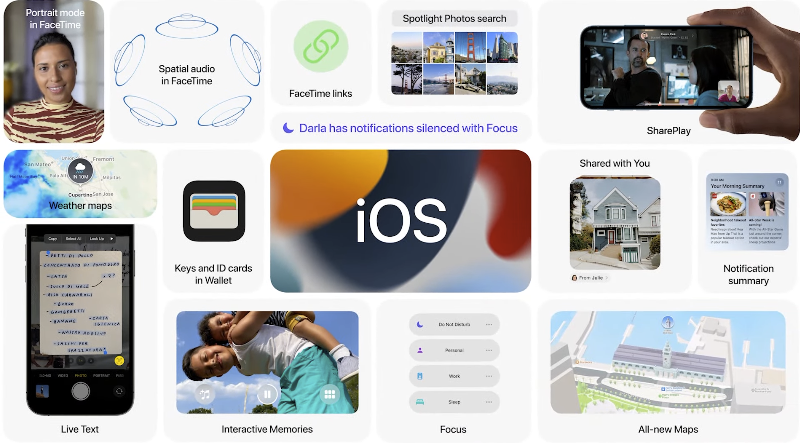
▲ Image source for this article: Apple
iOS 15 officially released: Focus mode for quickly switching usage scenarios, can also recognize image text and use AR to find directions

The key feature of the upcoming iOS 15 should be Focus mode. In order to prevent iPhones with increasingly rich functions and multi-tasking functions from being unable to complete your work or enjoy life due to too much “noise”:
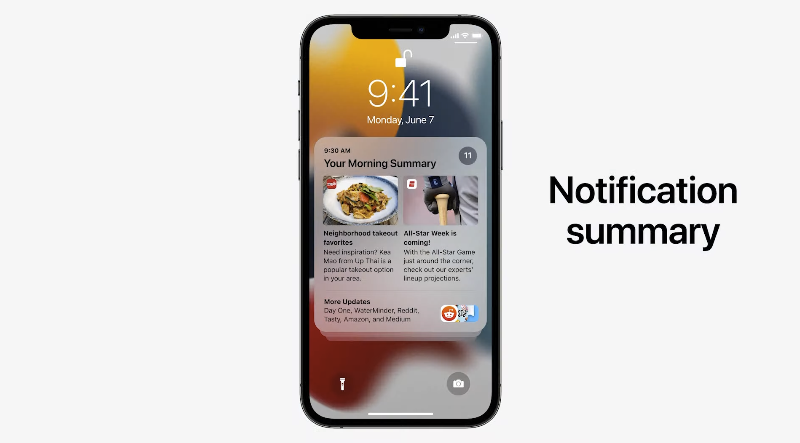
iOS 15 will provide Focus functions for notifications and homepages – the former will have a new Summary summary to organize notifications, which will be arranged by importance, and less time-sensitive notifications will be organized together and provided together. It also supports new mode switching to provide focus apps (somewhat similar to personal homepage) and notification priority settings based on work/personality. Scenes also include “Sleep” and the most aggressive “Do Not Disturb” mode that blocks notifications.
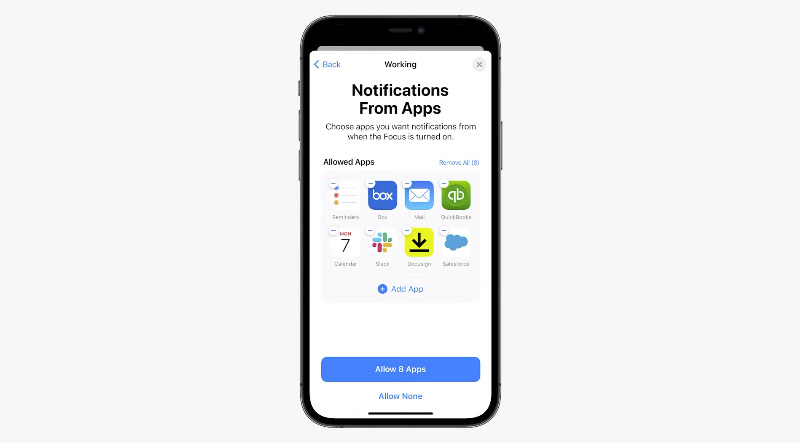
In addition to specifying notifications that can appear in individual modes:
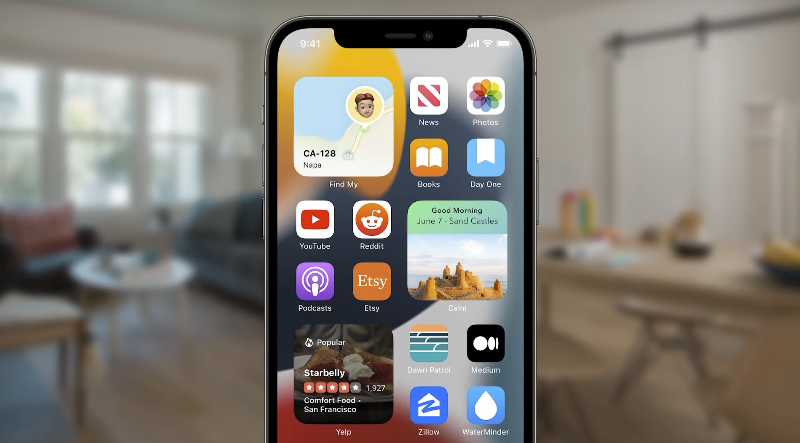
It can also display different homepage functions based on different focus modes – which is pretty cool! :
The camera can recognize the “original text” of the text, the map AR street view function – feels familiar?
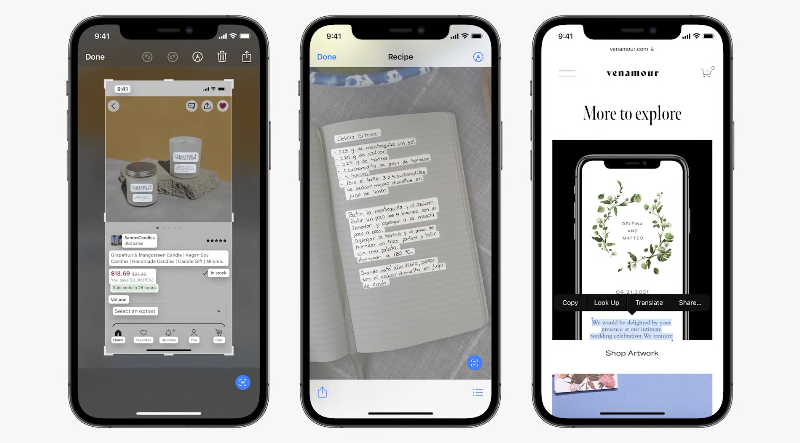
iOS 15 uses machine learning to enhance the recognition function of image elements and Live Text. You will be able to perform OCR text recognition through the button similar to scanning documents in the lower right corner of the camera, photo album, screenshot and web browsing, and directly copy the text content in the picture and screen:
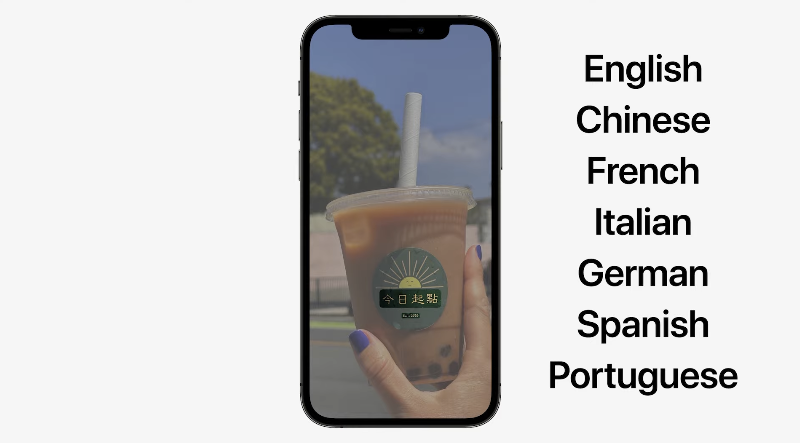
The point is, Traditional Chinese is also supported! :
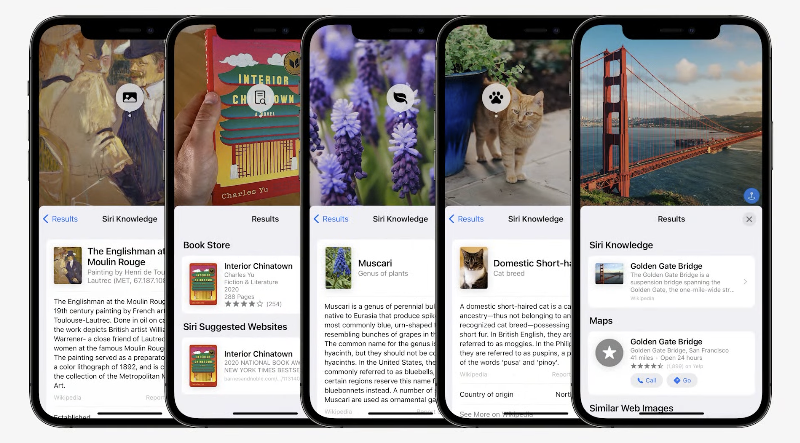
Spotlight search for analyzing images is no problem for iOS 15:
The Maps app enhances the precision of the 3D map and adds more detailed traffic information. It also supports earth display and night mode:

Routes with complex undulations are also shown better (which is nice!), and CarPlay works with them too:

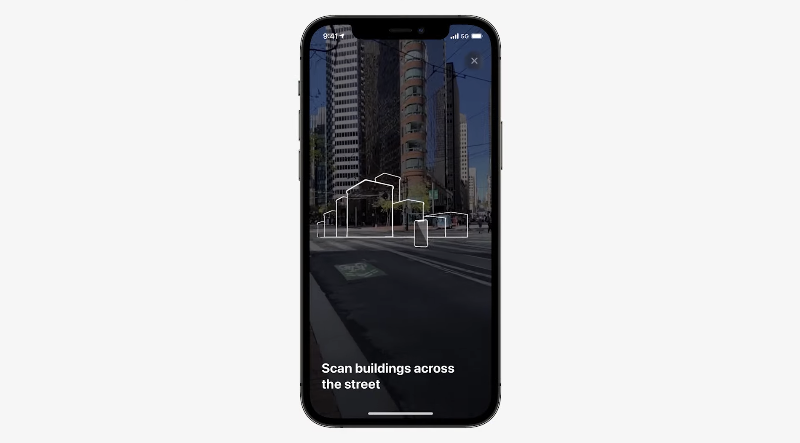
As Apple Maps street view data is gradually added to various countries, we have also seen the route guidance function combined with camera AR street view (officially stated that this function will be added to multiple cities in 2021):
More convenient and beautiful system applications
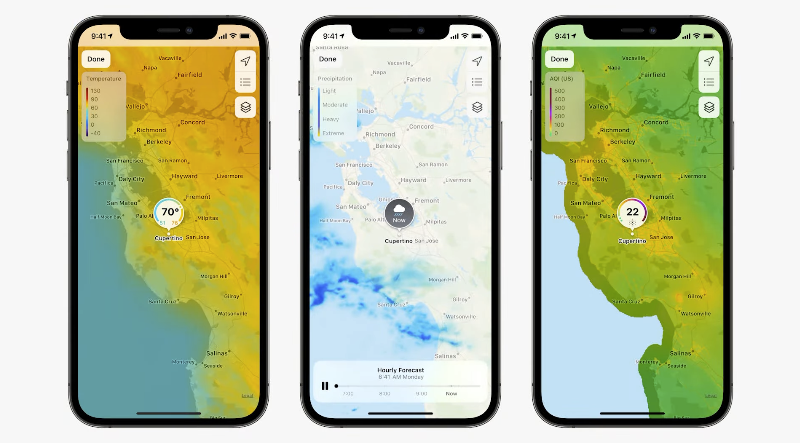
The weather has also been revised this time, with a full-screen map and weather display added, and the information is more detailed:
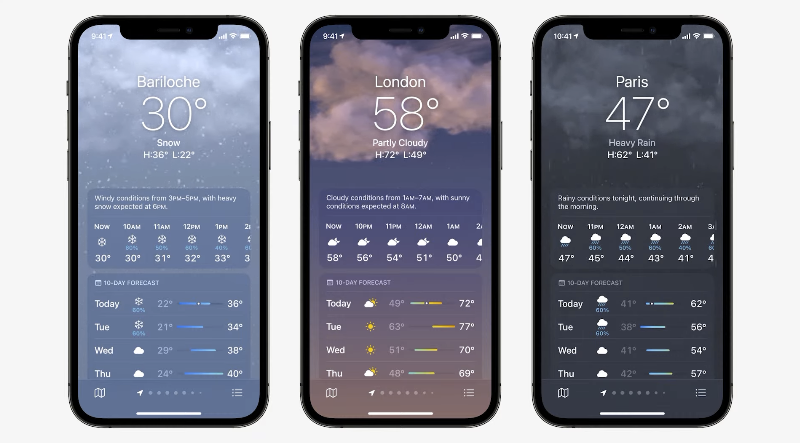
The key point is that a new dynamic theme background that can change with conditions has been added – it will be displayed corresponding to the sun position, rainfall and other time points:
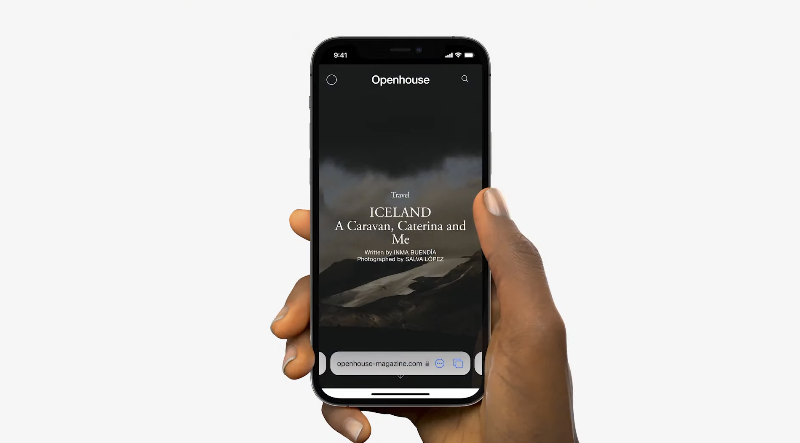
Safari, which has imported the new tab bar design, also adds new control gestures and supports Extension extension functions:
The new generation of Siri also makes deeper use of bionic chips to reduce the chance of uploading information. Functions such as starting apps, setting alarms, changing settings, etc. can be processed on the device without being connected to the Internet. The point is, the responses to these commands are more efficient without the need for networking:

More considerate functions in response to the epidemic
In order to replace physical leather bags, iOS Wallet, following the CarKey car key function, is now confirmed to support unlocking card functions at home, restaurants, and work (support will be launched this fall):

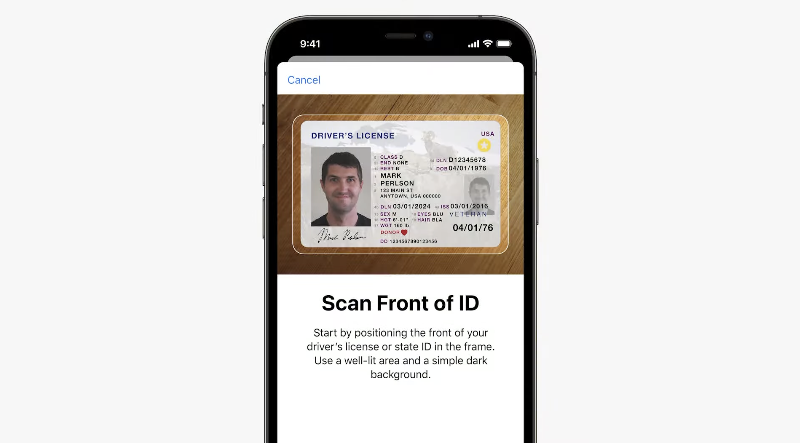
Even California has begun to introduce the function of scanning driver’s licenses and documents; TSA is also introducing the use of digital ID cards for verification:
FaceTime, a video chat application for communicating with people, also has a lot of updated support, including support for shallow depth of field for portraits and spatial audio to make chats more immersive:
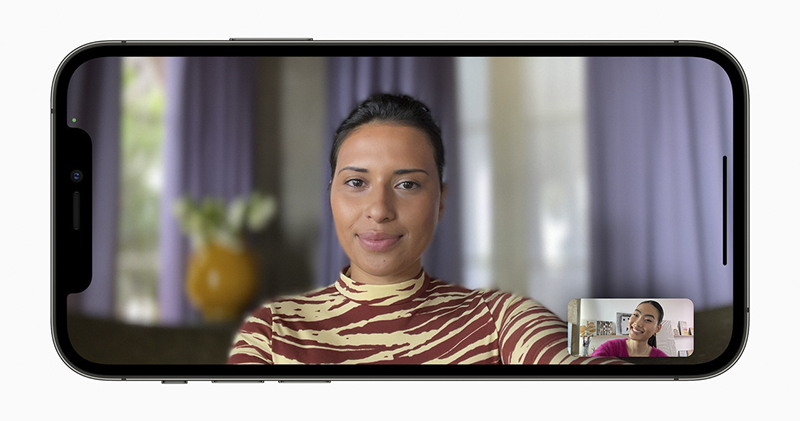
You can also switch whether to block background sound with one click:

Through the new SharePlay sharing experience feature, participants in FaceTime video calls will be able to listen to music, watch videos and share the screen simultaneously with each other, and even cast the video to watch on the big TV screen of Apple TV (three-party audio and video applications are also supported):

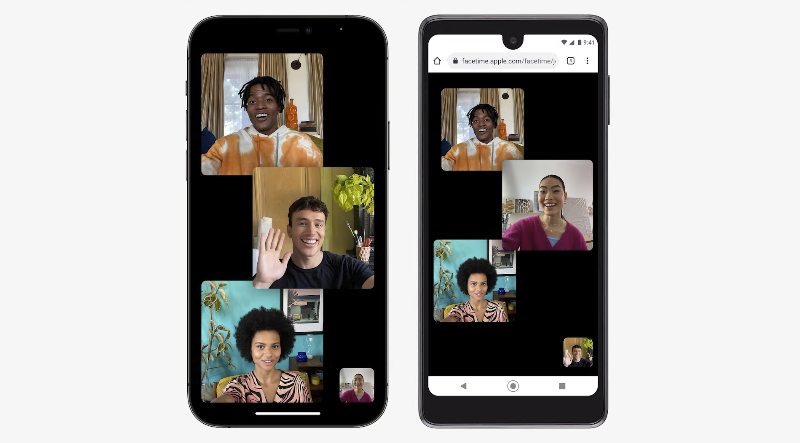
The point is, by sharing FaceTime Links, even other devices such as Android and Windows can use the web version to video chat together:
The messaging application also has better sharing capabilities. In addition to being able to view photos as new picture stacks, the new “Share with You” will also know how to automatically organize articles, music, programs, photos and other content that have appeared in messages. It can also be integrated directly into Spotlight’s contact search information: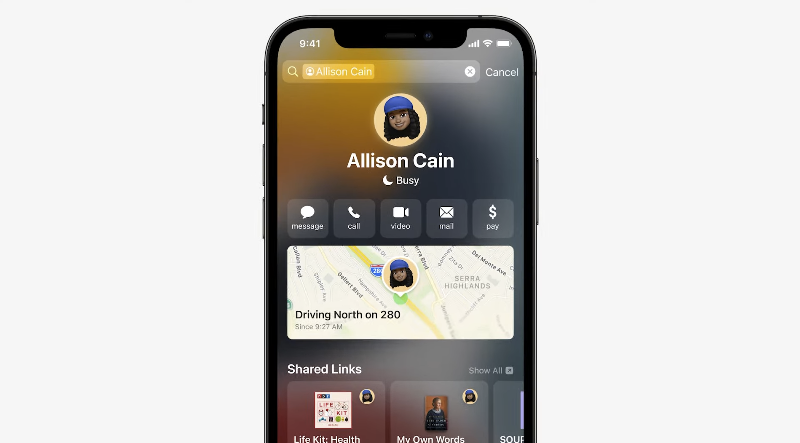
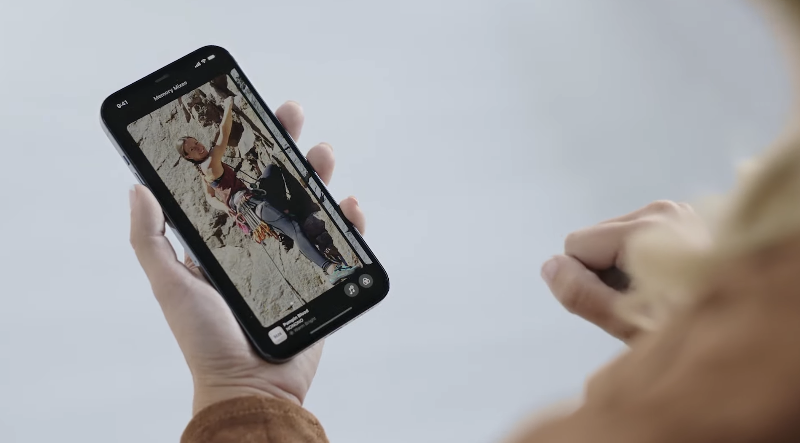
The photo recall function can also provide more diverse music matching. During playback, you can press and hold to pause and swipe to replay at any time:
AirPods also have updates: vocal enhancement, notification reading, Find My search network support
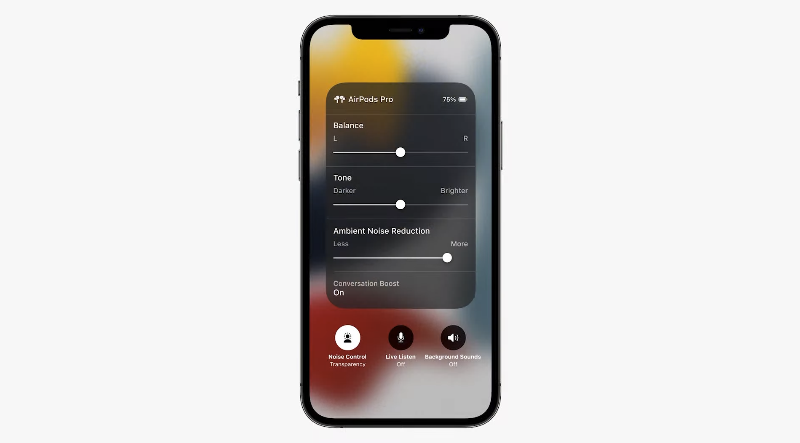
In addition to supporting reading notifications through Siri (this is good!). AirPods Pro will also introduce the vocal dialogue enhancement function, and also provide the function of adjusting the background volume other than the focused vocal:

There are quite a lot of functional items. If you find the environment noisy or have difficulty hearing, this is a considerate feature you can consider using:
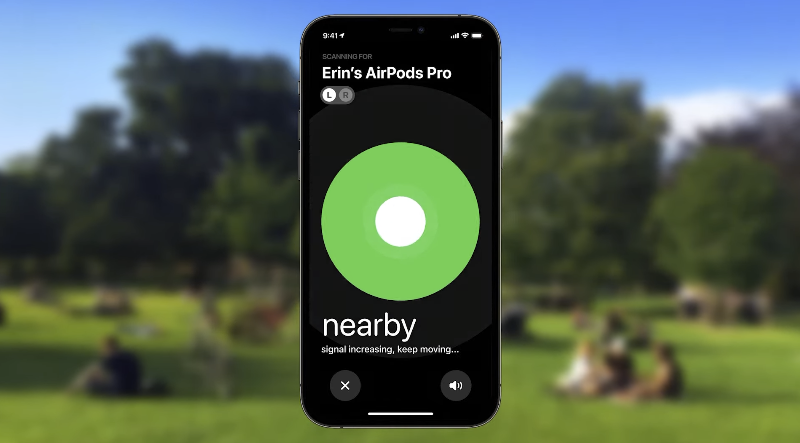
For people who often lose their AirPods, the new version will provide better support for finding the device. Although it cannot support precise direction finding like AirTag, it does introduce proximity effects; AirPods Max and AirPods Pro have officially introduced Find My Network support:
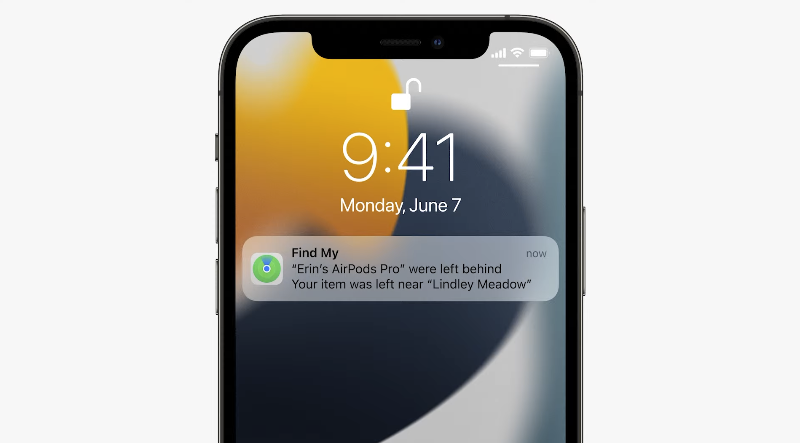
It will also thoughtfully notify you if you have left your AirPods (this also supports other Apple devices); the search function can even find devices that have been powered off or even wiped (good luck…):
AirPods Pro and AirPods Max will also be able to use spatial audio on Apple TV; Apple Music is also confirmed to add Dolby Atmos support today:

The evolved version of iCloud+ adds another layer of privacy protection
With iOS 14, Apple has demonstrated a privacy policy that has made many app vendors jump. In addition to the App Privacy Report, which shows the frequency of app access at a glance. They have also gone one step further this time to bring more complete email privacy features, which will allow the Mail app to choose to hide IP and location and not share the time information of opening new mail. You can even use the new function of iCloud Mail to hide your real mail account on registration and subscription pages with a random Mail address:

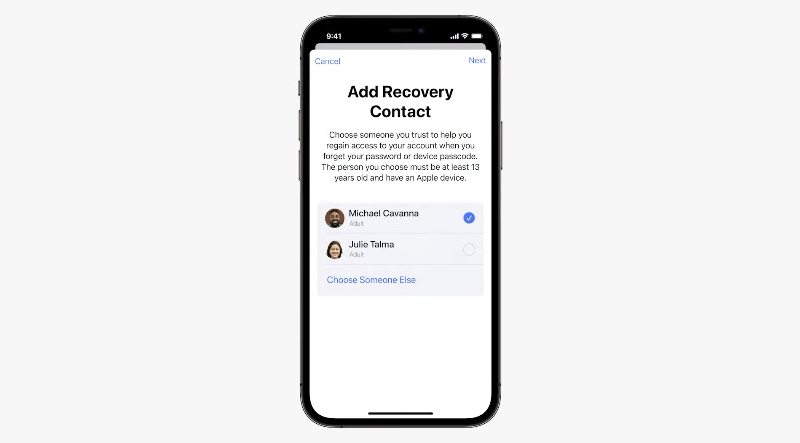
The evolved, no-price iCloud+ not only enhances privacy features, but also introduces account functions for trusted family and friends account rescue and user death. It also supports the “HomeKit Secure Recording” function that does not take up additional space and can be connected to unlimited (supported) monitors:
iCloud+ not only has a hidden mailbox function that feels like an intelligence unit(?). Through the new Private Relay, all Safari browser traffic can be encrypted, and the information is separated so that no organization can identify the user’s identity and the website visited at the same time – I always feel that Apple is more worried about the security of my own personal information than I am…:

A health app that understands you better
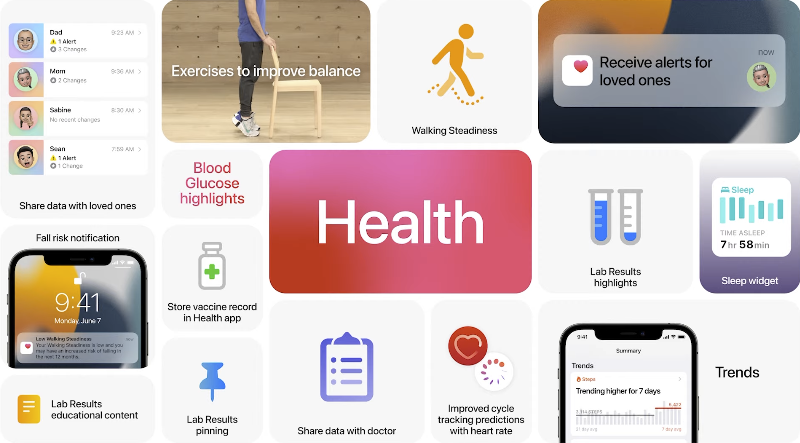
Although there is already the Apple Watch, an artifact that can help detect health status and falls and accidents, Apple still wants to make the iPhone do more for health. This time, through iOS 15, the original step detection function has been further evolved. It will be able to detect and judge the stability, speed, length and even the length of walking steps. Through the new “Walking Stability” health detection function, we can judge trends earlier, hoping to avoid possible falls early:

In order to solve the trouble of exchanging cases, the new health app also supports the function of privately sharing information with doctors (currently only in the United States), and you can see your health status more clearly through a special interface; similar health information sharing functions can also be provided between family accounts (you can control the shared items by yourself). It supports viewing health trends, and can also provide notifications of family members’ heart conditions and other information, so that family members can quickly care and avoid regrets:
Conclusion
Although iOS 15 has not changed much externally (in fact, iOS 14 has changed a lot), in terms of details, the user experience, privacy and health functions have been more refined. The key point is that the integration between ecosystems has reached a new level. In addition, it can be considered that the machine learning AI recognition that has been cultivated for a long time has finally made a comeback in terms of image search function. How to use the thoughtful focus function is also very interesting.
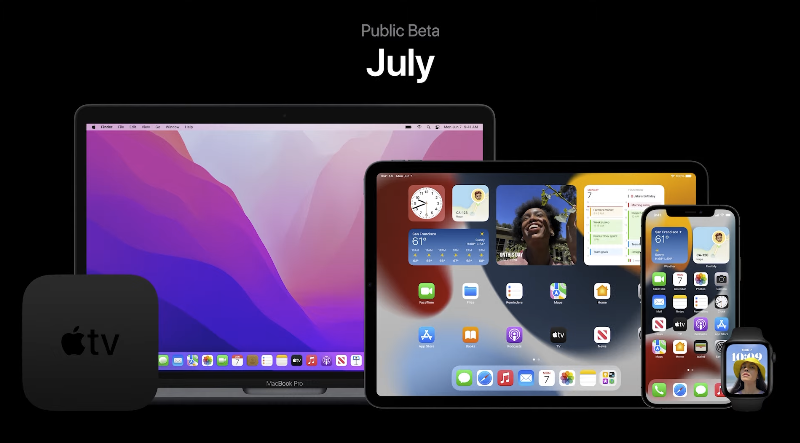
The developer version of iOS 15 is available today, the public beta version will be available in July, and the official version will be released in the fall and will support iPhone 6s and later models:
Further reading:
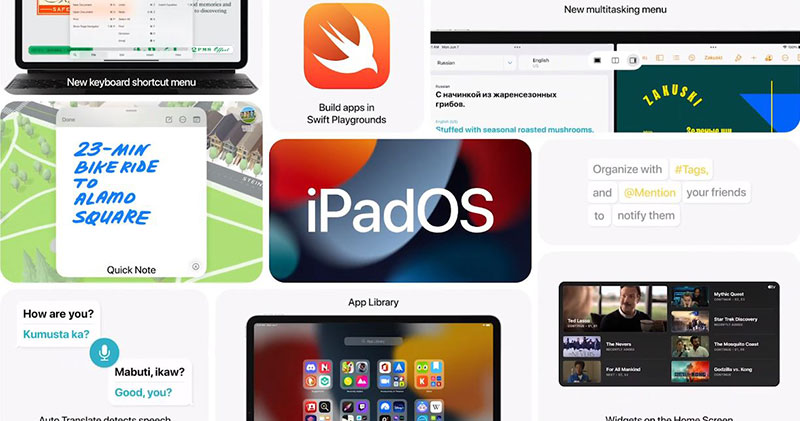
iPadOS 15 brings home screen, multitasking and other updates to stimulate productivity potential

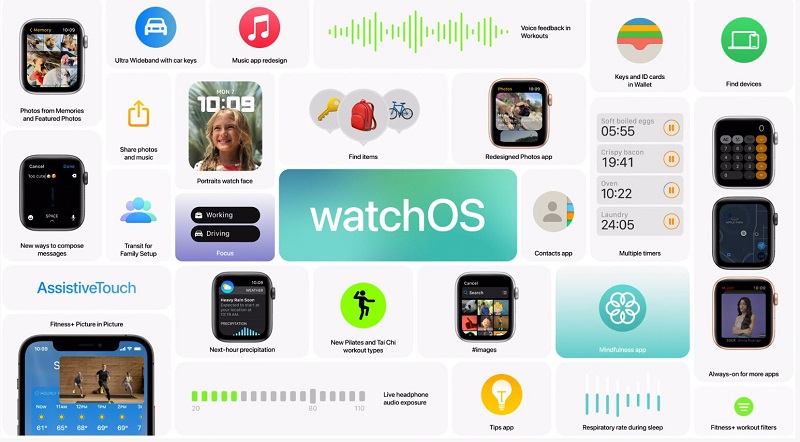
“watchOS 8” reveals more details to enhance health and iOS 15 smart technology applications
macOS Monterey finally appears, built around connecting, sharing and creating

Source: KOCPC Chinese